Accounts and Logins Record
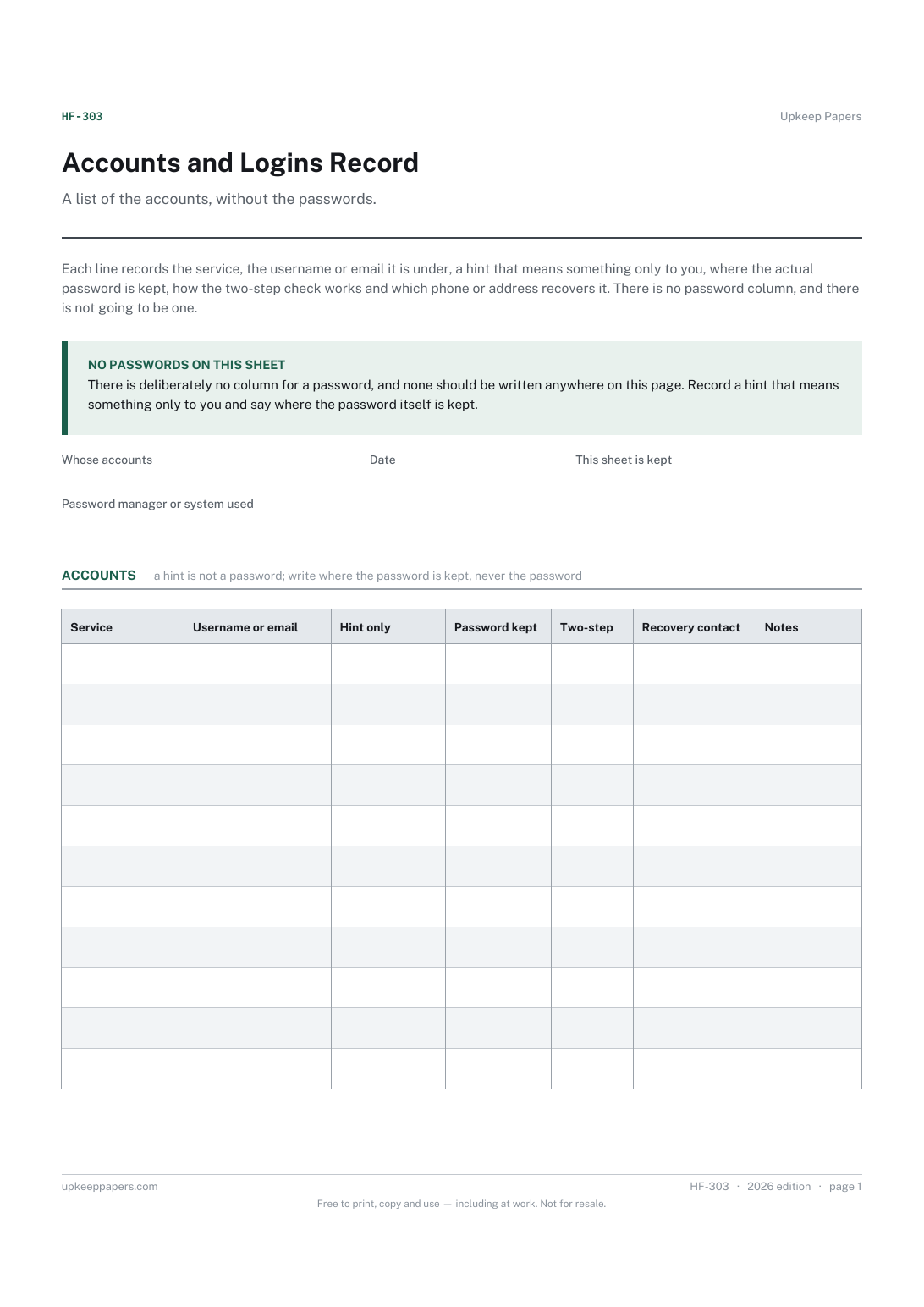
Every account the household holds, with the service and the login name.
HF-303 Record PDF Online
Everything here is free. Making it takes time and money. Everything here is free.
 Buy us a coffee
 Household and family organiser · HF-313 · Record
Free home Wi-Fi and devices register — network, router, provider and support line, then every device with user, serial and warranty end date. PDF and browser.
2 pages. The A4 and US Letter files are laid out identically, so neither is shrunk to fit.
Print it and write on it
Fillable PDF type and save
Or no download needed
Fill it in onlineThe fillable versions have real form fields — open them in any PDF reader, type into them and save. Printing help.
The same sheet, on screen. Tick, type, add or remove rows, then print it or download the completed version as a PDF. Everything stays in your browser — your entries are kept in this browser's own storage on this device, nothing is uploaded, and there is no account.
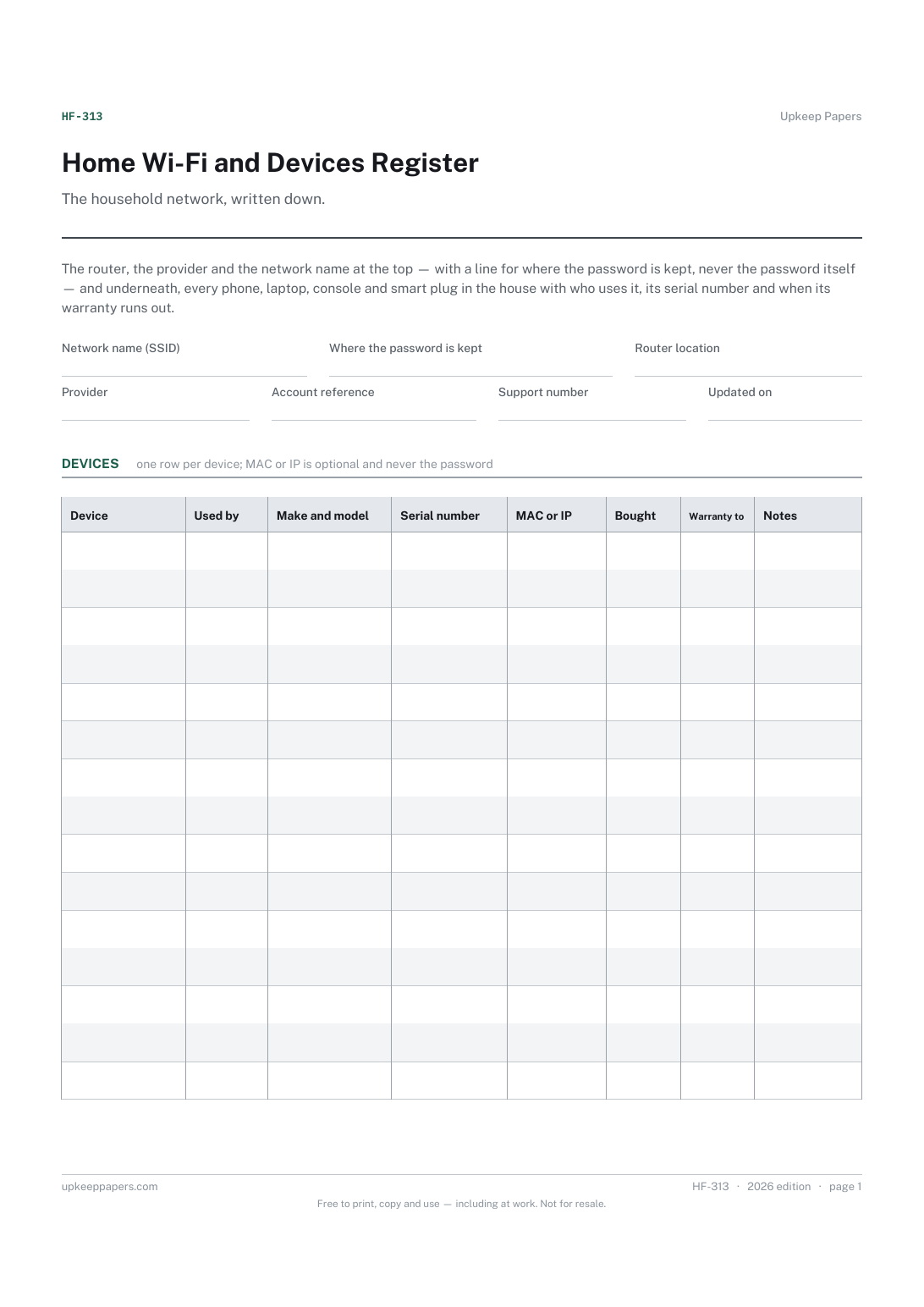
The household network, written down. The router, the provider and the network name at the top — with a line for where the password is kept, never the password itself — and underneath, every phone, laptop, console and smart plug in the house with who uses it, its serial number and when its warranty runs out.
The person who gets asked 'what is the Wi-Fi password' and 'is my laptop still under warranty' — and the rest of the household on the day that person is not there.
The printable is laid out inside a box that fits both A4 and US Letter, so the two files are identical and neither one is scaled. The fillable PDF has real form fields. The online version keeps what you enter in your own browser and builds the completed PDF on your device.
Download the A4 or US Letter file to match the paper in your printer, open it in a PDF reader and print at 100% — not "fit to page", which shrinks the writing space. Both files leave a 14 mm margin, which clears the unprintable edge on home printers. To print the online version with your entries in it, use the Print this sheet button, which prints only the sheet and none of the page around it. More on printing.
Because this sheet may be printed, left in a drawer and shown to a visitor. It records where the password is kept, so the right person can find it, and nothing more. The same goes for the router's admin login.
A MAC address is the fixed identifier of a device's network adapter; an IP address is what the router gives it. Both help if you are setting up parental controls, a guest network or working out which device is hogging the connection. Leave it blank if that means nothing to you.
That sheet is about accounts — services, usernames and where each password lives. This one is about hardware: the box on the shelf and the things connected to it. A laptop goes here; the email account on it goes there.
Yes, and it is worth doing: they are the ones most often lost, dropped and out of warranty. Put the child's name in the 'used by' column so the row is easy to find.
Every account the household holds, with the service and the login name.
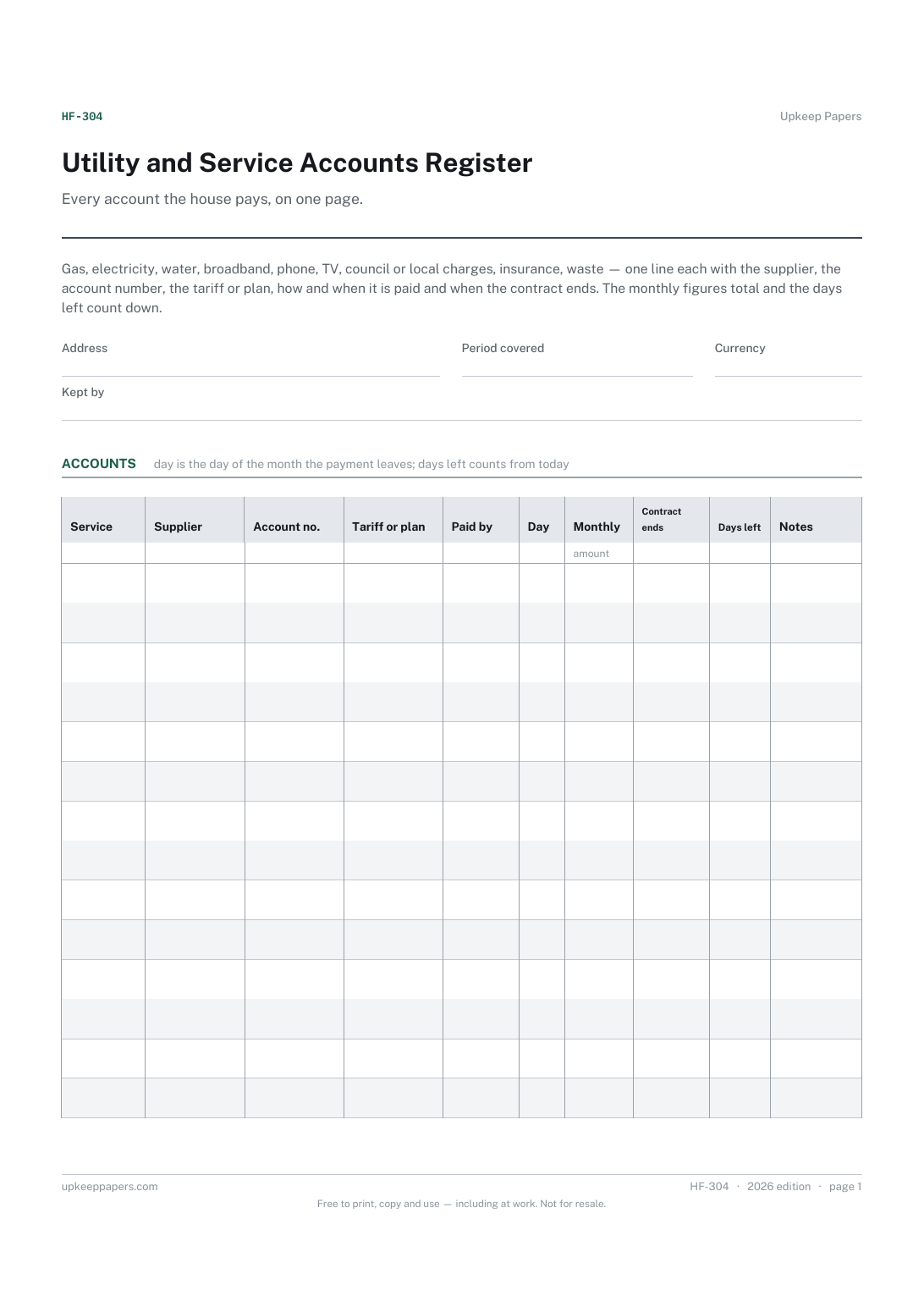
Which supplier provides what, with the account number to quote.
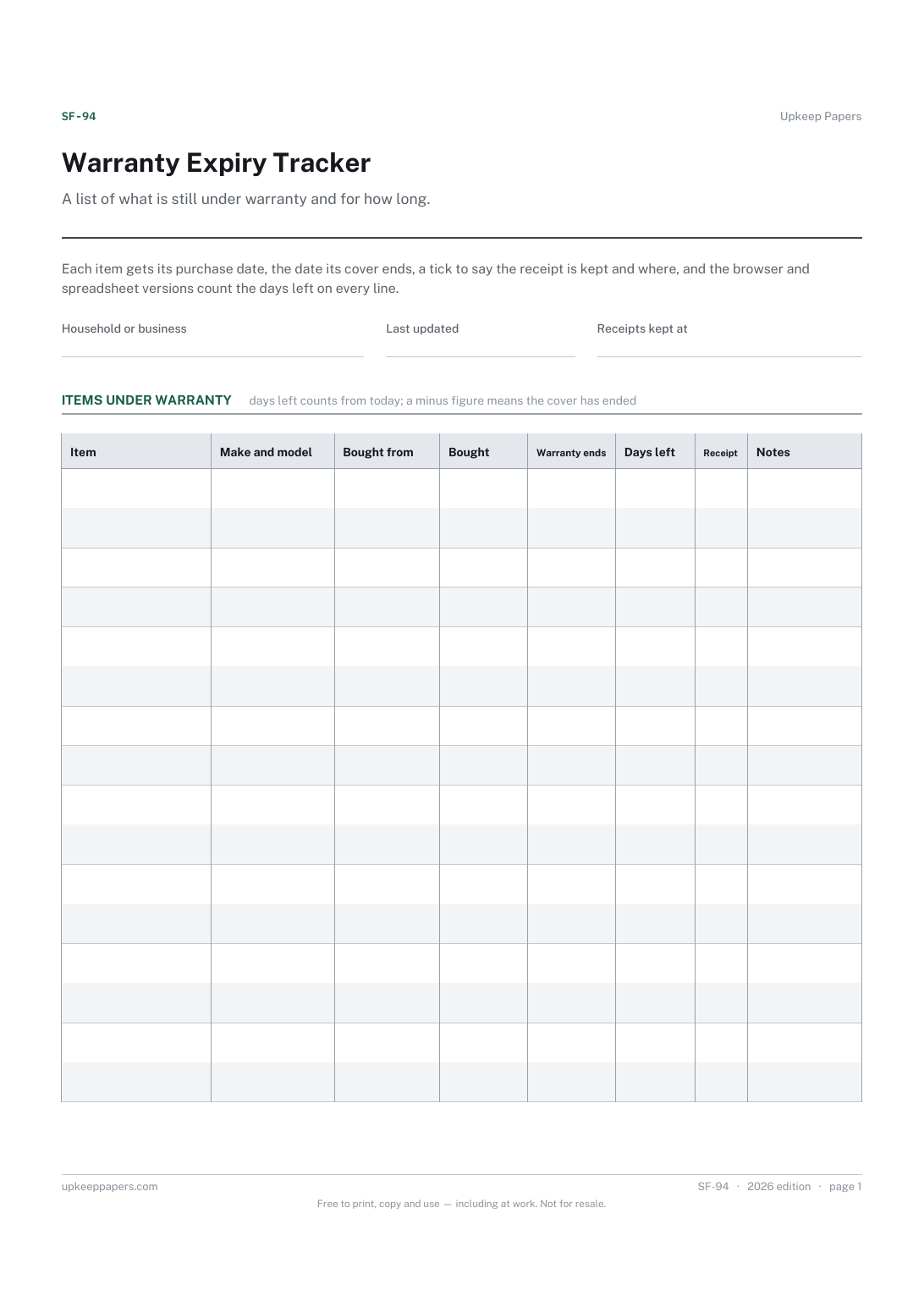
Which items are still covered today, and which ran out last month.
Printable sheets, workbooks and tools on the same subject.
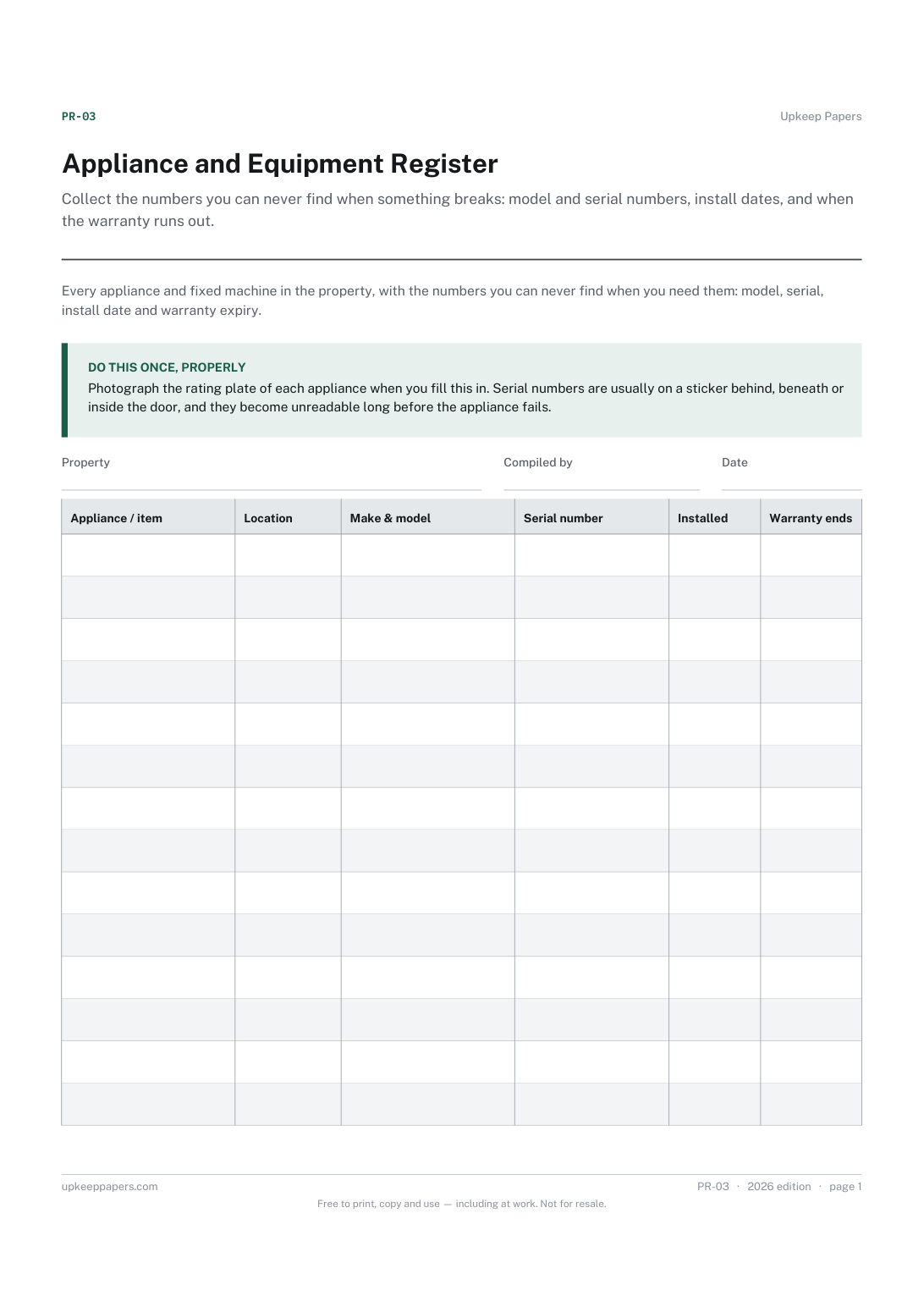
Collect the numbers you can never find when something breaks: model and serial numbers, install dates, and when the warranty runs out.
Every appliance with its purchase date and warranty length, working out the expiry date and how many days are left before cover runs out.

Every sheet, binder, game and puzzle on Upkeep Papers is free to download, with no email and no account. Making them is not free: each one takes days of research, design and checking, and the site costs money to run. If something here saved you time, you can buy us a coffee. It is entirely optional: nothing is locked, and nothing changes if you don’t.
Buy us a coffee Opens PayPal in a new tab. Any amount, and nothing changes if you would rather not.