Customer Record Card
Keep one card per customer so the history of what was done, what it cost and when the next visit is due lives in one place.
IM-12 1 page
Everything here is free. Making it takes time and money. Everything here is free.
 Buy us a coffee
 Small business paperwork
A customer list that is also a value list — contact details, how they found you, what they have spent, and when you last spoke.

.xlsx · 3 tabs · opens in Excel, LibreOffice, Numbers and Google Sheets · no sign-up
Small businesses whose customer records currently live in a phone and an inbox.
3 tabs: Read me, Customers, By source. The first is a Read me that explains the file in plain words and says what it deliberately does not contain.
Cells come in two colours. Cream cells are yours to fill in. Grey cells work themselves out — leave them alone unless you want to change the sum, in which case go ahead, nothing is locked.
This is an empty workbook, so every grey cell is empty until there is something to work from. Type into two or three cream cells and the grey ones beside them fill in straight away. If you download it, open it and see nothing but headings, nothing has gone wrong — the sheet simply has no figures yet.
One thing worth knowing: a file preview — in Google Drive, in a phone’s file browser, in Windows Explorer — often shows calculated cells as blank even after you have filled the sheet in, because a preview does not run formulas. Open the file properly in Excel, Numbers, LibreOffice or Google Sheets and the figures appear.
Amounts are plain numbers with no currency symbol, so the same file suits any country. Format the column as your own currency if you would rather see one. There are no rates, intervals or targets of ours anywhere in the file — every figure of that kind is a cell waiting for the one that applies to you.
The same job on paper, for a folder or a clipboard. Free PDFs, A4 and US Letter.
Keep one card per customer so the history of what was done, what it cost and when the next visit is due lives in one place.
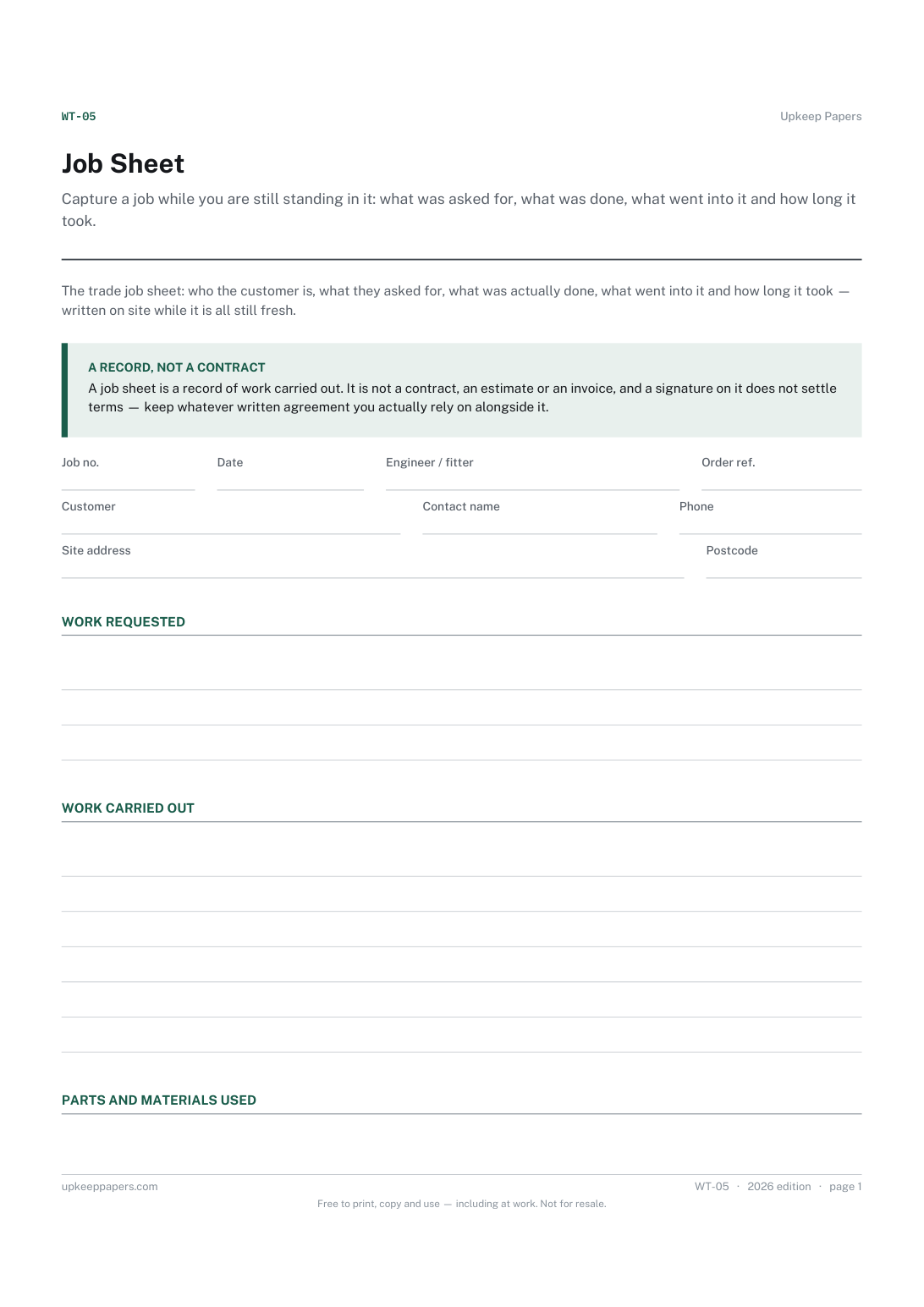
Capture a job while you are still standing in it: what was asked for, what was done, what went into it and how long it took.
Yes. No sign-up, no email address, no trial. Download it, use it, change it, keep it. The site is paid for by advertising elsewhere on it, not by this file.
Yes. Google Drive → New → File upload → pick the file, then open it with Google Sheets. Every formula is deliberately a plain one, so nothing breaks in the move.
Yes. It is an ordinary .xlsx file with no macros and no add-ins. Anything that opens spreadsheets will open it.
Please do. Nothing is locked or password protected, and the formulas are ordinary ones you can read. If your situation needs a different sum, change the sum.
No rates, intervals, targets or thresholds of ours. Where a figure like that is needed there is a cell for you to enter your own, taken from your handbook, lender, insurer or tax authority. We do not know your circumstances and will not guess at them.
Every invoice raised, what has been paid against it, and how many days overdue the rest is — with the aged debt split that tells you who to chase first.
Quotes followed through to finished jobs, with your win rate, the gap between quoted and actual, and the margin you really made.
Simple books for a small business — money in, money out, categorised, with a monthly profit line and a year-end category breakdown.

Every sheet, binder, game and puzzle on Upkeep Papers is free to download, with no email and no account. Making them is not free: each one takes days of research, design and checking, and the site costs money to run. If something here saved you time, you can buy us a coffee. It is entirely optional: nothing is locked, and nothing changes if you don’t.
Buy us a coffee Opens PayPal in a new tab. Any amount, and nothing changes if you would rather not.