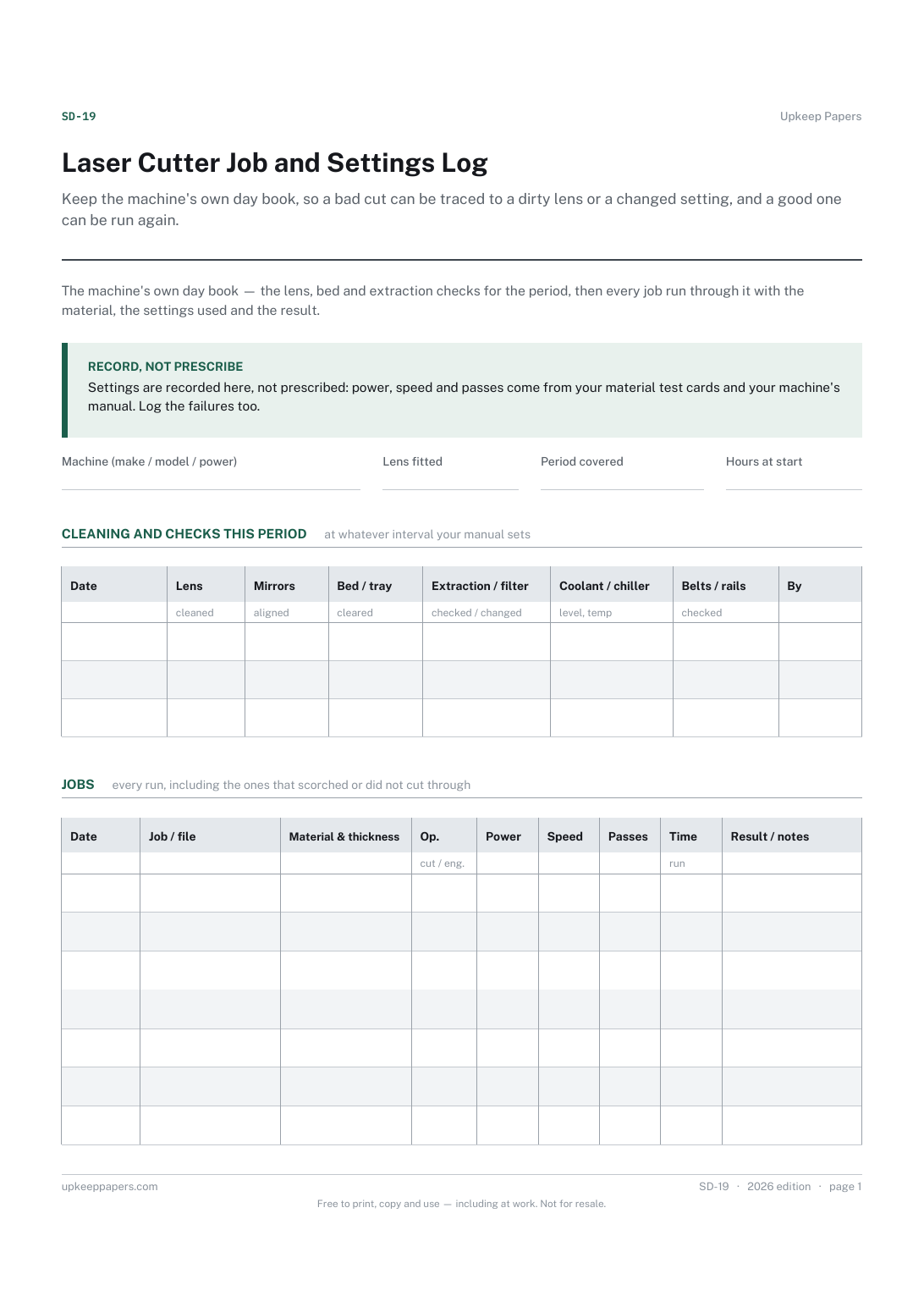
Laser Cutter Job and Settings Log
Keep the machine's own day book, so a bad cut can be traced to a dirty lens or a changed setting, and a good one can be run again.
SD-19 2 pages
Everything here is free. Making it takes time and money. Everything here is free.
 Buy us a coffee
 Studio crafts and making · SD-13
Heat press log sheet — a card of proven blank-and-transfer settings, then one line per press with temperature, time, pressure, peel and result.
2 pages. Choose your paper size — both versions are laid out identically, so neither one gets shrunk to fit.
Print it and write on it
Fill it in type and save
The fillable versions have real form fields — open them in any PDF reader, type into them and save. Printing help.
Stop re-testing the same shirt and vinyl every time, and find out why a batch failed by reading back what the press was actually set to.
Small garment decorators, sublimation and vinyl makers, print-on-demand sellers and school or club kit rooms with a heat press.
2 pages, in this order:
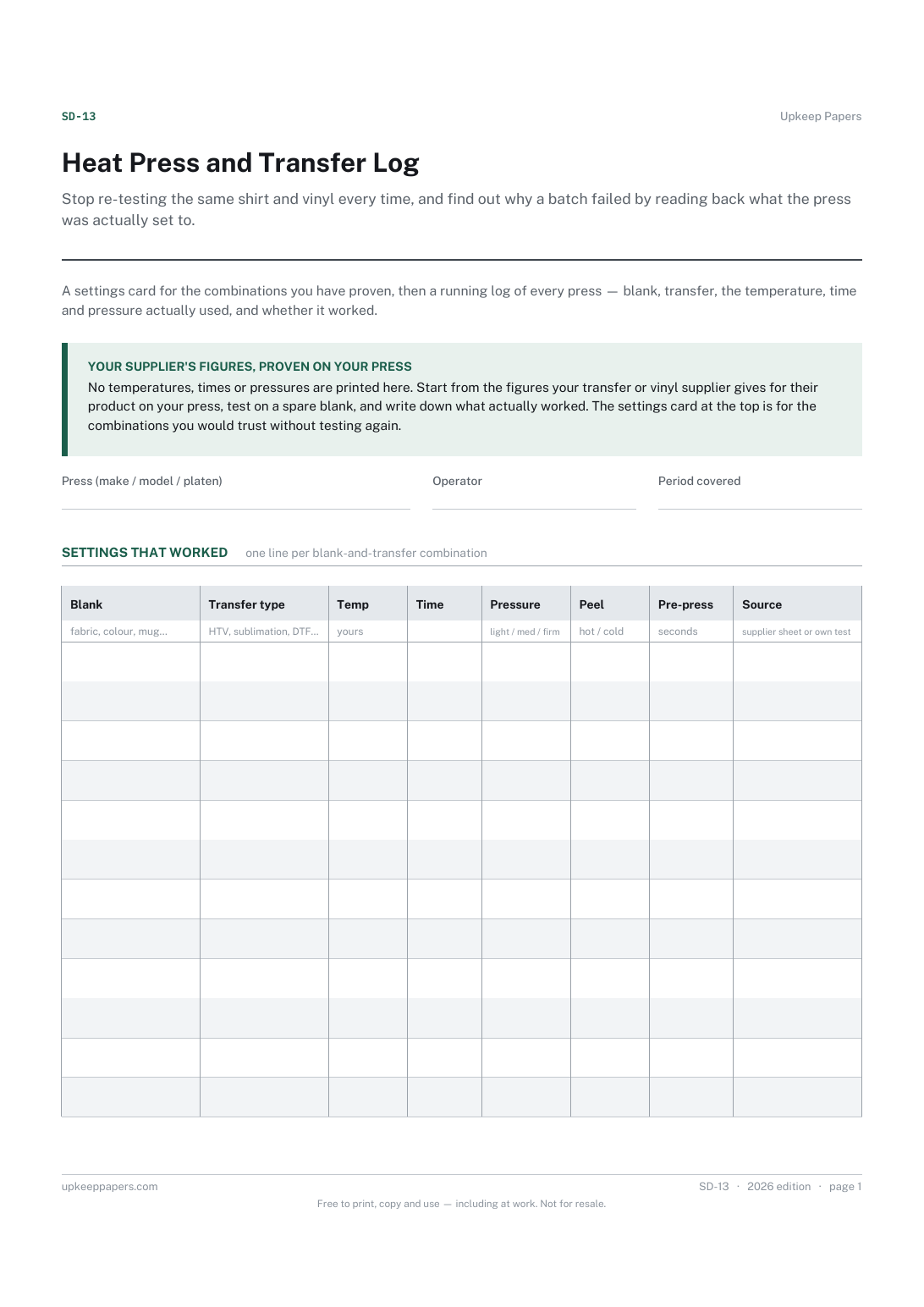
Printed under the title: A settings card for the combinations you have proven, then a running log of every press — blank, transfer, the temperature, time and pressure actually used, and whether it worked.
Your supplier's figures, proven on your press. No temperatures, times or pressures are printed here. Start from the figures your transfer or vinyl supplier gives for their product on your press, test on a spare blank, and write down what actually worked. The settings card at the top is for the combinations you would trust without testing again.
Write-on lines: Press (make / model / platen) · Operator · Period covered
Table, 12 rows: Blank · Transfer type · Temp · Time · Pressure · Peel · Pre-press · Source
Table, 22 rows: Date · Job / customer · Blank · Transfer · Temp · Time · Pressure · Peel · Result
Because the right figures depend on the transfer product, the fabric, and how accurately your press's dial matches its platen — and every press differs. Start from what your transfer supplier says for their product, test on a spare blank, and record what worked on your press.
The first is your proven settings — a short list you would use without testing. The second is the log of everything you actually pressed, including the tests and the failures that produced the top list.
Keep the machine's own day book, so a bad cut can be traced to a dirty lens or a changed setting, and a good one can be run again.
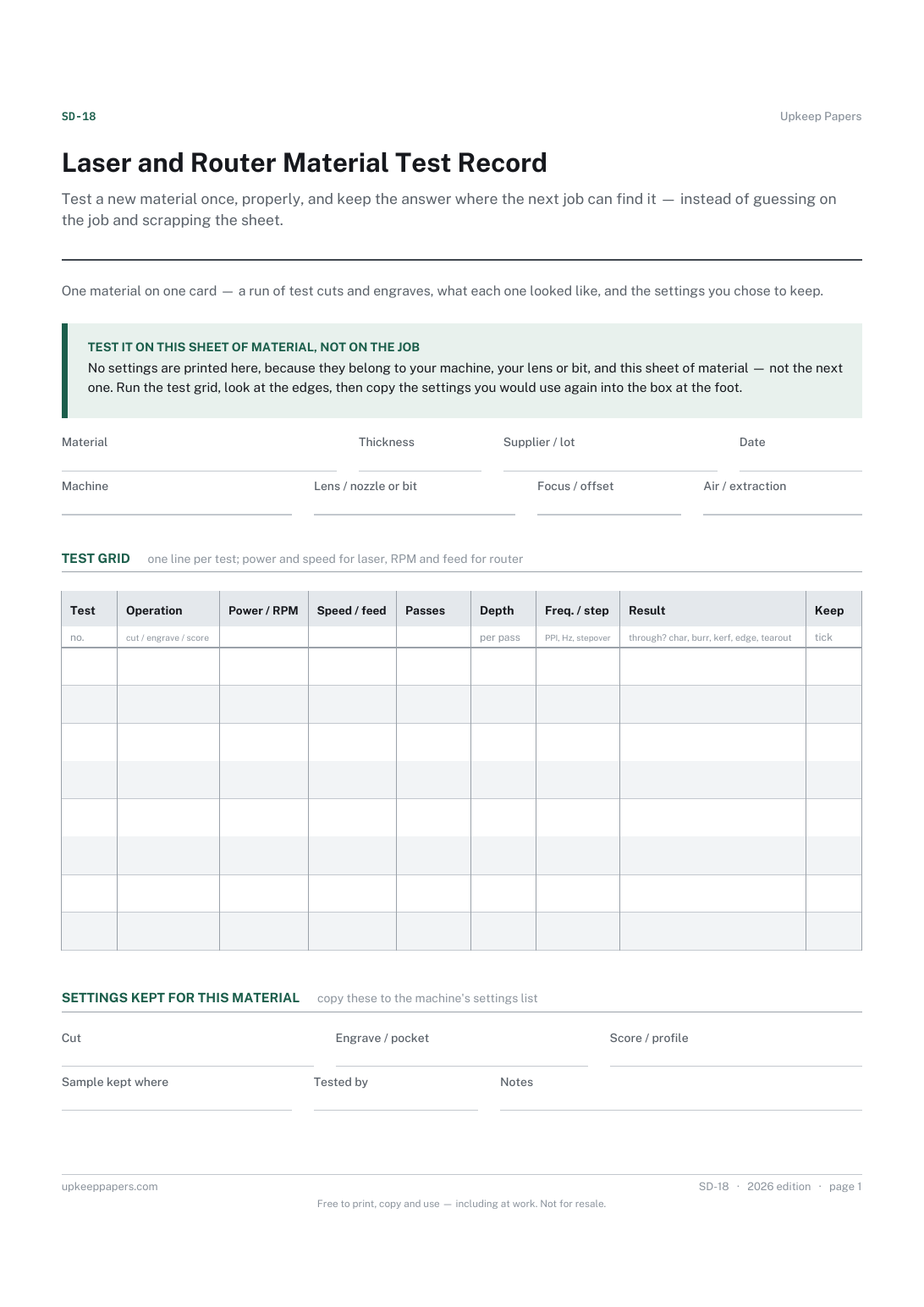
Test a new material once, properly, and keep the answer where the next job can find it — instead of guessing on the job and scrapping the sheet.
Record the alterations you made to a pattern, so the next garment from it starts from a fitted version instead of the envelope.
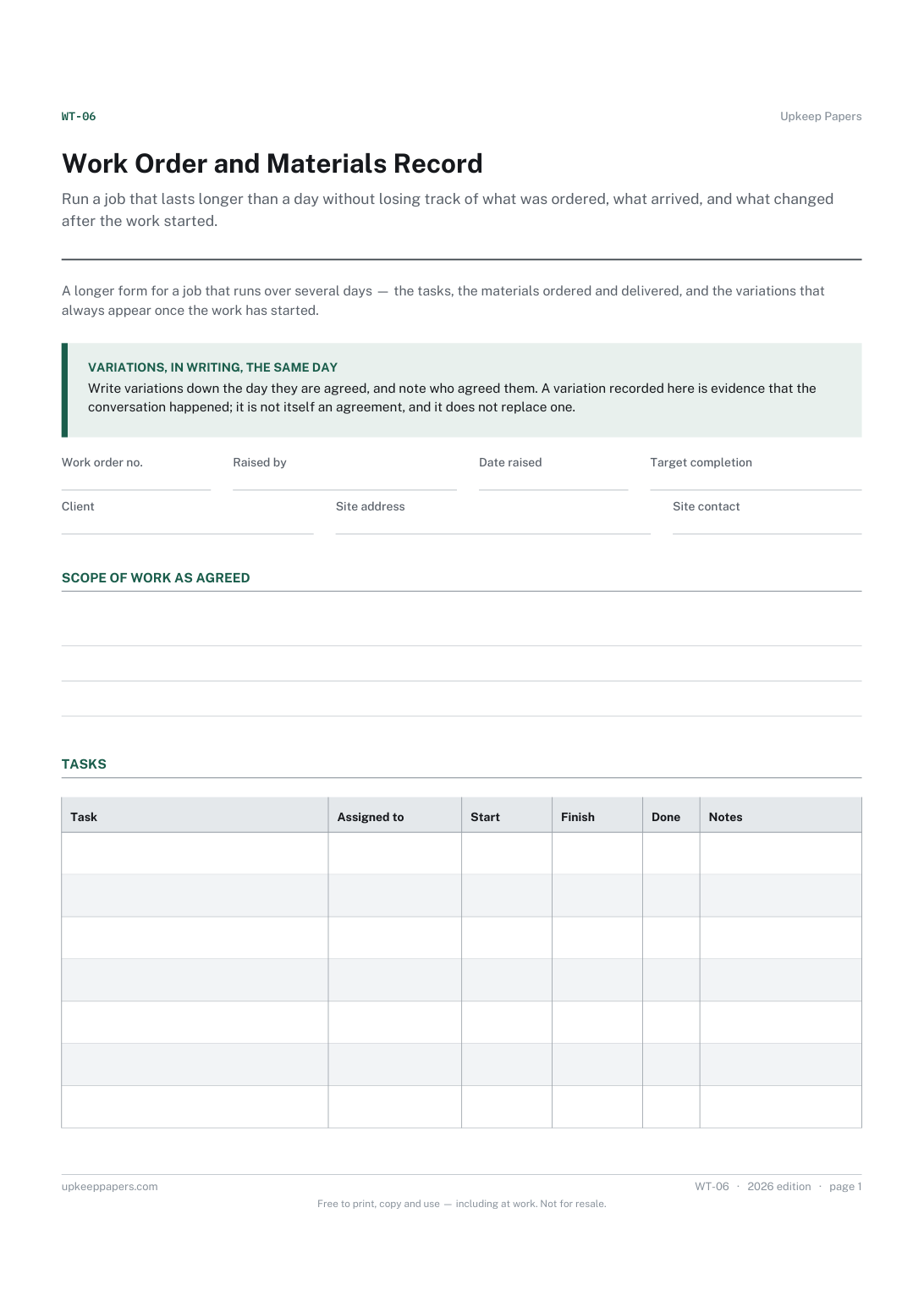
Run a job that lasts longer than a day without losing track of what was ordered, what arrived, and what changed after the work started.

Every sheet, binder, game and puzzle on Upkeep Papers is free to download, with no email and no account. Making them is not free: each one takes days of research, design and checking, and the site costs money to run. If something here saved you time, you can buy us a coffee. It is entirely optional: nothing is locked, and nothing changes if you don’t.
Buy us a coffee Opens PayPal in a new tab. Any amount, and nothing changes if you would rather not.