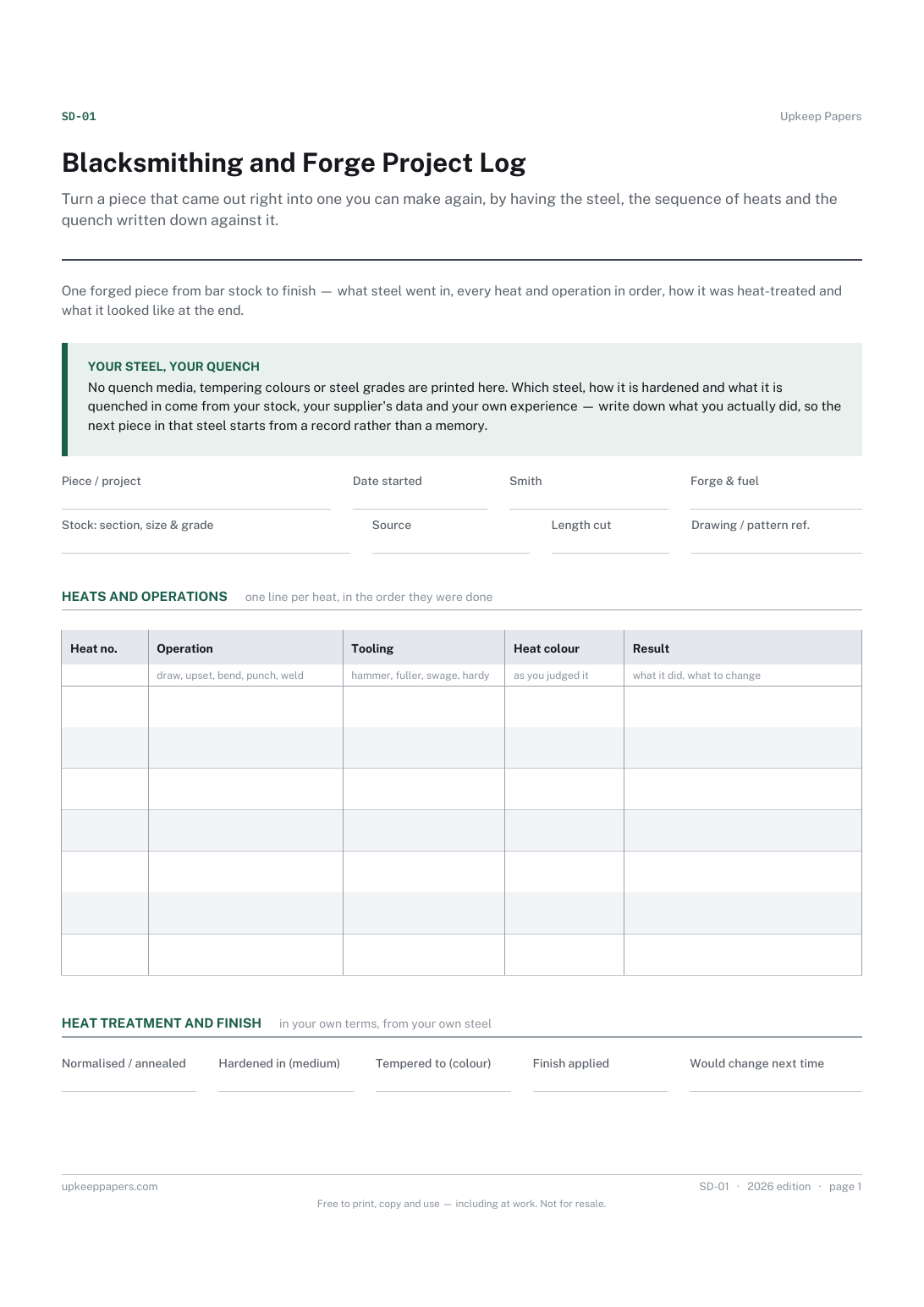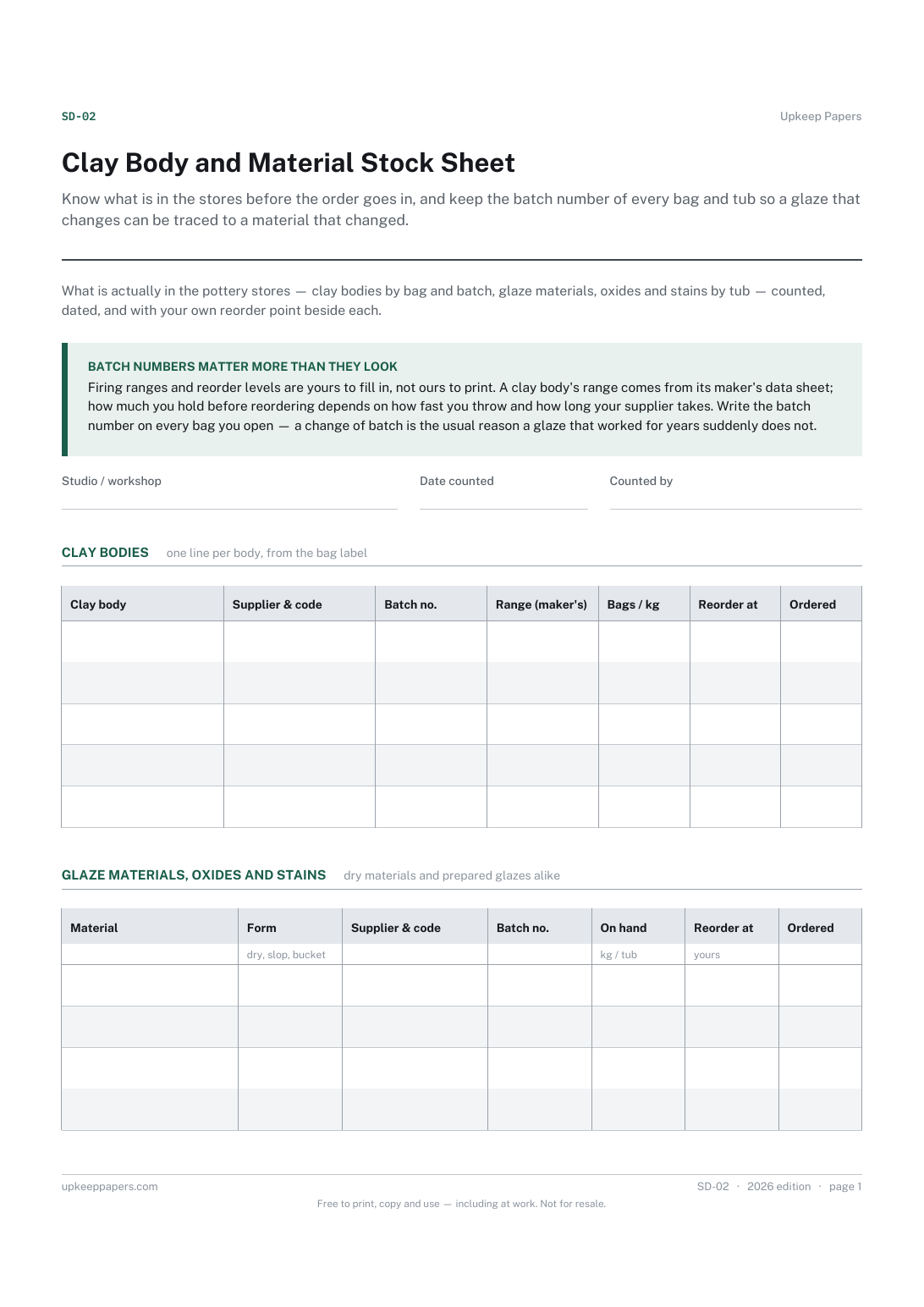
Clay Body and Material Stock Sheet
Know what is in the stores before the order goes in, and keep the batch number of every bag and tub so a glaze that changes can be traced to a material that changed.
SD-02 2 pages
Everything here is free. Making it takes time and money. Everything here is free.
 Buy us a coffee
 Studio crafts and making · SD-10
A free printable glass fusing schedule sheet — the glass, shelf and mould, each segment of the firing as you set it, what the kiln actually did, and the result.
One page. Choose your paper size — both versions are laid out identically, so neither one gets shrunk to fit.
Print it and write on it
Fill it in type and save
The fillable versions have real form fields — open them in any PDF reader, type into them and save. Printing help.
Repeat a firing that worked and trace one that did not, because the schedule you ran and what came out are on the same sheet.
Glass fusers and slumpers with a kiln at home, in a studio or in a shared workshop, and ceramicists borrowing the same discipline for glaze firings.
One page, top to bottom:
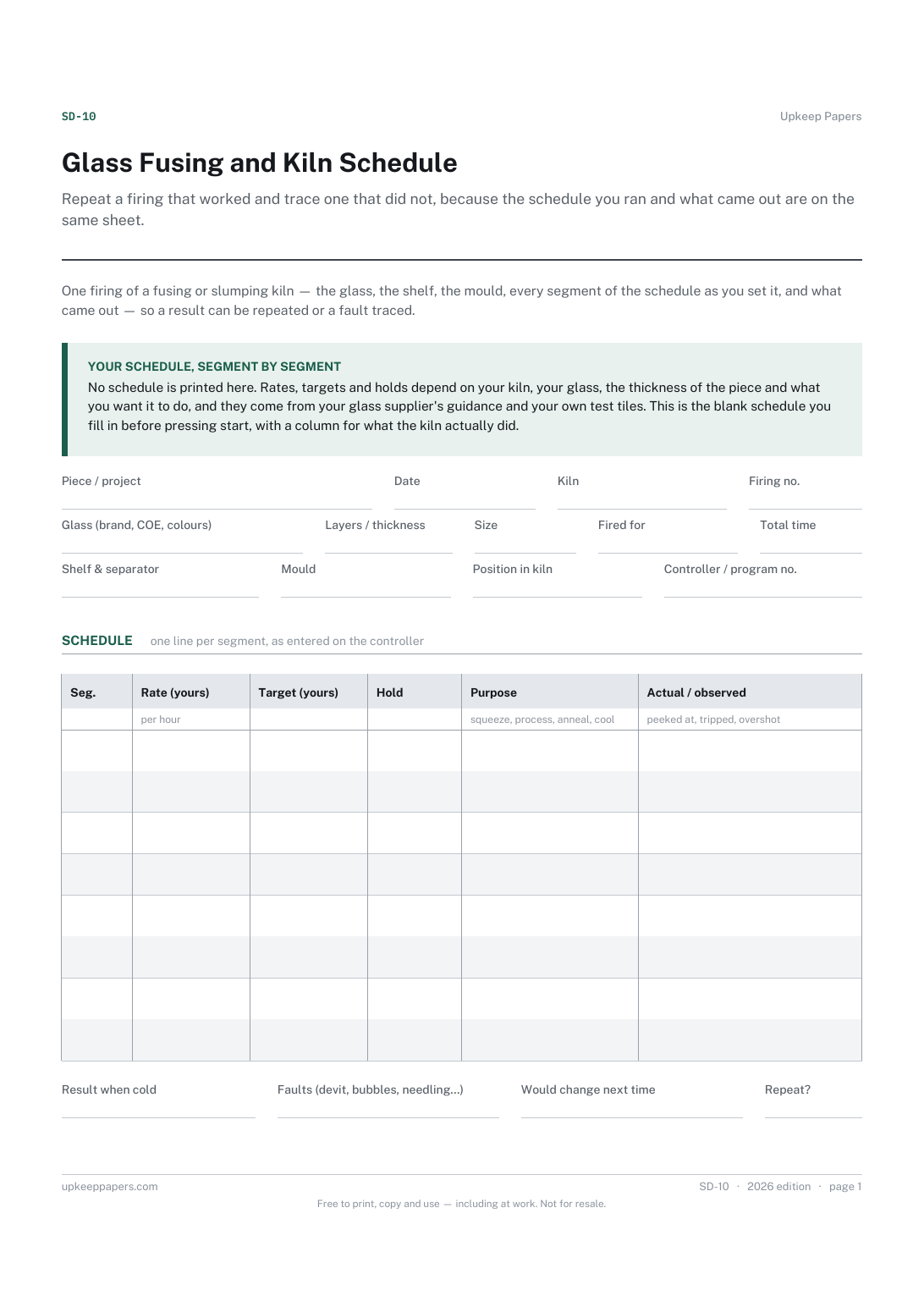
Printed under the title: One firing of a fusing or slumping kiln — the glass, the shelf, the mould, every segment of the schedule as you set it, and what came out — so a result can be repeated or a fault traced.
Your schedule, segment by segment. No schedule is printed here. Rates, targets and holds depend on your kiln, your glass, the thickness of the piece and what you want it to do, and they come from your glass supplier's guidance and your own test tiles. This is the blank schedule you fill in before pressing start, with a column for what the kiln actually did.
Write-on lines: Piece / project · Date · Kiln · Firing no. · Glass (brand, COE, colours) · Layers / thickness · Size · Fired for · Total time · Shelf & separator · Mould · Position in kiln · Controller / program no.
Table, 8 rows: Seg. · Rate (yours) · Target (yours) · Hold · Purpose · Actual / observed
Write-on lines: Result when cold · Faults (devit, bubbles, needling…) · Would change next time · Repeat?
Because a schedule that suits one kiln, one glass and one thickness will fail another. Rates, targets and holds come from your glass supplier's guidance and your own test tiles; the sheet is where yours is written down and tied to a result.
Yes — the segments, the observed column and the result section work the same way. Swap the glass fields for clay body and glaze.
Know what is in the stores before the order goes in, and keep the batch number of every bag and tub so a glaze that changes can be traced to a material that changed.
Turn a piece that came out right into one you can make again, by having the steel, the sequence of heats and the quench written down against it.
Make a batch traceable, so a good one can be repeated and a bad one can be traced back to what went into it.
Record the things a finished object cannot tell you later: which dye lot, which hook you really used, and how much was left over.

Every sheet, binder, game and puzzle on Upkeep Papers is free to download, with no email and no account. Making them is not free: each one takes days of research, design and checking, and the site costs money to run. If something here saved you time, you can buy us a coffee. It is entirely optional: nothing is locked, and nothing changes if you don’t.
Buy us a coffee Opens PayPal in a new tab. Any amount, and nothing changes if you would rather not.