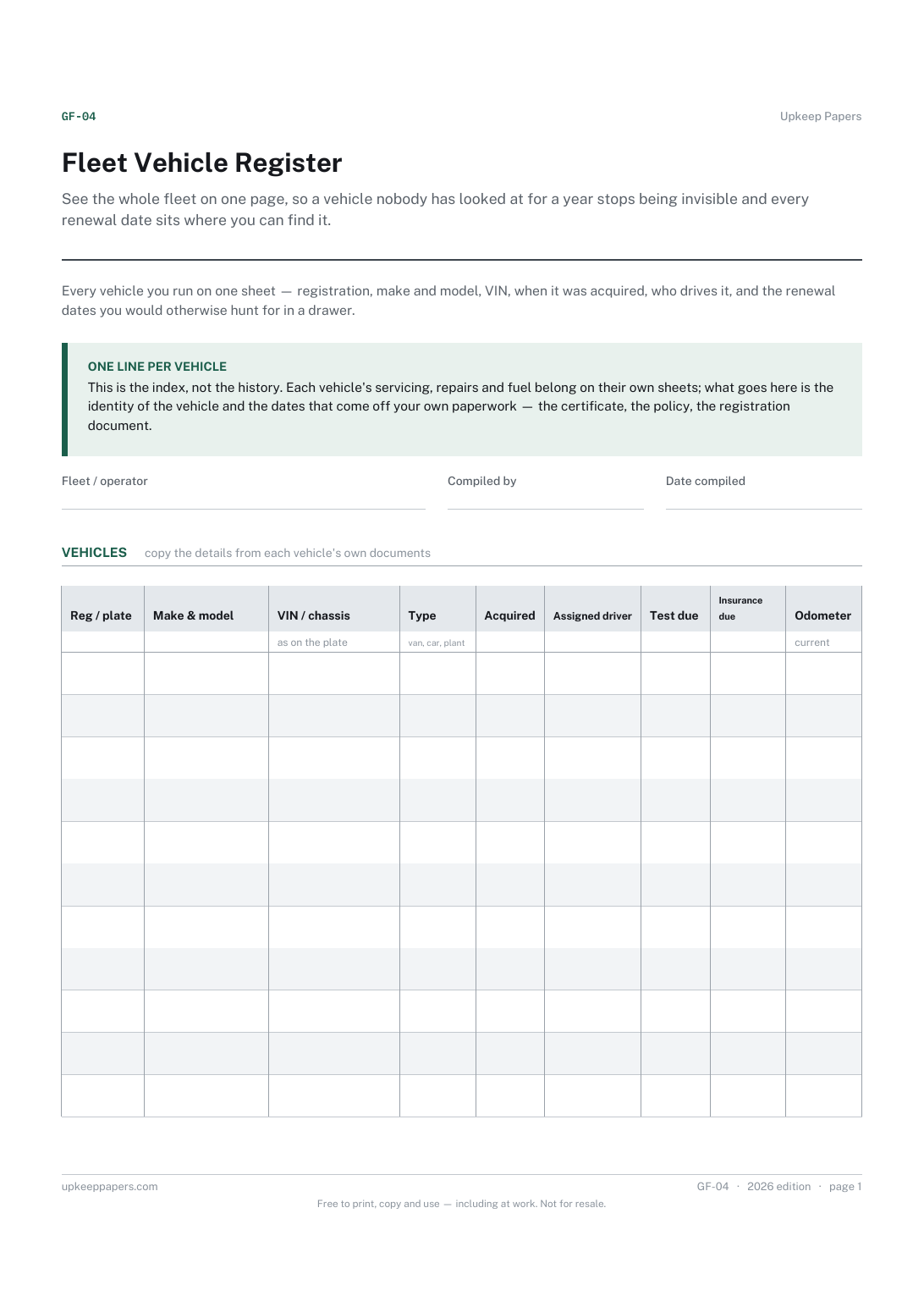
Fleet Vehicle Register
See the whole fleet on one page, so a vehicle nobody has looked at for a year stops being invisible and every renewal date sits where you can find it.
GF-04 1 page
Everything here is free. Making it takes time and money. Everything here is free.
 Buy us a coffee
 Running costs and fleet · GF-05
A free printable vehicle downtime log — when each vehicle came off the road, why, where it was, what the repair cost and when it went back into service.
One page. Choose your paper size — both versions are laid out identically, so neither one gets shrunk to fit.
Print it and write on it
Fill it in type and save
The fillable versions have real form fields — open them in any PDF reader, type into them and save. Printing help.
Show what a vehicle actually costs in lost availability, not just in invoices, and make a vehicle that keeps going off the road obvious in writing.
Fleet operators, transport managers, farms and small businesses whose work stops when a particular vehicle stops.
One page, top to bottom:
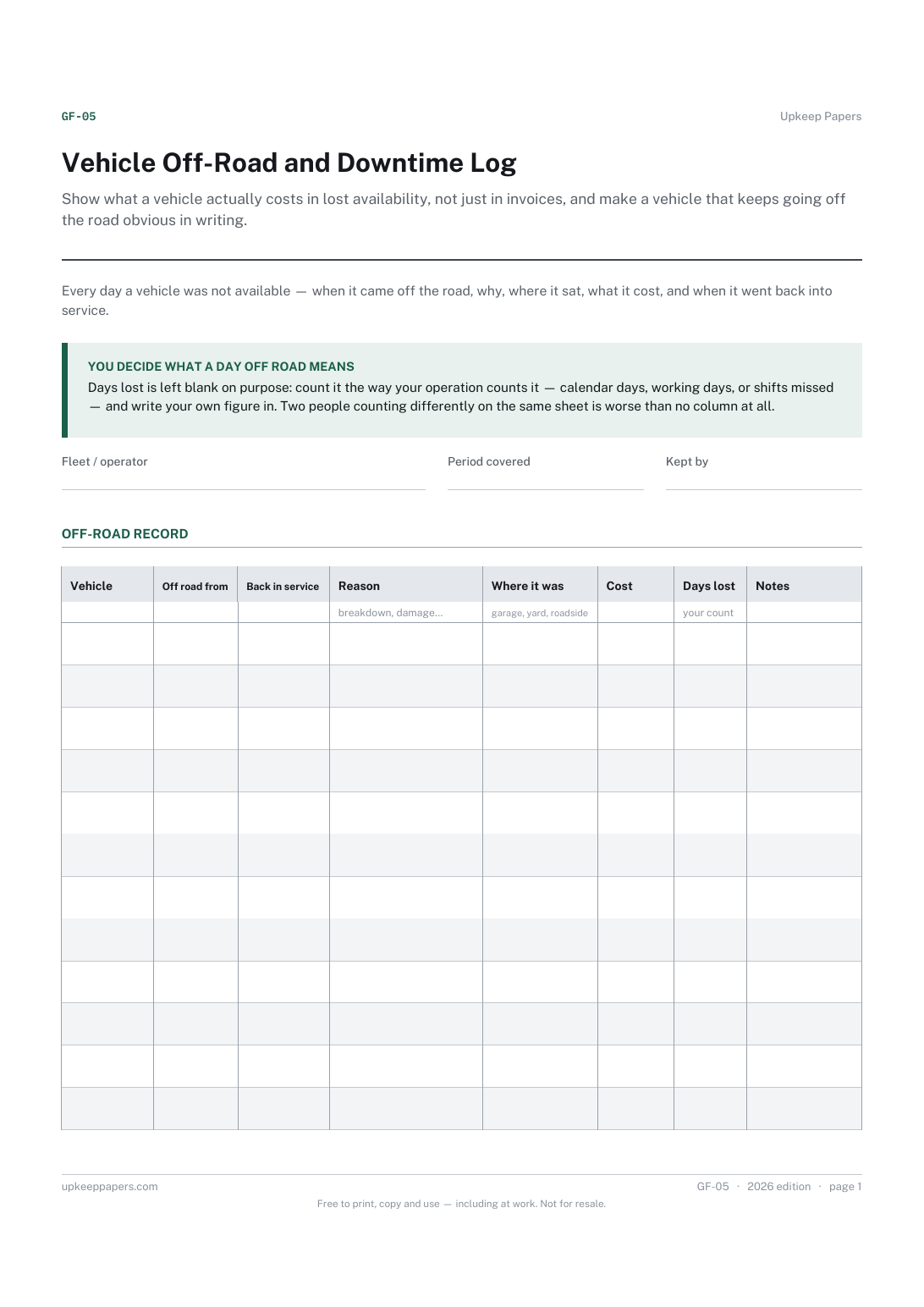
Printed under the title: Every day a vehicle was not available — when it came off the road, why, where it sat, what it cost, and when it went back into service.
You decide what a day off road means. Days lost is left blank on purpose: count it the way your operation counts it — calendar days, working days, or shifts missed — and write your own figure in. Two people counting differently on the same sheet is worse than no column at all.
Write-on lines: Fleet / operator · Period covered · Kept by
Table, 12 rows: Vehicle · Off road from · Back in service · Reason · Where it was · Cost · Days lost · Notes
Because there is no single right answer. Some operations count calendar days, some count working days, some count shifts or jobs missed. A printed calculation would only be right for one of them, so the column takes your own count.
A service record says what was done to the vehicle. This says what the vehicle could not do, and for how long — the same repair can mean one day off the road or three weeks depending on parts, and only this sheet shows that.
See the whole fleet on one page, so a vehicle nobody has looked at for a year stops being invisible and every renewal date sits where you can find it.
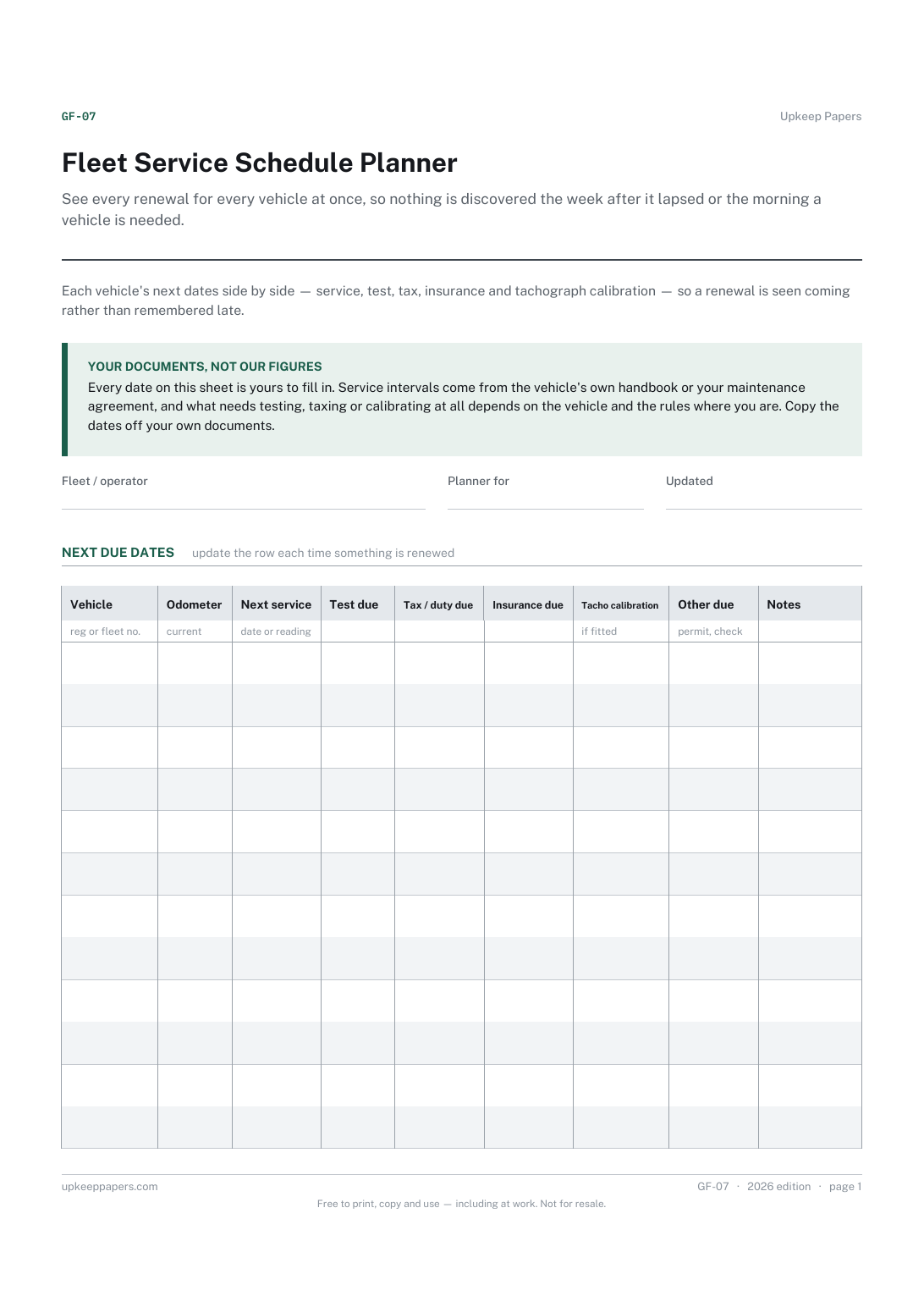
See every renewal for every vehicle at once, so nothing is discovered the week after it lapsed or the morning a vehicle is needed.
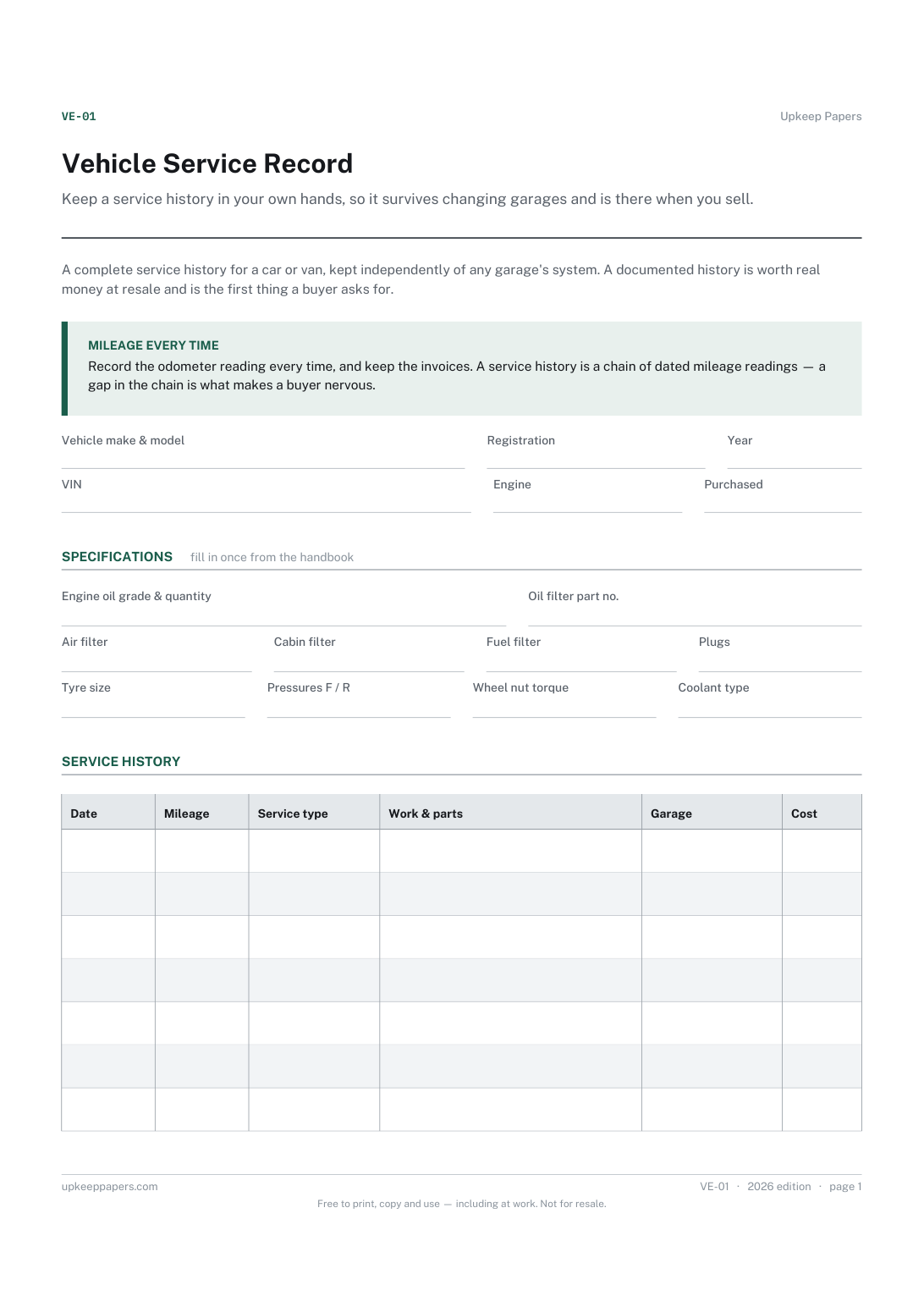
Keep a service history in your own hands, so it survives changing garages and is there when you sell.
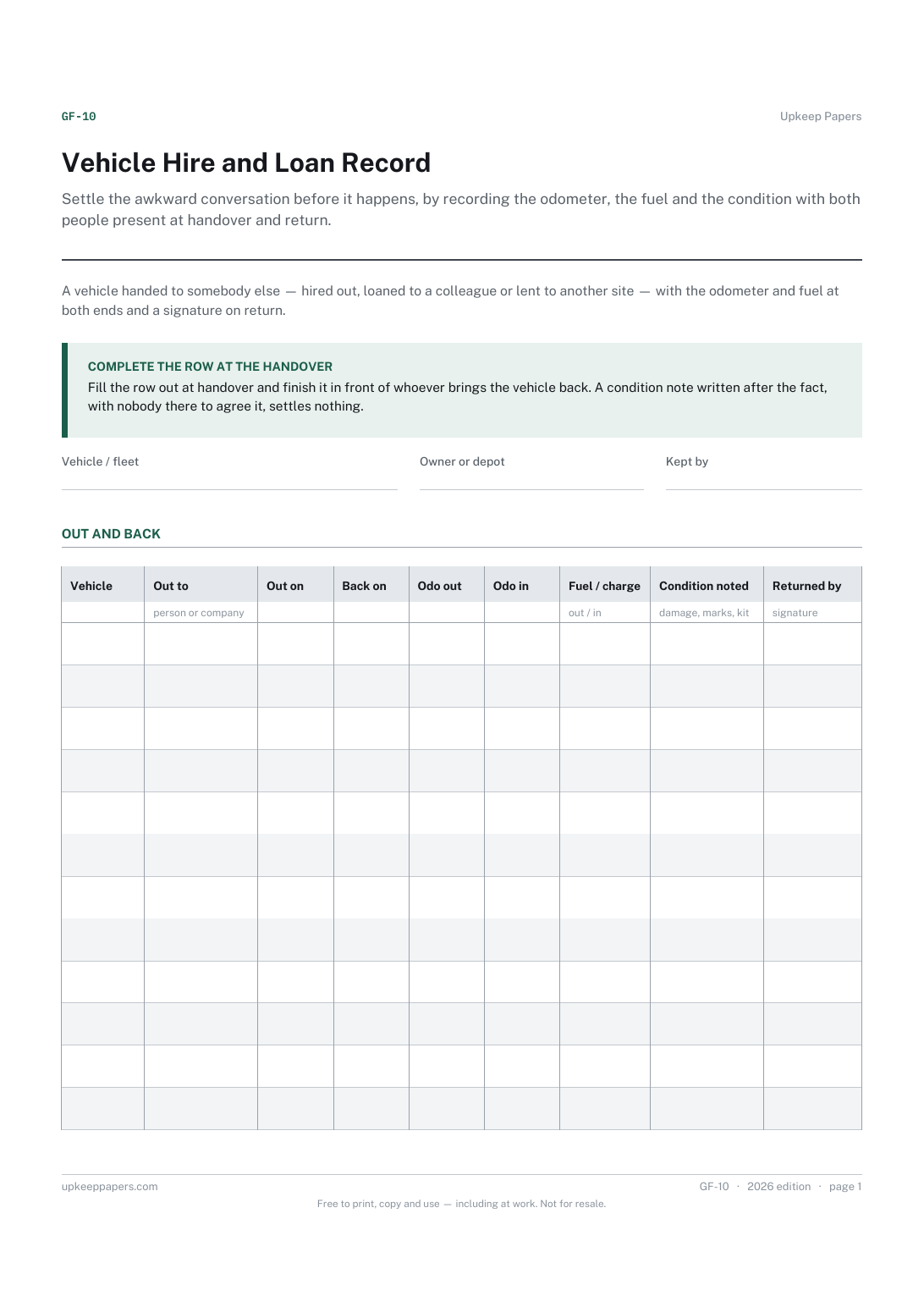
Settle the awkward conversation before it happens, by recording the odometer, the fuel and the condition with both people present at handover and return.

Every sheet, binder, game and puzzle on Upkeep Papers is free to download, with no email and no account. Making them is not free: each one takes days of research, design and checking, and the site costs money to run. If something here saved you time, you can buy us a coffee. It is entirely optional: nothing is locked, and nothing changes if you don’t.
Buy us a coffee Opens PayPal in a new tab. Any amount, and nothing changes if you would rather not.