Fleet Vehicle Register
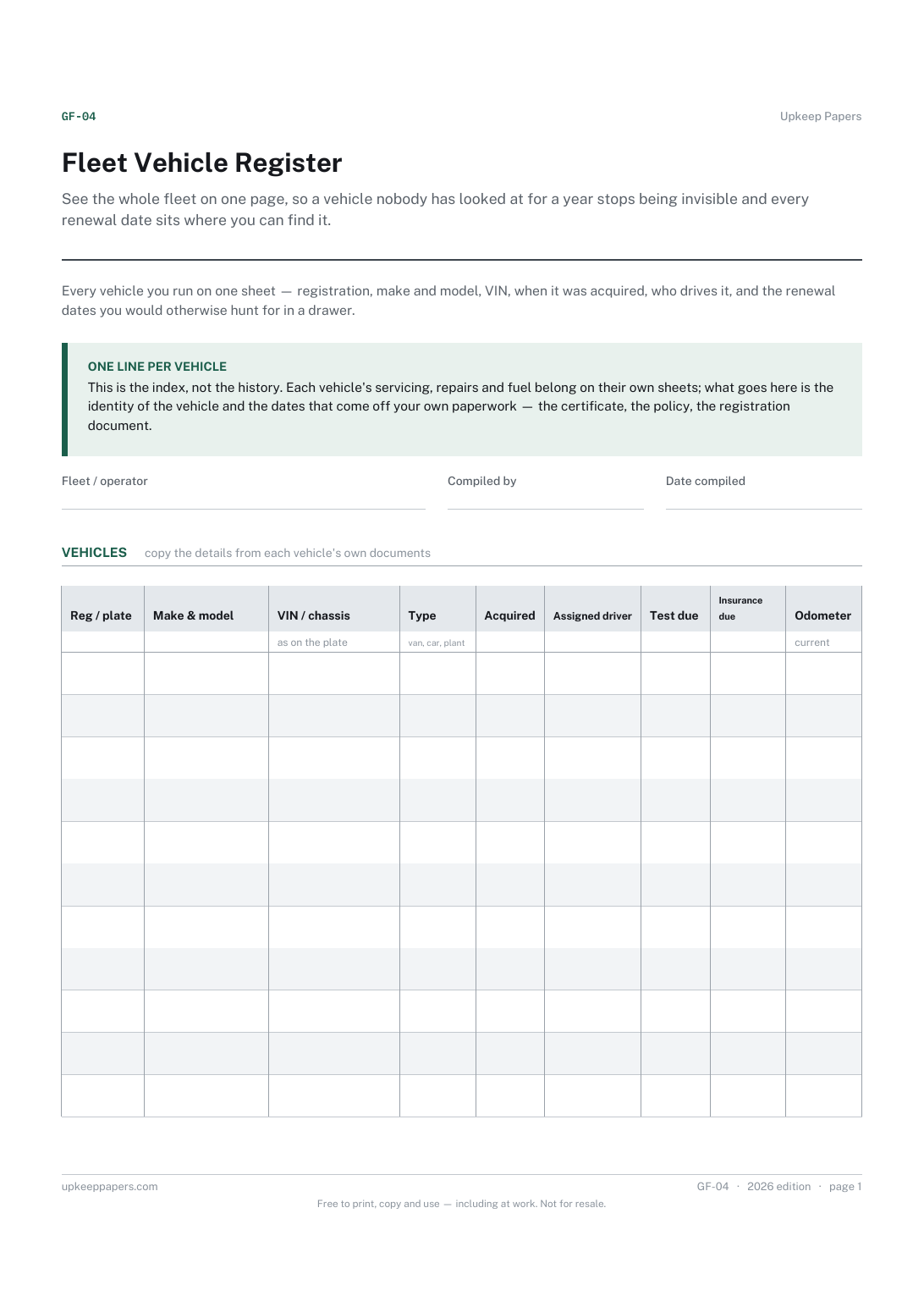
See the whole fleet on one page, so a vehicle nobody has looked at for a year stops being invisible and every renewal date sits where you can find it.
GF-04 1 page
Everything here is free. Making it takes time and money. Everything here is free.
 Buy us a coffee
 Running costs and fleet · GF-18
A free printable low emission zone register for a fleet: each vehicle's emission standard, which zones charge it, when checked, exemptions and a plan for each.
2 pages. Choose your paper size — both versions are laid out identically, so neither one gets shrunk to fit.
Print it and write on it
Fill it in type and save
The fillable versions have real form fields — open them in any PDF reader, type into them and save. Printing help.
See which vehicles a clean air or low emission zone would charge before they are sent in. The plan on page two turns each charged vehicle into a decision: replace, retrofit, re-route or pay.
Fleet managers, transport planners and small business owners whose vans, cars or lorries enter clean air or low emission zones.
2 pages, in this order:
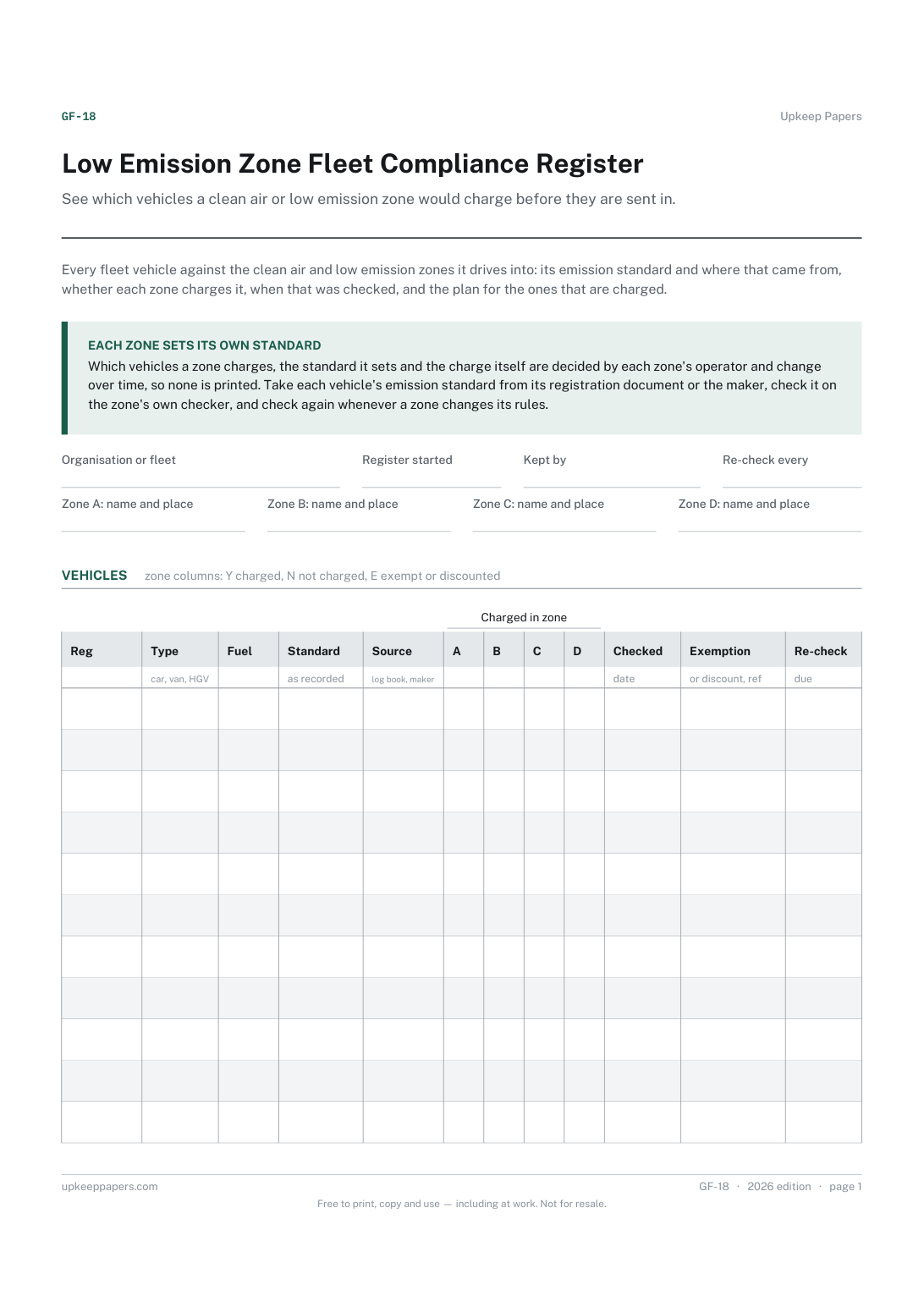
Printed under the title: Every fleet vehicle against the clean air and low emission zones it drives into: its emission standard and where that came from, whether each zone charges it, when that was checked, and the plan for the ones that are charged.
Each zone sets its own standard. Which vehicles a zone charges, the standard it sets and the charge itself are decided by each zone's operator and change over time, so none is printed. Take each vehicle's emission standard from its registration document or the maker, check it on the zone's own checker, and check again whenever a zone changes its rules.
Write-on lines: Organisation or fleet · Register started · Kept by · Re-check every · Zone A: name and place · Zone B: name and place · Zone C: name and place · Zone D: name and place
Also printed: Charged in zone
Table, 11 rows: Reg · Type · Fuel · Standard · Source · A · B · C · D · Checked · Exemption · Re-check
Table, 0 rows: Zone · Run by · Vehicles it charges · Checked with · Account · Checked on
Table, 10 rows: Reg · Zones · Option · Quote · Target · Approved · Done · Notes
Write-on lines: Reviewed by · Date · Next full review · Zone changes announced
Ruled lines: Where the zone notices and account details are kept
Because each zone sets its own standards, vehicle classes and charges, and they change. A printed table would go out of date while the sheet was still in use. The zone's own checker is the reliable answer, so the sheet records what it said and when.
Usually on the registration document or from the maker; some zone checkers look it up from the registration number. Write where your figure came from in the Source column, so a doubtful one can be checked again.
See the whole fleet on one page, so a vehicle nobody has looked at for a year stops being invisible and every renewal date sits where you can find it.
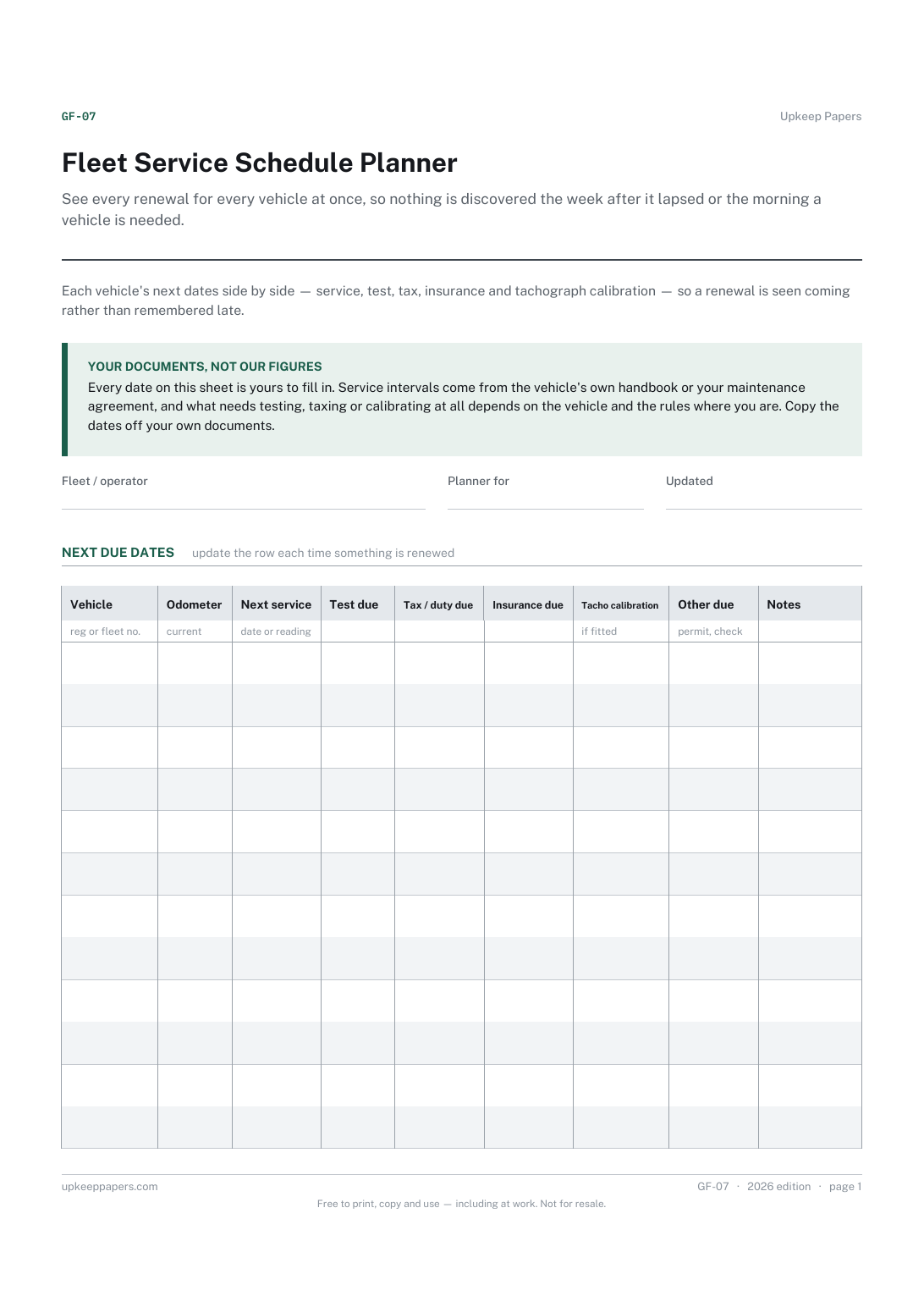
See every renewal for every vehicle at once, so nothing is discovered the week after it lapsed or the morning a vehicle is needed.
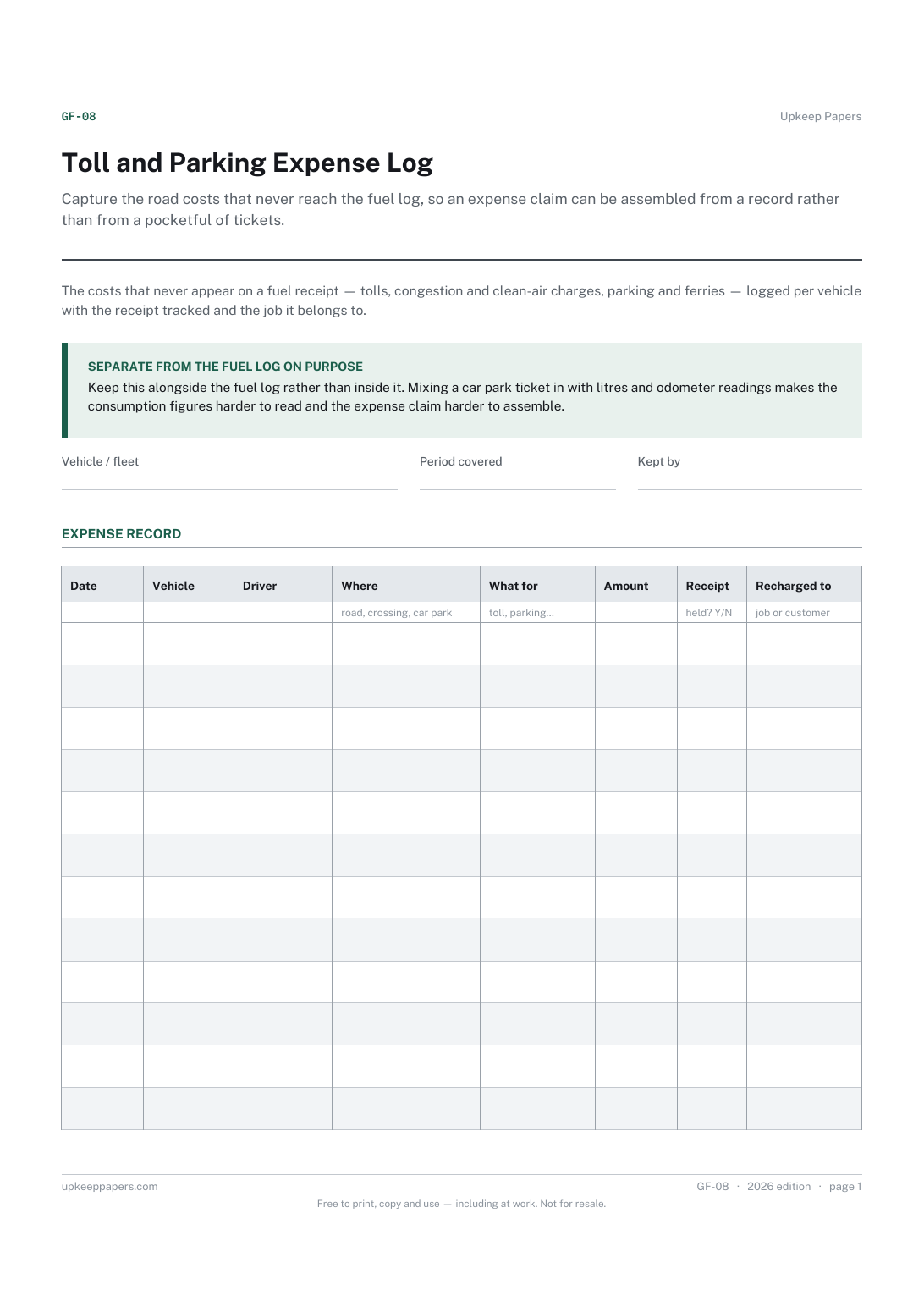
Capture the road costs that never reach the fuel log, so an expense claim can be assembled from a record rather than from a pocketful of tickets.
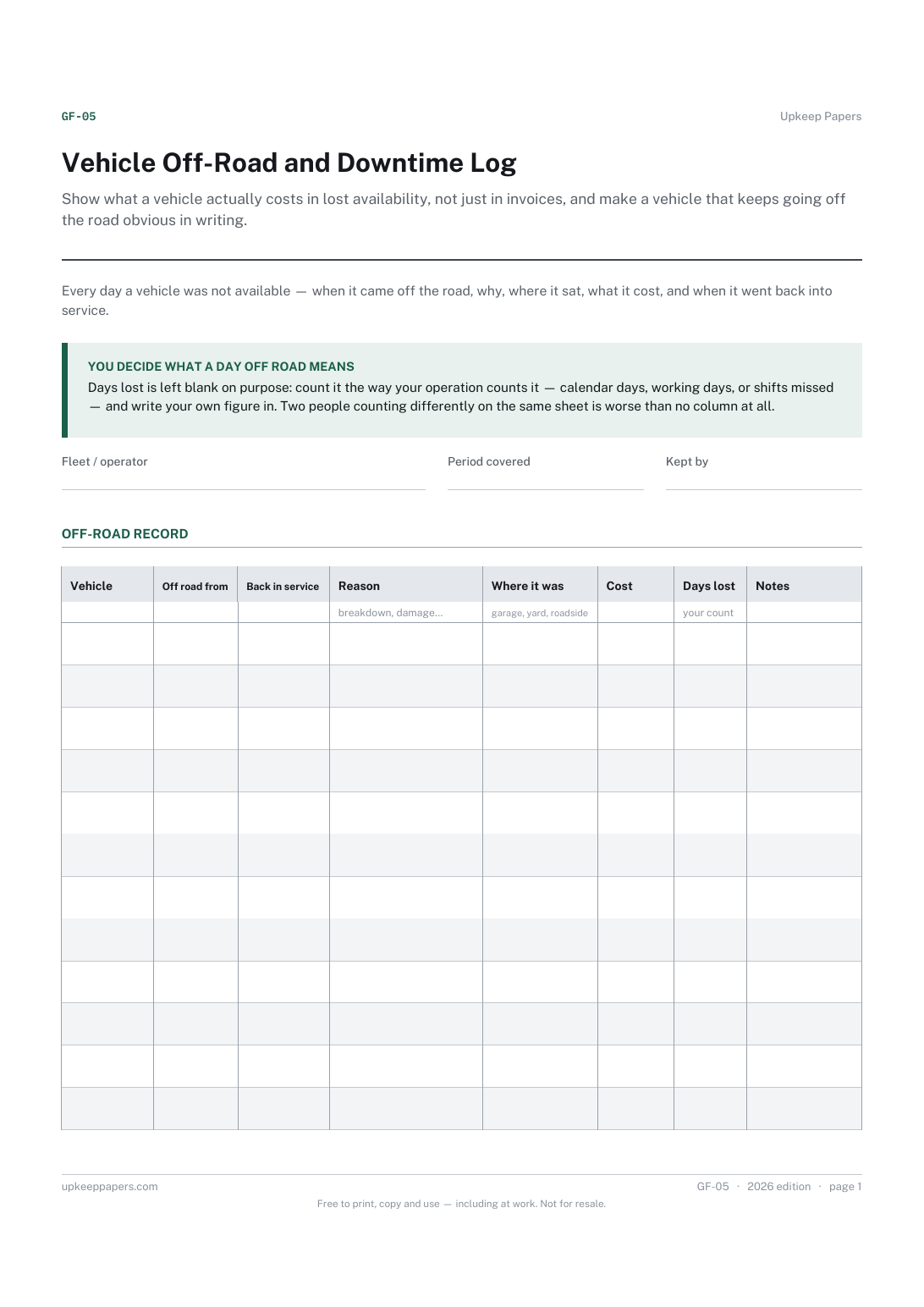
Show what a vehicle actually costs in lost availability, not just in invoices, and make a vehicle that keeps going off the road obvious in writing.

Every sheet, binder, game and puzzle on Upkeep Papers is free to download, with no email and no account. Making them is not free: each one takes days of research, design and checking, and the site costs money to run. If something here saved you time, you can buy us a coffee. It is entirely optional: nothing is locked, and nothing changes if you don’t.
Buy us a coffee Opens PayPal in a new tab. Any amount, and nothing changes if you would rather not.