Daily Takings and Cash Reconciliation
Cash up consistently and record the difference every day, which is how a problem gets noticed in a week rather than in an audit.
IM-08 1 page
Everything here is free. Making it takes time and money. Everything here is free.
 Buy us a coffee
 Retail shop floor · RS-04
Daily sales sheet for retail — gross, refunds, net and transaction count by department, with a whole-shop summary and a column for your target.
One page. Choose your paper size — both versions are laid out identically, so neither one gets shrunk to fit.
Print it and write on it
Fill it in type and save
The fillable versions have real form fields — open them in any PDF reader, type into them and save. Printing help.
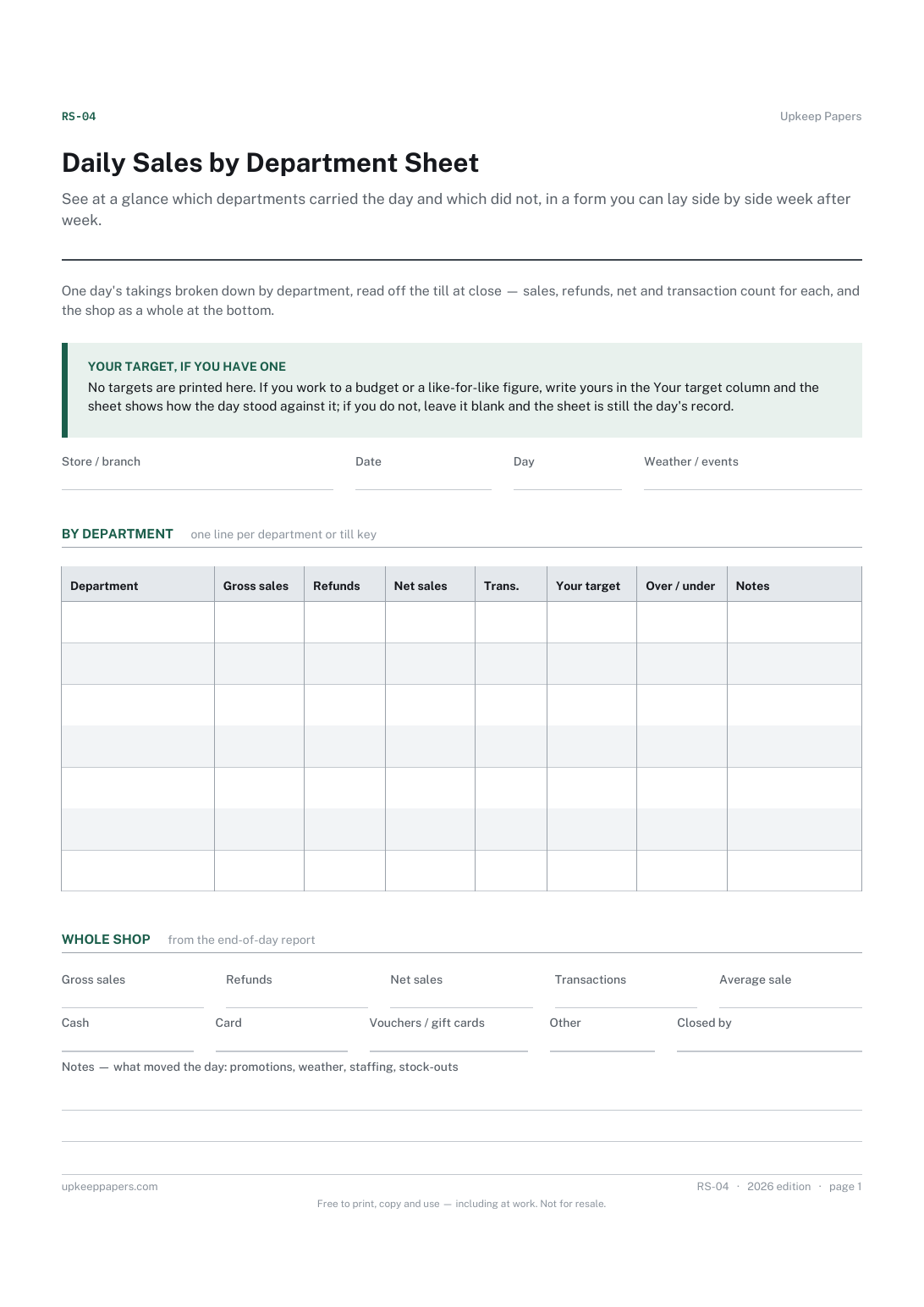
See at a glance which departments carried the day and which did not, in a form you can lay side by side week after week.
Managers and owners of independent shops and branches whose till reports by department or key, and anyone keeping a paper day-book alongside the till.
One page, top to bottom:
Printed under the title: One day's takings broken down by department, read off the till at close — sales, refunds, net and transaction count for each, and the shop as a whole at the bottom.
Your target, if you have one. No targets are printed here. If you work to a budget or a like-for-like figure, write yours in the Your target column and the sheet shows how the day stood against it; if you do not, leave it blank and the sheet is still the day's record.
Write-on lines: Store / branch · Date · Day · Weather / events
Table, 7 rows: Department · Gross sales · Refunds · Net sales · Trans. · Your target · Over / under · Notes
Write-on lines: Gross sales · Refunds · Net sales · Transactions · Average sale · Cash · Card · Vouchers / gift cards · Other · Closed by
Ruled lines: Notes — what moved the day: promotions, weather, staffing, stock-outs
Because those are yours. A target is set by you or your head office, and margin depends on what you buy at; printing either would be a made-up number. The Your target column is there for your figure, if you have one.
That sheet balances the money in the drawer against the till. This one is about what sold, by department, and does not touch the float.
Cash up consistently and record the difference every day, which is how a problem gets noticed in a week rather than in an audit.
Count a drawer properly and record the variance, so a pattern of small differences becomes visible instead of being quietly absorbed.
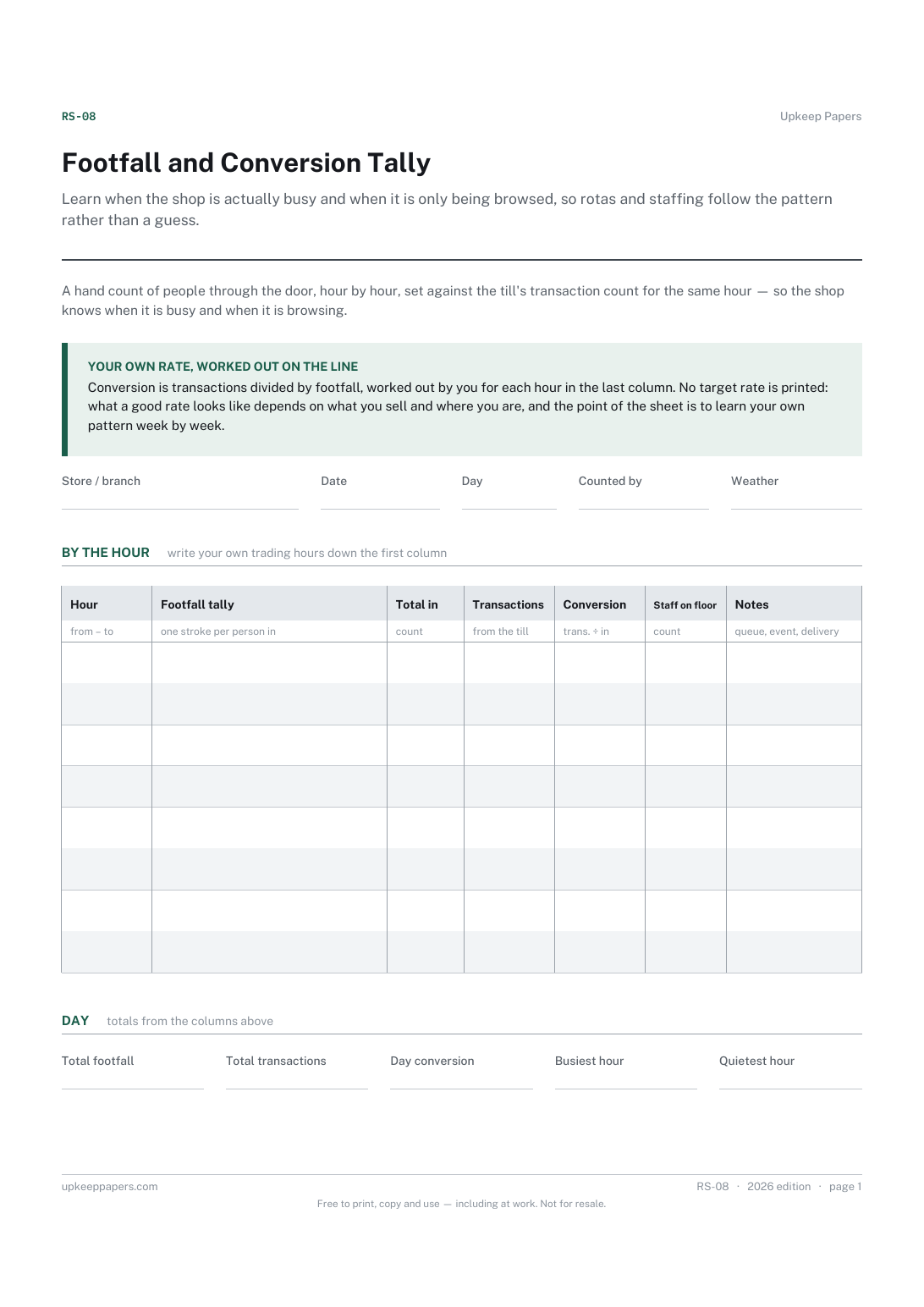
Learn when the shop is actually busy and when it is only being browsed, so rotas and staffing follow the pattern rather than a guess.
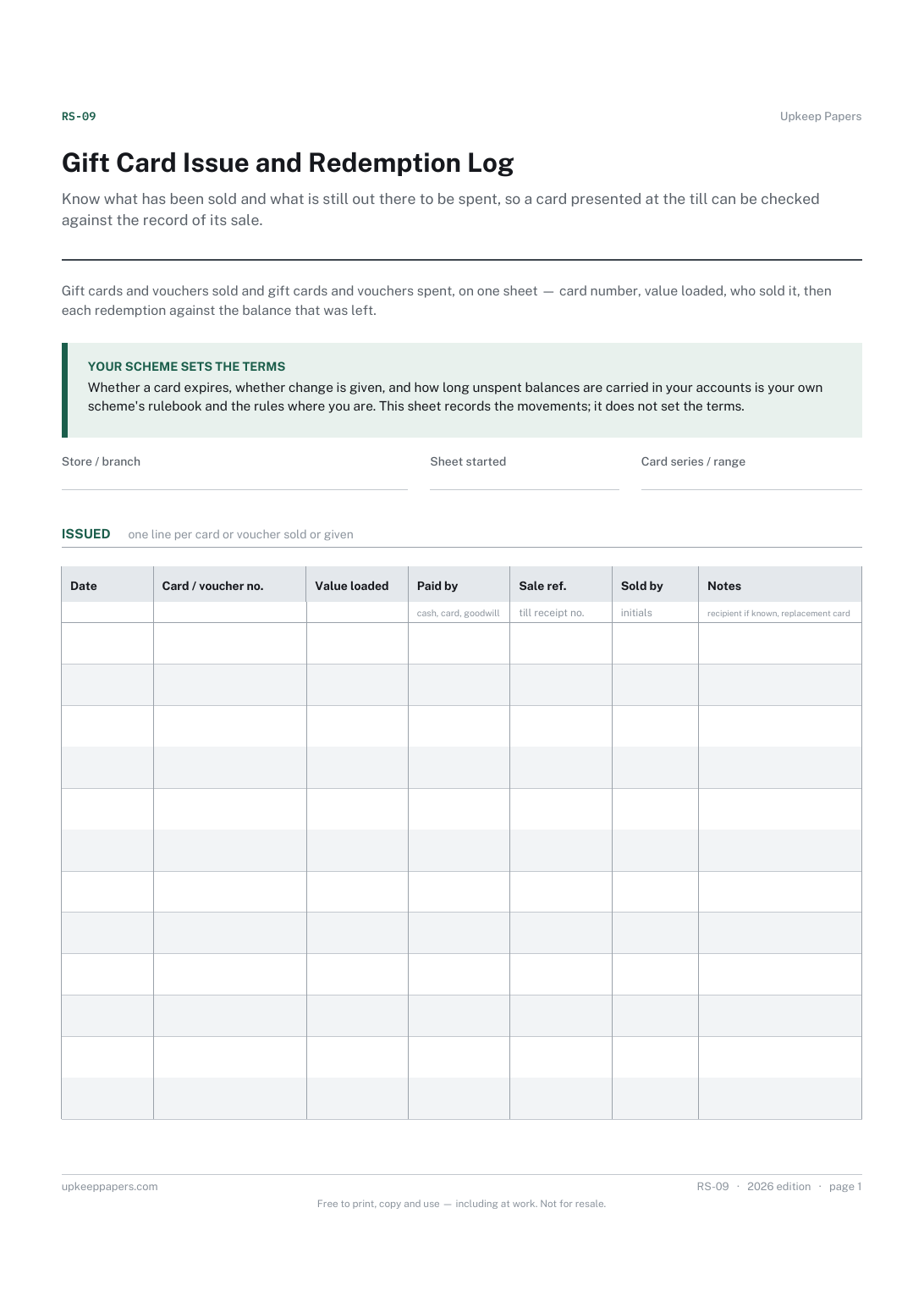
Know what has been sold and what is still out there to be spent, so a card presented at the till can be checked against the record of its sale.

Every sheet, binder, game and puzzle on Upkeep Papers is free to download, with no email and no account. Making them is not free: each one takes days of research, design and checking, and the site costs money to run. If something here saved you time, you can buy us a coffee. It is entirely optional: nothing is locked, and nothing changes if you don’t.
Buy us a coffee Opens PayPal in a new tab. Any amount, and nothing changes if you would rather not.