
Vehicles and transport · RV-32 · Record
Vehicle Service History Sheet
Free vehicle service history sheet — each service, inspection and recall on one record with garage, invoice number, mileage and cost. PDF, Excel and browser.
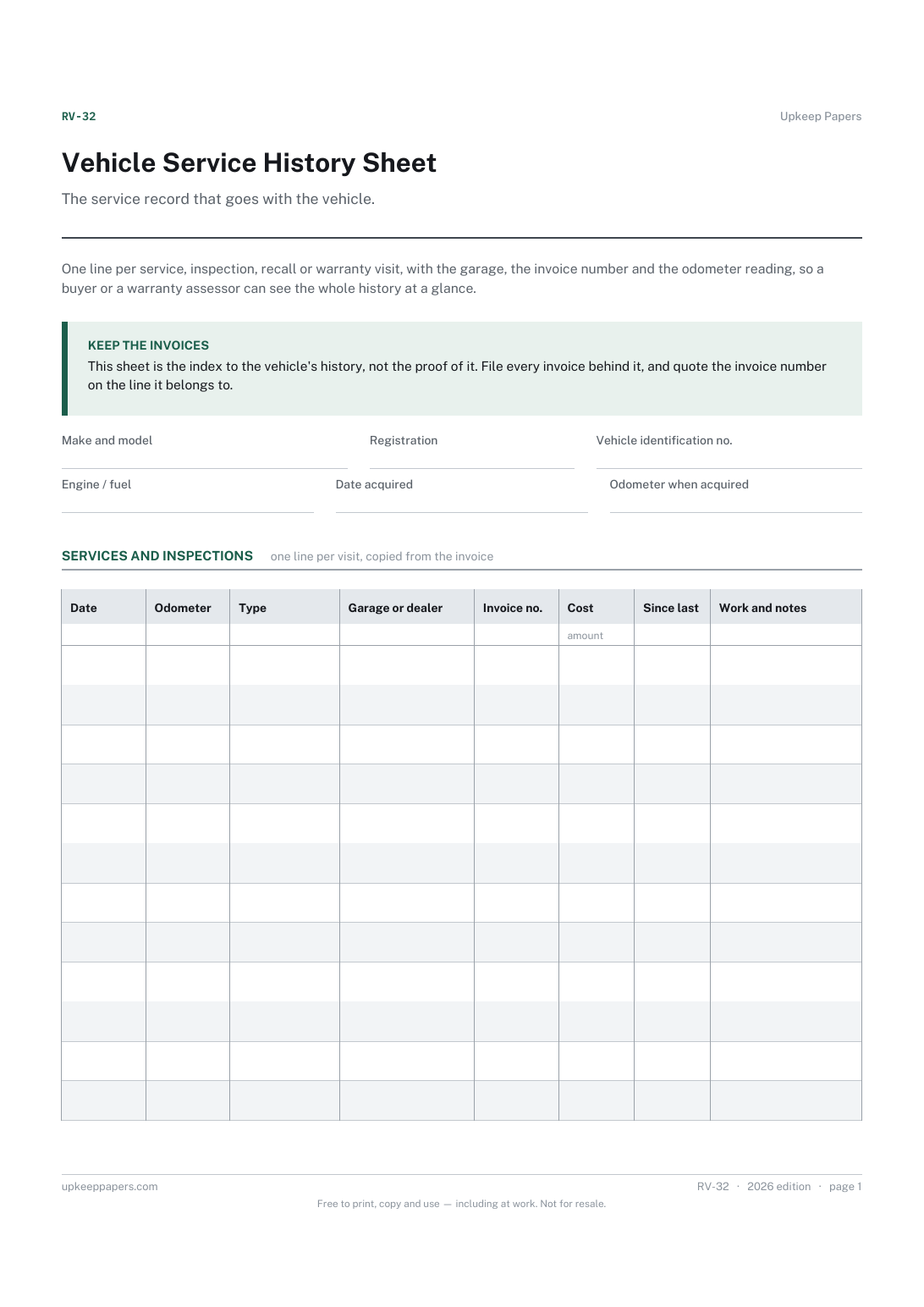
2 pages. The A4 and US Letter files are laid out identically, so neither is shrunk to fit.
Print it and write on it
Fillable PDF type and save
Spreadsheet formulas included
The fillable versions have real form fields — open them in any PDF reader, type into them and save. Printing help.
Fill it in online
The same sheet, on screen. Totals and figures are worked out as you type, rows can be added or removed, and you can print it or download the completed version as a PDF. Everything stays in your browser — your entries are kept in this browser's own storage on this device, nothing is uploaded, and there is no account.
Who this is for
The service record that goes with the vehicle. One line per service, inspection, recall or warranty visit, with the garage, the invoice number and the odometer reading, so a buyer or a warranty assessor can see the whole history at a glance.
Owners who want the vehicle's history to be worth something at resale, buyers starting a fresh record for a used vehicle, and anyone whose service book was lost or never stamped.
What this helps you track
- Every scheduled service and inspection, in date order with the mileage
- Which garage did the work and the invoice number that proves it
- The distance covered between one service and the next
- Recalls and warranty visits kept on the same record
- Total spent on servicing over the life of the vehicle
How to use it
- Fill in the vehicle's details at the top — the identification number is worth copying carefully.
- Add one row each time the vehicle is serviced or inspected, on the day, from the invoice.
- Record the odometer reading from the invoice, not from memory; the sheet works out the distance since the previous line.
- Note the invoice number and keep the invoice itself. This sheet is the index; the invoices are the evidence.
- In the browser or spreadsheet version the cost column totals itself; on paper, total it when you sell.
- Print the finished sheet and put it with the handbook when the vehicle changes hands.
Formats
- Printable PDF (A4 and US Letter)
- Fillable PDF with form fields
- Fill in online, saved in your browser
- Excel / Google Sheets workbook
The printable is laid out inside a box that fits both A4 and US Letter, so the two files are identical and neither one is scaled. The fillable PDF has real form fields. The workbook uses plain formulas only — SUM, IF, COUNTIF and the like — so it opens in Excel, LibreOffice and Google Sheets without anything breaking, and every calculated cell is grey so you can see which figures it worked out.
How to print
Download the A4 or US Letter file to match the paper in your printer, open it in a PDF reader and print at 100% — not "fit to page", which shrinks the writing space. Both files leave a 14 mm margin, which clears the unprintable edge on home printers. To print the online version with your entries in it, use the Print this sheet button, which prints only the sheet and none of the page around it. More on printing.
Questions
Does this replace a stamped service book?
It stands in for one where the book is missing or the garage no longer stamps them. Whether a buyer or a warranty provider accepts it depends on them, which is why the invoice number column matters — keep the invoices.
What should go in the type column?
Whatever the garage called it: a full or interim service, an annual inspection or test, a recall, a warranty repair. The list in the online version is a starting point and you can type your own.
How often should the vehicle be serviced?
That comes from the handbook, the garage and how the vehicle is used, not from this sheet. The distance-since-last column lets you compare what actually happened with whatever schedule you follow.
Where do my own oil changes go?
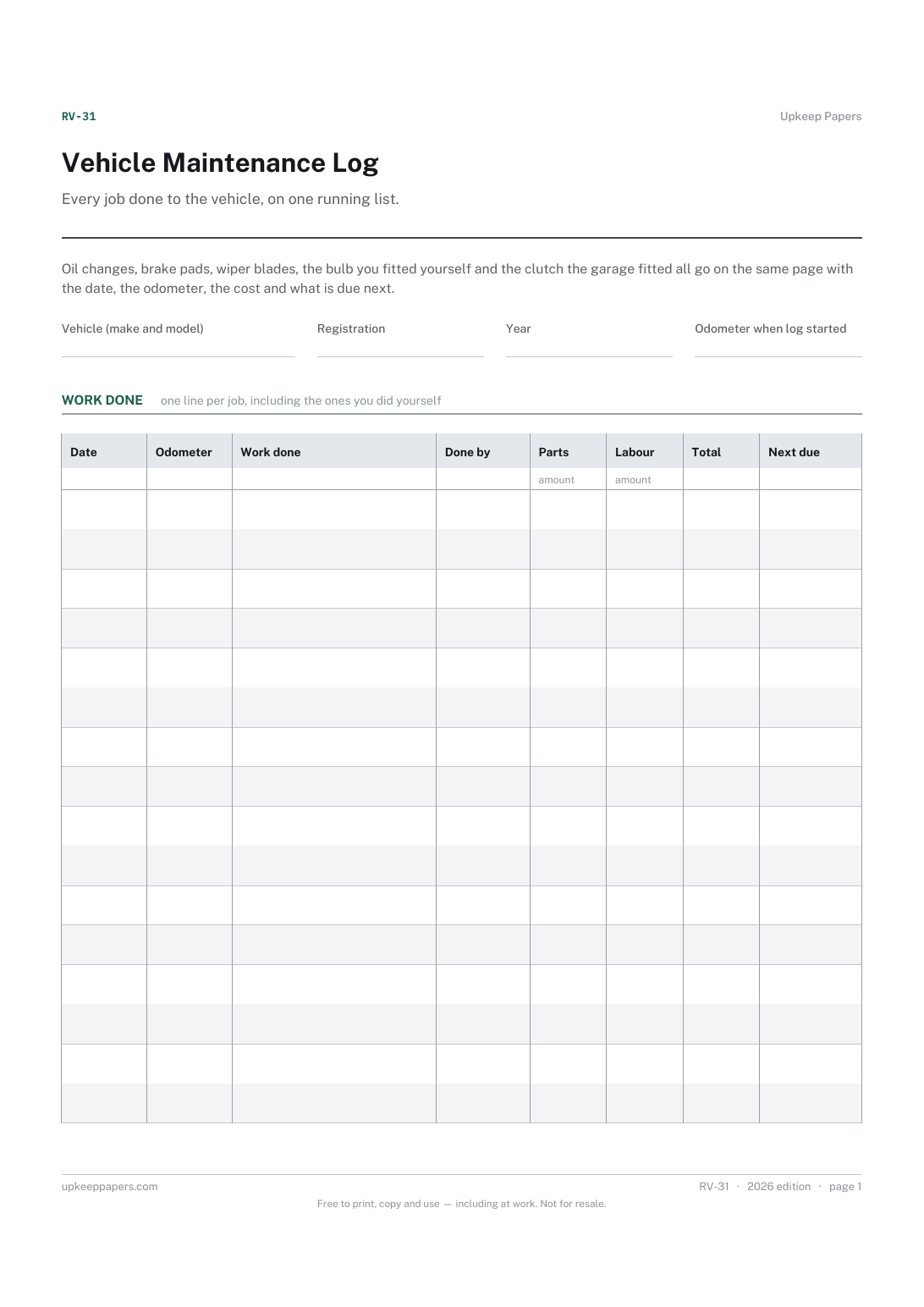
On the maintenance log, which is the working record of everything done. Keep this sheet for the professional services and inspections a buyer will ask about.
Related resources
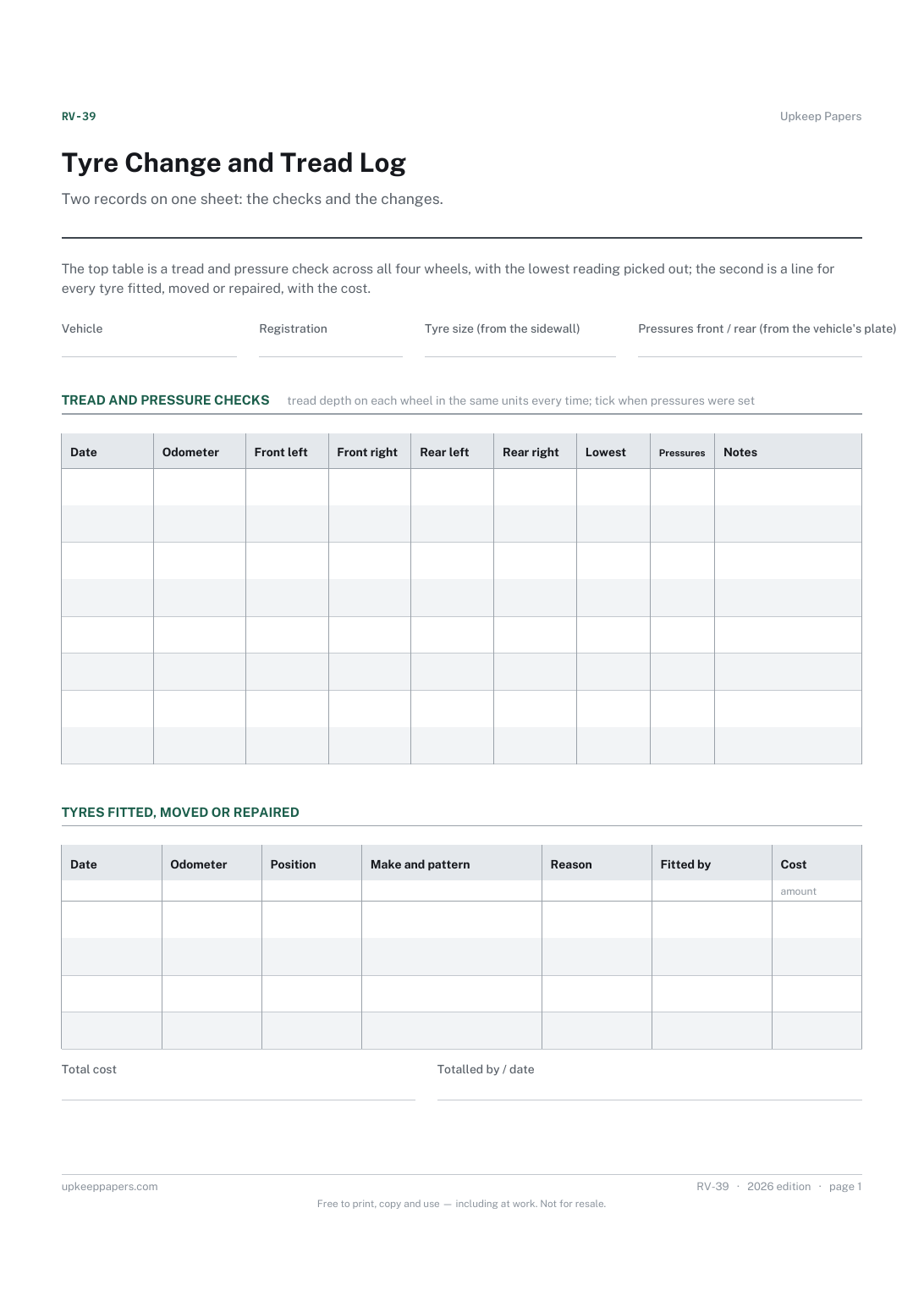
Tyre Change and Tread Log
Tread depth on each wheel over time, and which one is wearing fastest.
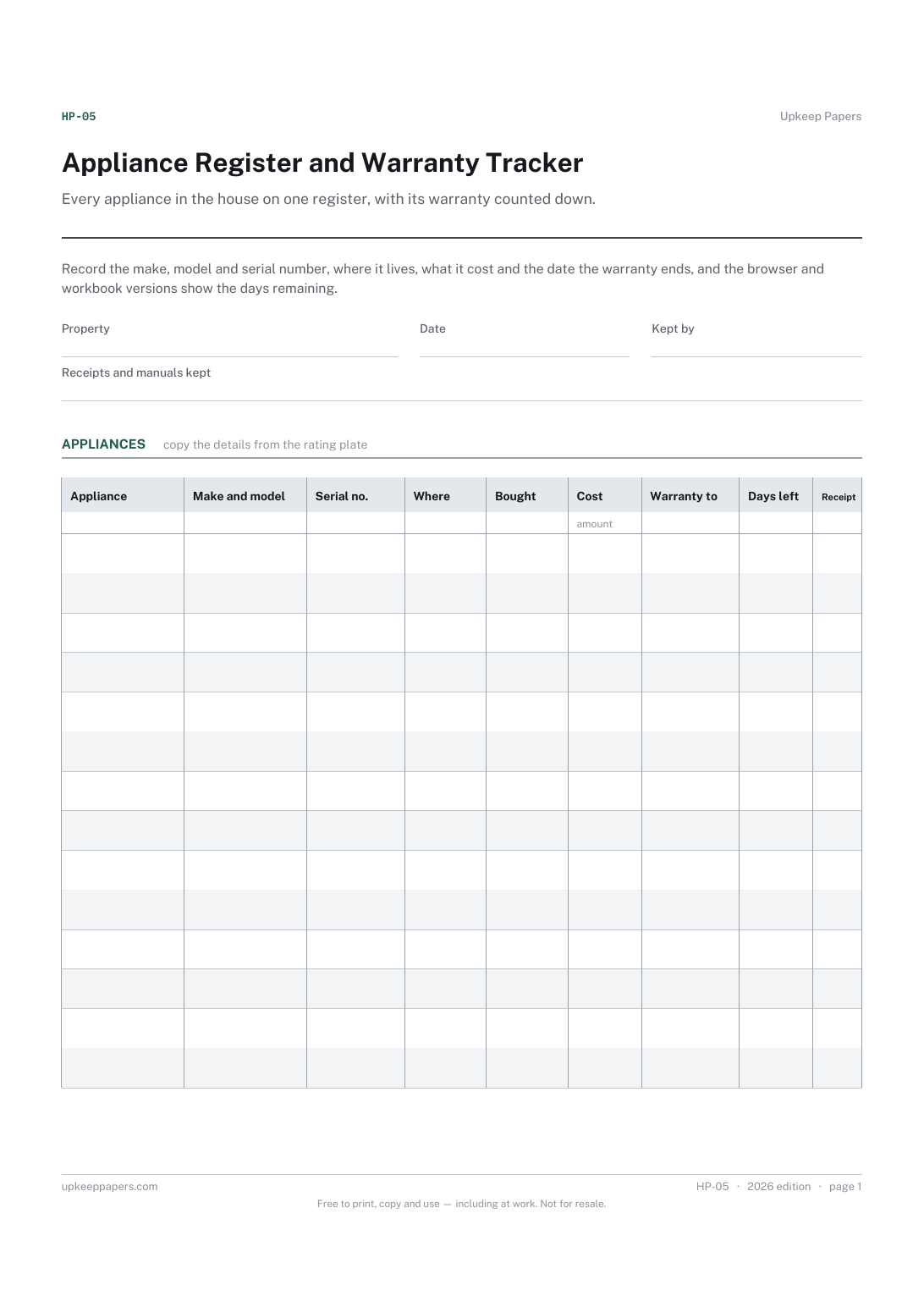
Appliance Register and Warranty Tracker
Make, model and serial number for every appliance, ready for a repair call.
Also in the library
Printable sheets, workbooks and tools on the same subject.
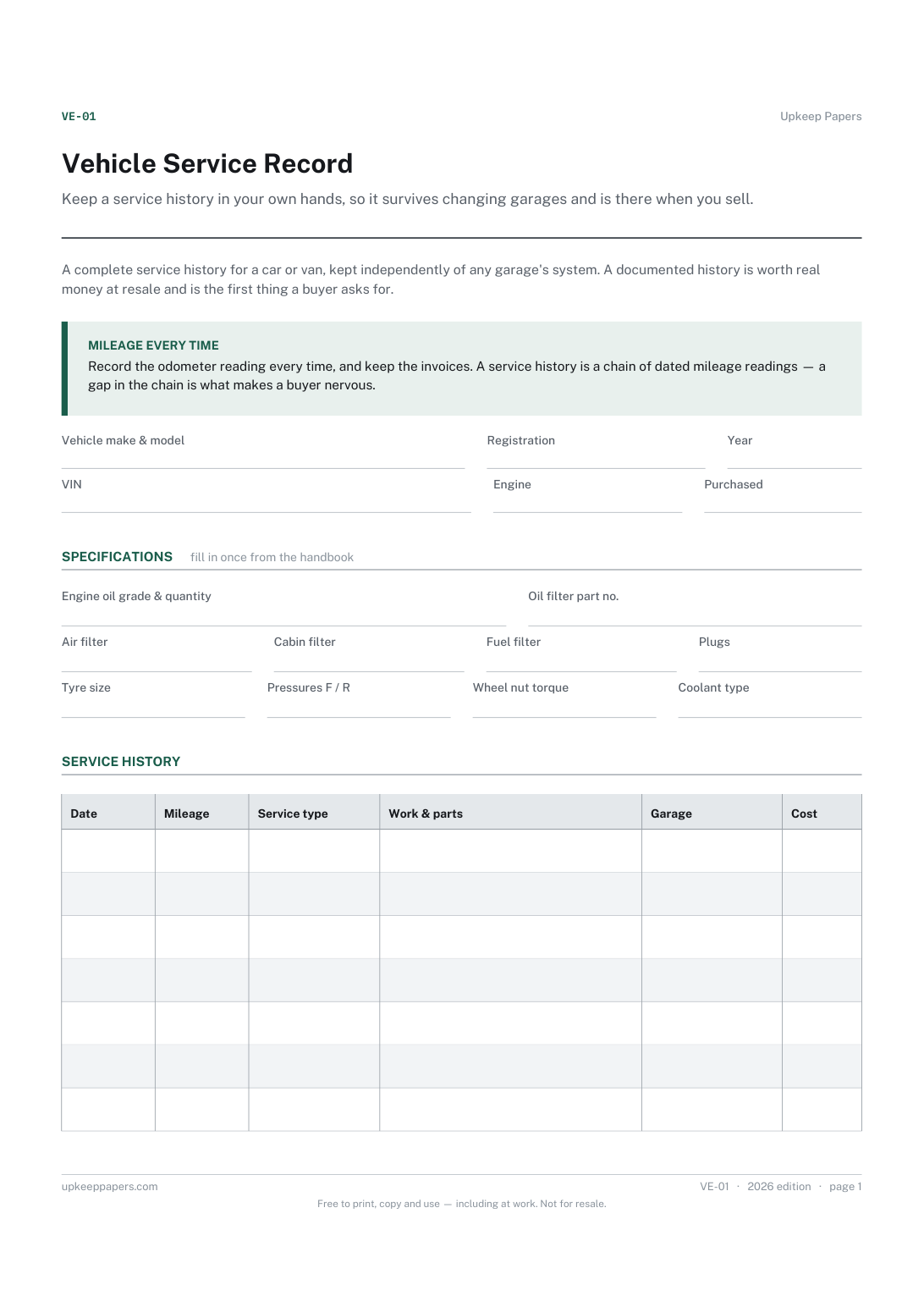
Vehicle Service Record
Keep a service history in your own hands, so it survives changing garages and is there when you sell.

Vehicle Information Sheet
Fill in once the details you are asked for by a garage, an insurer, a parts counter or a hire firm and can never find.

Vehicle Service Schedule Spreadsheet
Service items tracked on both clocks at once — distance and time — showing which one falls due first and how far away it is.
