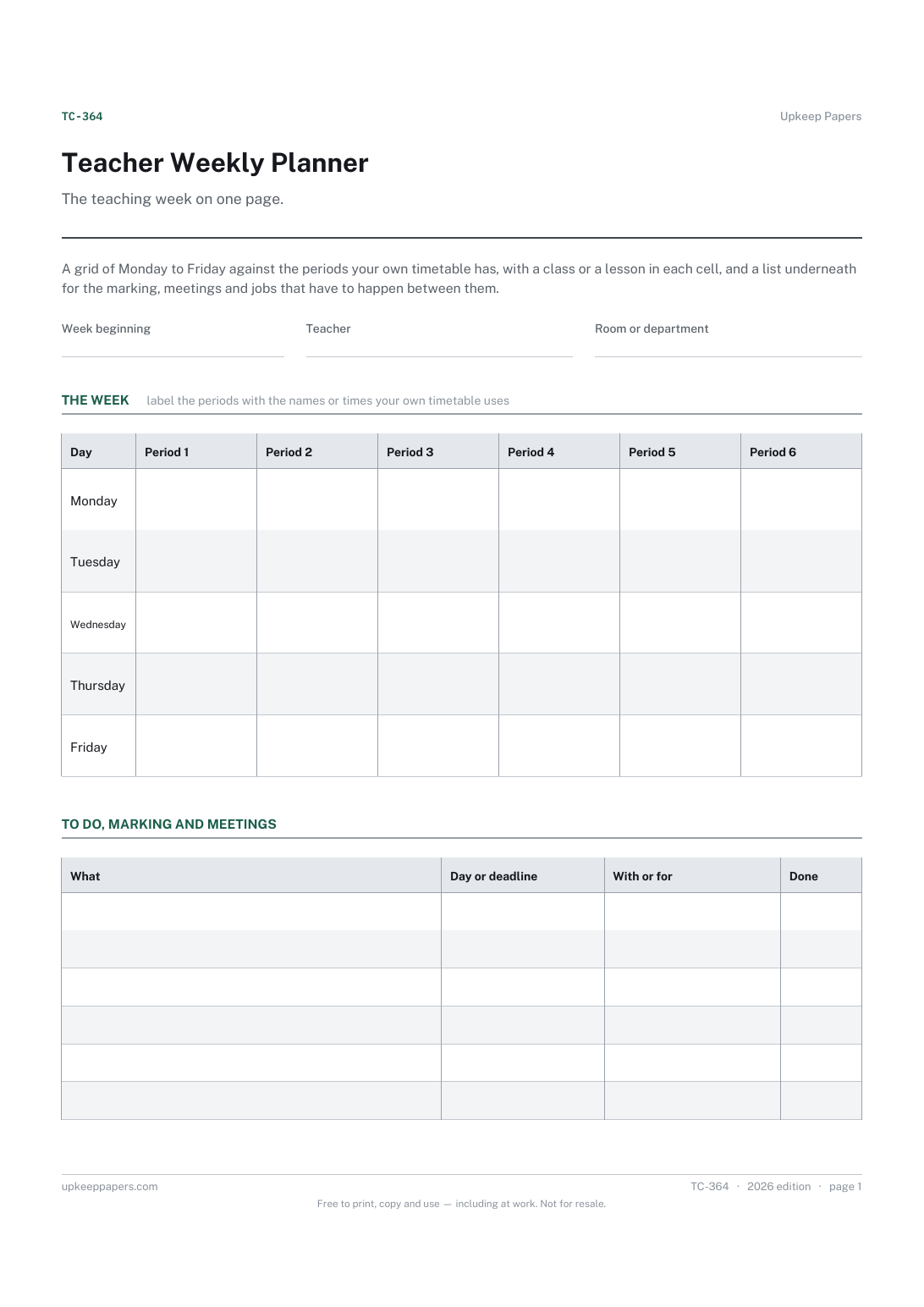
Teacher Weekly Planner
Which class or lesson is in each period, day by day.
TC-364 Planner PDF Online
Everything here is free. Making it takes time and money. Everything here is free.
 Buy us a coffee
 Teaching and classroom · TC-377 · Planner
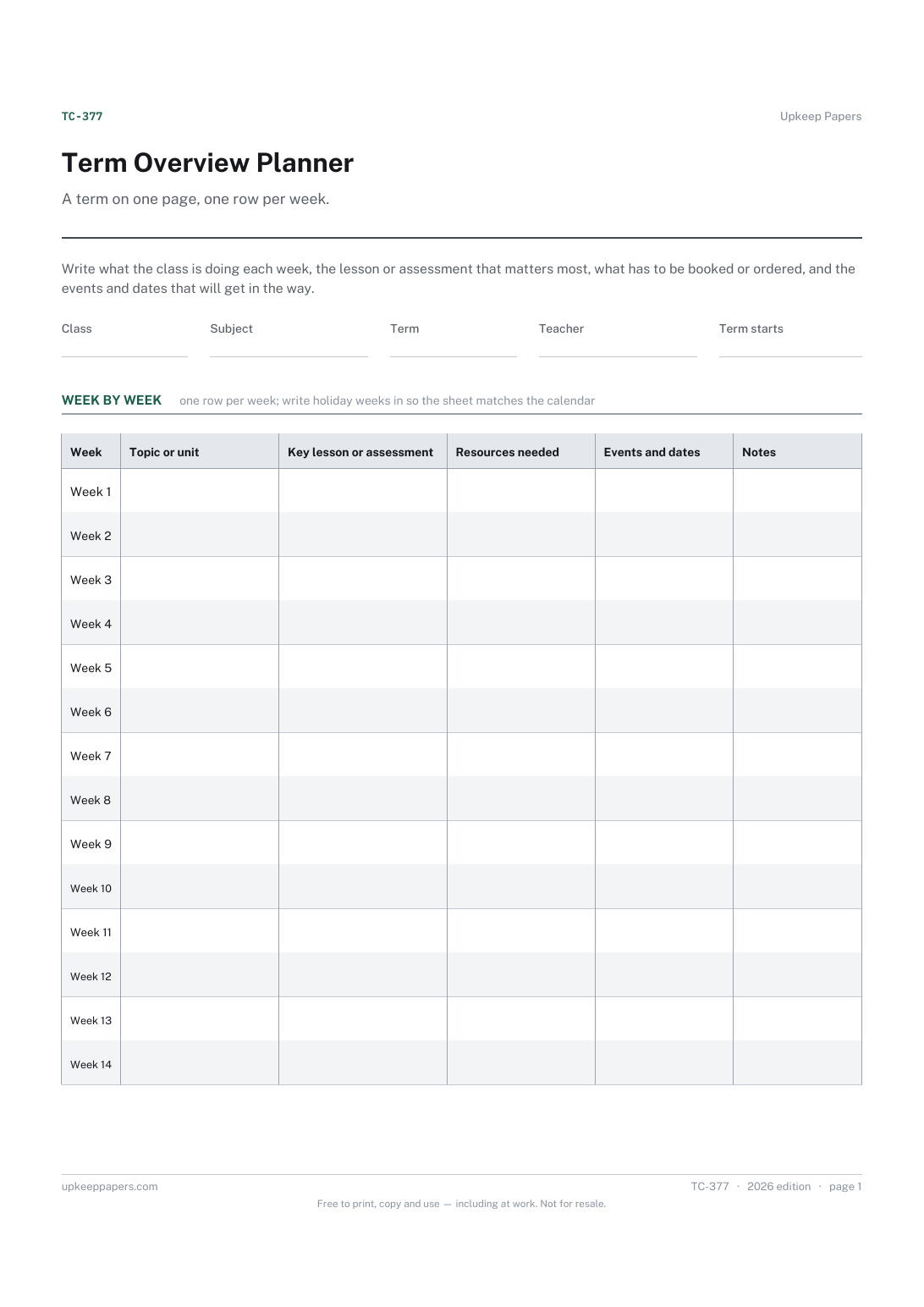
Free printable term overview — a row per week with the topic or unit, the key lesson or assessment, resources needed, events and dates, and notes. PDF, browser.
One page. The A4 and US Letter files are laid out identically, so neither is shrunk to fit.
Print it and write on it
Fillable PDF type and save
Or no download needed
Fill it in onlineThe fillable versions have real form fields — open them in any PDF reader, type into them and save. Printing help.
The same sheet, on screen. Tick, type, add or remove rows, then print it or download the completed version as a PDF. Everything stays in your browser — your entries are kept in this browser's own storage on this device, nothing is uploaded, and there is no account.
A term on one page, one row per week. Write what the class is doing each week, the lesson or assessment that matters most, what has to be booked or ordered, and the events and dates that will get in the way.
Class and subject teachers sketching a term before the detail goes into the weekly planner, and heads of department who want each class's term on one sheet they can read in a minute.
The printable is laid out inside a box that fits both A4 and US Letter, so the two files are identical and neither one is scaled. The fillable PDF has real form fields. The online version keeps what you enter in your own browser and builds the completed PDF on your device.
Download the A4 or US Letter file to match the paper in your printer, open it in a PDF reader and print at 100% — not "fit to page", which shrinks the writing space. Both files leave a 14 mm margin, which clears the unprintable edge on home printers. To print the online version with your entries in it, use the Print this sheet button, which prints only the sheet and none of the page around it. More on printing.
There are rows for up to fourteen weeks. Leave the ones you do not need blank, or write holiday weeks in so the sheet matches the calendar on the wall.
No. A scheme of work is the school's or the department's document. This is a teacher's own overview of how one term with one class will run, and it can be written from a scheme in a few minutes.
On the teacher weekly planner, which takes one week at a time. This sheet is the row above it: what the week is for, not what each lesson contains.
One sheet per term keeps the rows readable. The browser version saves in your own browser, so three terms can sit in three tabs.
Which class or lesson is in each period, day by day.
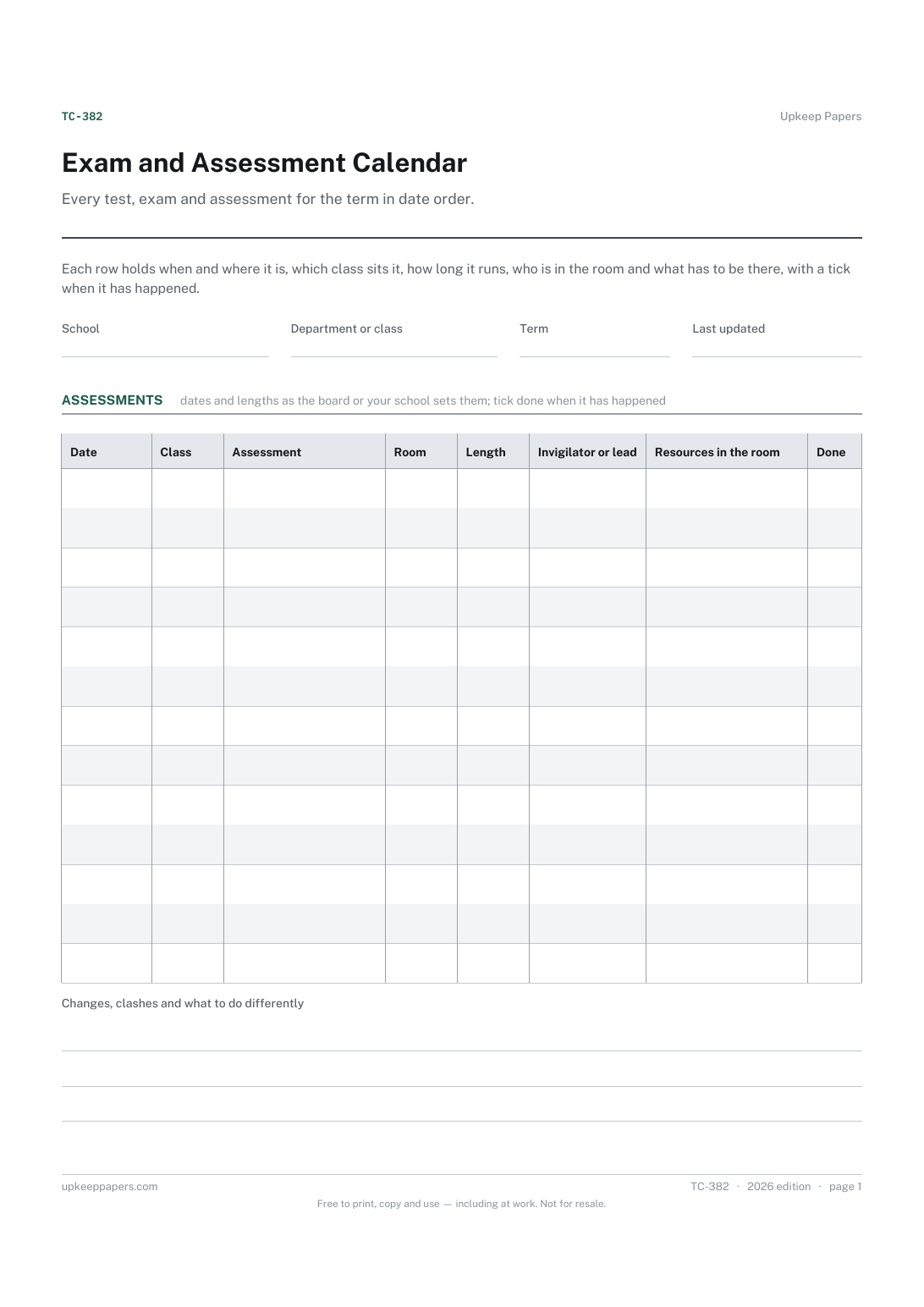
Which assessments fall in the term, and on which dates.
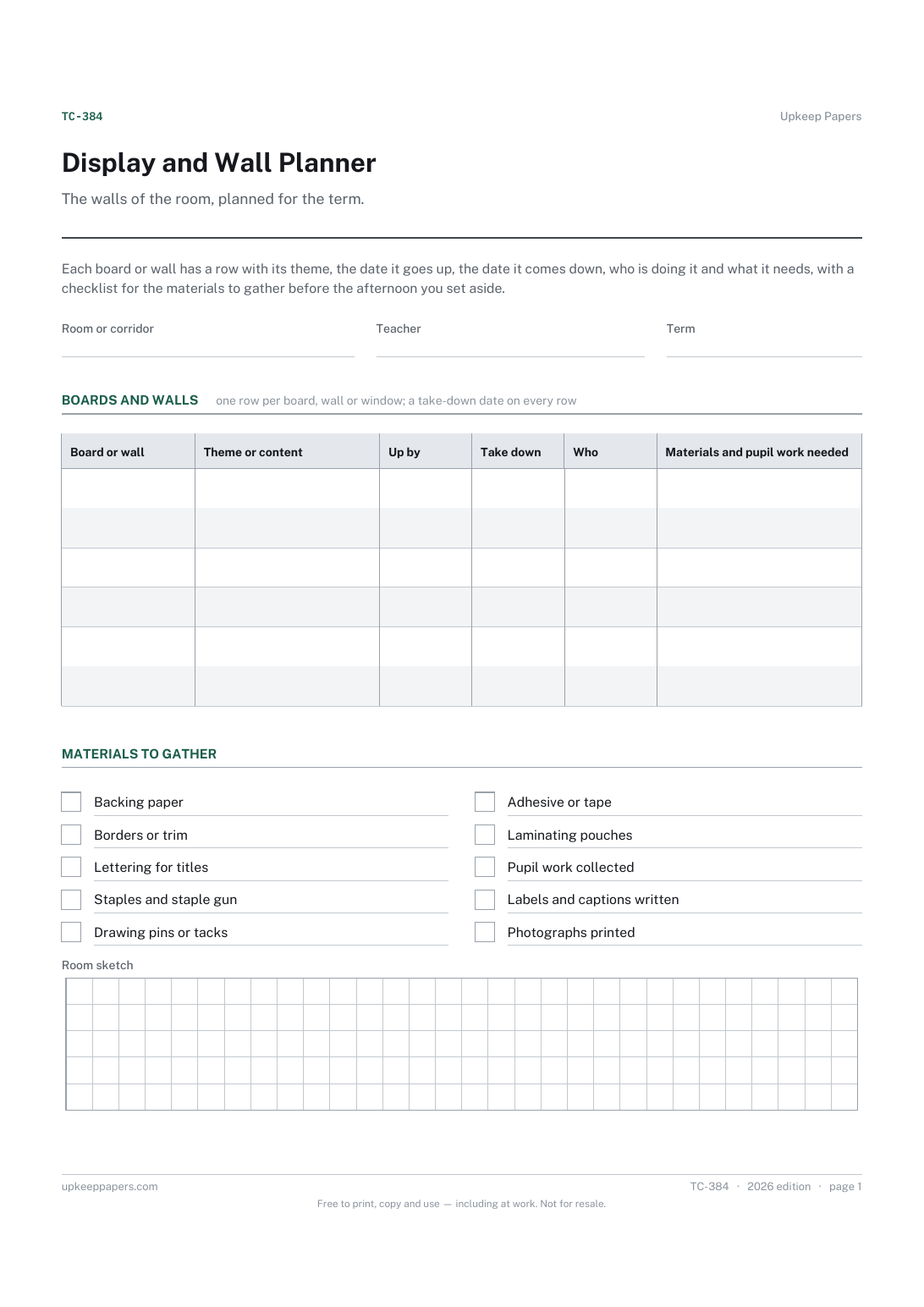
Which boards and walls there are, and what each one will show this term.
Printable sheets, workbooks and tools on the same subject.
Plan one lesson on one page, with space for the two things people skip: the checking, and the plan for the students who have not got it.
Lay a week out as a grid using your own period times, for a class, a room or one person.

Every sheet, binder, game and puzzle on Upkeep Papers is free to download, with no email and no account. Making them is not free: each one takes days of research, design and checking, and the site costs money to run. If something here saved you time, you can buy us a coffee. It is entirely optional: nothing is locked, and nothing changes if you don’t.
Buy us a coffee Opens PayPal in a new tab. Any amount, and nothing changes if you would rather not.