
Teaching and classroom · TC-376 · Log
Classroom Library Loan Sheet
Free printable classroom library loan sheet — date out, pupil, book, date back, a returned tick and the condition it came back in. PDF and browser versions.
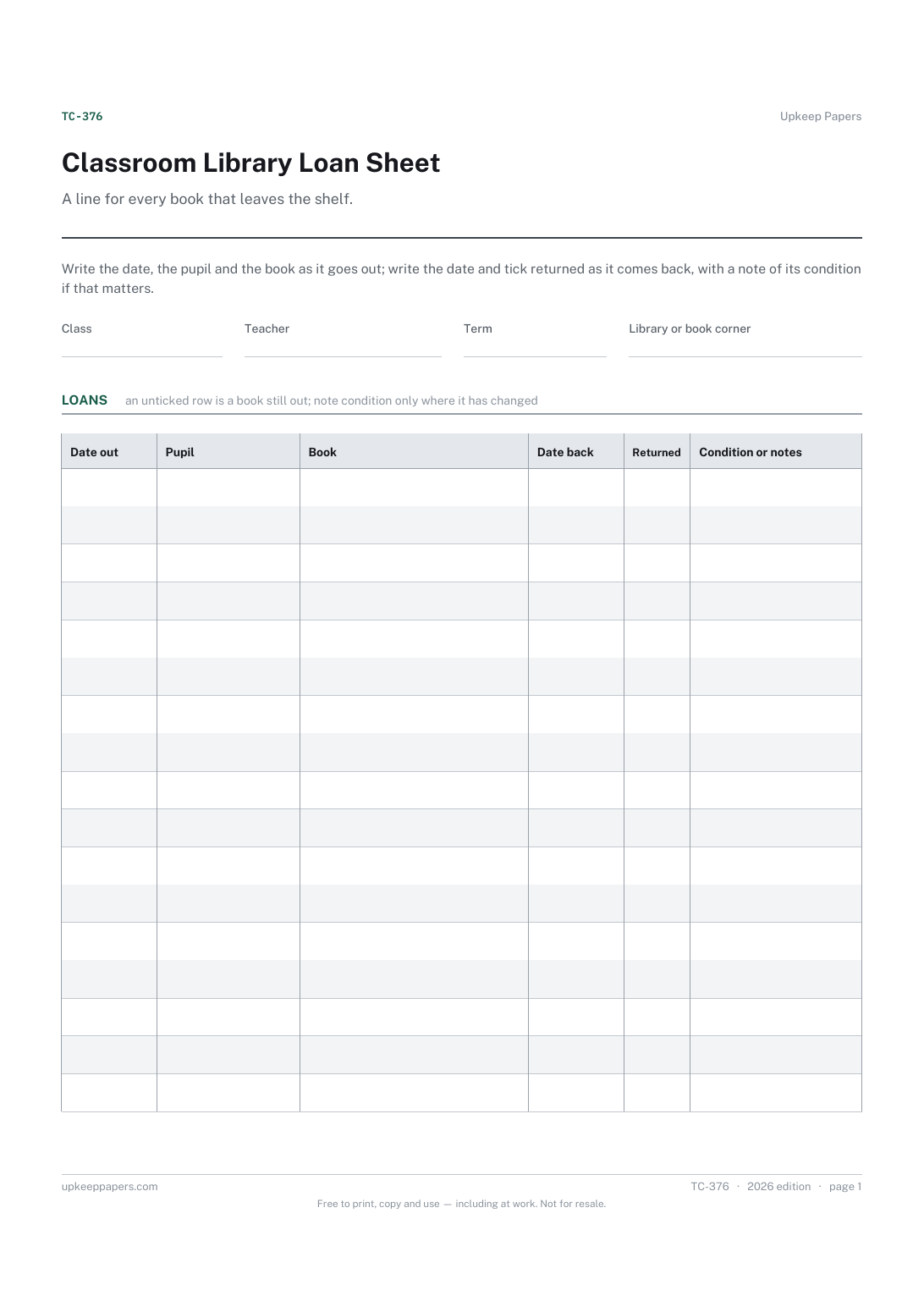
2 pages. The A4 and US Letter files are laid out identically, so neither is shrunk to fit.
Print it and write on it
Fillable PDF type and save
Or no download needed
Fill it in onlineThe fillable versions have real form fields — open them in any PDF reader, type into them and save. Printing help.
Fill it in online
The same sheet, on screen. Tick, type, add or remove rows, then print it or download the completed version as a PDF. Everything stays in your browser — your entries are kept in this browser's own storage on this device, nothing is uploaded, and there is no account.
Who this is for
A line for every book that leaves the shelf. Write the date, the pupil and the book as it goes out; write the date and tick returned as it comes back, with a note of its condition if that matters.
Class teachers, teaching assistants, reading leads and pupil librarians running a book corner or classroom library without a scanner, and anyone who has lost a class set one book at a time.
What this helps you track
- Which books are out, with whom and since when
- Which have come back, and on what date
- The condition a book came back in, so damage is noticed on the day
- Which pupils borrow most and which books never come back on time
How to use it
- Write the class, the teacher and the term at the top, and where the library lives if it is not the classroom.
- When a book goes out, add a row: the date, the pupil and the title. A pupil librarian can do this as easily as a teacher.
- When it comes back, write the date in the returned column and tick it. Leave the tick empty and the row shows at a glance that the book is still out.
- Note the condition only where something has changed — a torn cover, a missing page — so the note means something when it appears.
- Run down the unticked rows at the end of each week and remind whoever needs reminding.
- Start a fresh sheet each term, and keep the old one until every row on it is ticked.
Formats
- Printable PDF (A4 and US Letter)
- Fillable PDF with form fields
- Fill in online, saved in your browser
The printable is laid out inside a box that fits both A4 and US Letter, so the two files are identical and neither one is scaled. The fillable PDF has real form fields. The online version keeps what you enter in your own browser and builds the completed PDF on your device.
How to print
Download the A4 or US Letter file to match the paper in your printer, open it in a PDF reader and print at 100% — not "fit to page", which shrinks the writing space. Both files leave a 14 mm margin, which clears the unprintable edge on home printers. To print the online version with your entries in it, use the Print this sheet button, which prints only the sheet and none of the page around it. More on printing.
Questions
How is this different from the reading record?
The reading record is about what a pupil read and how it went. This is about where the book is. A pupil can appear on both; the book only appears here.
Do I need to number the books?
No, though a number or a shelf label in the book column makes matching a returned book to its row quicker when several pupils have the same title.
Can pupils fill it in themselves?
Yes — the columns are simple enough for a pupil librarian, and letting them keep the sheet is part of the point. A teacher can check the unticked rows each week.
What happens when the sheet fills up?
Print another. The browser version adds rows as you need them and saves in your own browser, so a whole term can sit in one place.
Related resources
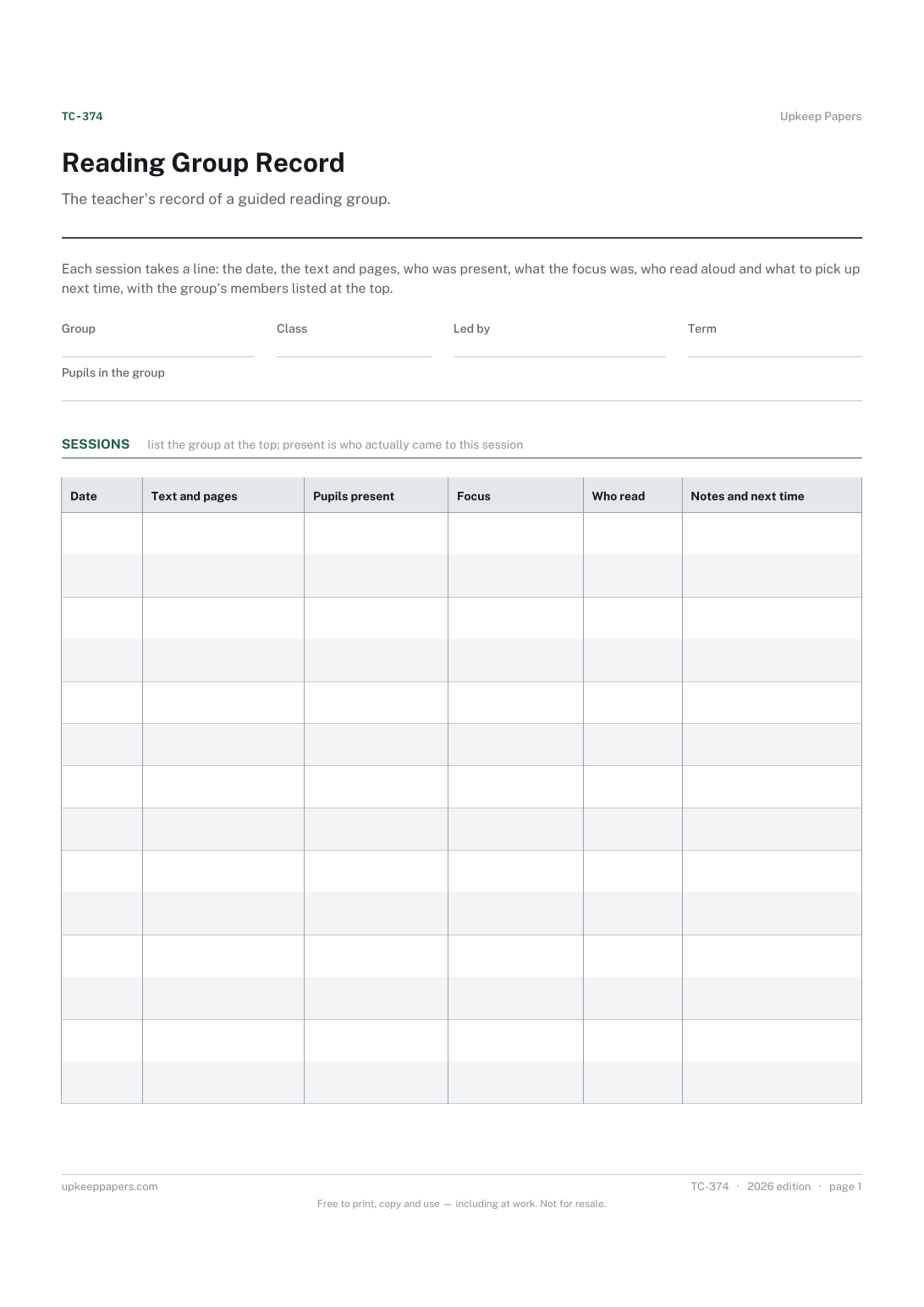
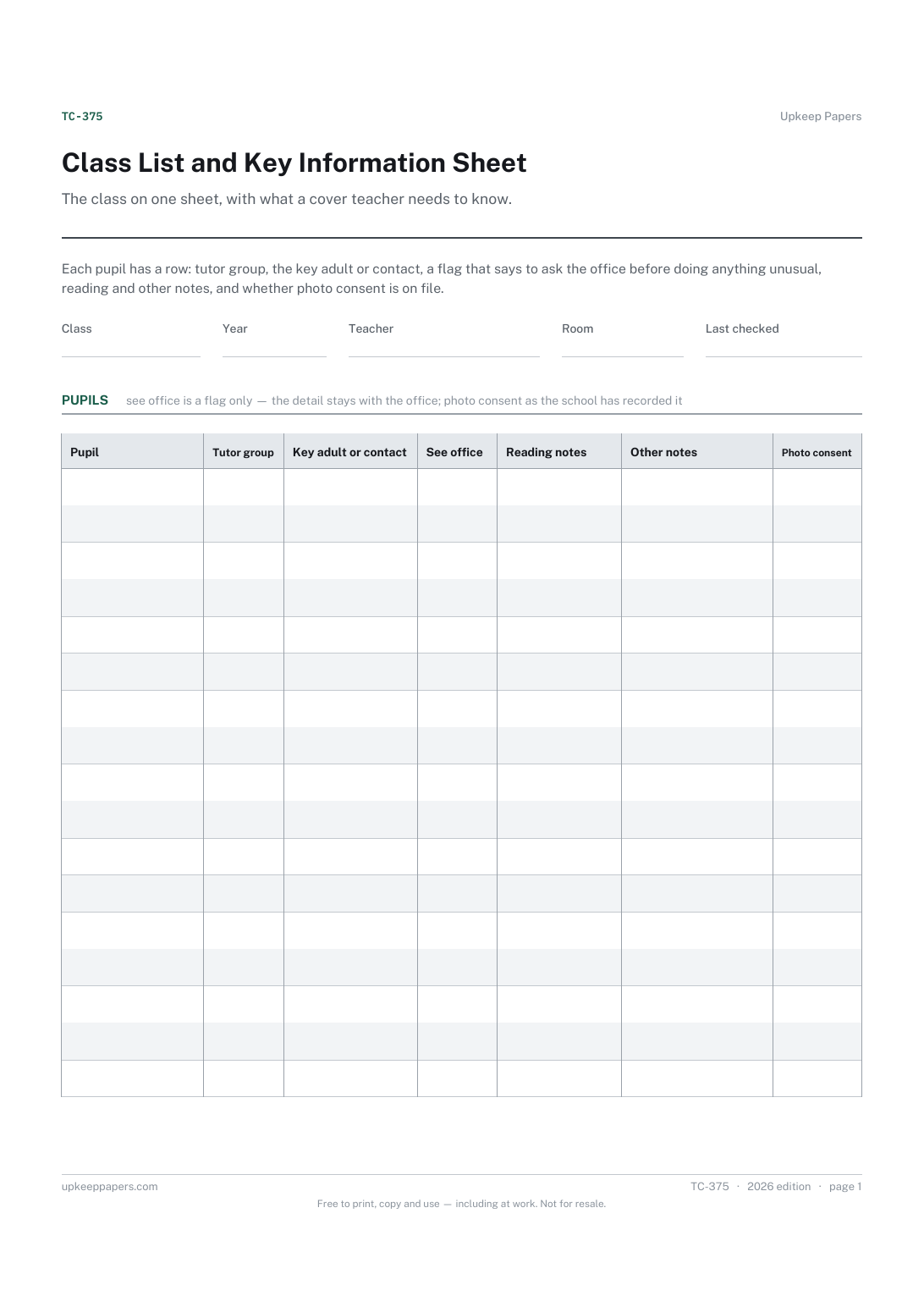
Class List and Key Information Sheet
Who is in the class and which tutor group each pupil belongs to.
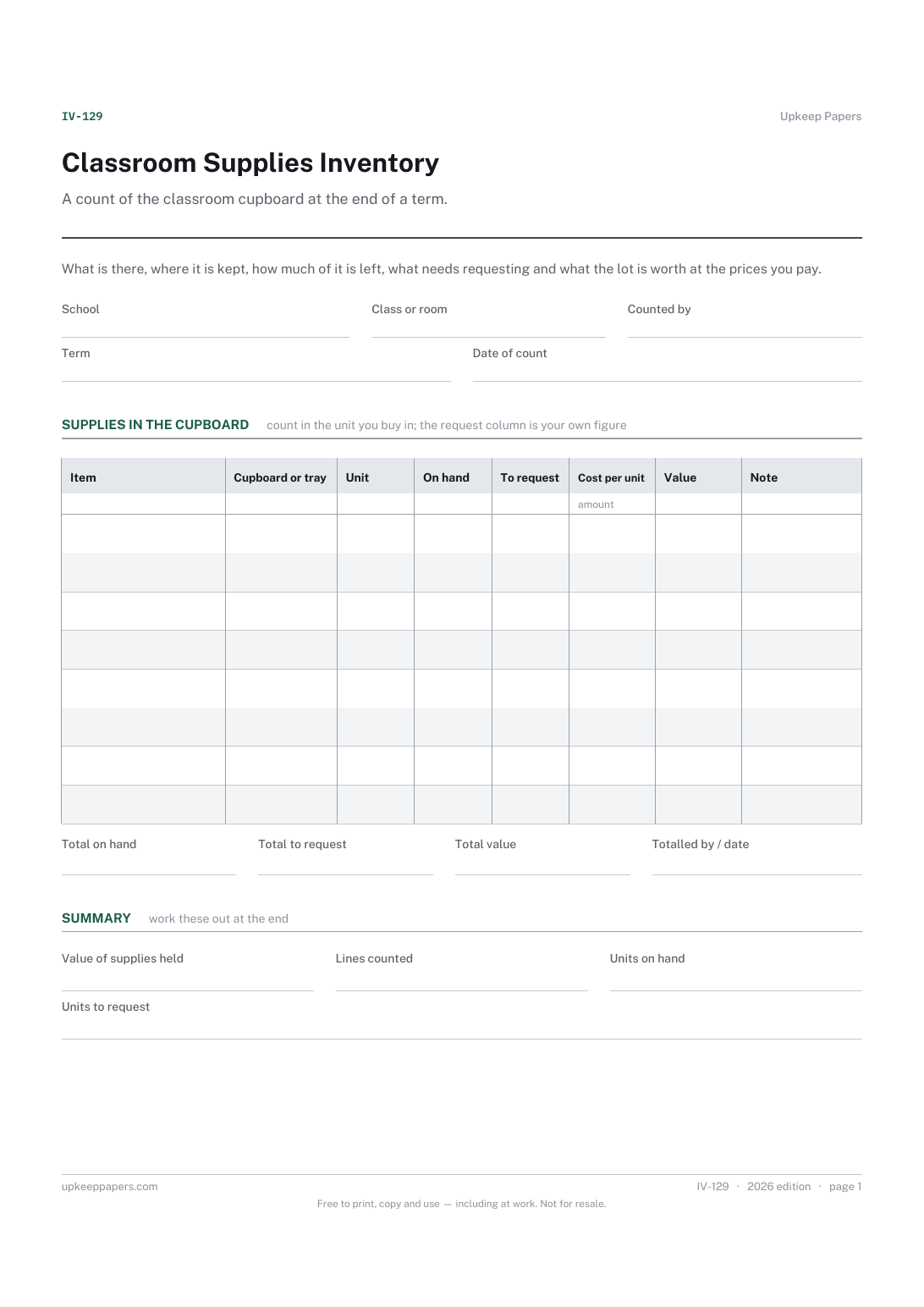
Classroom Supplies Inventory
What is held in each cupboard, tray or store, and in what pack size.
Also in the library
Printable sheets, workbooks and tools on the same subject.

Reading Record Sheet
Keep a running record of what a child has read and how it went, without attaching a level or an age to any of it.
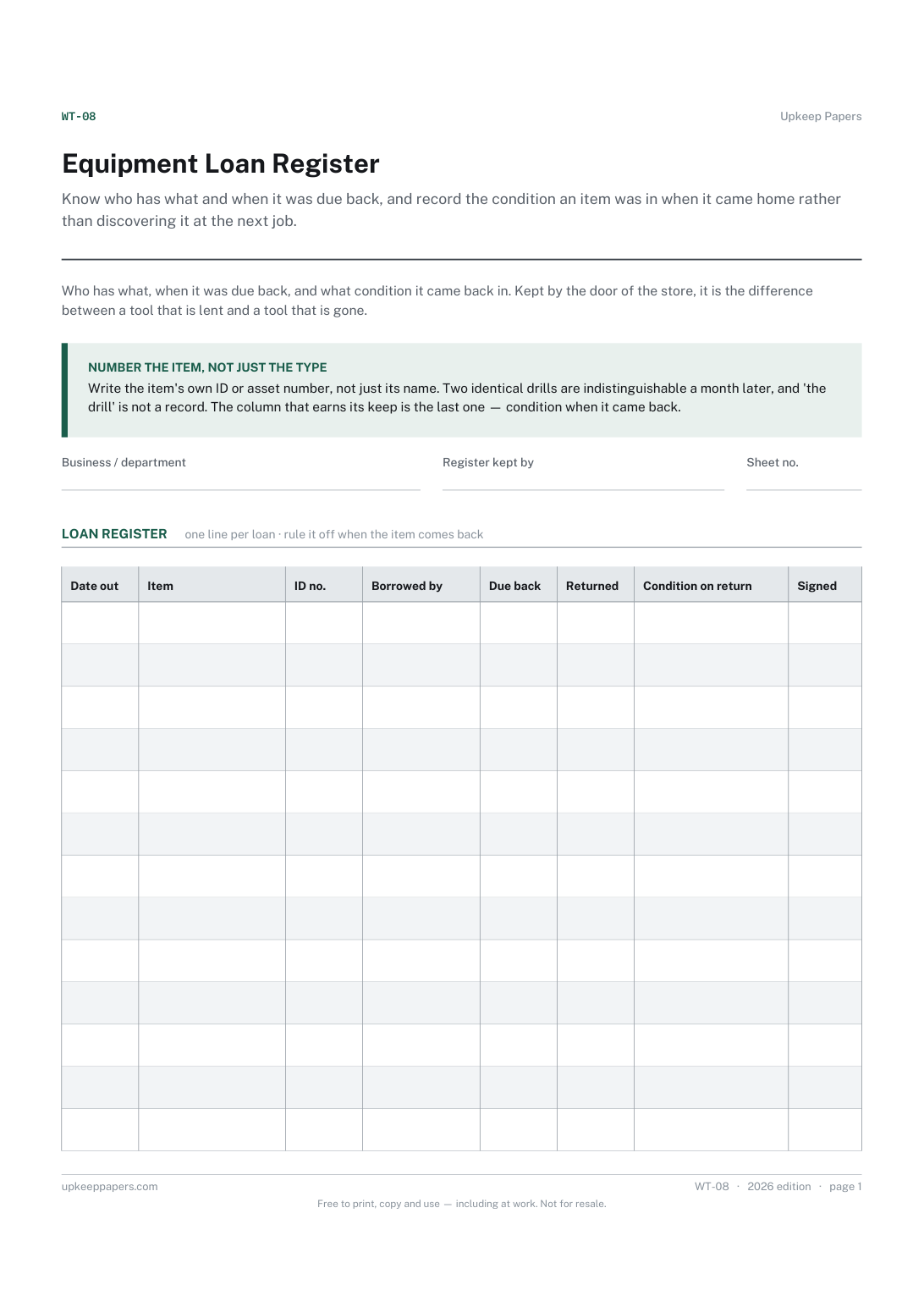
Equipment Loan Register
Know who has what and when it was due back, and record the condition an item was in when it came home rather than discovering it at the next job.
