Weekend DIY Project Planner
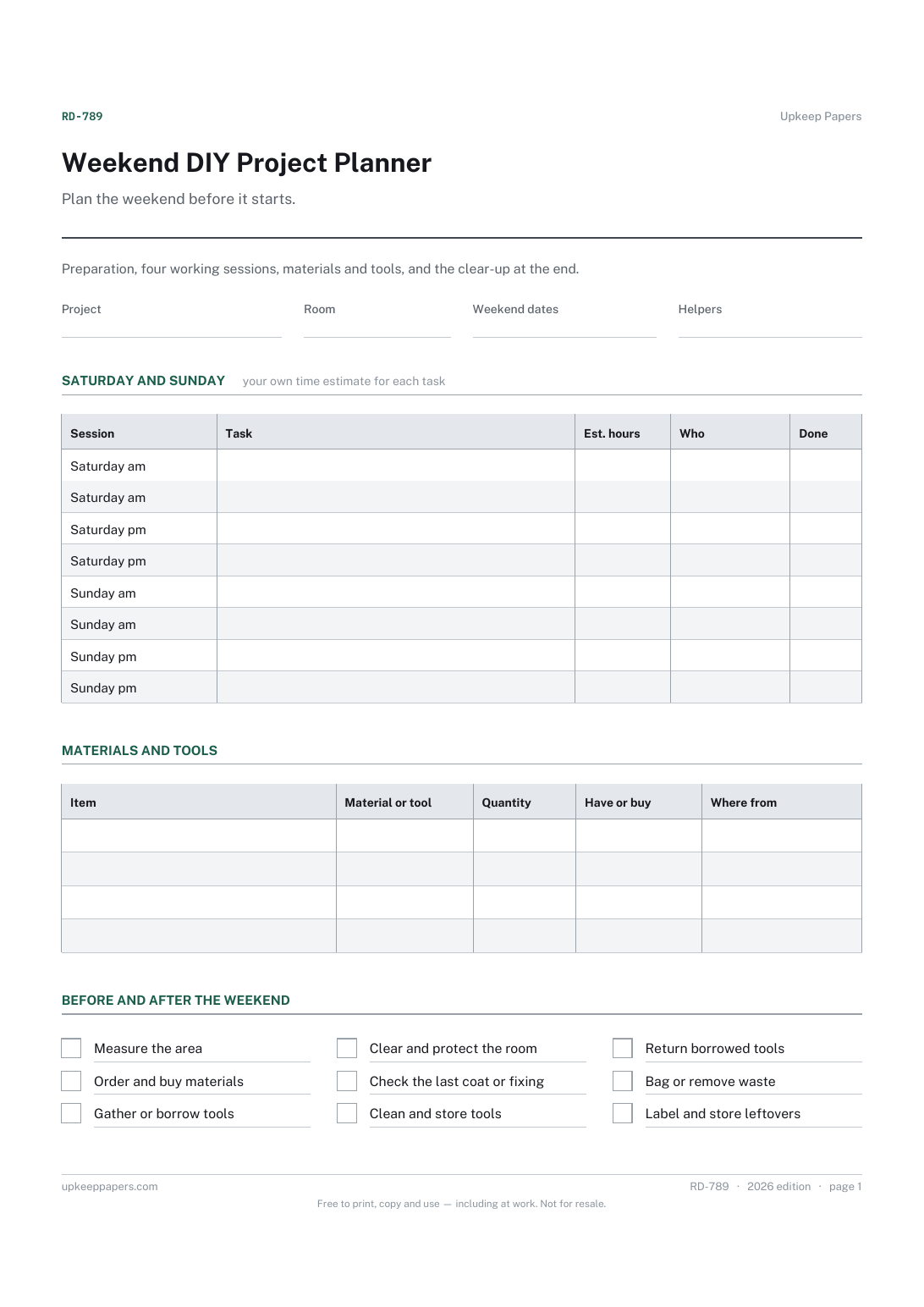
What to measure, order and buy before Saturday.
RD-789 Planner PDF Online
Everything here is free. Making it takes time and money. Everything here is free.
 Buy us a coffee
 Renovation and DIY Projects · RD-788 · Log
DIY tool borrow and hire log: tools from friends and hire shops with due dates, days out, hire cost and deposits. Printable PDF, Excel and browser versions.
2 pages. The A4 and US Letter files are laid out identically, so neither is shrunk to fit.
Print it and write on it
Fillable PDF type and save
Spreadsheet formulas included
The fillable versions have real form fields — open them in any PDF reader, type into them and save. Printing help.
The same sheet, on screen. Totals and figures are worked out as you type, rows can be added or removed, and you can print it or download the completed version as a PDF. Everything stays in your browser — your entries are kept in this browser's own storage on this device, nothing is uploaded, and there is no account.
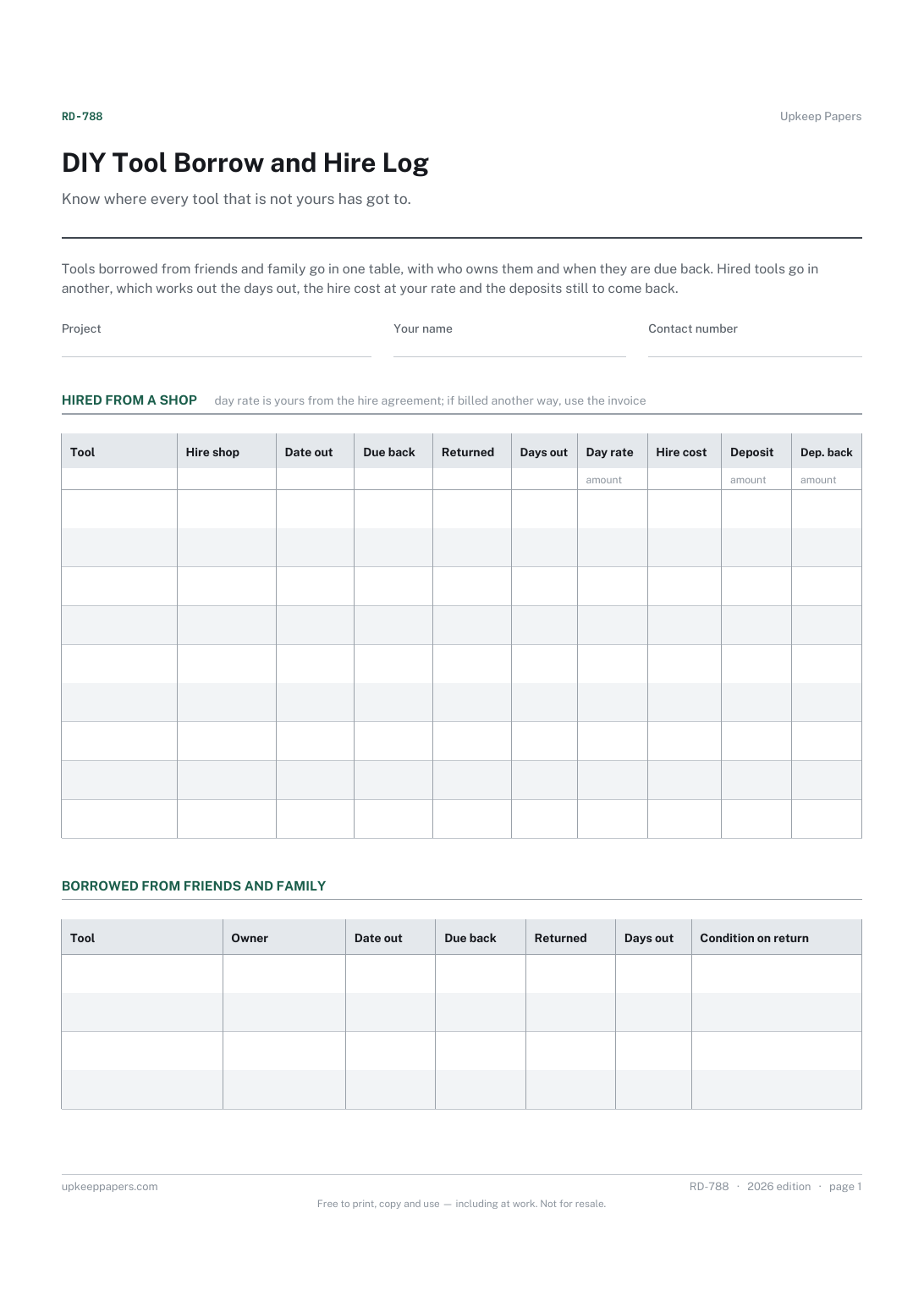
Know where every tool that is not yours has got to. Tools borrowed from friends and family go in one table, with who owns them and when they are due back. Hired tools go in another, which works out the days out, the hire cost at your rate and the deposits still to come back.
Homeowners doing their own DIY who borrow a ladder from a neighbour or hire a floor sander for a weekend, and anyone who has ever had to admit they do not know whose drill it is.
The printable is laid out inside a box that fits both A4 and US Letter, so the two files are identical and neither one is scaled. The fillable PDF has real form fields. The workbook uses plain formulas only — SUM, IF, COUNTIF and the like — so it opens in Excel, LibreOffice and Google Sheets without anything breaking, and every calculated cell is grey so you can see which figures it worked out.
Download the A4 or US Letter file to match the paper in your printer, open it in a PDF reader and print at 100% — not "fit to page", which shrinks the writing space. Both files leave a 14 mm margin, which clears the unprintable edge on home printers. To print the online version with your entries in it, use the Print this sheet button, which prints only the sheet and none of the page around it. More on printing.
Days out multiplied by the day rate you enter from the hire agreement. If the shop charges by the week, a weekend or a fixed period, use the figure on its invoice instead and note the difference; the sheet does not know any shop's pricing.
Because they carry no charge but still need to go back on time and in the same condition. Keeping them apart stops the hire totals being muddled and makes the list of favours owed easy to read.
Anything worn, damaged or missing when it went back, and whether you told the owner. For hired tools, the shop's own check-in note is the record that matters, so keep that with this log.
It counts the tools with a date out and takes away those with a return date. On paper, look down the returned column for the blanks.
What to measure, order and buy before Saturday.
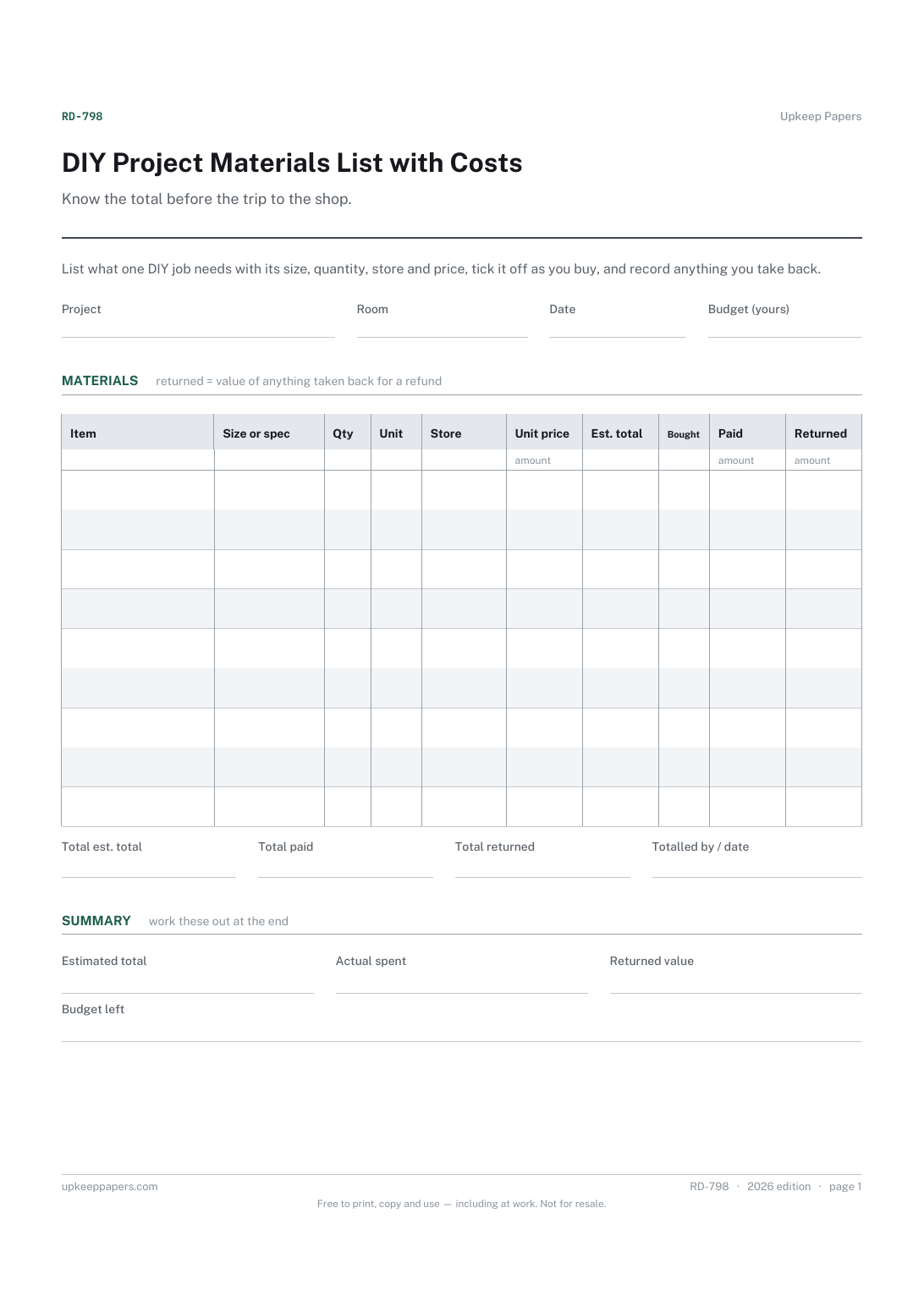
Every item the job needs, with its size or specification.
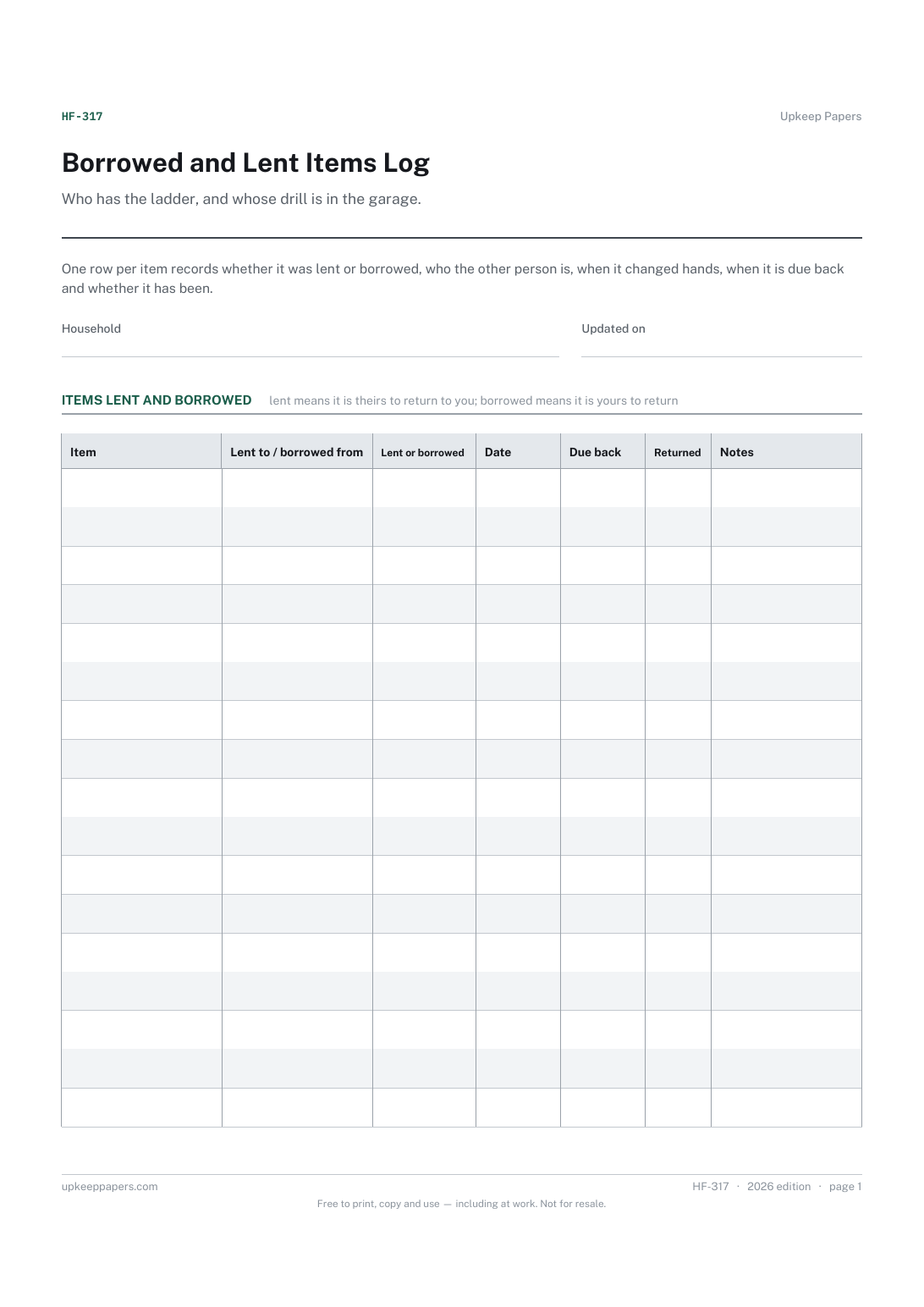
What has been lent out, to whom, and when it went.
Printable sheets, workbooks and tools on the same subject.
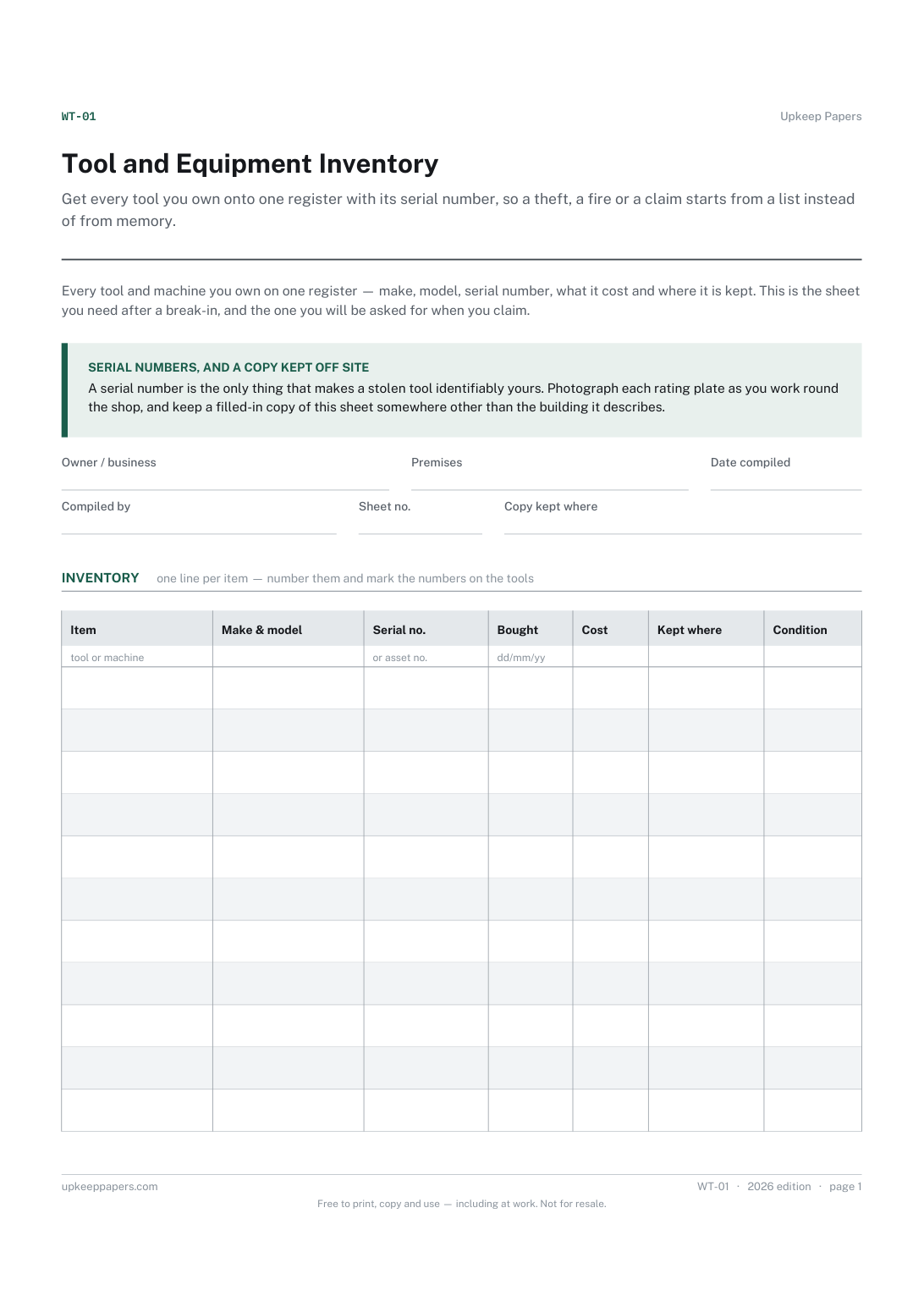
Get every tool you own onto one register with its serial number, so a theft, a fire or a claim starts from a list instead of from memory.

Every sheet, binder, game and puzzle on Upkeep Papers is free to download, with no email and no account. Making them is not free: each one takes days of research, design and checking, and the site costs money to run. If something here saved you time, you can buy us a coffee. It is entirely optional: nothing is locked, and nothing changes if you don’t.
Buy us a coffee Opens PayPal in a new tab. Any amount, and nothing changes if you would rather not.