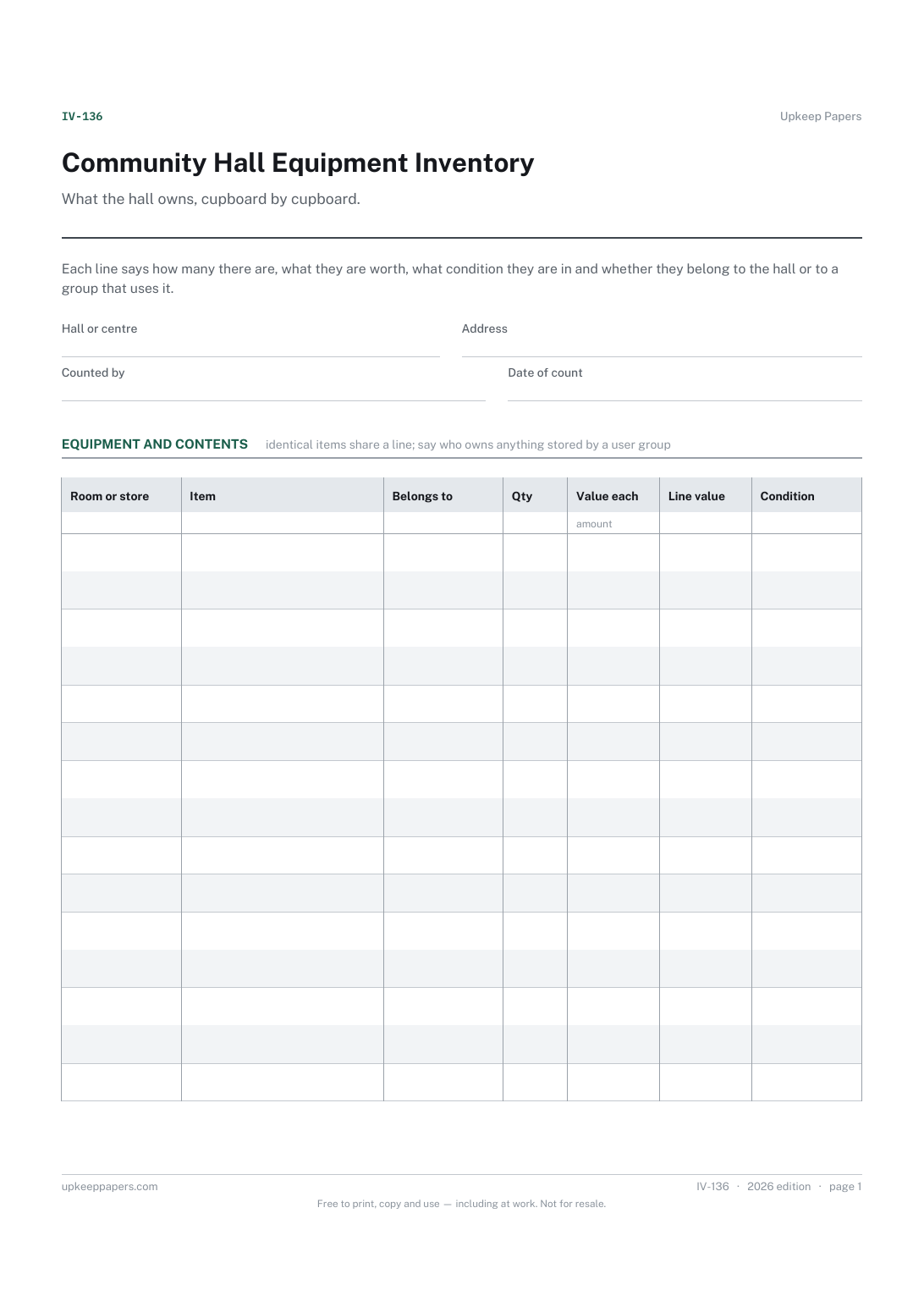
Community Hall Equipment Inventory
What the hall holds, from stacking chairs to urns, and which store it lives in.
IV-136 Inventory PDF Excel Online
Everything here is free. Making it takes time and money. Everything here is free.
 Buy us a coffee
 Logs and record sheets · LR-173 · Log
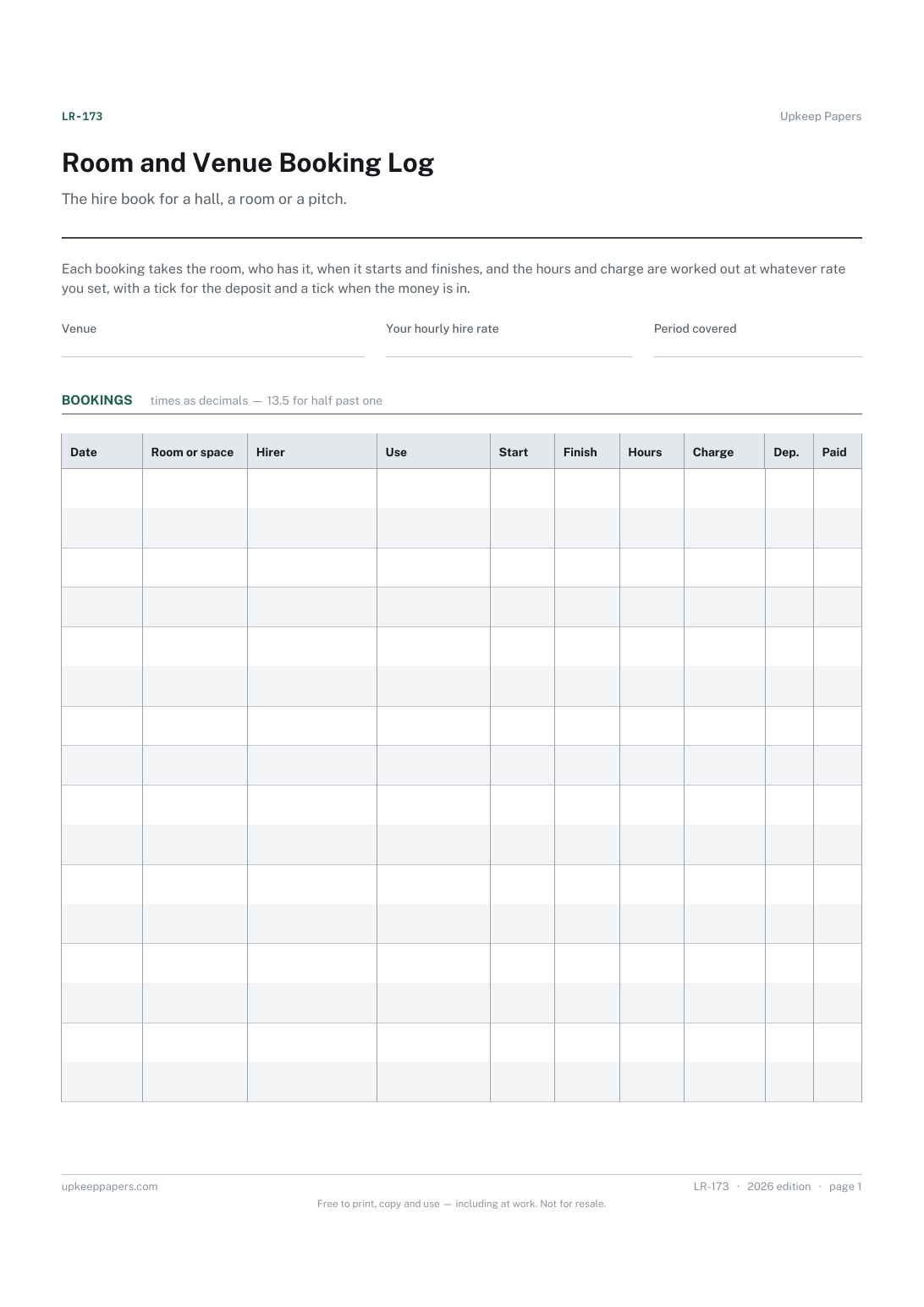
Free venue booking log — room, hirer, start and finish, hours and charge at your own rate, with deposit and paid ticks. PDF, Excel and browser versions.
2 pages. The A4 and US Letter files are laid out identically, so neither is shrunk to fit.
Print it and write on it
Fillable PDF type and save
Spreadsheet formulas included
The fillable versions have real form fields — open them in any PDF reader, type into them and save. Printing help.
The same sheet, on screen. Totals and figures are worked out as you type, rows can be added or removed, and you can print it or download the completed version as a PDF. Everything stays in your browser — your entries are kept in this browser's own storage on this device, nothing is uploaded, and there is no account.
The hire book for a hall, a room or a pitch. Each booking takes the room, who has it, when it starts and finishes, and the hours and charge are worked out at whatever rate you set, with a tick for the deposit and a tick when the money is in.
Village and community halls, churches, sports clubs, scout huts, studios, serviced offices and anyone letting a space out by the hour and chasing the payment afterwards.
The printable is laid out inside a box that fits both A4 and US Letter, so the two files are identical and neither one is scaled. The fillable PDF has real form fields. The workbook uses plain formulas only — SUM, IF, COUNTIF and the like — so it opens in Excel, LibreOffice and Google Sheets without anything breaking, and every calculated cell is grey so you can see which figures it worked out.
Download the A4 or US Letter file to match the paper in your printer, open it in a PDF reader and print at 100% — not "fit to page", which shrinks the writing space. Both files leave a 14 mm margin, which clears the unprintable edge on home printers. To print the online version with your entries in it, use the Print this sheet button, which prints only the sheet and none of the page around it. More on printing.
That is yours to decide and it differs by room, day and hirer, so no rate is printed here. Put your figure in the rate box and every line is costed against it. Use separate sheets if you run more than one rate.
Because a spreadsheet subtracts 13.5 from 17.0 and gets 3.5, which is the answer you want. Clock times have to be converted somewhere, and doing it as you write is less error-prone than doing it at the end of the month.
That sheet is a day or week grid to see what is free. This is the running book of bookings taken, hours used and money owed, which is the record a treasurer needs at the end of the quarter.
Yes. Leave the charge to work out at your rate and write nil or the word free in the notes for a booking you are not charging for. The hours still count towards how busy the room was.
What the hall holds, from stacking chairs to urns, and which store it lives in.
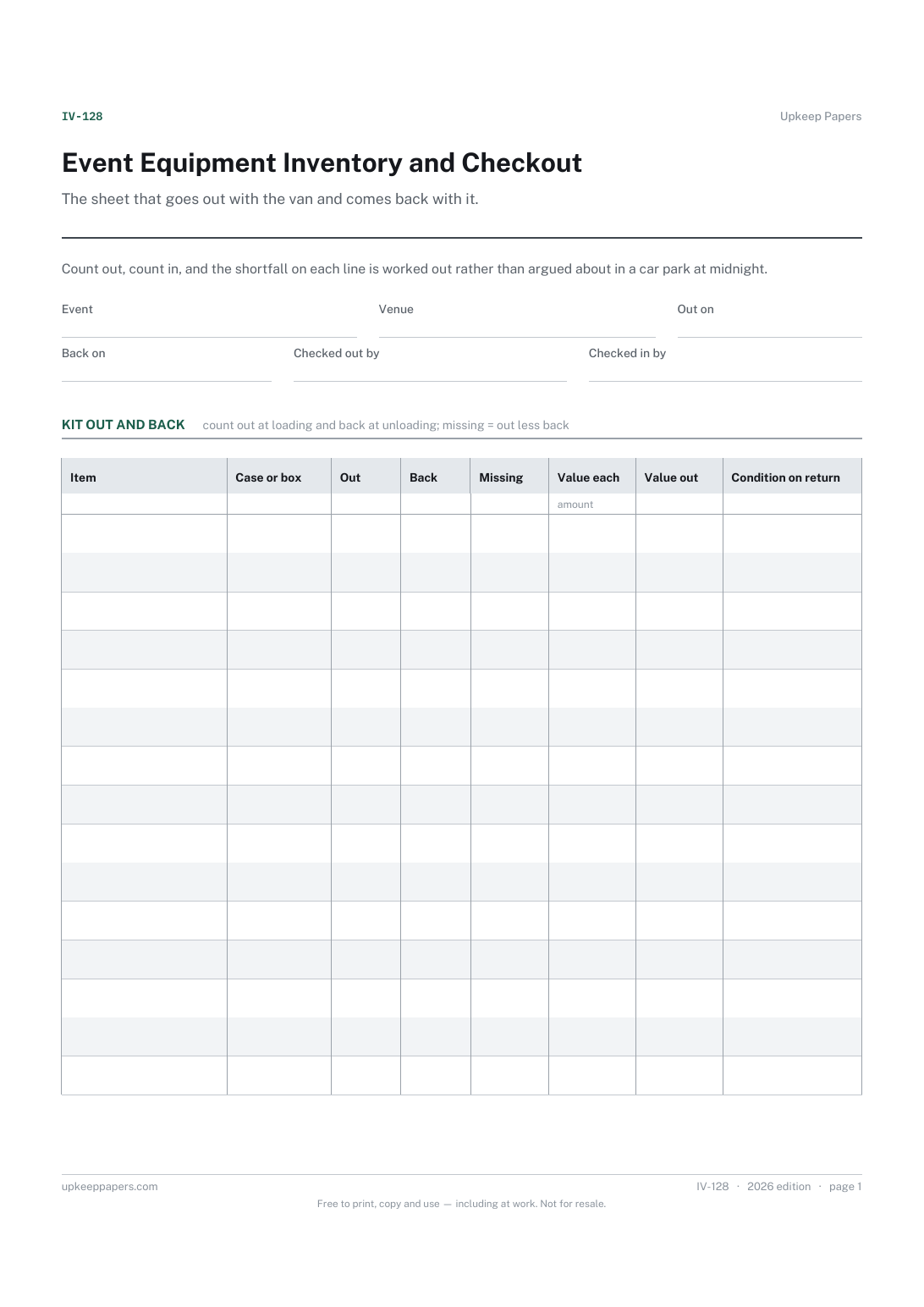
What was loaded for the event, and which case or box each item travelled in.
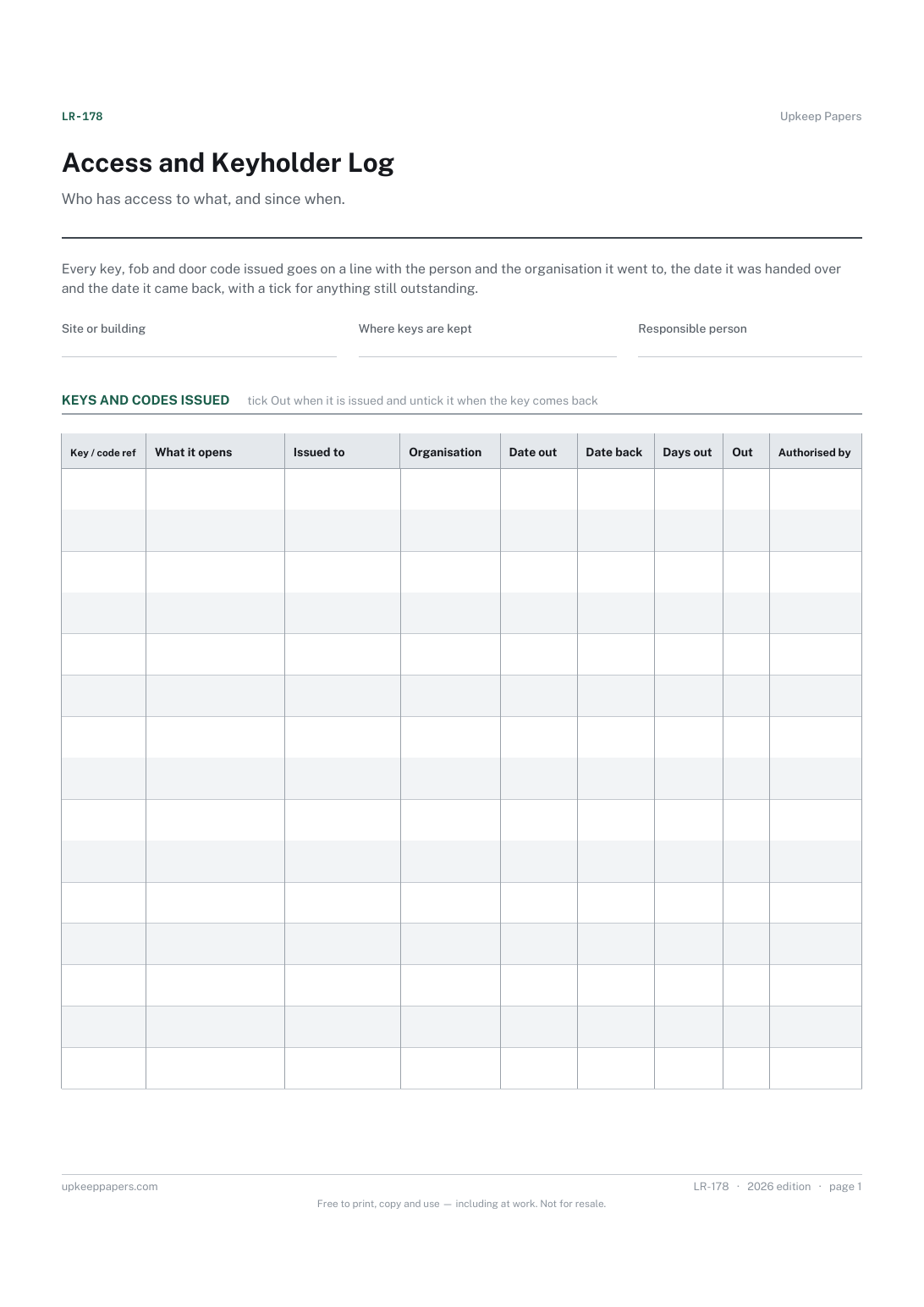
Every key, fob or code issued, against a reference you can quote.
Printable sheets, workbooks and tools on the same subject.
Keep every booking for a shared space in one visible place, which is the only reliable cure for double bookings.
See at a glance which invoices are out, which are late and when each was last chased, which is the information that actually gets invoices paid.
Give a receipt for money taken and keep an identical copy, with the balance still owed written on both halves.

Every sheet, binder, game and puzzle on Upkeep Papers is free to download, with no email and no account. Making them is not free: each one takes days of research, design and checking, and the site costs money to run. If something here saved you time, you can buy us a coffee. It is entirely optional: nothing is locked, and nothing changes if you don’t.
Buy us a coffee Opens PayPal in a new tab. Any amount, and nothing changes if you would rather not.