Customer Contact Spreadsheet
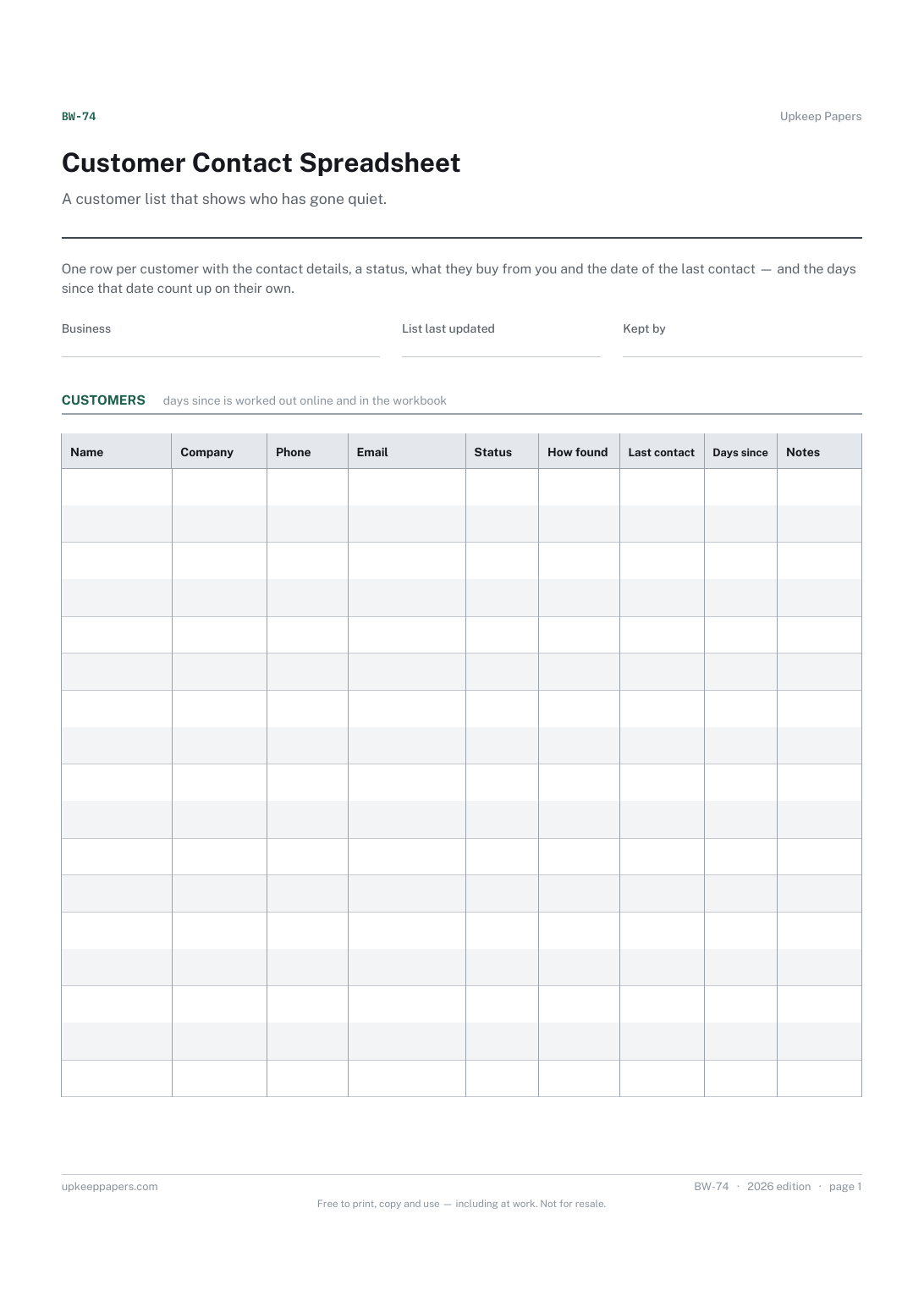
Every customer's phone, email and address on one sheet.
BW-74 Register PDF Excel Online
Everything here is free. Making it takes time and money. Everything here is free.
 Buy us a coffee
 Logs and record sheets · LR-164 · Log
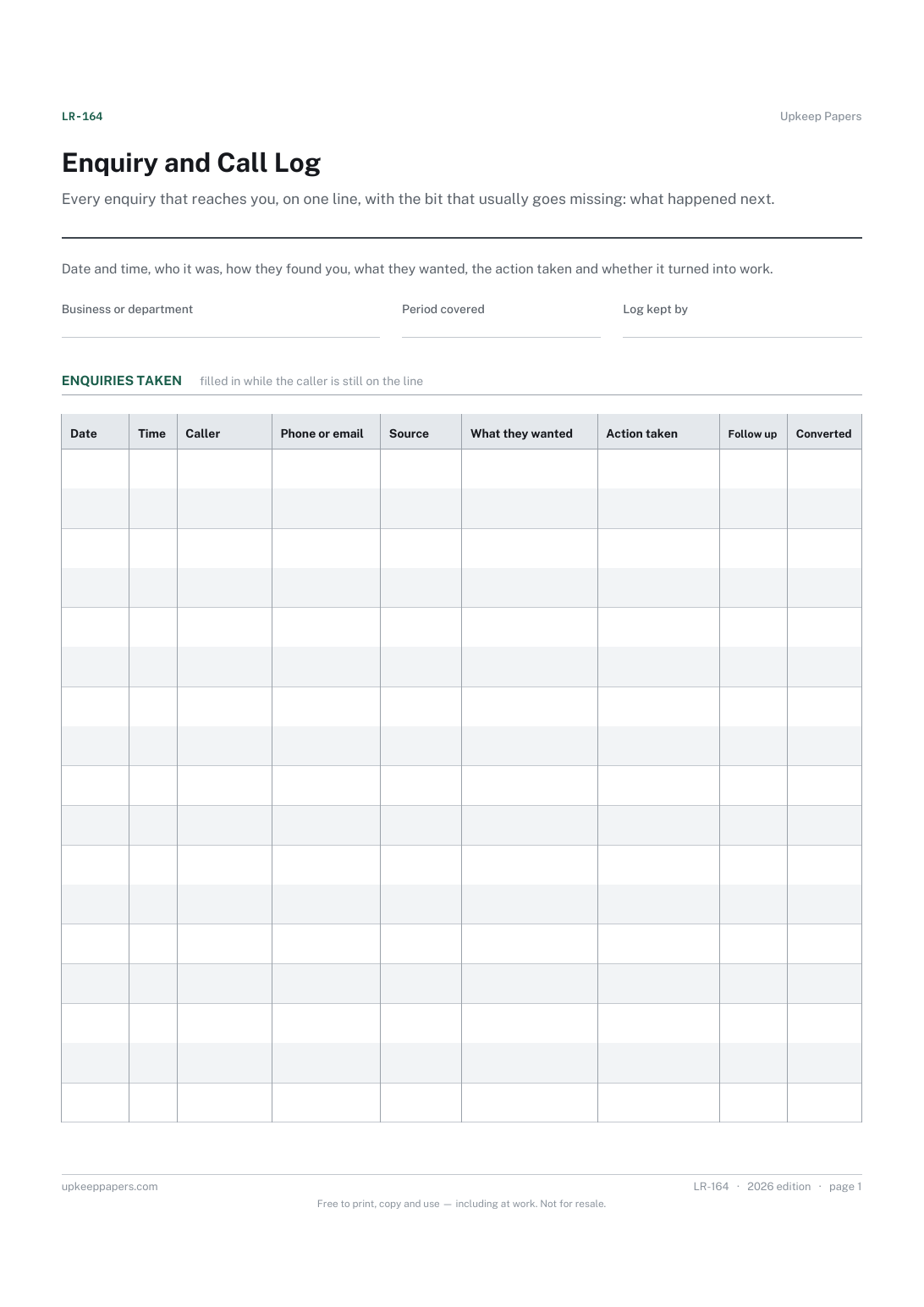
Free enquiry and call log — who called, where they came from, what they wanted, what you did and whether it converted. PDF, Excel and browser versions.
2 pages. The A4 and US Letter files are laid out identically, so neither is shrunk to fit.
Print it and write on it
Fillable PDF type and save
Spreadsheet formulas included
The fillable versions have real form fields — open them in any PDF reader, type into them and save. Printing help.
The same sheet, on screen. Totals and figures are worked out as you type, rows can be added or removed, and you can print it or download the completed version as a PDF. Everything stays in your browser — your entries are kept in this browser's own storage on this device, nothing is uploaded, and there is no account.
Every enquiry that reaches you, on one line, with the bit that usually goes missing: what happened next. Date and time, who it was, how they found you, what they wanted, the action taken and whether it turned into work.
Sole traders and small businesses taking enquiries by phone, email and web form, reception and office staff logging calls, and anyone who wants to know which source of enquiries is worth the money.
The printable is laid out inside a box that fits both A4 and US Letter, so the two files are identical and neither one is scaled. The fillable PDF has real form fields. The workbook uses plain formulas only — SUM, IF, COUNTIF and the like — so it opens in Excel, LibreOffice and Google Sheets without anything breaking, and every calculated cell is grey so you can see which figures it worked out.
Download the A4 or US Letter file to match the paper in your printer, open it in a PDF reader and print at 100% — not "fit to page", which shrinks the writing space. Both files leave a 14 mm margin, which clears the unprintable edge on home printers. To print the online version with your entries in it, use the Print this sheet button, which prints only the sheet and none of the page around it. More on printing.
Whatever your business treats as won: a booked job, an accepted quote, an order placed. Decide once and stay consistent, because the rate at the foot of the sheet is only comparable if the column means the same thing every week.
Log anything that was a genuine enquiry, however small. Wrong numbers and sales calls only clog the sheet, though some people keep a tally of them in the notes.
No. This is the first contact and what you did about it. Names you want to keep belong in a customer spreadsheet, and the quote or job that follows belongs on a job tracker.
Yes — add a column note or use the notes area to say who took each call. On the online version several people can keep their own copy and the sheets can be printed and filed together.
Every customer's phone, email and address on one sheet.
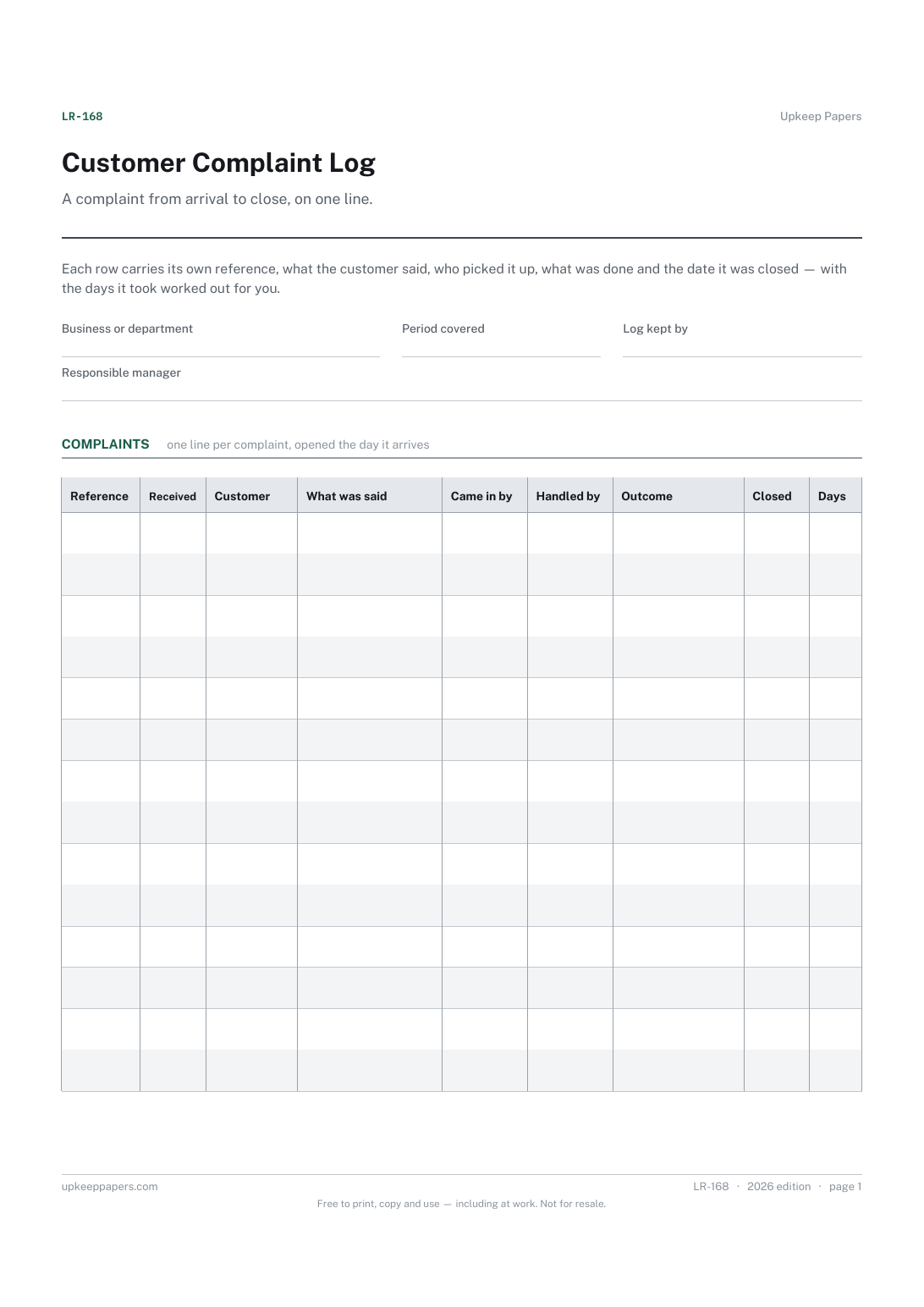
Every complaint given a reference, so it can be found again.
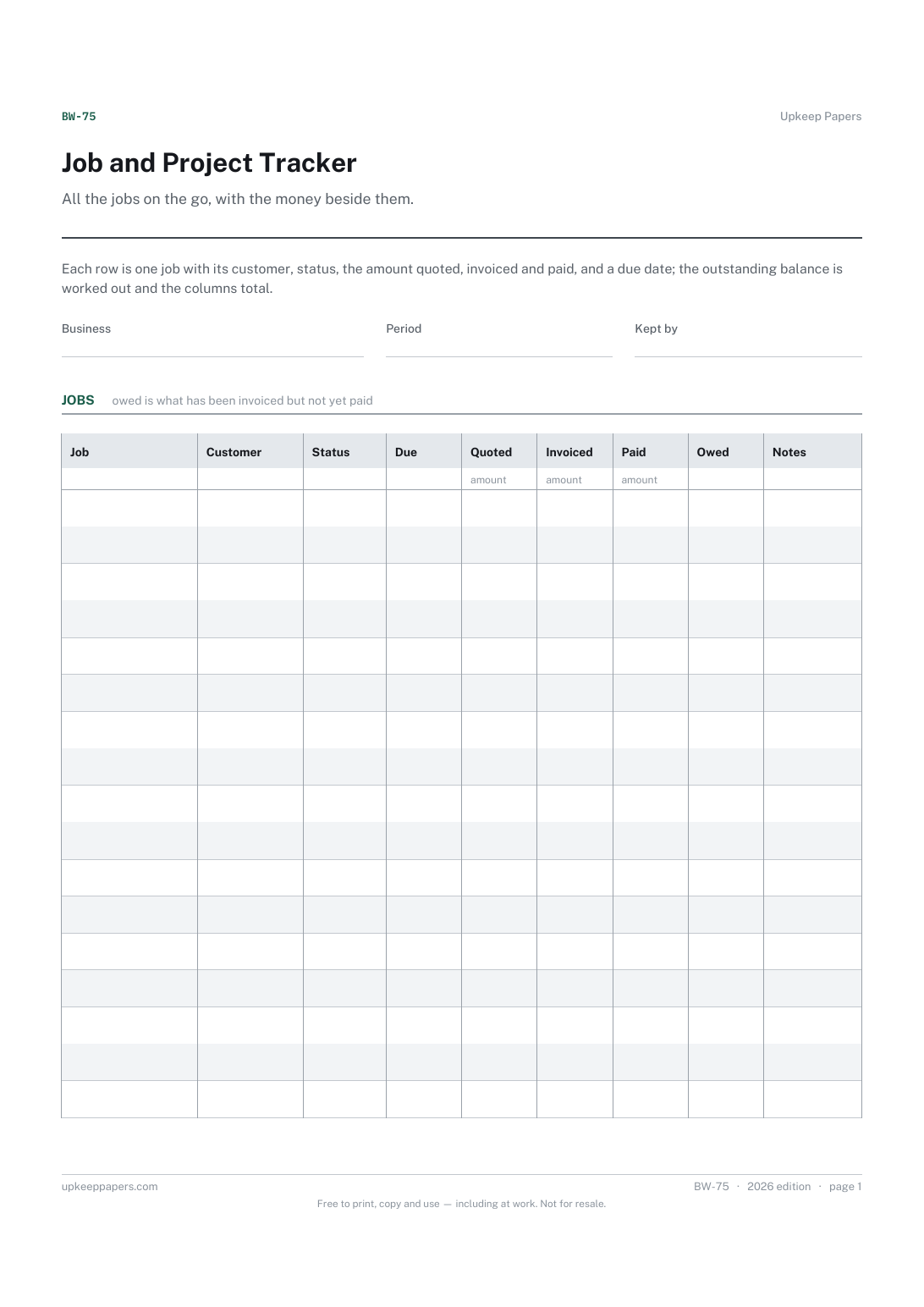
Where every job is — quoted, booked, in progress, done, invoiced or paid.
Printable sheets, workbooks and tools on the same subject.
Keep one card per customer so the history of what was done, what it cost and when the next visit is due lives in one place.
Record contact with home factually, so what was said and agreed is on paper rather than in two different memories.
Quotes followed through to finished jobs, with your win rate, the gap between quoted and actual, and the margin you really made.

Every sheet, binder, game and puzzle on Upkeep Papers is free to download, with no email and no account. Making them is not free: each one takes days of research, design and checking, and the site costs money to run. If something here saved you time, you can buy us a coffee. It is entirely optional: nothing is locked, and nothing changes if you don’t.
Buy us a coffee Opens PayPal in a new tab. Any amount, and nothing changes if you would rather not.