
Logs and record sheets · LR-161 · Log
Cold Chain Delivery Temperature Log
Free cold chain delivery temperature log — supplier, vehicle, product, temperature on arrival and accepted or rejected. PDF, Excel and browser versions.
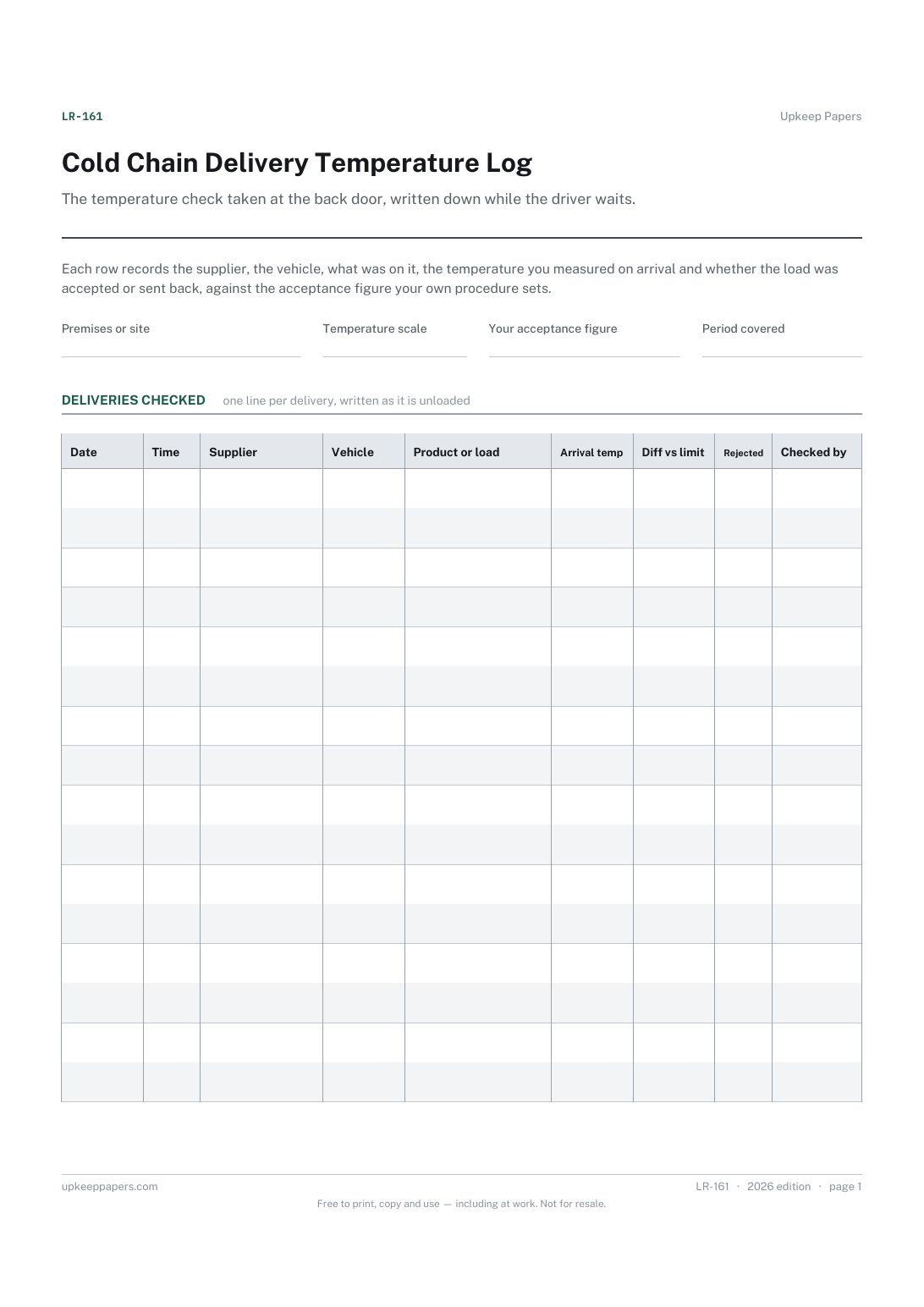
2 pages. The A4 and US Letter files are laid out identically, so neither is shrunk to fit.
Print it and write on it
Fillable PDF type and save
Spreadsheet formulas included
The fillable versions have real form fields — open them in any PDF reader, type into them and save. Printing help.
Fill it in online
The same sheet, on screen. Totals and figures are worked out as you type, rows can be added or removed, and you can print it or download the completed version as a PDF. Everything stays in your browser — your entries are kept in this browser's own storage on this device, nothing is uploaded, and there is no account.
Who this is for
The temperature check taken at the back door, written down while the driver waits. Each row records the supplier, the vehicle, what was on it, the temperature you measured on arrival and whether the load was accepted or sent back, against the acceptance figure your own procedure sets.
Kitchens, shops, pharmacies, care homes, cold stores and anyone who takes in chilled or frozen goods and has to show what state they arrived in.
What this helps you track
- The temperature measured at the moment the load arrived, not later
- Which supplier and which vehicle brought it
- Loads that were rejected, counted separately from the ones that were accepted
- How far each reading sat from the acceptance figure you entered
- Who took the reading, so a question can be put to a person
How to use it
- Write the premises, the scale you measure in and your own acceptance figure at the top of the sheet.
- Take the reading as the load is unloaded, using your own probe or the vehicle's display, and say which in the notes.
- Fill one row per delivery: date, time, supplier, vehicle, what was on it, the temperature and who checked it.
- Tick the rejected column if the load went back, and write why underneath in the notes.
- The browser and spreadsheet versions work out the difference from your acceptance figure and count the rejections; on paper, do the subtraction in the column.
- File the finished sheets with the delivery notes for the same dates.
Formats
- Printable PDF (A4 and US Letter)
- Fillable PDF with form fields
- Fill in online, saved in your browser
- Excel / Google Sheets workbook
The printable is laid out inside a box that fits both A4 and US Letter, so the two files are identical and neither one is scaled. The fillable PDF has real form fields. The workbook uses plain formulas only — SUM, IF, COUNTIF and the like — so it opens in Excel, LibreOffice and Google Sheets without anything breaking, and every calculated cell is grey so you can see which figures it worked out.
How to print
Download the A4 or US Letter file to match the paper in your printer, open it in a PDF reader and print at 100% — not "fit to page", which shrinks the writing space. Both files leave a 14 mm margin, which clears the unprintable edge on home printers. To print the online version with your entries in it, use the Print this sheet button, which prints only the sheet and none of the page around it. More on printing.
Questions
What temperature should I accept a delivery at?
That is set by your own food safety or storage procedure and by the rules where you are, so the sheet does not supply one. Enter your figure in the box at the top and every row is measured against it.
How is this different from the fridge and freezer log?
That one records the temperature of your own storage, usually twice a day. This one records goods arriving from outside, with the supplier and vehicle attached, because a rejected load is a conversation with a supplier rather than with a fridge.
Should I record the vehicle's own display or my probe reading?
Whichever your procedure calls for. Many places record both and note which is which. The notes area at the foot is there for that.
What if only part of the delivery was wrong?
Write two rows for the same delivery — one for the part accepted and one for the part rejected — so the count at the end reflects what actually happened.
Related resources
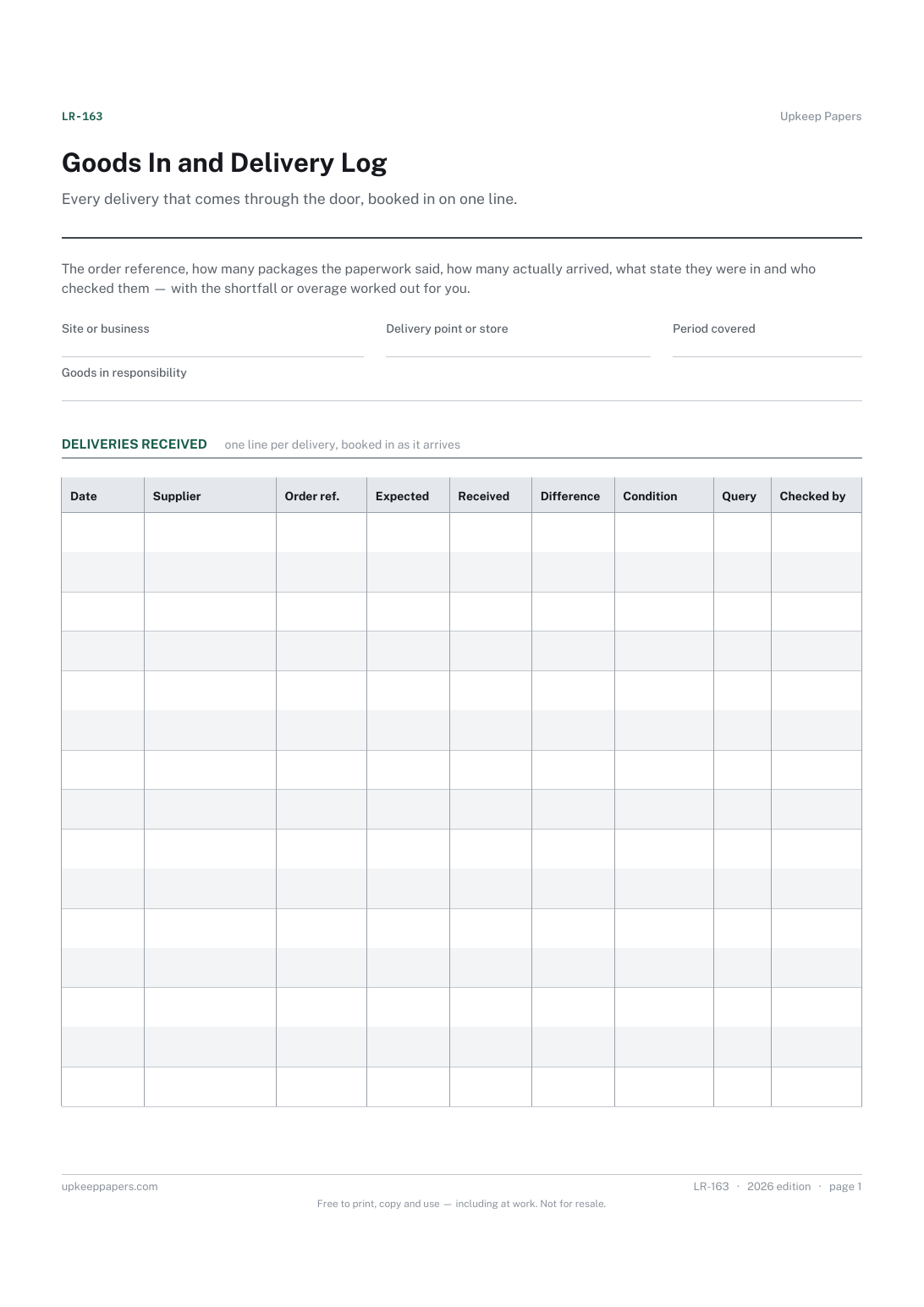
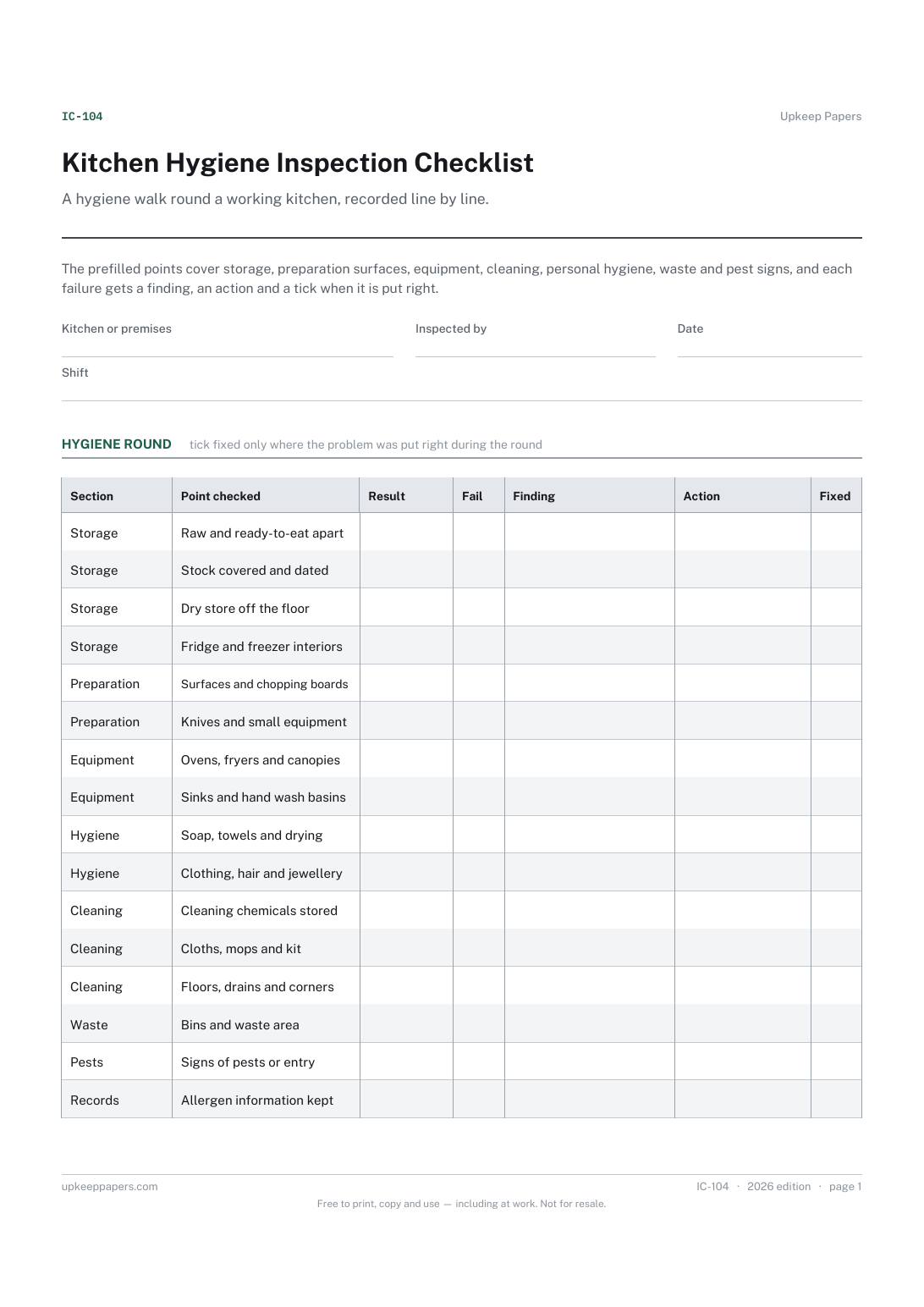
Kitchen Hygiene Inspection Checklist
What was inspected on the day, and by whom.
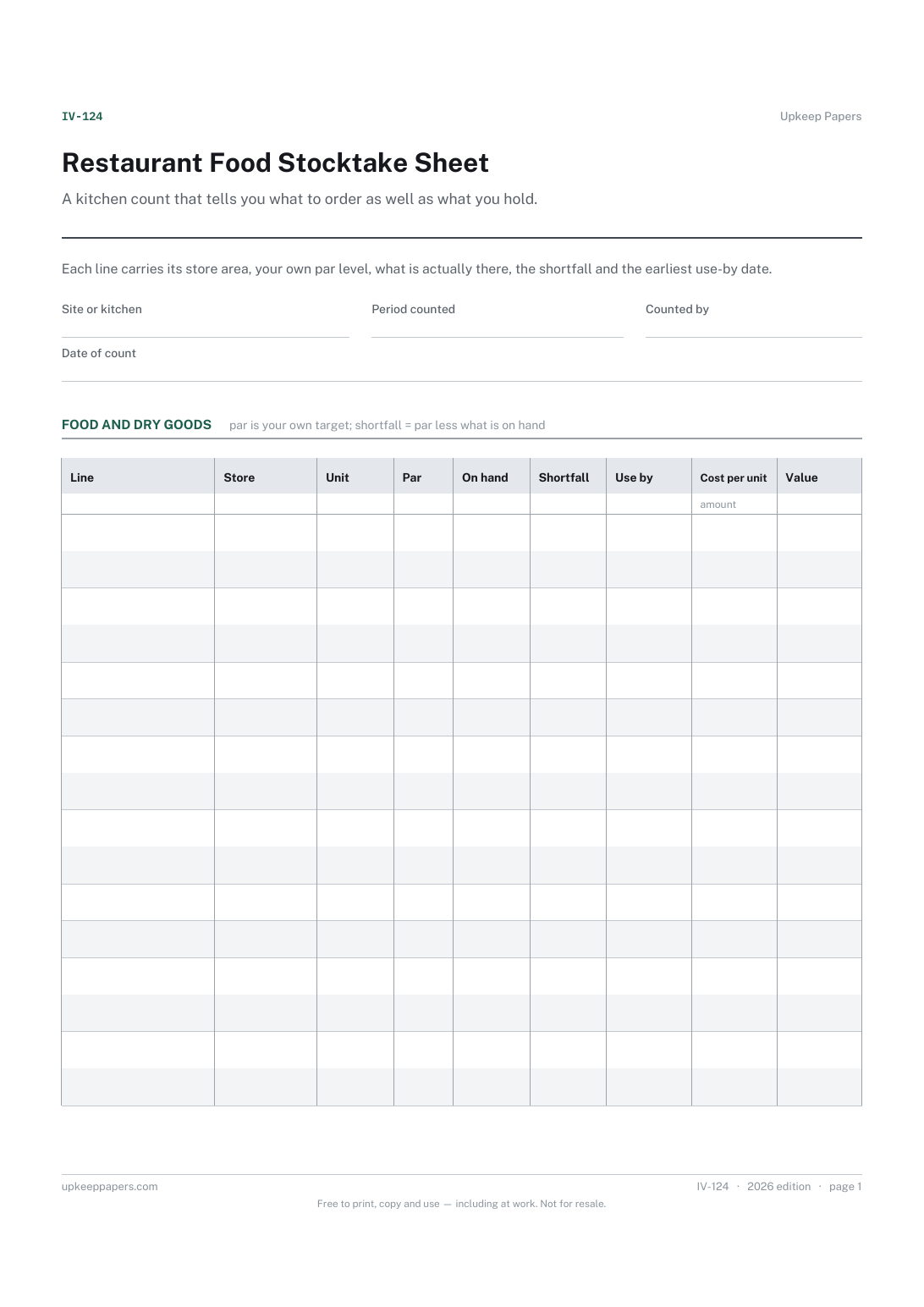
Restaurant Food Stocktake Sheet
What is held in the dry store, the fridges, the walk-in and the freezer.
Also in the library
Printable sheets, workbooks and tools on the same subject.
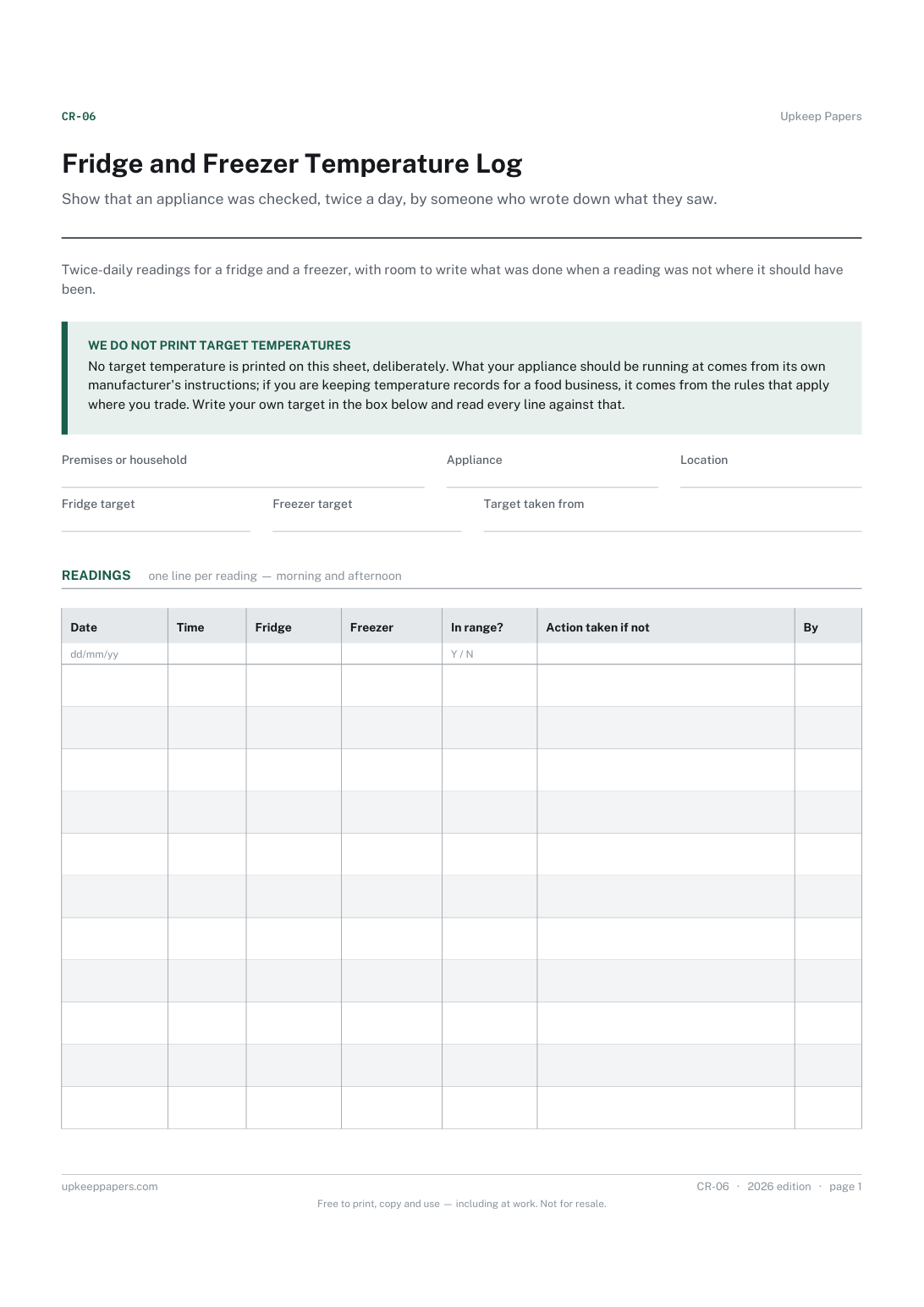
Fridge and Freezer Temperature Log
Show that an appliance was checked, twice a day, by someone who wrote down what they saw. A run of readings shows drift long before one reading shows a failure.

Food Temperature Record
Record temperature checks through the day against the limits in your own documented process, with the corrective action recorded beside the failure.

Delivery Note
Send goods with a note, or check a delivery in properly, with the discrepancy line that settles arguments weeks later.
