Kitchen Hygiene Inspection Checklist
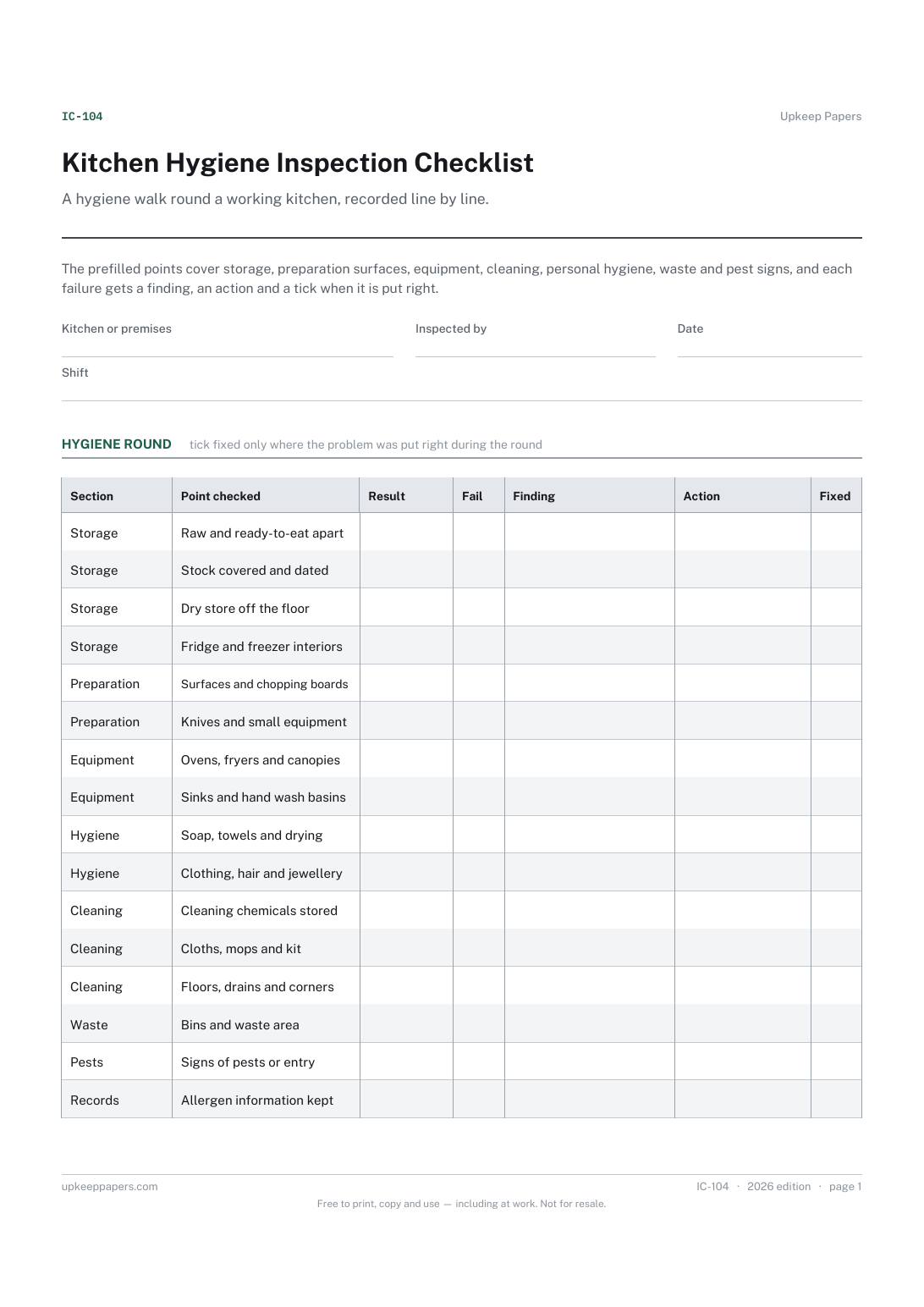
What was inspected on the day, and by whom.
IC-104 Checklist PDF Excel Online
Everything here is free. Making it takes time and money. Everything here is free.
 Buy us a coffee
 Inspections and safety checks · IC-103 · Checklist
Free workplace safety inspection checklist — housekeeping, exits, machinery and welfare, with actions, owners and a count of what failed. PDF and Excel.
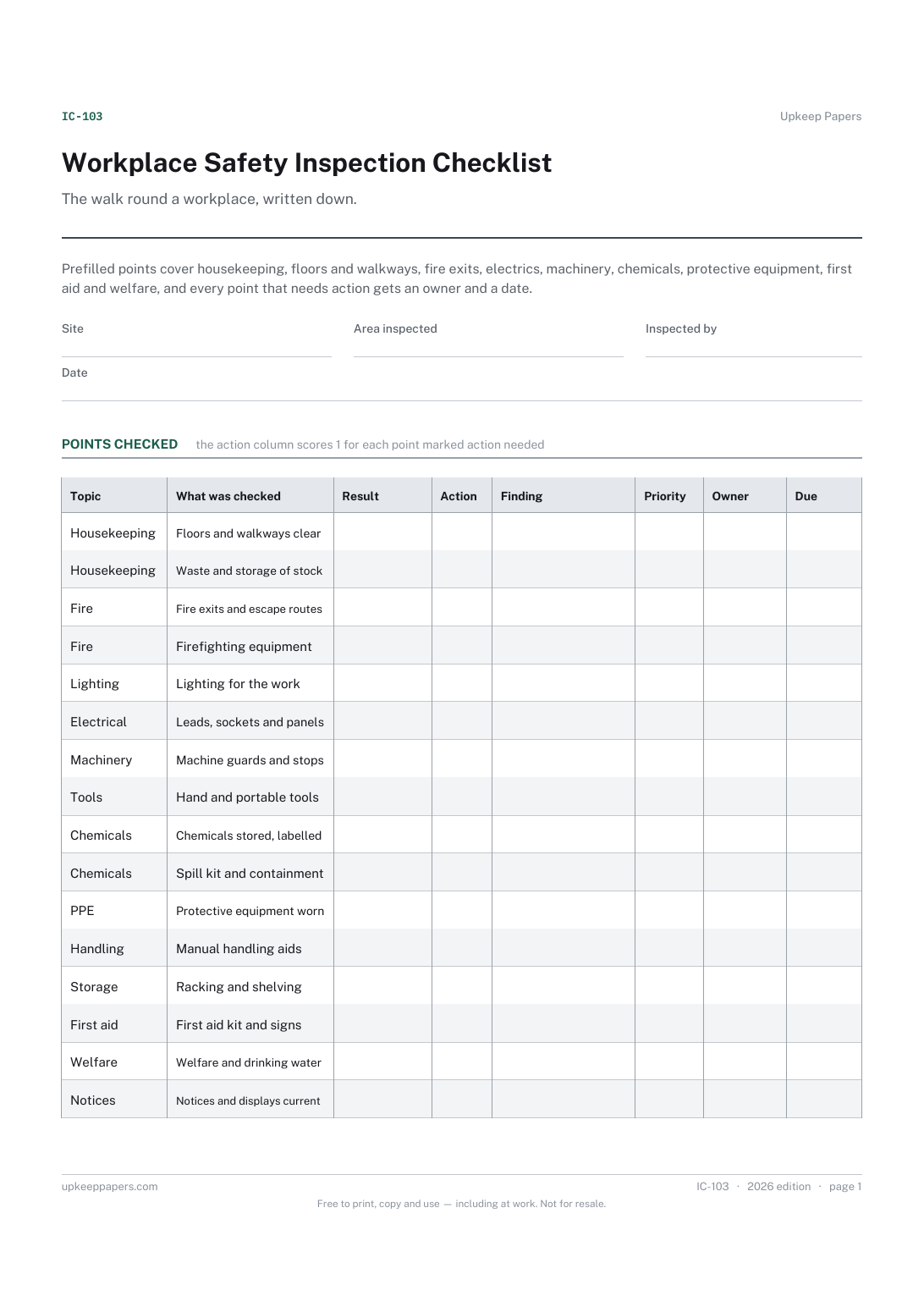
2 pages. The A4 and US Letter files are laid out identically, so neither is shrunk to fit.
Print it and write on it
Fillable PDF type and save
Spreadsheet formulas included
The fillable versions have real form fields — open them in any PDF reader, type into them and save. Printing help.
The same sheet, on screen. Totals and figures are worked out as you type, rows can be added or removed, and you can print it or download the completed version as a PDF. Everything stays in your browser — your entries are kept in this browser's own storage on this device, nothing is uploaded, and there is no account.
The walk round a workplace, written down. Prefilled points cover housekeeping, floors and walkways, fire exits, electrics, machinery, chemicals, protective equipment, first aid and welfare, and every point that needs action gets an owner and a date.
Managers, supervisors and safety representatives in workshops, warehouses, offices, shops and small factories who are expected to inspect their own area and show a record of it afterwards.
The printable is laid out inside a box that fits both A4 and US Letter, so the two files are identical and neither one is scaled. The fillable PDF has real form fields. The workbook uses plain formulas only — SUM, IF, COUNTIF and the like — so it opens in Excel, LibreOffice and Google Sheets without anything breaking, and every calculated cell is grey so you can see which figures it worked out.
Download the A4 or US Letter file to match the paper in your printer, open it in a PDF reader and print at 100% — not "fit to page", which shrinks the writing space. Both files leave a 14 mm margin, which clears the unprintable edge on home printers. To print the online version with your entries in it, use the Print this sheet button, which prints only the sheet and none of the page around it. More on printing.
No. A risk assessment thinks ahead about what could go wrong and what controls are needed. This sheet records what a walk round actually found on one day. Most places keep both, and the inspection often feeds the assessment.
That is for your own policy and the rules that apply where you work. The sheet dates each round so you can show the pattern you have chosen, whatever it is.
Your own judgement. It is deliberately free of any scale of ours — write high, medium or low, a number your organisation already uses, or a target date instead.
Yes. On paper, cross out what does not apply and use the blank lines; in the browser version you can edit or delete any row and add your own.
What was inspected on the day, and by whom.
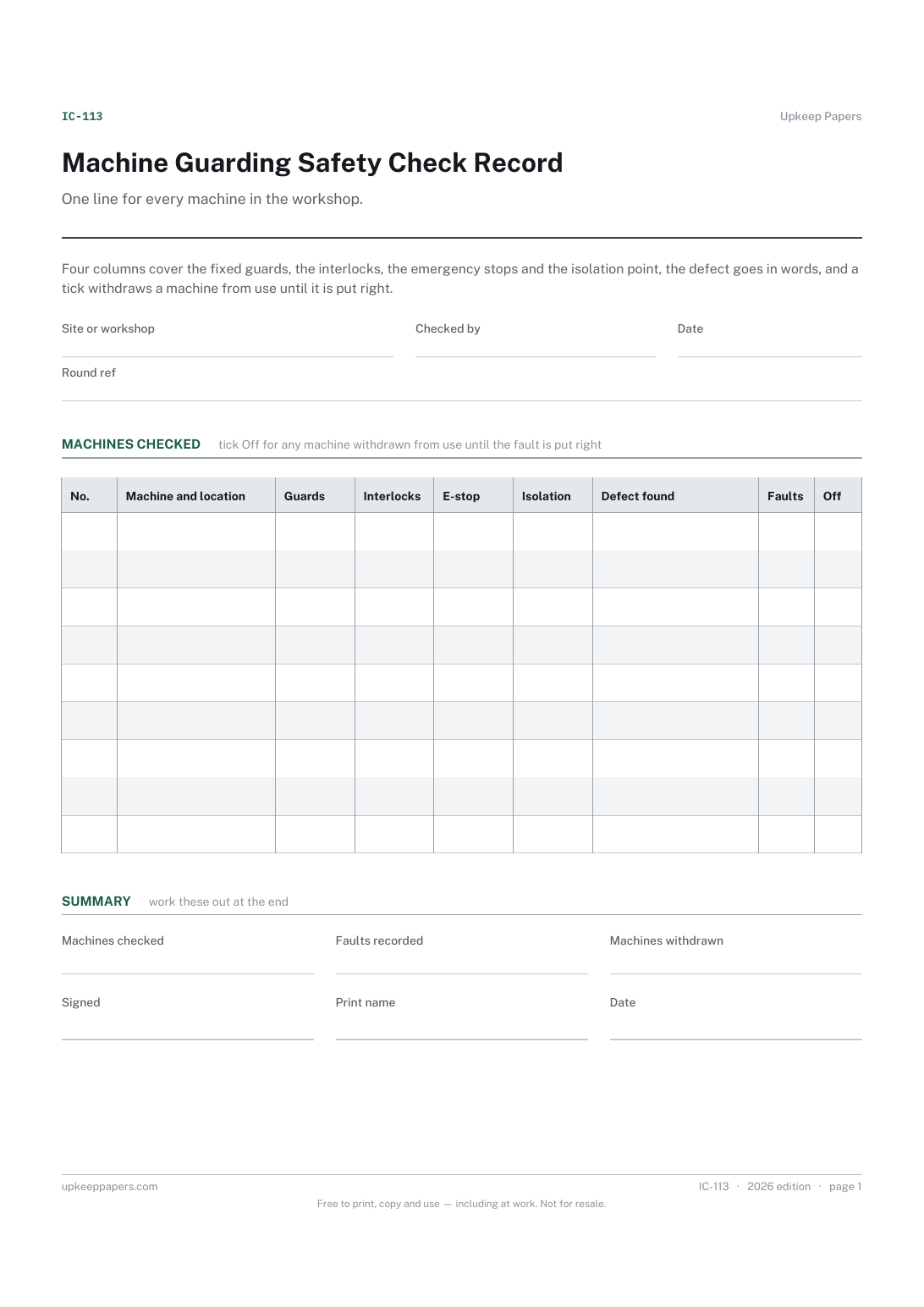
Which machines exist, where they are and which have been checked this round.
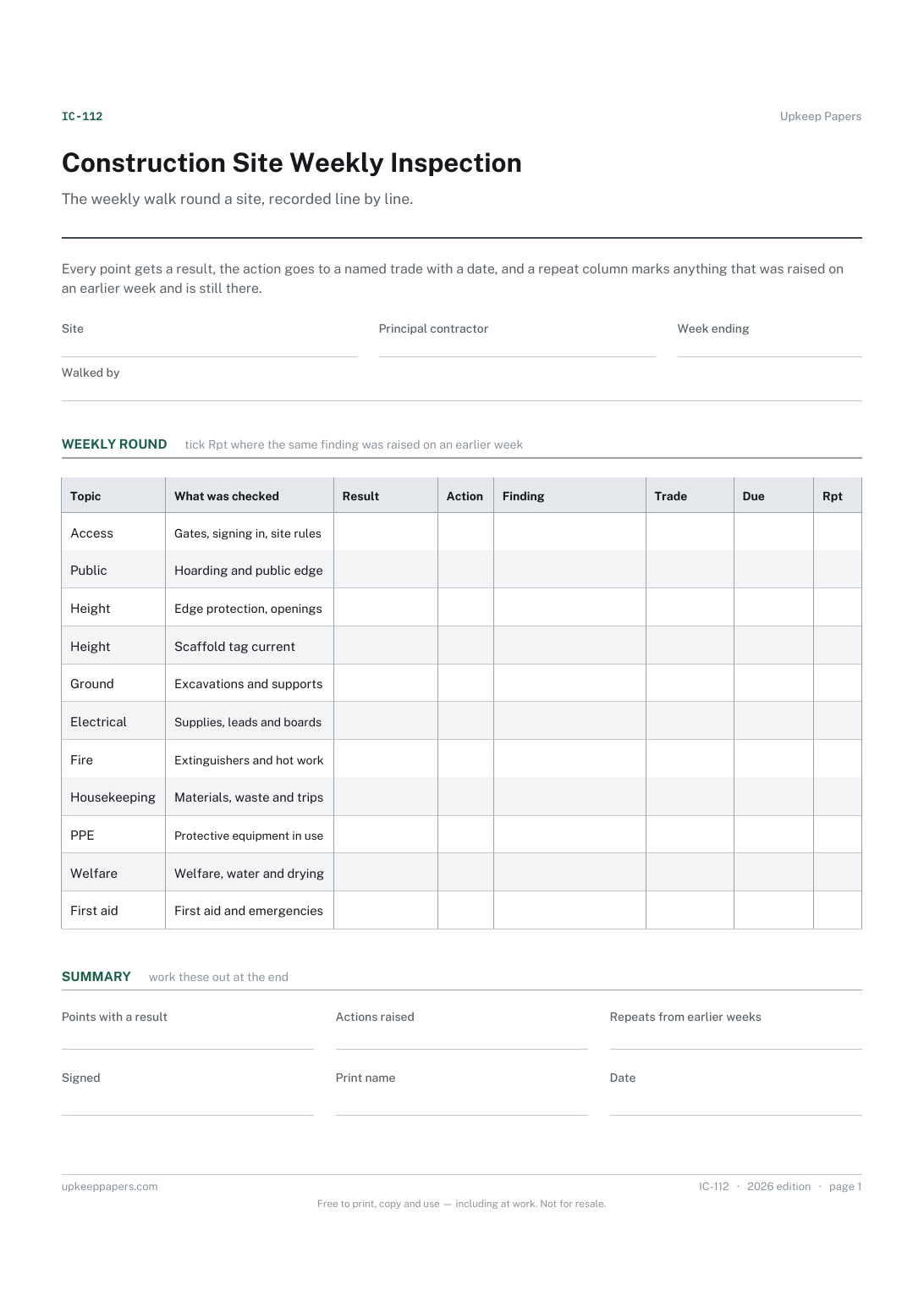
What the weekly walk covered and what it found, week by week.
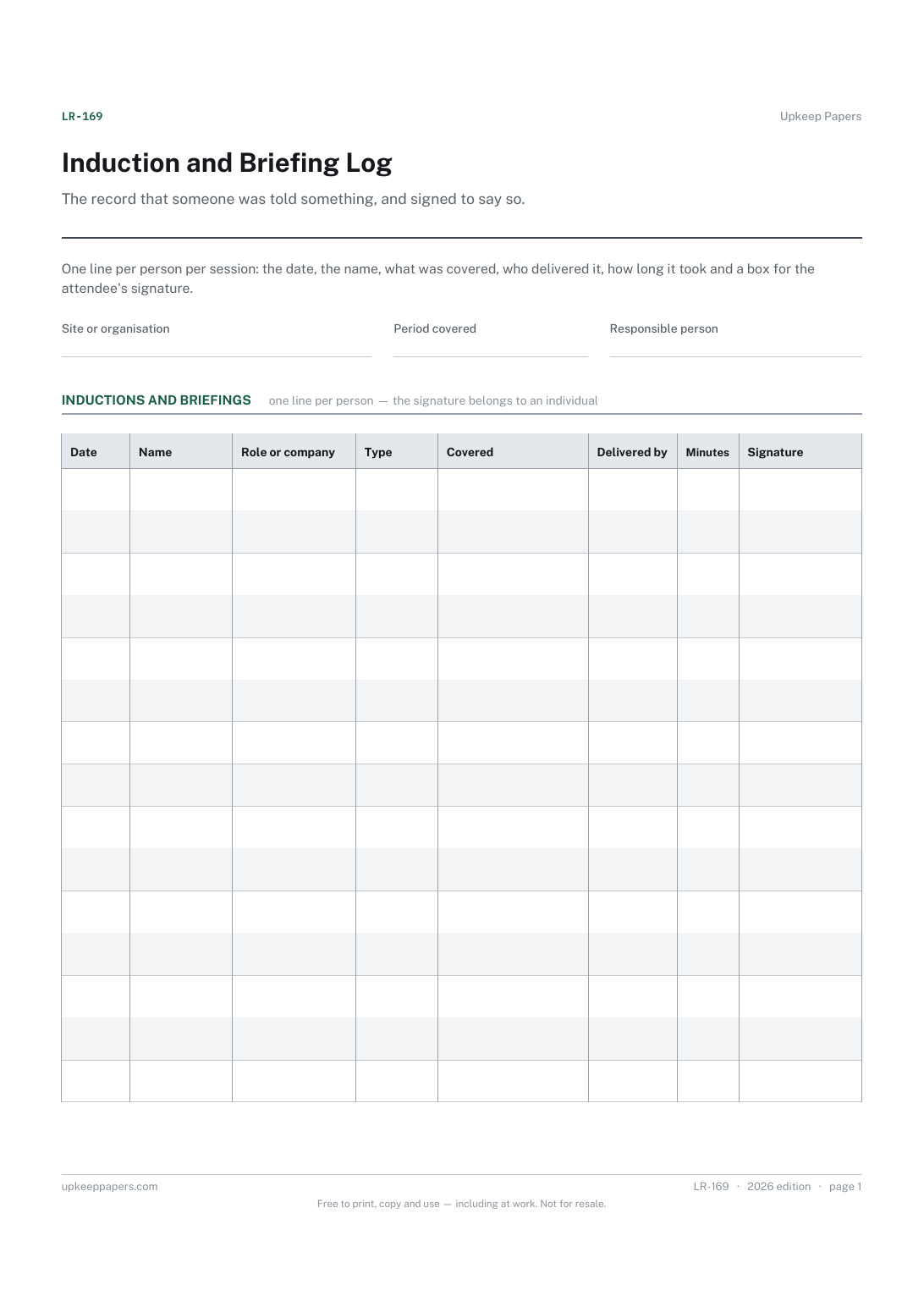
Who was inducted or briefed, and on what date.
Printable sheets, workbooks and tools on the same subject.
Record a risk assessment you have carried out yourself, in a layout that captures the part people forget: who is doing the further action, by when, and when it gets reviewed.
Run an audit against your own questions, with evidence and actions recorded beside each one rather than in a separate note.
Capture the things that nearly went wrong, in a form that asks what happened rather than who was at fault.

Every sheet, binder, game and puzzle on Upkeep Papers is free to download, with no email and no account. Making them is not free: each one takes days of research, design and checking, and the site costs money to run. If something here saved you time, you can buy us a coffee. It is entirely optional: nothing is locked, and nothing changes if you don’t.
Buy us a coffee Opens PayPal in a new tab. Any amount, and nothing changes if you would rather not.