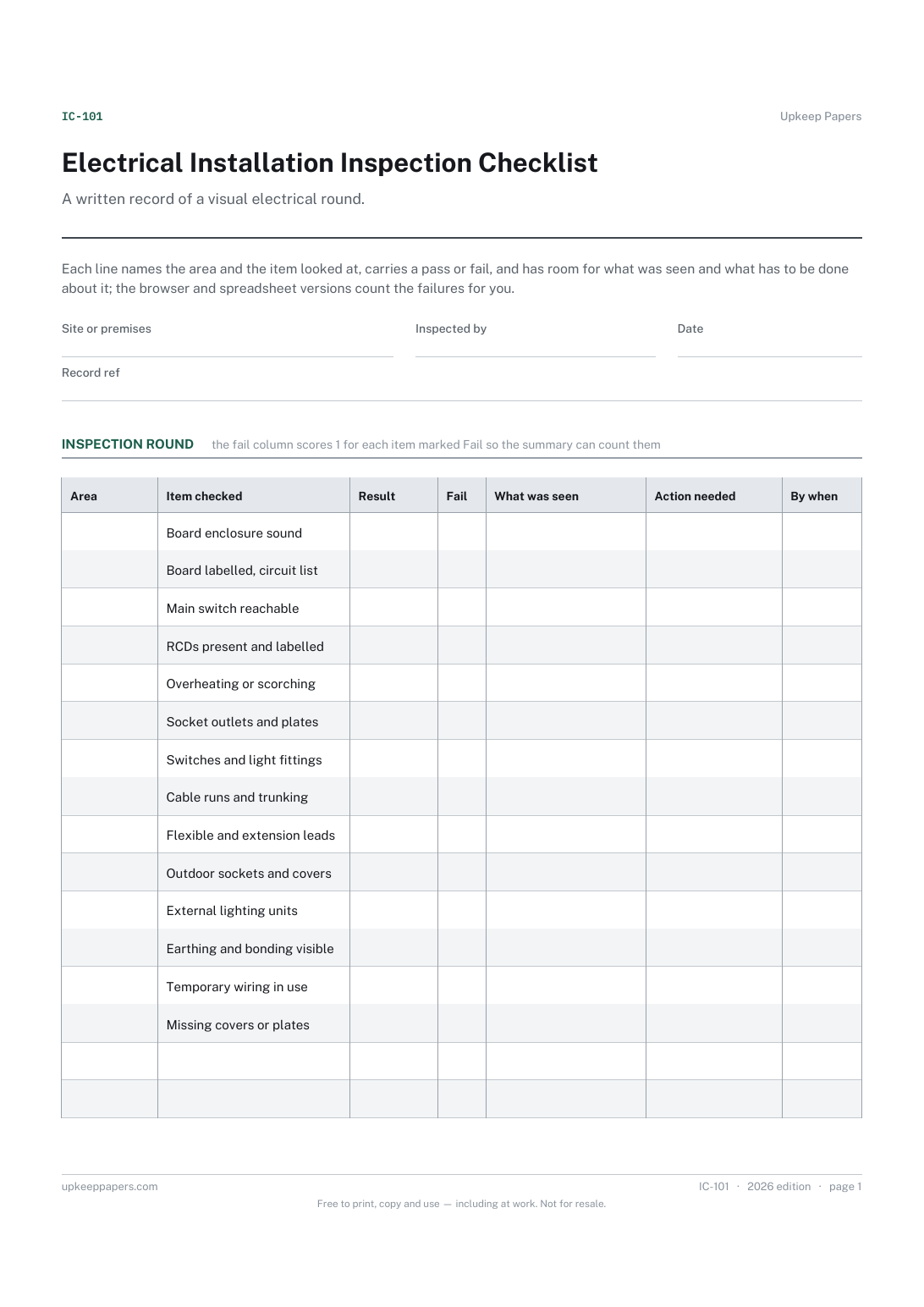
Electrical Installation Inspection Checklist
Which boards, circuits, accessories and leads were actually looked at.
IC-101 Checklist PDF Excel Online
Everything here is free. Making it takes time and money. Everything here is free.
 Buy us a coffee
 Inspections and safety checks · IC-102 · Record
Free fire door inspection record — one line per door for leaf, seals, closer and hinges, with defects counted and repairs signed off. PDF, Excel and browser.
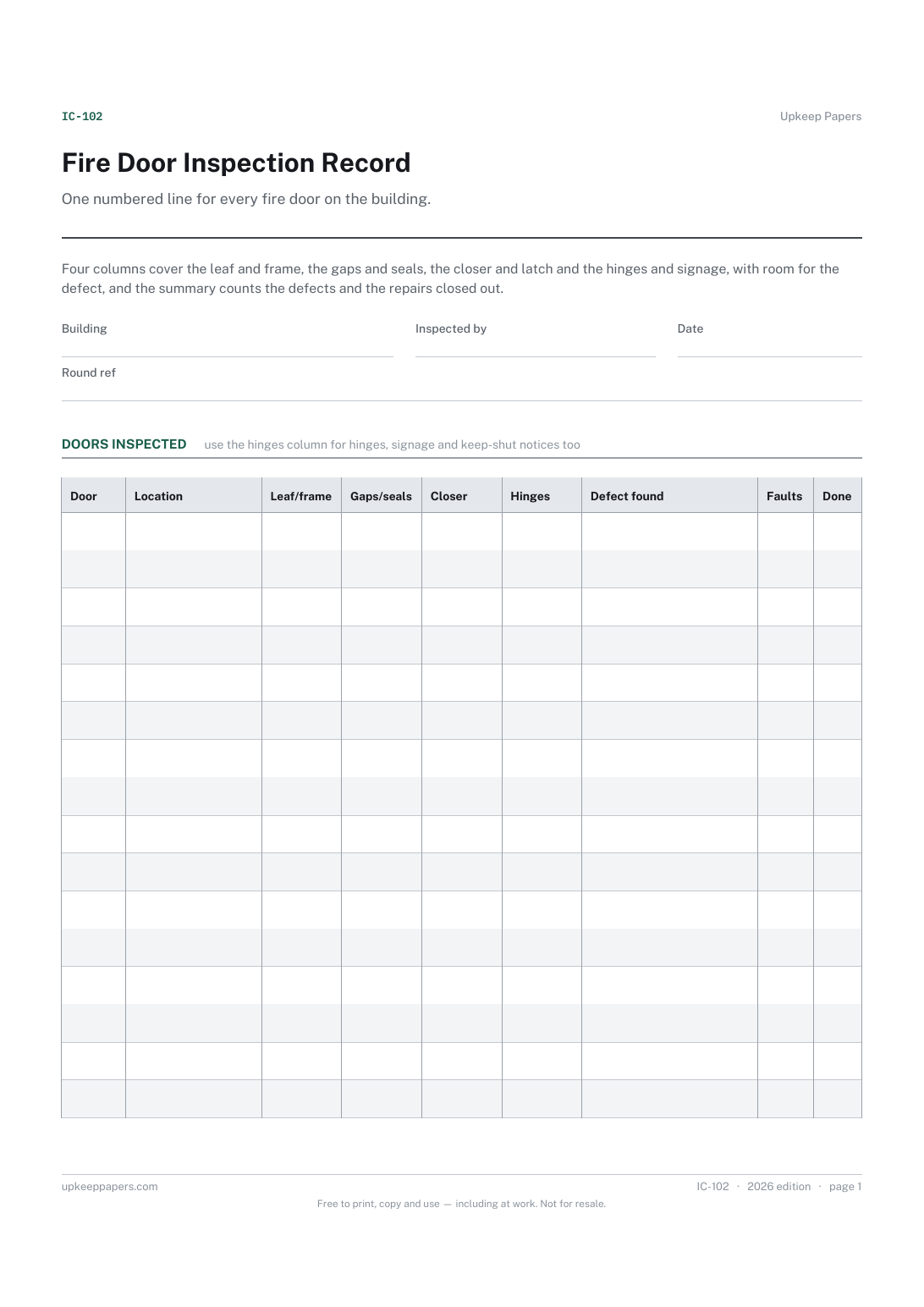
2 pages. The A4 and US Letter files are laid out identically, so neither is shrunk to fit.
Print it and write on it
Fillable PDF type and save
Spreadsheet formulas included
The fillable versions have real form fields — open them in any PDF reader, type into them and save. Printing help.
The same sheet, on screen. Totals and figures are worked out as you type, rows can be added or removed, and you can print it or download the completed version as a PDF. Everything stays in your browser — your entries are kept in this browser's own storage on this device, nothing is uploaded, and there is no account.
One numbered line for every fire door on the building. Four columns cover the leaf and frame, the gaps and seals, the closer and latch and the hinges and signage, with room for the defect, and the summary counts the defects and the repairs closed out.
Caretakers, facilities managers, housing officers and anyone responsible for a building with fire doors in corridors, stairwells, flats or plant rooms.
The printable is laid out inside a box that fits both A4 and US Letter, so the two files are identical and neither one is scaled. The fillable PDF has real form fields. The workbook uses plain formulas only — SUM, IF, COUNTIF and the like — so it opens in Excel, LibreOffice and Google Sheets without anything breaking, and every calculated cell is grey so you can see which figures it worked out.
Download the A4 or US Letter file to match the paper in your printer, open it in a PDF reader and print at 100% — not "fit to page", which shrinks the writing space. Both files leave a 14 mm margin, which clears the unprintable edge on home printers. To print the online version with your entries in it, use the Print this sheet button, which prints only the sheet and none of the page around it. More on printing.
That depends on the rules where the building is and on what your own policy says. This sheet records what was found by whoever walked the round; it makes no statement about competence or qualification.
Because a door rarely fails as a whole. Recording which part is wrong tells the person doing the repair what to bring, and shows whether the same element keeps failing across the building.
Nothing. The column is for the words you would say to the joiner. Doors with no entry and four OK marks are the ones that need no further attention.
The printed version runs over two pages and the table fills each of them; the browser and spreadsheet versions take as many rows as you add.
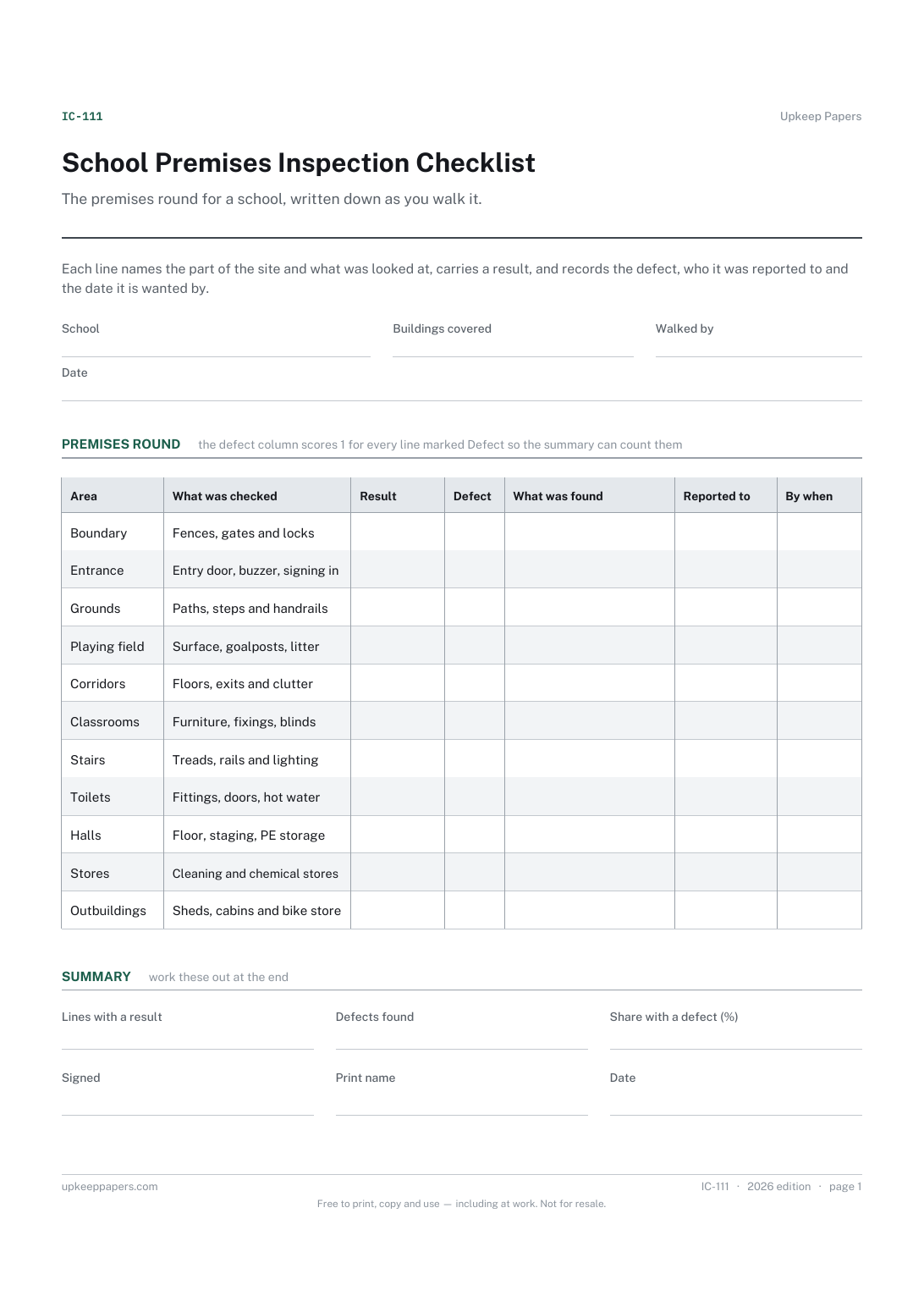
Which boards, circuits, accessories and leads were actually looked at.
Which parts of the site were walked on this round and which were not reached.
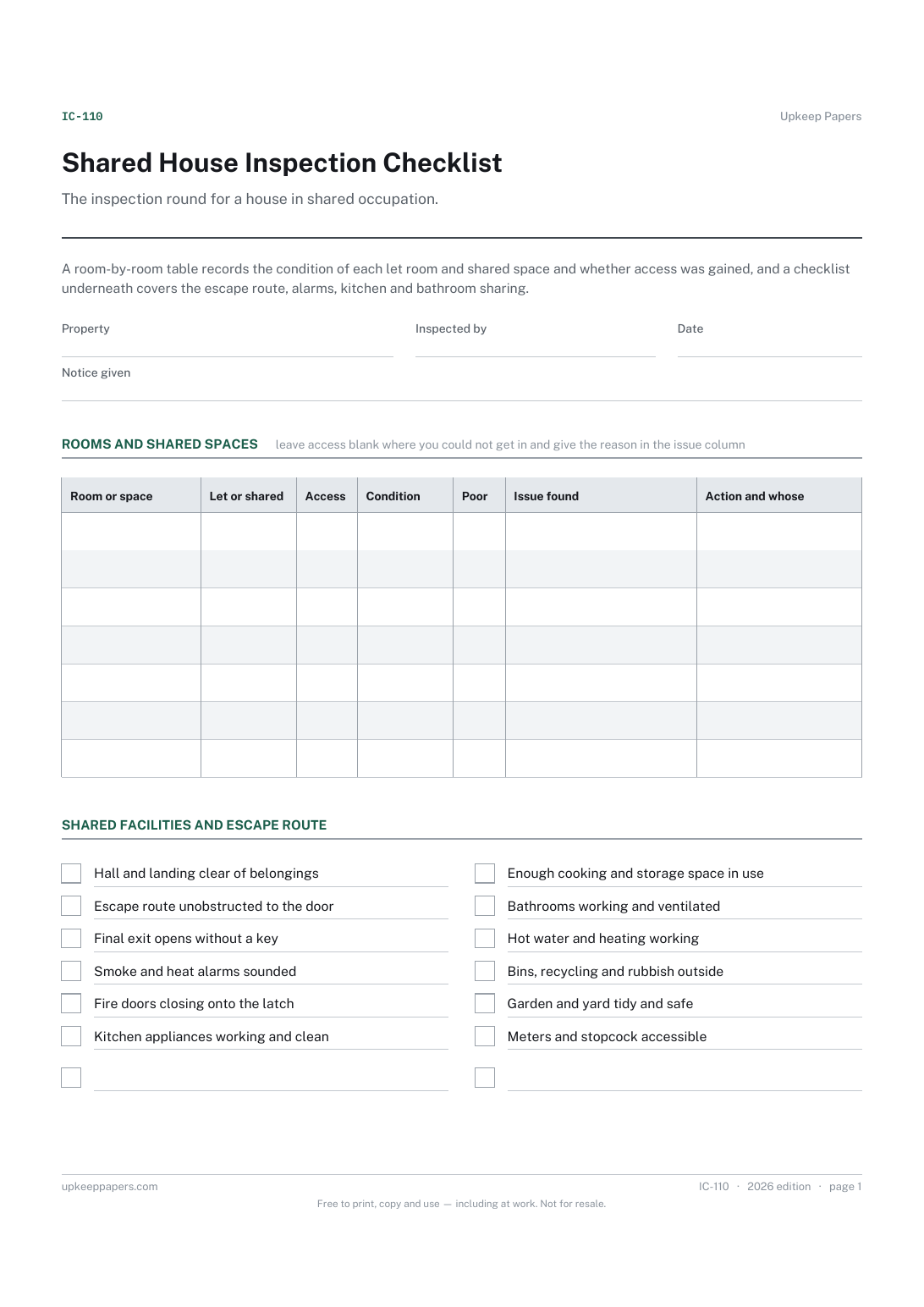
Which rooms were entered, which were not, and why access was not gained.
Printable sheets, workbooks and tools on the same subject.
Record routine alarm tests including which call point was used, so one faulty device does not sit untested for a year.
Keep a dated history of emergency lighting tests with the failures and repairs recorded beside them, not just a note that a test happened.
Get a defect reported in writing with a date on the report, the response and the completion, so it can be chased rather than remembered.

Every sheet, binder, game and puzzle on Upkeep Papers is free to download, with no email and no account. Making them is not free: each one takes days of research, design and checking, and the site costs money to run. If something here saved you time, you can buy us a coffee. It is entirely optional: nothing is locked, and nothing changes if you don’t.
Buy us a coffee Opens PayPal in a new tab. Any amount, and nothing changes if you would rather not.