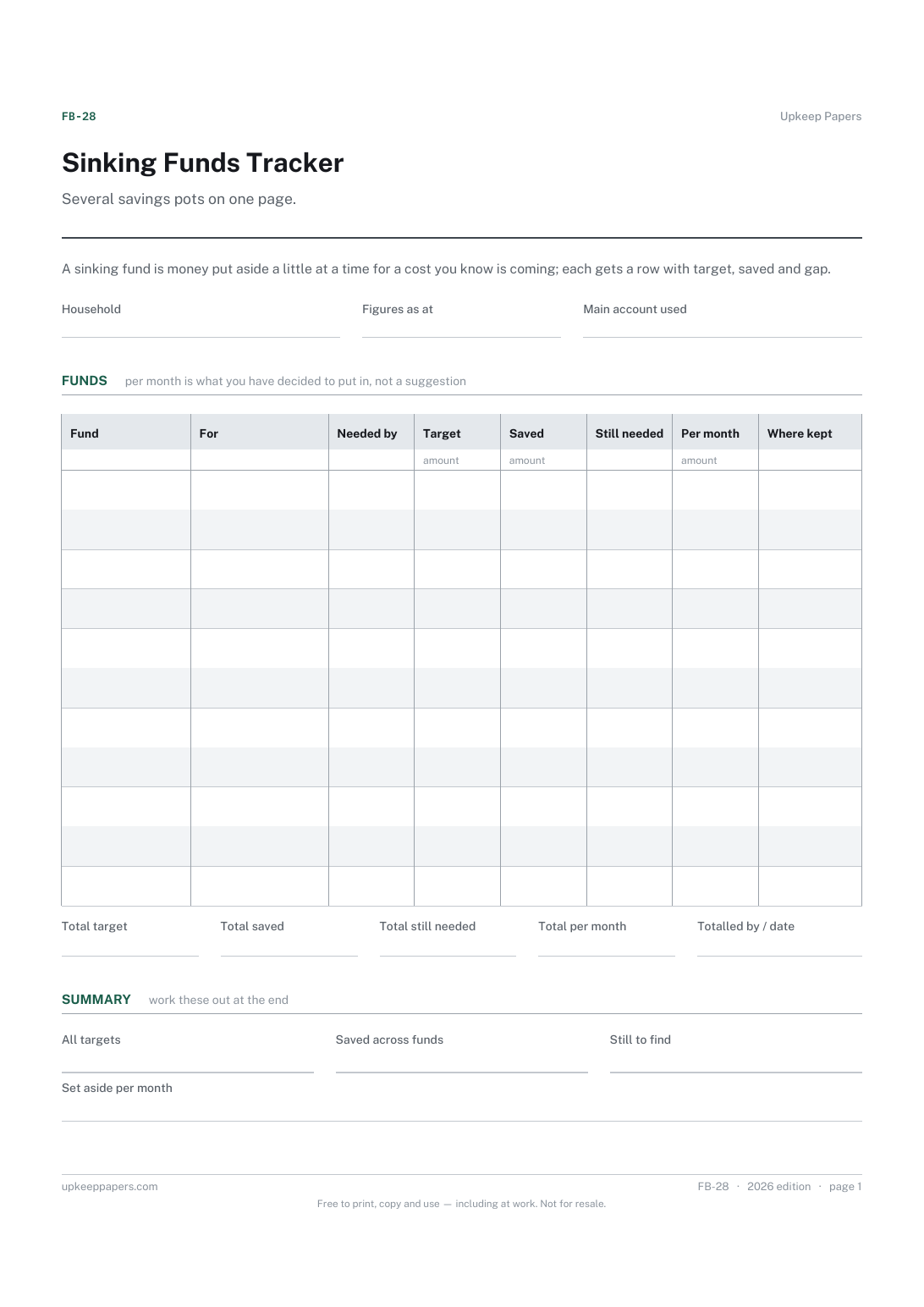
Sinking Funds Tracker
What each fund is for, when it is needed and how much it needs.
FB-28 Tracker PDF Excel Online
Everything here is free. Making it takes time and money. Everything here is free.
 Buy us a coffee
 Home and property records · HP-1067 · Planner
Free home repair reserve planner: each big part of the house by age, your own life estimate and cost, with a monthly set-aside. Excel, PDF and browser.
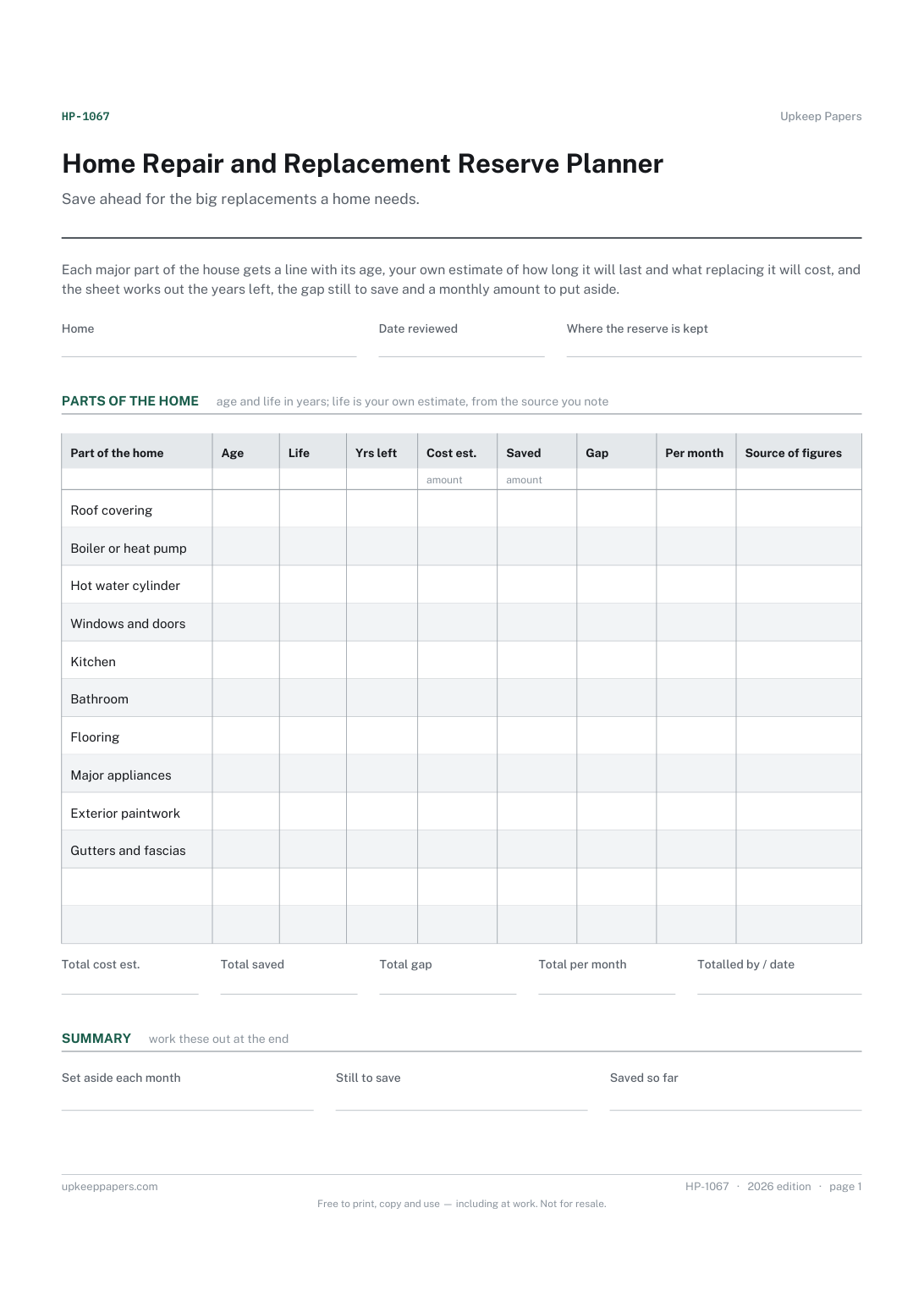
One page. The A4 and US Letter files are laid out identically, so neither is shrunk to fit.
Print it and write on it
Fillable PDF type and save
Spreadsheet formulas included
The fillable versions have real form fields — open them in any PDF reader, type into them and save. Printing help.
The same sheet, on screen. Totals and figures are worked out as you type, rows can be added or removed, and you can print it or download the completed version as a PDF. Everything stays in your browser — your entries are kept in this browser's own storage on this device, nothing is uploaded, and there is no account.
Save ahead for the big replacements a home needs. Each major part of the house gets a line with its age, your own estimate of how long it will last and what replacing it will cost, and the sheet works out the years left, the gap still to save and a monthly amount to put aside.
Homeowners who would rather pay for a new roof, boiler or kitchen from savings than from a loan, new buyers getting to know a house, and anyone whose household budget should include the house itself.
The printable is laid out inside a box that fits both A4 and US Letter, so the two files are identical and neither one is scaled. The fillable PDF has real form fields. The workbook uses plain formulas only — SUM, IF, COUNTIF and the like — so it opens in Excel, LibreOffice and Google Sheets without anything breaking, and every calculated cell is grey so you can see which figures it worked out.
Download the A4 or US Letter file to match the paper in your printer, open it in a PDF reader and print at 100% — not "fit to page", which shrinks the writing space. Both files leave a 14 mm margin, which clears the unprintable edge on home printers. To print the online version with your entries in it, use the Print this sheet button, which prints only the sheet and none of the page around it. More on printing.
From you. Makers' manuals, installers, surveyors and trade bodies give different figures, and a part's real life depends on use and upkeep. Write the figure you have chosen and its source, and change it when an inspection tells you more.
Years left shows zero or a minus figure and the monthly amount shows nothing, because there are no months left to save over. The gap is what you would need now; an inspection will tell you whether to repair, replace or revise your estimate.
The sinking funds tracker holds any savings pot with a target and date you choose. This planner starts from the house: it works out when each part is likely to need replacing from its age and your life estimate, and spreads the gap over the months left.
That is your decision. Some owners put money aside for the costly items only and pay for smaller ones as they come up. Leave blank any line you do not want counted in the totals.
What each fund is for, when it is needed and how much it needs.
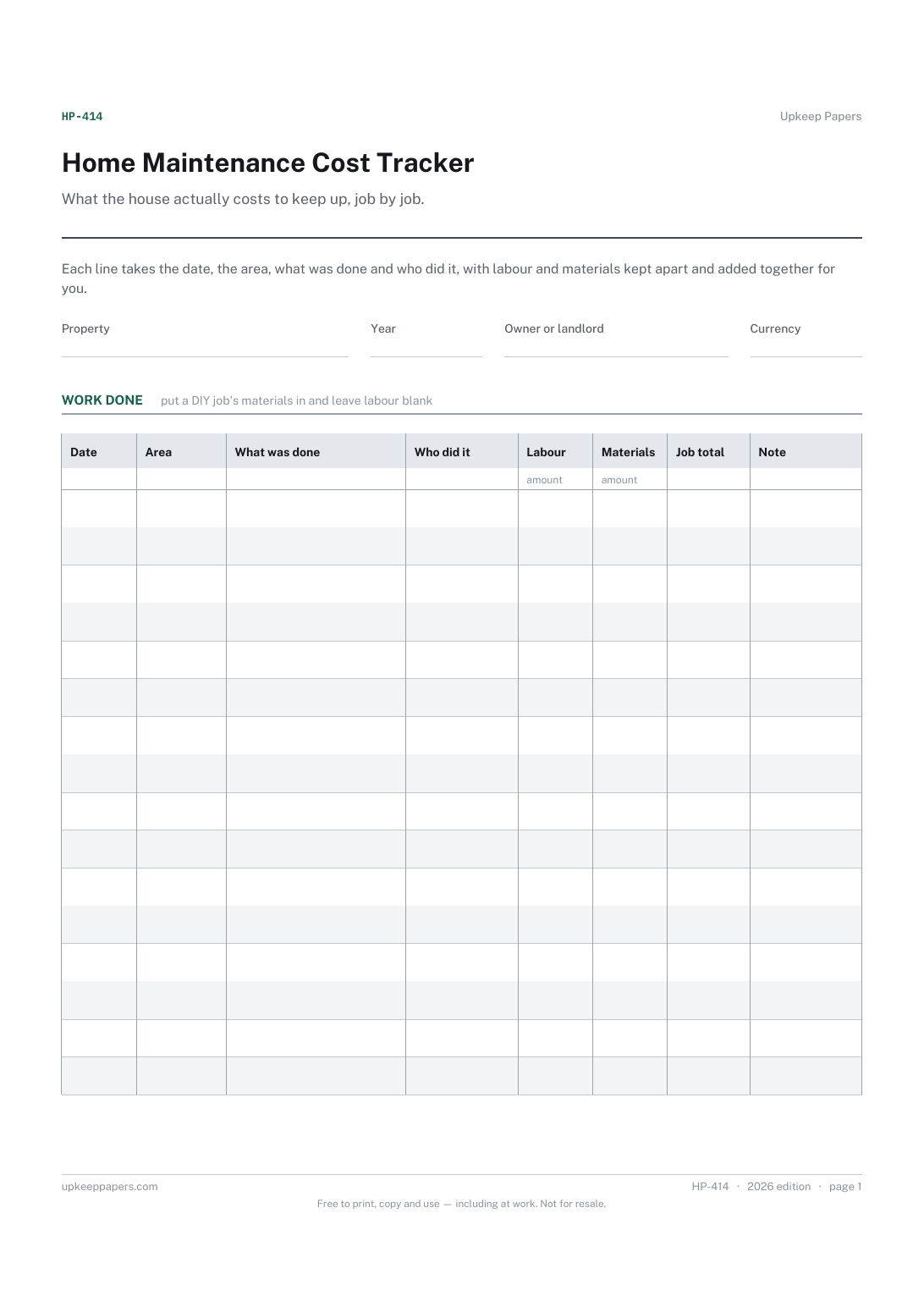
Every job done to the house, dated, with who did it.
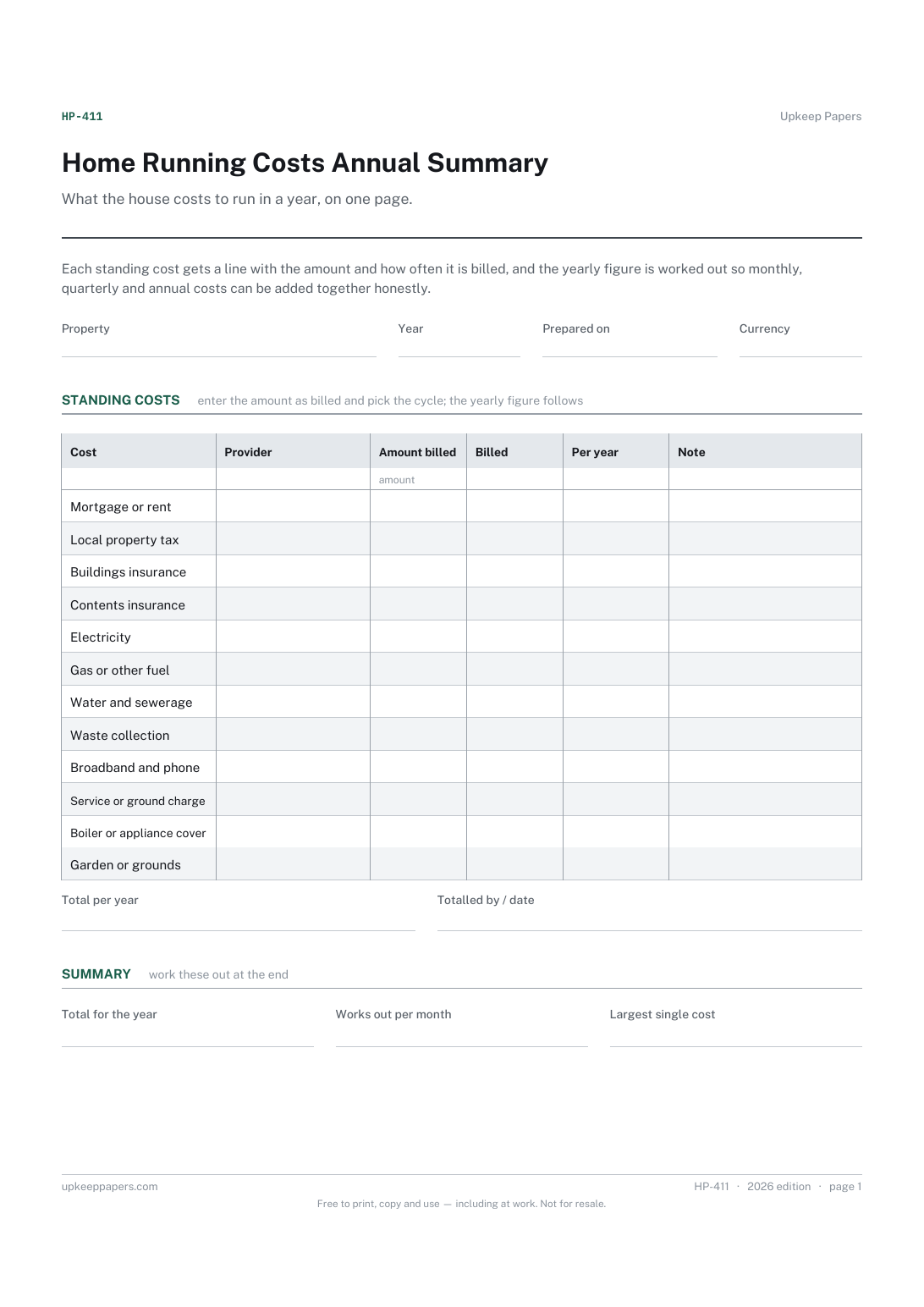
Every standing cost of the property in one list, with who it is paid to.
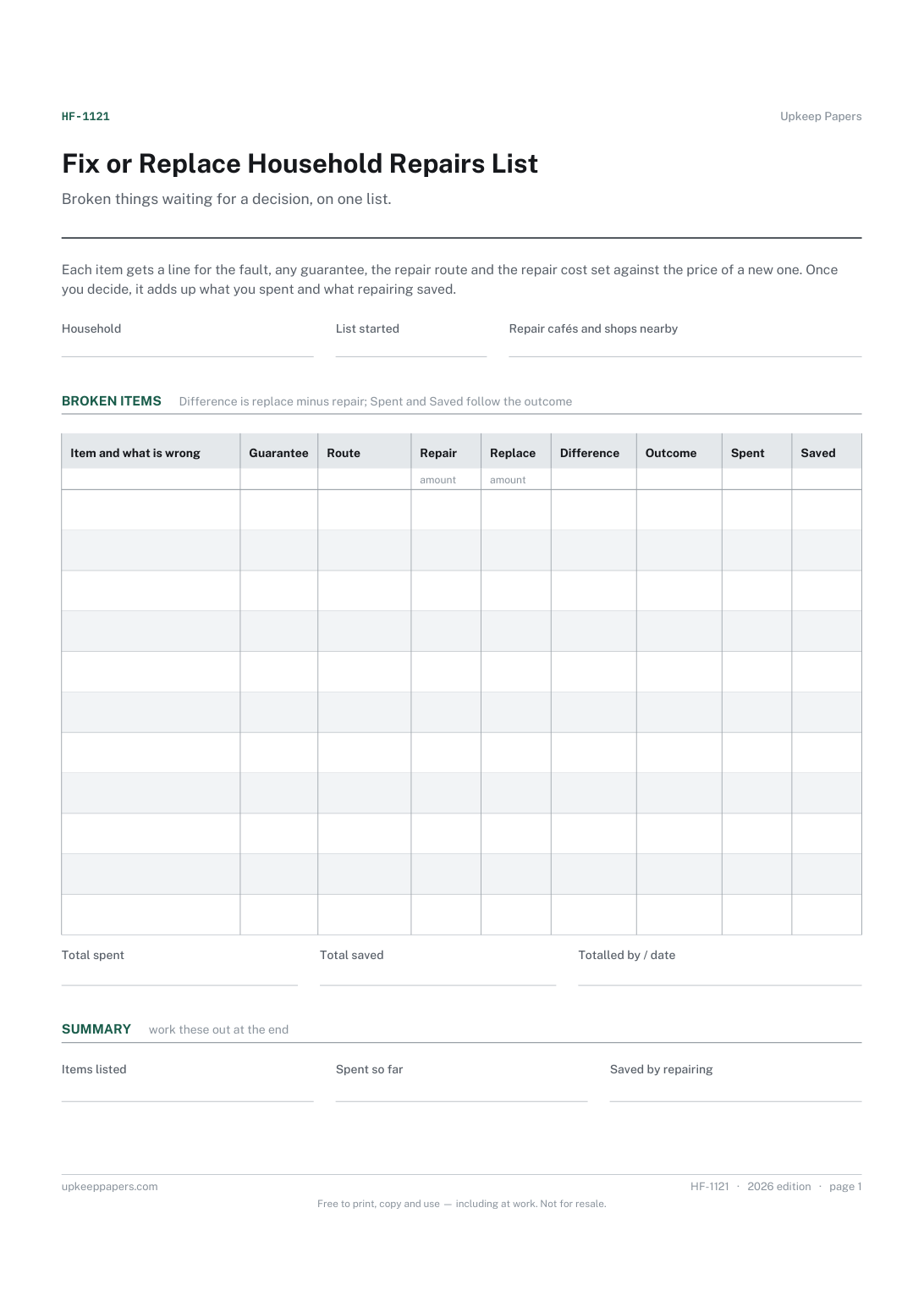
Every broken item waiting for a decision, and what is wrong with it.
Printable sheets, workbooks and tools on the same subject.
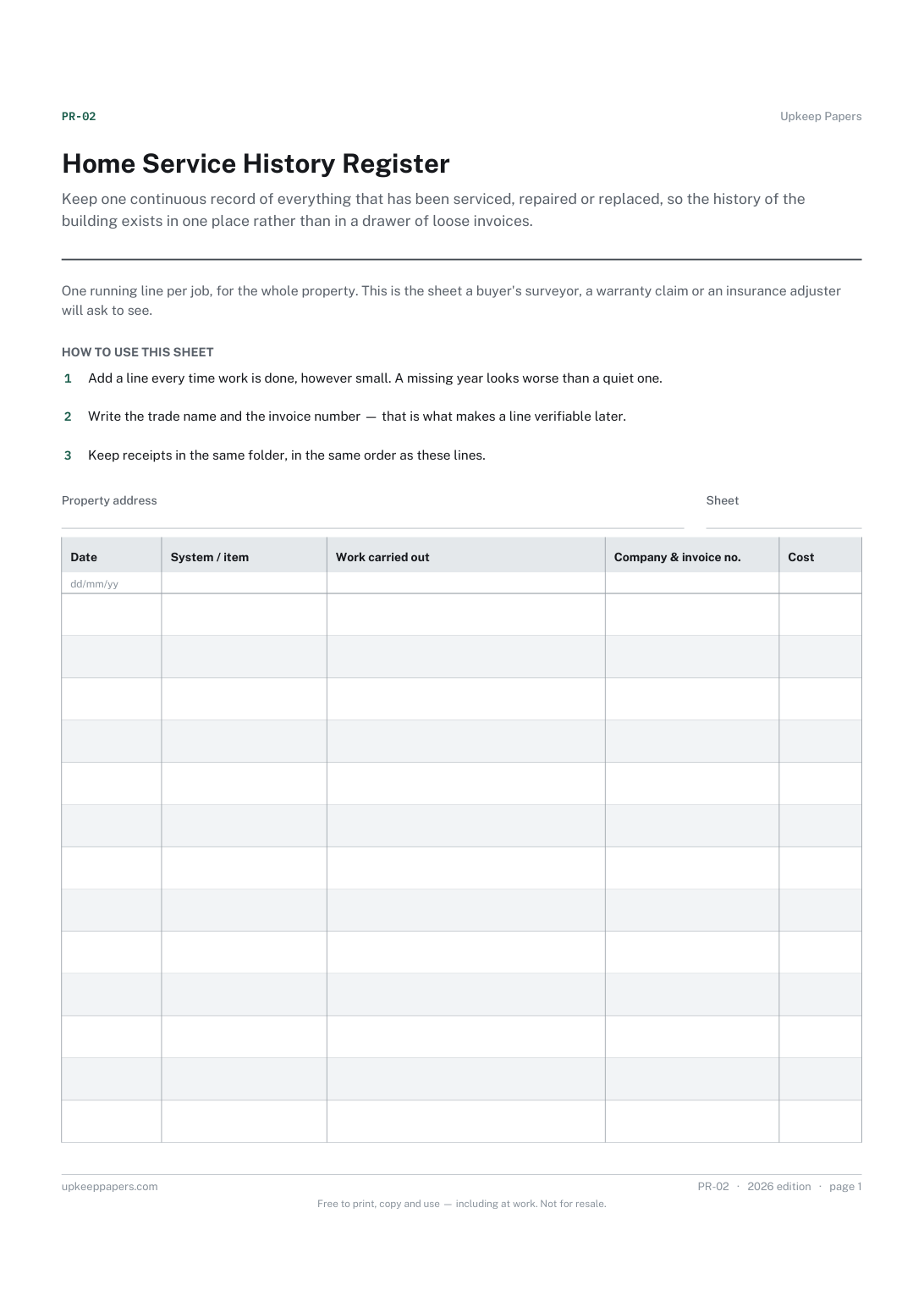
Keep one continuous record of everything that has been serviced, repaired or replaced, so the history of the building exists in one place rather than in a drawer of loose invoices.
The big irregular costs — the car service, the insurance renewal, Christmas — broken down into what you need to set aside each month to be ready for them.

Every sheet, binder, game and puzzle on Upkeep Papers is free to download, with no email and no account. Making them is not free: each one takes days of research, design and checking, and the site costs money to run. If something here saved you time, you can buy us a coffee. It is entirely optional: nothing is locked, and nothing changes if you don’t.
Buy us a coffee Opens PayPal in a new tab. Any amount, and nothing changes if you would rather not.