Board Game Collection Inventory
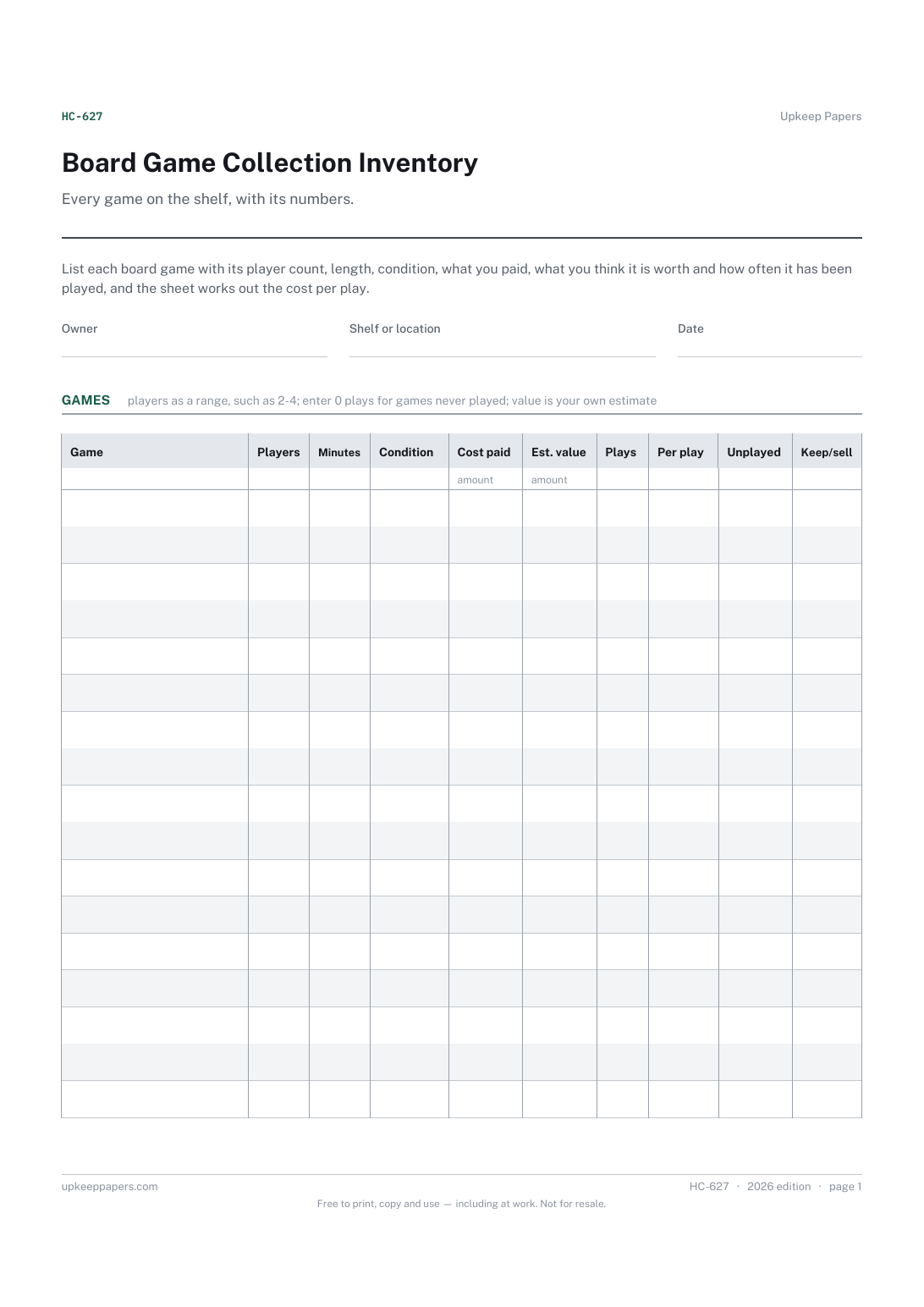
Which games you own and where the collection is kept.
HC-627 Inventory PDF Excel Online
Everything here is free. Making it takes time and money. Everything here is free.
 Buy us a coffee
 Hobbies and Collections · HC-630 · Tracker
Free video game collection spreadsheet for physical and digital games: platform, status, cost and value, with the backlog counted. Excel, PDF, browser.
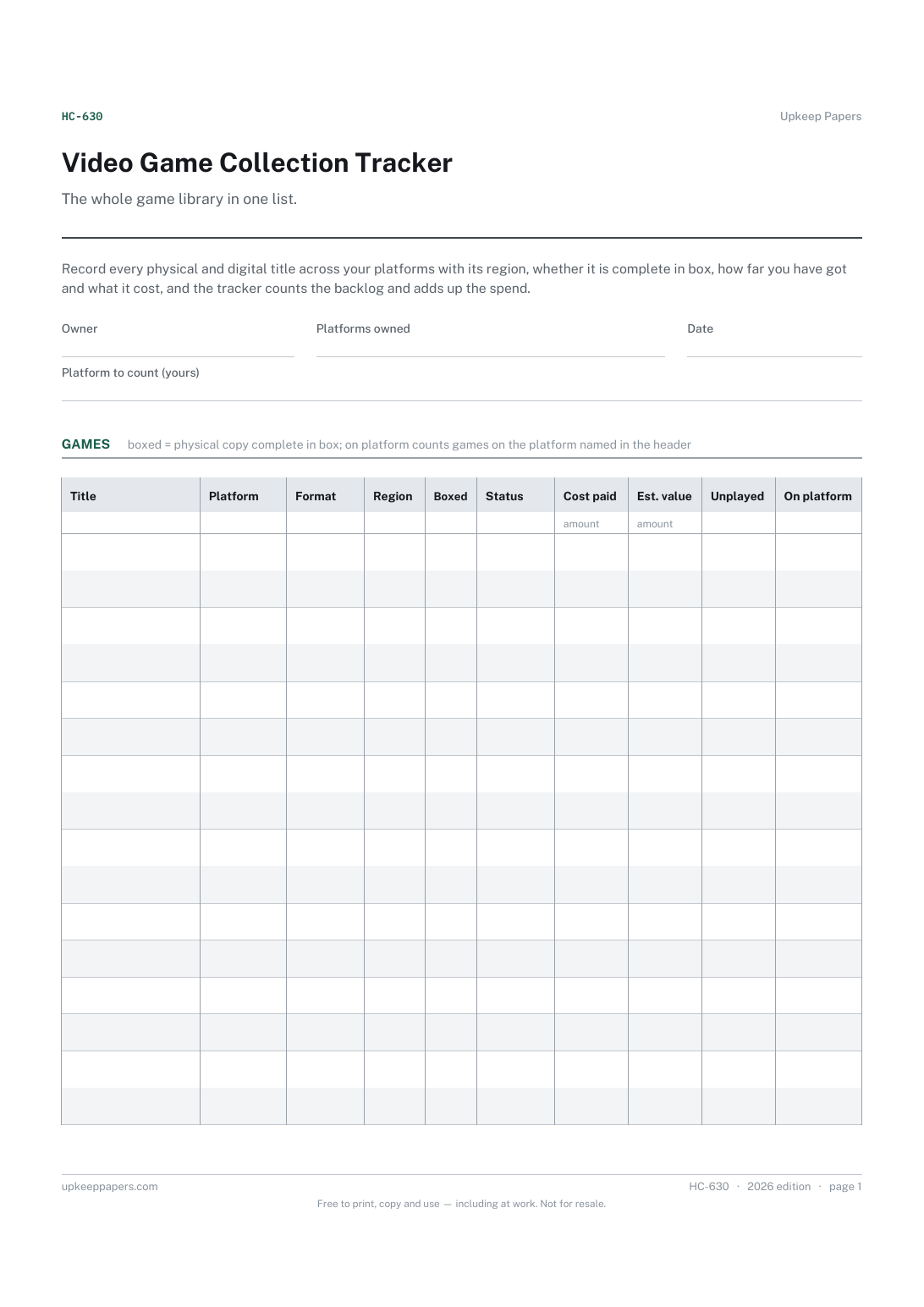
2 pages. The A4 and US Letter files are laid out identically, so neither is shrunk to fit.
Print it and write on it
Fillable PDF type and save
Spreadsheet formulas included
The fillable versions have real form fields — open them in any PDF reader, type into them and save. Printing help.
The same sheet, on screen. Totals and figures are worked out as you type, rows can be added or removed, and you can print it or download the completed version as a PDF. Everything stays in your browser — your entries are kept in this browser's own storage on this device, nothing is uploaded, and there is no account.
The whole game library in one list. Record every physical and digital title across your platforms with its region, whether it is complete in box, how far you have got and what it cost, and the tracker counts the backlog and adds up the spend.
Game collectors with shelves of boxes and libraries spread across several stores and consoles, and players who want to see how big the backlog really is.
The printable is laid out inside a box that fits both A4 and US Letter, so the two files are identical and neither one is scaled. The fillable PDF has real form fields. The workbook uses plain formulas only — SUM, IF, COUNTIF and the like — so it opens in Excel, LibreOffice and Google Sheets without anything breaking, and every calculated cell is grey so you can see which figures it worked out.
Download the A4 or US Letter file to match the paper in your printer, open it in a PDF reader and print at 100% — not "fit to page", which shrinks the writing space. Both files leave a 14 mm margin, which clears the unprintable edge on home printers. To print the online version with your entries in it, use the Print this sheet button, which prints only the sheet and none of the page around it. More on printing.
From you. Look at recent sales for the same edition and condition, or leave it blank for digital games that cannot be resold. No prices are supplied.
Enter them with a cost of 0 so they count as owned and in the backlog without adding to the spend. Put the bundle or offer in the region column if it helps.
Type a platform into the header field exactly as you write it in the table, and the platform column total counts the matching rows. Change the field to count another platform.
Tick complete in box for physical copies with case, manual and inserts, and use the notes area for any damage. The collection storage register can hold fuller notes per item.
Which games you own and where the collection is kept.
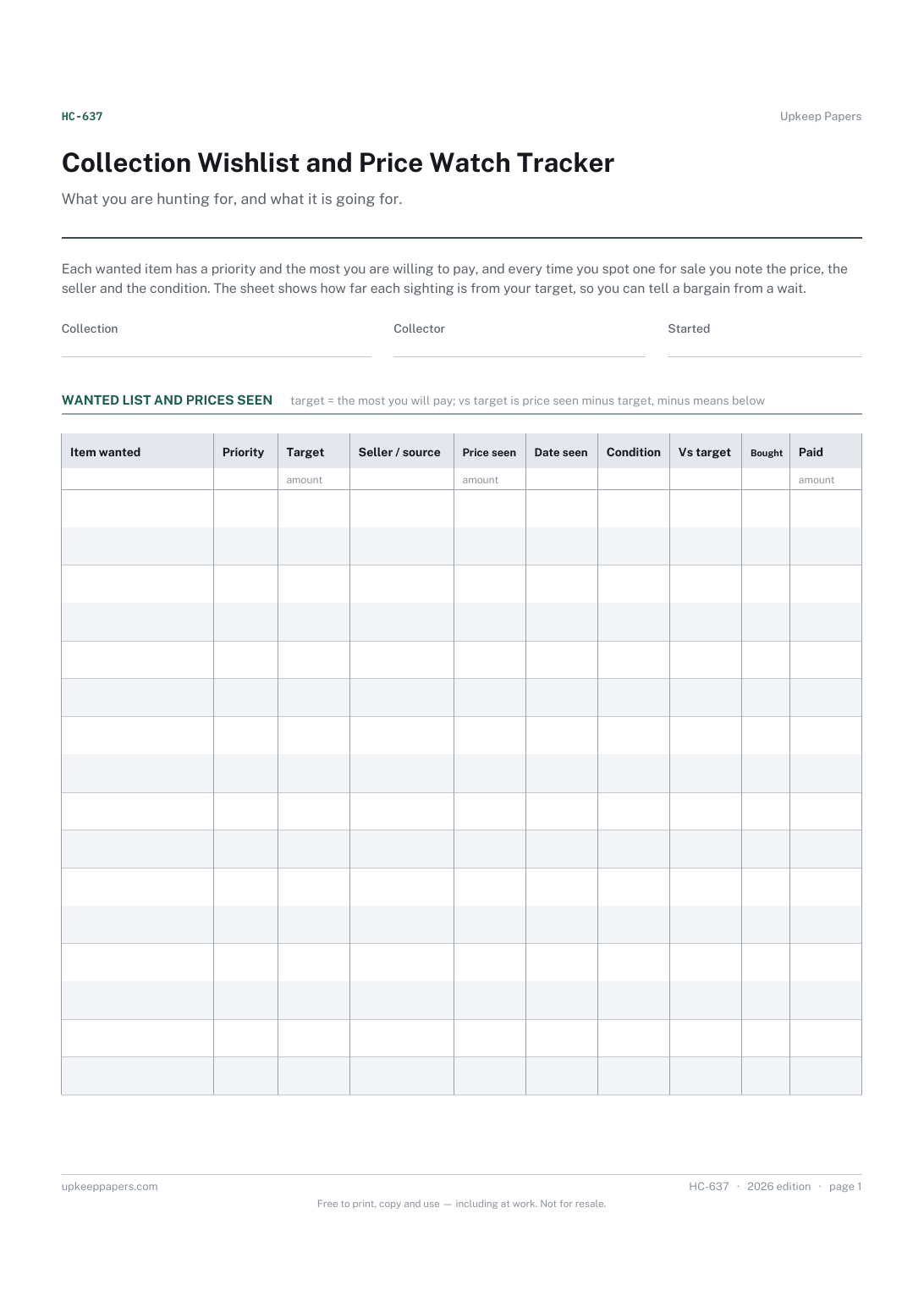
Every item still wanted, with its priority.
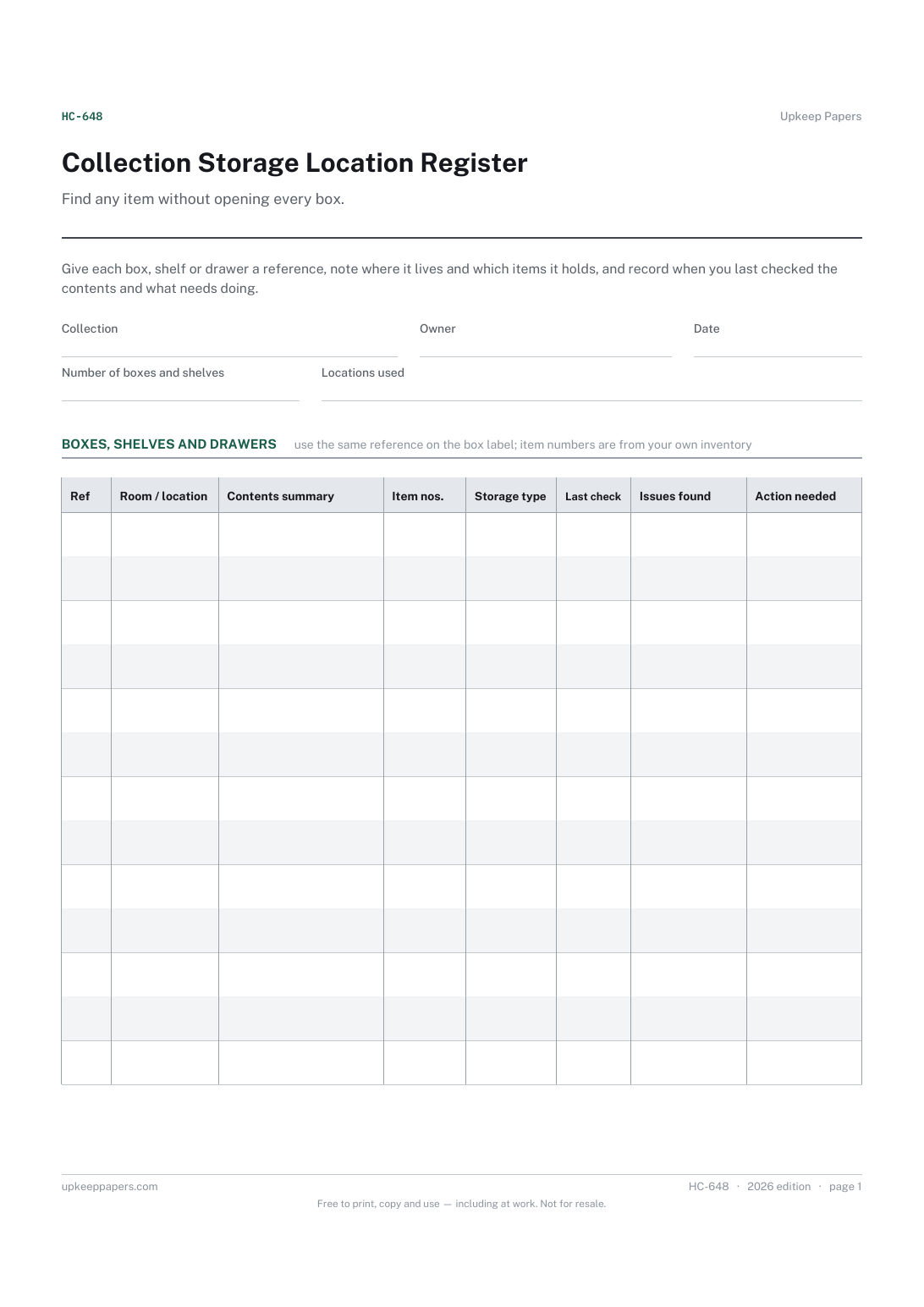
Every box, shelf and drawer with its own reference.
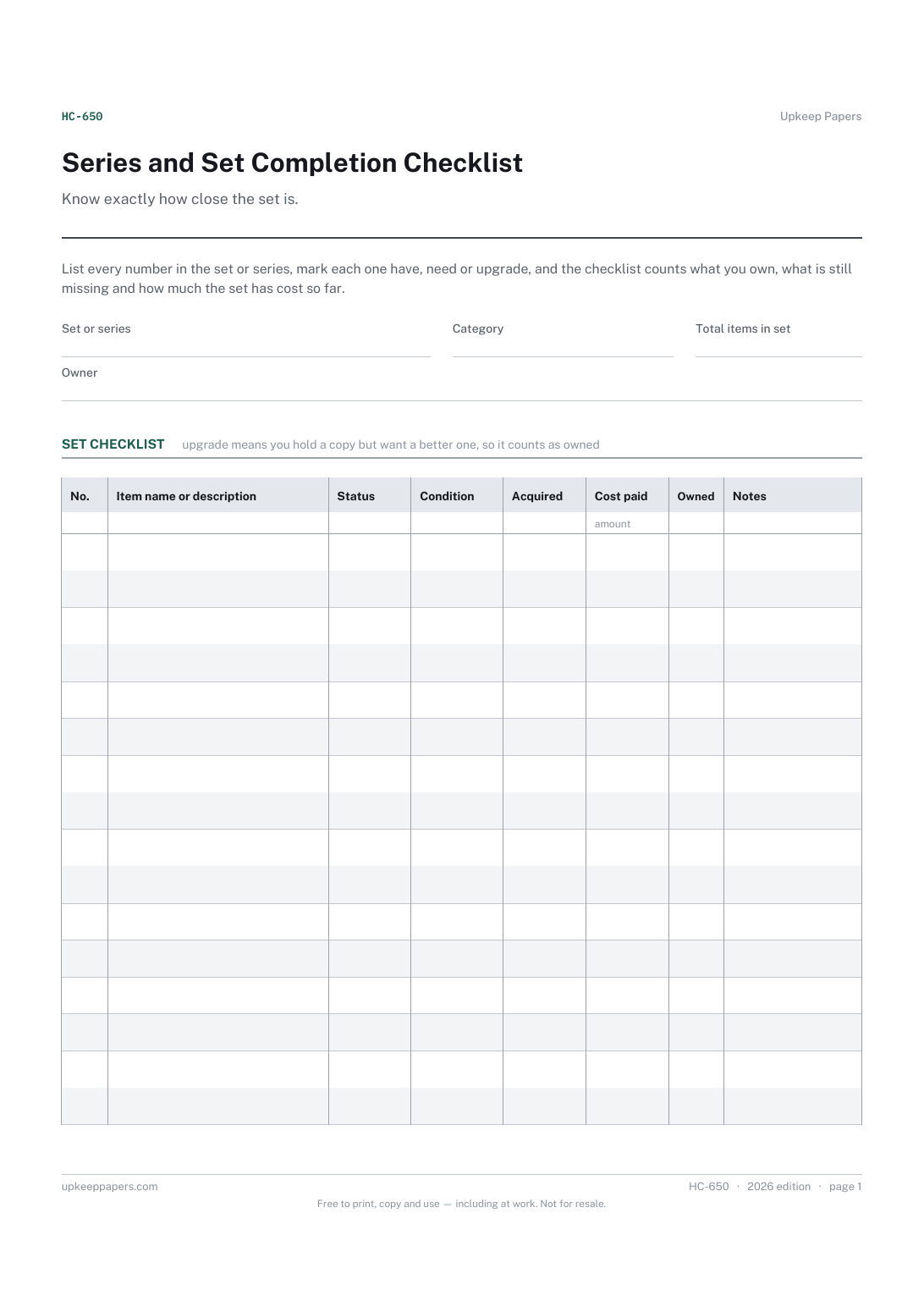
Every item in the set by number and name.
Printable sheets, workbooks and tools on the same subject.
Room-by-room contents with what each thing cost and what it would cost to replace, totalled per room and overall — the list an insurer asks for.

Every sheet, binder, game and puzzle on Upkeep Papers is free to download, with no email and no account. Making them is not free: each one takes days of research, design and checking, and the site costs money to run. If something here saved you time, you can buy us a coffee. It is entirely optional: nothing is locked, and nothing changes if you don’t.
Buy us a coffee Opens PayPal in a new tab. Any amount, and nothing changes if you would rather not.