Collection Purchase and Sale Ledger
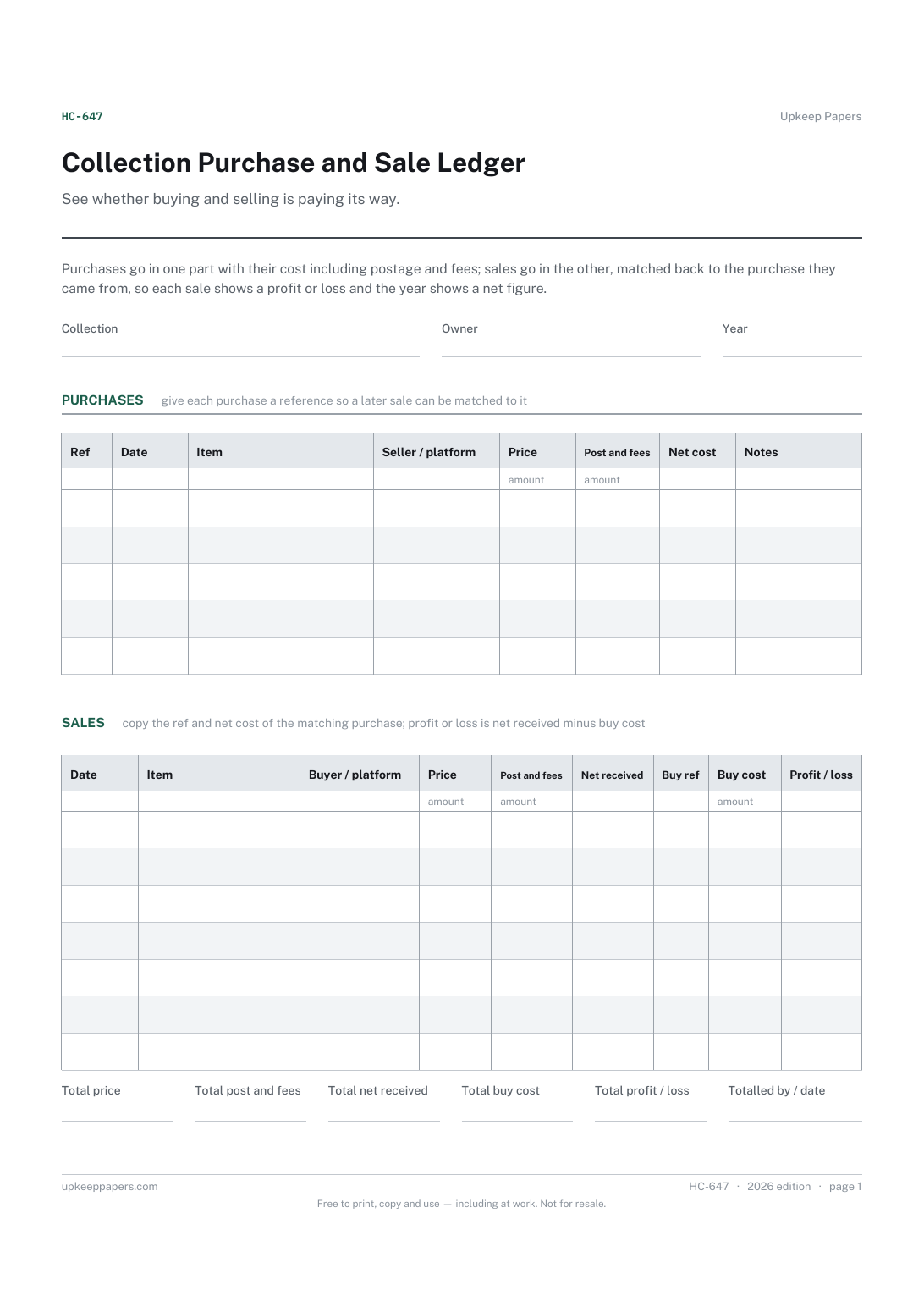
Every purchase with its seller or platform and full cost.
HC-647 Log PDF Excel Online
Everything here is free. Making it takes time and money. Everything here is free.
 Buy us a coffee
 Hobbies and Collections · HC-637 · Tracker
Collection wishlist tracker — items wanted, your target price, prices seen and what you paid, with the gap to target on each. PDF, Excel and browser.
2 pages. The A4 and US Letter files are laid out identically, so neither is shrunk to fit.
Print it and write on it
Fillable PDF type and save
Spreadsheet formulas included
The fillable versions have real form fields — open them in any PDF reader, type into them and save. Printing help.
The same sheet, on screen. Totals and figures are worked out as you type, rows can be added or removed, and you can print it or download the completed version as a PDF. Everything stays in your browser — your entries are kept in this browser's own storage on this device, nothing is uploaded, and there is no account.
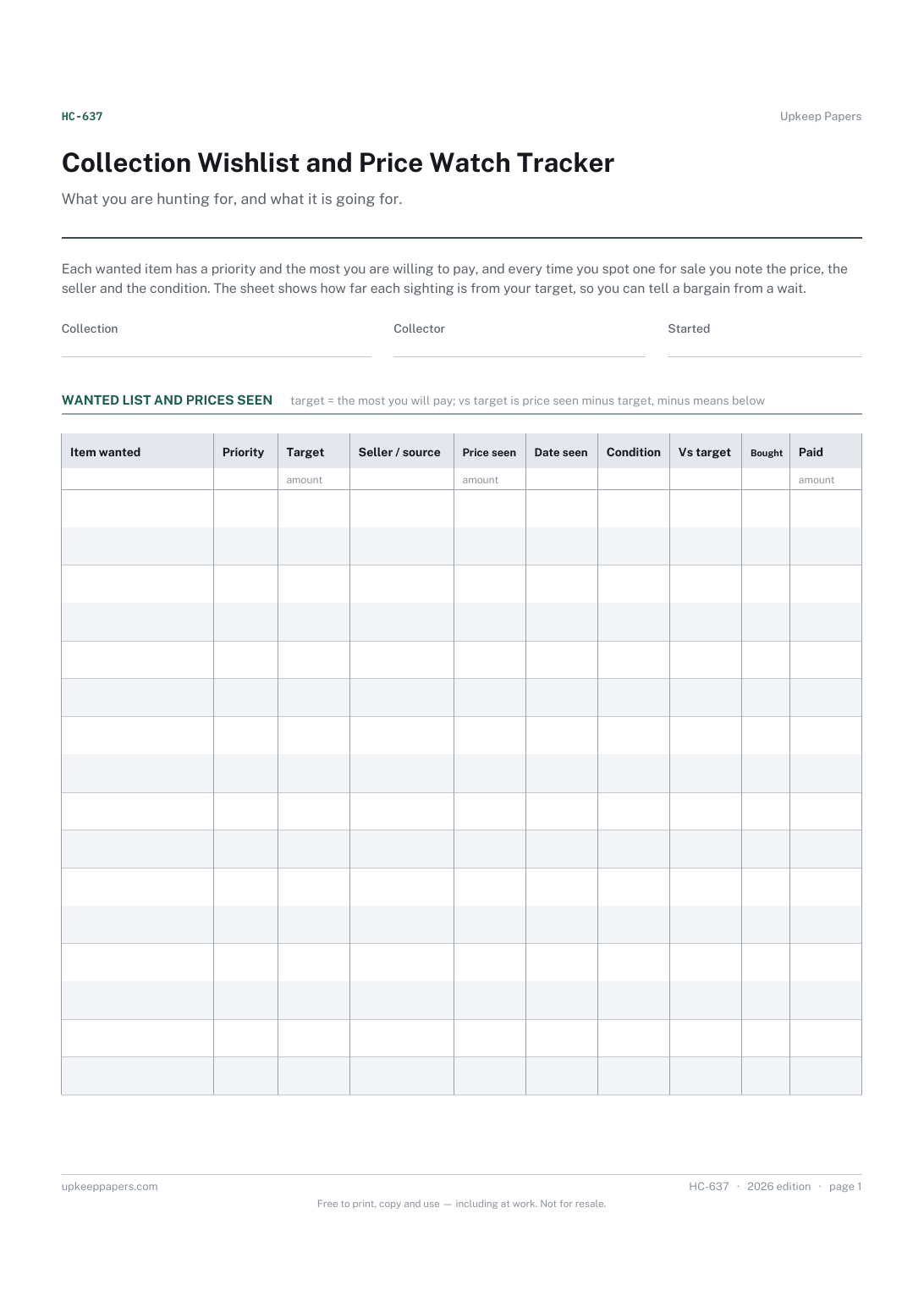
What you are hunting for, and what it is going for. Each wanted item has a priority and the most you are willing to pay, and every time you spot one for sale you note the price, the seller and the condition. The sheet shows how far each sighting is from your target, so you can tell a bargain from a wait.
Collectors of anything, from records and stamps to figures and first editions, who keep a wanted list and would rather buy at their own price than on impulse.
The printable is laid out inside a box that fits both A4 and US Letter, so the two files are identical and neither one is scaled. The fillable PDF has real form fields. The workbook uses plain formulas only — SUM, IF, COUNTIF and the like — so it opens in Excel, LibreOffice and Google Sheets without anything breaking, and every calculated cell is grey so you can see which figures it worked out.
Download the A4 or US Letter file to match the paper in your printer, open it in a PDF reader and print at 100% — not "fit to page", which shrinks the writing space. Both files leave a 14 mm margin, which clears the unprintable edge on home printers. To print the online version with your entries in it, use the Print this sheet button, which prints only the sheet and none of the page around it. More on printing.
From your own budget and what you have seen similar items sell for. The sheet does not suggest prices; it simply measures each sighting against the figure you chose, so you can revise the target as you learn the market.
Price seen minus your target. A minus figure means the item was offered below your target, a positive one means it was above. Scan the column for minus figures to find the sightings worth acting on.
Give each sighting its own line with the same item name. Sort by item in the workbook or browser version and the lowest price for each item sits together with the others, dated.
Decide once and stick to it. Including postage in both the price seen and the price paid gives the truest comparison, especially when sellers split the cost differently.
Every purchase with its seller or platform and full cost.
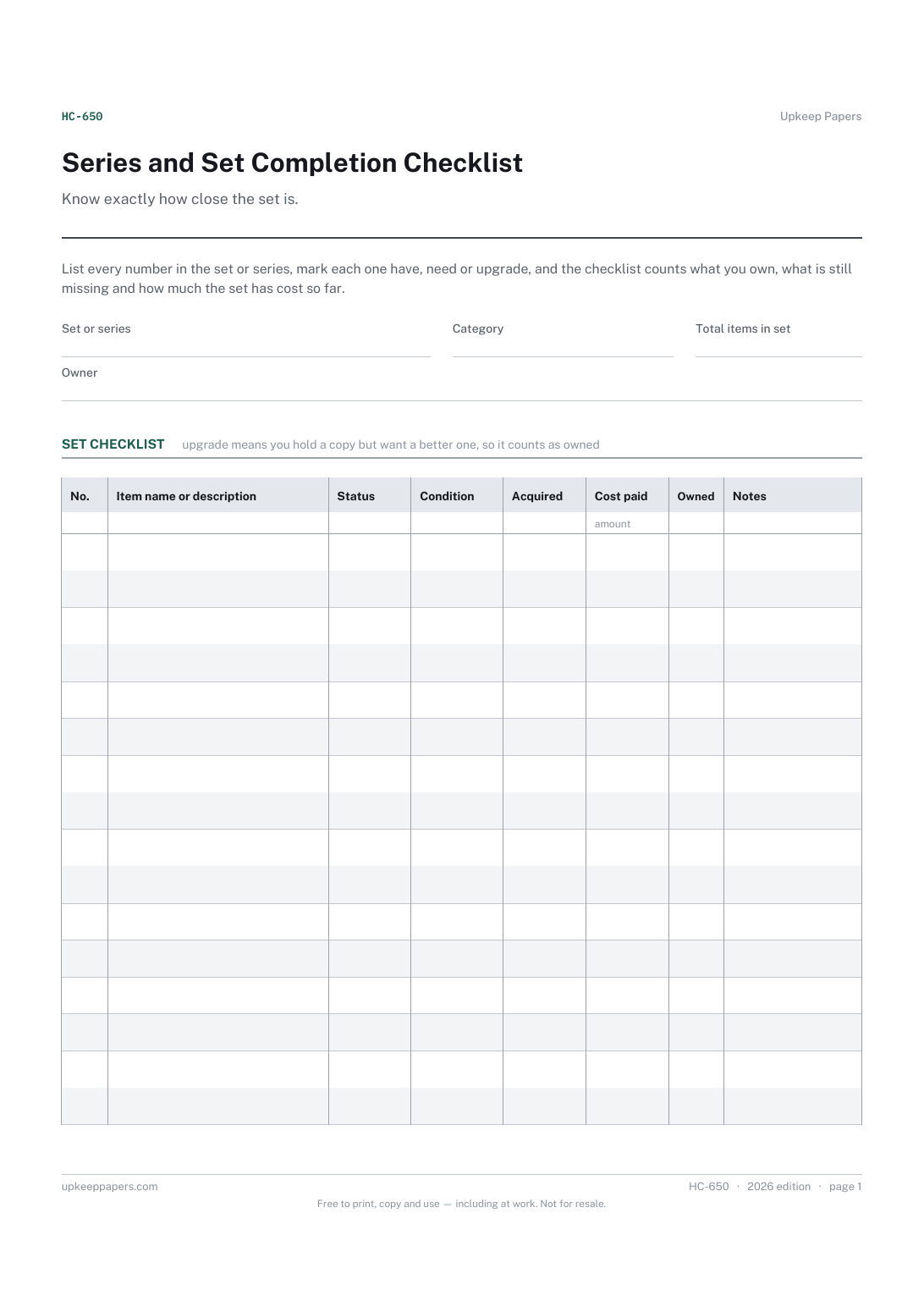
Every item in the set by number and name.
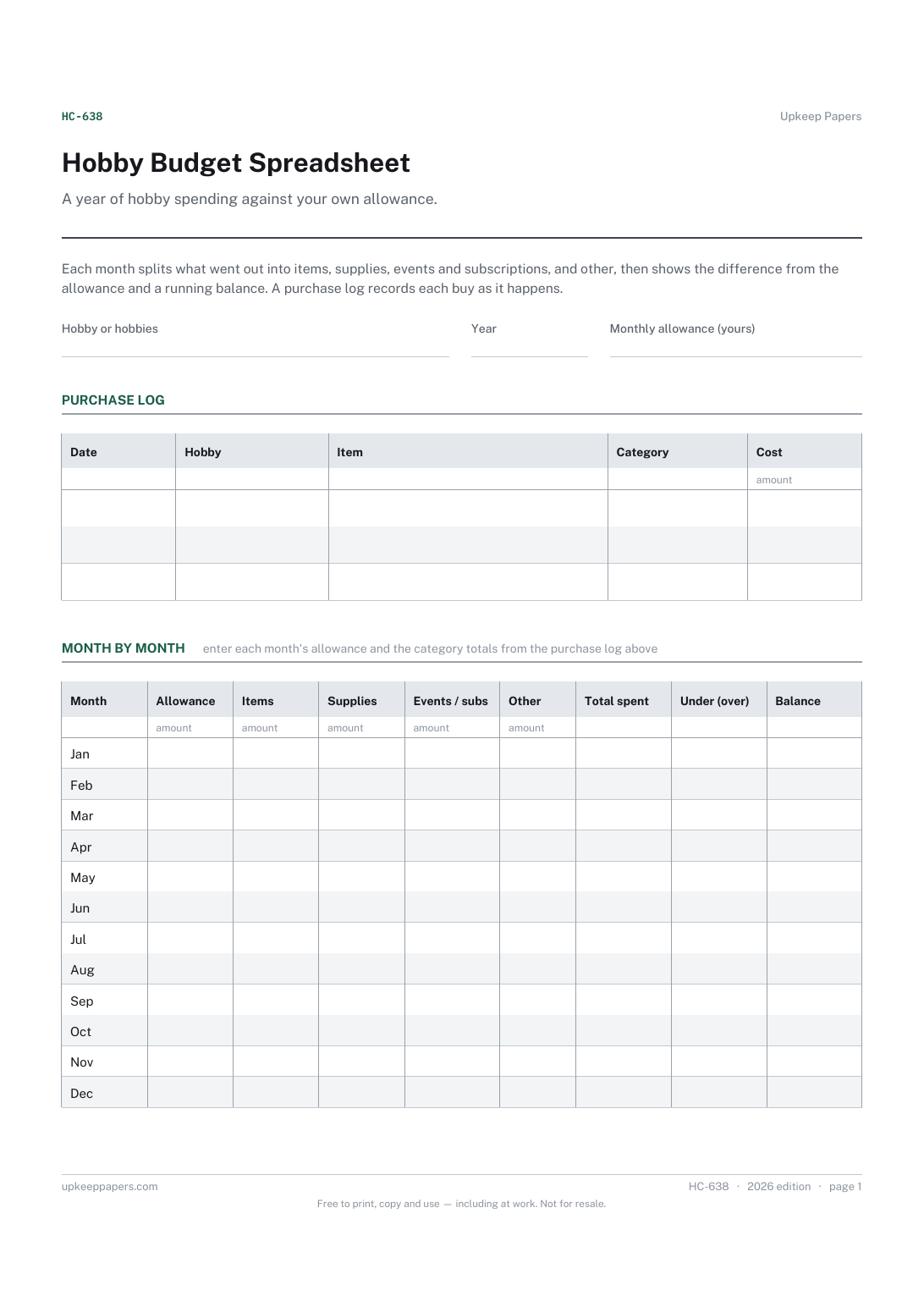
The monthly allowance you set for your hobbies.
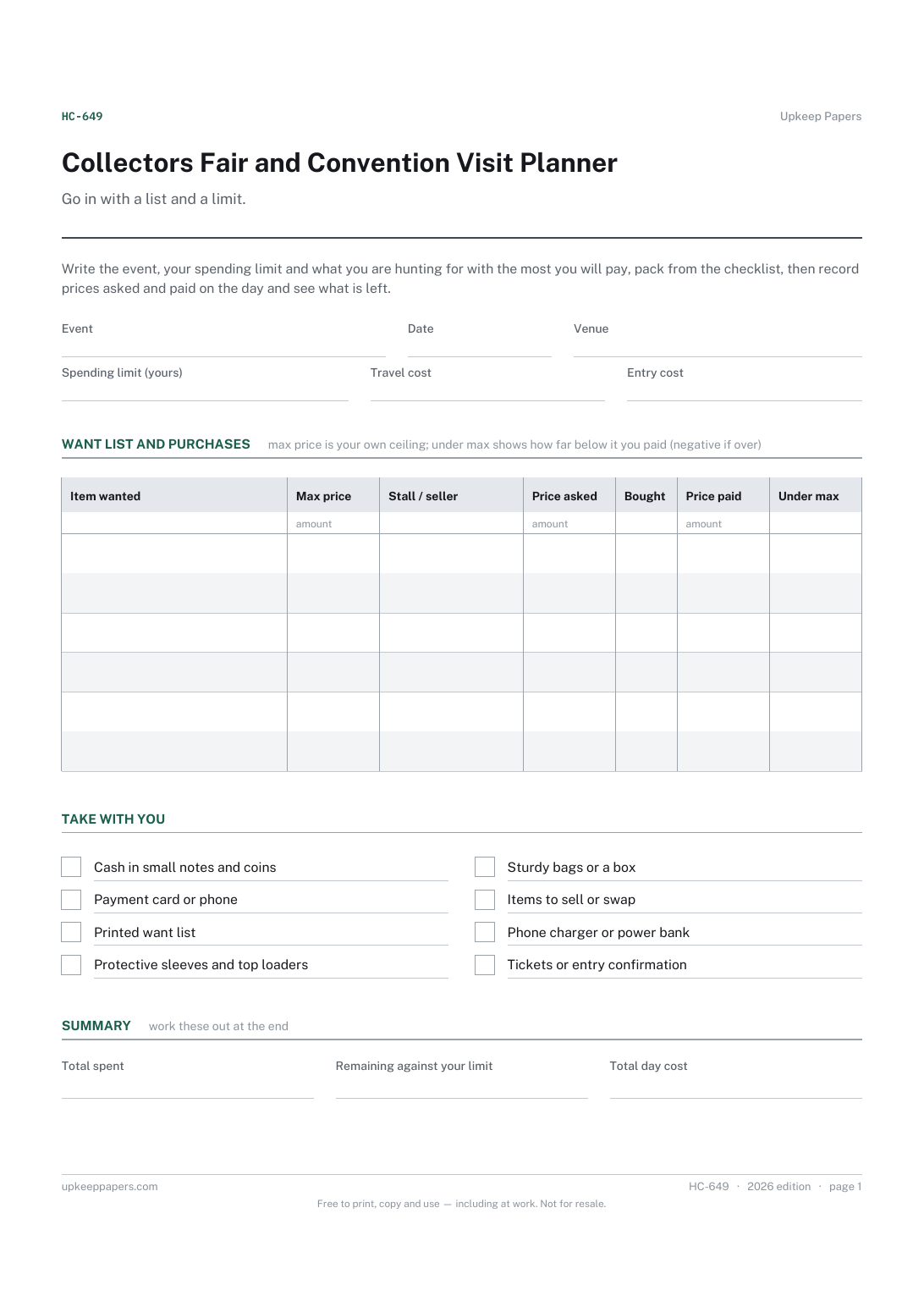
The event, venue, travel and entry costs.
Printable sheets, workbooks and tools on the same subject.
A dated list of what you spent, which totals itself by category and by month without you building a single pivot table.

Every sheet, binder, game and puzzle on Upkeep Papers is free to download, with no email and no account. Making them is not free: each one takes days of research, design and checking, and the site costs money to run. If something here saved you time, you can buy us a coffee. It is entirely optional: nothing is locked, and nothing changes if you don’t.
Buy us a coffee Opens PayPal in a new tab. Any amount, and nothing changes if you would rather not.