
Hobbies and Collections · HC-629 · Log
Escape Room and Experience Visit Log
Free escape room log for rooms, immersive shows and days out: venue, team, escaped or not, time taken and your rating. PDF and browser.
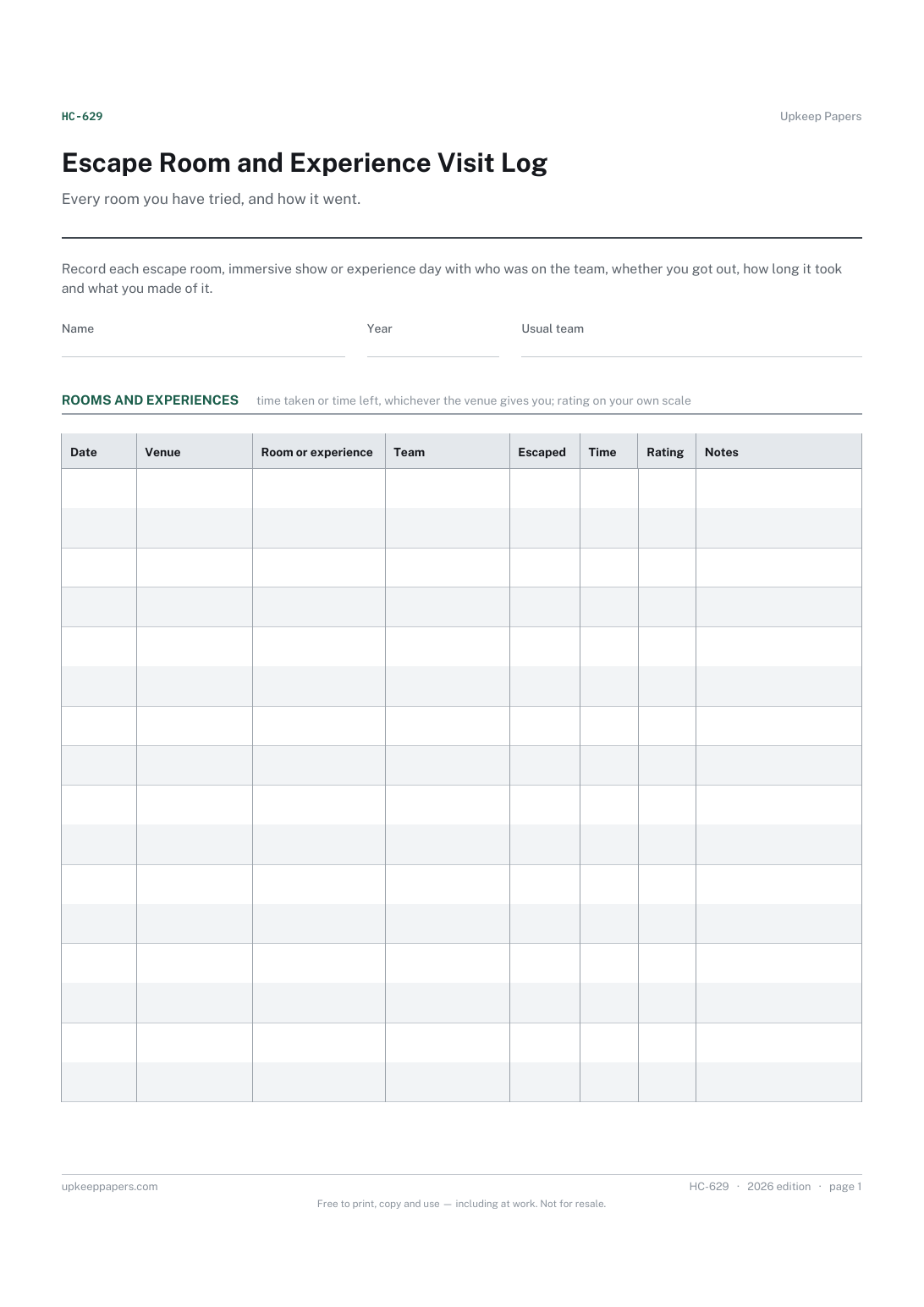
2 pages. The A4 and US Letter files are laid out identically, so neither is shrunk to fit.
Print it and write on it
Fillable PDF type and save
Or no download needed
Fill it in onlineThe fillable versions have real form fields — open them in any PDF reader, type into them and save. Printing help.
Fill it in online
The same sheet, on screen. Tick, type, add or remove rows, then print it or download the completed version as a PDF. Everything stays in your browser — your entries are kept in this browser's own storage on this device, nothing is uploaded, and there is no account.
Who this is for
Every room you have tried, and how it went. Record each escape room, immersive show or experience day with who was on the team, whether you got out, how long it took and what you made of it.
Escape room regulars keeping count of rooms played, groups of friends who book experiences together, and anyone who likes to collect days out.
What this helps you track
- Every room or experience, with the venue and the date
- Who was on the team each time
- Whether you escaped and how long it took
- Your own score and notes on the puzzles, hosts and theme
- Which venues and rooms are still left to try
How to use it
- Write your name and the year at the top.
- After each visit add the date, the venue and the name of the room or experience.
- List the team, tick escaped if you got out and write the time taken or time left.
- Give it your own score and a note on what stood out, keeping the puzzle solutions out if others may read it.
- Keep the browser version on your phone to fill in on the way home; it saves in your own browser.
Formats
- Printable PDF (A4 and US Letter)
- Fillable PDF with form fields
- Fill in online, saved in your browser
The printable is laid out inside a box that fits both A4 and US Letter, so the two files are identical and neither one is scaled. The fillable PDF has real form fields. The online version keeps what you enter in your own browser and builds the completed PDF on your device.
How to print
Download the A4 or US Letter file to match the paper in your printer, open it in a PDF reader and print at 100% — not "fit to page", which shrinks the writing space. Both files leave a 14 mm margin, which clears the unprintable edge on home printers. To print the online version with your entries in it, use the Print this sheet button, which prints only the sheet and none of the page around it. More on printing.
Questions
Should I write the time taken or the time left?
Either, as long as you are consistent. Venues report it differently, so write down what they tell you and put which it is in the notes the first time.
What counts as an experience?
Anything you book to do rather than watch: immersive theatre, axe throwing, treasure hunts, cookery classes, track days. If you would want to remember it, it belongs here.
Can I share the log with my team?
Print it or share your screen. The browser version saves only in your own browser, so each person keeps their own copy unless you pass the printed sheet round.
Where do I note rooms I still want to do?
Use the notes area at the foot, or add a row with only the venue and room filled in and leave the escaped box empty until you go.
Related resources
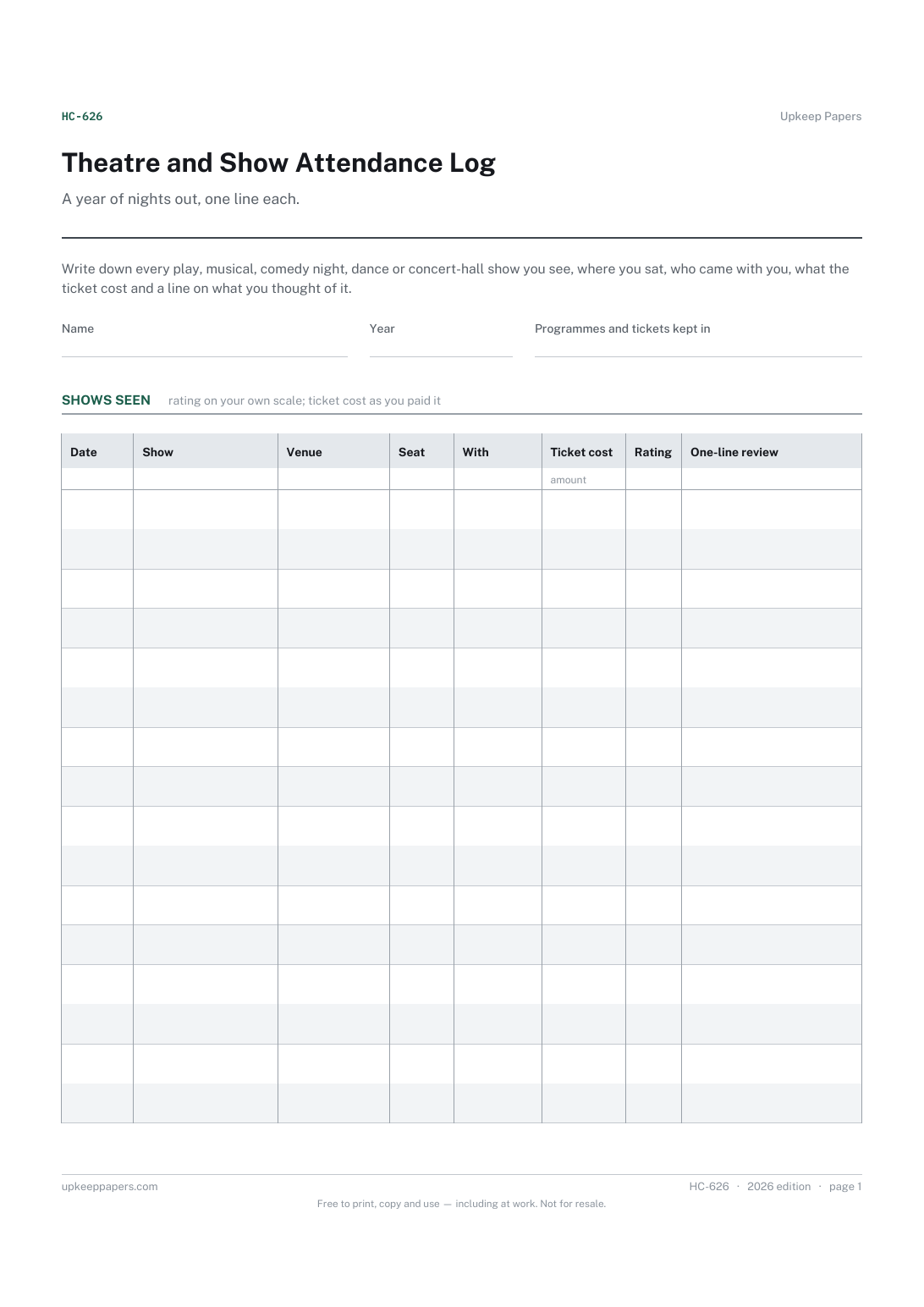
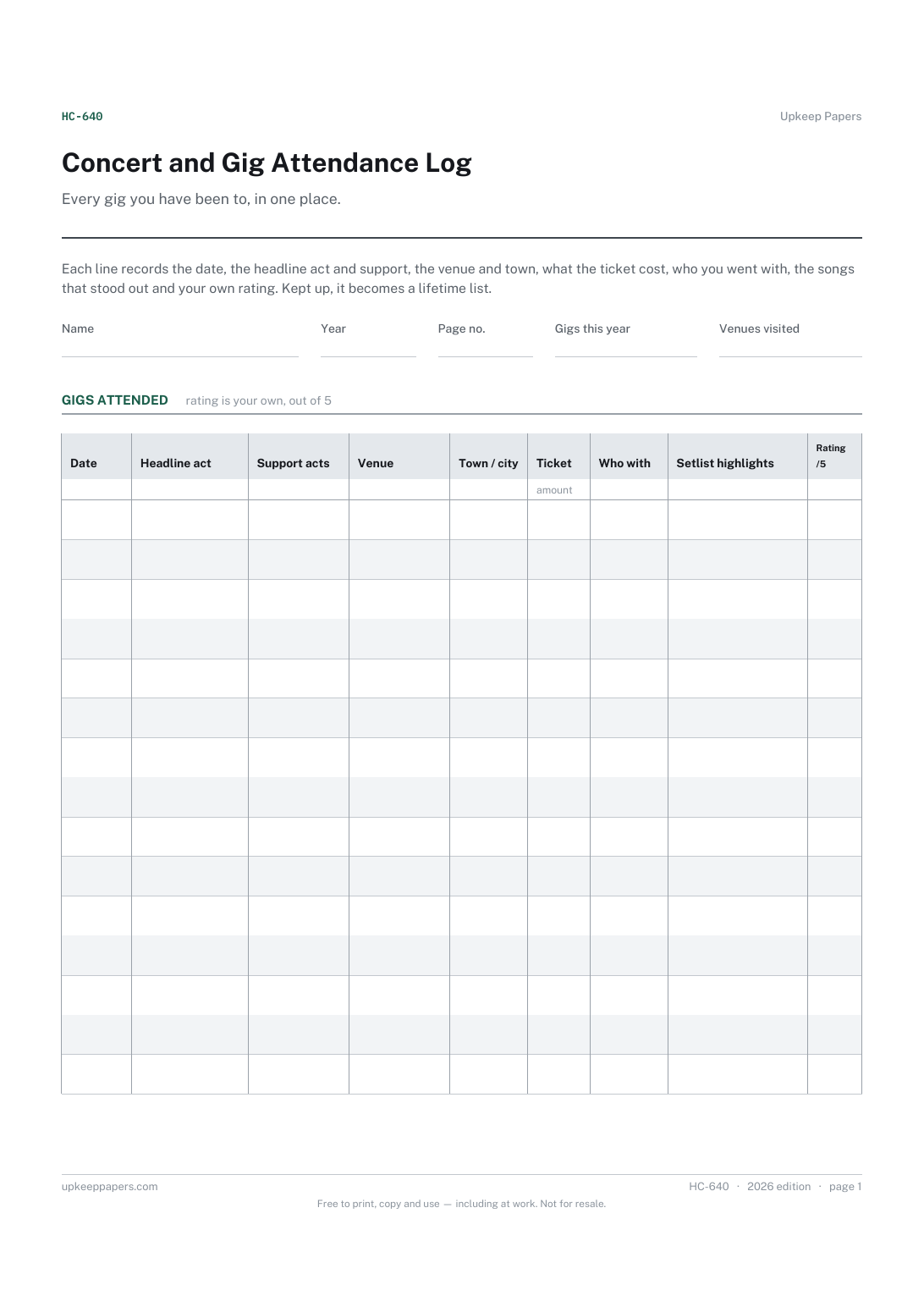
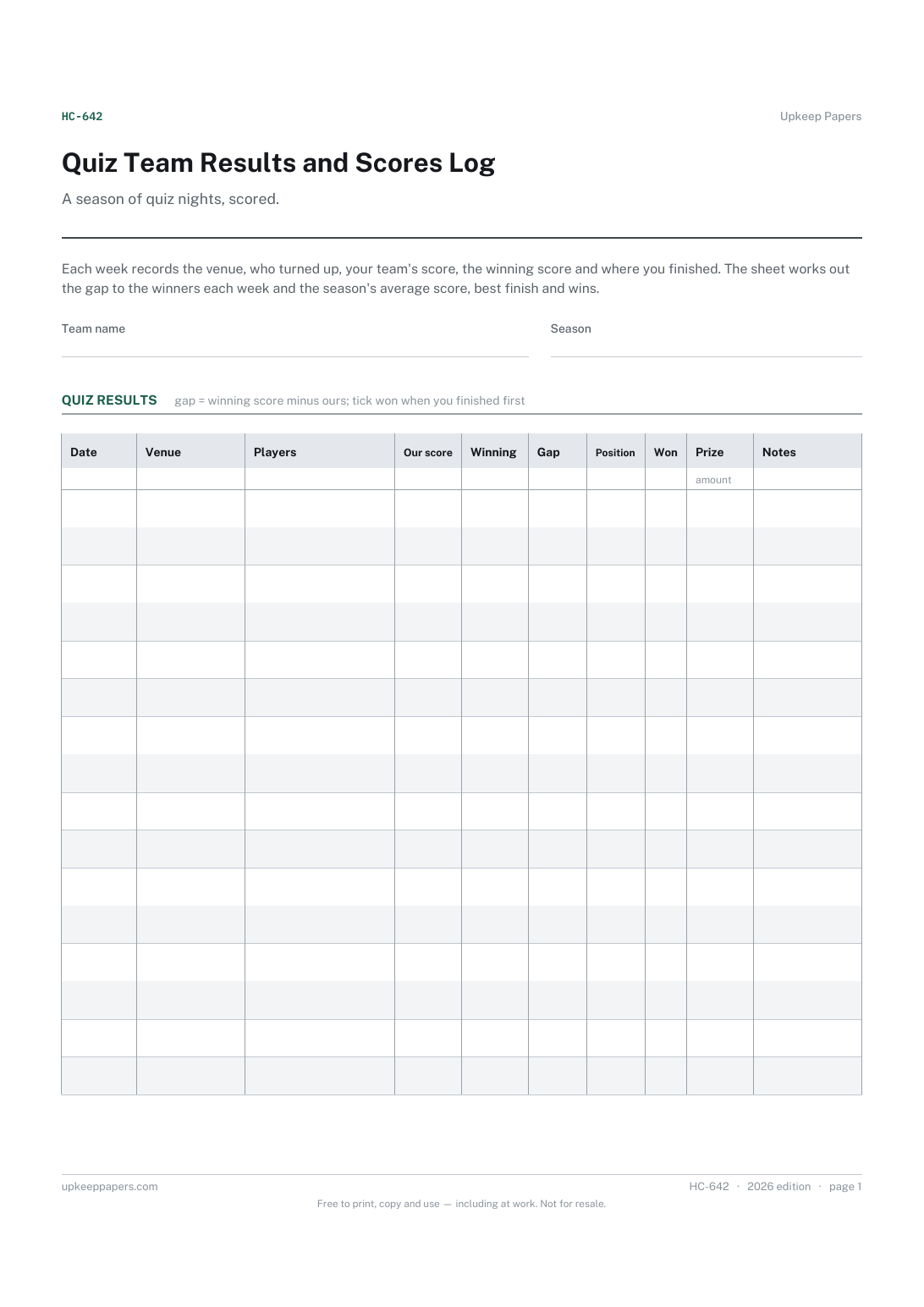
Quiz Team Results and Scores Log
Every quiz night with the date and venue.
Hobby Budget Spreadsheet
The monthly allowance you set for your hobbies.
