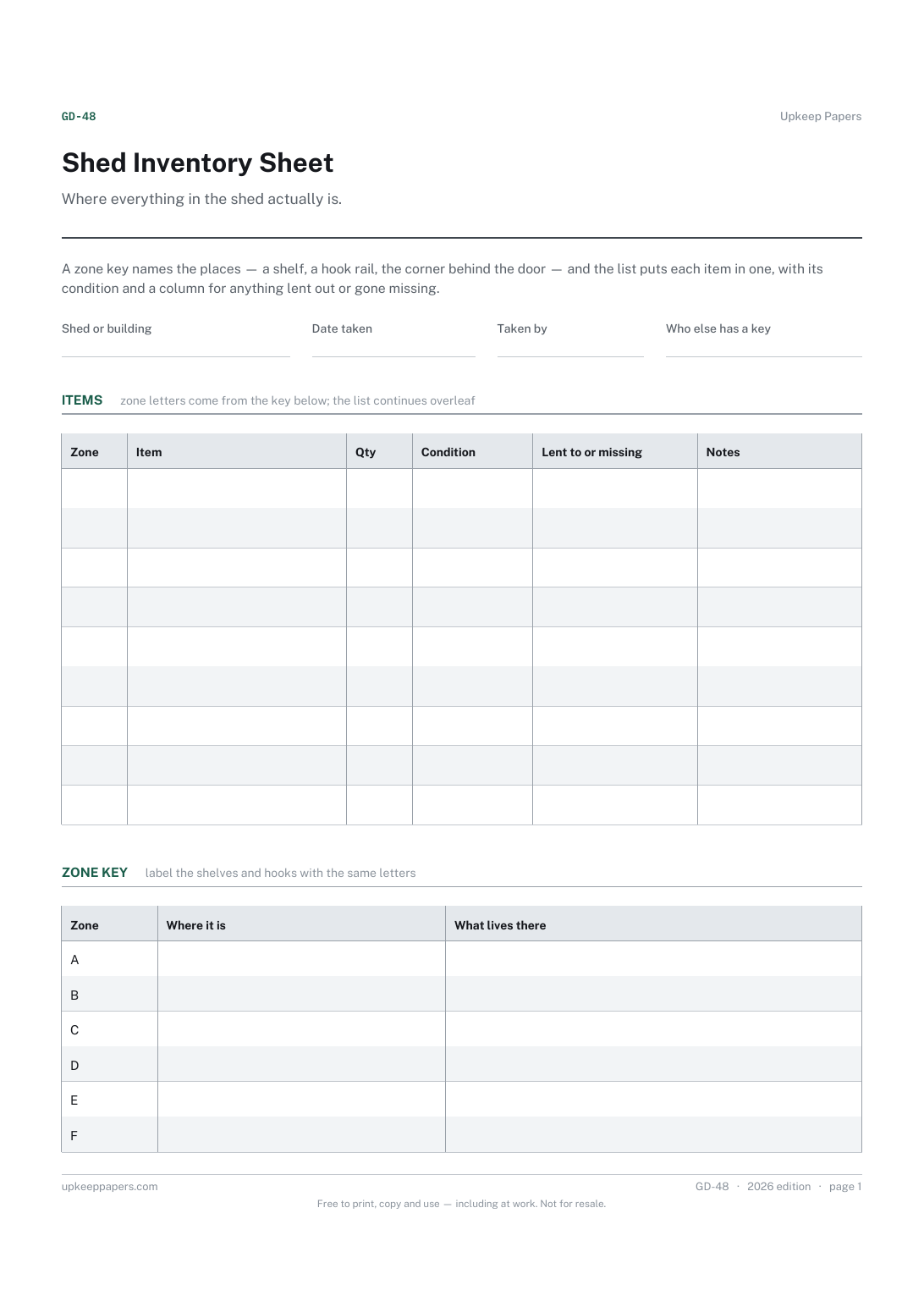
Shed Inventory Sheet
Which zone or shelf each item belongs in, so it can be found and put back.
GD-48 Inventory PDF Online
Everything here is free. Making it takes time and money. Everything here is free.
 Buy us a coffee
 Garden, outdoor and equipment · GD-451 · Inventory
Free garden furniture and structure inventory — benches, sheds, fences, pergolas and lighting with quantity, value and condition, totalled. Excel, PDF, browser.
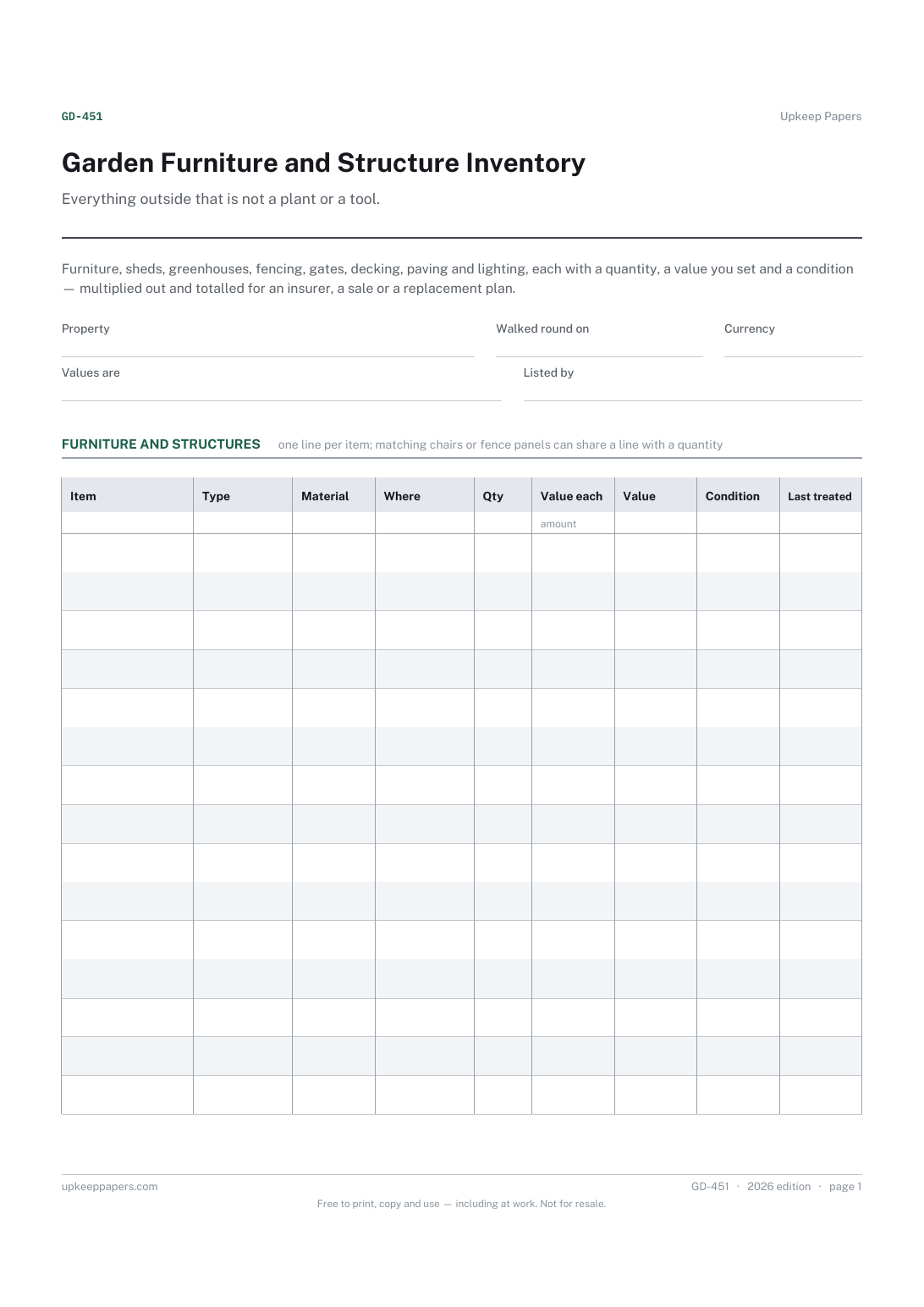
2 pages. The A4 and US Letter files are laid out identically, so neither is shrunk to fit.
Print it and write on it
Fillable PDF type and save
Spreadsheet formulas included
The fillable versions have real form fields — open them in any PDF reader, type into them and save. Printing help.
The same sheet, on screen. Totals and figures are worked out as you type, rows can be added or removed, and you can print it or download the completed version as a PDF. Everything stays in your browser — your entries are kept in this browser's own storage on this device, nothing is uploaded, and there is no account.
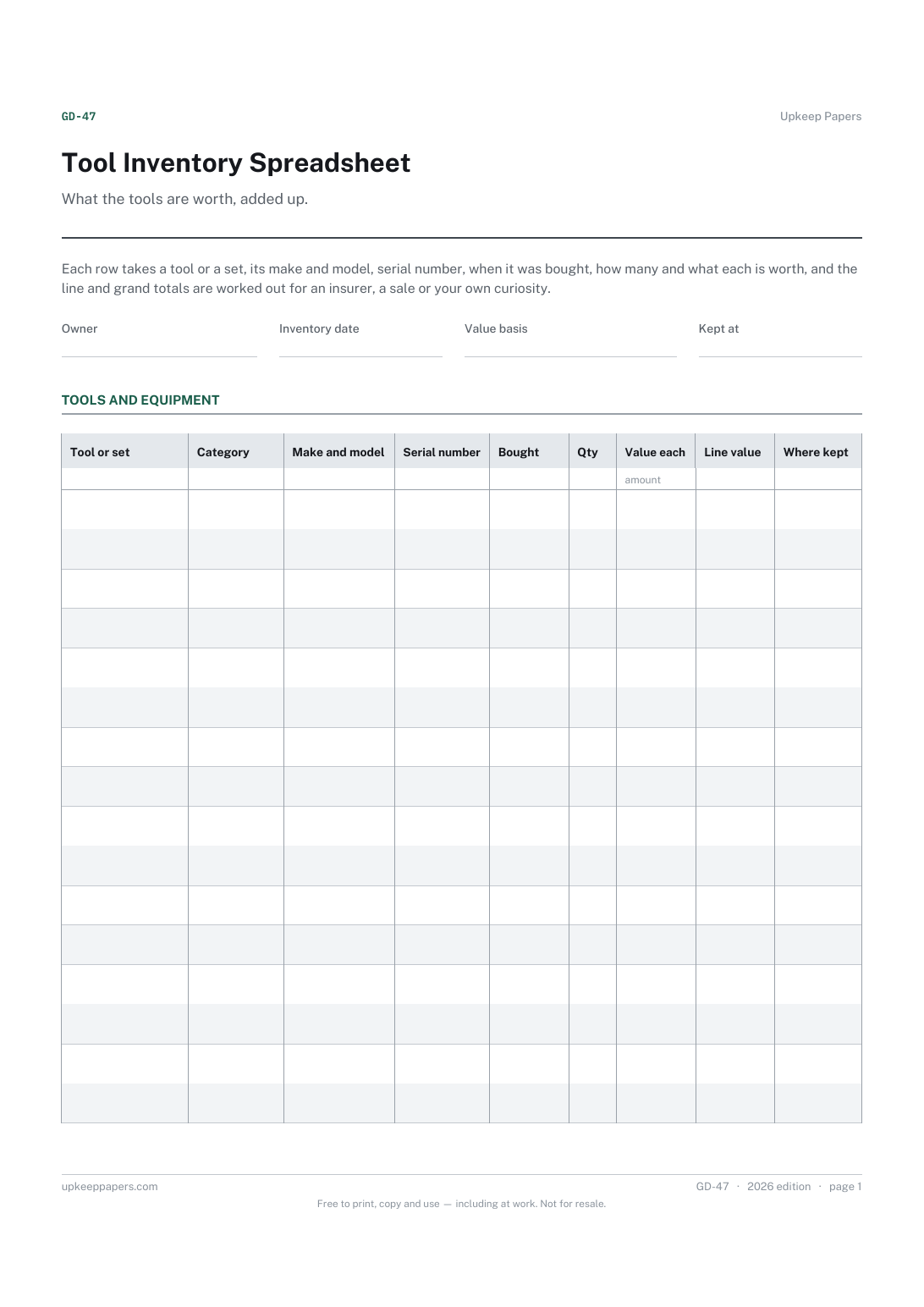
Everything outside that is not a plant or a tool. Furniture, sheds, greenhouses, fencing, gates, decking, paving and lighting, each with a quantity, a value you set and a condition — multiplied out and totalled for an insurer, a sale or a replacement plan.
Householders listing the outside of the property for contents cover, people handing a garden over on a sale or a tenancy, and anyone working out what the back garden would cost to replace after a storm.
The printable is laid out inside a box that fits both A4 and US Letter, so the two files are identical and neither one is scaled. The fillable PDF has real form fields. The workbook uses plain formulas only — SUM, IF, COUNTIF and the like — so it opens in Excel, LibreOffice and Google Sheets without anything breaking, and every calculated cell is grey so you can see which figures it worked out.
Download the A4 or US Letter file to match the paper in your printer, open it in a PDF reader and print at 100% — not "fit to page", which shrinks the writing space. Both files leave a 14 mm margin, which clears the unprintable edge on home printers. To print the online version with your entries in it, use the Print this sheet button, which prints only the sheet and none of the page around it. More on printing.
Whichever basis your insurer or your purpose calls for — what you would pay to replace it, or what you paid. The sheet multiplies and totals whatever you type and suggests no figure of its own.
No, it sits beside one. The contents inventory covers the inside of the house; this sheet covers the garden, which is the part most people forget until something blows over.
The shed inventory is the contents of the shed — what is on the shelves and the hooks. This sheet lists the shed itself, along with the fences, the furniture and everything else that is fixed or heavy.
If you own it, yes — a run of fence panels is one of the costlier things in most gardens and one of the likeliest to be damaged. Write the number of panels as the quantity.
Yes. The condition column and the date give you a dated record of how the garden was handed over, which is what a deposit discussion usually turns on.
Which zone or shelf each item belongs in, so it can be found and put back.
A valued list of tools and machines that an insurance claim can be built on.
An estimate for every item before you start, in categories that suit garden work.
Which outside area was cleaned and on what date.
Printable sheets, workbooks and tools on the same subject.
List what you own before you need to, so a claim or a police report starts from a document rather than from trying to remember a burgled room.
Know what is in the boxes without going up into the loft, by numbering the boxes and keeping the list on paper.
Room-by-room contents with what each thing cost and what it would cost to replace, totalled per room and overall — the list an insurer asks for.

Every sheet, binder, game and puzzle on Upkeep Papers is free to download, with no email and no account. Making them is not free: each one takes days of research, design and checking, and the site costs money to run. If something here saved you time, you can buy us a coffee. It is entirely optional: nothing is locked, and nothing changes if you don’t.
Buy us a coffee Opens PayPal in a new tab. Any amount, and nothing changes if you would rather not.