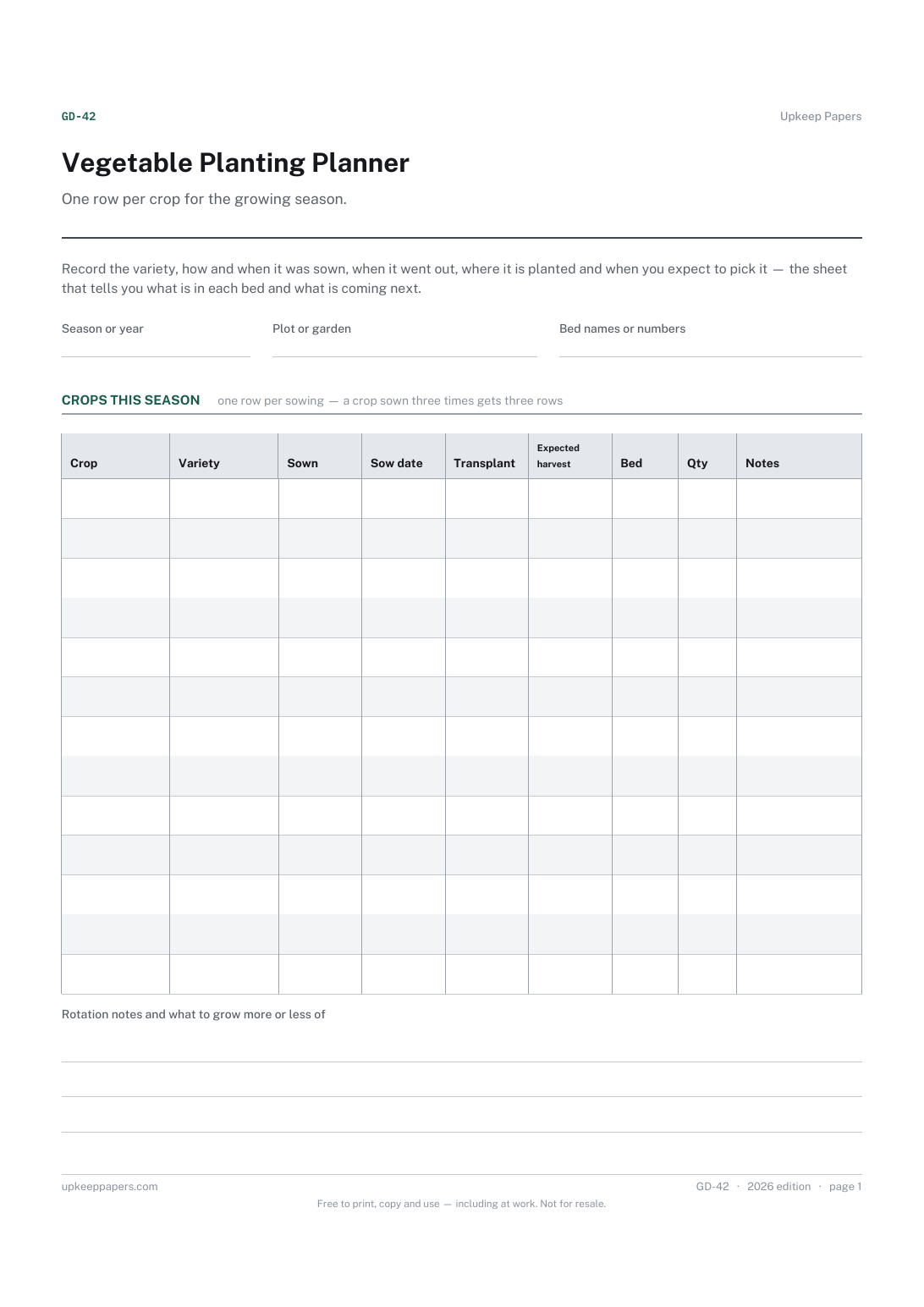
Vegetable Planting Planner
What was sown, under cover or direct, and on which date.
GD-42 Planner PDF Online
Everything here is free. Making it takes time and money. Everything here is free.
 Buy us a coffee
 Garden, outdoor and equipment · GD-446 · Planner
Free printable garden bed planning grid — every bed with its size, aspect and soil, last year's crop and this year's, then a grid of four sections per bed.
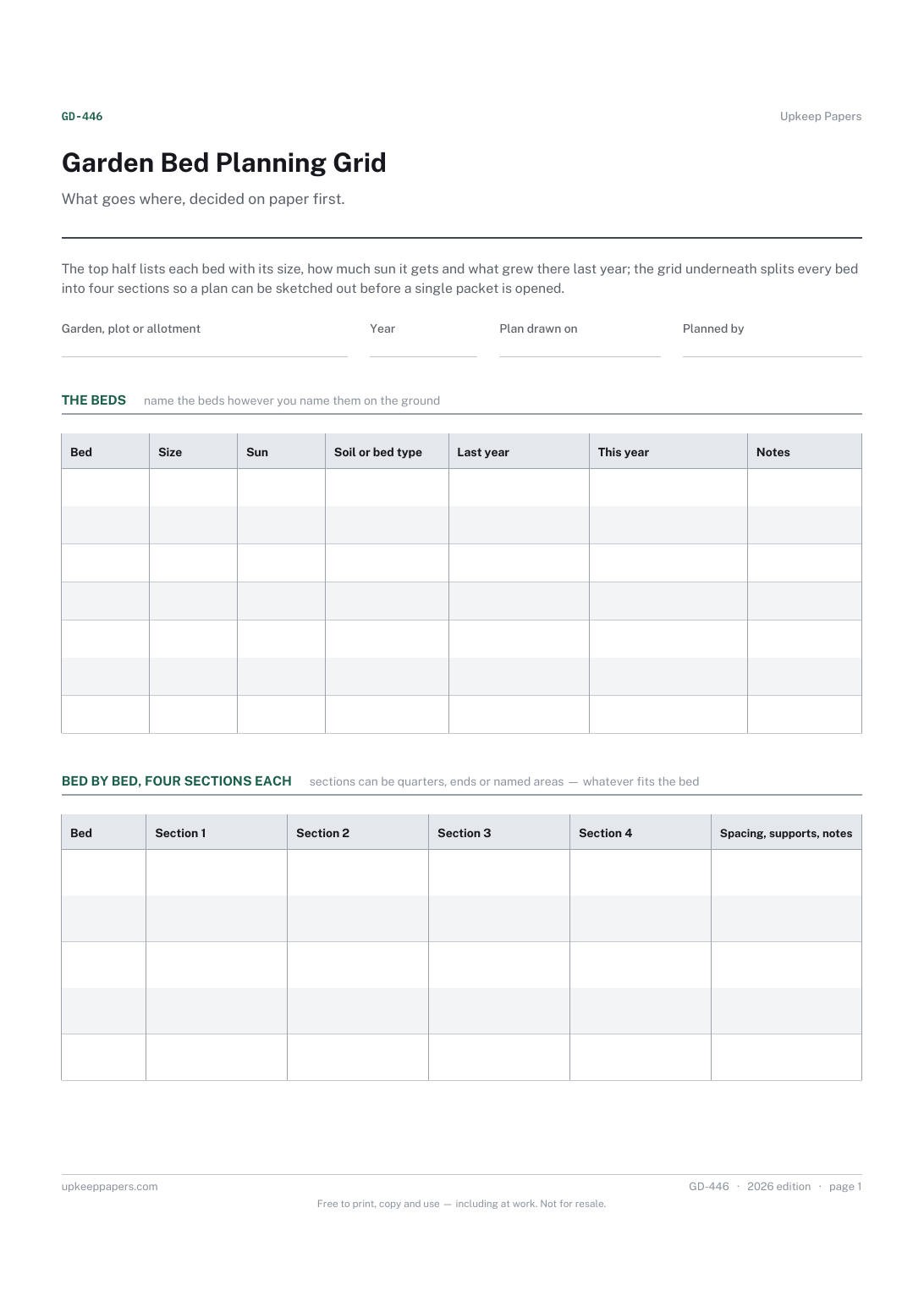
One page. The A4 and US Letter files are laid out identically, so neither is shrunk to fit.
Print it and write on it
Fillable PDF type and save
Or no download needed
Fill it in onlineThe fillable versions have real form fields — open them in any PDF reader, type into them and save. Printing help.
The same sheet, on screen. Tick, type, add or remove rows, then print it or download the completed version as a PDF. Everything stays in your browser — your entries are kept in this browser's own storage on this device, nothing is uploaded, and there is no account.
What goes where, decided on paper first. The top half lists each bed with its size, how much sun it gets and what grew there last year; the grid underneath splits every bed into four sections so a plan can be sketched out before a single packet is opened.
Anyone with more than one bed, border or raised box to fill, allotment holders rotating crops around a plot, and gardeners who would rather not discover in June that two beds got the same thing again.
The printable is laid out inside a box that fits both A4 and US Letter, so the two files are identical and neither one is scaled. The fillable PDF has real form fields. The online version keeps what you enter in your own browser and builds the completed PDF on your device.
Download the A4 or US Letter file to match the paper in your printer, open it in a PDF reader and print at 100% — not "fit to page", which shrinks the writing space. Both files leave a 14 mm margin, which clears the unprintable edge on home printers. To print the online version with your entries in it, use the Print this sheet button, which prints only the sheet and none of the page around it. More on printing.
The planting planner is about time — what is sown when, and when you expect it to be ready. This sheet is about space: which bed, which end of it, and what was in that ground last year. Most people fill in both and pin them side by side.
No. Rotation groupings differ by country, by what you grow and by whose advice you follow, so the sheet records last year's crop and leaves the decision with you. Write your grouping in the notes column if it helps.
Use the four grid boxes as quarters, ends, or simply as four named areas — near the path, by the fence, under the tree, the rest. The labels matter more than the geometry.
Yes. A border is a bed with a name, and a group of pots can be one row. The columns ask nothing that only applies to vegetables.
Yes. The browser version saves in your own browser, so last year's plan can be copied into this year's sheet rather than retyped.
What was sown, under cover or direct, and on which date.
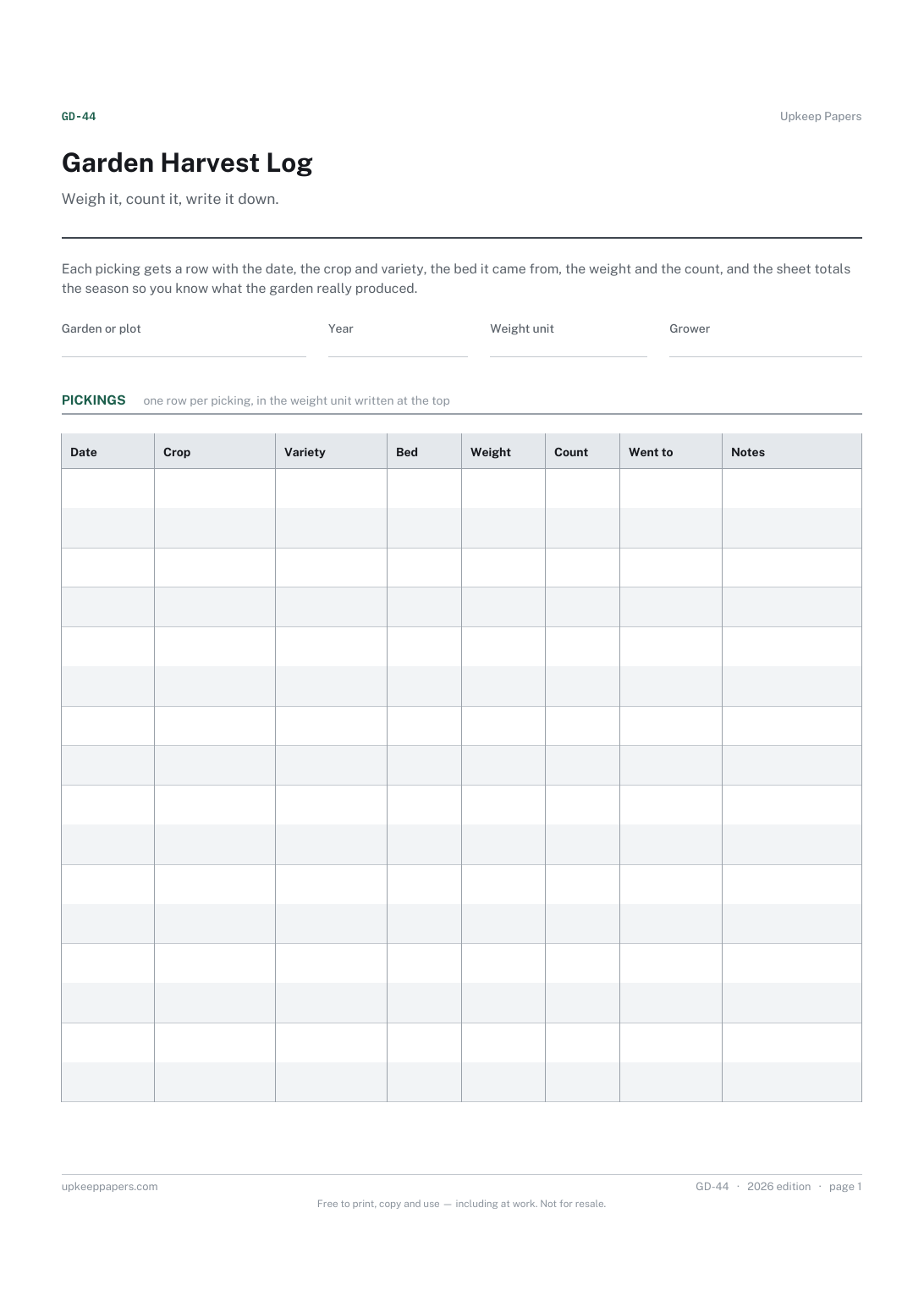
Total weight and count harvested over the season, added up for you.
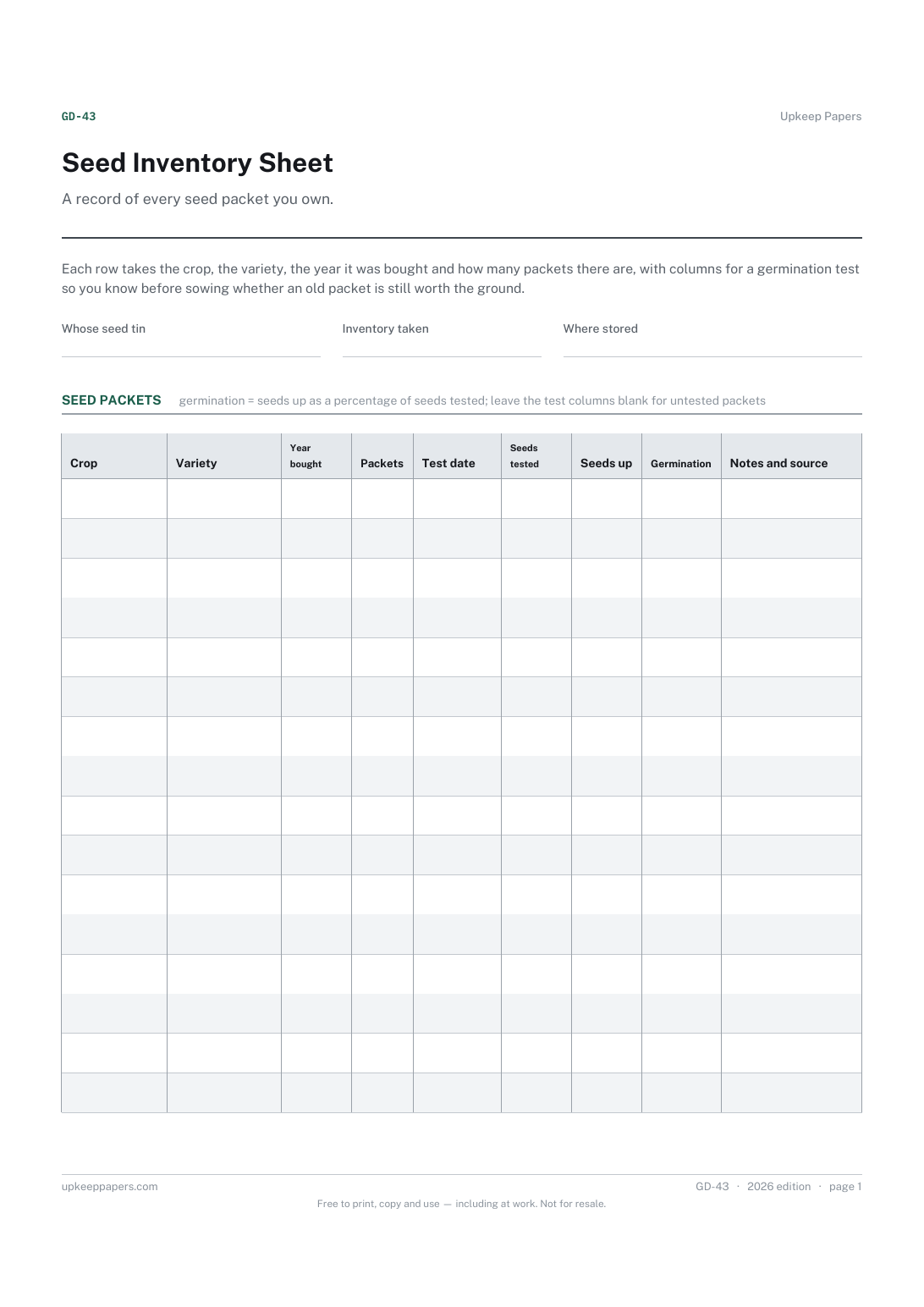
What seed you actually have, by crop and variety, before you order more.
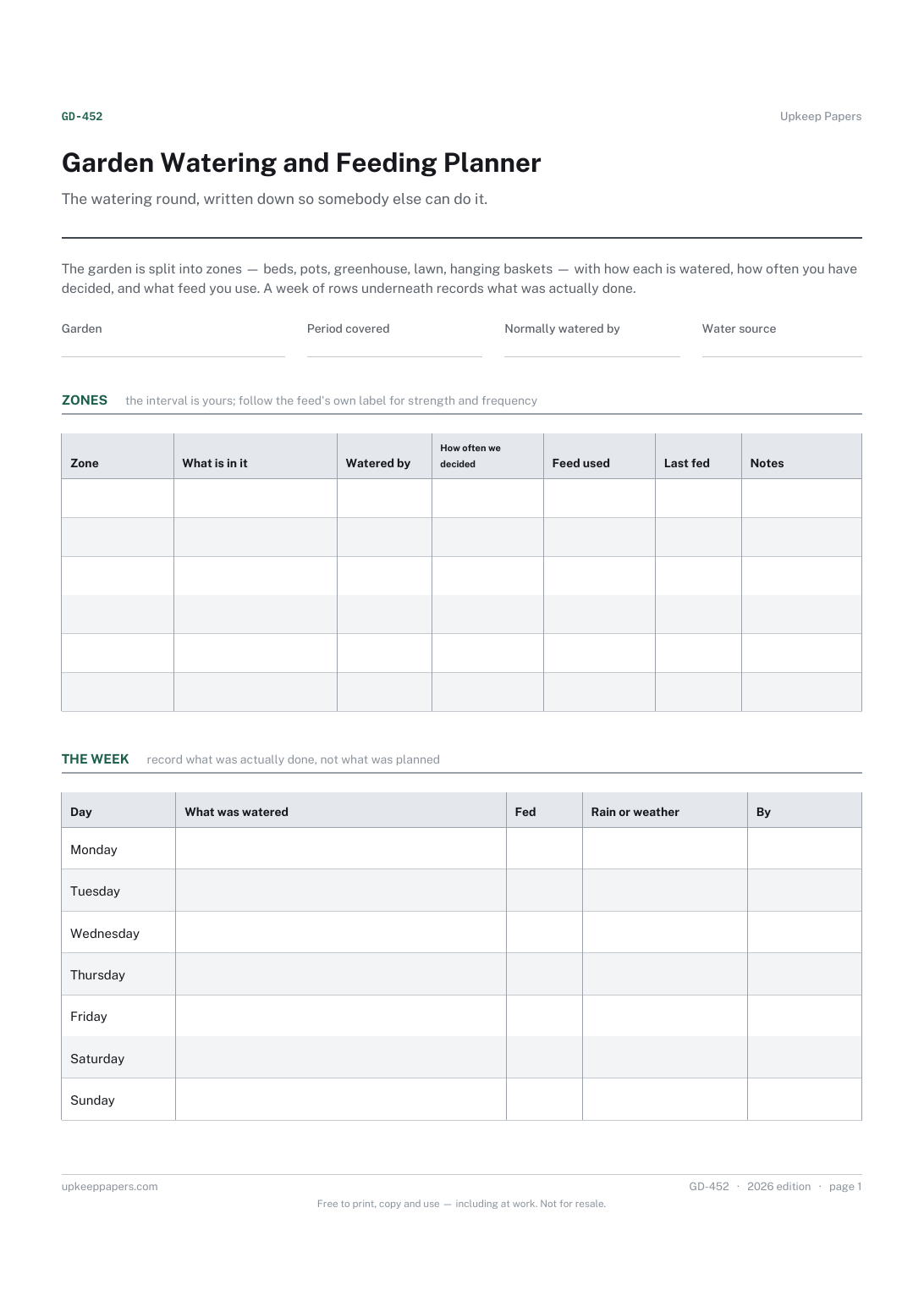
Which parts of the garden need watering and what is in each.
Printable sheets, workbooks and tools on the same subject.
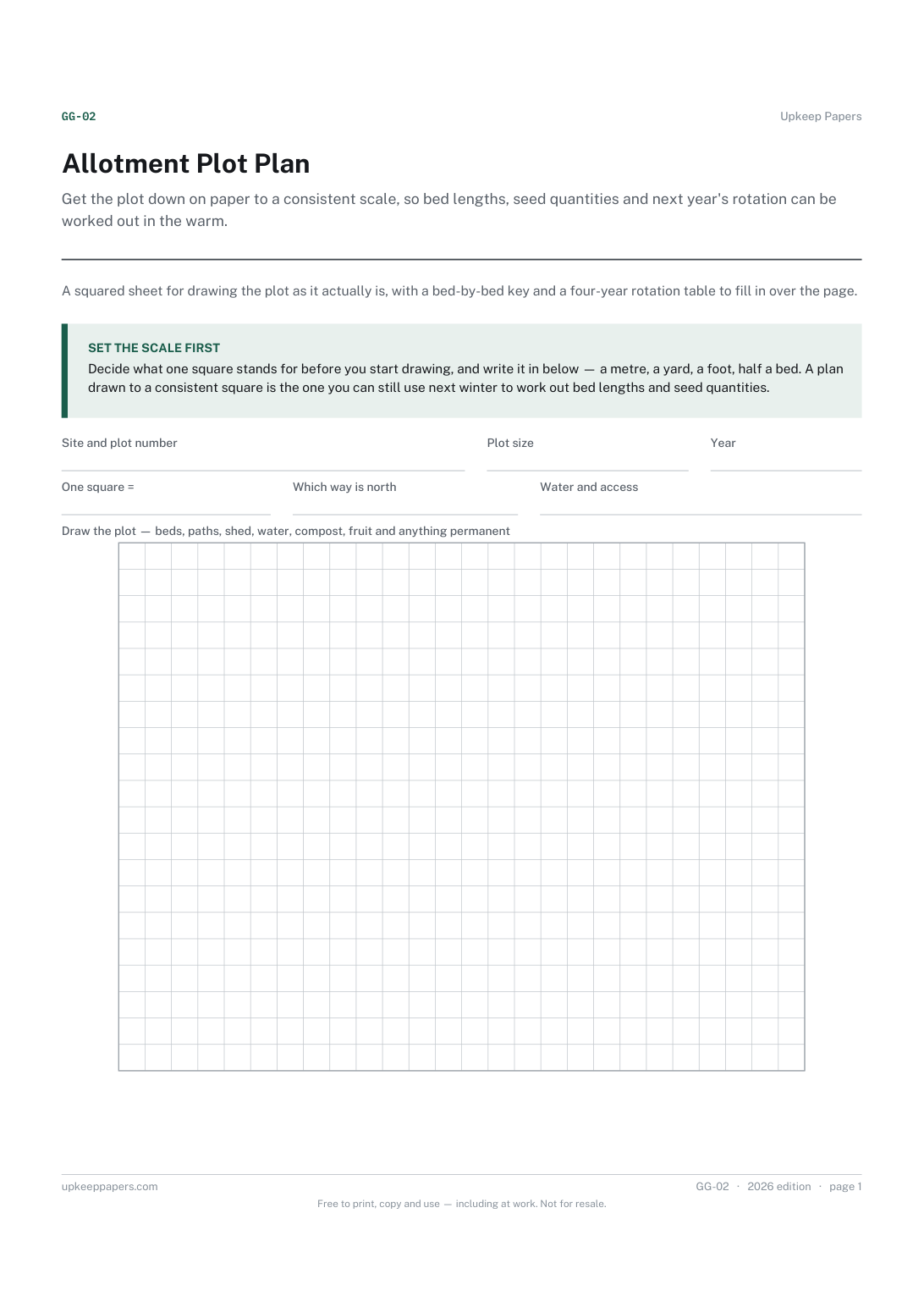
Get the plot down on paper to a consistent scale, so bed lengths, seed quantities and next year's rotation can be worked out in the warm.
Plan the season with last year's beds in front of you, which is the only way rotation decisions get made from fact rather than memory.
Capture what you planned, what you actually did and what happened, which is the comparison that makes next season better and the one nobody writes down.

Every sheet, binder, game and puzzle on Upkeep Papers is free to download, with no email and no account. Making them is not free: each one takes days of research, design and checking, and the site costs money to run. If something here saved you time, you can buy us a coffee. It is entirely optional: nothing is locked, and nothing changes if you don’t.
Buy us a coffee Opens PayPal in a new tab. Any amount, and nothing changes if you would rather not.