Garden Maintenance Calendar
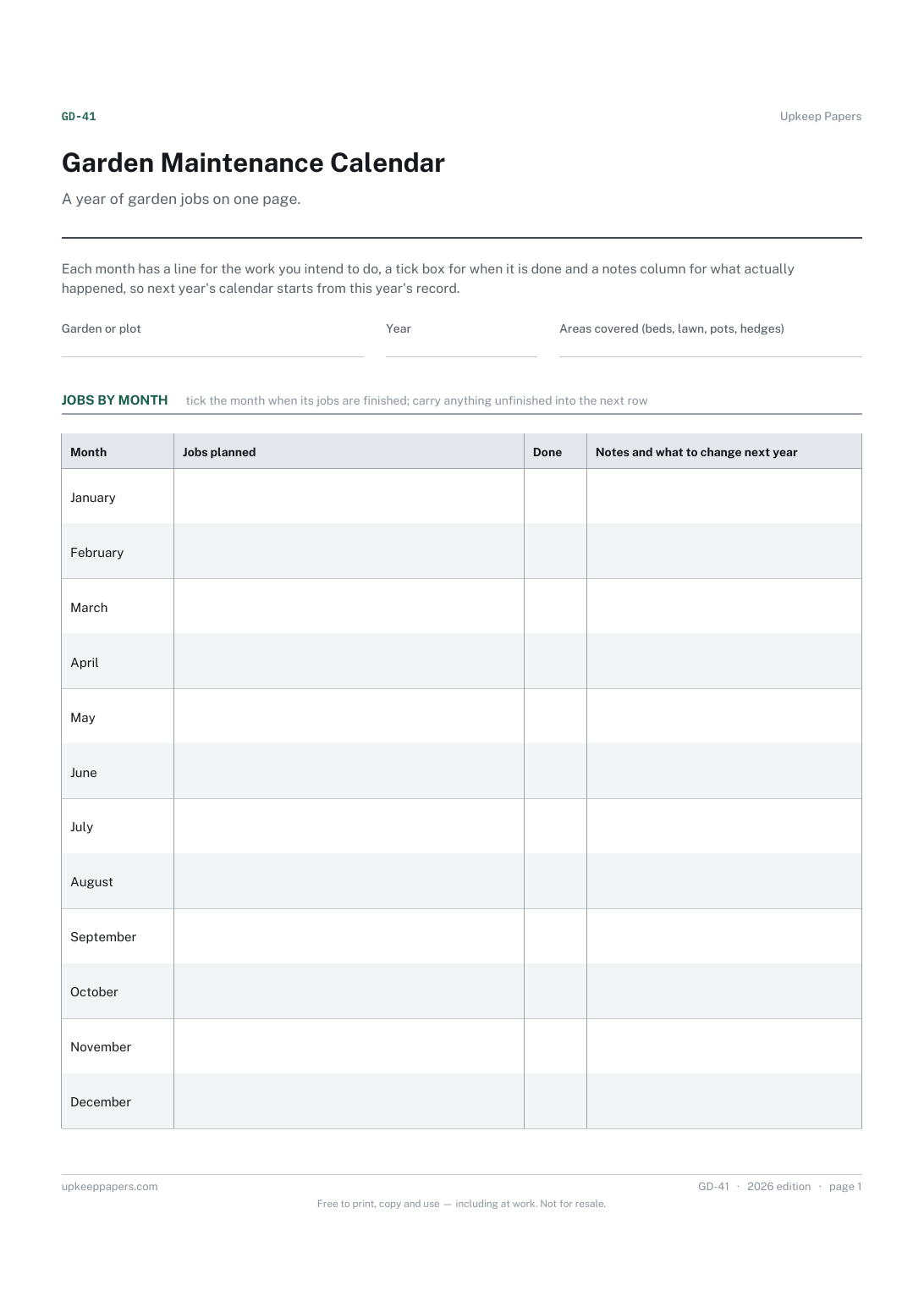
The jobs you have decided to do each month, in your own words.
GD-41 Calendar PDF Online
Everything here is free. Making it takes time and money. Everything here is free.
 Buy us a coffee
 Garden, outdoor and equipment · GD-45 · Schedule
Free printable lawn care schedule — twelve months with ticks for mowing, edging, feeding, aerating, scarifying and watering, plus a problems log. PDF, browser.
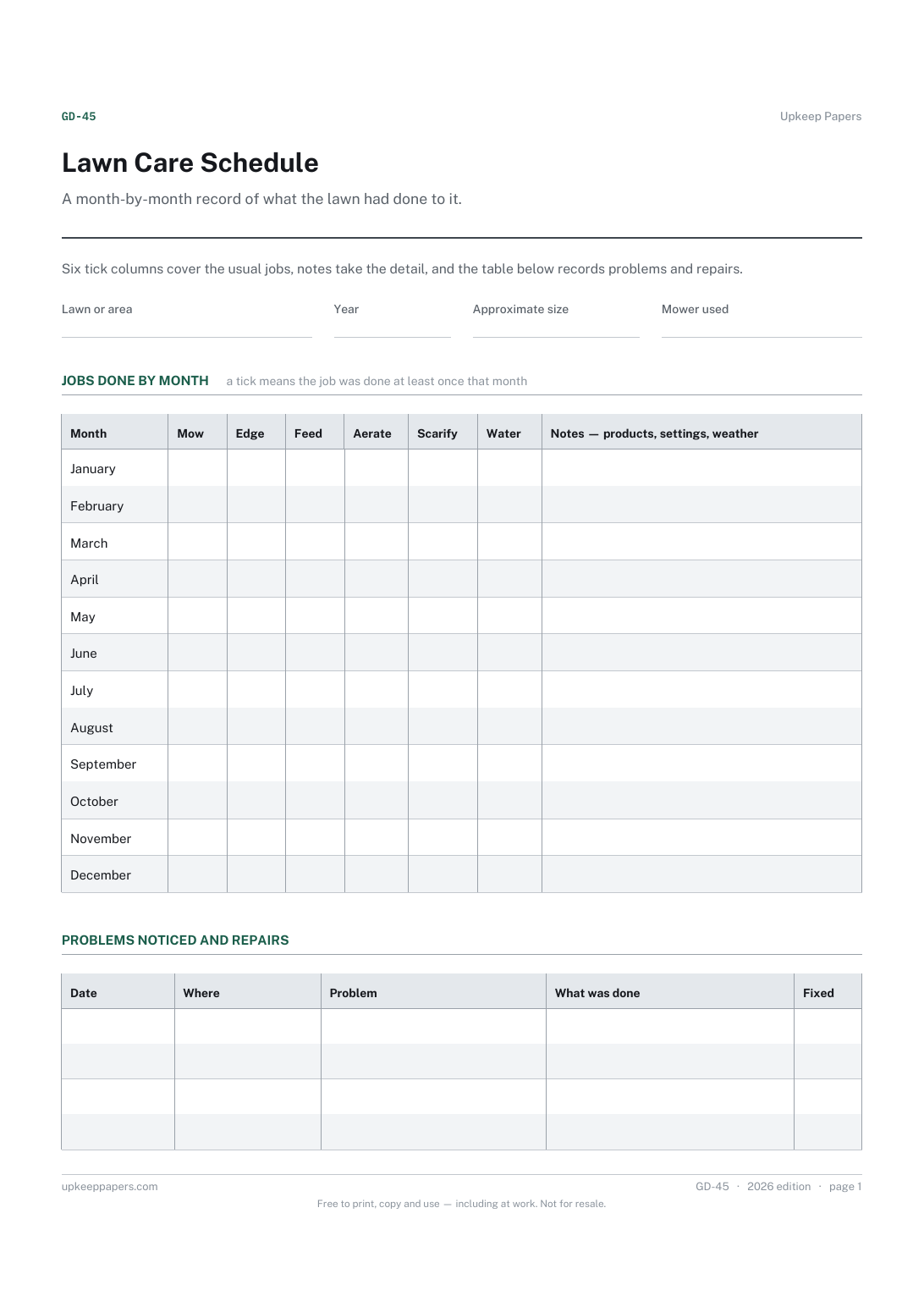
One page. The A4 and US Letter files are laid out identically, so neither is shrunk to fit.
Print it and write on it
Fillable PDF type and save
Or no download needed
Fill it in onlineThe fillable versions have real form fields — open them in any PDF reader, type into them and save. Printing help.
The same sheet, on screen. Tick, type, add or remove rows, then print it or download the completed version as a PDF. Everything stays in your browser — your entries are kept in this browser's own storage on this device, nothing is uploaded, and there is no account.
A month-by-month record of what the lawn had done to it. Six tick columns cover the usual jobs, notes take the detail, and the table below records problems and repairs.
Anyone who looks after a lawn — a back garden, a green, a paddock edge or a client's grounds — and wants a plain record of what was done and when.
The printable is laid out inside a box that fits both A4 and US Letter, so the two files are identical and neither one is scaled. The fillable PDF has real form fields. The online version keeps what you enter in your own browser and builds the completed PDF on your device.
Download the A4 or US Letter file to match the paper in your printer, open it in a PDF reader and print at 100% — not "fit to page", which shrinks the writing space. Both files leave a 14 mm margin, which clears the unprintable edge on home printers. To print the online version with your entries in it, use the Print this sheet button, which prints only the sheet and none of the page around it. More on printing.
That depends on your grass type, soil and climate, and on the product you use, so the sheet does not say. Follow the product label or local advice and record what you did; over a few years your own sheets become the schedule.
Whatever you set the mower to. The notes column is there for it. Heights differ by grass, season and preference, so none is printed.
One sheet per lawn is clearest, since the ticks are per month rather than per area. For a groundskeeping round with many areas, the equipment maintenance schedule generator on this site builds a multi-item checklist instead.
Things you notice and mean to fix — a bare patch under the swing, moss by the fence, a wet corner. Dating them shows whether a fix worked or the problem is back every year.
The jobs you have decided to do each month, in your own words.
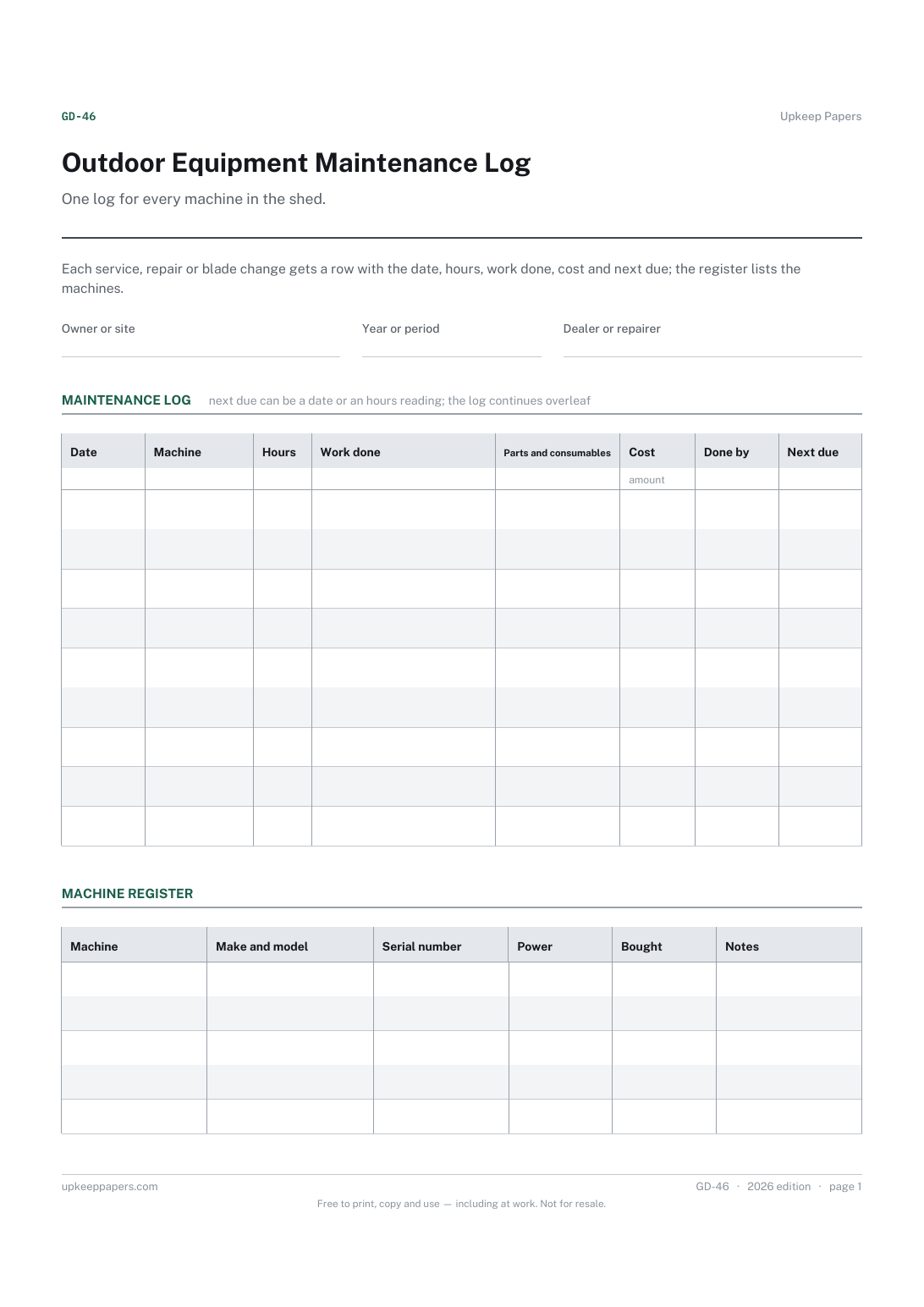
What was done to each machine and when, in one place instead of a drawer of receipts.
Printable sheets, workbooks and tools on the same subject.
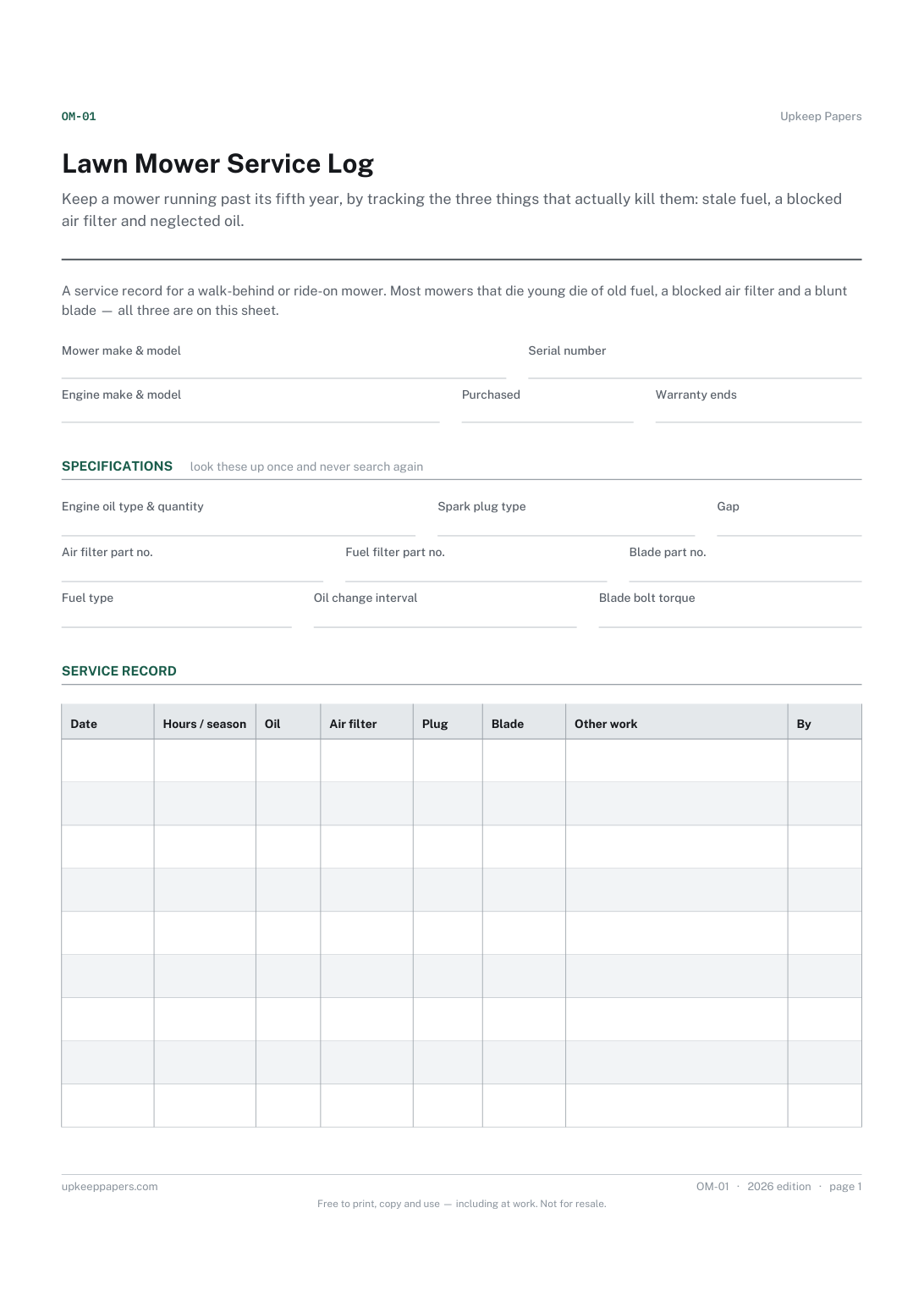
Keep a mower running past its fifth year, by tracking the three things that actually kill them: stale fuel, a blocked air filter and neglected oil.
Set out what waters what, how, and how often, then keep a dated record through the season alongside the system checks that stop a blocked emitter going unnoticed.
Build a month-by-month garden calendar for the things you actually grow, in your own climate.

Every sheet, binder, game and puzzle on Upkeep Papers is free to download, with no email and no account. Making them is not free: each one takes days of research, design and checking, and the site costs money to run. If something here saved you time, you can buy us a coffee. It is entirely optional: nothing is locked, and nothing changes if you don’t.
Buy us a coffee Opens PayPal in a new tab. Any amount, and nothing changes if you would rather not.