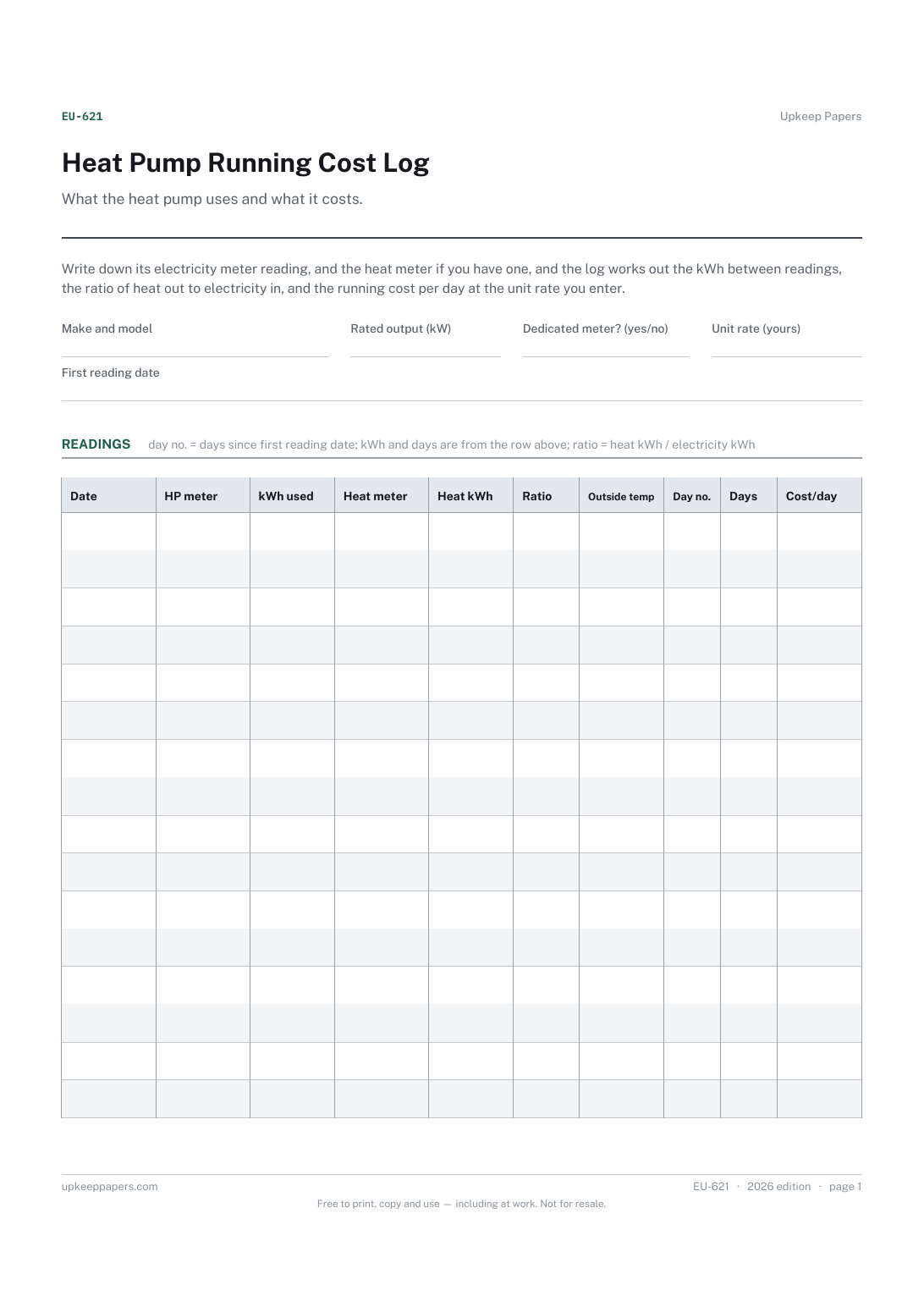
Heat Pump Running Cost Log
Electricity used by the heat pump between readings.
EU-621 Log PDF Excel Online
Everything here is free. Making it takes time and money. Everything here is free.
 Buy us a coffee
 Energy and Utilities · EU-618 · Schedule
Heating schedule planner: weekday and weekend on times and set temperatures for every room or zone, plus hot water. Printable PDF and fill-in browser version.
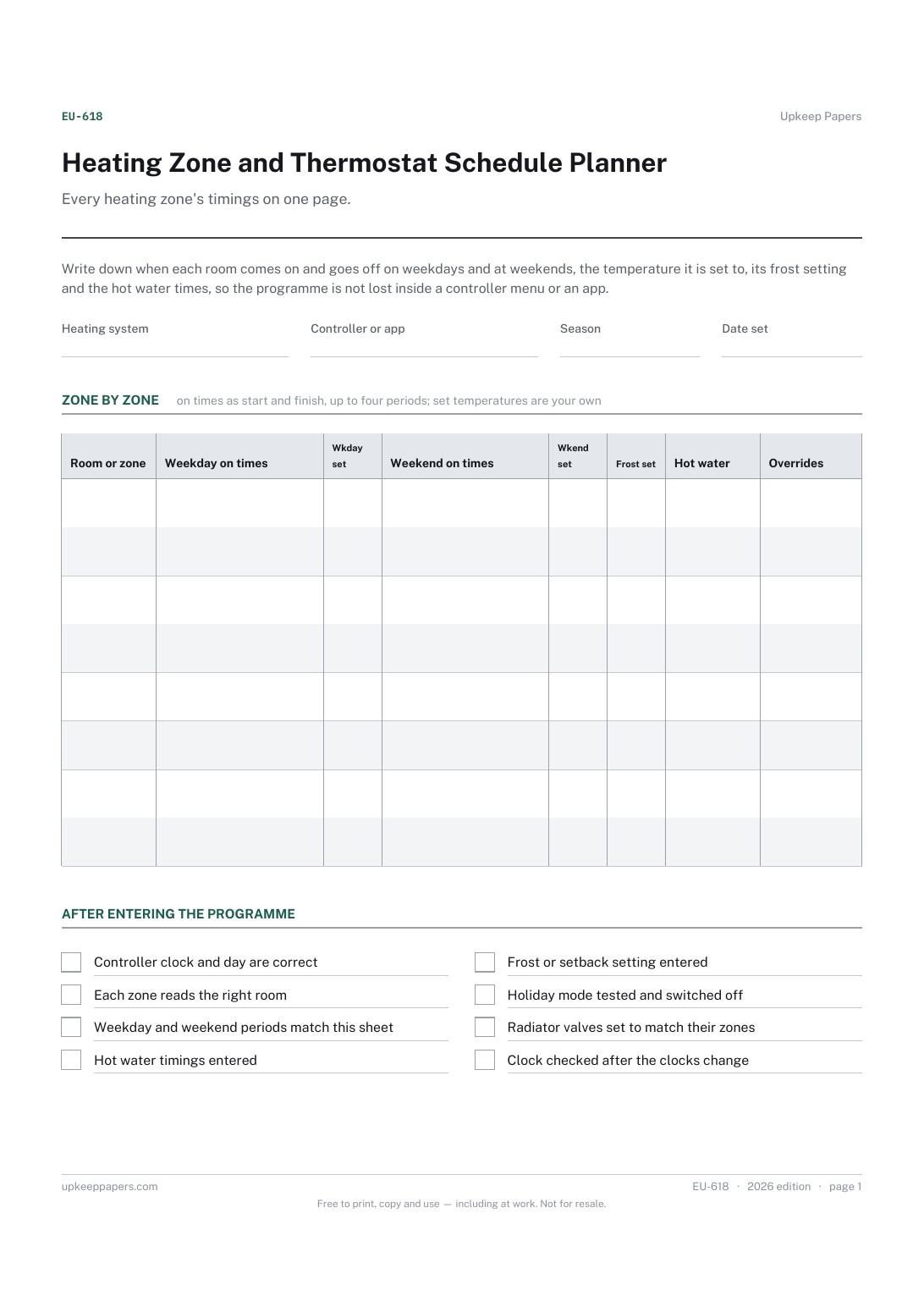
One page. The A4 and US Letter files are laid out identically, so neither is shrunk to fit.
Print it and write on it
Fillable PDF type and save
Or no download needed
Fill it in onlineThe fillable versions have real form fields — open them in any PDF reader, type into them and save. Printing help.
The same sheet, on screen. Tick, type, add or remove rows, then print it or download the completed version as a PDF. Everything stays in your browser — your entries are kept in this browser's own storage on this device, nothing is uploaded, and there is no account.
Every heating zone's timings on one page. Write down when each room comes on and goes off on weekdays and at weekends, the temperature it is set to, its frost setting and the hot water times, so the programme is not lost inside a controller menu or an app.
Households setting up a programmable thermostat, smart heating zones or radiator valves for the first time, and anyone who has to re-enter a heating programme after a power cut, a new controller or the clocks changing.
The printable is laid out inside a box that fits both A4 and US Letter, so the two files are identical and neither one is scaled. The fillable PDF has real form fields. The online version keeps what you enter in your own browser and builds the completed PDF on your device.
Download the A4 or US Letter file to match the paper in your printer, open it in a PDF reader and print at 100% — not "fit to page", which shrinks the writing space. Both files leave a 14 mm margin, which clears the unprintable edge on home printers. To print the online version with your entries in it, use the Print this sheet button, which prints only the sheet and none of the page around it. More on printing.
The sheet does not suggest any. Comfort, health, the building and your bills all differ, so the temperature columns are blank for the figures you choose or have been advised to use by someone who knows your home.
The on times column has room for up to four periods, written as start and finish times. If your controller allows more, use the notes column or give the zone a second row.
Use one row for the whole house, or one row per radiator valve if each has its own setting. The planner works for a single thermostat as well as for full zoning.
Because controllers get reset, replaced and updated, and apps change. A written copy lets you re-enter the programme in minutes and compare this season's settings with the last.
Electricity used by the heat pump between readings.
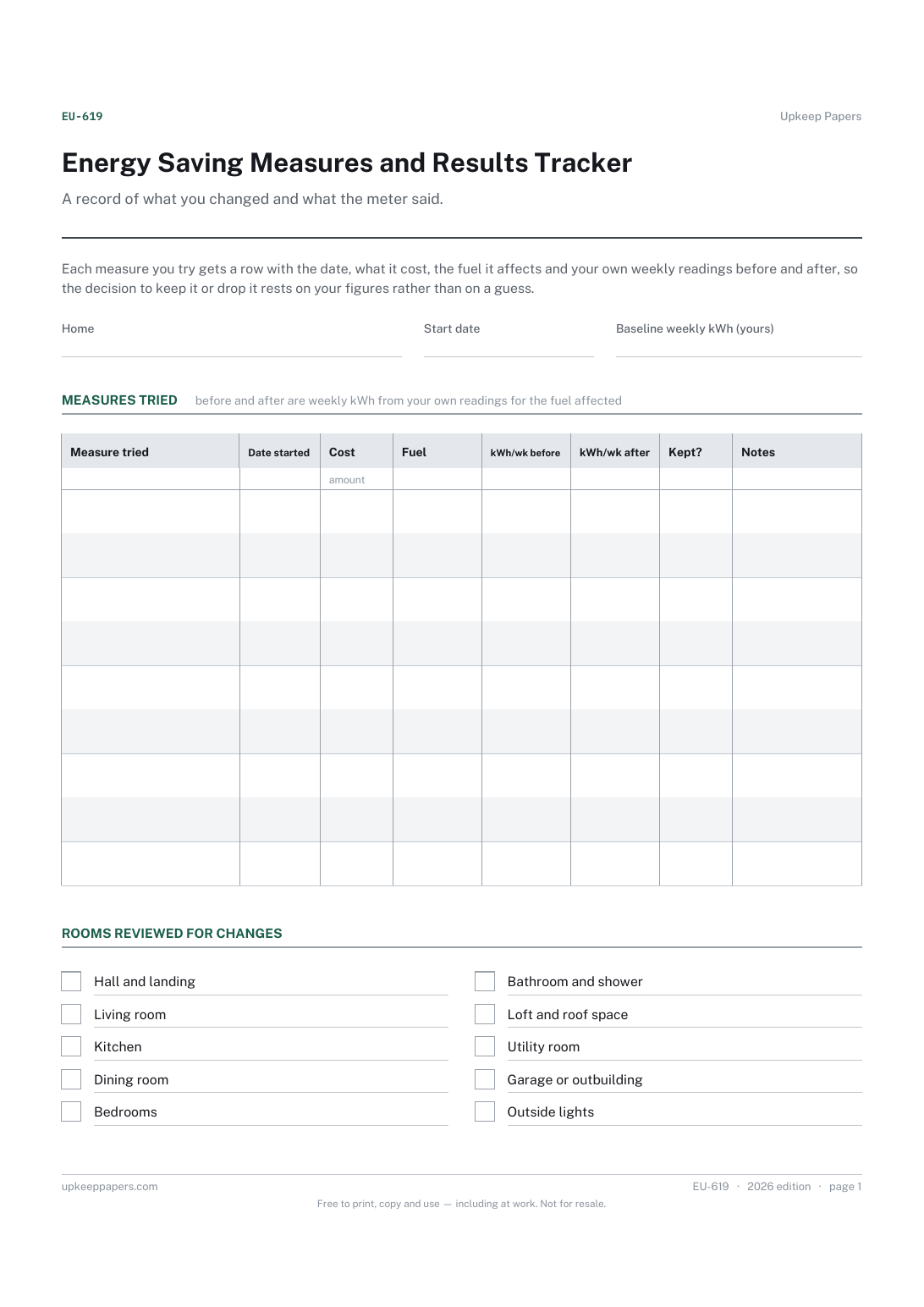
Each measure tried and the date it started.
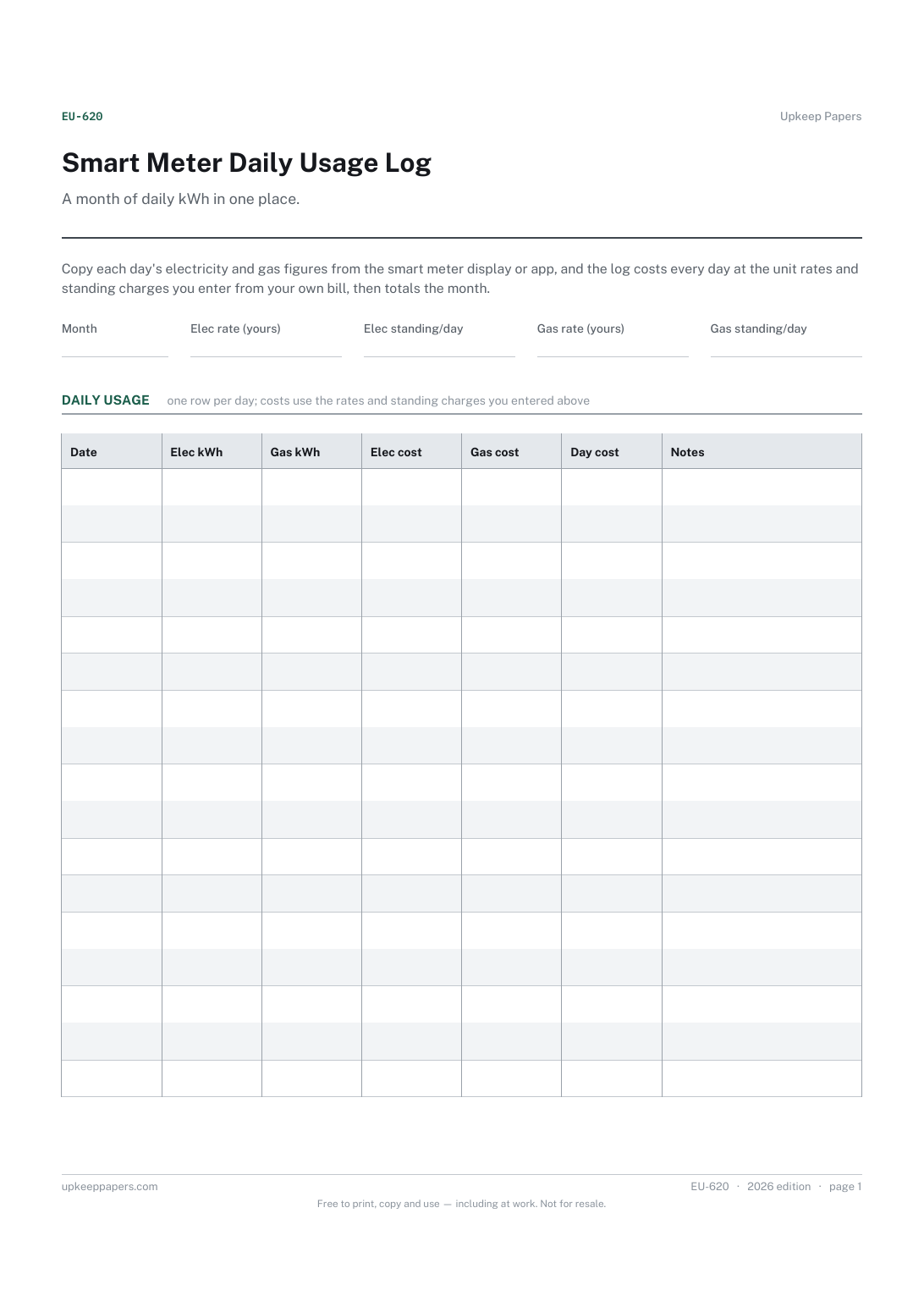
Electricity and gas kWh for every day of the month.
Printable sheets, workbooks and tools on the same subject.
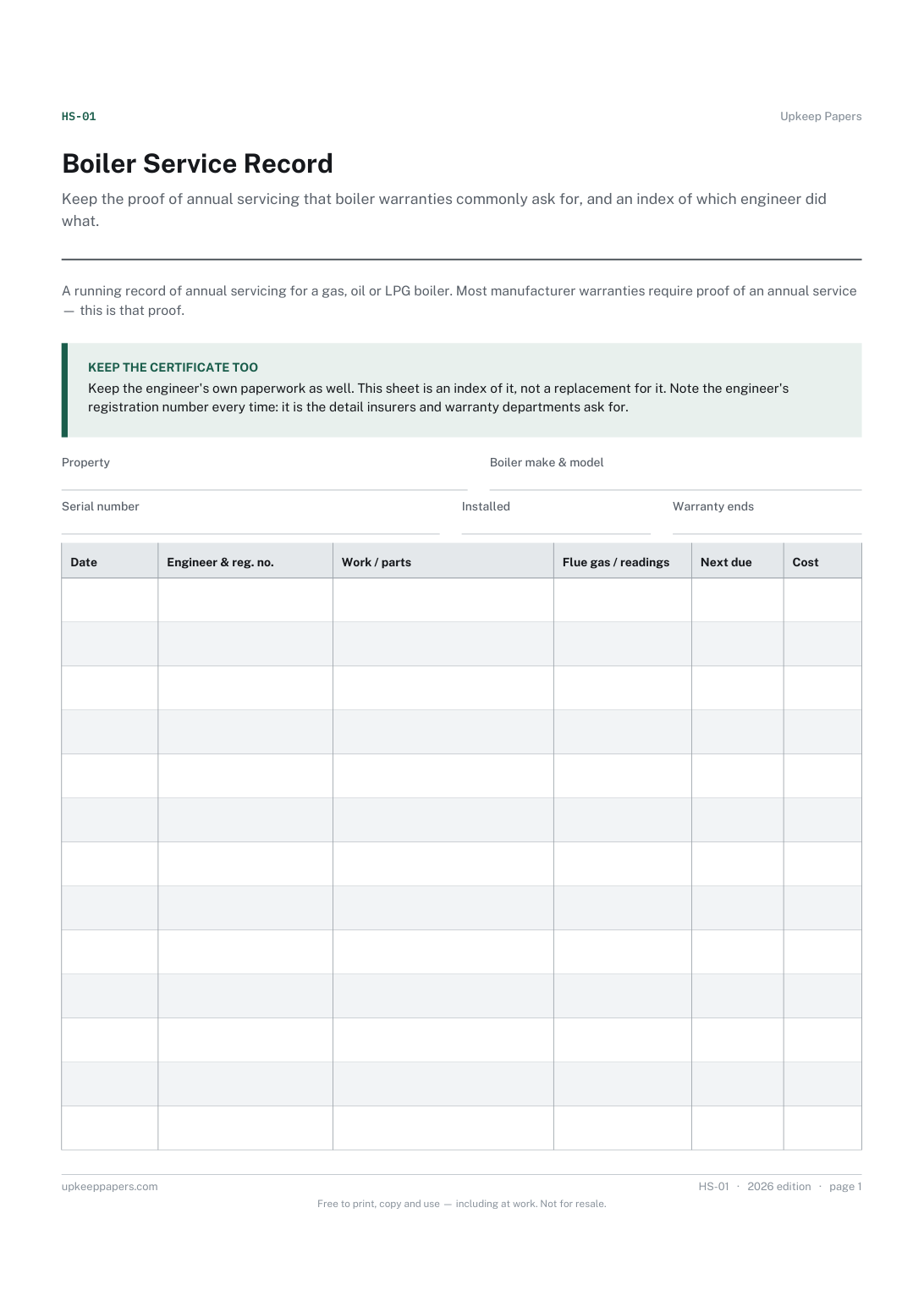
Keep the proof of annual servicing that boiler warranties commonly ask for, and an index of which engineer did what.
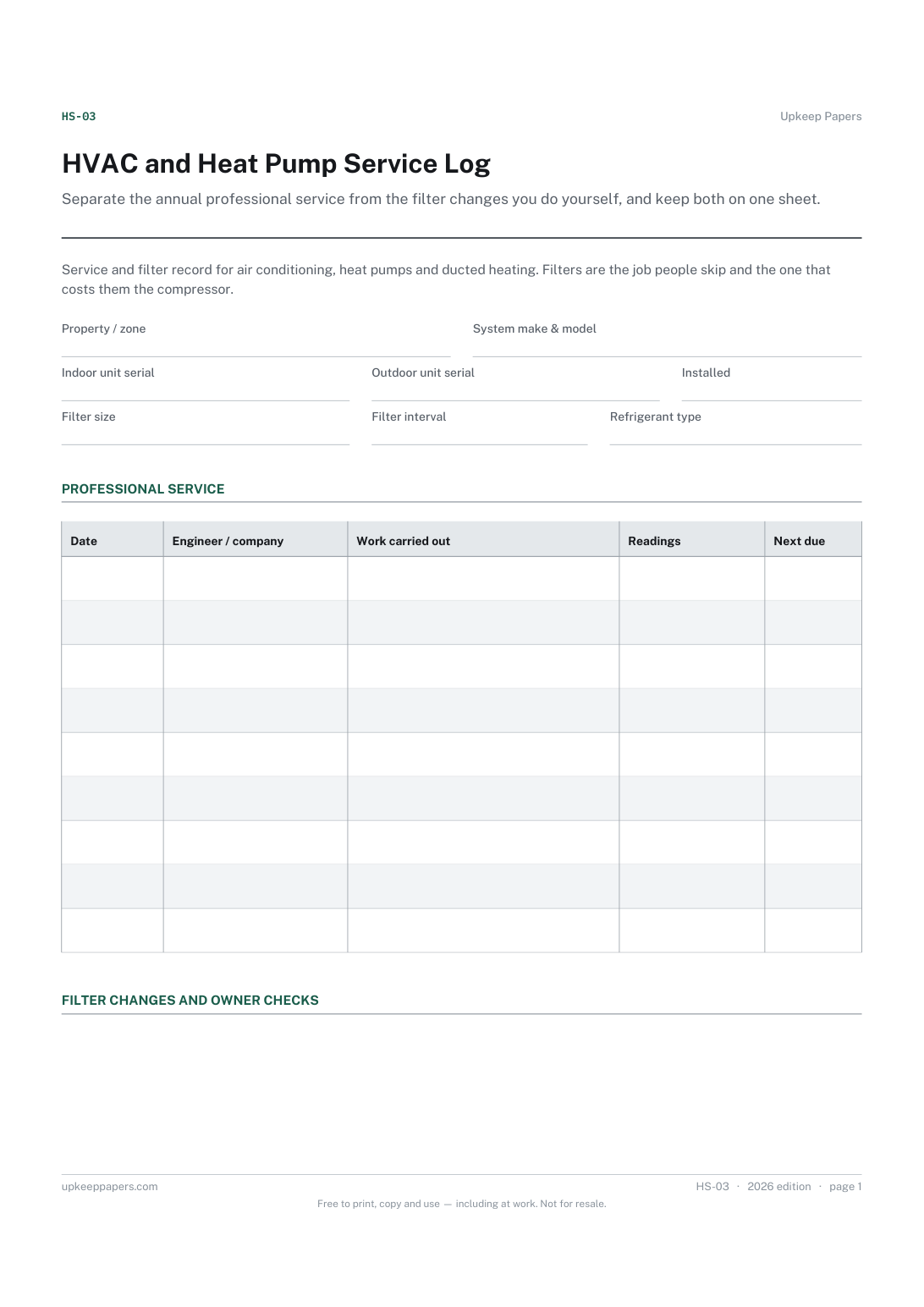
Separate the annual professional service from the filter changes you do yourself, and keep both on one sheet.

Every sheet, binder, game and puzzle on Upkeep Papers is free to download, with no email and no account. Making them is not free: each one takes days of research, design and checking, and the site costs money to run. If something here saved you time, you can buy us a coffee. It is entirely optional: nothing is locked, and nothing changes if you don’t.
Buy us a coffee Opens PayPal in a new tab. Any amount, and nothing changes if you would rather not.