Appliance Running Cost Calculator
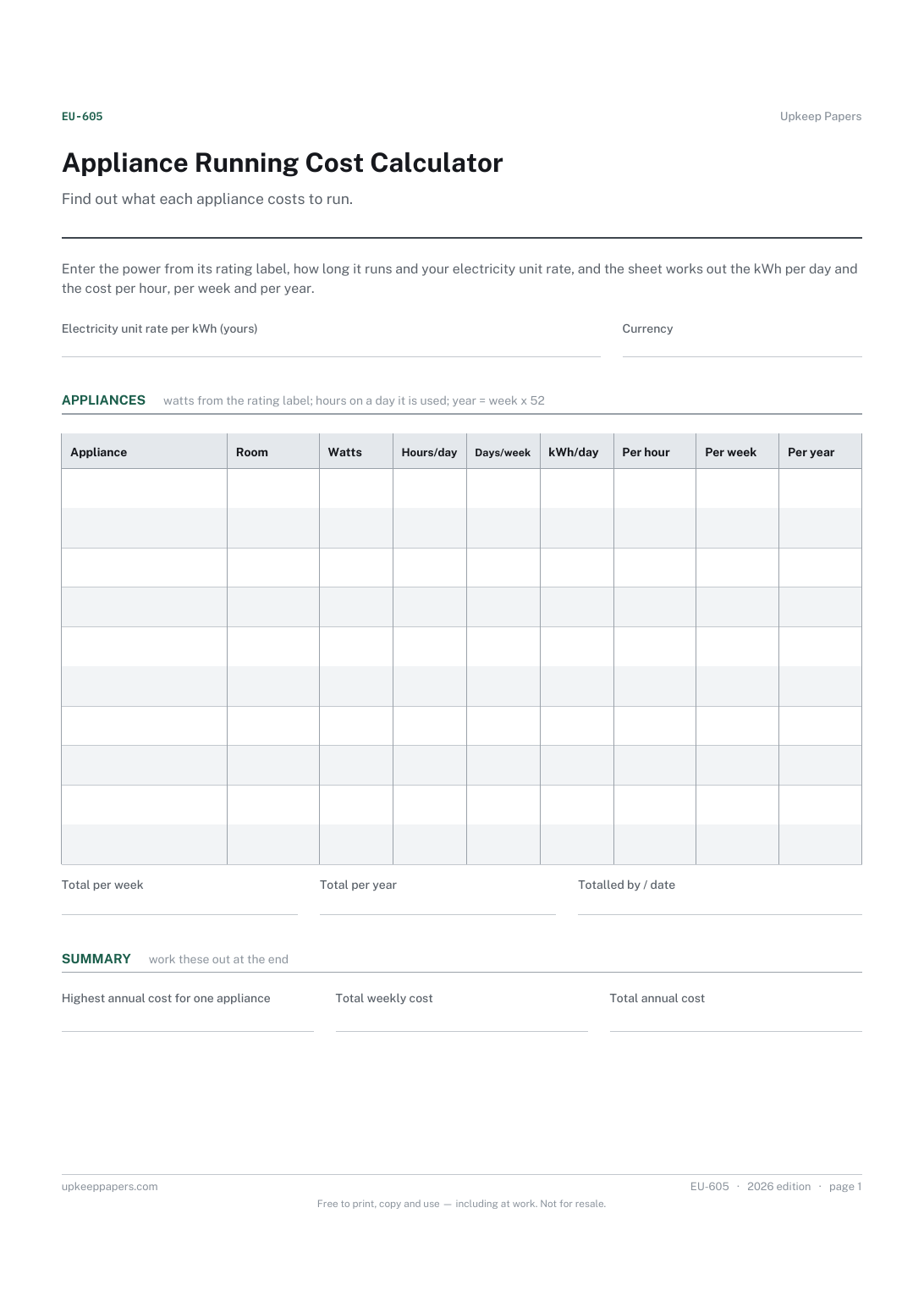
Each appliance by room with its rated power in watts.
EU-605 Budget PDF Excel Online
Everything here is free. Making it takes time and money. Everything here is free.
 Buy us a coffee
 Energy and Utilities · EU-1061 · Register
Light bulb register: every fitting's cap, shape, brightness and colour, spares held, and the yearly saving from switching to LED. Excel, PDF and browser.
2 pages. The A4 and US Letter files are laid out identically, so neither is shrunk to fit.
Print it and write on it
Fillable PDF type and save
Spreadsheet formulas included
The fillable versions have real form fields — open them in any PDF reader, type into them and save. Printing help.
The same sheet, on screen. Totals and figures are worked out as you type, rows can be added or removed, and you can print it or download the completed version as a PDF. Everything stays in your browser — your entries are kept in this browser's own storage on this device, nothing is uploaded, and there is no account.
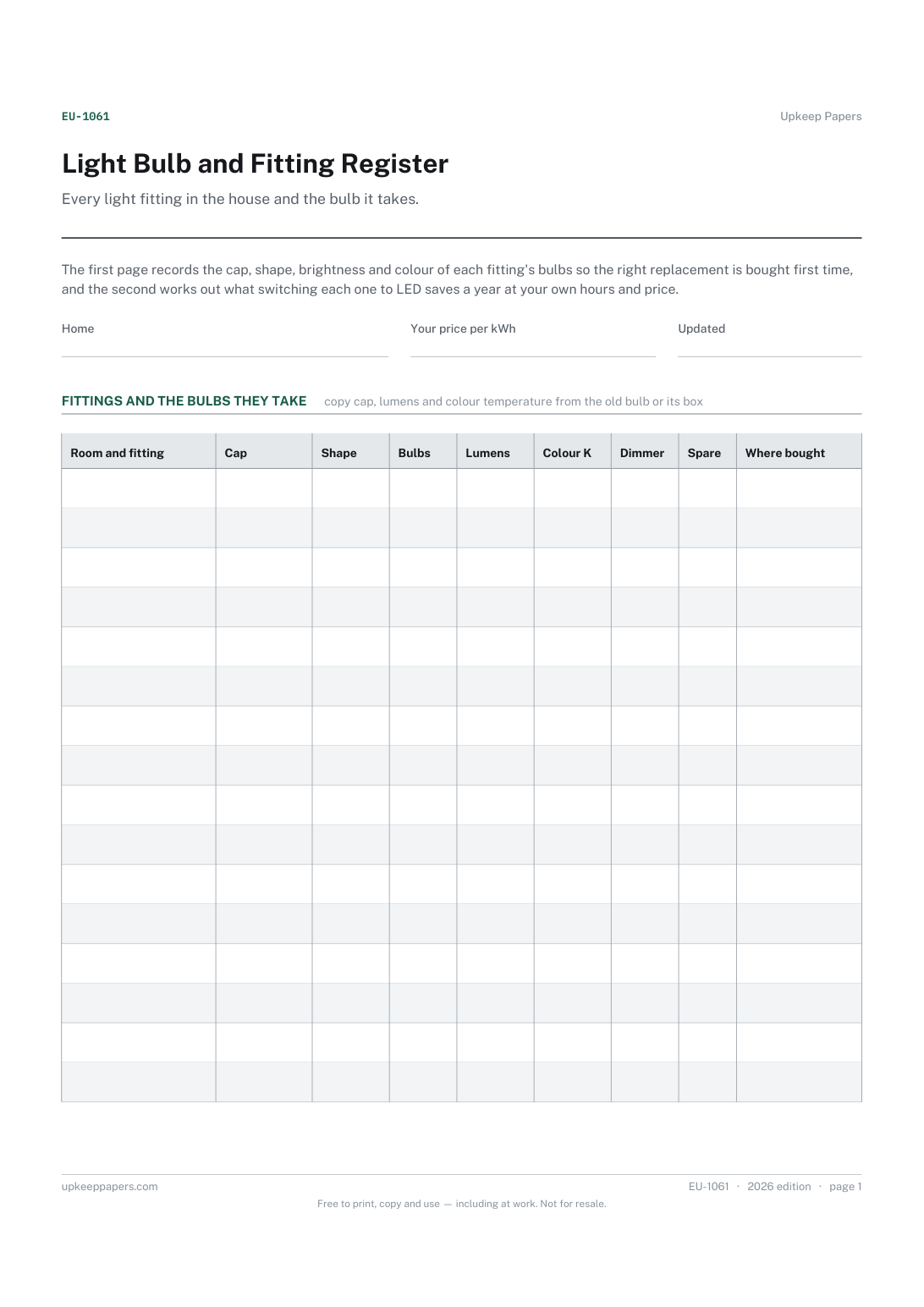
Every light fitting in the house and the bulb it takes. The first page records the cap, shape, brightness and colour of each fitting's bulbs so the right replacement is bought first time, and the second works out what switching each one to LED saves a year at your own hours and price.
Anyone who has stood in a shop trying to remember which bulb the hall light takes, and households replacing older bulbs with LEDs who want to know what the change is worth.
The printable is laid out inside a box that fits both A4 and US Letter, so the two files are identical and neither one is scaled. The fillable PDF has real form fields. The workbook uses plain formulas only — SUM, IF, COUNTIF and the like — so it opens in Excel, LibreOffice and Google Sheets without anything breaking, and every calculated cell is grey so you can see which figures it worked out.
Download the A4 or US Letter file to match the paper in your printer, open it in a PDF reader and print at 100% — not "fit to page", which shrinks the writing space. Both files leave a 14 mm margin, which clears the unprintable edge on home printers. To print the online version with your entries in it, use the Print this sheet button, which prints only the sheet and none of the page around it. More on printing.
The cap is the base that fits the lamp holder: screw, bayonet or pin types in several sizes. The code is usually printed on the bulb, the box or near the holder. Copy it exactly, because similar caps are not interchangeable.
Lumens describe brightness, which is what you want to match when choosing a replacement. Watts describe the power drawn, which is what the saving is worked out from, so the sheet keeps both.
Old watts less LED watts, times the number of bulbs and the hours a day, gives watt hours a day; times 365 and divided by 1000 gives kWh a year, which is priced at your own rate.
No. It records what your fittings take and what you choose. Brightness and colour are your preference, and the sheet suggests no products, wattages or colour temperatures.
Each appliance by room with its rated power in watts.
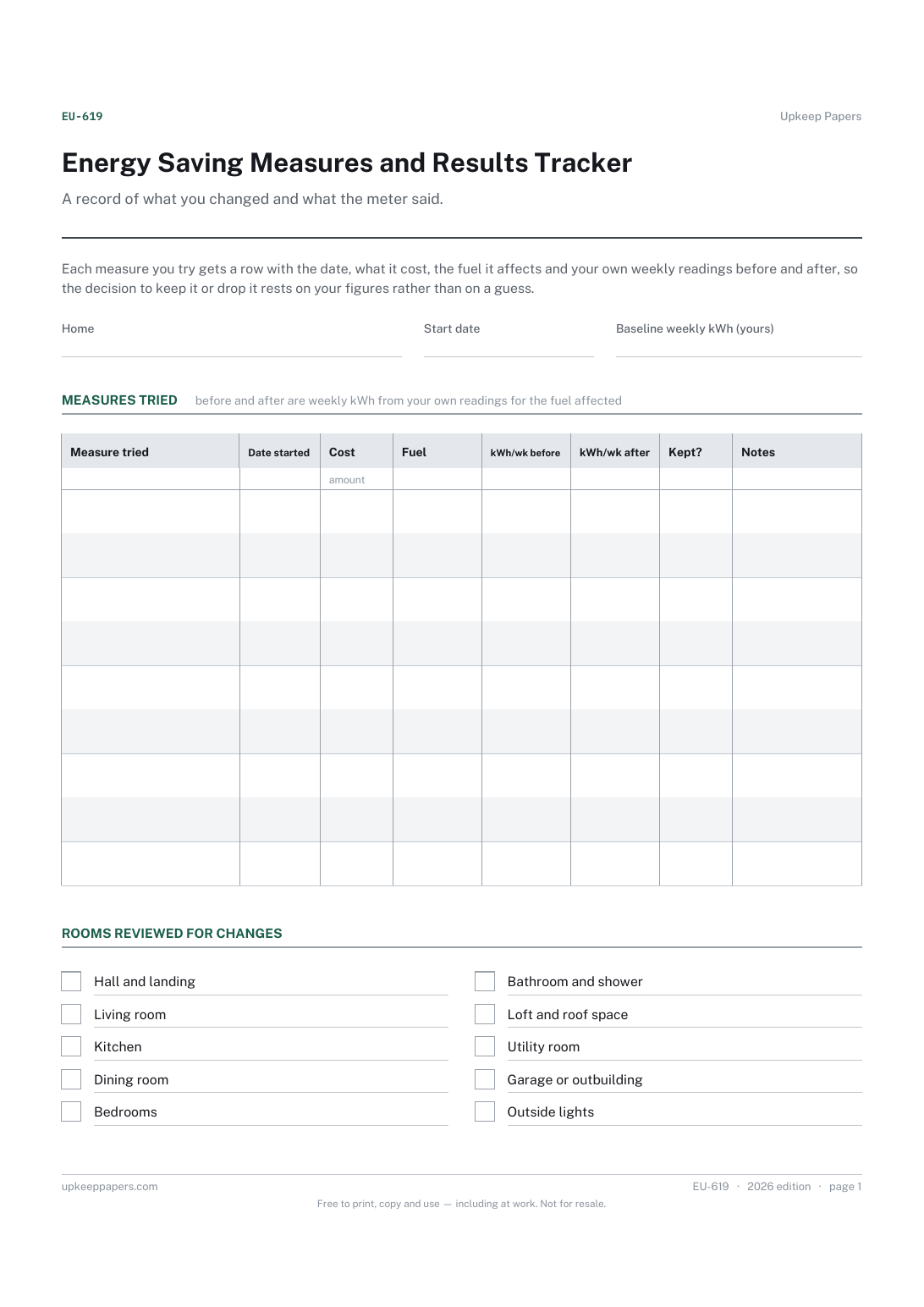
Each measure tried and the date it started.
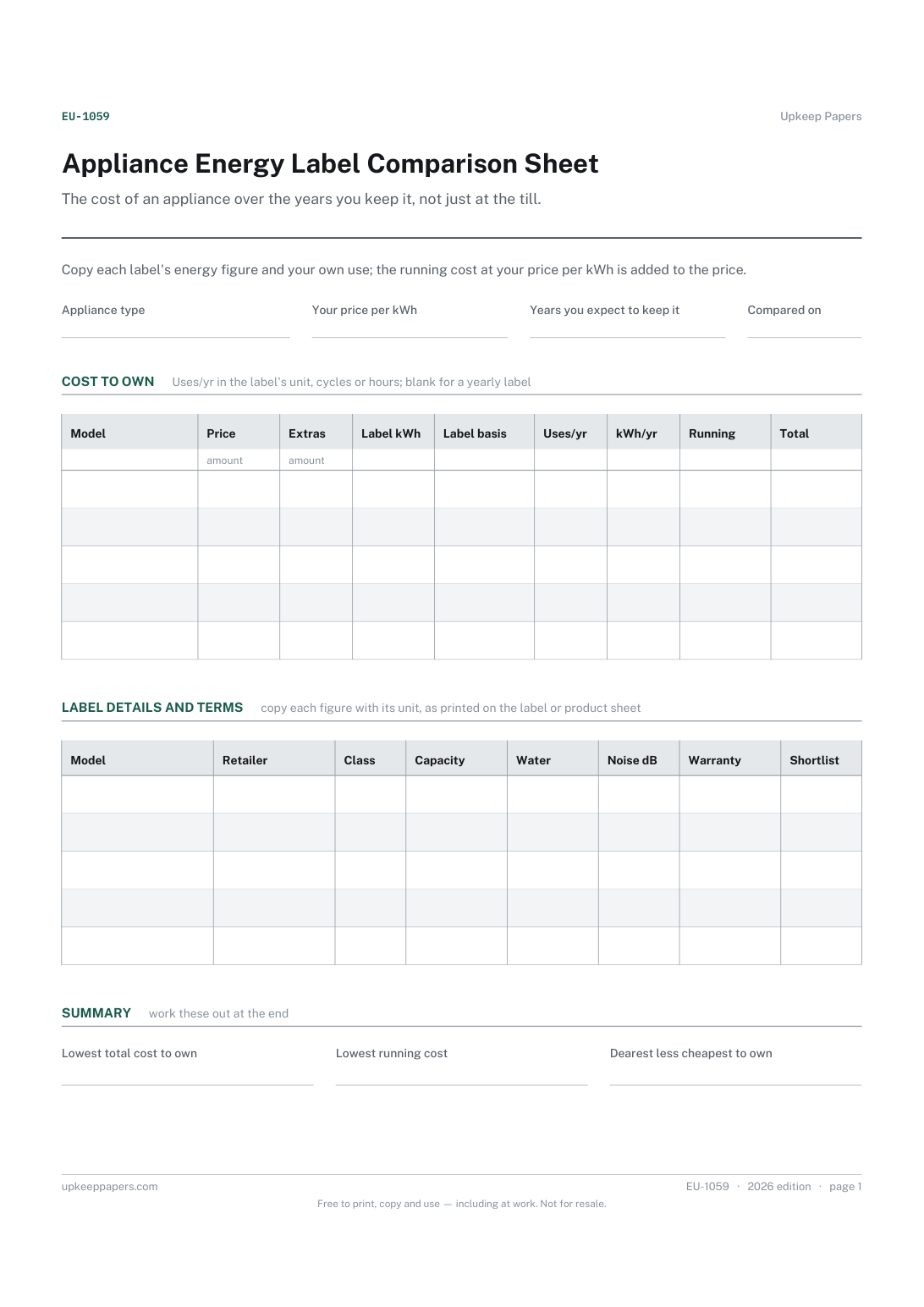
Price, delivery, installation and removal for each model.
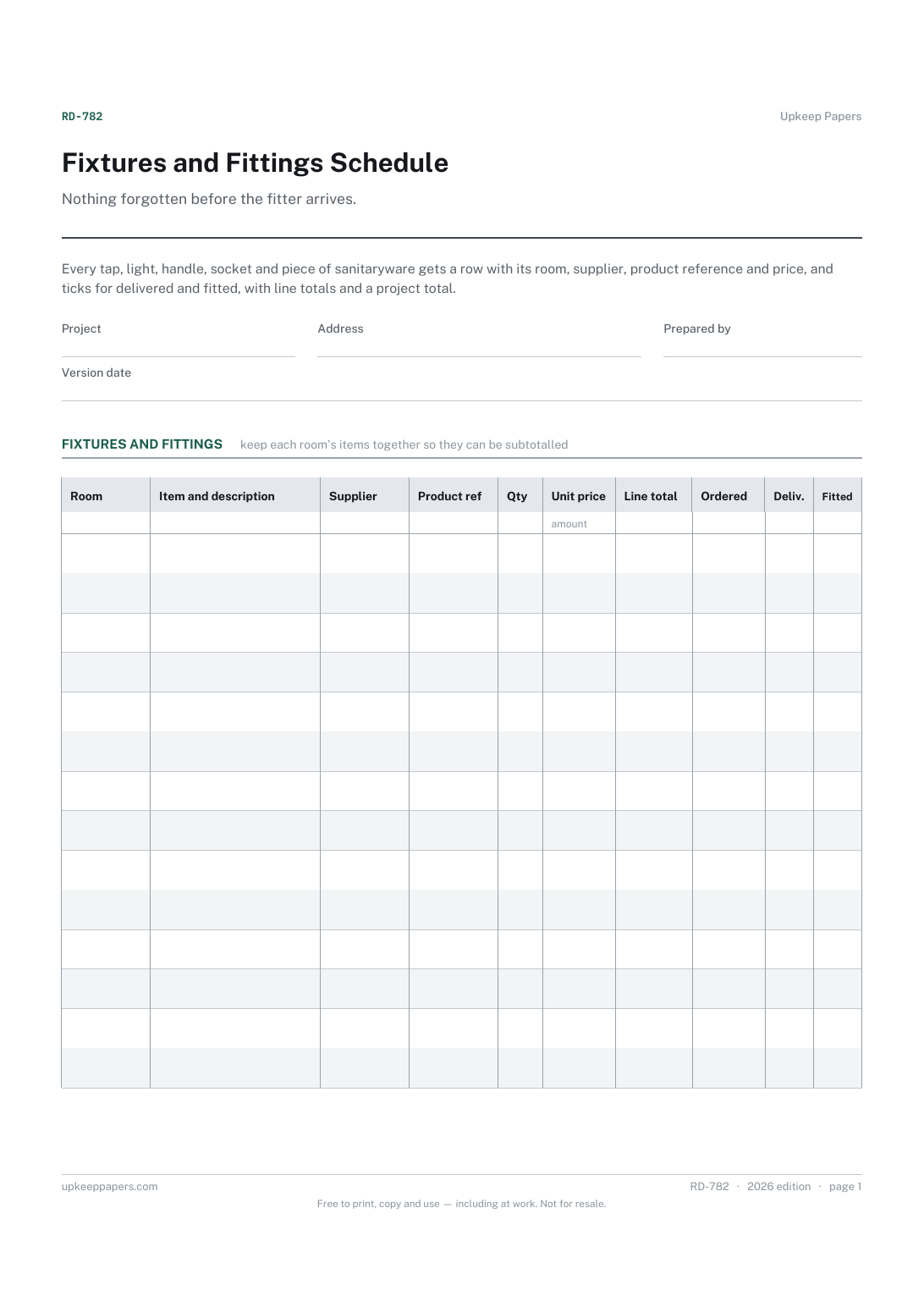
Every fitting in the project, room by room.
Printable sheets, workbooks and tools on the same subject.
Meter readings turned into usage and cost per period, so a bill can be checked against what the meter actually did rather than taken on trust.

Every sheet, binder, game and puzzle on Upkeep Papers is free to download, with no email and no account. Making them is not free: each one takes days of research, design and checking, and the site costs money to run. If something here saved you time, you can buy us a coffee. It is entirely optional: nothing is locked, and nothing changes if you don’t.
Buy us a coffee Opens PayPal in a new tab. Any amount, and nothing changes if you would rather not.