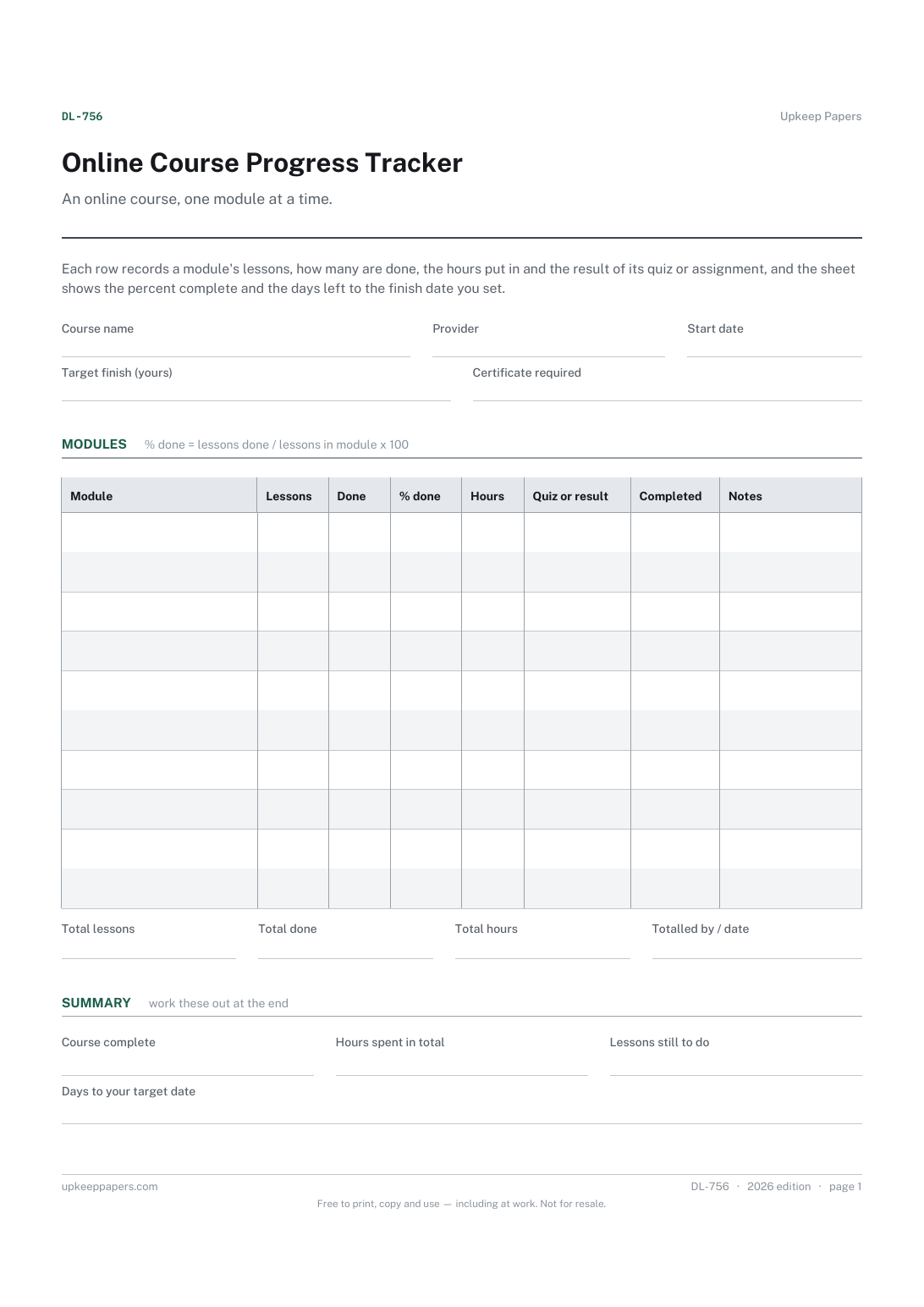
Online Course Progress Tracker
How far through each module you are, as lessons and a percentage.
DL-756 Tracker PDF Excel Online
Everything here is free. Making it takes time and money. Everything here is free.
 Buy us a coffee
 Digital Life and Content · DL-774 · Planner
Online course creation planner — modules and lessons with aims, format, length and status from script to upload, plus a launch checklist. PDF and browser.
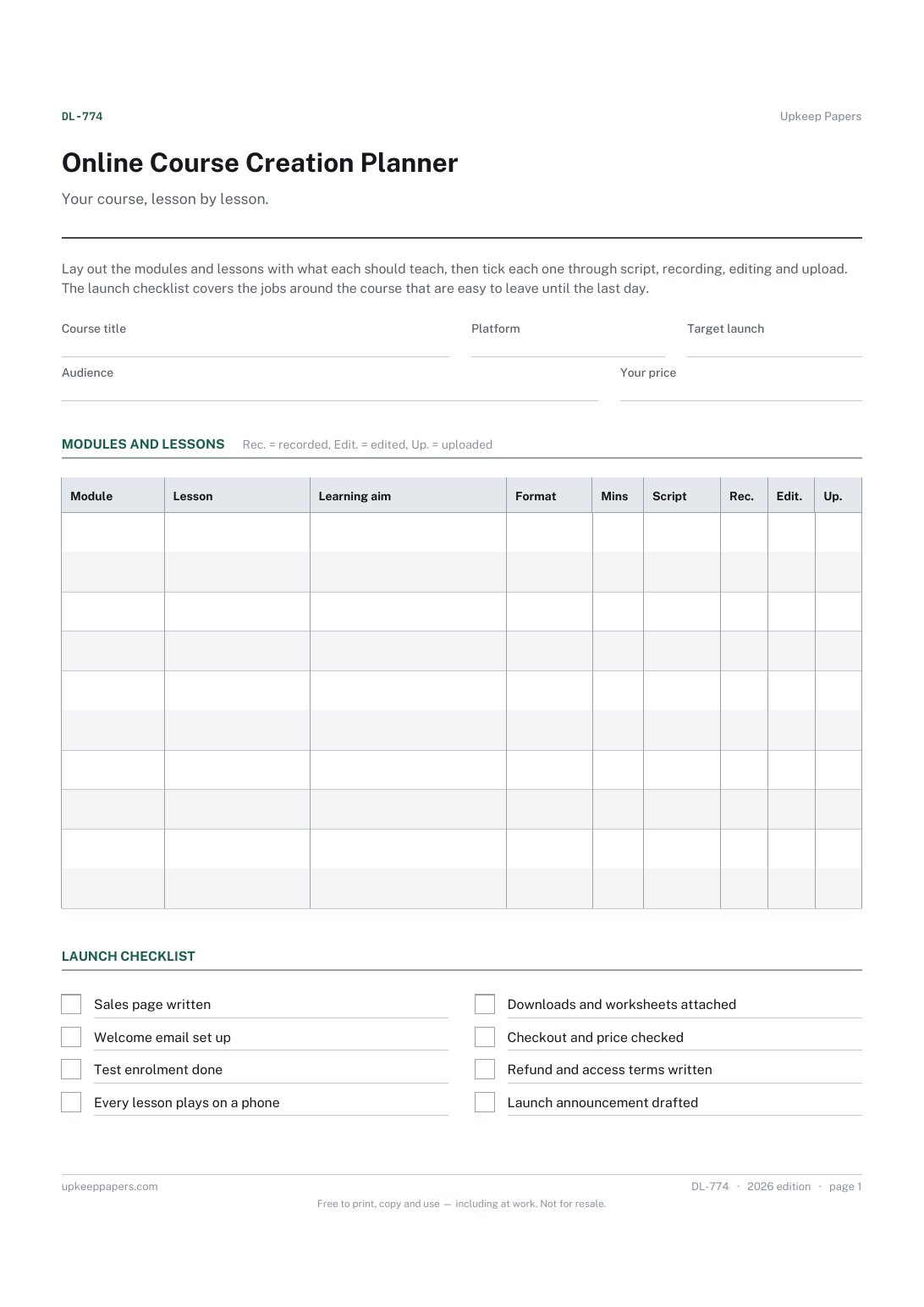
One page. The A4 and US Letter files are laid out identically, so neither is shrunk to fit.
Print it and write on it
Fillable PDF type and save
Or no download needed
Fill it in onlineThe fillable versions have real form fields — open them in any PDF reader, type into them and save. Printing help.
The same sheet, on screen. Tick, type, add or remove rows, then print it or download the completed version as a PDF. Everything stays in your browser — your entries are kept in this browser's own storage on this device, nothing is uploaded, and there is no account.
Your course, lesson by lesson. Lay out the modules and lessons with what each should teach, then tick each one through script, recording, editing and upload. The launch checklist covers the jobs around the course that are easy to leave until the last day.
Tutors, coaches, trainers and creators building their own online course on a hosted platform or their own site, working alone or with one helper.
The printable is laid out inside a box that fits both A4 and US Letter, so the two files are identical and neither one is scaled. The fillable PDF has real form fields. The online version keeps what you enter in your own browser and builds the completed PDF on your device.
Download the A4 or US Letter file to match the paper in your printer, open it in a PDF reader and print at 100% — not "fit to page", which shrinks the writing space. Both files leave a 14 mm margin, which clears the unprintable edge on home printers. To print the online version with your entries in it, use the Print this sheet button, which prints only the sheet and none of the page around it. More on printing.
As many as the aims need. Some modules need two lessons, some need eight. Writing an aim for each lesson first usually shows where a module is too thin or trying to do too much.
One sentence saying what someone can do after the lesson that they could not do before. If you cannot write one, the lesson may not be needed or may be two lessons in one.
This sheet covers building the course. For following a learner's progress through a course, the online course progress tracker is the separate sheet for that.
No. It is there so the figure you have decided on is written down with the plan. Nothing on the sheet proposes a price.
How far through each module you are, as lessons and a percentage.
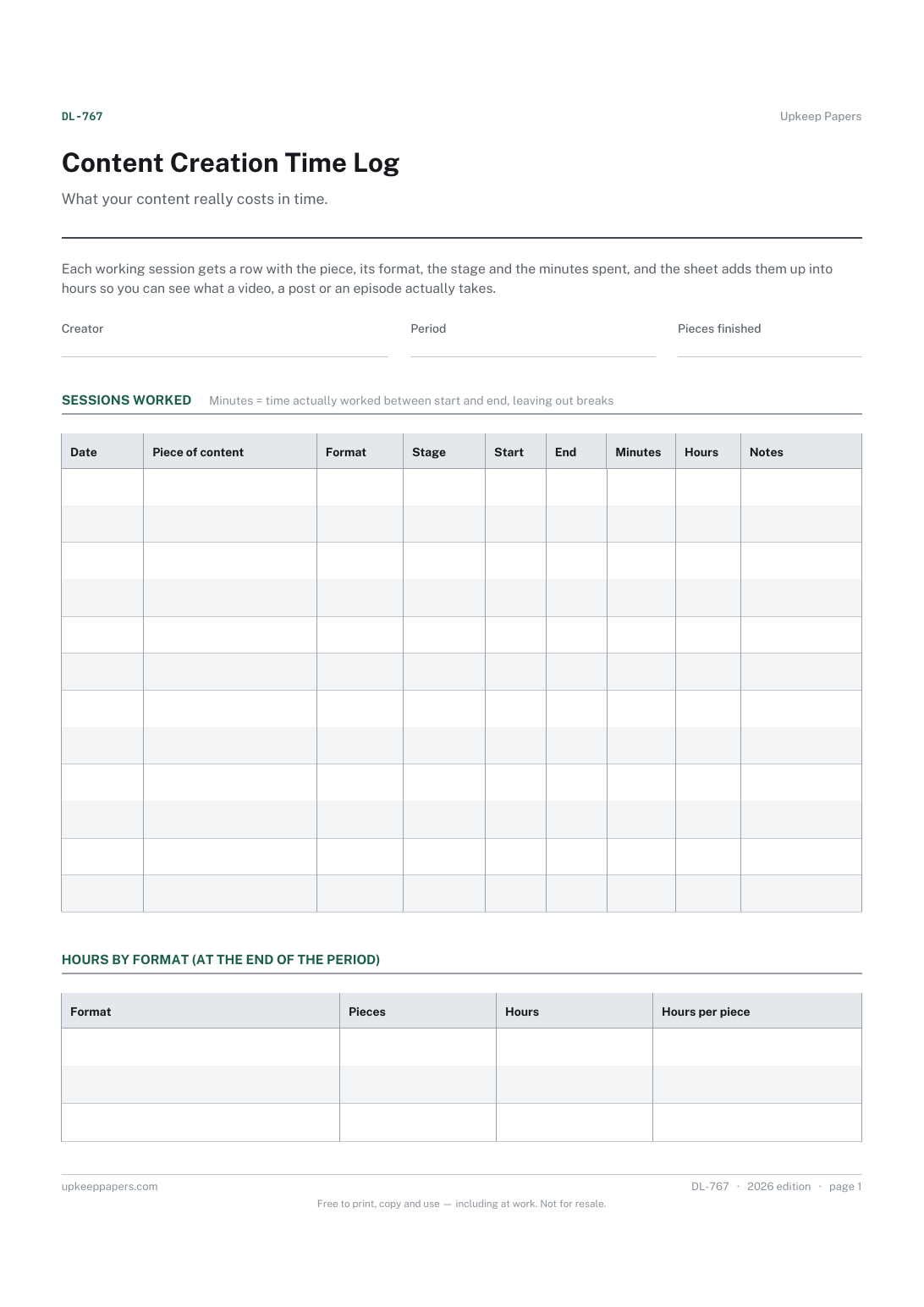
Every session spent planning, writing, filming, editing and publishing.
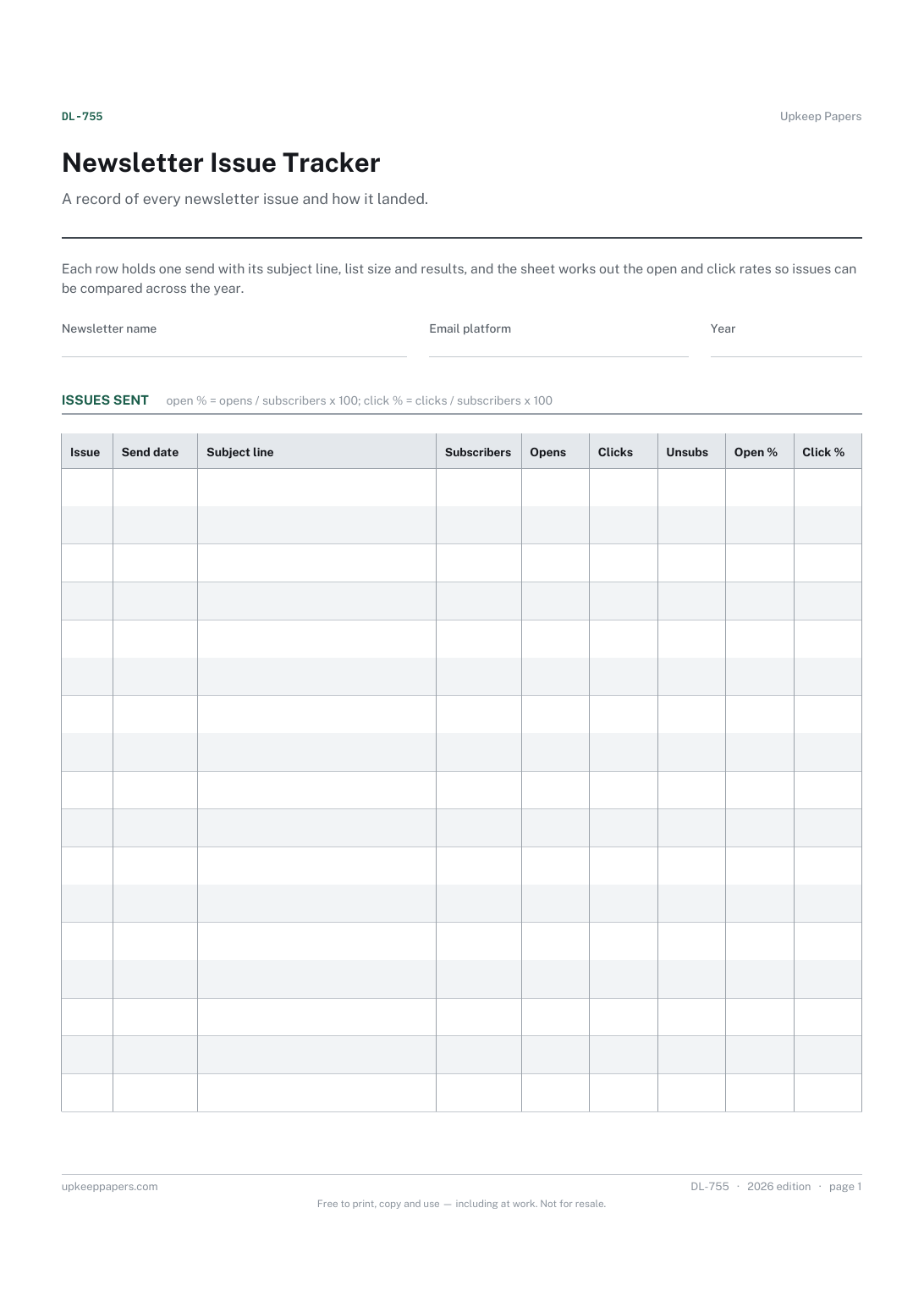
When each issue went out and what its subject line was.
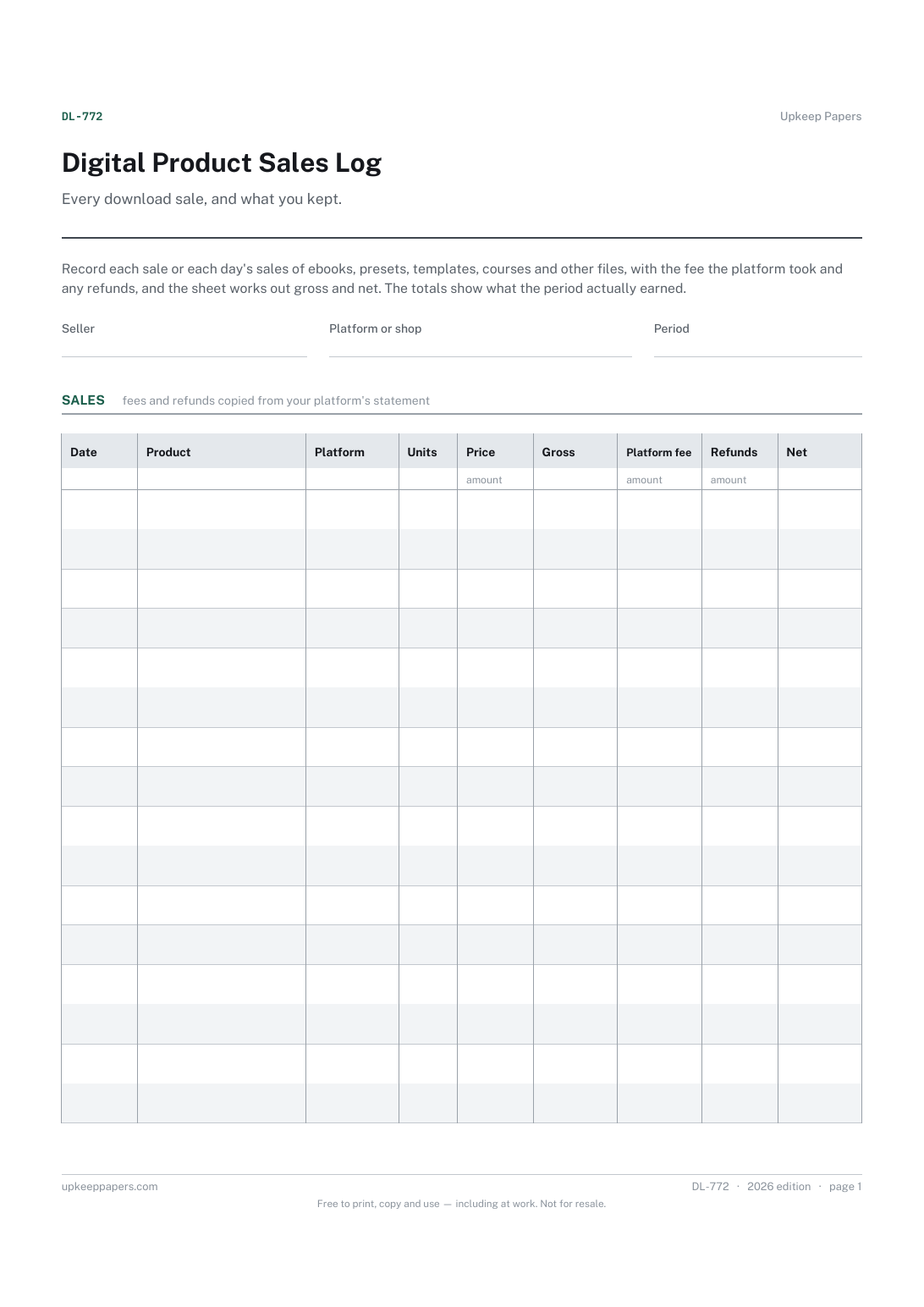
Each sale or batch of sales, with the product and platform.

Every sheet, binder, game and puzzle on Upkeep Papers is free to download, with no email and no account. Making them is not free: each one takes days of research, design and checking, and the site costs money to run. If something here saved you time, you can buy us a coffee. It is entirely optional: nothing is locked, and nothing changes if you don’t.
Buy us a coffee Opens PayPal in a new tab. Any amount, and nothing changes if you would rather not.