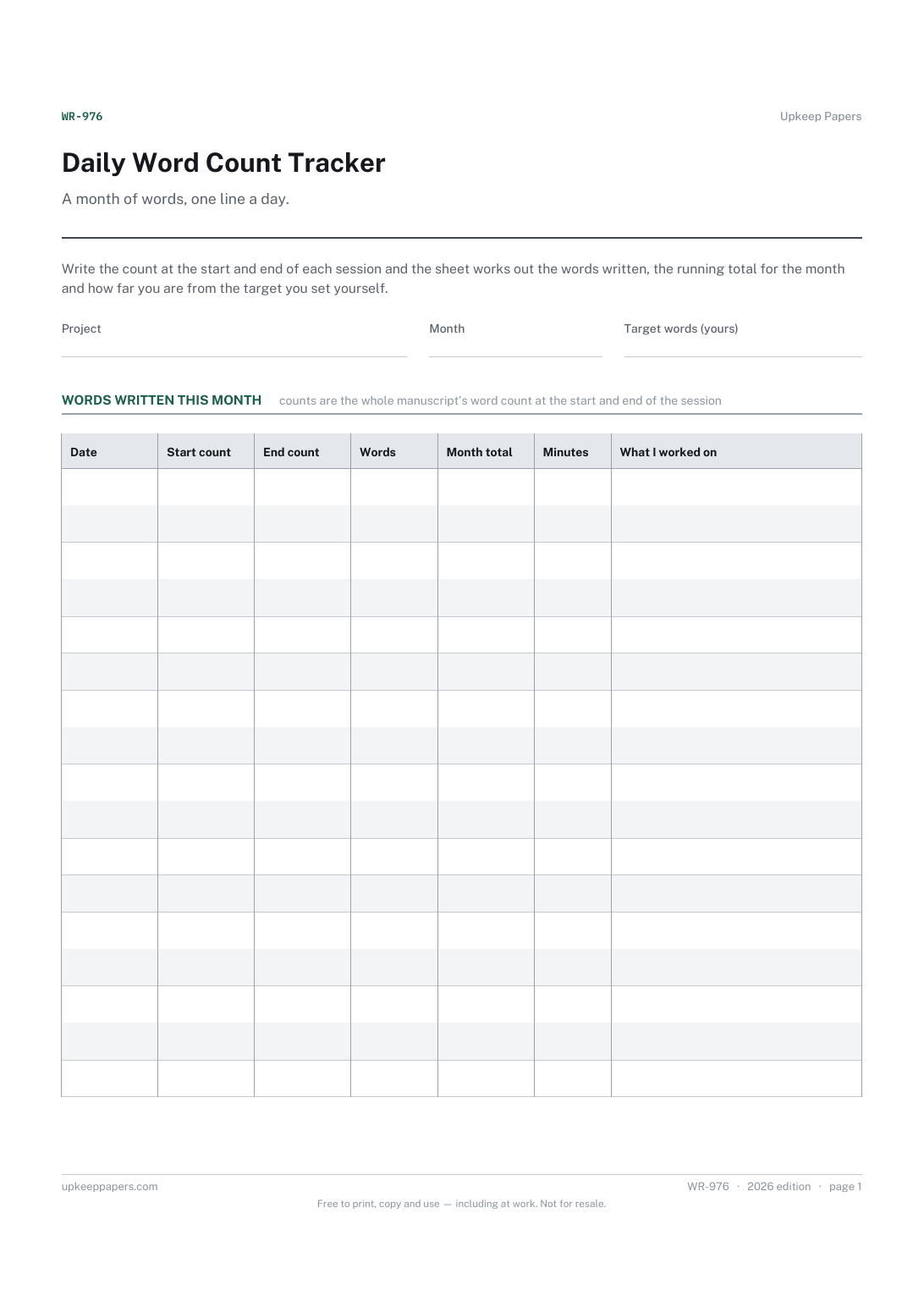
Daily Word Count Tracker
The words written in each session, worked out from start and end counts.
WR-976 Tracker PDF Excel Online
Everything here is free. Making it takes time and money. Everything here is free.
 Buy us a coffee
 Writing and Publishing · WR-977 · Tracker
Manuscript progress tracker by chapter — planned and current words, the difference, draft status and percentage complete. PDF, Excel and browser.
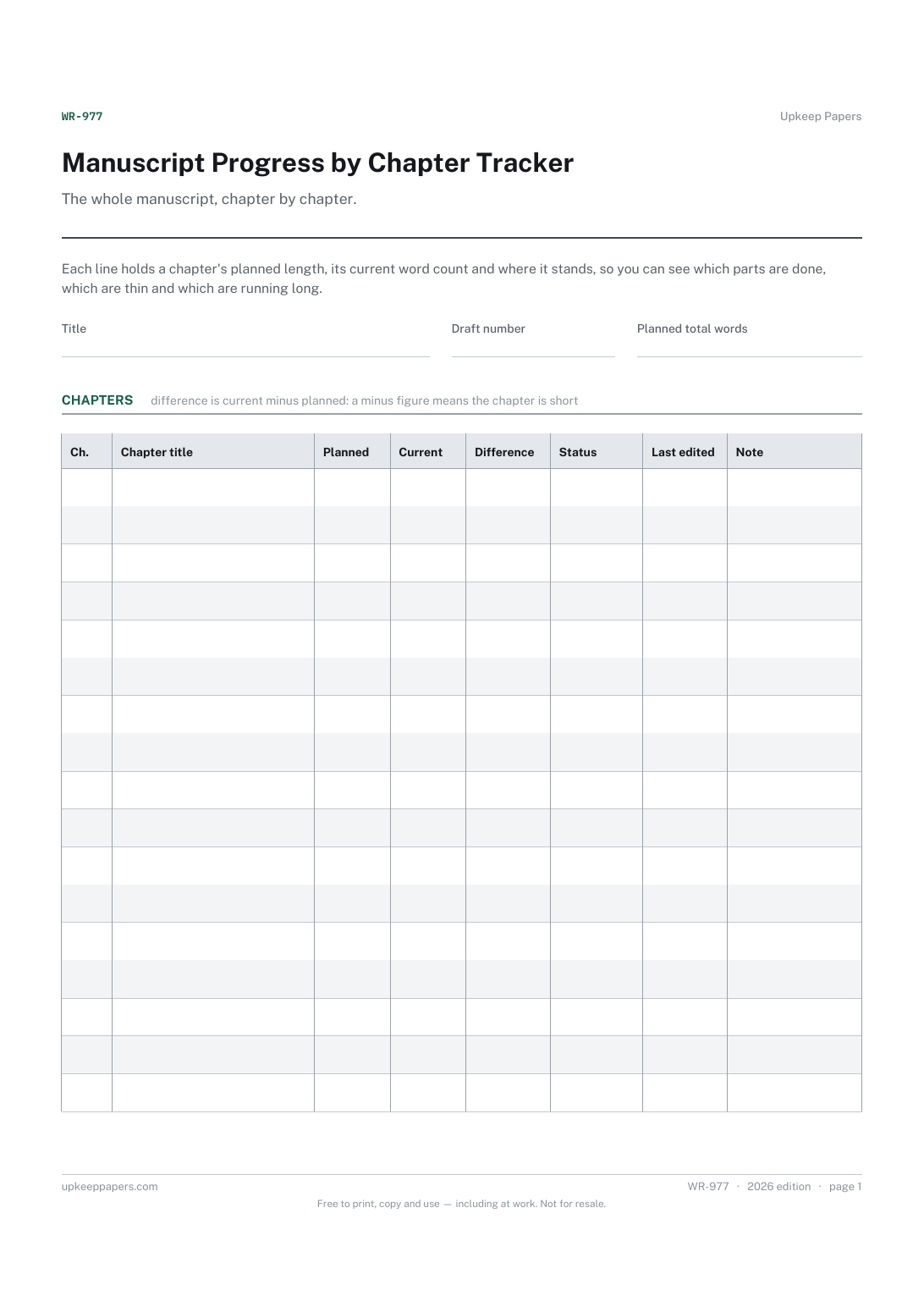
2 pages. The A4 and US Letter files are laid out identically, so neither is shrunk to fit.
Print it and write on it
Fillable PDF type and save
Spreadsheet formulas included
The fillable versions have real form fields — open them in any PDF reader, type into them and save. Printing help.
The same sheet, on screen. Totals and figures are worked out as you type, rows can be added or removed, and you can print it or download the completed version as a PDF. Everything stays in your browser — your entries are kept in this browser's own storage on this device, nothing is uploaded, and there is no account.
The whole manuscript, chapter by chapter. Each line holds a chapter's planned length, its current word count and where it stands, so you can see which parts are done, which are thin and which are running long.
Novelists and non-fiction authors part-way through a draft or a revision, and anyone whose book has grown too large to hold in their head as a single file.
The printable is laid out inside a box that fits both A4 and US Letter, so the two files are identical and neither one is scaled. The fillable PDF has real form fields. The workbook uses plain formulas only — SUM, IF, COUNTIF and the like — so it opens in Excel, LibreOffice and Google Sheets without anything breaking, and every calculated cell is grey so you can see which figures it worked out.
Download the A4 or US Letter file to match the paper in your printer, open it in a PDF reader and print at 100% — not "fit to page", which shrinks the writing space. Both files leave a 14 mm margin, which clears the unprintable edge on home printers. To print the online version with your entries in it, use the Print this sheet button, which prints only the sheet and none of the page around it. More on printing.
From you. Some writers plan chapter lengths from an outline, others fill the column after a first draft to see the shape. The sheet does not suggest a chapter or book length; leave the column blank if you do not plan that way.
It is the total current words divided by the planned total you write in the header. It measures length, not quality, so a chapter at full length can still be marked drafted rather than final.
Outlined means planned but not written, drafted means a full version exists, revised means it has had at least one revision pass, and final means you are not planning to touch it again this draft.
Yes. Use the chapter title column for section names as well, and the status column works the same. Some authors add a line for front and back matter so the whole book is counted.
The words written in each session, worked out from start and end counts.
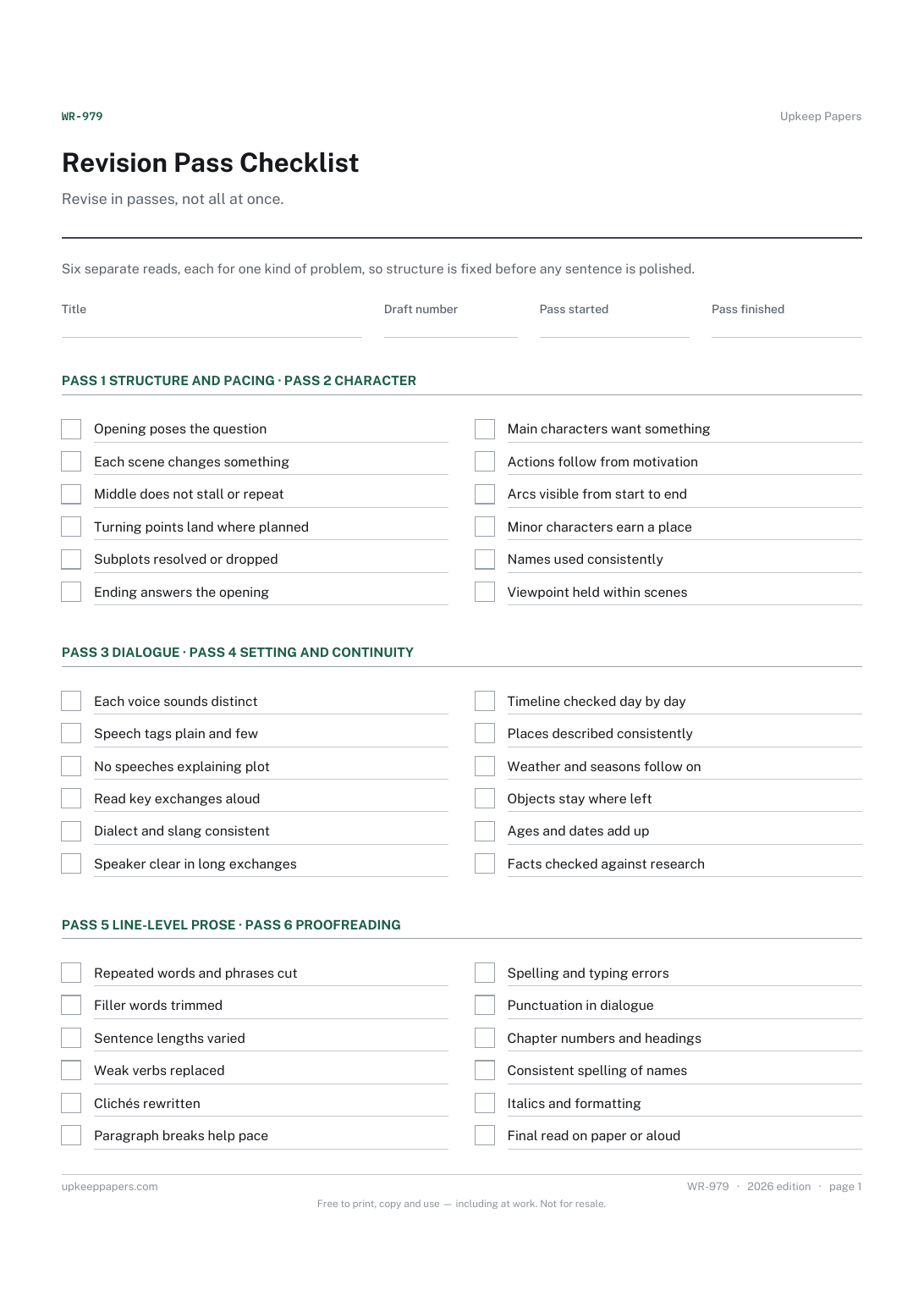
Structure and pacing checked before anything smaller.
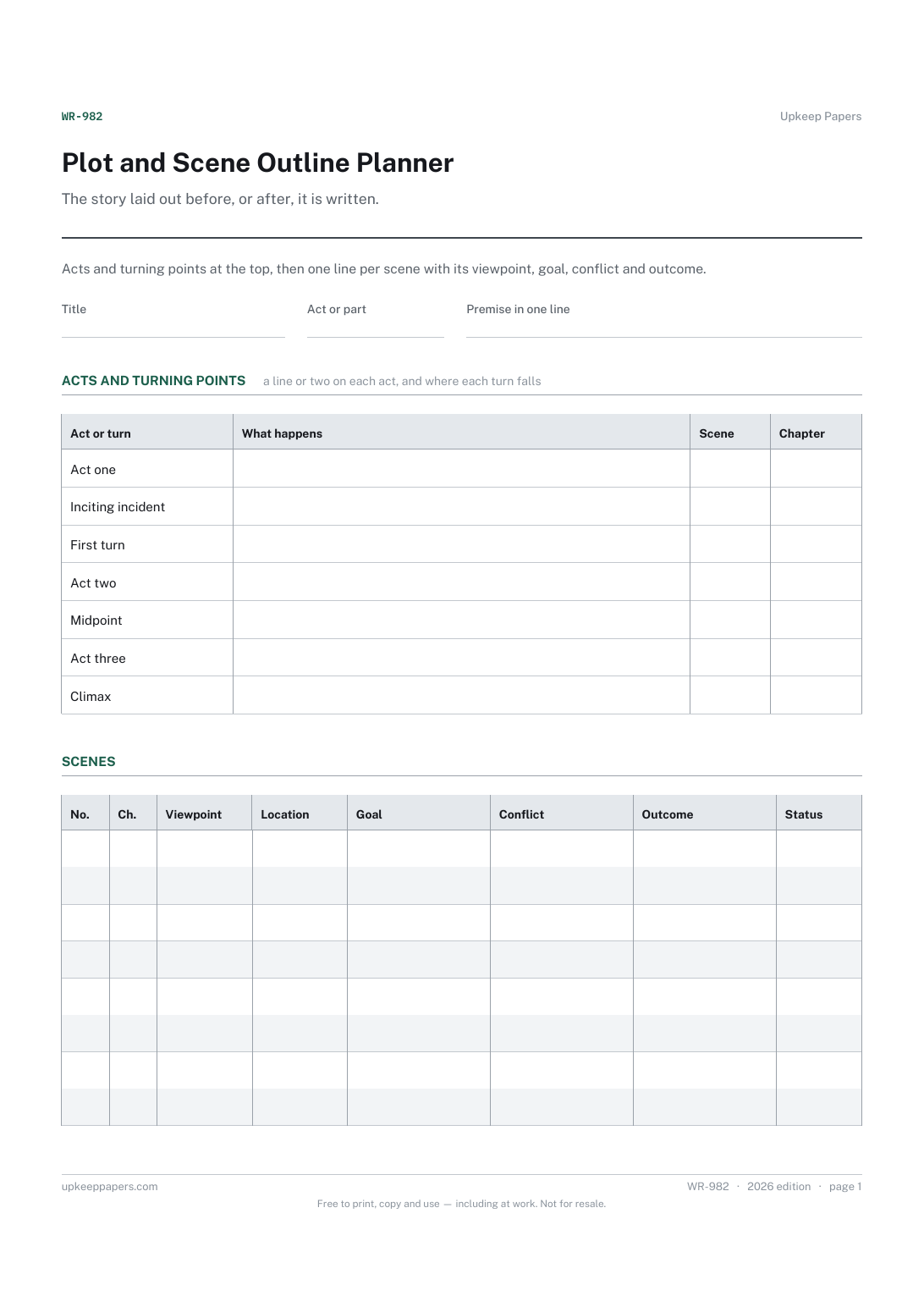
A one-line premise and a short summary of each act.
Printable sheets, workbooks and tools on the same subject.
Keep a document's history with the document, so the copy in somebody's drawer says which version it is and who approved it.
Plan a project small enough to hold in your head — a refit, an event, a move, a small build — on one page, including the dependencies people forget.

Every sheet, binder, game and puzzle on Upkeep Papers is free to download, with no email and no account. Making them is not free: each one takes days of research, design and checking, and the site costs money to run. If something here saved you time, you can buy us a coffee. It is entirely optional: nothing is locked, and nothing changes if you don’t.
Buy us a coffee Opens PayPal in a new tab. Any amount, and nothing changes if you would rather not.