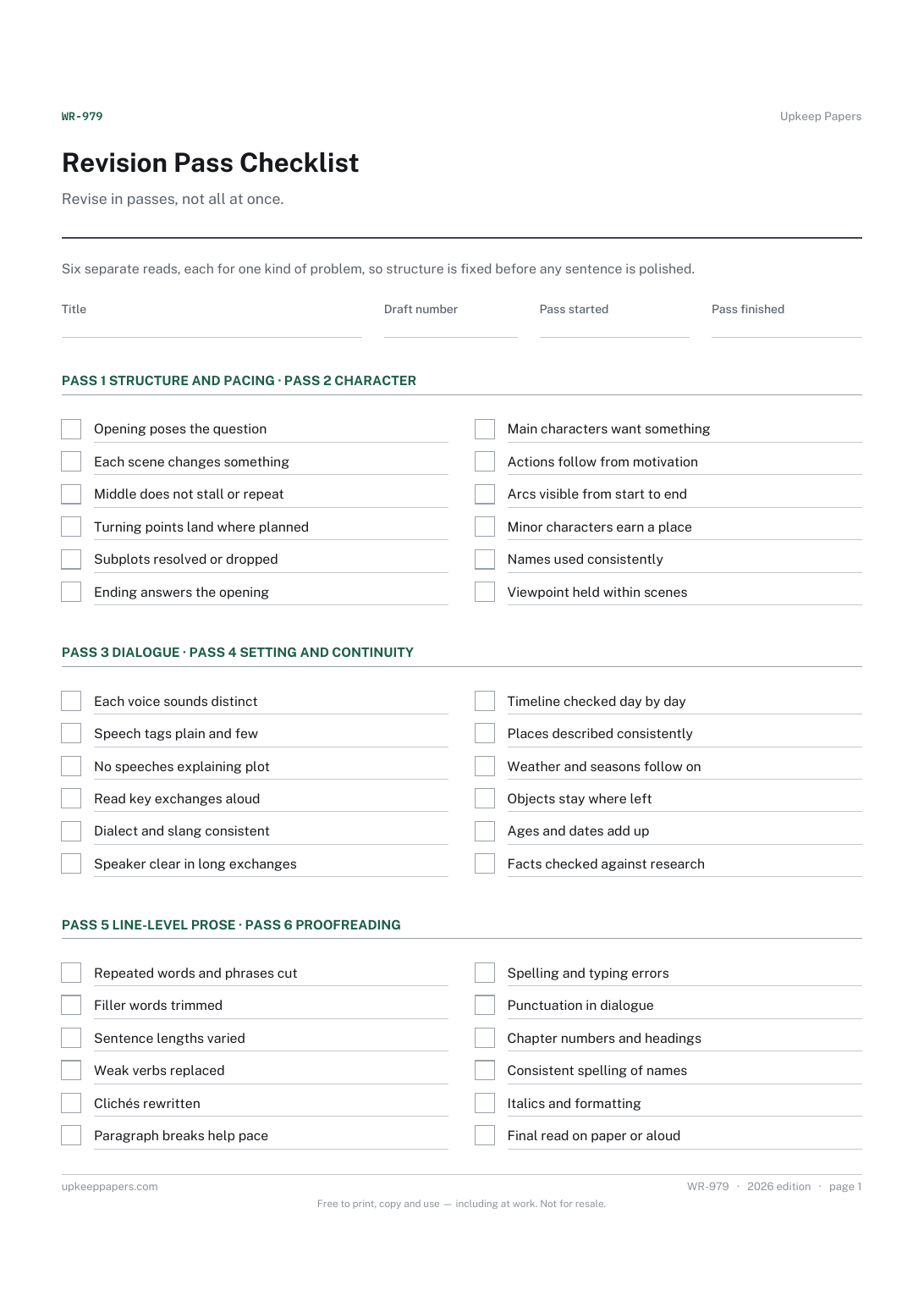
Revision Pass Checklist
Structure and pacing checked before anything smaller.
WR-979 Checklist PDF Online
Everything here is free. Making it takes time and money. Everything here is free.
 Buy us a coffee
 Writing and Publishing · WR-984 · Tracker
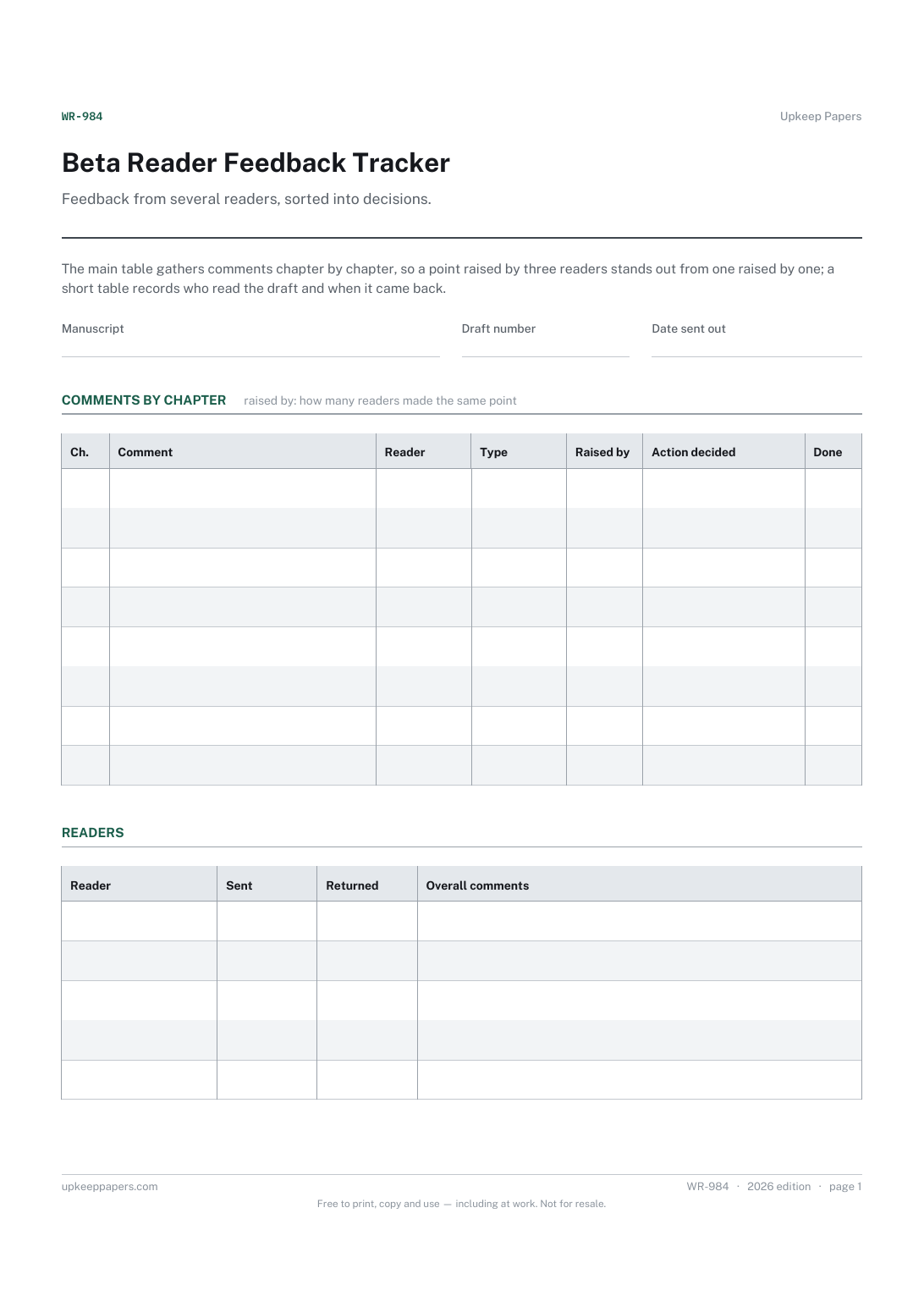
Beta reader feedback tracker — who read the draft and when, then every comment by chapter with type, how many raised it and the action. PDF and browser.
2 pages. The A4 and US Letter files are laid out identically, so neither is shrunk to fit.
Print it and write on it
Fillable PDF type and save
Or no download needed
Fill it in onlineThe fillable versions have real form fields — open them in any PDF reader, type into them and save. Printing help.
The same sheet, on screen. Tick, type, add or remove rows, then print it or download the completed version as a PDF. Everything stays in your browser — your entries are kept in this browser's own storage on this device, nothing is uploaded, and there is no account.
Feedback from several readers, sorted into decisions. The main table gathers comments chapter by chapter, so a point raised by three readers stands out from one raised by one; a short table records who read the draft and when it came back.
Novelists and non-fiction authors sending a draft to beta readers, critique partners or a writing group, and anyone who has received more notes than they know what to do with.
The printable is laid out inside a box that fits both A4 and US Letter, so the two files are identical and neither one is scaled. The fillable PDF has real form fields. The online version keeps what you enter in your own browser and builds the completed PDF on your device.
Download the A4 or US Letter file to match the paper in your printer, open it in a PDF reader and print at 100% — not "fit to page", which shrinks the writing space. Both files leave a 14 mm margin, which clears the unprintable edge on home printers. To print the online version with your entries in it, use the Print this sheet button, which prints only the sheet and none of the page around it. More on printing.
As many as you can gather useful notes from and still read everything they send. The sheet does not suggest a number; the reader table has space for several and more can be added online.
No. The action column is for your decision, including leaving something as it is. A point raised by several readers is worth a closer look; a single comment may be a matter of taste.
They let you see whether feedback clusters around plot, character, pace or clarity. If most comments are one type, that is often the pass to start the next revision with.
Many writers do, to focus the notes on what they are unsure of. Write the questions in the notes area and ask every reader the same ones, so the answers can be compared.
Structure and pacing checked before anything smaller.
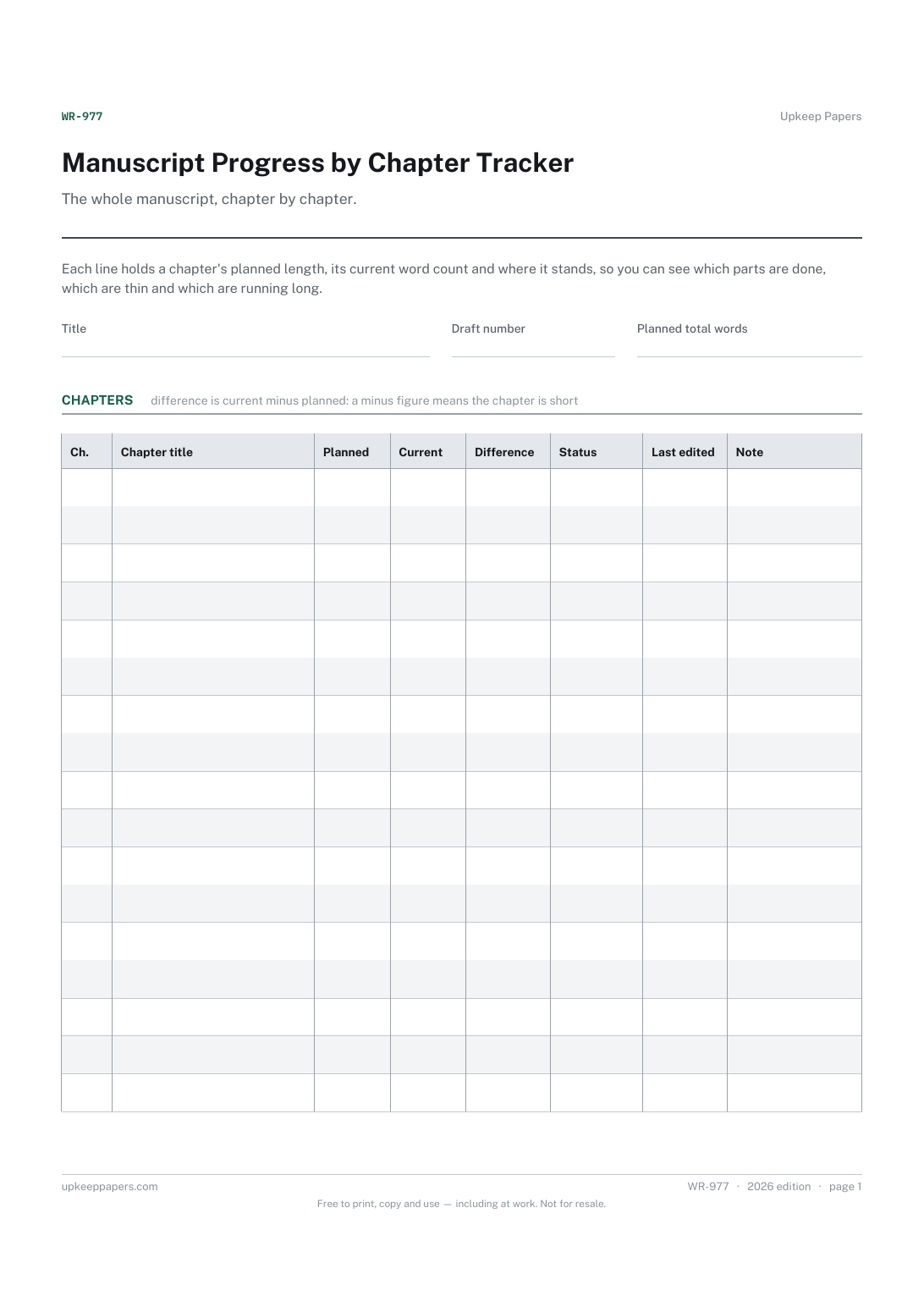
The length you planned for each chapter against what it holds now.
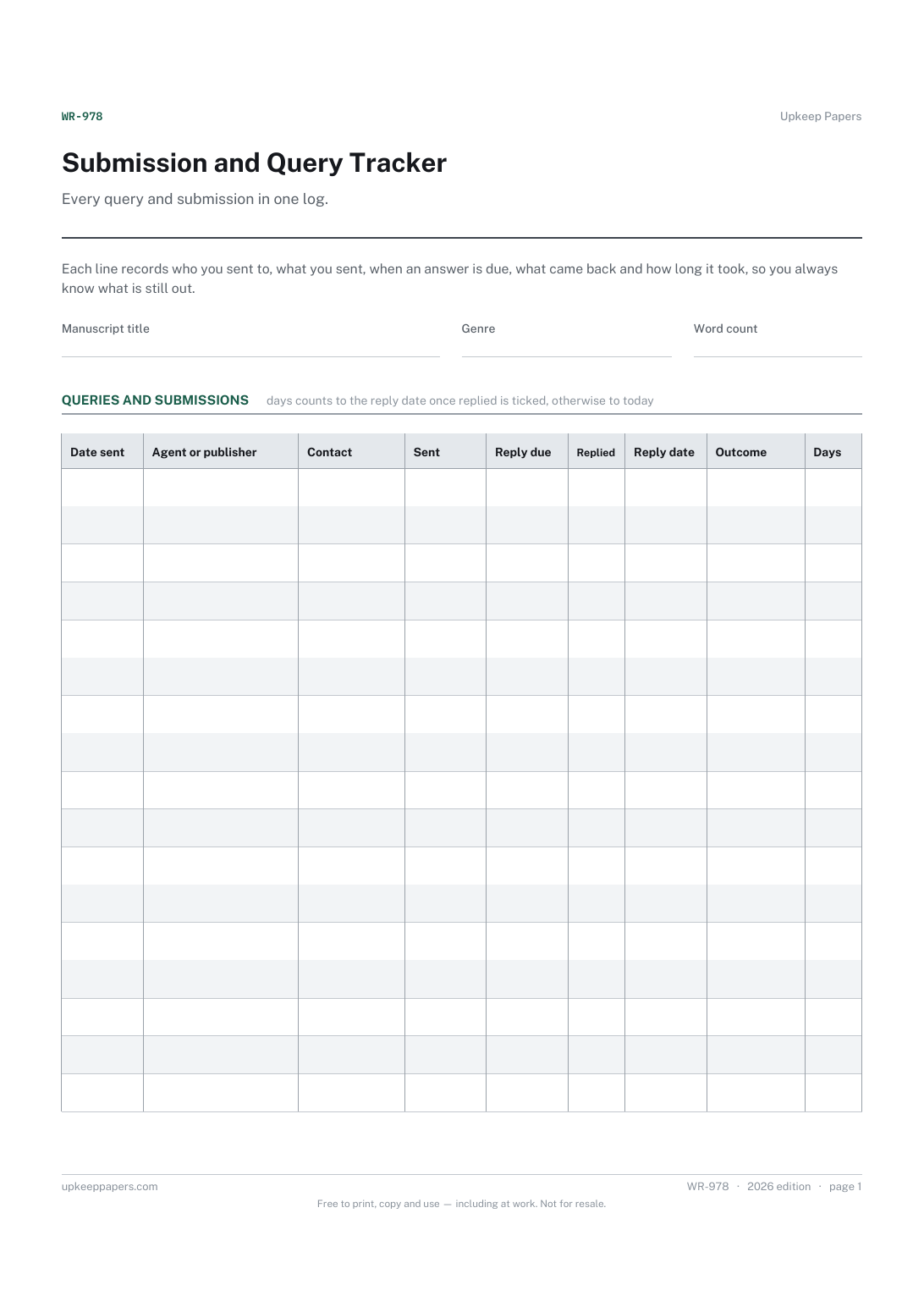
Who each query or submission went to, and the contact name.
Printable sheets, workbooks and tools on the same subject.
Keep every agreed action in one place with a name and a date against it, so the next meeting starts from what happened rather than from memory.

Every sheet, binder, game and puzzle on Upkeep Papers is free to download, with no email and no account. Making them is not free: each one takes days of research, design and checking, and the site costs money to run. If something here saved you time, you can buy us a coffee. It is entirely optional: nothing is locked, and nothing changes if you don’t.
Buy us a coffee Opens PayPal in a new tab. Any amount, and nothing changes if you would rather not.