
School and study · SS-251 · Record
Tutoring Session Record
Free tutoring record — date, subject, minutes and the cost of each session at your own hourly rate, with a paid tick and totals. PDF, Excel and browser.
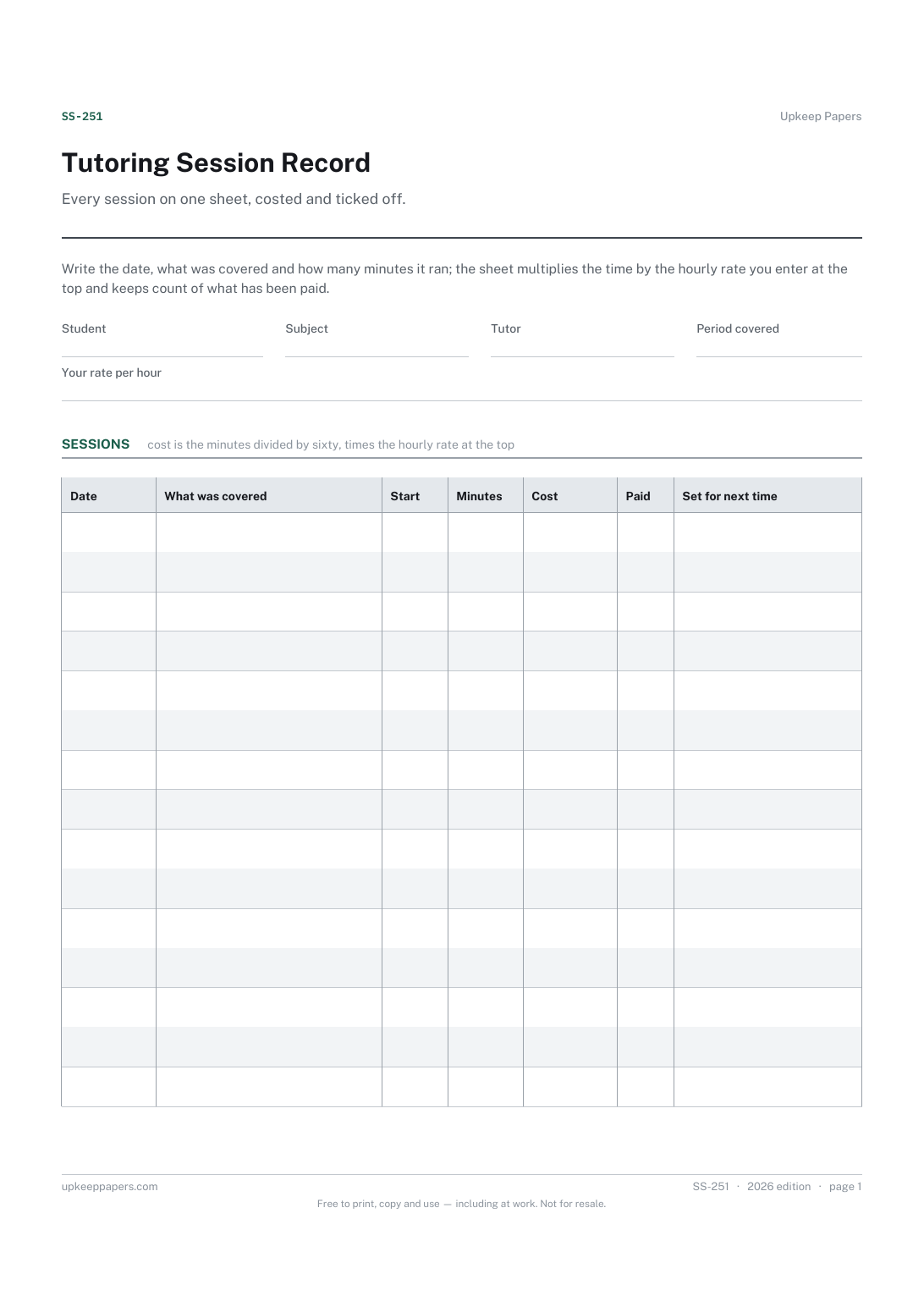
2 pages. The A4 and US Letter files are laid out identically, so neither is shrunk to fit.
Print it and write on it
Fillable PDF type and save
Spreadsheet formulas included
The fillable versions have real form fields — open them in any PDF reader, type into them and save. Printing help.
Fill it in online
The same sheet, on screen. Totals and figures are worked out as you type, rows can be added or removed, and you can print it or download the completed version as a PDF. Everything stays in your browser — your entries are kept in this browser's own storage on this device, nothing is uploaded, and there is no account.
Who this is for
Every session on one sheet, costed and ticked off. Write the date, what was covered and how many minutes it ran; the sheet multiplies the time by the hourly rate you enter at the top and keeps count of what has been paid.
Parents paying for a tutor and tutors keeping a record for each student — anyone who needs to know, without an argument, how many sessions there were and what they came to.
What this helps you track
- When each session happened, on what subject and for how long
- What was covered and what was set for next time, session by session
- The cost of each session at the rate you entered, and the total for the period
- Which sessions have been paid for and which have not
How to use it
- Write the student, the subject, the tutor and the period at the top, and enter the hourly rate that has been agreed between you.
- Add a row for each session with the date, the topic covered and the minutes it actually ran.
- The cost column multiplies the minutes by the rate in the browser version and the workbook; on paper, divide the minutes by sixty and multiply by the rate.
- Tick paid when the money has changed hands, and use the last column for what was set before the next session.
- Read the totals at the foot and the summary for the sessions, hours and cost for the period, and settle up from the sheet rather than from memory.
- Start a fresh sheet each term or each month, whichever matches how you pay.
Formats
- Printable PDF (A4 and US Letter)
- Fillable PDF with form fields
- Fill in online, saved in your browser
- Excel / Google Sheets workbook
The printable is laid out inside a box that fits both A4 and US Letter, so the two files are identical and neither one is scaled. The fillable PDF has real form fields. The workbook uses plain formulas only — SUM, IF, COUNTIF and the like — so it opens in Excel, LibreOffice and Google Sheets without anything breaking, and every calculated cell is grey so you can see which figures it worked out.
How to print
Download the A4 or US Letter file to match the paper in your printer, open it in a PDF reader and print at 100% — not "fit to page", which shrinks the writing space. Both files leave a 14 mm margin, which clears the unprintable edge on home printers. To print the online version with your entries in it, use the Print this sheet button, which prints only the sheet and none of the page around it. More on printing.
Questions
Where does the rate come from?
From whatever you and the tutor agreed. The sheet has a cell for it and nothing printed in it, because rates differ by subject, level, place and experience.
What if the rate is per session rather than per hour?
Enter the session length in minutes and set the rate so that a full session comes to the agreed figure — or leave the rate blank and write the cost by hand in the notes.
Can a tutor use it for several students?
One sheet per student keeps the totals meaningful. The browser version saves in your own browser, so a separate tab for each student works well.
Does it double as an invoice?
It is a record rather than an invoice, but the totals row gives the figure. Print it or download the completed PDF and attach it to whatever bill you send.
Related resources
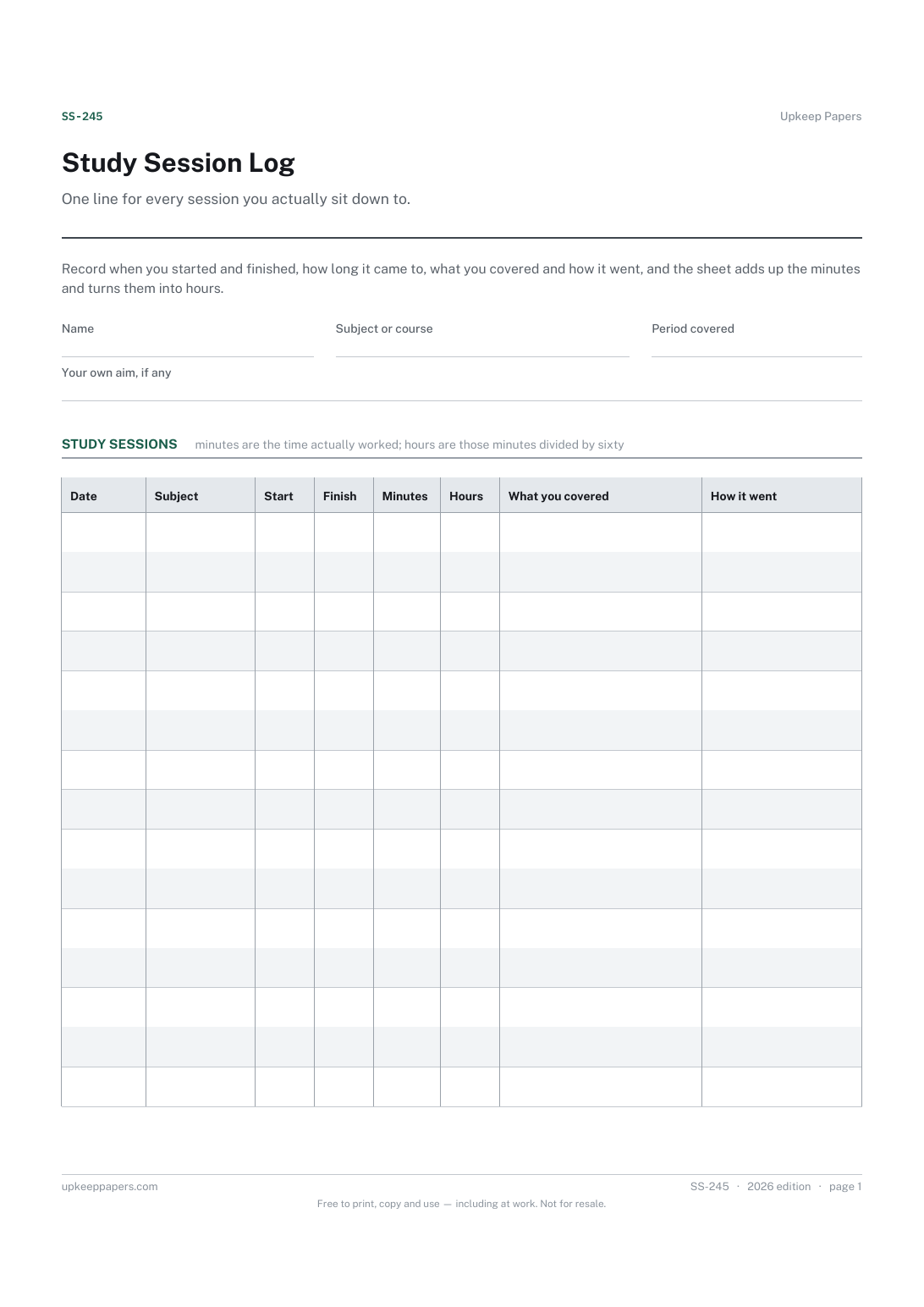
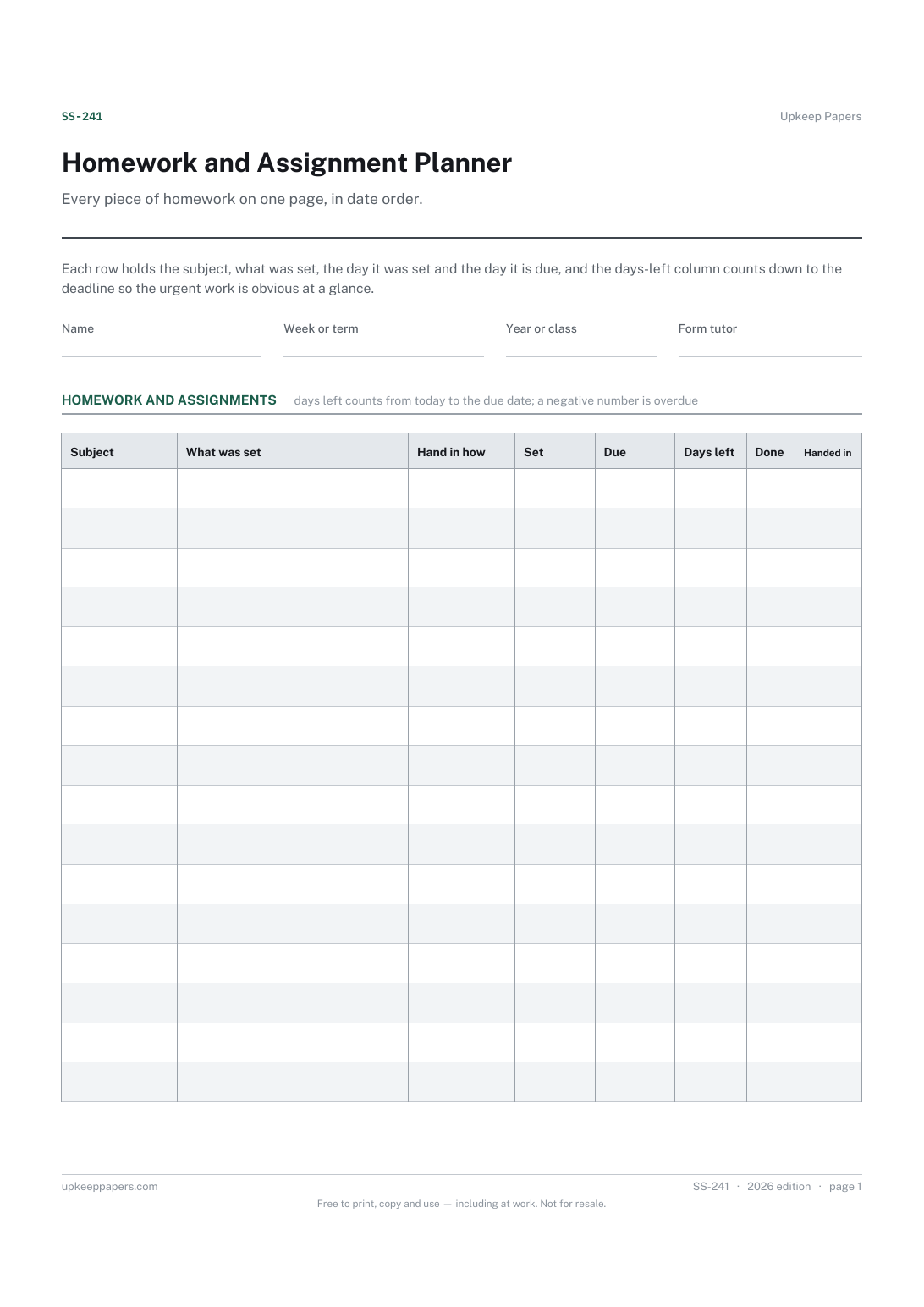
Homework and Assignment Planner
What has been set, by which subject or teacher.
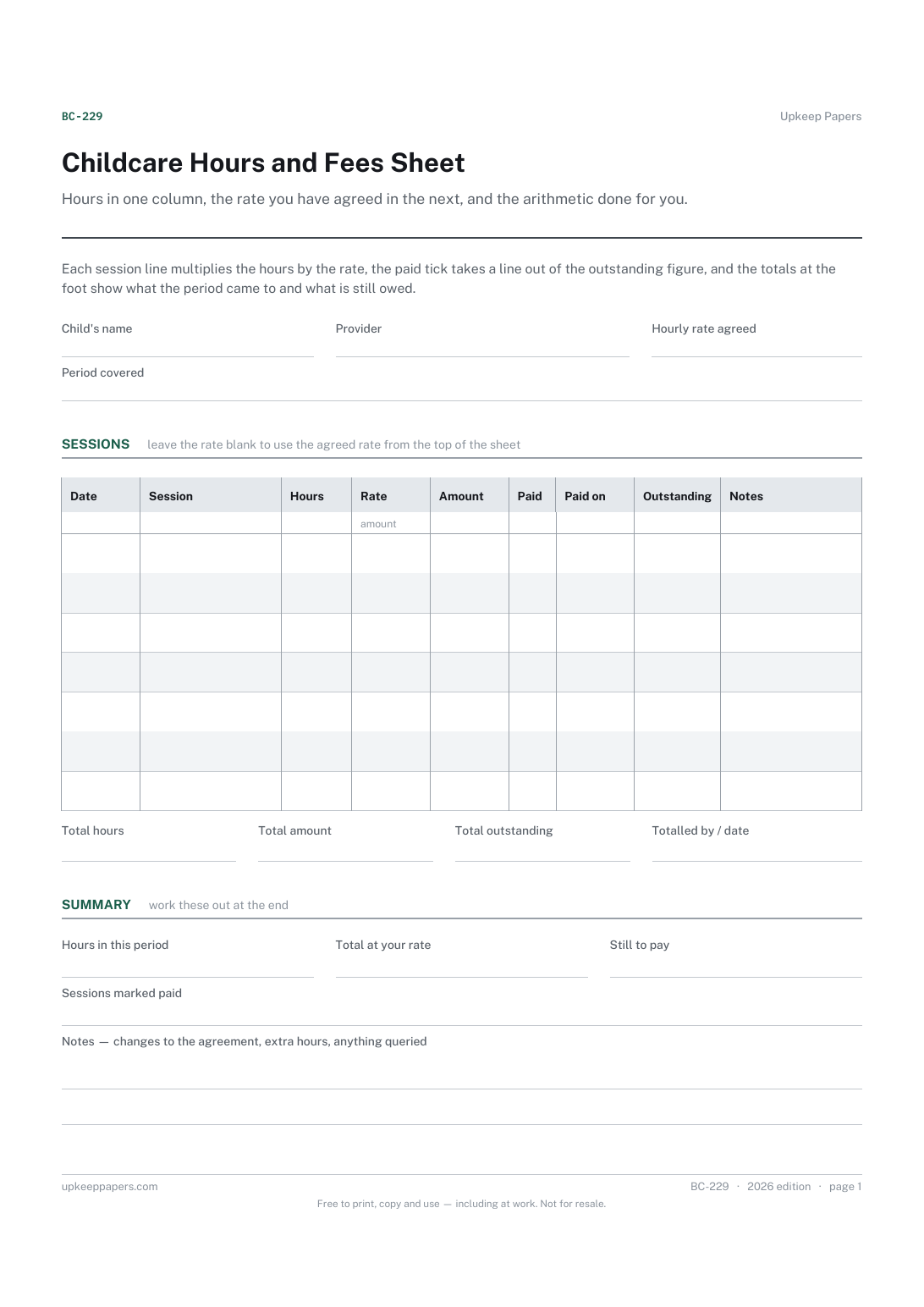
Childcare Hours and Fees Sheet
Every session with its date, its hours and what it came to.
Also in the library
Printable sheets, workbooks and tools on the same subject.

Client Appointment and Payment Log
Run a week of appointments and the money that goes with them from one page.

Lesson Plan Sheet
Plan one lesson on one page, with space for the two things people skip: the checking, and the plan for the students who have not got it.
