
Renovation and DIY Projects · RD-777 · Schedule
Renovation Phase and Schedule Tracker
Renovation schedule template — every phase with trade, dependency, planned and actual dates, days planned and days slipped. PDF, Excel and browser versions.
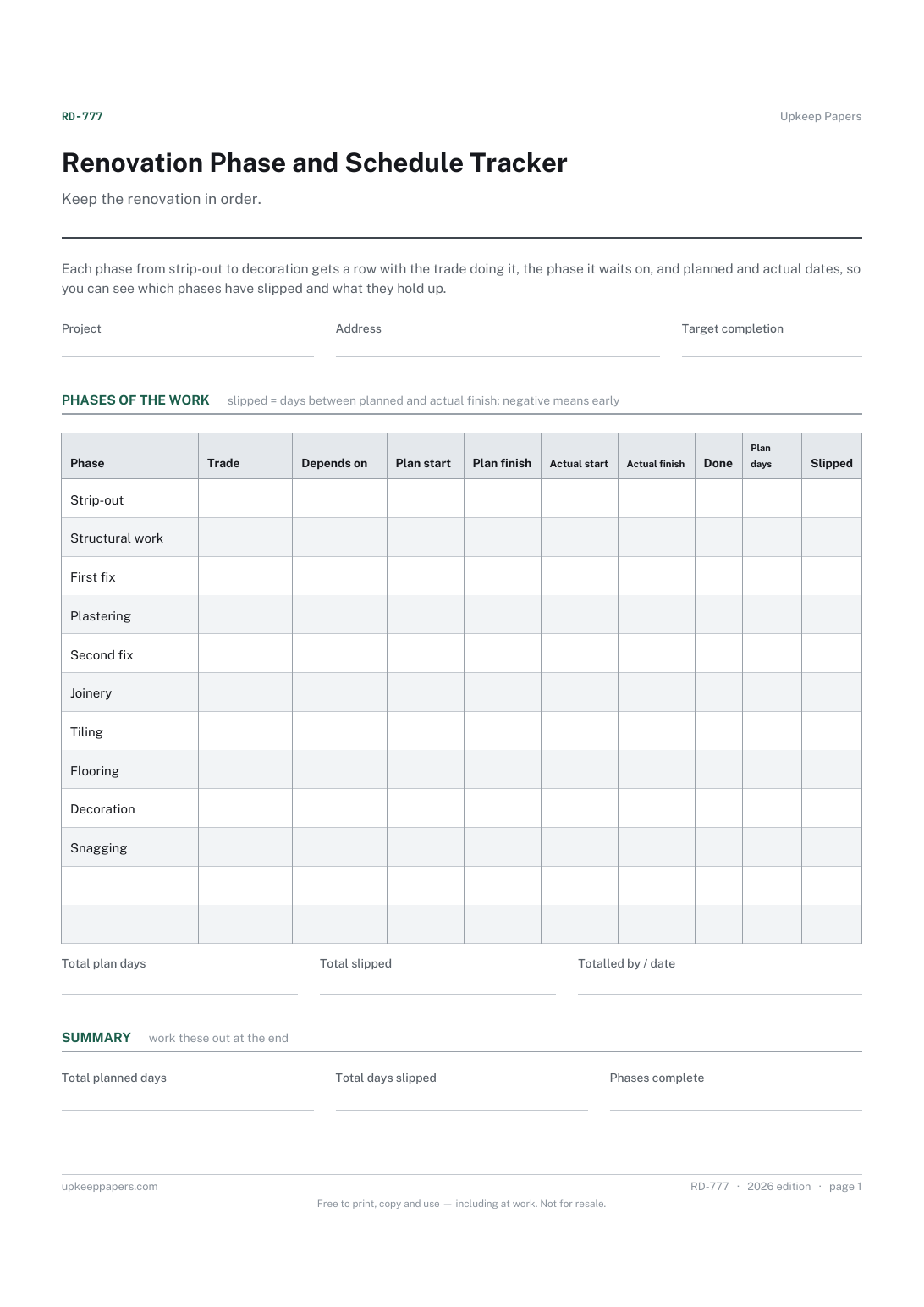
One page. The A4 and US Letter files are laid out identically, so neither is shrunk to fit.
Print it and write on it
Fillable PDF type and save
Spreadsheet formulas included
The fillable versions have real form fields — open them in any PDF reader, type into them and save. Printing help.
Fill it in online
The same sheet, on screen. Totals and figures are worked out as you type, rows can be added or removed, and you can print it or download the completed version as a PDF. Everything stays in your browser — your entries are kept in this browser's own storage on this device, nothing is uploaded, and there is no account.
Who this is for
Keep the renovation in order. Each phase from strip-out to decoration gets a row with the trade doing it, the phase it waits on, and planned and actual dates, so you can see which phases have slipped and what they hold up.
Homeowners managing several trades on one project, and anyone who needs to know whether the plasterer can still come on the date booked when the electrician is late.
What this helps you track
- The order of the phases and which one each is waiting on
- Which trade is responsible for each phase
- Planned and actual start and finish dates side by side
- How many days each phase was planned to take and how many it slipped
- How many phases are complete
How to use it
- Write the project, the address and the completion date you are aiming for.
- Work down the phases already listed, cross out any that do not apply and add your own in the blank rows.
- For each phase, write the trade doing it and the phase it cannot start before, then enter planned start and finish dates from your quotes and bookings.
- Fill the actual dates as each phase starts and finishes, and tick done when it is signed off.
- Planned days and days slipped are worked out in the browser and the workbook; on paper, count the days between the dates.
- When a phase slips, look down the depends-on column for the phases waiting on it and ring those trades before their dates arrive.
Formats
- Printable PDF (A4 and US Letter)
- Fillable PDF with form fields
- Fill in online, saved in your browser
- Excel / Google Sheets workbook
The printable is laid out inside a box that fits both A4 and US Letter, so the two files are identical and neither one is scaled. The fillable PDF has real form fields. The workbook uses plain formulas only — SUM, IF, COUNTIF and the like — so it opens in Excel, LibreOffice and Google Sheets without anything breaking, and every calculated cell is grey so you can see which figures it worked out.
How to print
Download the A4 or US Letter file to match the paper in your printer, open it in a PDF reader and print at 100% — not "fit to page", which shrinks the writing space. Both files leave a 14 mm margin, which clears the unprintable edge on home printers. To print the online version with your entries in it, use the Print this sheet button, which prints only the sheet and none of the page around it. More on printing.
Questions
Why are some phases already filled in?
They are a common order of work for a whole-room renovation, given so you are not starting from a blank sheet. They are only a starting point: cross out what you do not need, rename the rest and add phases of your own.
How are days slipped worked out?
The number of days between the planned finish and the actual finish. A positive figure means the phase finished late; a negative one means it finished early.
What goes in the depends-on column?
The phase that has to be finished before this one can start, such as first fix before plastering. Writing it down shows you which bookings to move when something runs late.
Does the sheet say how long each phase should take?
No. Durations depend on the job, the house and the trade, so the planned dates are yours, taken from your quotes and what each trade has told you.
Related resources
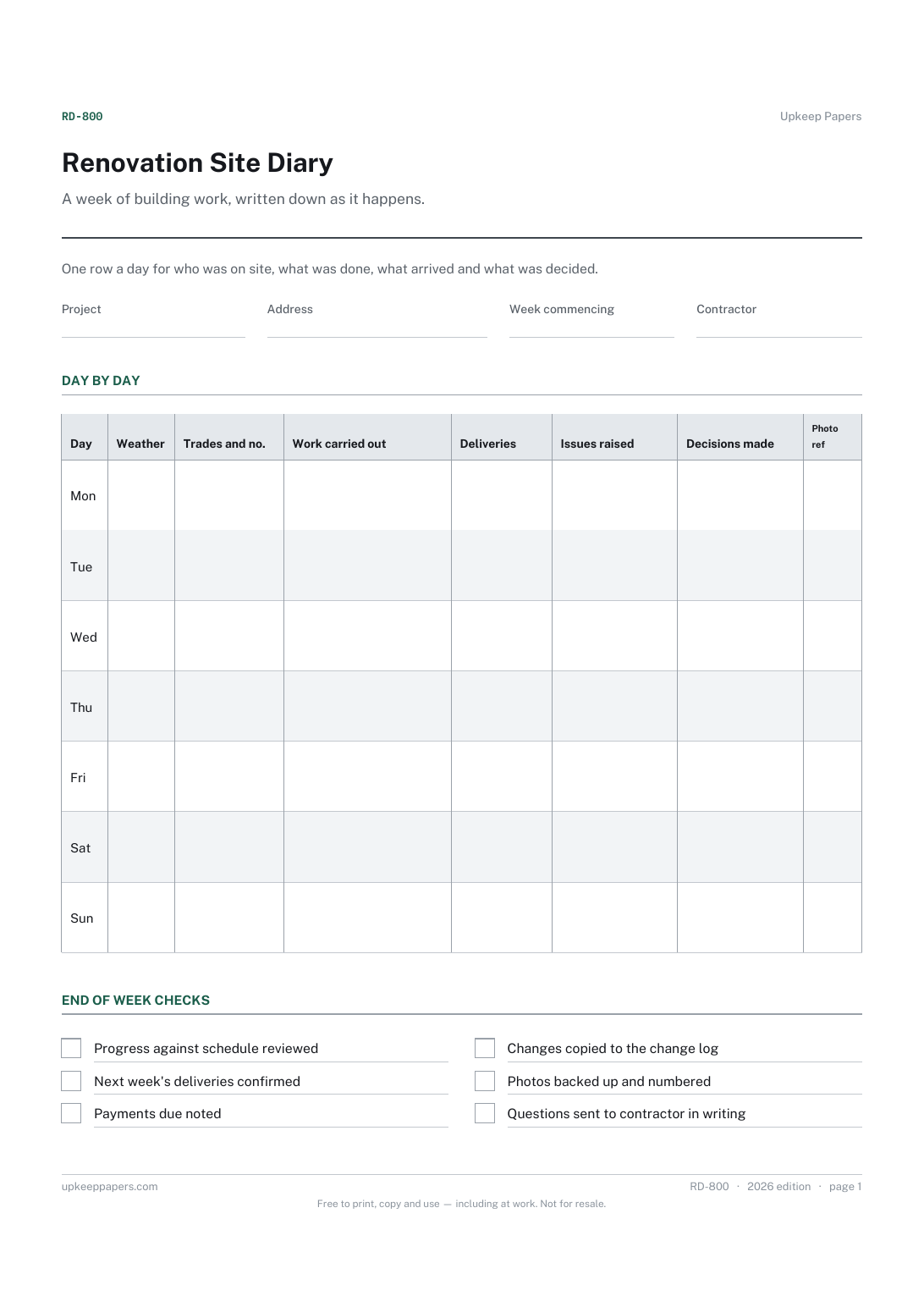
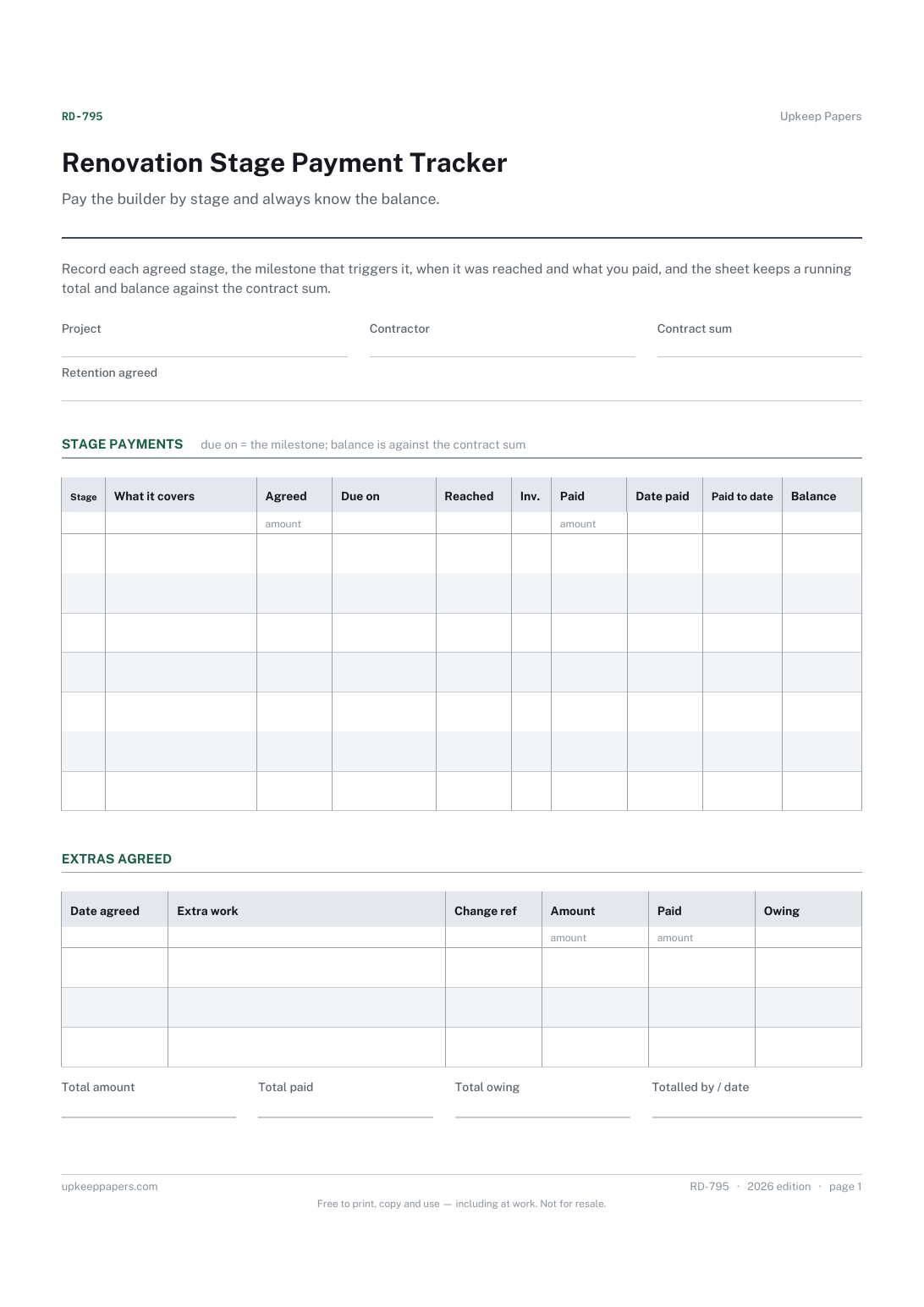
Renovation Stage Payment Tracker
The deposit and each stage payment agreed in the contract.
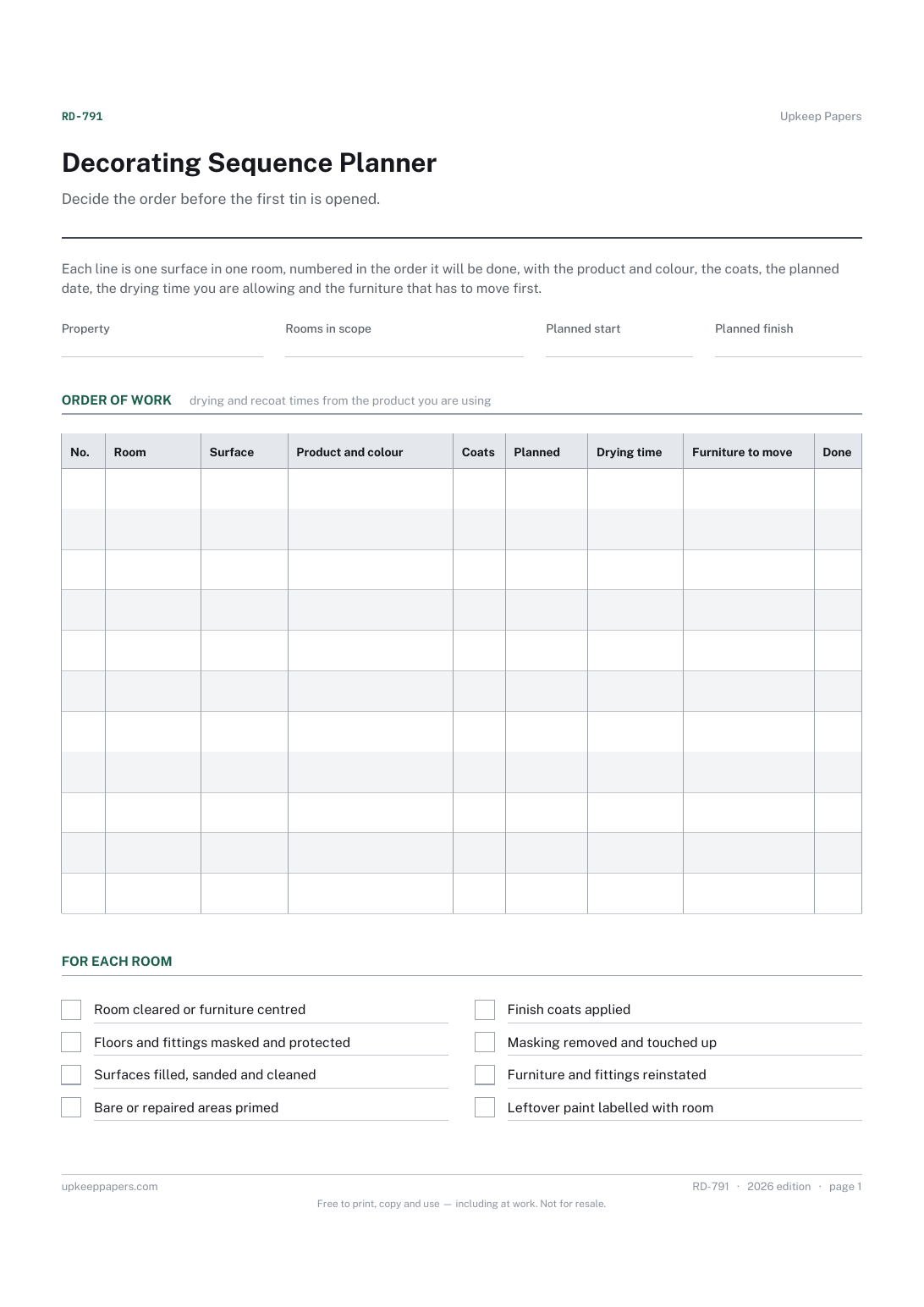
Decorating Sequence Planner
The order rooms and surfaces will be decorated in.
Also in the library
Printable sheets, workbooks and tools on the same subject.
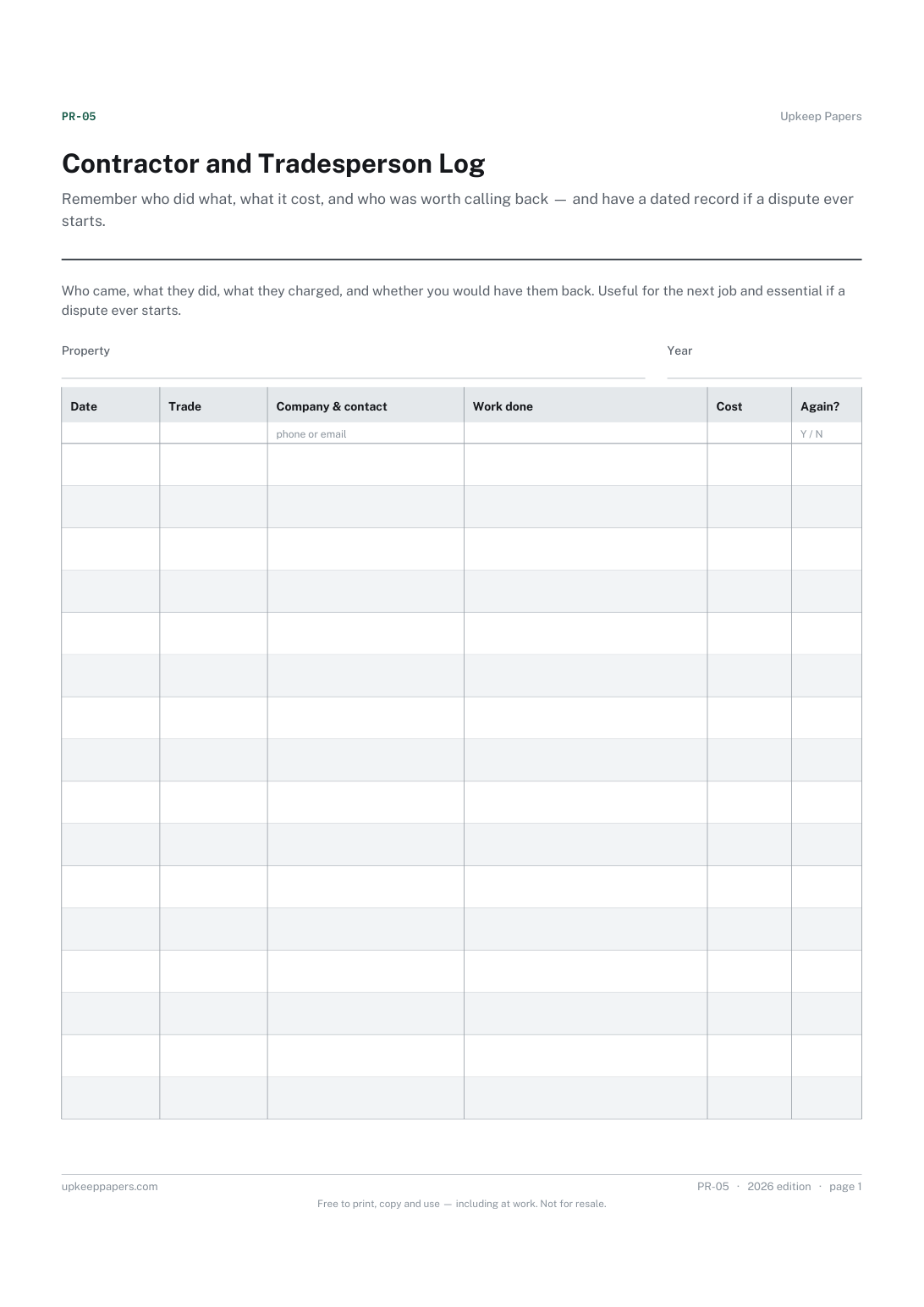
Contractor and Tradesperson Log
Remember who did what, what it cost, and who was worth calling back — and have a dated record if a dispute ever starts.
