
Personal planning and lifestyle · PL-485 · Planner
Personal Project Planner
Free personal project planner — steps with your own dates, hours planned against hours spent and what each step cost, totalled. PDF, Excel and browser.
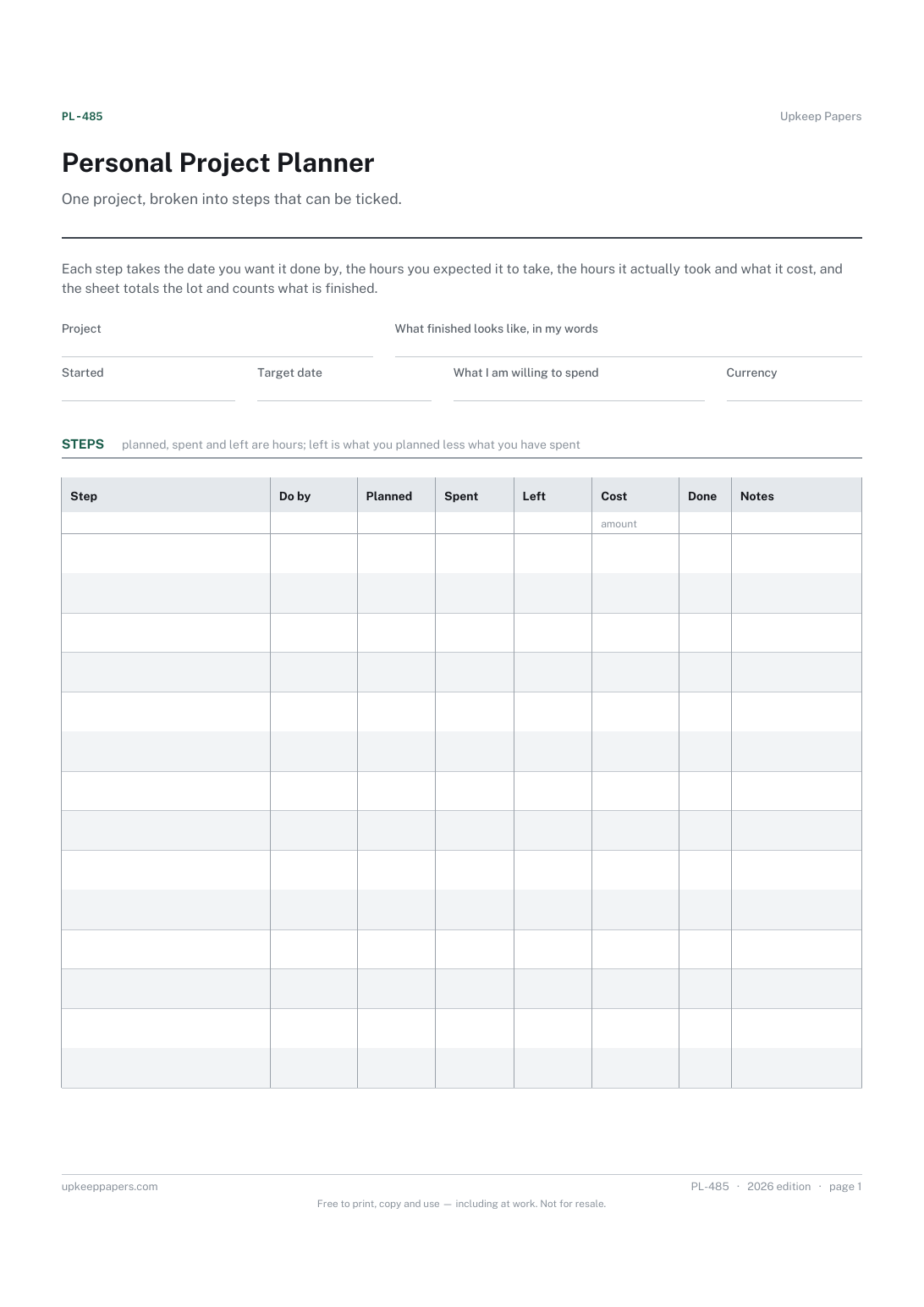
2 pages. The A4 and US Letter files are laid out identically, so neither is shrunk to fit.
Print it and write on it
Fillable PDF type and save
Spreadsheet formulas included
The fillable versions have real form fields — open them in any PDF reader, type into them and save. Printing help.
Fill it in online
The same sheet, on screen. Totals and figures are worked out as you type, rows can be added or removed, and you can print it or download the completed version as a PDF. Everything stays in your browser — your entries are kept in this browser's own storage on this device, nothing is uploaded, and there is no account.
Who this is for
One project, broken into steps that can be ticked. Each step takes the date you want it done by, the hours you expected it to take, the hours it actually took and what it cost, and the sheet totals the lot and counts what is finished.
Anyone running something of their own outside work — a renovation, a course, a piece of writing, a garden, a side project — who wants the steps, the hours and the spending on one page instead of three.
What this helps you track
- The project broken into steps small enough to finish
- The date you have set for each one
- The hours you thought it would take against the hours it did
- What each step cost, and what the project has cost so far
- How many steps are done and how many are left
How to use it
- Name the project at the top and write, in your own words, what finished looks like — a project without that line runs forever.
- Write your own start and target dates and the amount you are willing to spend, if there is one.
- List the steps in the order you mean to do them, one per row.
- Put your own estimate of the hours beside each step before you start it, and the hours it actually took afterwards.
- Enter what each step cost as you spend it; the totals, the hours left and the summary are worked out in the browser and the workbook.
- Tick each step as it is finished, and keep the sheet where the project is rather than in a drawer.
Formats
- Printable PDF (A4 and US Letter)
- Fillable PDF with form fields
- Fill in online, saved in your browser
- Excel / Google Sheets workbook
The printable is laid out inside a box that fits both A4 and US Letter, so the two files are identical and neither one is scaled. The fillable PDF has real form fields. The workbook uses plain formulas only — SUM, IF, COUNTIF and the like — so it opens in Excel, LibreOffice and Google Sheets without anything breaking, and every calculated cell is grey so you can see which figures it worked out.
How to print
Download the A4 or US Letter file to match the paper in your printer, open it in a PDF reader and print at 100% — not "fit to page", which shrinks the writing space. Both files leave a 14 mm margin, which clears the unprintable edge on home printers. To print the online version with your entries in it, use the Print this sheet button, which prints only the sheet and none of the page around it. More on printing.
Questions
What counts as a step?
Something you could sit down and finish in one go. If a line keeps not getting ticked, it is usually two or three steps wearing one coat, and splitting it fixes more than trying harder does.
Do I have to fill in the hours?
No. Leave the hours columns blank and the sheet still tracks dates, costs and what is done. People who do fill them in usually find their estimates settle down after a few projects.
What does the hours-left column show?
The hours you planned for a step less the hours you have put into it, so a minus figure means it took longer than you thought. Nothing on the sheet has an opinion about that.
Is there a budget figure on the sheet?
Only the one you write in the field at the top. The cost column adds up what you have actually spent so the two can be compared; neither figure comes from us.
Can I use it for more than one project?
Use one sheet per project. The browser version keeps its data in your own browser, so a second copy in a new tab is a second project.
Related resources
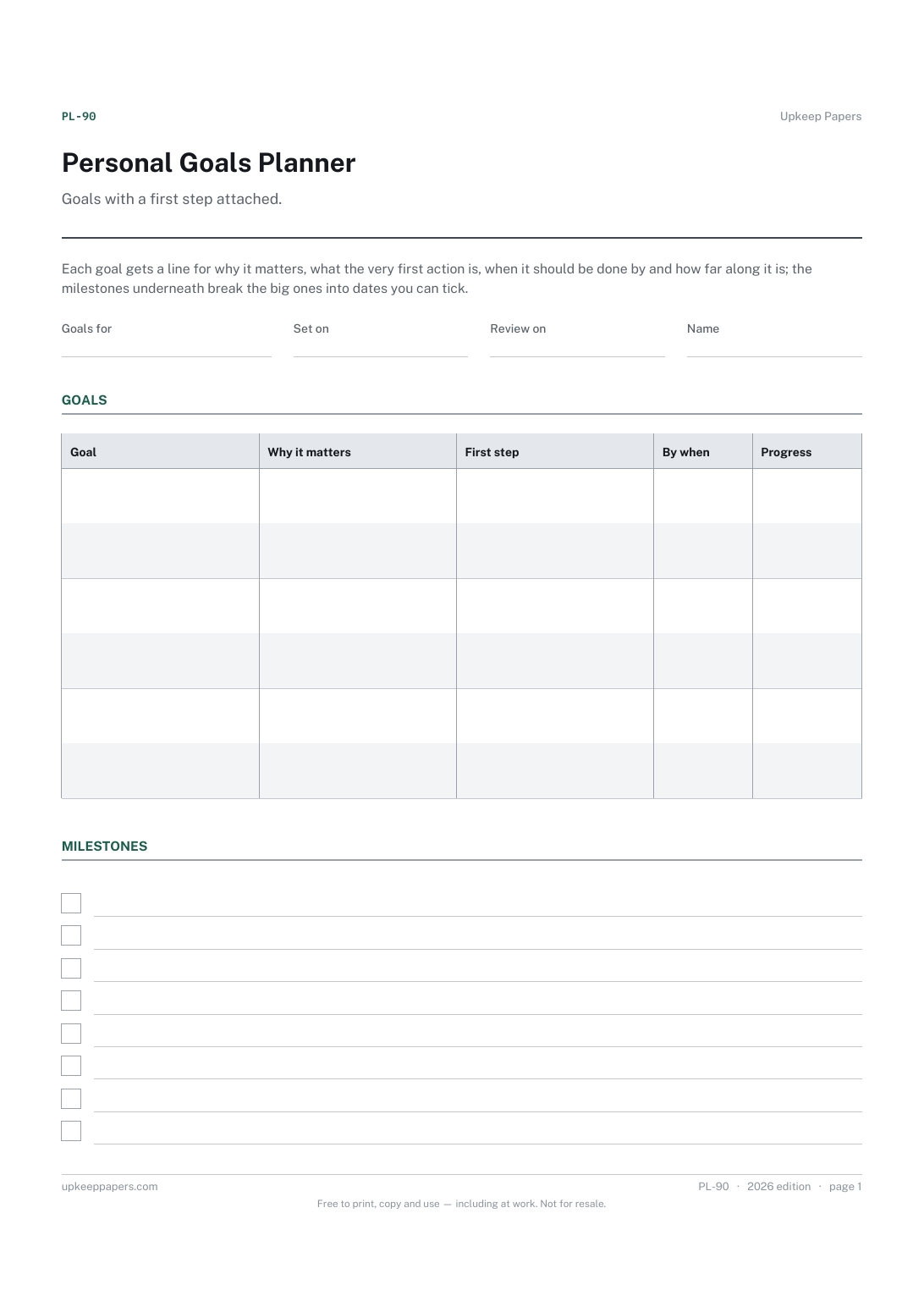
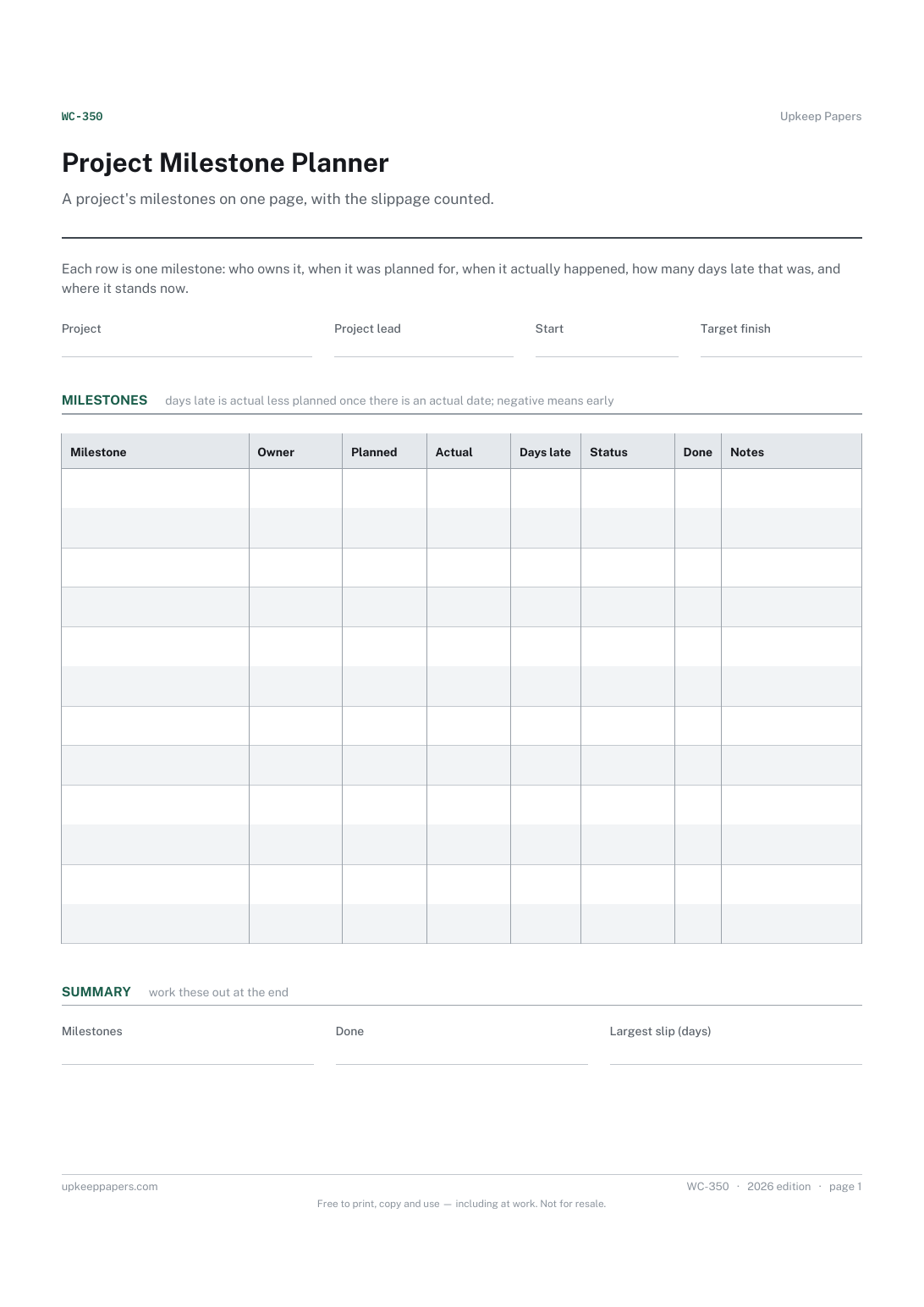
Project Milestone Planner
Every milestone in order, with a named owner.
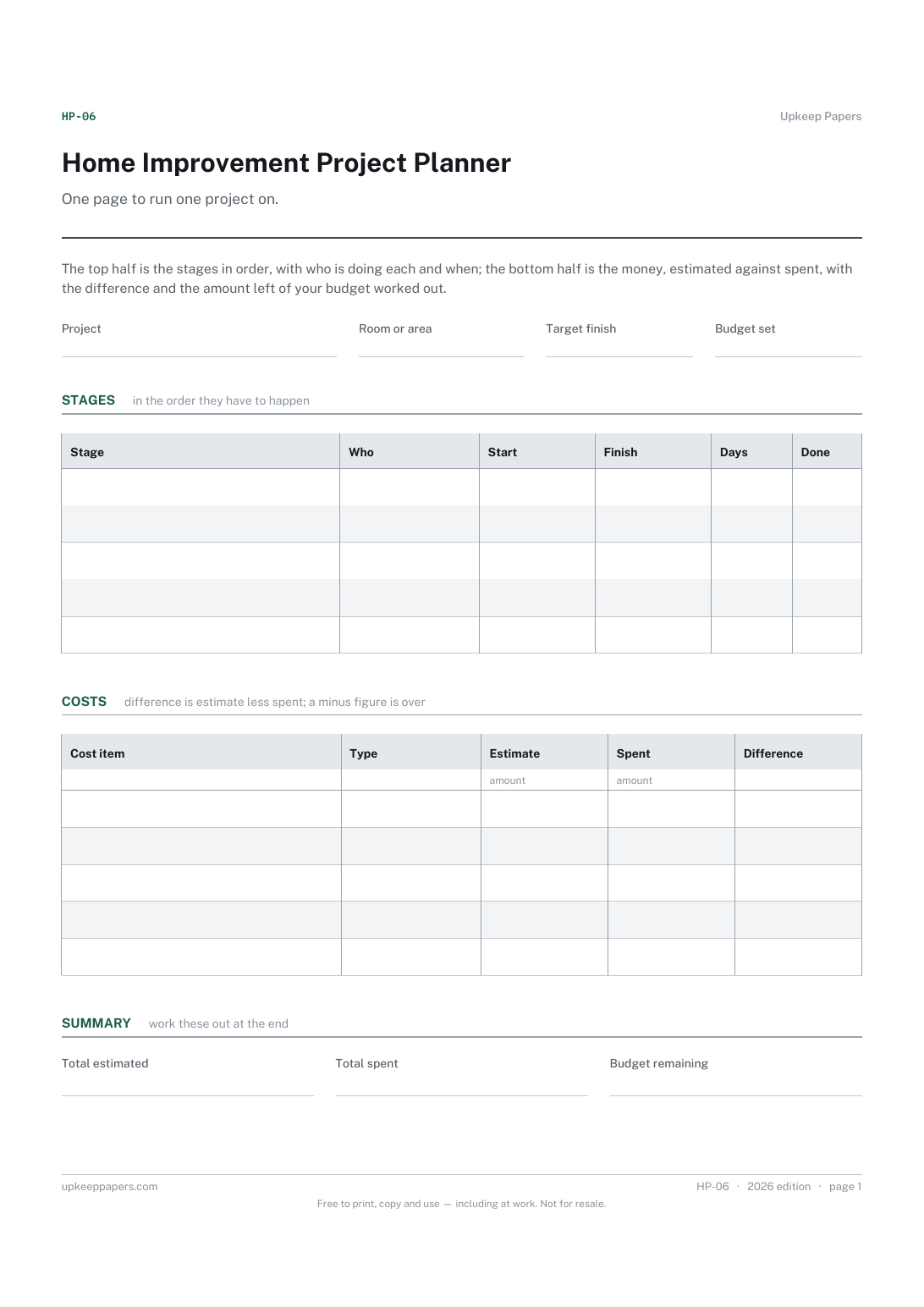
Home Improvement Project Planner
The stages of the job in order, with start and finish dates and how long each took.
Also in the library
Printable sheets, workbooks and tools on the same subject.

Project Plan Sheet
Plan a project small enough to hold in your head — a refit, an event, a move, a small build — on one page, including the dependencies people forget.

Action Log
Keep every agreed action in one place with a name and a date against it, so the next meeting starts from what happened rather than from memory.
