Brain Dump and Priority Planner
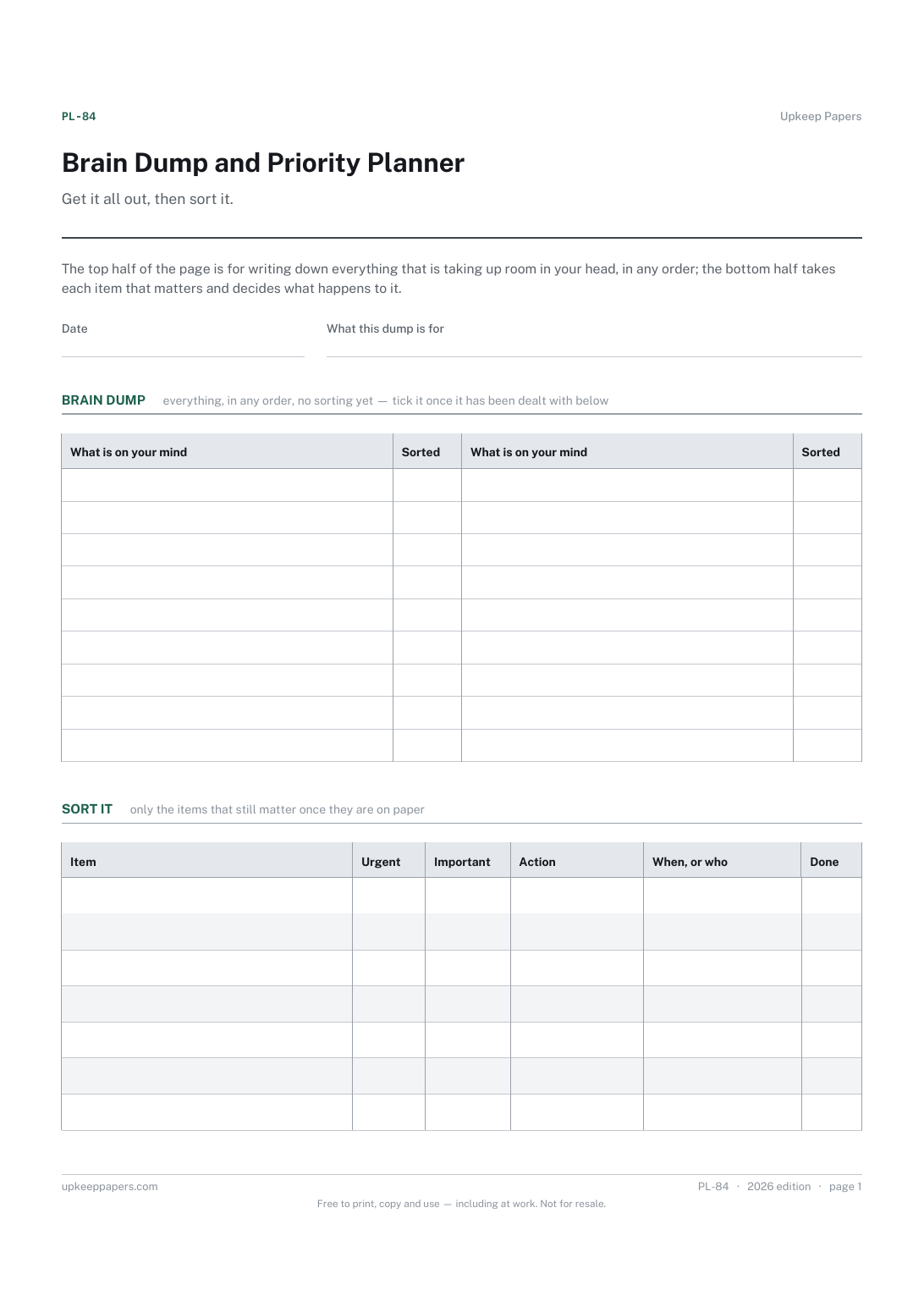
Everything that is on your mind, on paper instead.
PL-84 Planner PDF Online
Everything here is free. Making it takes time and money. Everything here is free.
 Buy us a coffee
 Personal planning and lifestyle · PL-489 · Checklist
Free printable life admin checklist — post, money, appointments, accounts, home and the small jobs, grouped so a catch-up day has an order. PDF and browser.
One page. The A4 and US Letter files are laid out identically, so neither is shrunk to fit.
Print it and write on it
Fillable PDF type and save
Or no download needed
Fill it in onlineThe fillable versions have real form fields — open them in any PDF reader, type into them and save. Printing help.
The same sheet, on screen. Tick, type, add or remove rows, then print it or download the completed version as a PDF. Everything stays in your browser — your entries are kept in this browser's own storage on this device, nothing is uploaded, and there is no account.
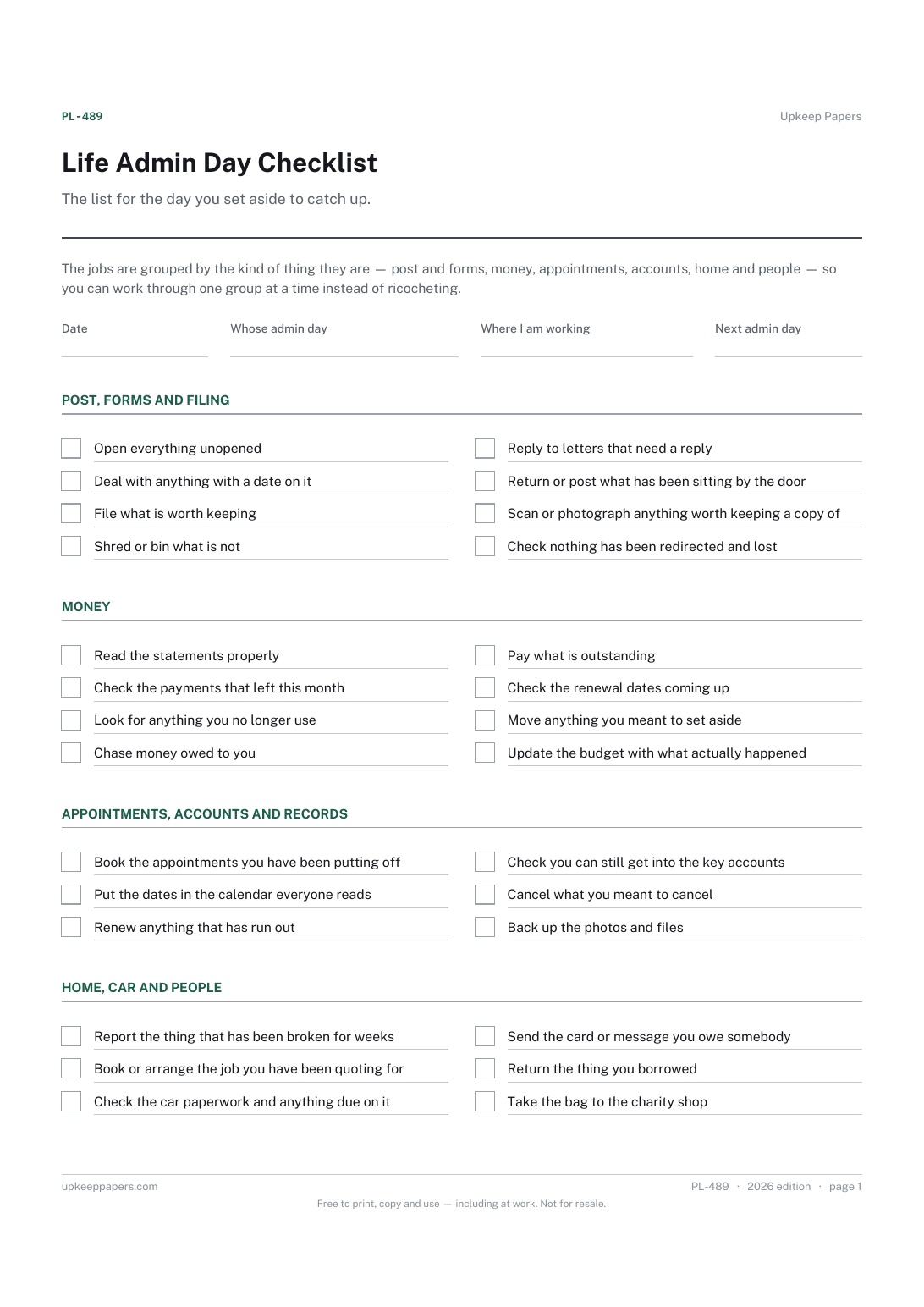
The list for the day you set aside to catch up. The jobs are grouped by the kind of thing they are — post and forms, money, appointments, accounts, home and people — so you can work through one group at a time instead of ricocheting.
Anyone whose admin has piled up into a pile they avoid, people coming back from a long trip or a busy stretch, and households that book a morning for this sort of thing rather than letting it happen at midnight.
The printable is laid out inside a box that fits both A4 and US Letter, so the two files are identical and neither one is scaled. The fillable PDF has real form fields. The online version keeps what you enter in your own browser and builds the completed PDF on your device.
Download the A4 or US Letter file to match the paper in your printer, open it in a PDF reader and print at 100% — not "fit to page", which shrinks the writing space. Both files leave a 14 mm margin, which clears the unprintable edge on home printers. To print the online version with your entries in it, use the Print this sheet button, which prints only the sheet and none of the page around it. More on printing.
That depends entirely on your pile, and the sheet makes no claim about it. Most people find the groups useful precisely because they can do one and stop.
Yes. Every group has blank lines, and the browser version lets you add items to any of them. A list that is half printed and half yours is the usual result.
There is a line about checking you can still get into the accounts that matter, and nothing about what a password is. Keep the accounts themselves on a record that holds hints rather than passwords.
Either. Some households split the groups between them; others find it a job for one person with the kettle on. The sheet works both ways.
Leave them unticked and write who you are waiting on in the notes. That line becomes the first thing on the next sheet.
Everything that is on your mind, on paper instead.
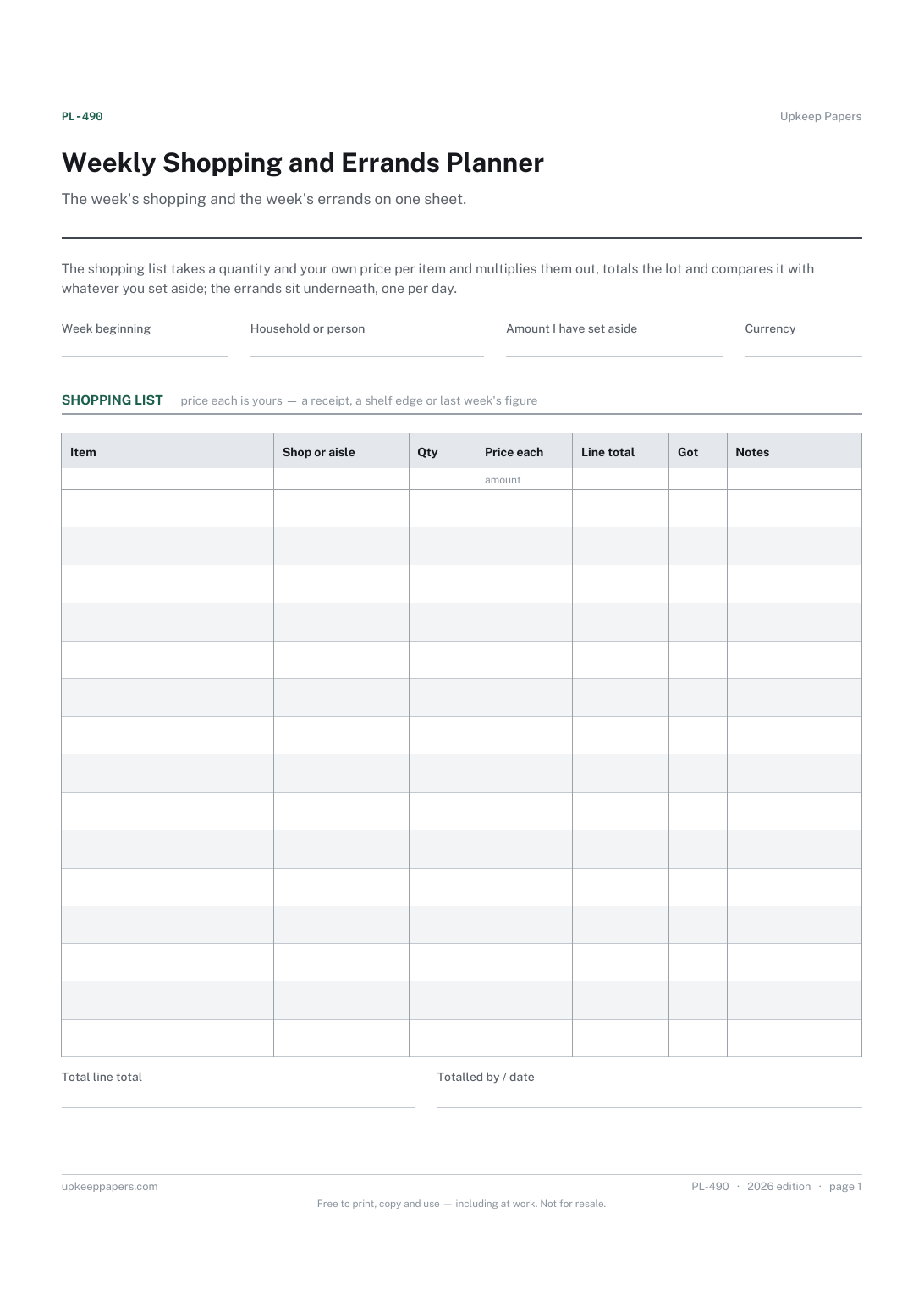
Everything to buy, with where it is coming from.
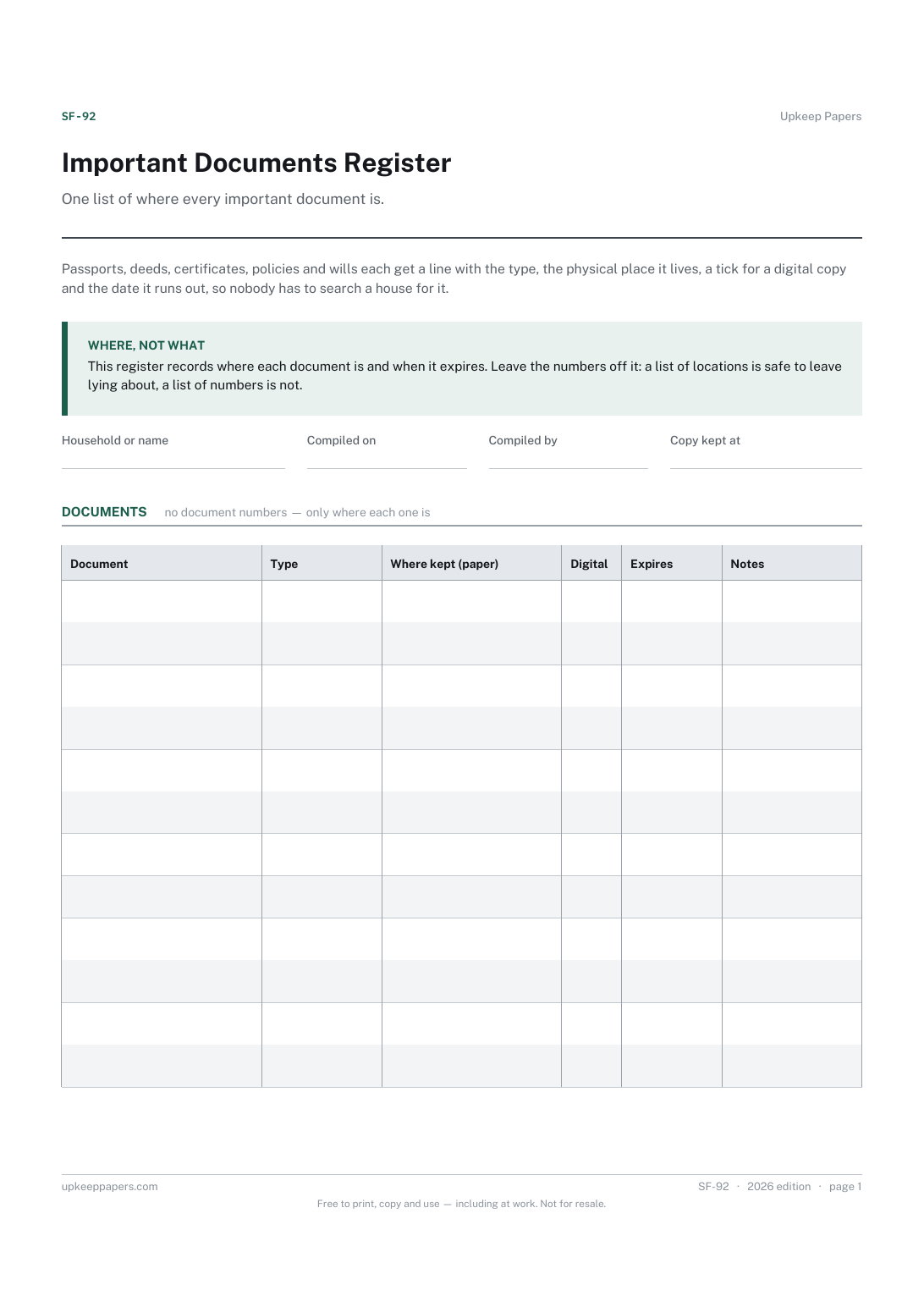
Where the original of each document physically is.
Printable sheets, workbooks and tools on the same subject.
Work through everybody who holds your address, and track the gap between telling them and them acting on it.

Every sheet, binder, game and puzzle on Upkeep Papers is free to download, with no email and no account. Making them is not free: each one takes days of research, design and checking, and the site costs money to run. If something here saved you time, you can buy us a coffee. It is entirely optional: nothing is locked, and nothing changes if you don’t.
Buy us a coffee Opens PayPal in a new tab. Any amount, and nothing changes if you would rather not.