
Personal planning and lifestyle · PL-87 · Tracker
Fitness Progress Tracker
Free fitness progress tracker — a workout log plus weight and measurements with the change since last time worked out. Printable PDF, Excel and browser.
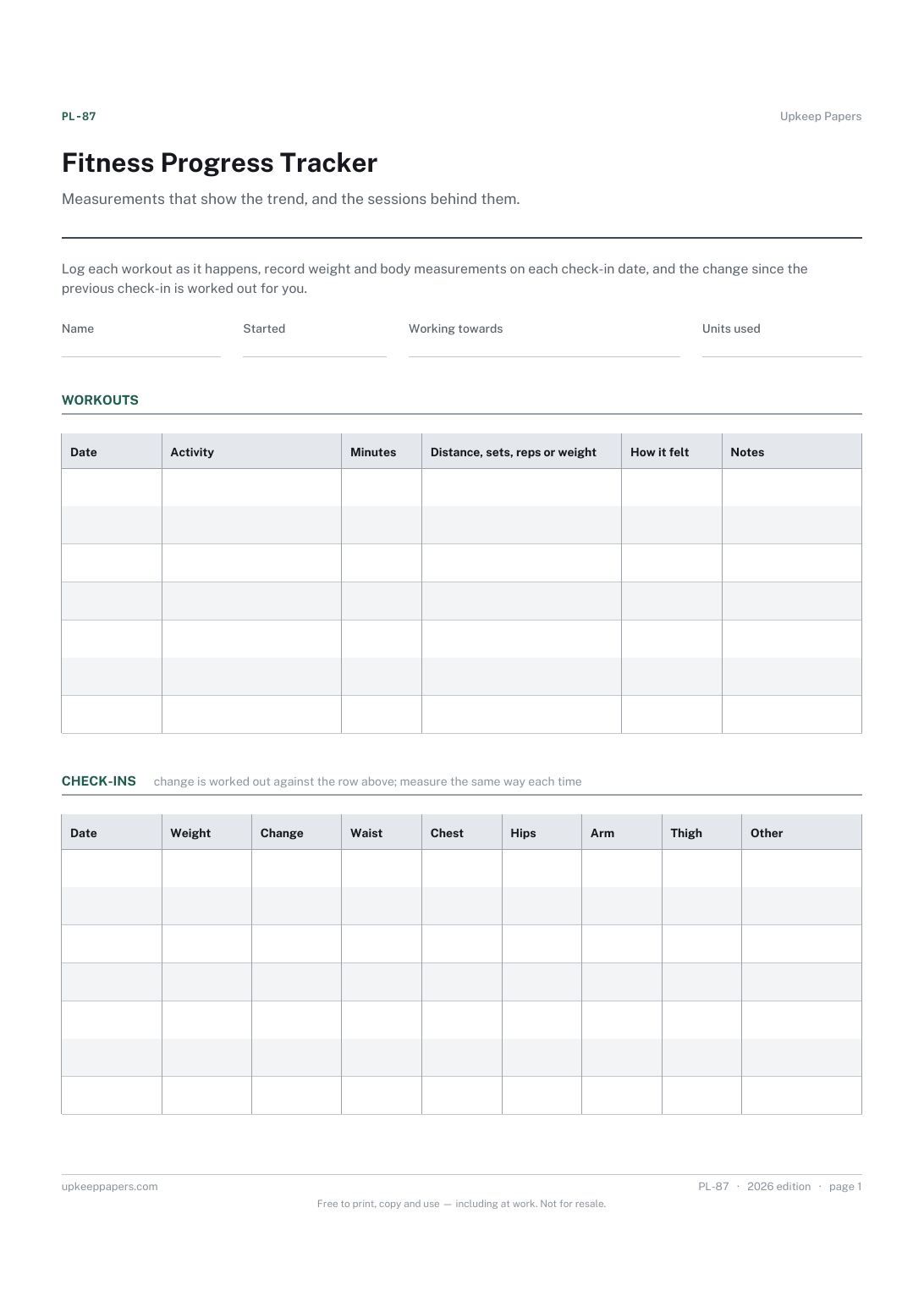
2 pages. The A4 and US Letter files are laid out identically, so neither is shrunk to fit.
Print it and write on it
Fillable PDF type and save
Spreadsheet formulas included
The fillable versions have real form fields — open them in any PDF reader, type into them and save. Printing help.
Fill it in online
The same sheet, on screen. Totals and figures are worked out as you type, rows can be added or removed, and you can print it or download the completed version as a PDF. Everything stays in your browser — your entries are kept in this browser's own storage on this device, nothing is uploaded, and there is no account.
Who this is for
Measurements that show the trend, and the sessions behind them. Log each workout as it happens, record weight and body measurements on each check-in date, and the change since the previous check-in is worked out for you.
Anyone training towards something — losing or gaining weight, getting stronger, getting back to fitness after a break — who wants the numbers written down rather than remembered.
What this helps you track
- Weight and measurements on each check-in, in whatever units you use
- The change since the previous check-in, so a trend shows early
- The total change from the first row to the latest
- What was done in each session — activity, time and how it felt
How to use it
- Write your name, the date you started and what you are working towards at the top. Note the units you use so every row matches.
- On each check-in, record the date, your weight and the measurements you care about. Measure at the same time of day, the same way, each time.
- The change column is worked out from the row above in the browser and the workbook; on paper, subtract as you go.
- Log each session in the workout table — what, how long, and how it felt — while it is fresh.
- Read the summary for the direction of travel and ignore any single week.
Formats
- Printable PDF (A4 and US Letter)
- Fillable PDF with form fields
- Fill in online, saved in your browser
- Excel / Google Sheets workbook
The printable is laid out inside a box that fits both A4 and US Letter, so the two files are identical and neither one is scaled. The fillable PDF has real form fields. The workbook uses plain formulas only — SUM, IF, COUNTIF and the like — so it opens in Excel, LibreOffice and Google Sheets without anything breaking, and every calculated cell is grey so you can see which figures it worked out.
How to print
Download the A4 or US Letter file to match the paper in your printer, open it in a PDF reader and print at 100% — not "fit to page", which shrinks the writing space. Both files leave a 14 mm margin, which clears the unprintable edge on home printers. To print the online version with your entries in it, use the Print this sheet button, which prints only the sheet and none of the page around it. More on printing.
Questions
How often should I weigh or measure?
That is between you and whoever is guiding your training. The sheet has a date column and no fixed interval; weekly, fortnightly and monthly all work.
Why does the first row show no change?
There is nothing above it to compare with. Every row after the first is compared with the row before.
Does it set a target weight or calorie figure?
No. The goal at the top is in your own words and no target of ours is printed anywhere. If you have medical or dietary advice, follow that, not a template.
Can I track something other than weight?
Yes. The 'other' column takes whatever you measure — resting pulse, a lift, a run time — and the workout log takes any activity. Only the change column is tied to weight.
Related resources
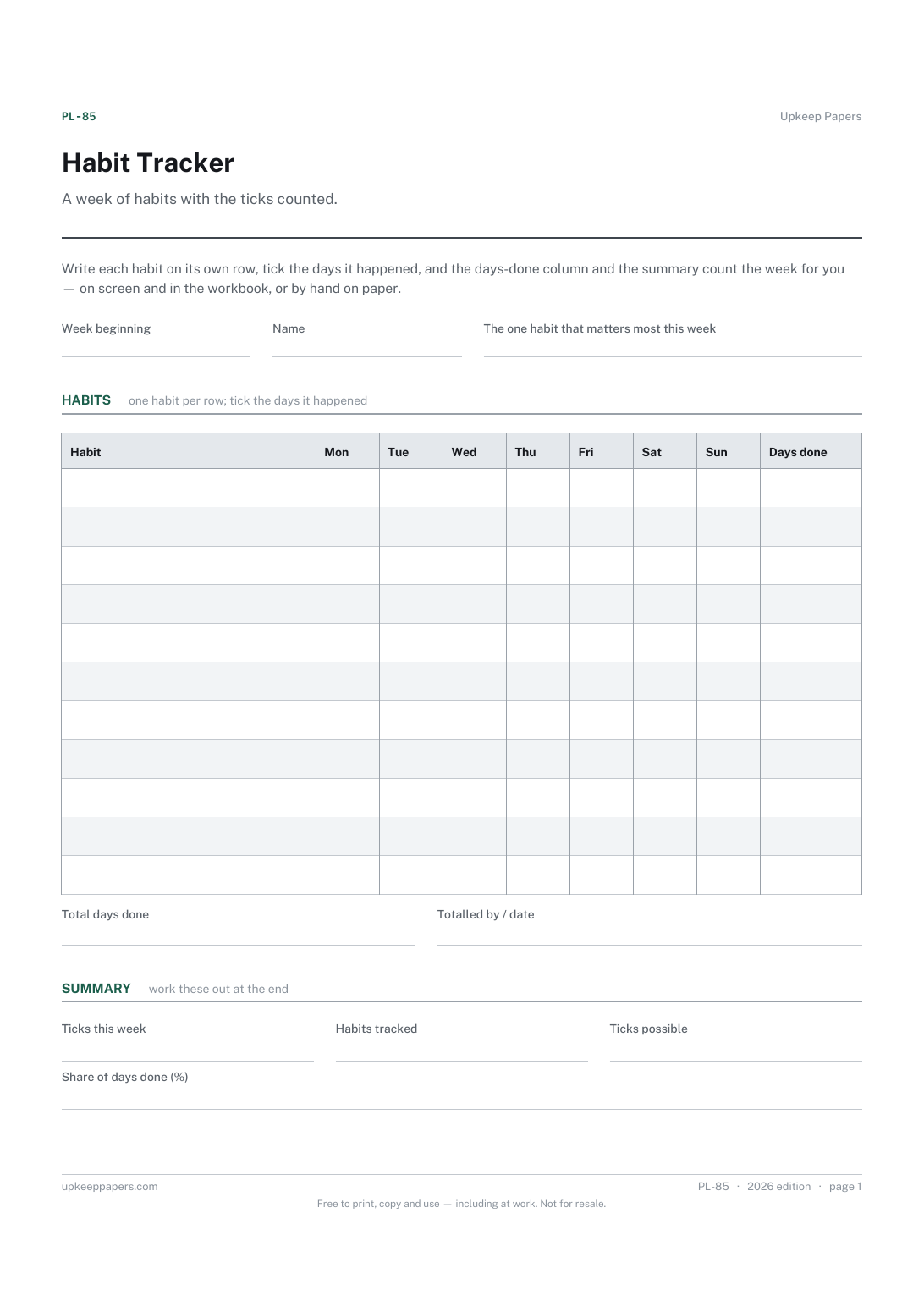
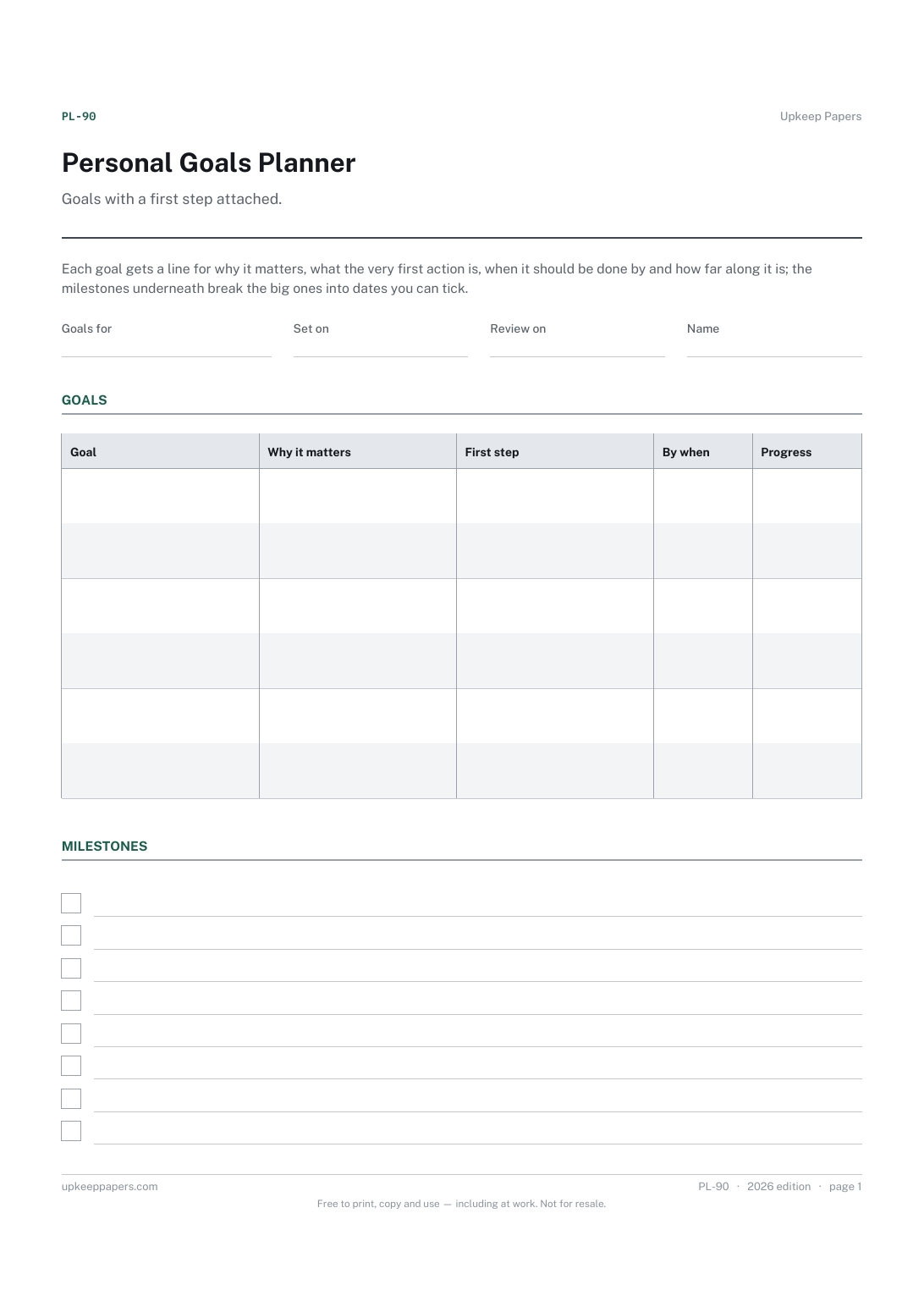
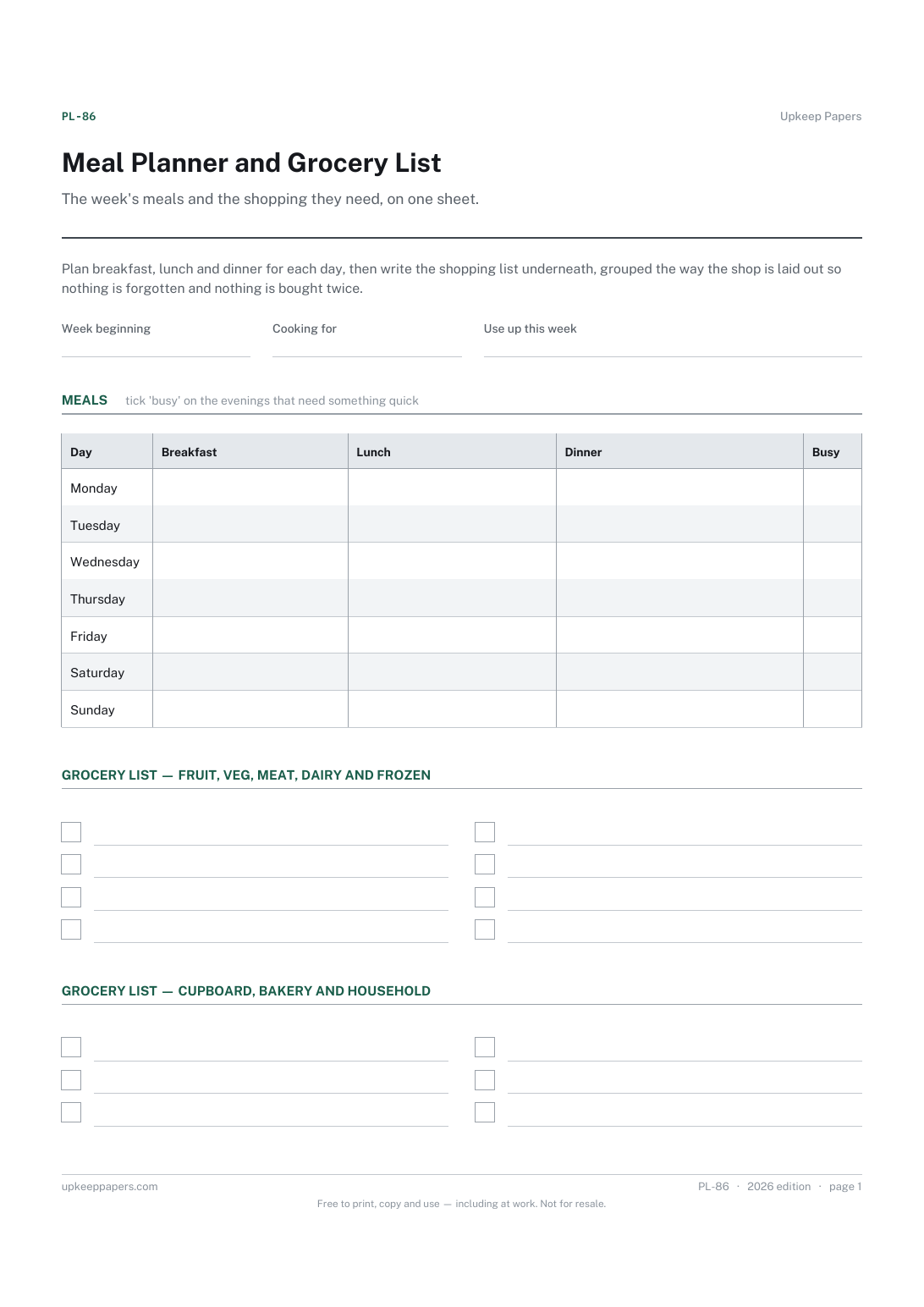
Meal Planner and Grocery List
What is being eaten on every day of the week, meal by meal.
Also in the library
Printable sheets, workbooks and tools on the same subject.

Training and Session Log
Record what you actually did in each session, so progress over a block is something you can look at rather than something you try to remember.

Running Training Plan Sheet
Hold a training block on one page with planned and actual side by side, which is the comparison that tells you whether the plan survived contact with your life.
