
Logs and record sheets · LR-171 · Log
Fuel Bunker and Tank Log
Free bulk fuel tank log — deliveries in, issues out, a running tank balance and cost at your own price per litre. PDF, Excel and browser versions.
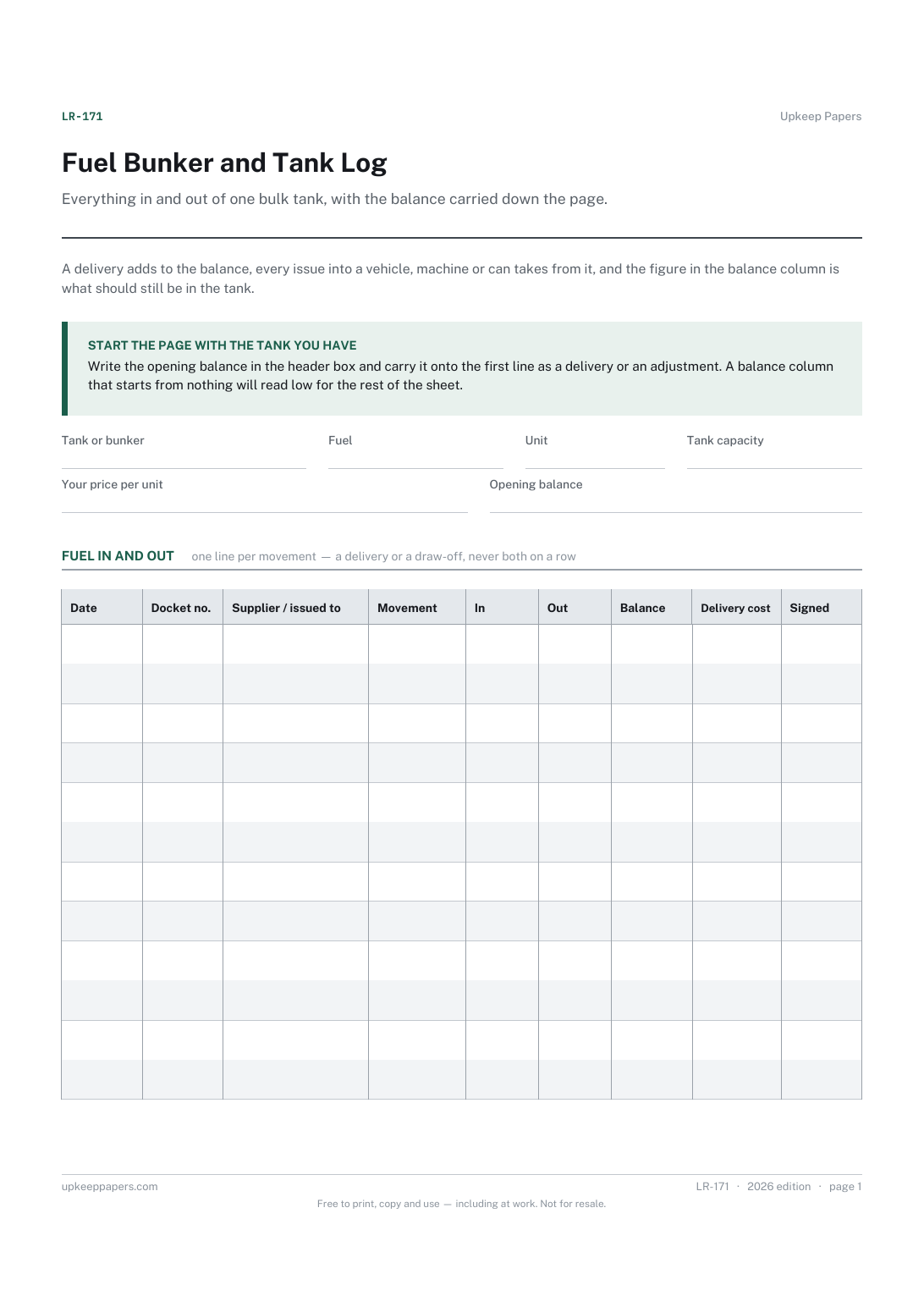
2 pages. The A4 and US Letter files are laid out identically, so neither is shrunk to fit.
Print it and write on it
Fillable PDF type and save
Spreadsheet formulas included
The fillable versions have real form fields — open them in any PDF reader, type into them and save. Printing help.
Fill it in online
The same sheet, on screen. Totals and figures are worked out as you type, rows can be added or removed, and you can print it or download the completed version as a PDF. Everything stays in your browser — your entries are kept in this browser's own storage on this device, nothing is uploaded, and there is no account.
Who this is for
Everything in and out of one bulk tank, with the balance carried down the page. A delivery adds to the balance, every issue into a vehicle, machine or can takes from it, and the figure in the balance column is what should still be in the tank.
Farms, haulage yards, plant hire depots, marinas, groundcare teams and anyone keeping diesel, red diesel, petrol or kerosene in a bunker and drawing from it all week.
What this helps you track
- Deliveries in and issues out on one page, in the order they happened
- A running balance, so the book figure can be compared with the dip
- Who or what each issue went to, and who drew it
- The cost of each delivery at the price you paid
- A docket or ticket number against every movement
How to use it
- Fill in the tank, the fuel, its capacity, the unit you measure in and the price you last paid at the top.
- Write a row for every movement on the day it happens — deliveries as well as issues, in the same list.
- Put a delivery quantity in the In column and a draw-off in the Out column. Never both on one row.
- Record the vehicle, machine or container on every issue, and the supplier and docket number on every delivery.
- The balance carries itself down on screen and in the workbook; on paper, add the In and take off the Out as you go.
- Dip or gauge the tank regularly and write the reading in the notes beside the balance for the same day.
Formats
- Printable PDF (A4 and US Letter)
- Fillable PDF with form fields
- Fill in online, saved in your browser
- Excel / Google Sheets workbook
The printable is laid out inside a box that fits both A4 and US Letter, so the two files are identical and neither one is scaled. The fillable PDF has real form fields. The workbook uses plain formulas only — SUM, IF, COUNTIF and the like — so it opens in Excel, LibreOffice and Google Sheets without anything breaking, and every calculated cell is grey so you can see which figures it worked out.
How to print
Download the A4 or US Letter file to match the paper in your printer, open it in a PDF reader and print at 100% — not "fit to page", which shrinks the writing space. Both files leave a 14 mm margin, which clears the unprintable edge on home printers. To print the online version with your entries in it, use the Print this sheet button, which prints only the sheet and none of the page around it. More on printing.
Questions
What price should I put in the price box?
The one on your own last invoice, in the same unit the log counts in. Fuel prices move constantly and differ by supplier and grade, so none is printed here. If the price changes mid-page, start a fresh sheet or note the change in the notes area.
The balance and the dip reading do not agree. Is the sheet wrong?
The sheet only knows what was written on it. A difference usually means a missed issue, a rounded gauge or a temperature effect on volume. Note the dip, note the difference, and look for the missing row.
Can I use it for a heating oil tank at home?
You can, but the heating oil delivery log is built for that — one supplier, deliveries and usage. This one is for a tank that several people draw from during the week and that needs a balance.
Does it handle more than one tank?
Keep one sheet per tank. Mixing two tanks in one balance column makes the balance meaningless. Print the sheet twice and write the tank in the header box.
Related resources
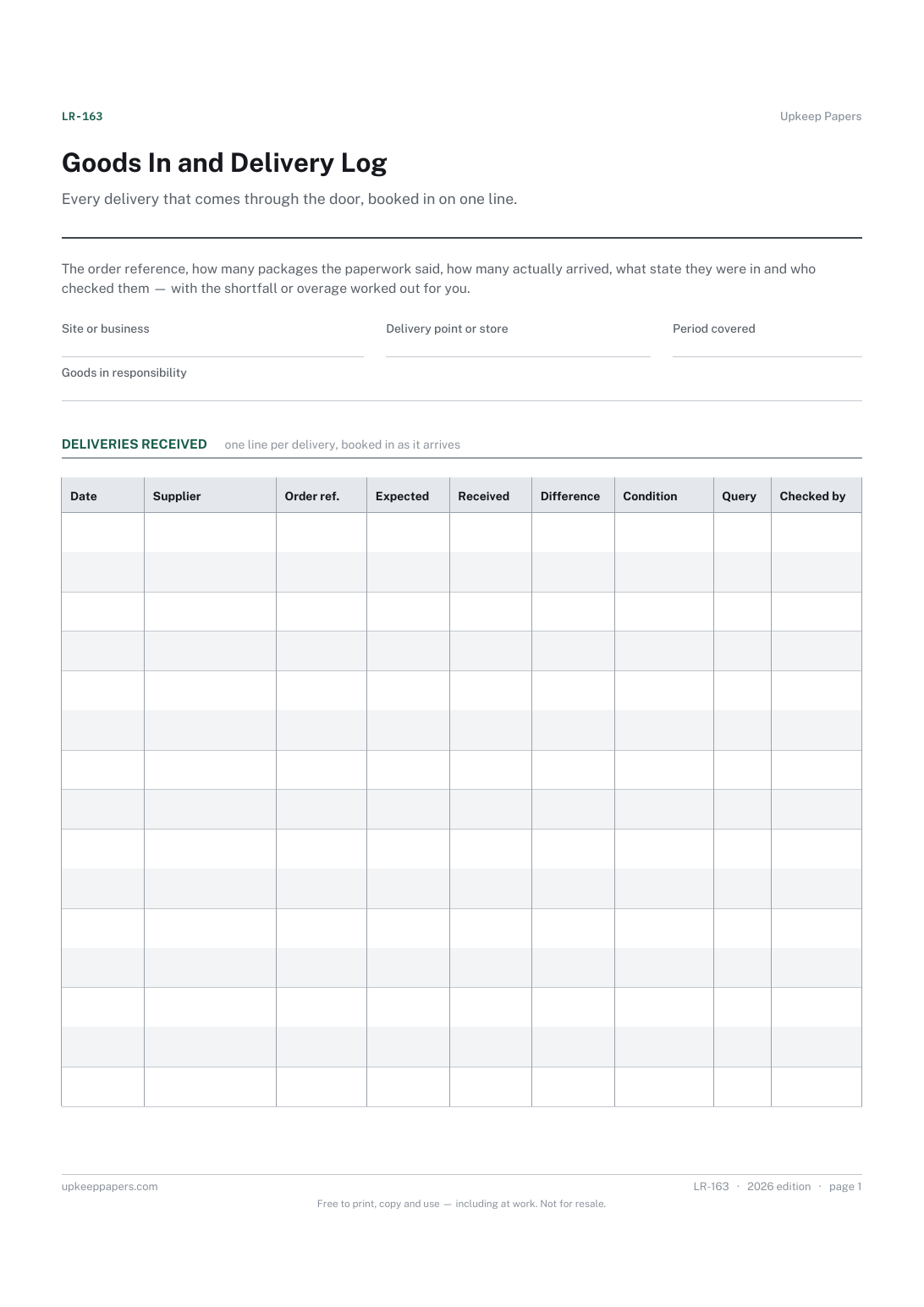
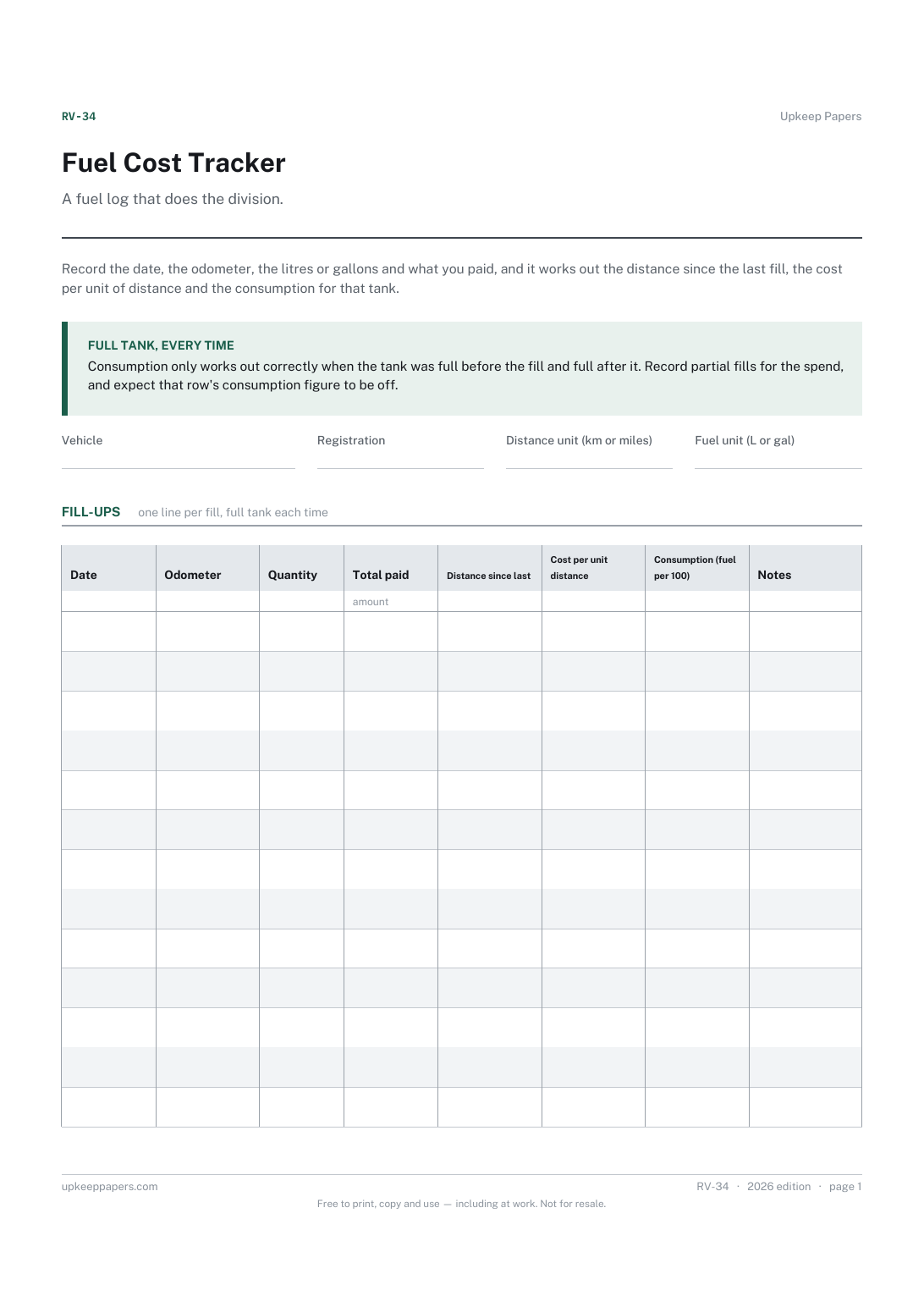
Fuel Cost Tracker
Cost per kilometre or mile, from the fill-ups you actually made.
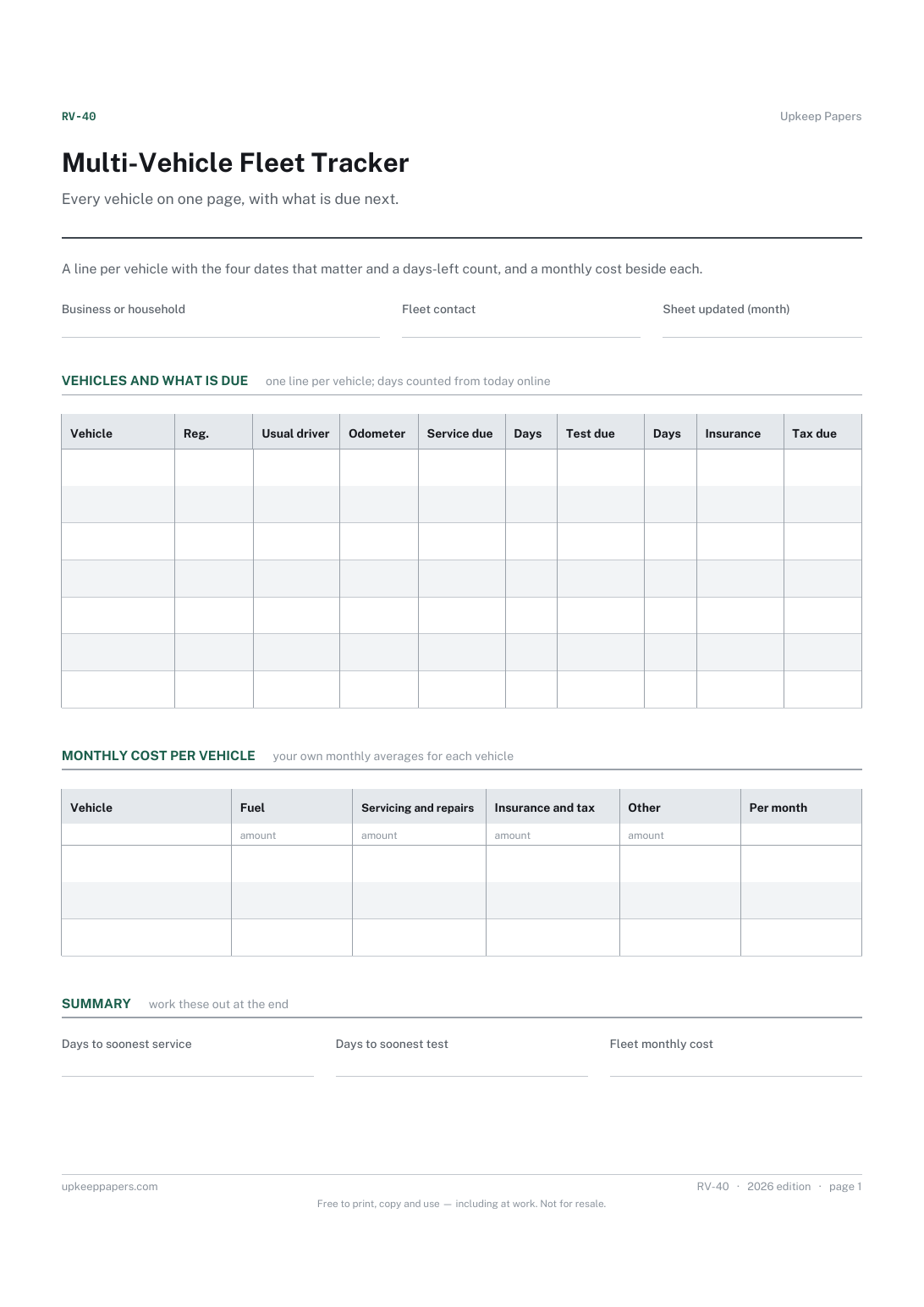
Multi-Vehicle Fleet Tracker
Which vehicle needs something next, and how many days away it is.
Also in the library
Printable sheets, workbooks and tools on the same subject.
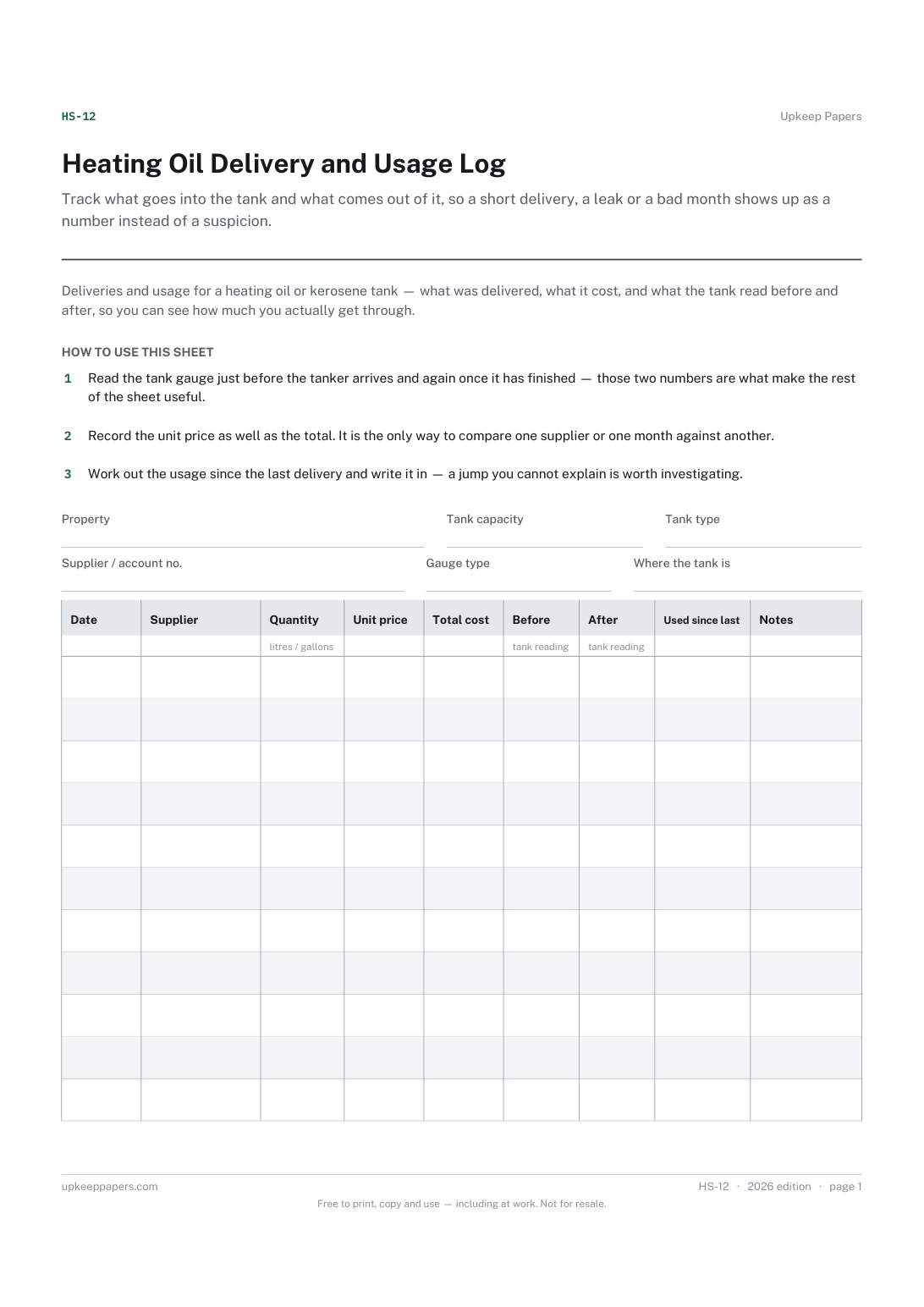
Heating Oil Delivery and Usage Log
Track what goes into the tank and what comes out of it, so a short delivery, a leak or a bad month shows up as a number instead of a suspicion.

Asset Register
Record what the business owns rather than what is in the shed: a numbered list with cost and disposal, which is what an insurer or an accountant asks for.

Fuel Log and Consumption Spreadsheet
Fill-ups logged against the odometer, working out distance per fill, consumption, and what each unit of distance cost in fuel alone.
