Tool Hire Fleet Inventory
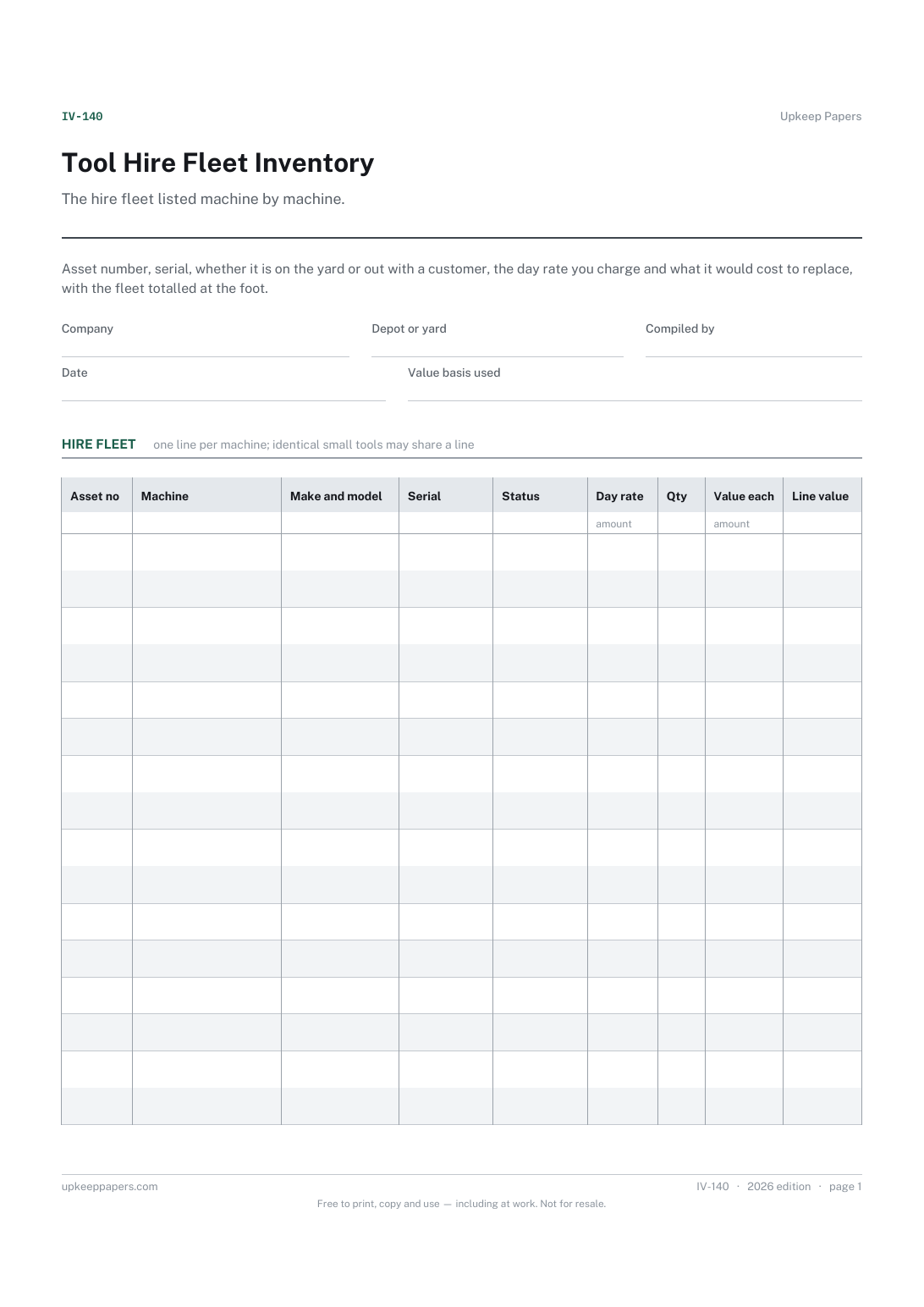
Every machine in the fleet with its asset number and serial number.
IV-140 Inventory PDF Excel Online
Everything here is free. Making it takes time and money. Everything here is free.
 Buy us a coffee
 Inventories and stocktakes · IV-132 · Inventory
Free spare parts inventory — part number, the machine it fits, bin location, quantity, cost and value, with a flag against your own minimum held.
2 pages. The A4 and US Letter files are laid out identically, so neither is shrunk to fit.
Print it and write on it
Fillable PDF type and save
Spreadsheet formulas included
The fillable versions have real form fields — open them in any PDF reader, type into them and save. Printing help.
The same sheet, on screen. Totals and figures are worked out as you type, rows can be added or removed, and you can print it or download the completed version as a PDF. Everything stays in your browser — your entries are kept in this browser's own storage on this device, nothing is uploaded, and there is no account.
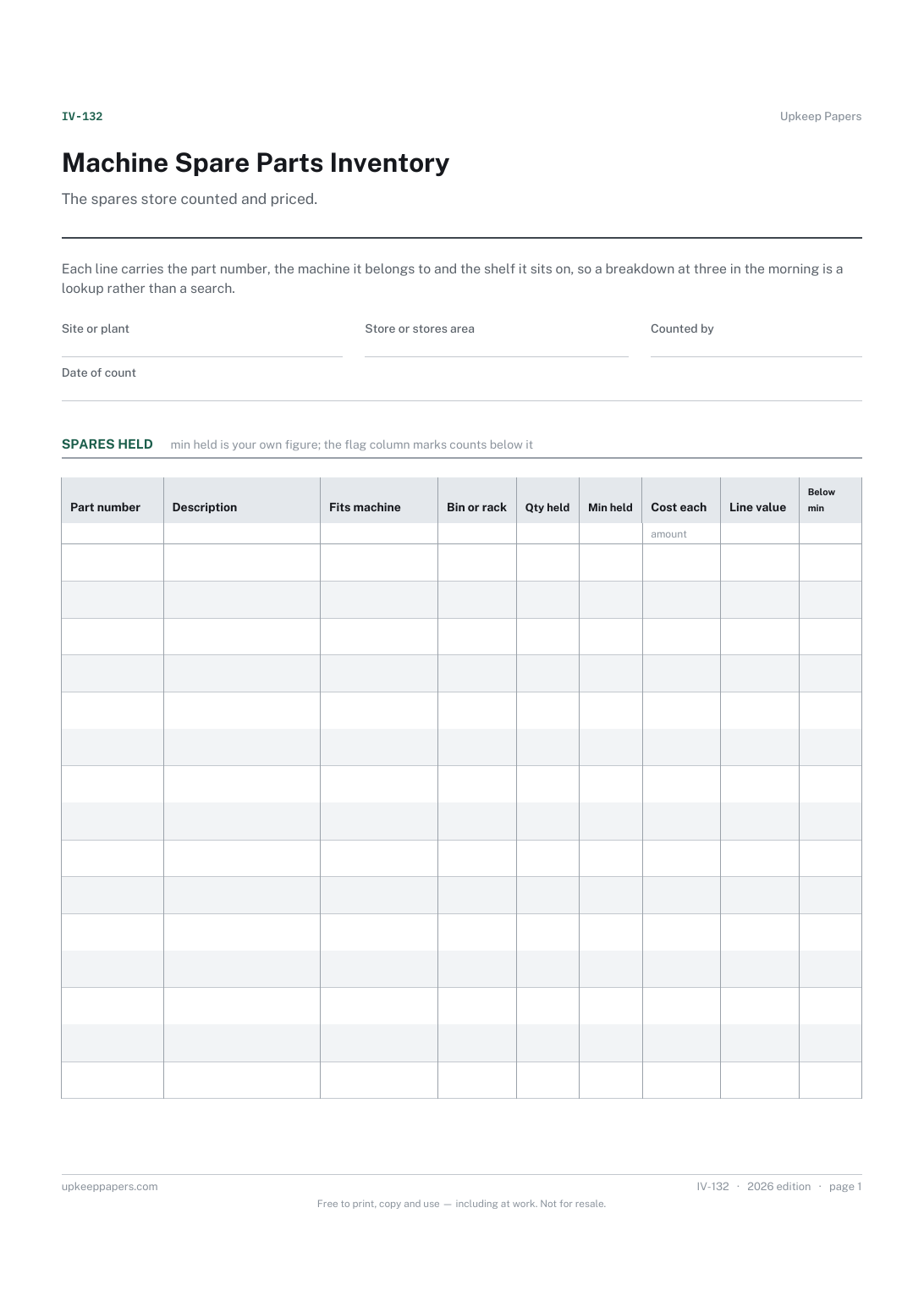
The spares store counted and priced. Each line carries the part number, the machine it belongs to and the shelf it sits on, so a breakdown at three in the morning is a lookup rather than a search.
Maintenance engineers, storekeepers and production supervisors who keep critical spares on site and need to know what is held, what it is worth and what has run down since the last count.
The printable is laid out inside a box that fits both A4 and US Letter, so the two files are identical and neither one is scaled. The fillable PDF has real form fields. The workbook uses plain formulas only — SUM, IF, COUNTIF and the like — so it opens in Excel, LibreOffice and Google Sheets without anything breaking, and every calculated cell is grey so you can see which figures it worked out.
Download the A4 or US Letter file to match the paper in your printer, open it in a PDF reader and print at 100% — not "fit to page", which shrinks the writing space. Both files leave a 14 mm margin, which clears the unprintable edge on home printers. To print the online version with your entries in it, use the Print this sheet button, which prints only the sheet and none of the page around it. More on printing.
Your own figure, not ours. It depends on the lead time from your supplier and how badly the machine is needed. The flag column simply compares the count against whatever number you write.
It shows 1 when the quantity counted is below the minimum you entered, and 0 otherwise. The summary adds that column up, so the number of lines needing attention is on the sheet without a second pass.
Only if you hold them as spares. Oils, filters and fixings bought by the box usually belong on a consumables sheet; this one is for the parts that stop a machine when they are missing.
Reduce the count when you take one off the shelf, or re-count at fixed points and let the sheet show the difference. Note the machine and date of any part fitted in the notes area so the usage pattern is visible next time.
Every machine in the fleet with its asset number and serial number.
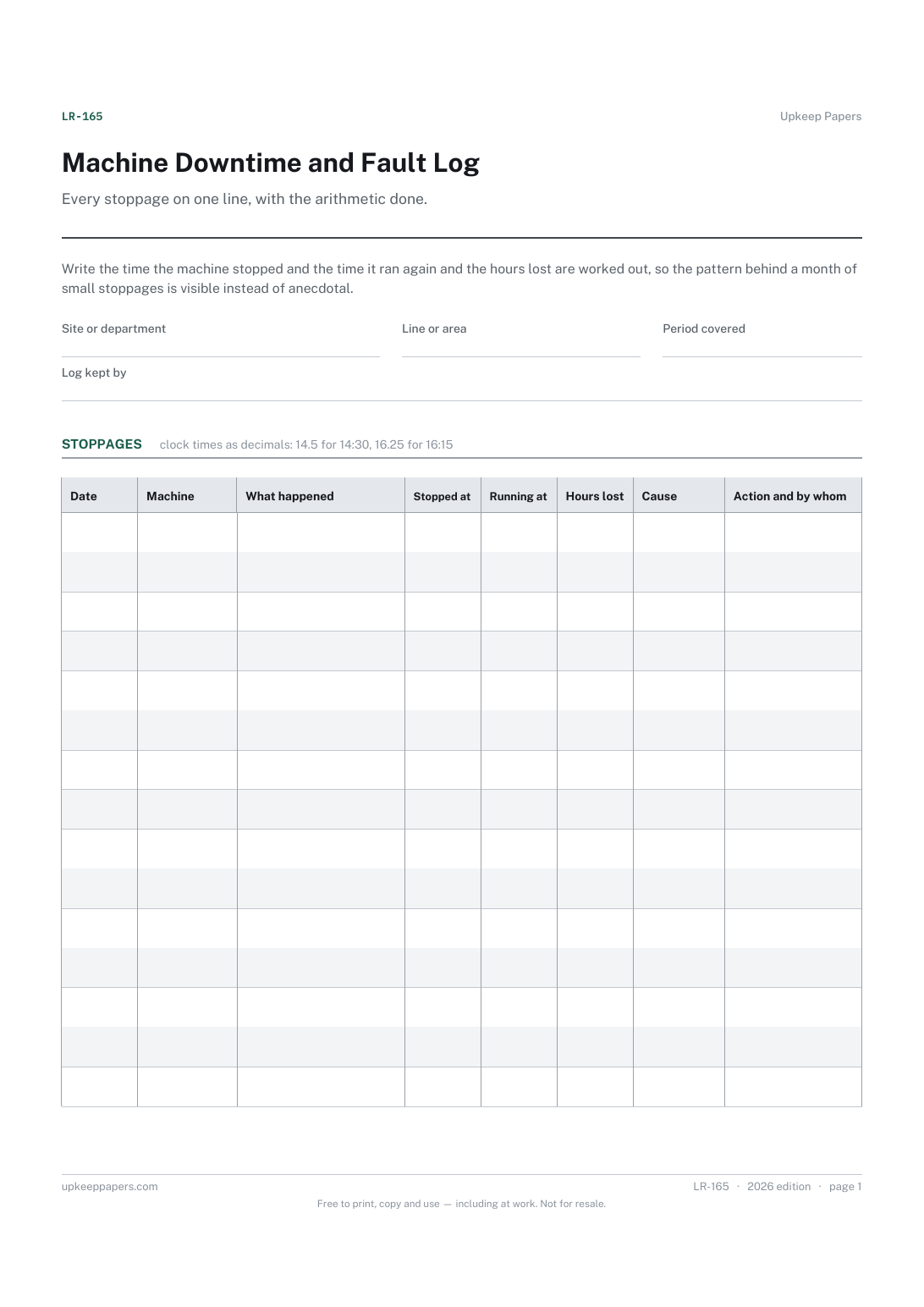
Each stoppage dated, timed and attached to a named machine.
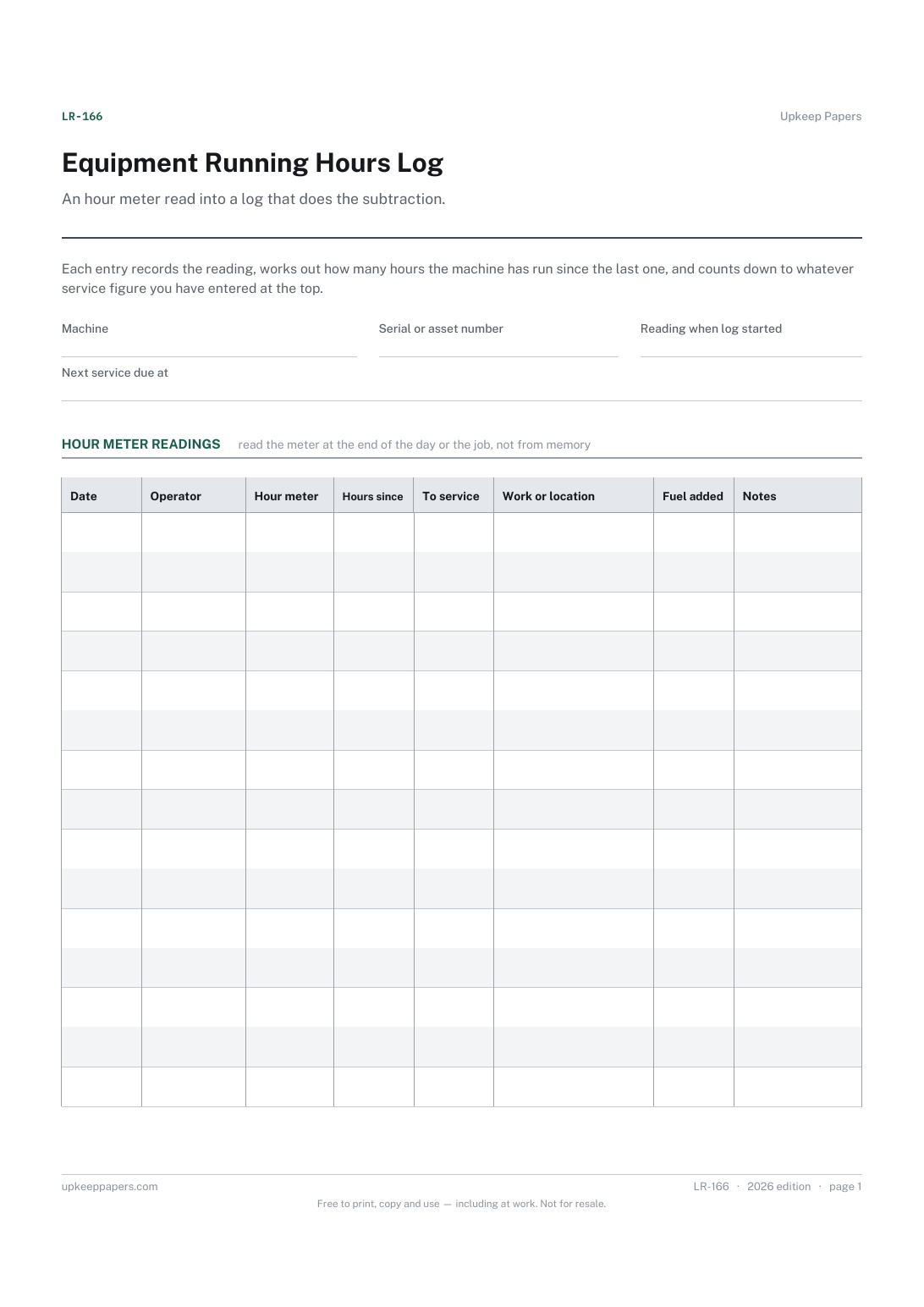
Hours run between one entry and the next, from the readings themselves.
Printable sheets, workbooks and tools on the same subject.
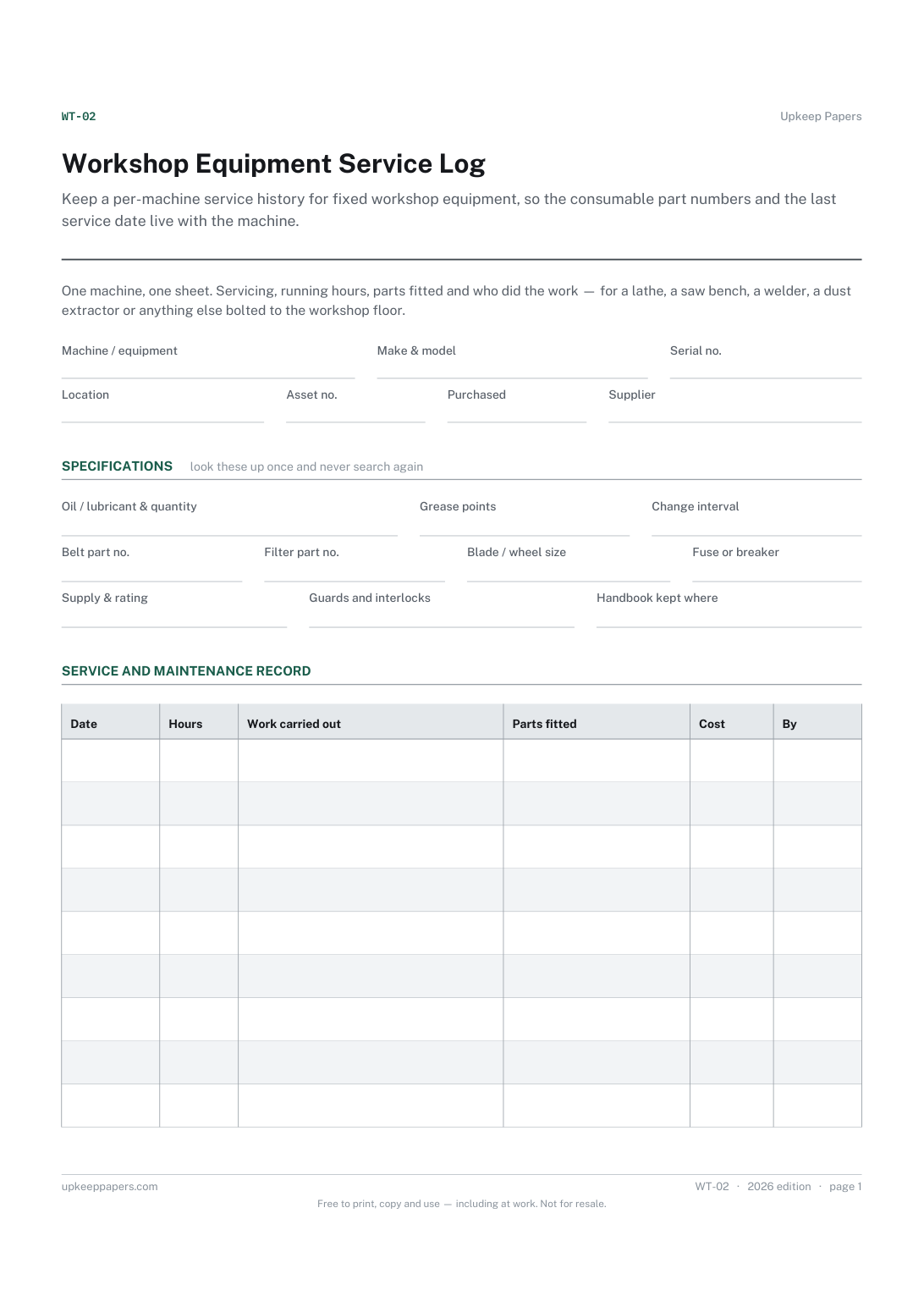
Keep a per-machine service history for fixed workshop equipment, so the consumable part numbers and the last service date live with the machine.
Turn reordering from a guess into a decision, by recording the level you have chosen to hold against what is actually on the shelf.

Every sheet, binder, game and puzzle on Upkeep Papers is free to download, with no email and no account. Making them is not free: each one takes days of research, design and checking, and the site costs money to run. If something here saved you time, you can buy us a coffee. It is entirely optional: nothing is locked, and nothing changes if you don’t.
Buy us a coffee Opens PayPal in a new tab. Any amount, and nothing changes if you would rather not.