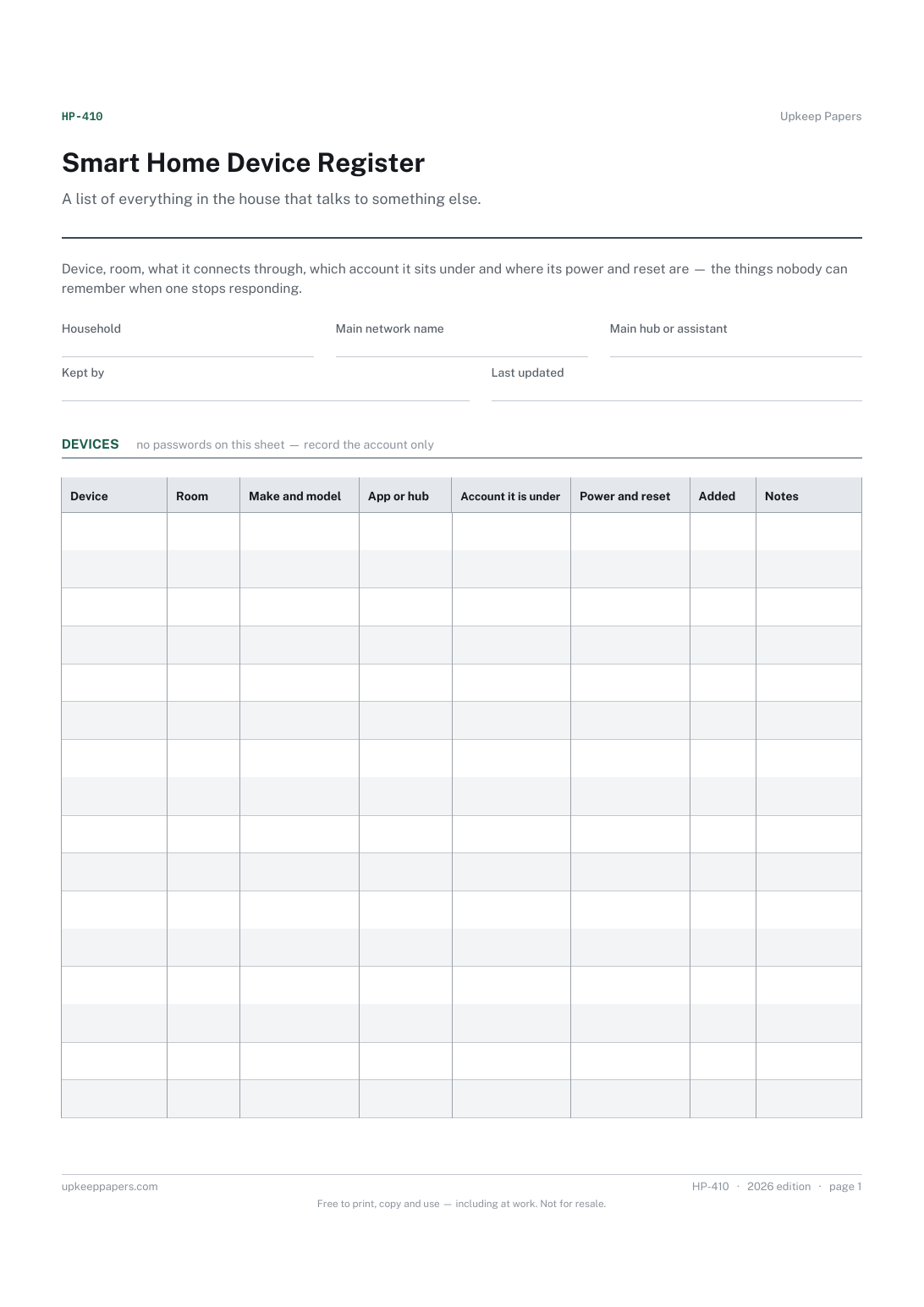
Smart Home Device Register
Every connected device, what it is and which room it is in.
HP-410 Register PDF Online
Everything here is free. Making it takes time and money. Everything here is free.
 Buy us a coffee
 Inventories and stocktakes · IV-1106 · Register
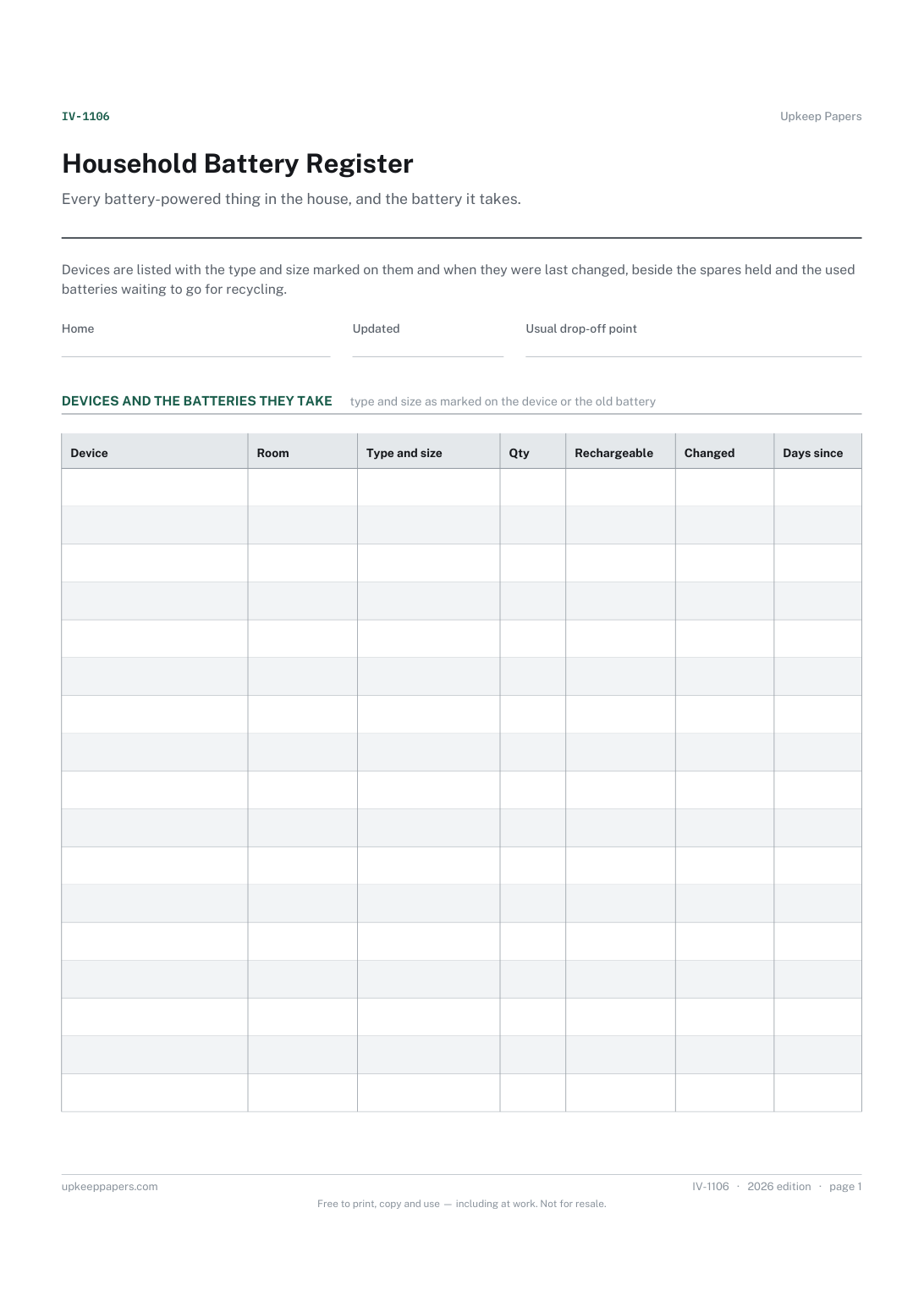
Household battery register: each device with the battery it takes and when it was changed, spares held and used cells awaiting drop-off. Excel, PDF and browser.
2 pages. The A4 and US Letter files are laid out identically, so neither is shrunk to fit.
Print it and write on it
Fillable PDF type and save
Spreadsheet formulas included
The fillable versions have real form fields — open them in any PDF reader, type into them and save. Printing help.
The same sheet, on screen. Totals and figures are worked out as you type, rows can be added or removed, and you can print it or download the completed version as a PDF. Everything stays in your browser — your entries are kept in this browser's own storage on this device, nothing is uploaded, and there is no account.
Every battery-powered thing in the house, and the battery it takes. Devices are listed with the type and size marked on them and when they were last changed, beside the spares held and the used batteries waiting to go for recycling.
Households with remotes, smoke alarms, clocks, toys, torches, scales and door sensors all taking different batteries, and anyone tired of buying the wrong size or finding a drawer of dead cells.
The printable is laid out inside a box that fits both A4 and US Letter, so the two files are identical and neither one is scaled. The fillable PDF has real form fields. The workbook uses plain formulas only — SUM, IF, COUNTIF and the like — so it opens in Excel, LibreOffice and Google Sheets without anything breaking, and every calculated cell is grey so you can see which figures it worked out.
Download the A4 or US Letter file to match the paper in your printer, open it in a PDF reader and print at 100% — not "fit to page", which shrinks the writing space. Both files leave a 14 mm margin, which clears the unprintable edge on home printers. To print the online version with your entries in it, use the Print this sheet button, which prints only the sheet and none of the page around it. More on printing.
Batteries that still hold some charge can short if their ends touch metal or each other, and may get hot. Taping the ends, or bagging each one, is a common precaution while they wait; follow any instructions at your drop-off point.
They are small enough for a child to swallow, which can cause serious harm. Keep spares in their packaging where children cannot reach them and check that battery covers on devices are secure. If one may have been swallowed, get urgent medical help.
It depends on where you live. Shops that sell batteries, recycling centres and councils often take them back; check your local authority's website and write your usual drop-off point at the top.
No. It records when you did change them, so the days since column shows which have been in longest. Follow the device maker's instructions, especially for smoke and carbon monoxide alarms.
Every connected device, what it is and which room it is in.
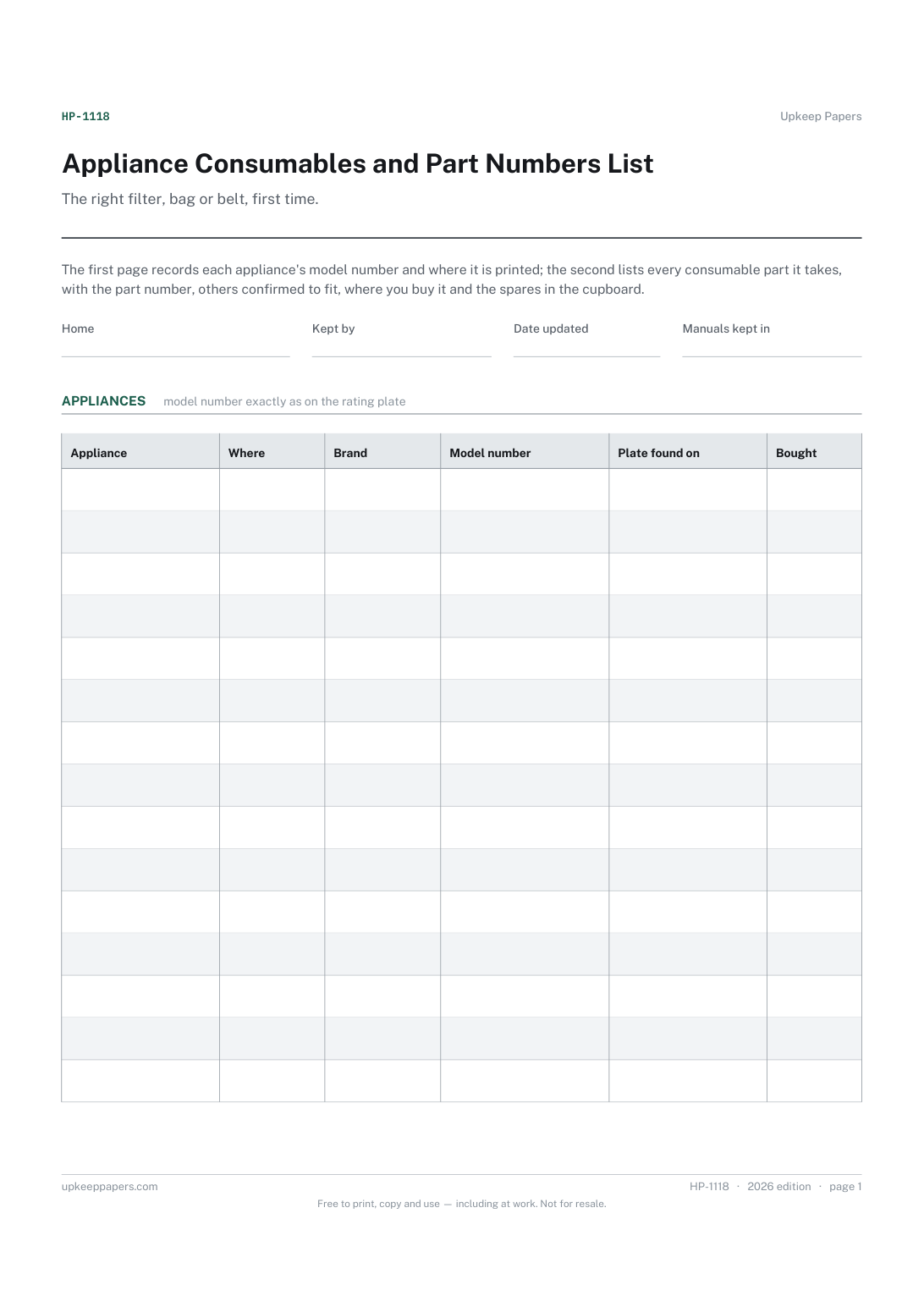
Each appliance's brand and exact model number.
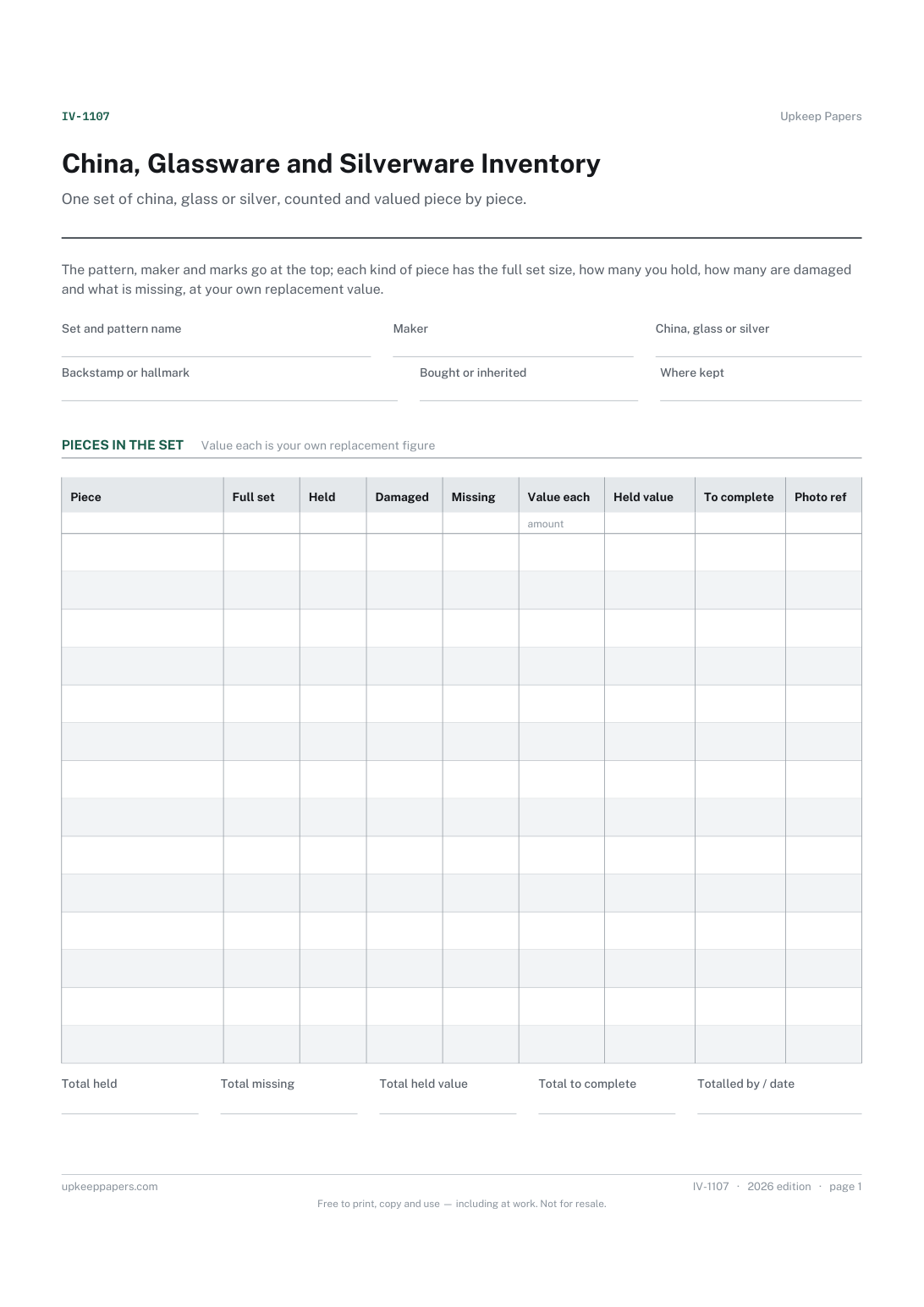
The pattern name, maker and backstamp or hallmark for each set.
Printable sheets, workbooks and tools on the same subject.
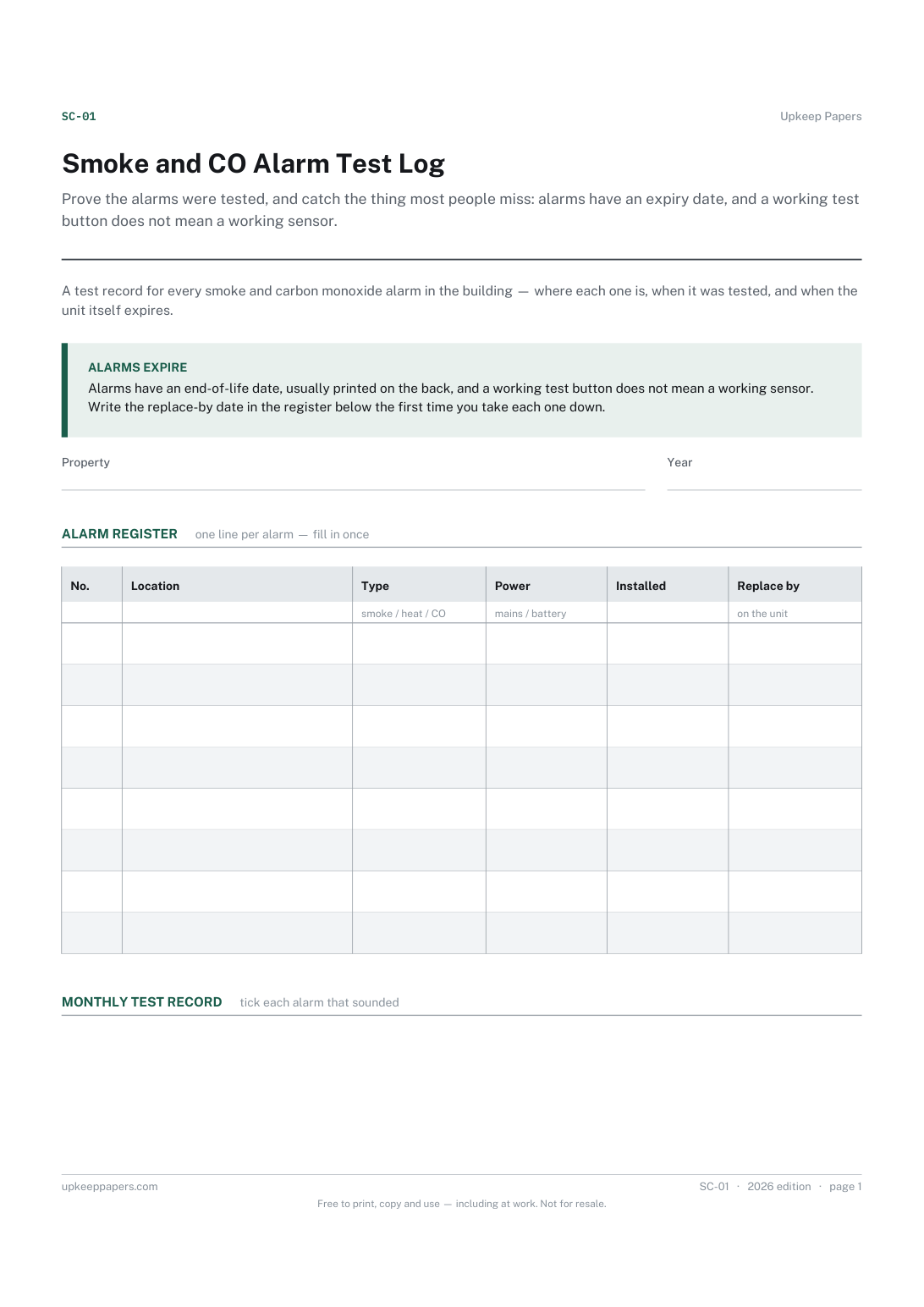
Prove the alarms were tested, and catch the thing most people miss: alarms have an expiry date, and a working test button does not mean a working sensor.

Every sheet, binder, game and puzzle on Upkeep Papers is free to download, with no email and no account. Making them is not free: each one takes days of research, design and checking, and the site costs money to run. If something here saved you time, you can buy us a coffee. It is entirely optional: nothing is locked, and nothing changes if you don’t.
Buy us a coffee Opens PayPal in a new tab. Any amount, and nothing changes if you would rather not.