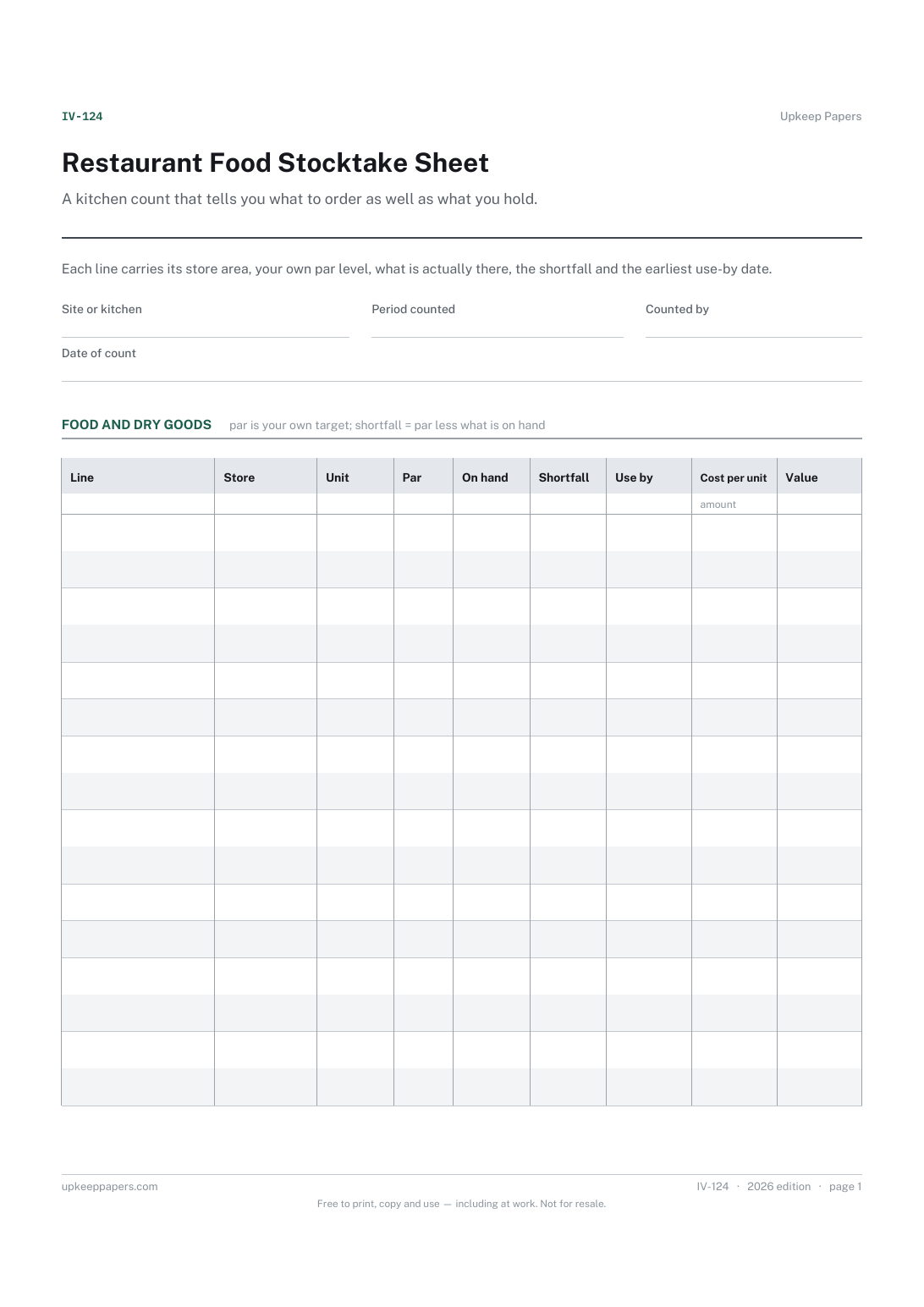
Restaurant Food Stocktake Sheet
What is held in the dry store, the fridges, the walk-in and the freezer.
IV-124 Inventory PDF Excel Online
Everything here is free. Making it takes time and money. Everything here is free.
 Buy us a coffee
 Inventories and stocktakes · IV-123 · Inventory
Free bar stocktake sheet — opening and closing counts, deliveries in, usage worked out and closing stock valued. Excel, PDF and browser versions.
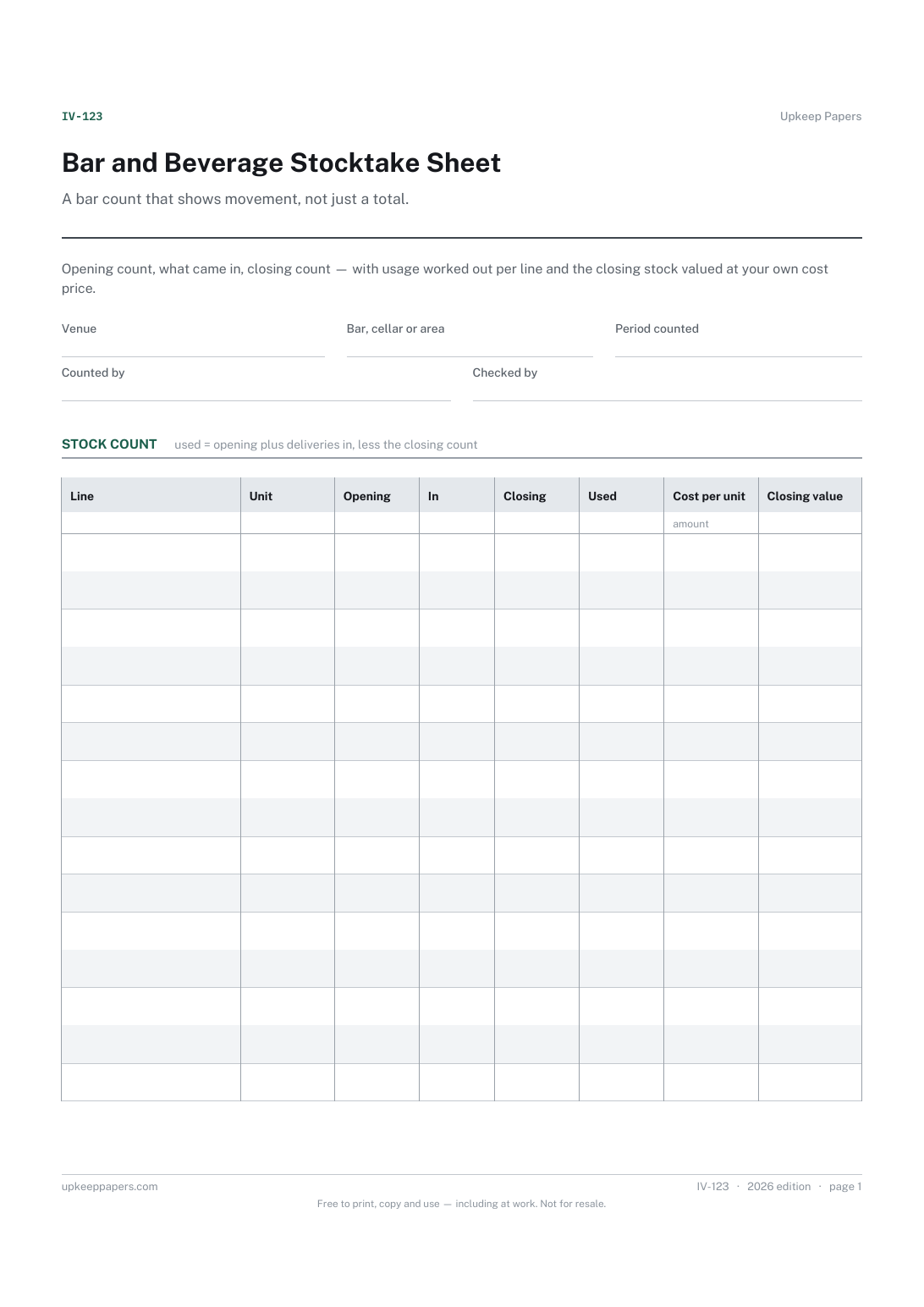
2 pages. The A4 and US Letter files are laid out identically, so neither is shrunk to fit.
Print it and write on it
Fillable PDF type and save
Spreadsheet formulas included
The fillable versions have real form fields — open them in any PDF reader, type into them and save. Printing help.
The same sheet, on screen. Totals and figures are worked out as you type, rows can be added or removed, and you can print it or download the completed version as a PDF. Everything stays in your browser — your entries are kept in this browser's own storage on this device, nothing is uploaded, and there is no account.
A bar count that shows movement, not just a total. Opening count, what came in, closing count — with usage worked out per line and the closing stock valued at your own cost price.
Bar supervisors, pub landlords, club stewards and event bar crews who count at the end of a period and want the usage figure without a calculator.
The printable is laid out inside a box that fits both A4 and US Letter, so the two files are identical and neither one is scaled. The fillable PDF has real form fields. The workbook uses plain formulas only — SUM, IF, COUNTIF and the like — so it opens in Excel, LibreOffice and Google Sheets without anything breaking, and every calculated cell is grey so you can see which figures it worked out.
Download the A4 or US Letter file to match the paper in your printer, open it in a PDF reader and print at 100% — not "fit to page", which shrinks the writing space. Both files leave a 14 mm margin, which clears the unprintable edge on home printers. To print the online version with your entries in it, use the Print this sheet button, which prints only the sheet and none of the page around it. More on printing.
Whatever way your venue already does — by tenths, by weight or by eye — as long as every count uses the same method. The sheet does not impose one, because a changed method makes two periods impossible to compare.
No. It gives usage in units and the value of stock held, which are facts from the count. Turning those into a margin needs your sales figures and your own pricing, which stay in your till system.
Yes, and it is usually clearer to. Print one sheet per area with the area named in the header, or keep a separate browser copy for each; both can be totalled afterwards.
Those are assets rather than stock, so they sit better on an equipment inventory. This sheet is for what gets poured and sold.
What is held in the dry store, the fridges, the walk-in and the freezer.
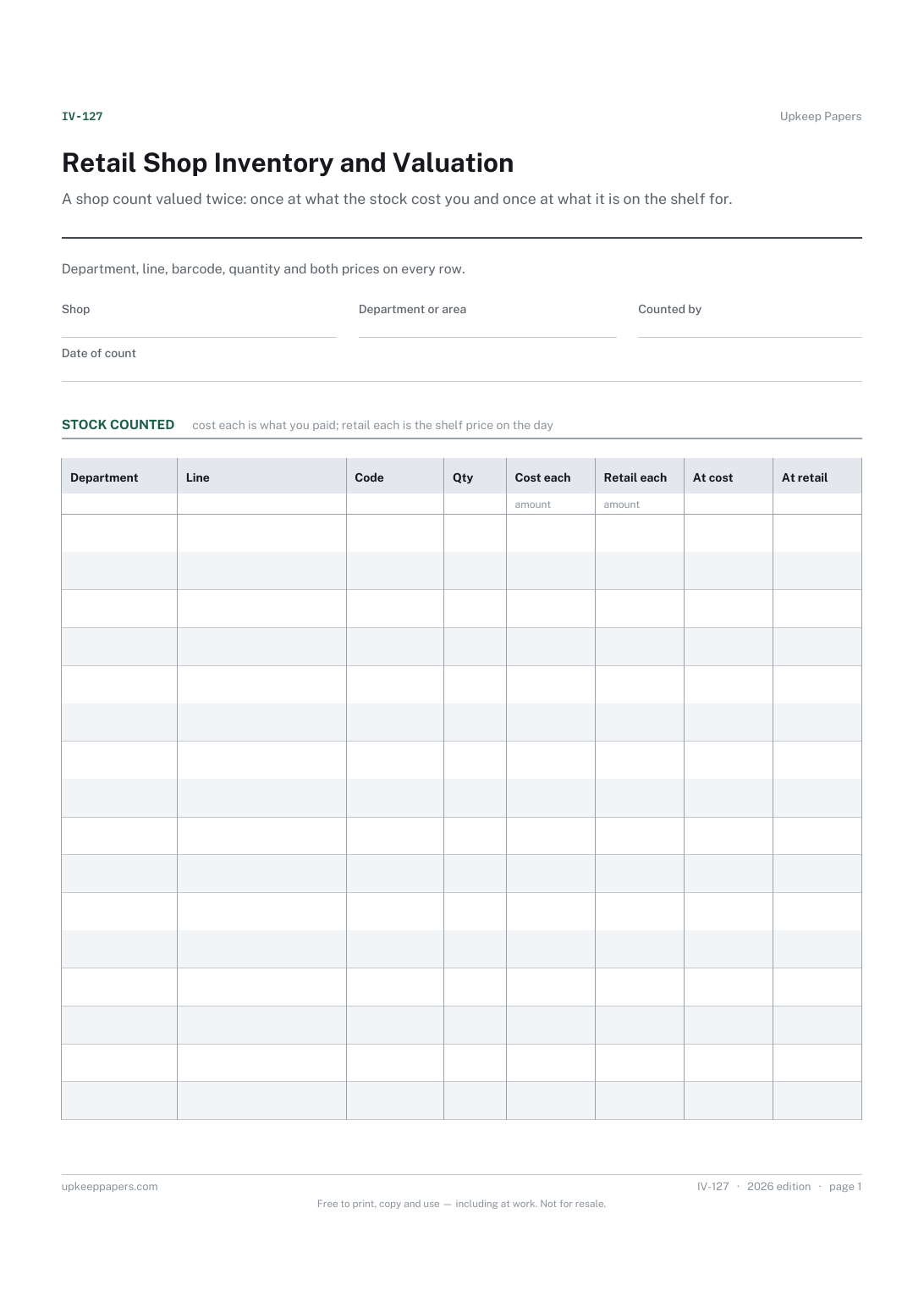
What is on the shop floor and in the stockroom, grouped by department.
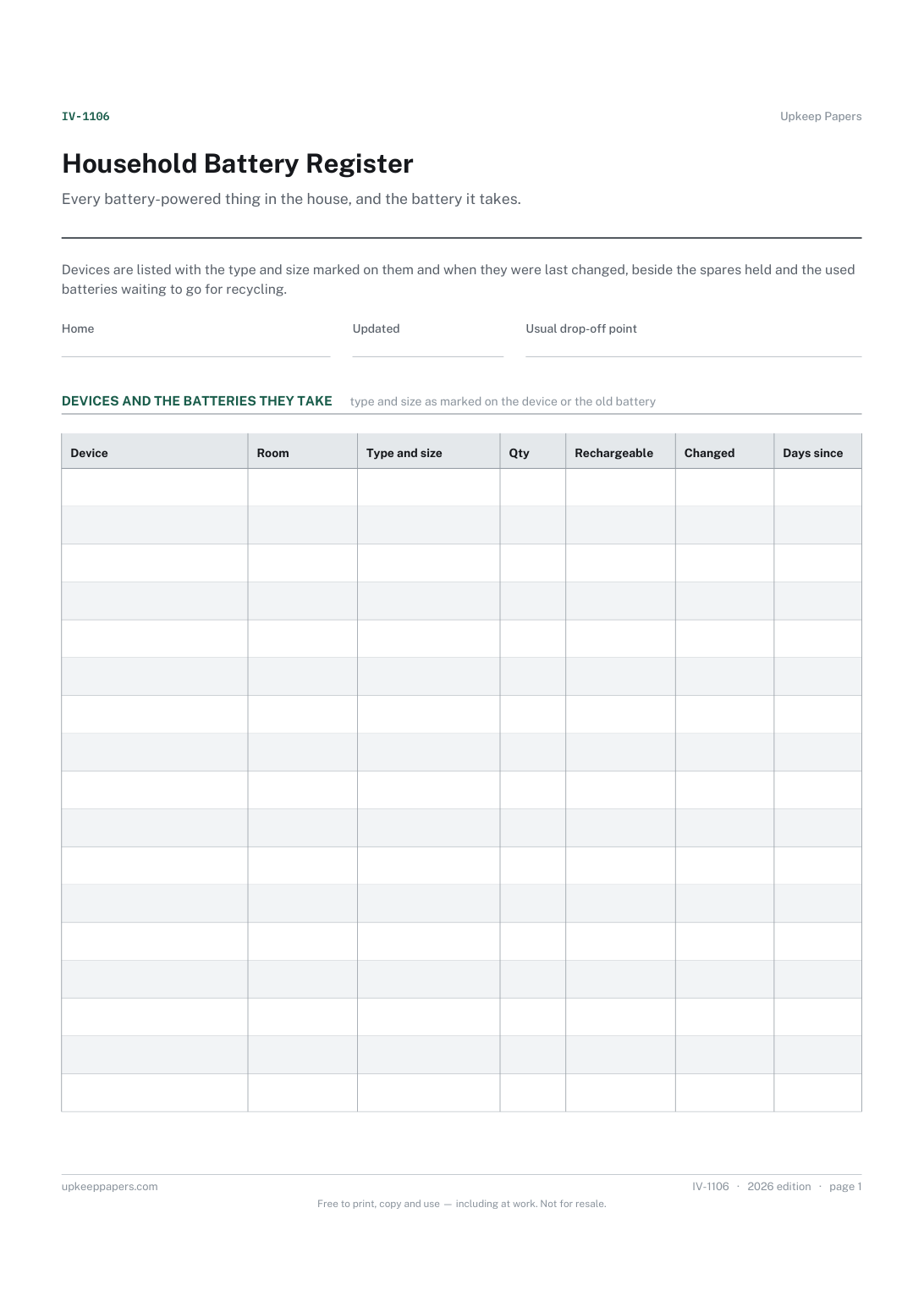
Each device, where it is and the battery type and size it takes.
Printable sheets, workbooks and tools on the same subject.
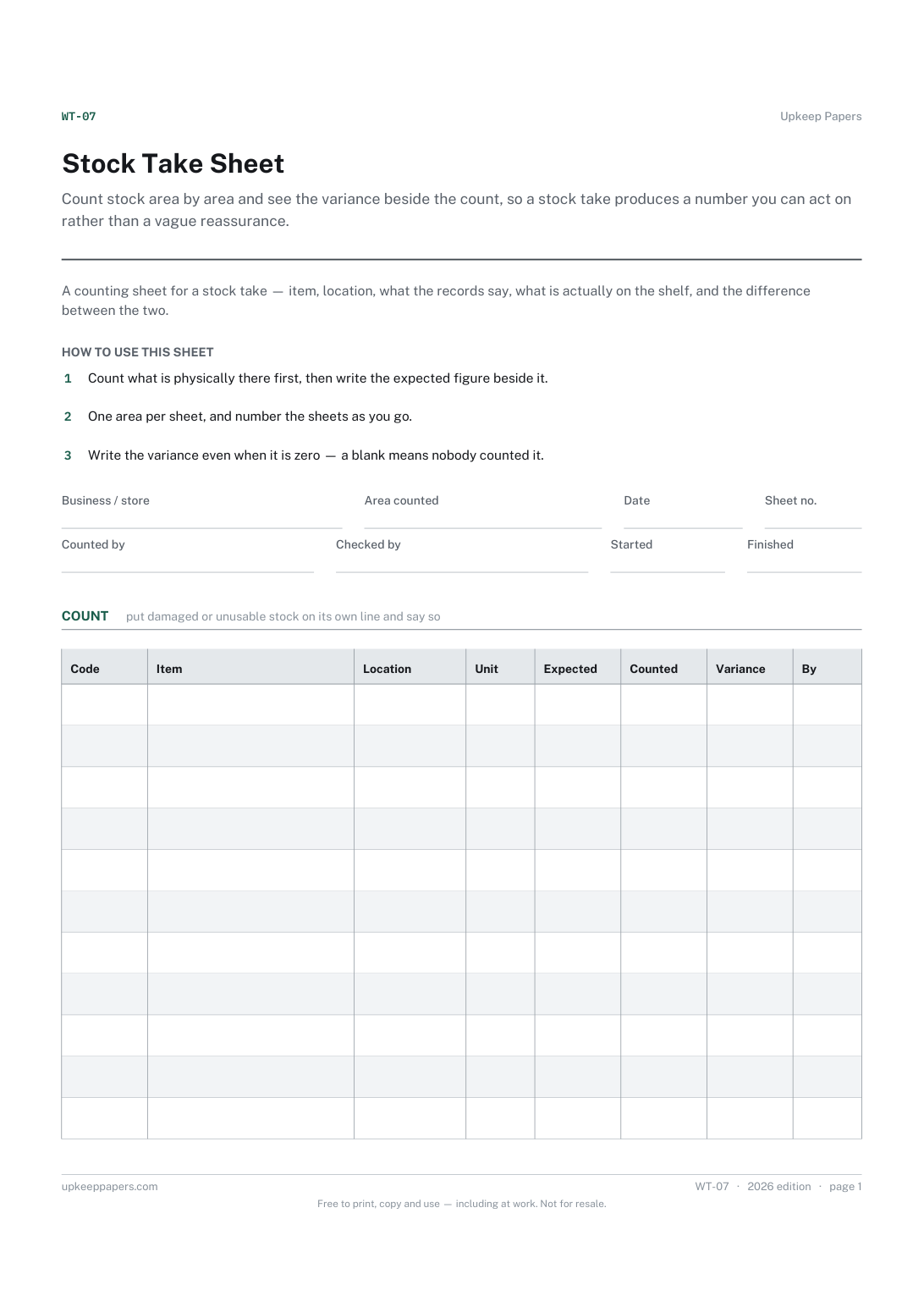
Count stock area by area and see the variance beside the count, so a stock take produces a number you can act on rather than a vague reassurance.
Cash up consistently and record the difference every day, which is how a problem gets noticed in a week rather than in an audit.
Count a drawer properly and record the variance, so a pattern of small differences becomes visible instead of being quietly absorbed.

Every sheet, binder, game and puzzle on Upkeep Papers is free to download, with no email and no account. Making them is not free: each one takes days of research, design and checking, and the site costs money to run. If something here saved you time, you can buy us a coffee. It is entirely optional: nothing is locked, and nothing changes if you don’t.
Buy us a coffee Opens PayPal in a new tab. Any amount, and nothing changes if you would rather not.