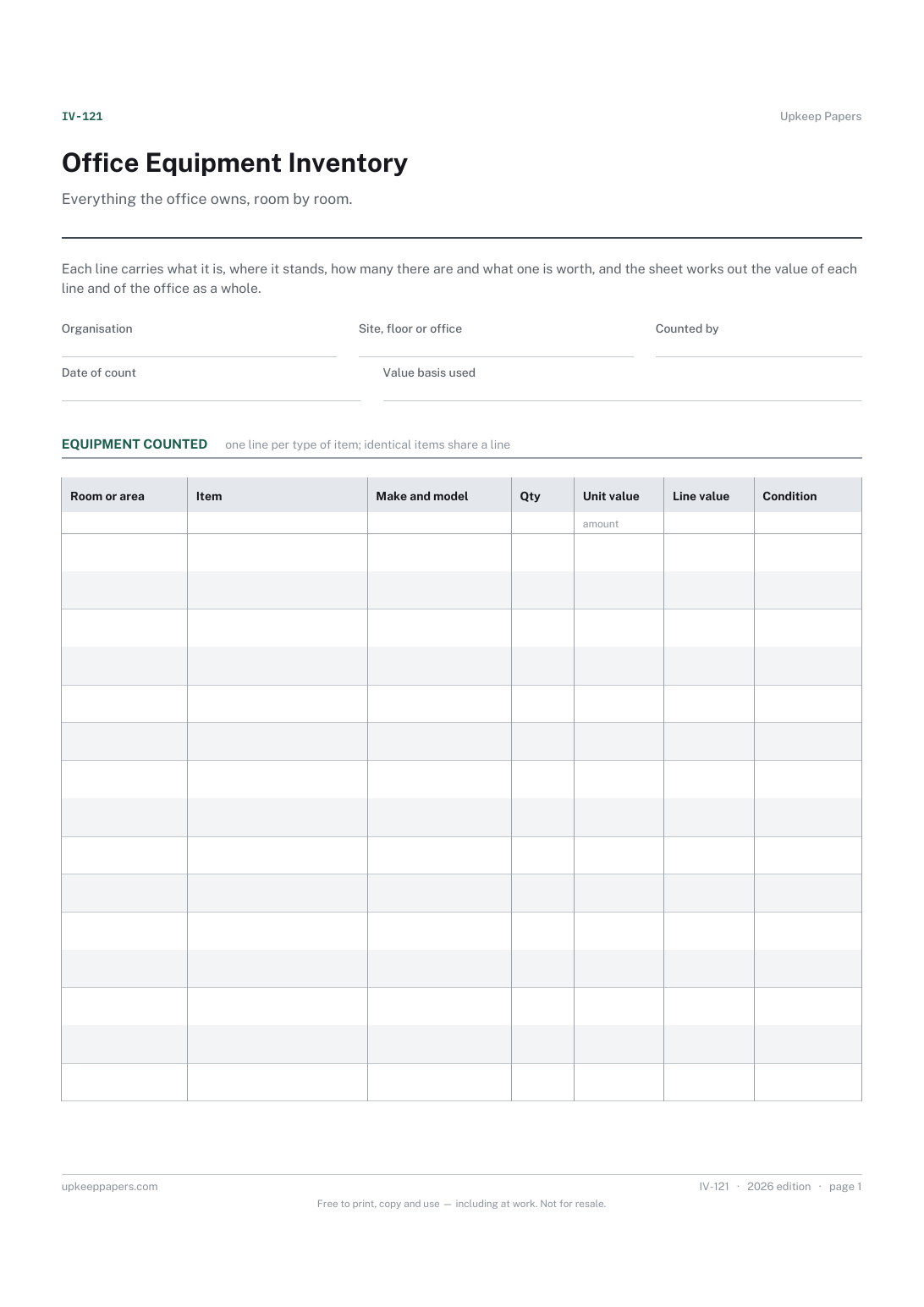
Office Equipment Inventory
What furniture and equipment the office holds, and which room each item is in.
IV-121 Inventory PDF Excel Online
Everything here is free. Making it takes time and money. Everything here is free.
 Buy us a coffee
 Inventories and stocktakes · IV-122 · Inventory
Free IT equipment inventory template — asset tag, serial number, who holds it, purchase date, warranty expiry and value, totalled. Excel, PDF and browser.
2 pages. The A4 and US Letter files are laid out identically, so neither is shrunk to fit.
Print it and write on it
Fillable PDF type and save
Spreadsheet formulas included
The fillable versions have real form fields — open them in any PDF reader, type into them and save. Printing help.
The same sheet, on screen. Totals and figures are worked out as you type, rows can be added or removed, and you can print it or download the completed version as a PDF. Everything stays in your browser — your entries are kept in this browser's own storage on this device, nothing is uploaded, and there is no account.
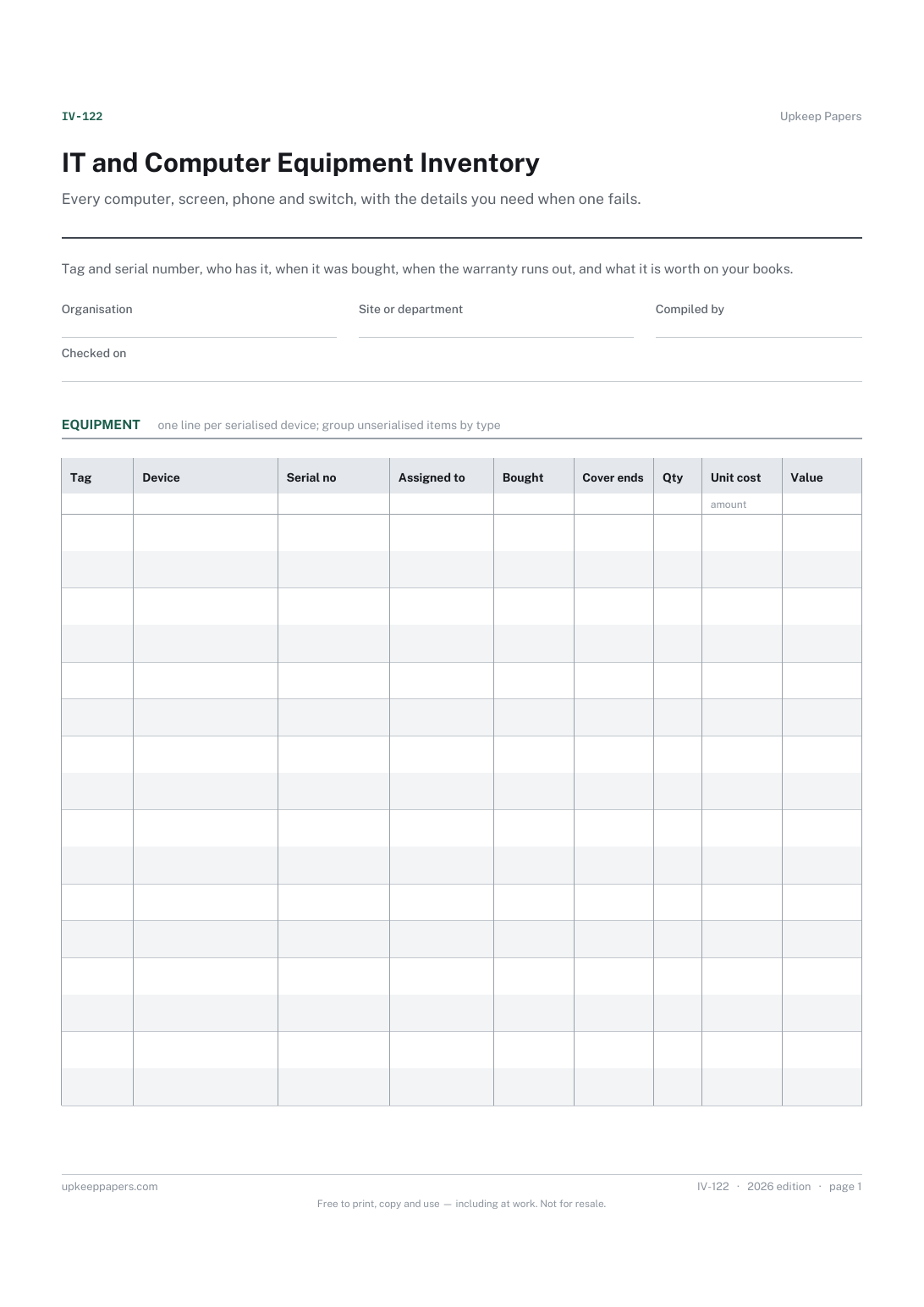
Every computer, screen, phone and switch, with the details you need when one fails. Tag and serial number, who has it, when it was bought, when the warranty runs out, and what it is worth on your books.
IT technicians, office managers and small firms without a management console — anyone who has had to ring a supplier and admit they cannot find the serial number.
The printable is laid out inside a box that fits both A4 and US Letter, so the two files are identical and neither one is scaled. The fillable PDF has real form fields. The workbook uses plain formulas only — SUM, IF, COUNTIF and the like — so it opens in Excel, LibreOffice and Google Sheets without anything breaking, and every calculated cell is grey so you can see which figures it worked out.
Download the A4 or US Letter file to match the paper in your printer, open it in a PDF reader and print at 100% — not "fit to page", which shrinks the writing space. Both files leave a 14 mm margin, which clears the unprintable edge on home printers. To print the online version with your entries in it, use the Print this sheet button, which prints only the sheet and none of the page around it. More on printing.
Yes, where it has a serial number — the point of this sheet is that a line identifies one machine. Group only unserialised consumables such as cables or adapters, using the quantity column.
Anything consistent: a short code, the room number plus a digit, or the last four characters of the serial. A tag you invent and stick on is easier to read out over the phone than a long serial number.
No — it is a hardware count. Licences, renewals and subscriptions belong on a renewals sheet where the cost recurs; this sheet values items you own.
Filter or sort by the assigned-to column and you have the list of what one person holds. The browser version keeps its data in your own browser, so an interim copy can be printed for a handover.
What furniture and equipment the office holds, and which room each item is in.
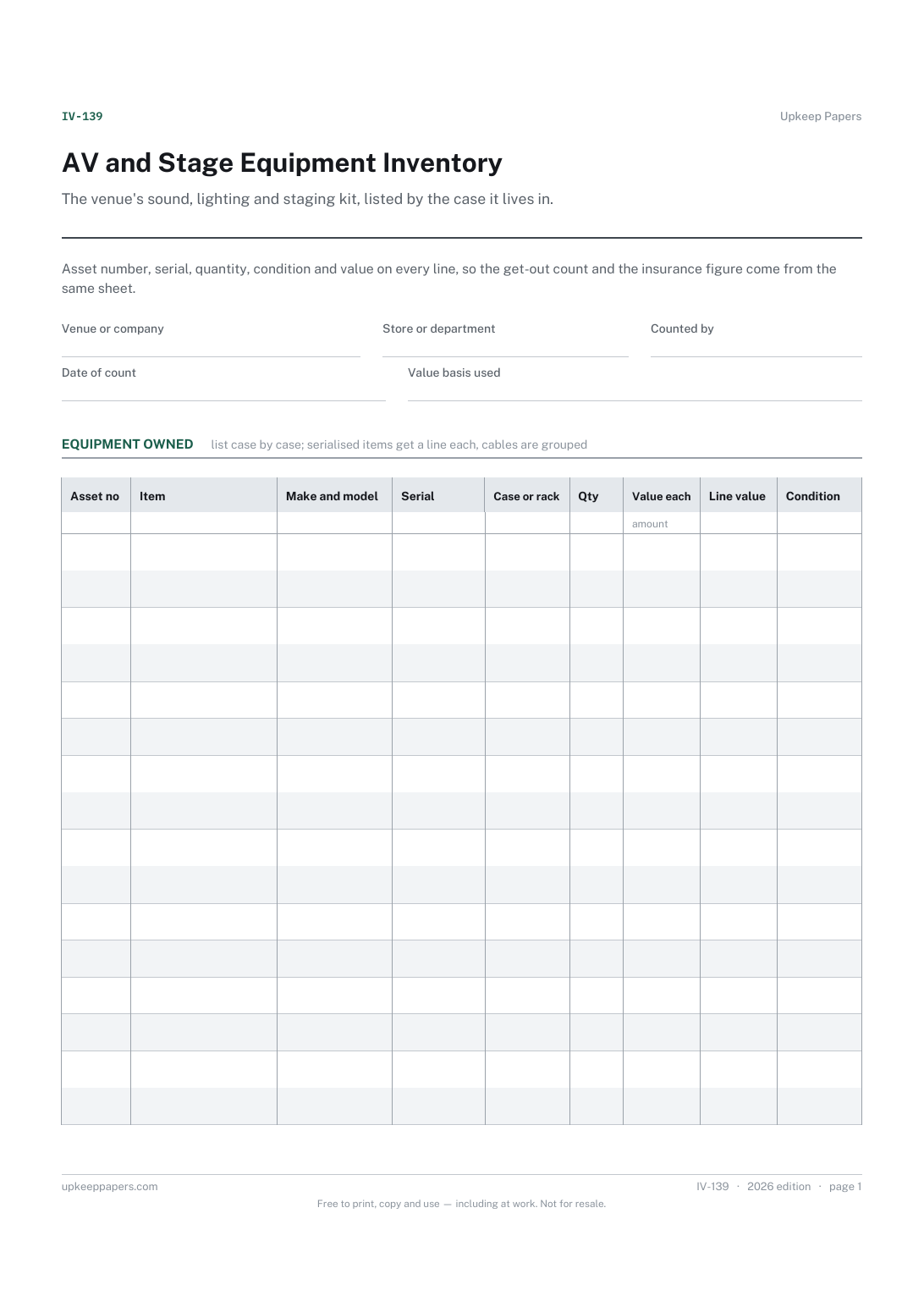
Every microphone, lantern, desk, speaker and stage part the venue owns.
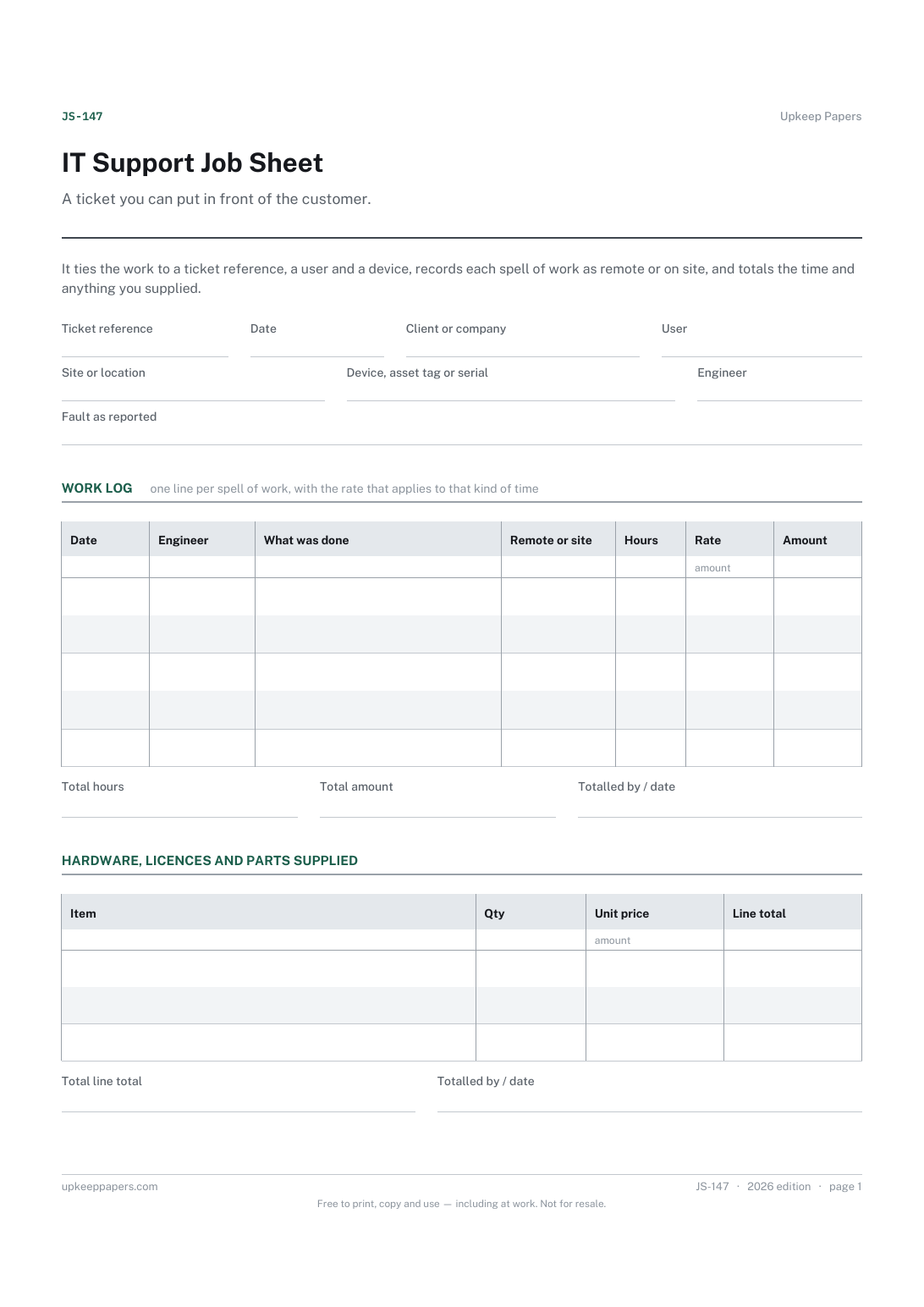
The ticket, the user and the device the work was done on.
Printable sheets, workbooks and tools on the same subject.
Record what the business owns rather than what is in the shed: a numbered list with cost and disposal, which is what an insurer or an accountant asks for.
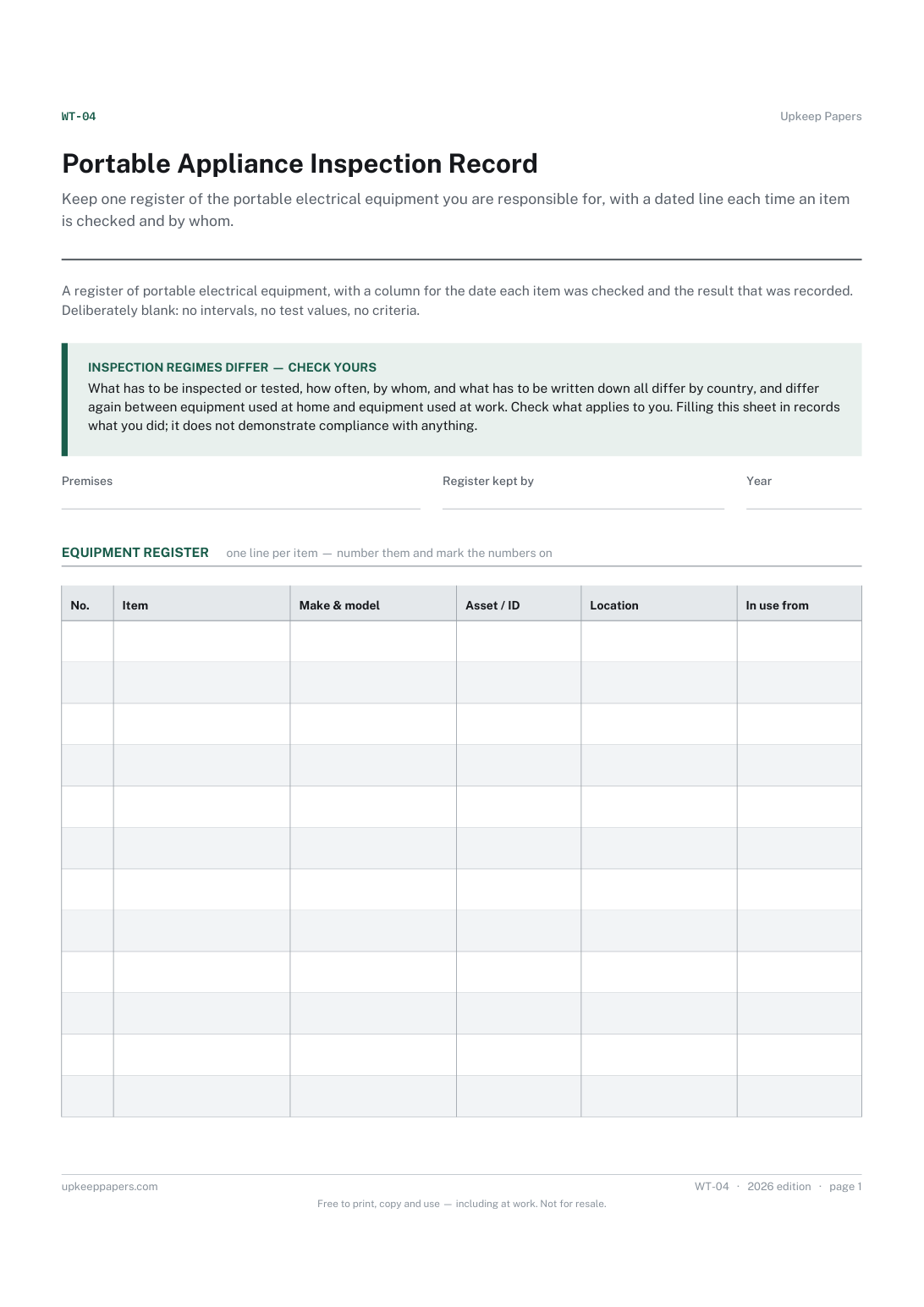
Keep one register of the portable electrical equipment you are responsible for, with a dated line each time an item is checked and by whom.

Every sheet, binder, game and puzzle on Upkeep Papers is free to download, with no email and no account. Making them is not free: each one takes days of research, design and checking, and the site costs money to run. If something here saved you time, you can buy us a coffee. It is entirely optional: nothing is locked, and nothing changes if you don’t.
Buy us a coffee Opens PayPal in a new tab. Any amount, and nothing changes if you would rather not.