Home Wi-Fi and Devices Register
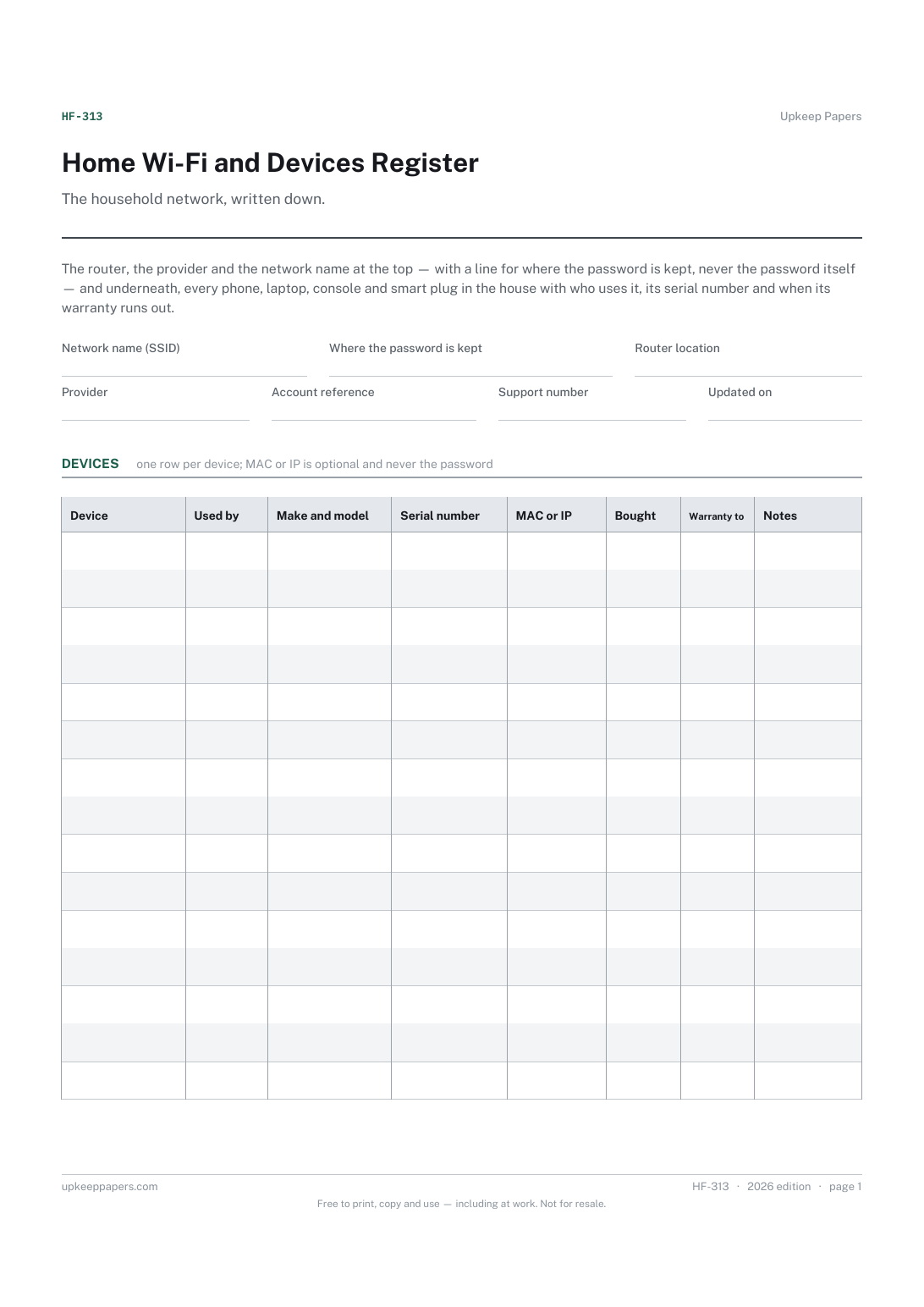
The network name, router location and the provider's support line, in one place.
HF-313 Record PDF Online
Everything here is free. Making it takes time and money. Everything here is free.
 Buy us a coffee
 Household and family organiser · HF-303 · Record
Free printable accounts and logins record — service, username, password hint, where the password is kept, two-step method and recovery contact. No passwords.
2 pages. The A4 and US Letter files are laid out identically, so neither is shrunk to fit.
Print it and write on it
Fillable PDF type and save
Or no download needed
Fill it in onlineThe fillable versions have real form fields — open them in any PDF reader, type into them and save. Printing help.
The same sheet, on screen. Tick, type, add or remove rows, then print it or download the completed version as a PDF. Everything stays in your browser — your entries are kept in this browser's own storage on this device, nothing is uploaded, and there is no account.
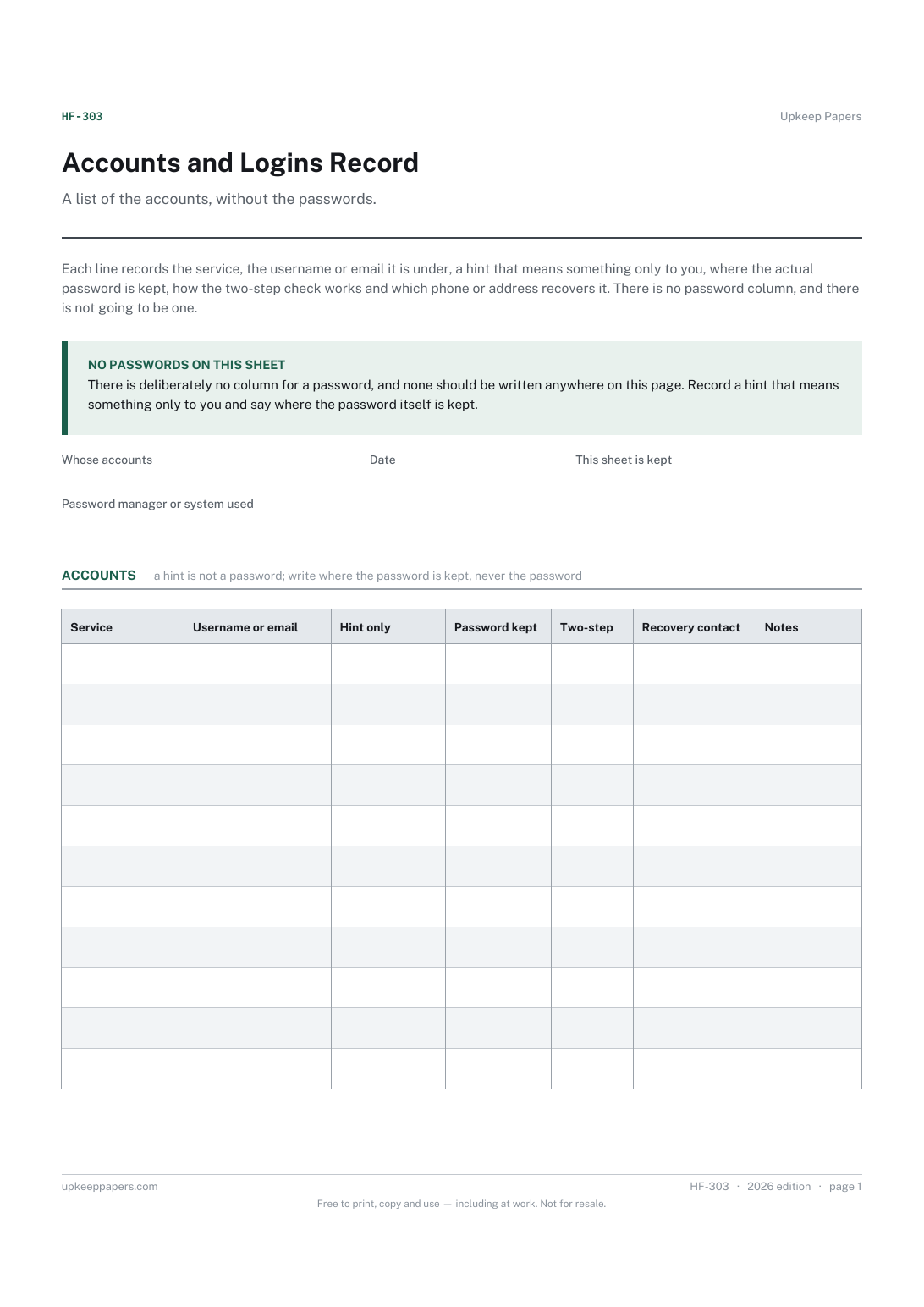
A list of the accounts, without the passwords. Each line records the service, the username or email it is under, a hint that means something only to you, where the actual password is kept, how the two-step check works and which phone or address recovers it. There is no password column, and there is not going to be one.
Households where one person set up every account, anyone putting their affairs in order for whoever comes after them, and people who have locked themselves out once and would rather not do it again.
The printable is laid out inside a box that fits both A4 and US Letter, so the two files are identical and neither one is scaled. The fillable PDF has real form fields. The online version keeps what you enter in your own browser and builds the completed PDF on your device.
Download the A4 or US Letter file to match the paper in your printer, open it in a PDF reader and print at 100% — not "fit to page", which shrinks the writing space. Both files leave a 14 mm margin, which clears the unprintable edge on home printers. To print the online version with your entries in it, use the Print this sheet button, which prints only the sheet and none of the page around it. More on printing.
Because a sheet of passwords is the thing you least want lying about, and we will not print one. A hint and a note of where the password is kept lets the right person get in and tells the wrong person nothing.
One that points to a system rather than a word: 'usual pattern, the long version', 'in the blue notebook, page for banks'. If a stranger could guess the password from the hint, it is not a hint.
With the other things you would not leave on the kitchen table. It is the map to the accounts, so it deserves the same care as the accounts. The browser version saves in your own browser on the device you used and sends nothing anywhere.
No. That sheet is about the hardware in the house — router, devices, who uses what. This one is about online accounts and how to get back into them.
You can list the service and the login name, with the hint and where the password is kept, like any other line. Never write account credentials in full on paper or on screen here.
The network name, router location and the provider's support line, in one place.
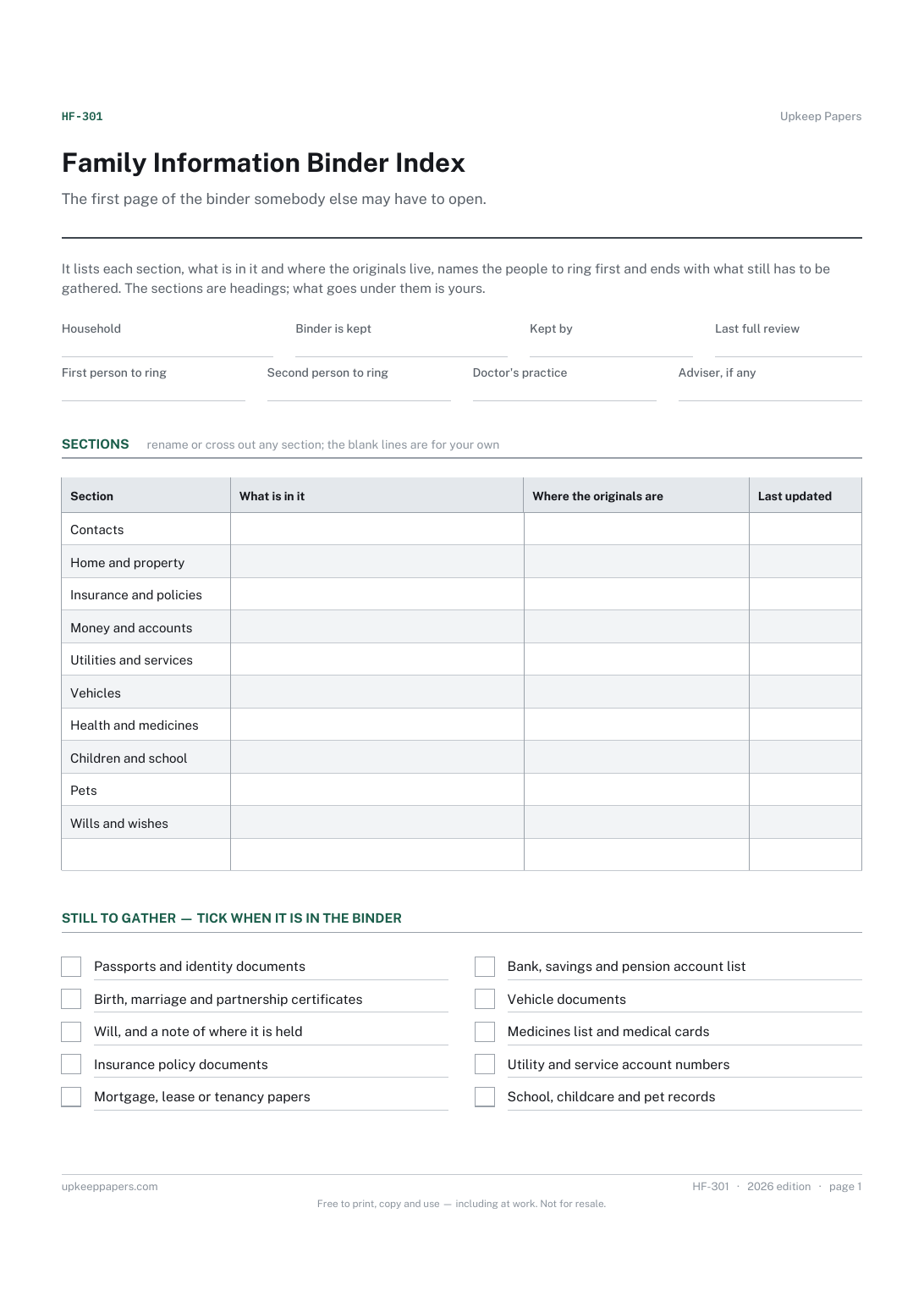
What each section of the binder holds, in a line.
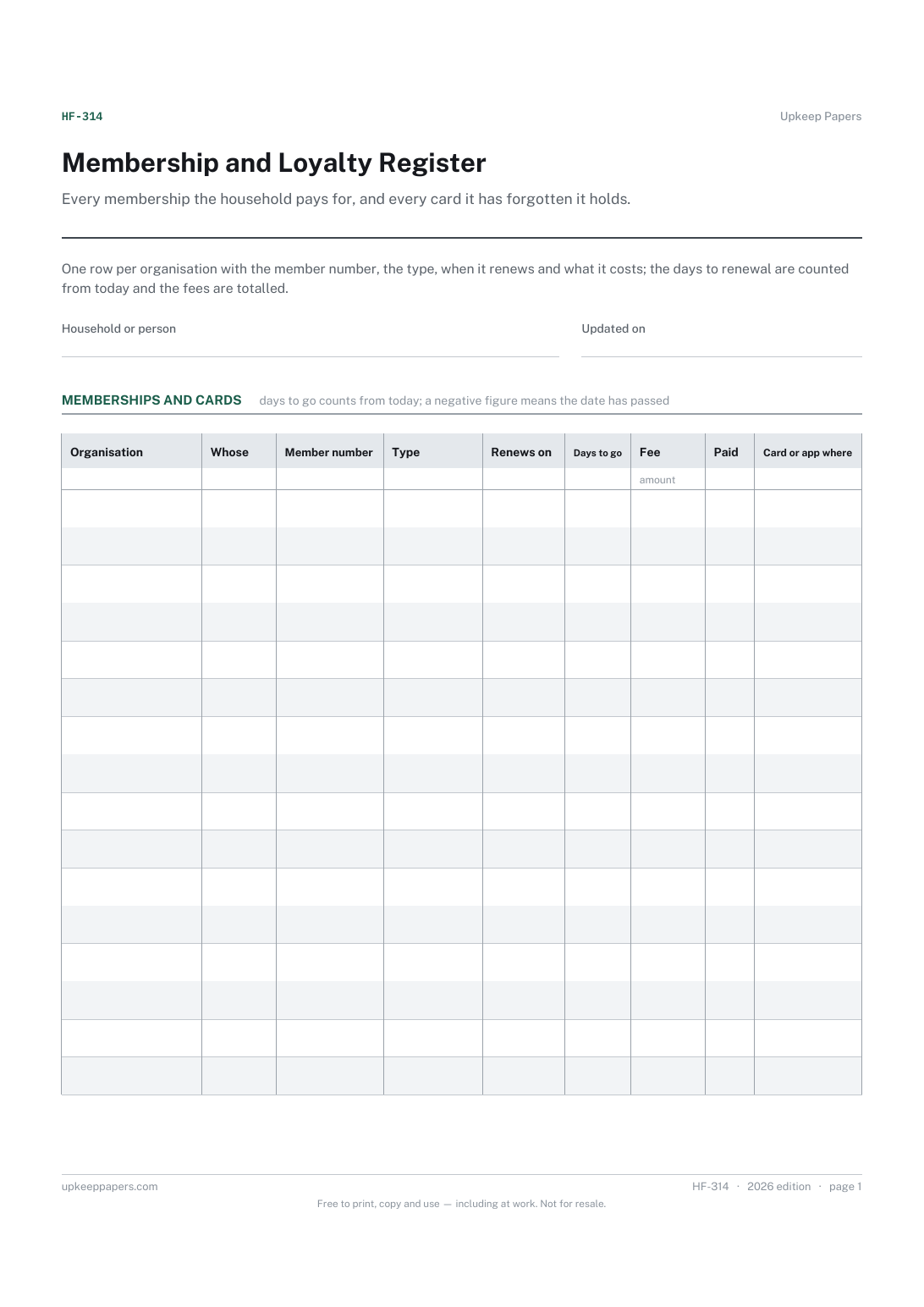
What memberships and cards exist, and whose they are.
Printable sheets, workbooks and tools on the same subject.
Have a list of what you actually hold online, without writing down a single credential.

Every sheet, binder, game and puzzle on Upkeep Papers is free to download, with no email and no account. Making them is not free: each one takes days of research, design and checking, and the site costs money to run. If something here saved you time, you can buy us a coffee. It is entirely optional: nothing is locked, and nothing changes if you don’t.
Buy us a coffee Opens PayPal in a new tab. Any amount, and nothing changes if you would rather not.