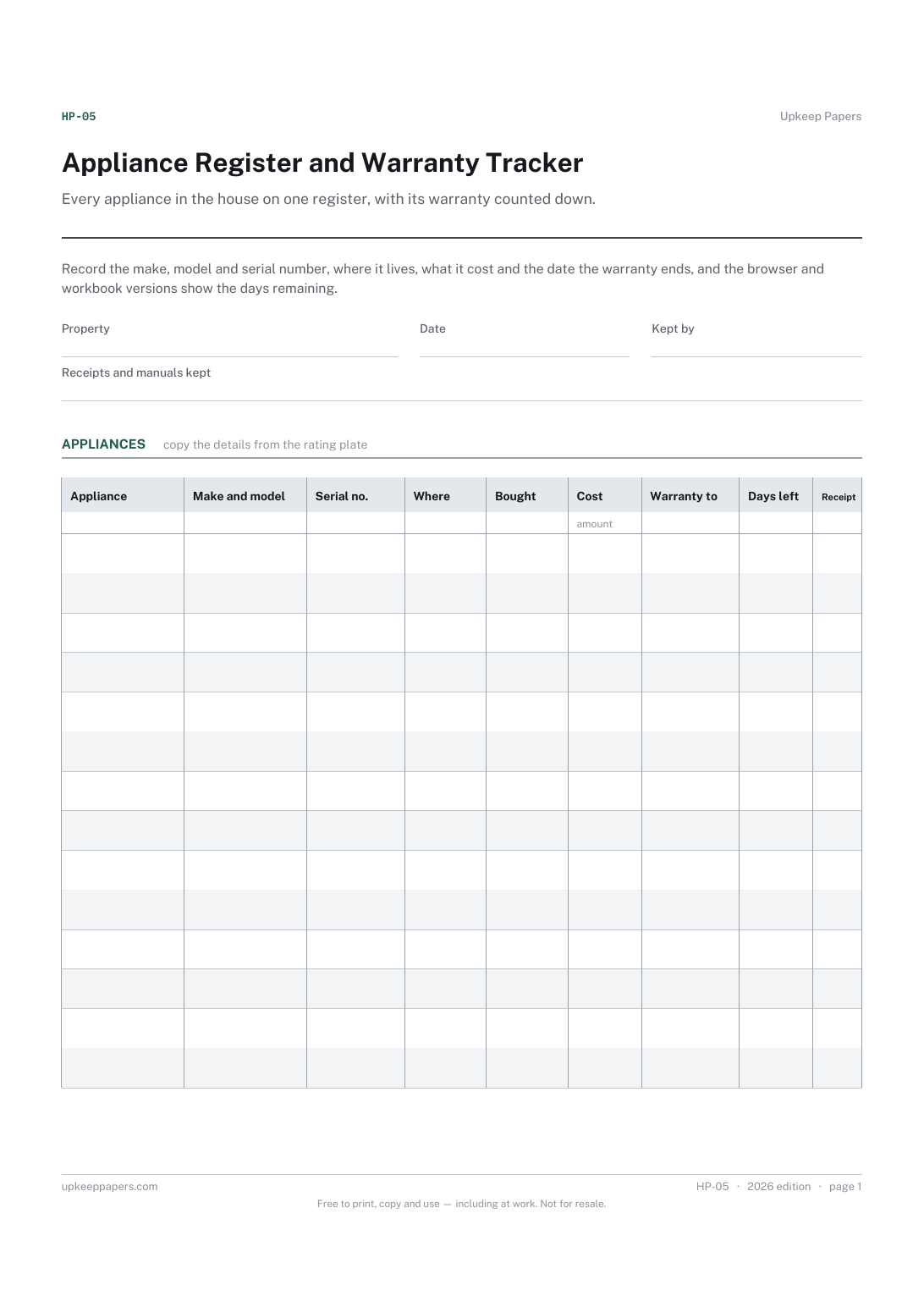
Appliance Register and Warranty Tracker
Make, model and serial number for every appliance, ready for a repair call.
HP-05 Register PDF Excel Online
Everything here is free. Making it takes time and money. Everything here is free.
 Buy us a coffee
 Home and property records · HP-410 · Register
Free smart home device register — every connected device with its room, hub, app, account and where it is powered. Printable PDF and browser version.
2 pages. The A4 and US Letter files are laid out identically, so neither is shrunk to fit.
Print it and write on it
Fillable PDF type and save
Or no download needed
Fill it in onlineThe fillable versions have real form fields — open them in any PDF reader, type into them and save. Printing help.
The same sheet, on screen. Tick, type, add or remove rows, then print it or download the completed version as a PDF. Everything stays in your browser — your entries are kept in this browser's own storage on this device, nothing is uploaded, and there is no account.
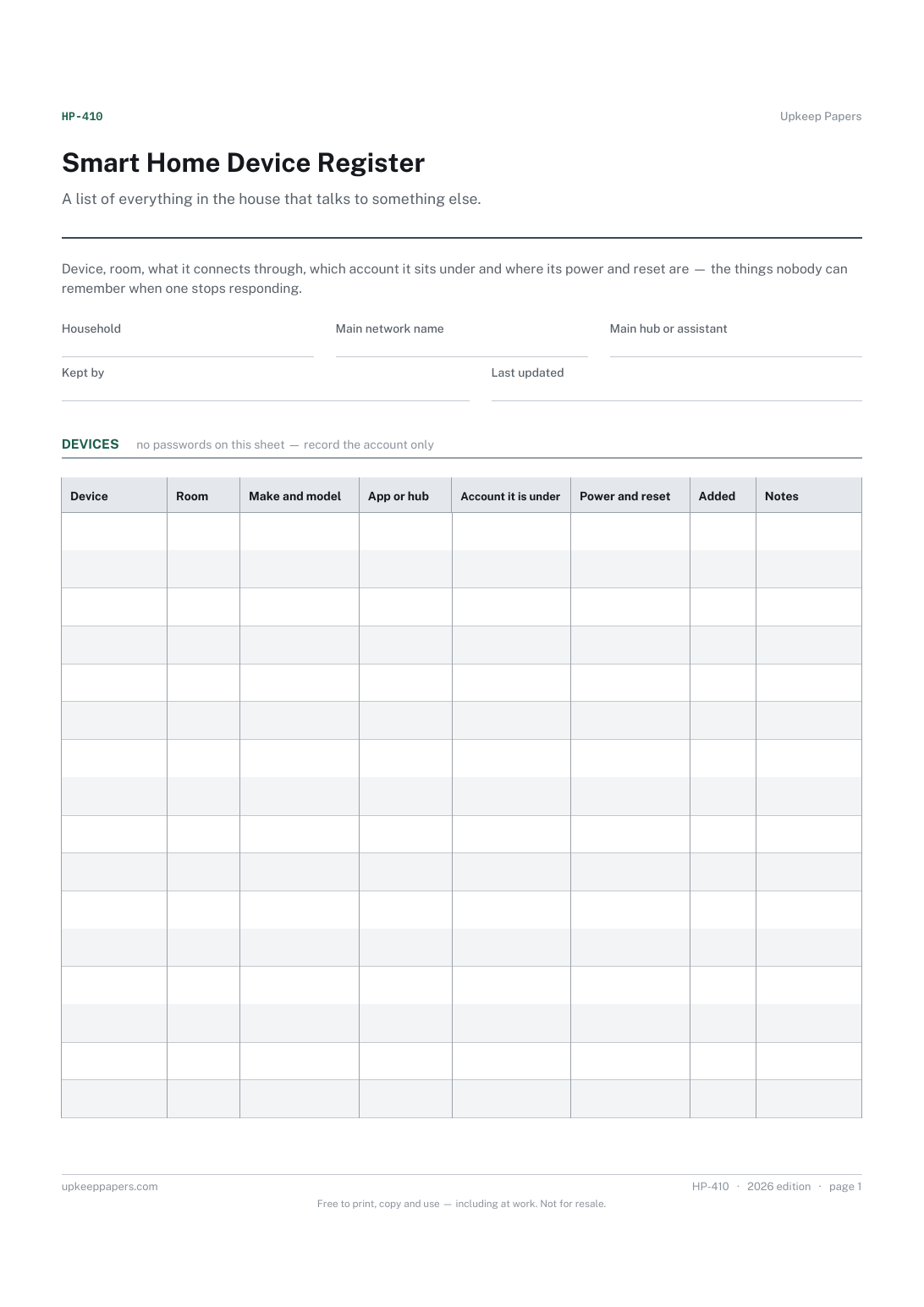
A list of everything in the house that talks to something else. Device, room, what it connects through, which account it sits under and where its power and reset are — the things nobody can remember when one stops responding.
Households that have added devices one at a time over years, anyone handing the house over to a new owner, tenant or house-sitter, and the person who set it all up and would like somebody else to be able to fix it.
The printable is laid out inside a box that fits both A4 and US Letter, so the two files are identical and neither one is scaled. The fillable PDF has real form fields. The online version keeps what you enter in your own browser and builds the completed PDF on your device.
Download the A4 or US Letter file to match the paper in your printer, open it in a PDF reader and print at 100% — not "fit to page", which shrinks the writing space. Both files leave a 14 mm margin, which clears the unprintable edge on home printers. To print the online version with your entries in it, use the Print this sheet button, which prints only the sheet and none of the page around it. More on printing.
No, and there is no column for them. Record the account the device sits under and keep the password wherever you normally keep passwords; a sheet listing every device and its password is the worst thing to leave in a drawer.
Because the commonest fix is a power cycle, and the commonest obstacle is not knowing which socket, fuse or battery a device runs from. A line here saves moving furniture.
Yes. A buyer or tenant inherits devices they cannot log into, and a register tells them what is there, what to remove from your account and what needs a factory reset before handover.
List anything with a network connection or an app — a printer, a television, a robot vacuum, a solar inverter. If it can stop working because of a password, it belongs here.
Make, model and serial number for every appliance, ready for a repair call.
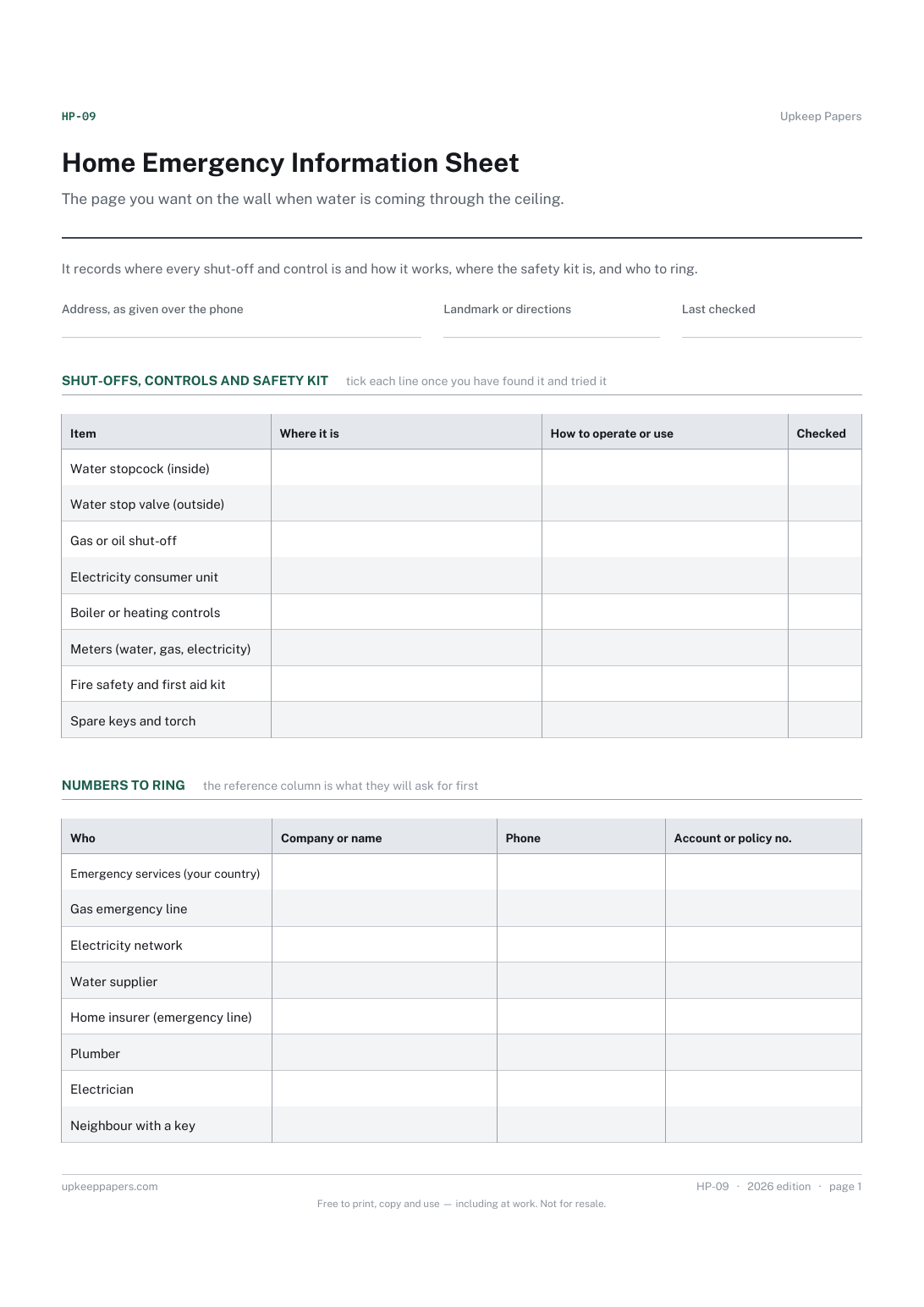
Where the stopcock, the gas or oil shut-off and the consumer unit are, and how to use them.
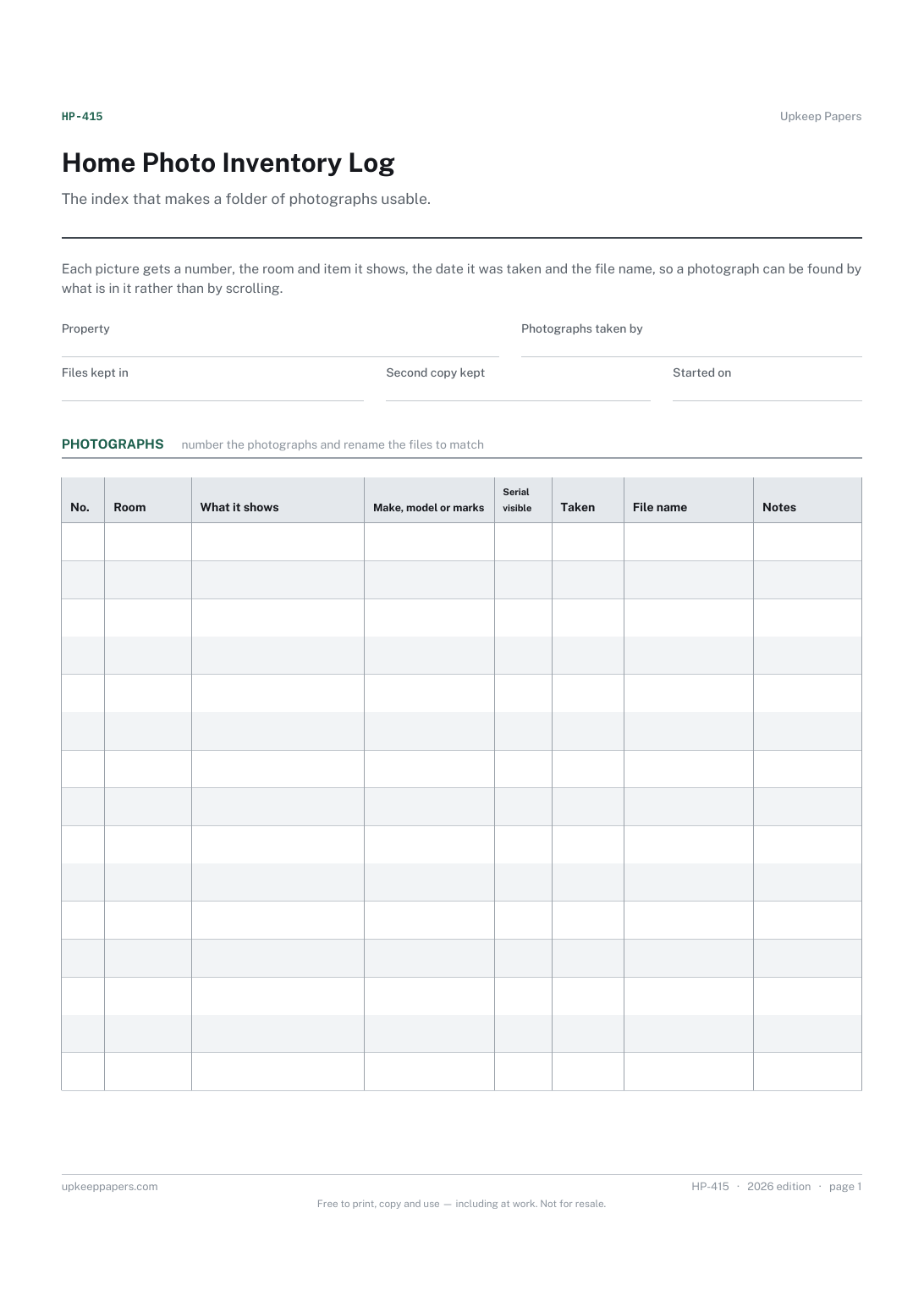
Which photographs exist and what each one shows.
Printable sheets, workbooks and tools on the same subject.
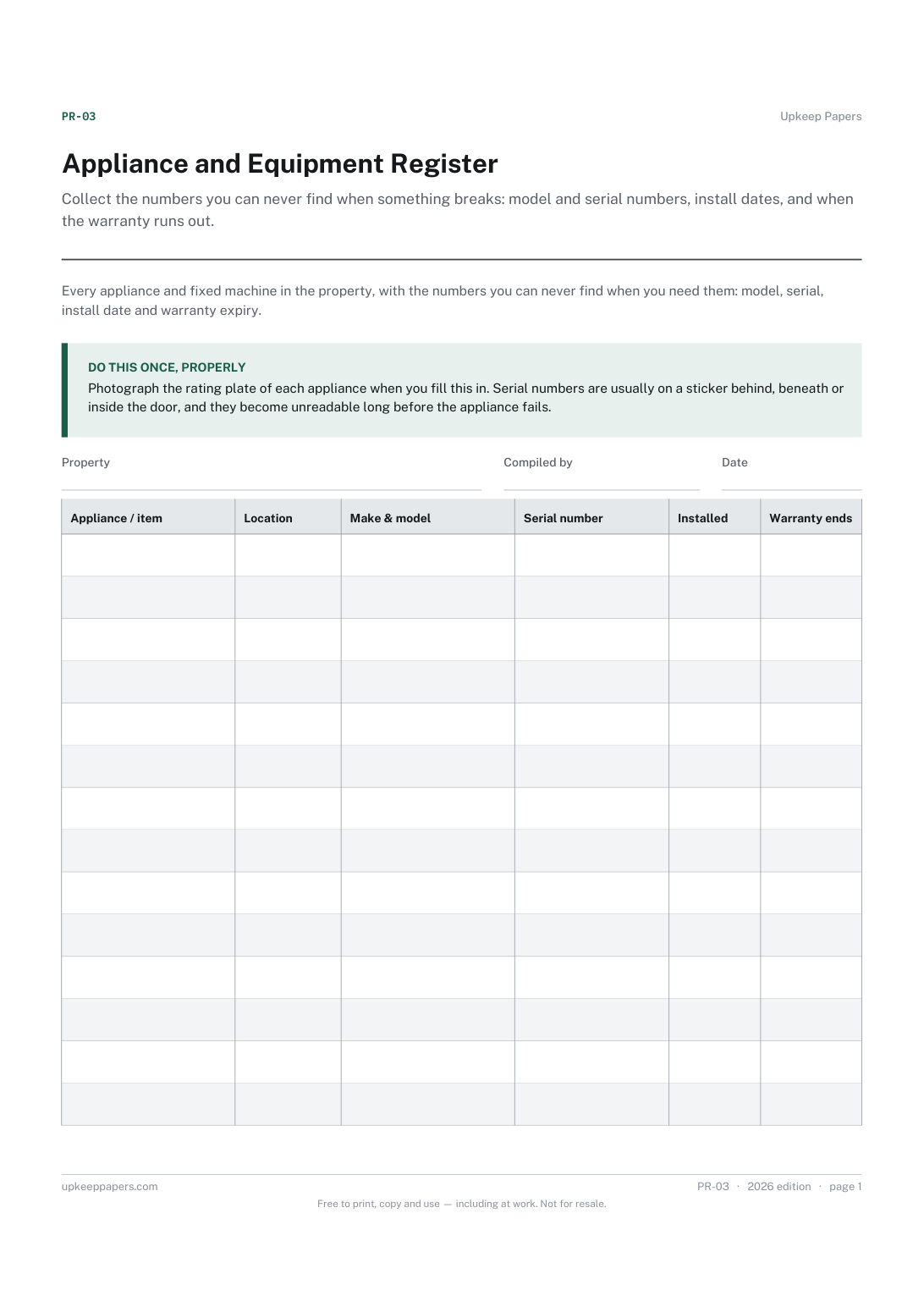
Collect the numbers you can never find when something breaks: model and serial numbers, install dates, and when the warranty runs out.
Have a list of what you actually hold online, without writing down a single credential.

Every sheet, binder, game and puzzle on Upkeep Papers is free to download, with no email and no account. Making them is not free: each one takes days of research, design and checking, and the site costs money to run. If something here saved you time, you can buy us a coffee. It is entirely optional: nothing is locked, and nothing changes if you don’t.
Buy us a coffee Opens PayPal in a new tab. Any amount, and nothing changes if you would rather not.