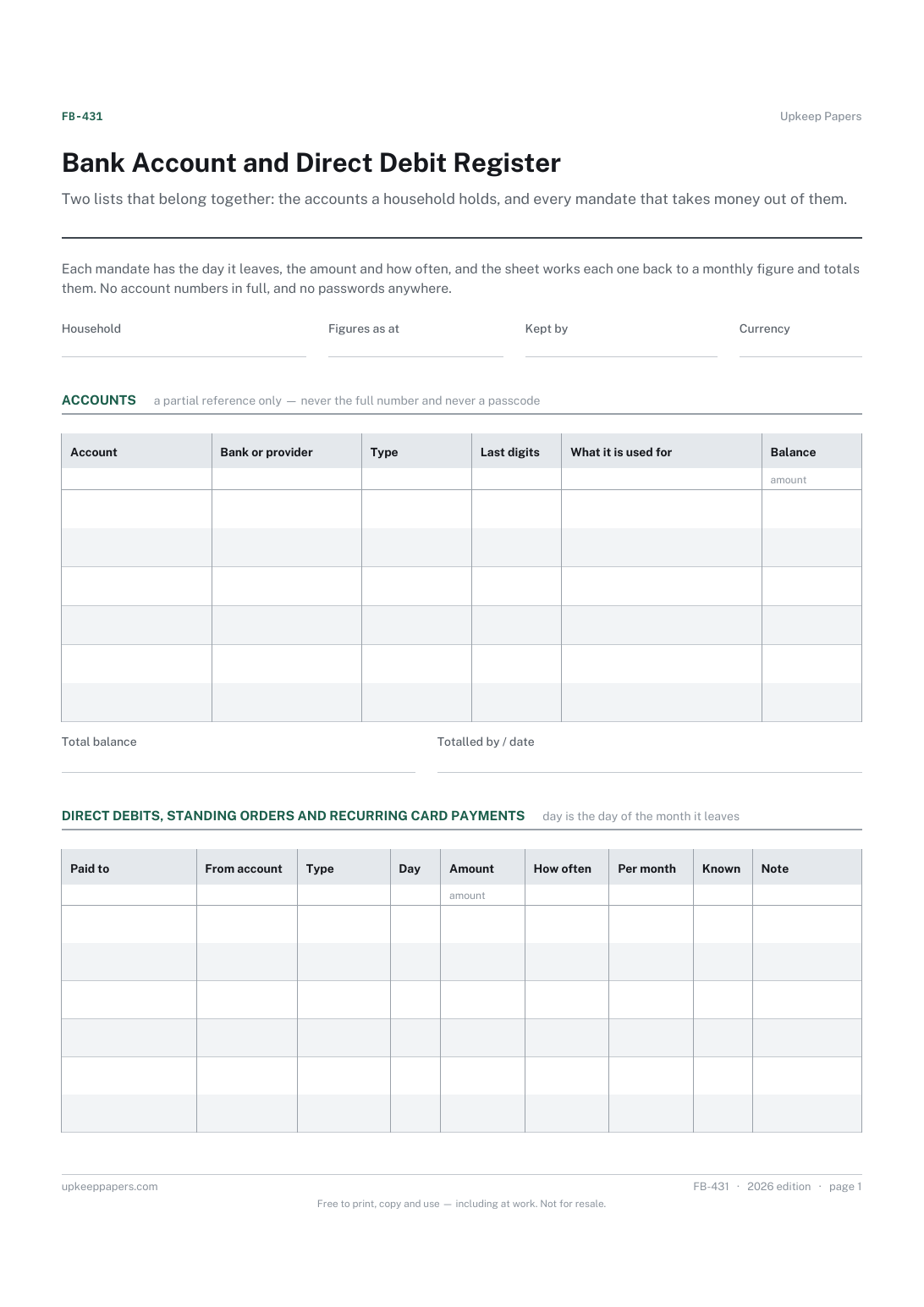
Bank Account and Direct Debit Register
Which accounts exist, with which bank, and what each is used for.
FB-431 Register PDF Excel Online
Everything here is free. Making it takes time and money. Everything here is free.
 Buy us a coffee
 Finance, budgeting and money · FB-432 · Log
Free utility switching log — compare quotes on a first-year cost including exit fees, then record the switch itself with meter readings. PDF, Excel, browser.
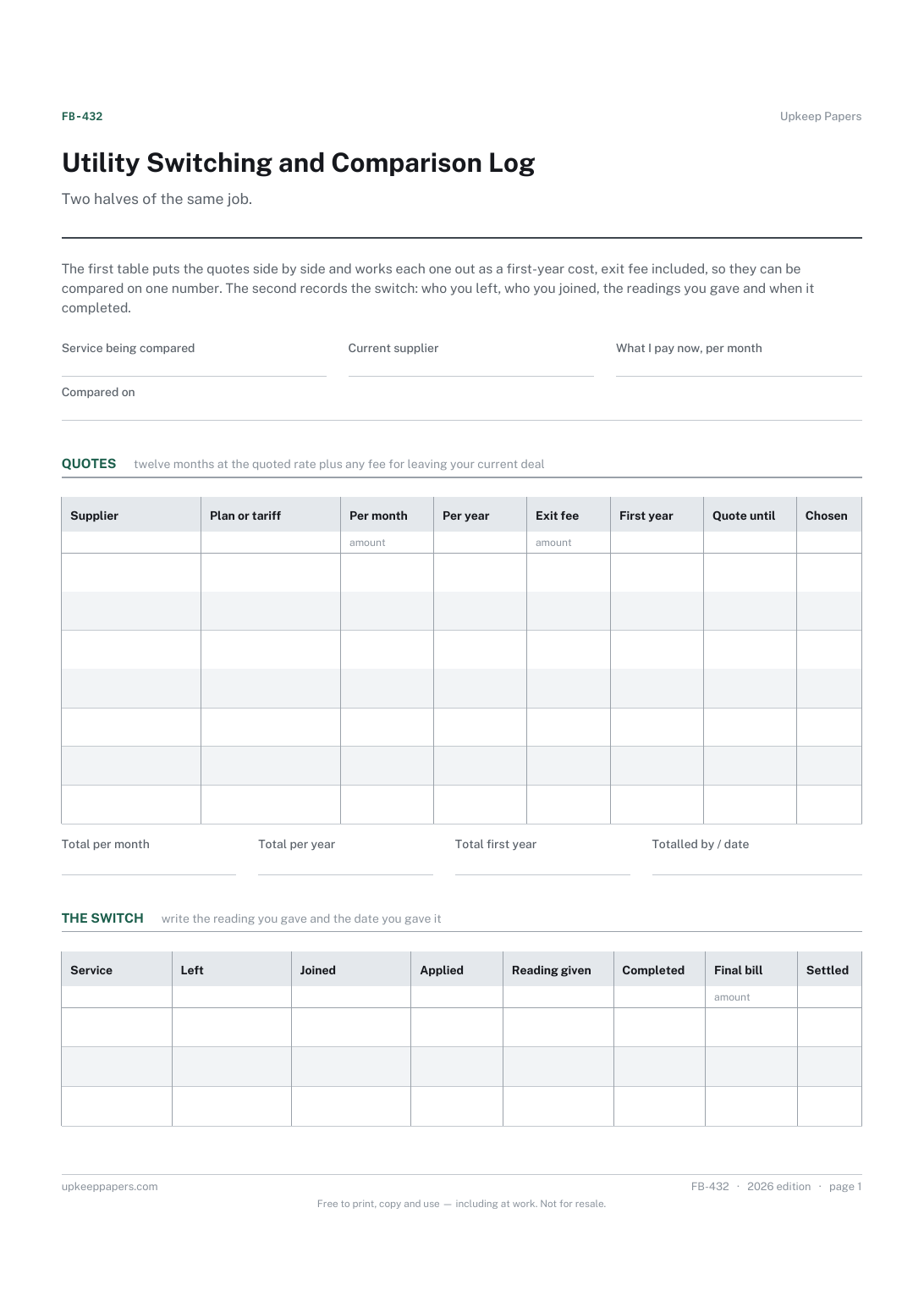
2 pages. The A4 and US Letter files are laid out identically, so neither is shrunk to fit.
Print it and write on it
Fillable PDF type and save
Spreadsheet formulas included
The fillable versions have real form fields — open them in any PDF reader, type into them and save. Printing help.
The same sheet, on screen. Totals and figures are worked out as you type, rows can be added or removed, and you can print it or download the completed version as a PDF. Everything stays in your browser — your entries are kept in this browser's own storage on this device, nothing is uploaded, and there is no account.
Two halves of the same job. The first table puts the quotes side by side and works each one out as a first-year cost, exit fee included, so they can be compared on one number. The second records the switch: who you left, who you joined, the readings you gave and when it completed.
Anyone shopping around for energy, broadband, phone or insurance, households that have switched before and cannot remember what they were paying, and people who want the meter readings written down before the argument starts.
The printable is laid out inside a box that fits both A4 and US Letter, so the two files are identical and neither one is scaled. The fillable PDF has real form fields. The workbook uses plain formulas only — SUM, IF, COUNTIF and the like — so it opens in Excel, LibreOffice and Google Sheets without anything breaking, and every calculated cell is grey so you can see which figures it worked out.
Download the A4 or US Letter file to match the paper in your printer, open it in a PDF reader and print at 100% — not "fit to page", which shrinks the writing space. Both files leave a 14 mm margin, which clears the unprintable edge on home printers. To print the online version with your entries in it, use the Print this sheet button, which prints only the sheet and none of the page around it. More on printing.
Whichever your own figures make it — the first-year column exists so the comparison is like for like once exit fees are in. The sheet holds no prices, tariffs or estimates of its own.
Because leaving early costs money, and a cheaper deal with a fee attached can work out dearer over twelve months. Putting both into one figure is the only way to compare them fairly.
Because the readings on the day of the switch decide where one supplier's bill ends and the next one's begins, and they are the first thing asked for if a final bill is disputed. Photograph the meter as well.
Yes. The service field takes whatever you are comparing, and the readings columns can be left blank where they do not apply.
That depends on the service, the suppliers and the rules where you are. The applied and completed columns are there to record what actually happened in your case.
Which accounts exist, with which bank, and what each is used for.
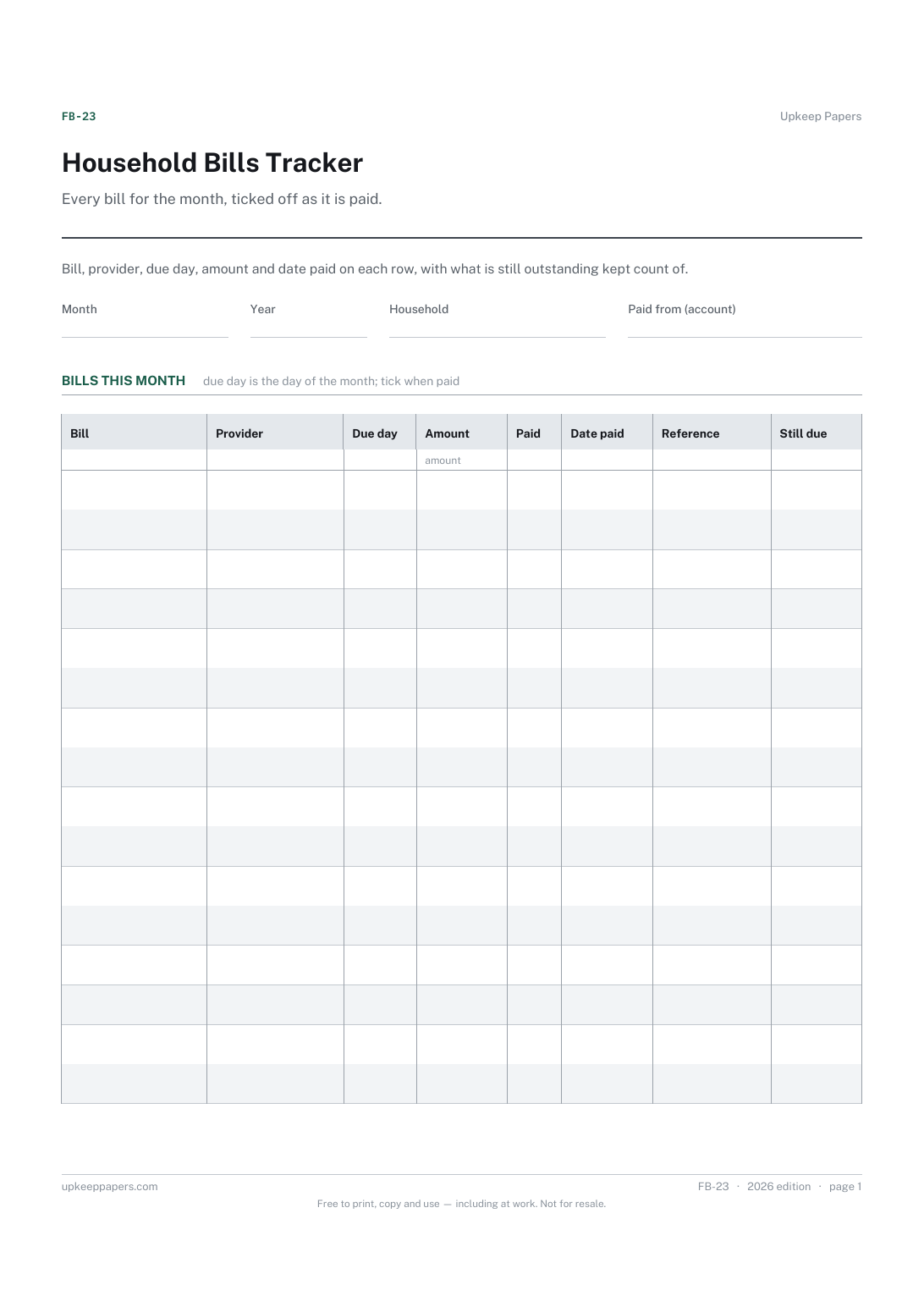
Which bills are due this month and on what day.
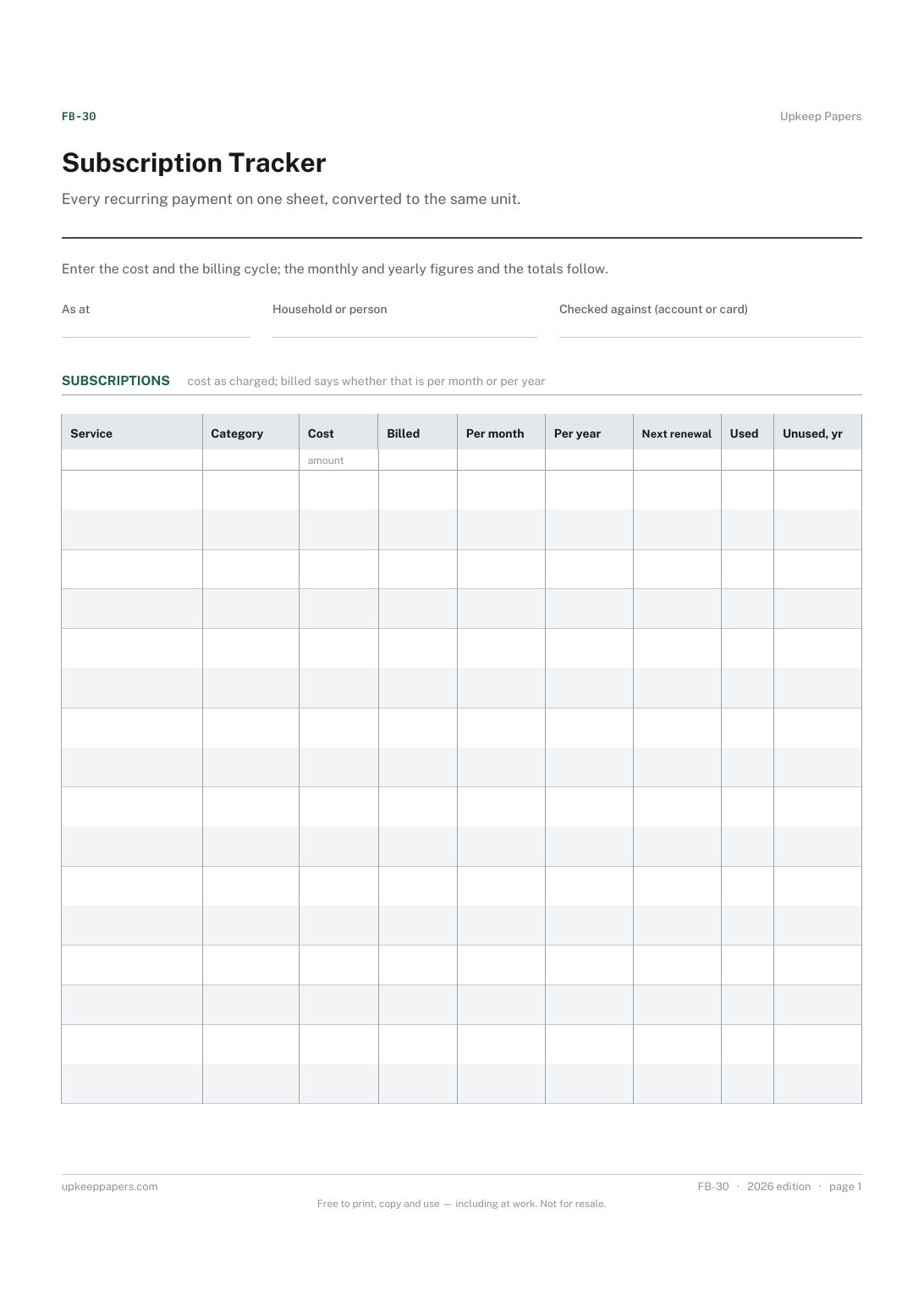
Everything that charges you on a schedule, in one list.
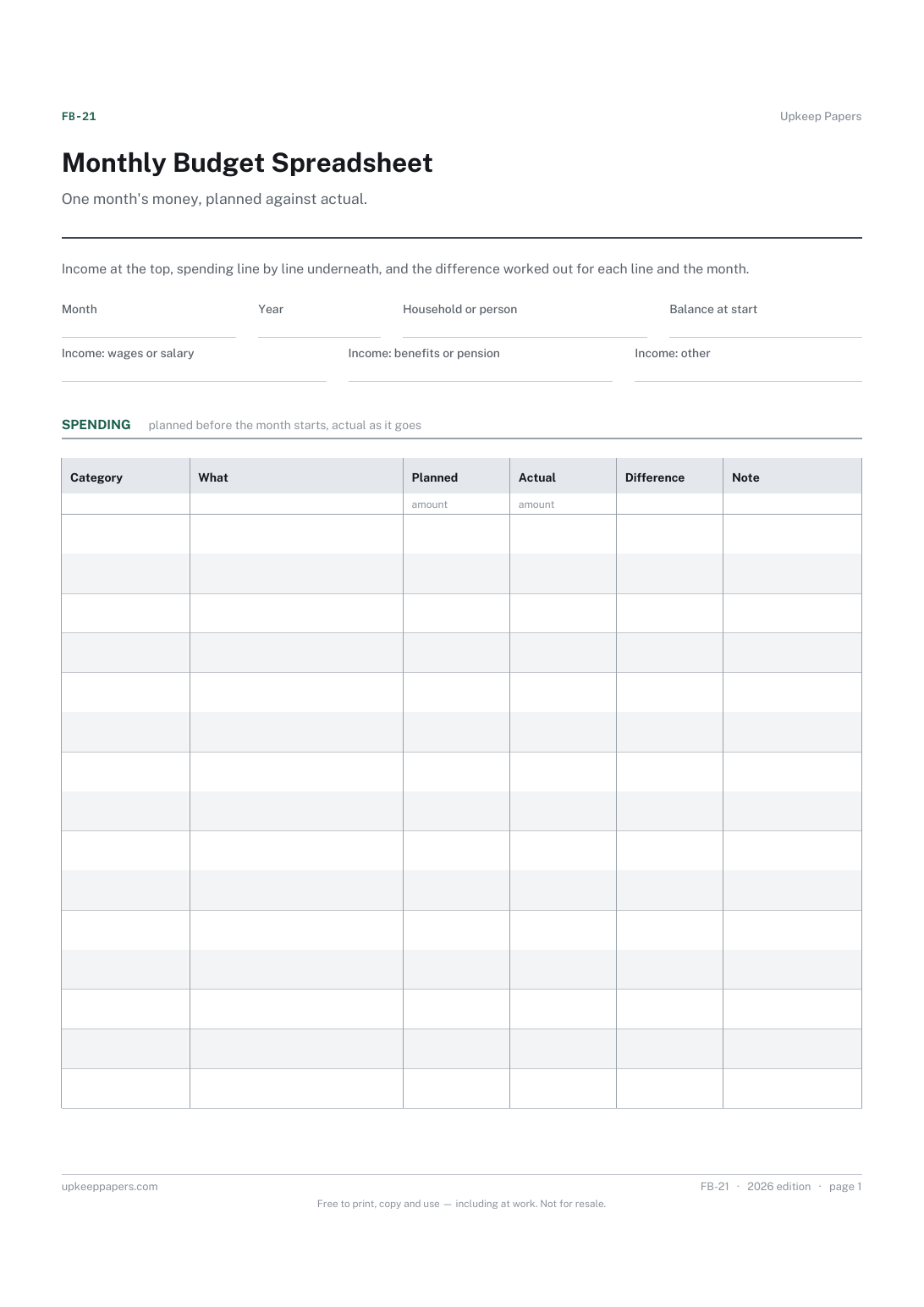
What came in this month, from wages, benefits and anything else.
Printable sheets, workbooks and tools on the same subject.
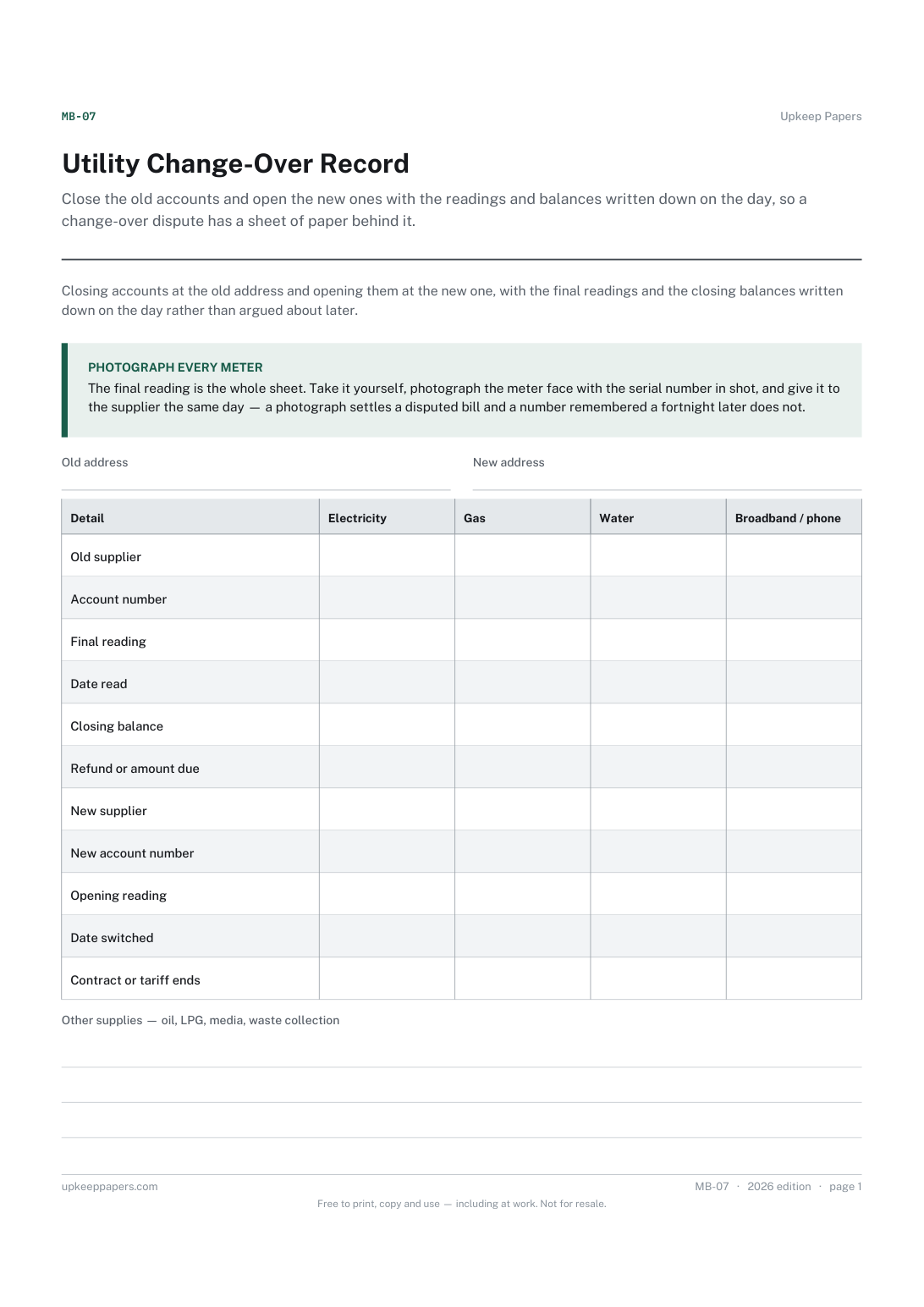
Close the old accounts and open the new ones with the readings and balances written down on the day, so a change-over dispute has a sheet of paper behind it.
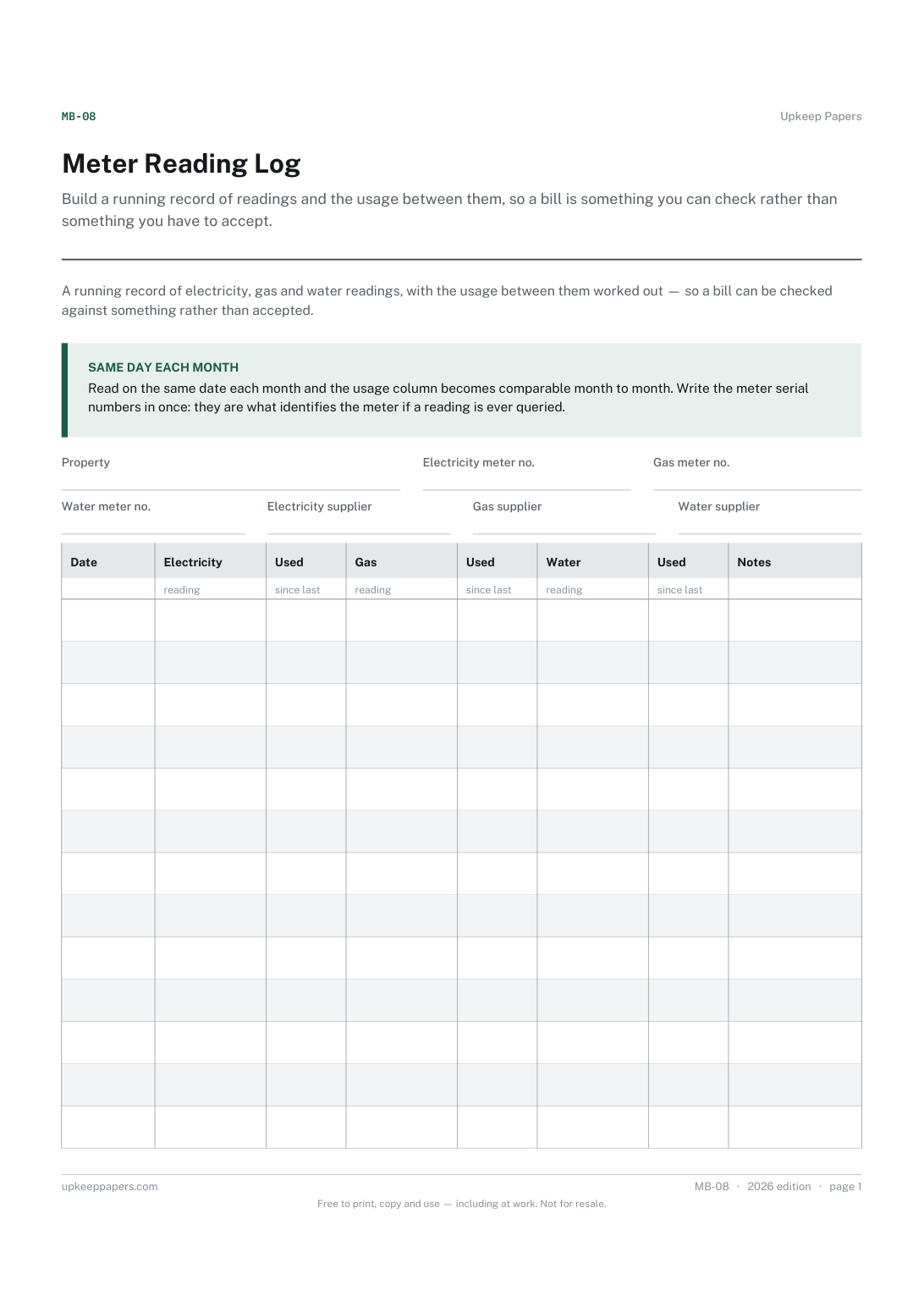
Build a running record of readings and the usage between them, so a bill is something you can check rather than something you have to accept.
Meter readings turned into usage and cost per period, so a bill can be checked against what the meter actually did rather than taken on trust.

Every sheet, binder, game and puzzle on Upkeep Papers is free to download, with no email and no account. Making them is not free: each one takes days of research, design and checking, and the site costs money to run. If something here saved you time, you can buy us a coffee. It is entirely optional: nothing is locked, and nothing changes if you don’t.
Buy us a coffee Opens PayPal in a new tab. Any amount, and nothing changes if you would rather not.