Bank Account and Direct Debit Register
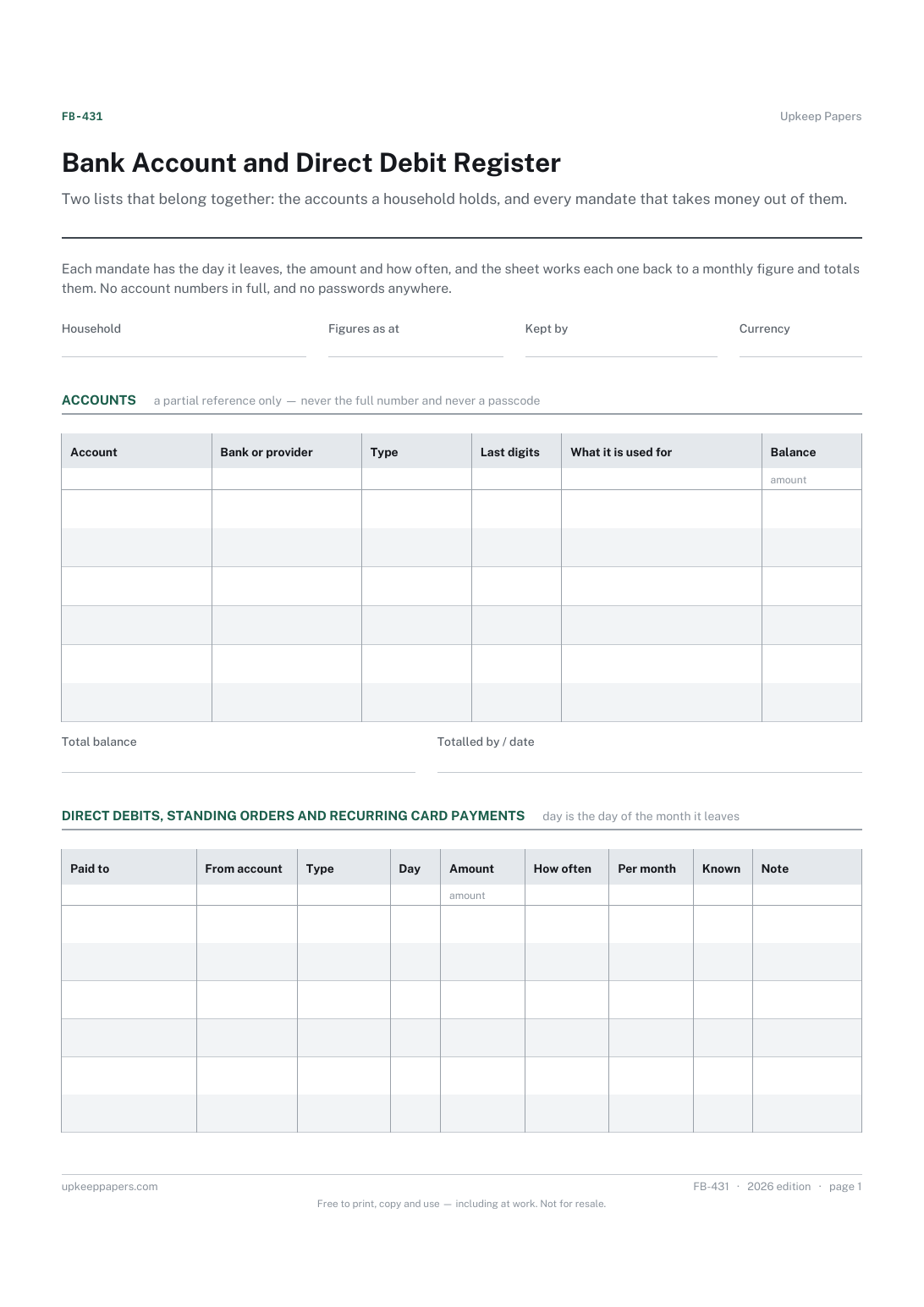
Which accounts exist, with which bank, and what each is used for.
FB-431 Register PDF Excel Online
Everything here is free. Making it takes time and money. Everything here is free.
 Buy us a coffee
 Finance, budgeting and money · FB-1018 · Checklist
Free current account switching checklist: compare up to three accounts, list every payment in and out, and move each before closing the old. PDF and browser.
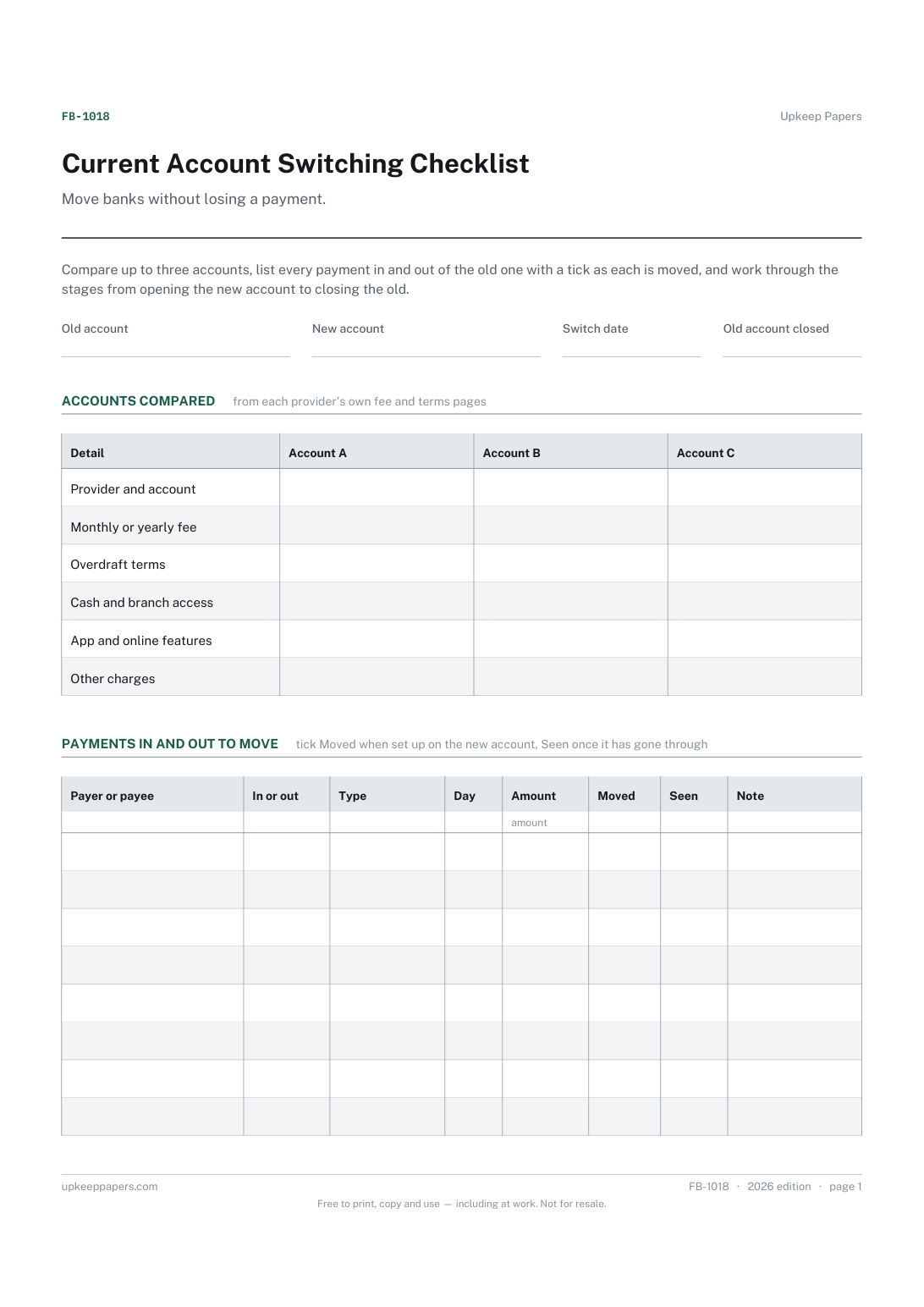
2 pages. The A4 and US Letter files are laid out identically, so neither is shrunk to fit.
Print it and write on it
Fillable PDF type and save
Or no download needed
Fill it in onlineThe fillable versions have real form fields — open them in any PDF reader, type into them and save. Printing help.
The same sheet, on screen. Tick, type, add or remove rows, then print it or download the completed version as a PDF. Everything stays in your browser — your entries are kept in this browser's own storage on this device, nothing is uploaded, and there is no account.
Move banks without losing a payment. Compare up to three accounts, list every payment in and out of the old one with a tick as each is moved, and work through the stages from opening the new account to closing the old.
Anyone moving their everyday banking to a new provider, whether for lower fees, a better app, a branch nearby or a joint account, and anyone helping a relative change banks.
The printable is laid out inside a box that fits both A4 and US Letter, so the two files are identical and neither one is scaled. The fillable PDF has real form fields. The online version keeps what you enter in your own browser and builds the completed PDF on your device.
Download the A4 or US Letter file to match the paper in your printer, open it in a PDF reader and print at 100% — not "fit to page", which shrinks the writing space. Both files leave a 14 mm margin, which clears the unprintable edge on home printers. To print the online version with your entries in it, use the Print this sheet button, which prints only the sheet and none of the page around it. More on printing.
In some countries banks offer a switching service that moves direct debits, standing orders and incoming payments. Check what is offered where you are and what it covers; payments taken from your card usually need updating with each company yourself.
Payments you have not found yet may still try to leave it. Money left there until every payment has moved stops a missed bill or a charge, and the statements show anything you overlooked.
Far enough to catch payments that come round once a year, such as insurance, memberships and subscriptions, as well as the monthly ones. Check card statements too, for subscriptions paid by card.
The register is a standing record of your accounts and the payments leaving them. This checklist is for the one-off job of moving them, with the comparison before and the closing steps after.
Which accounts exist, with which bank, and what each is used for.
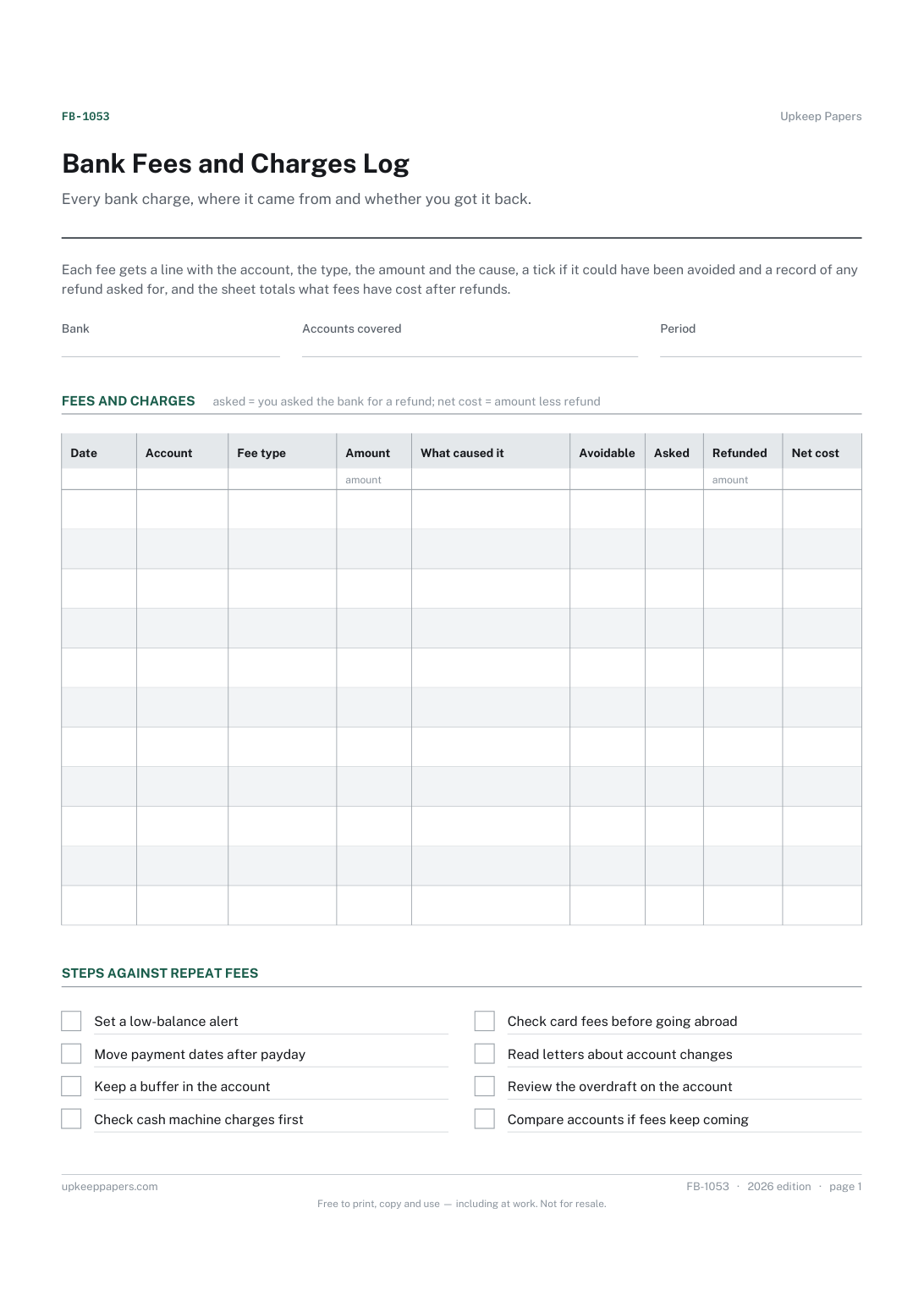
Each fee with the date, account and type of charge.
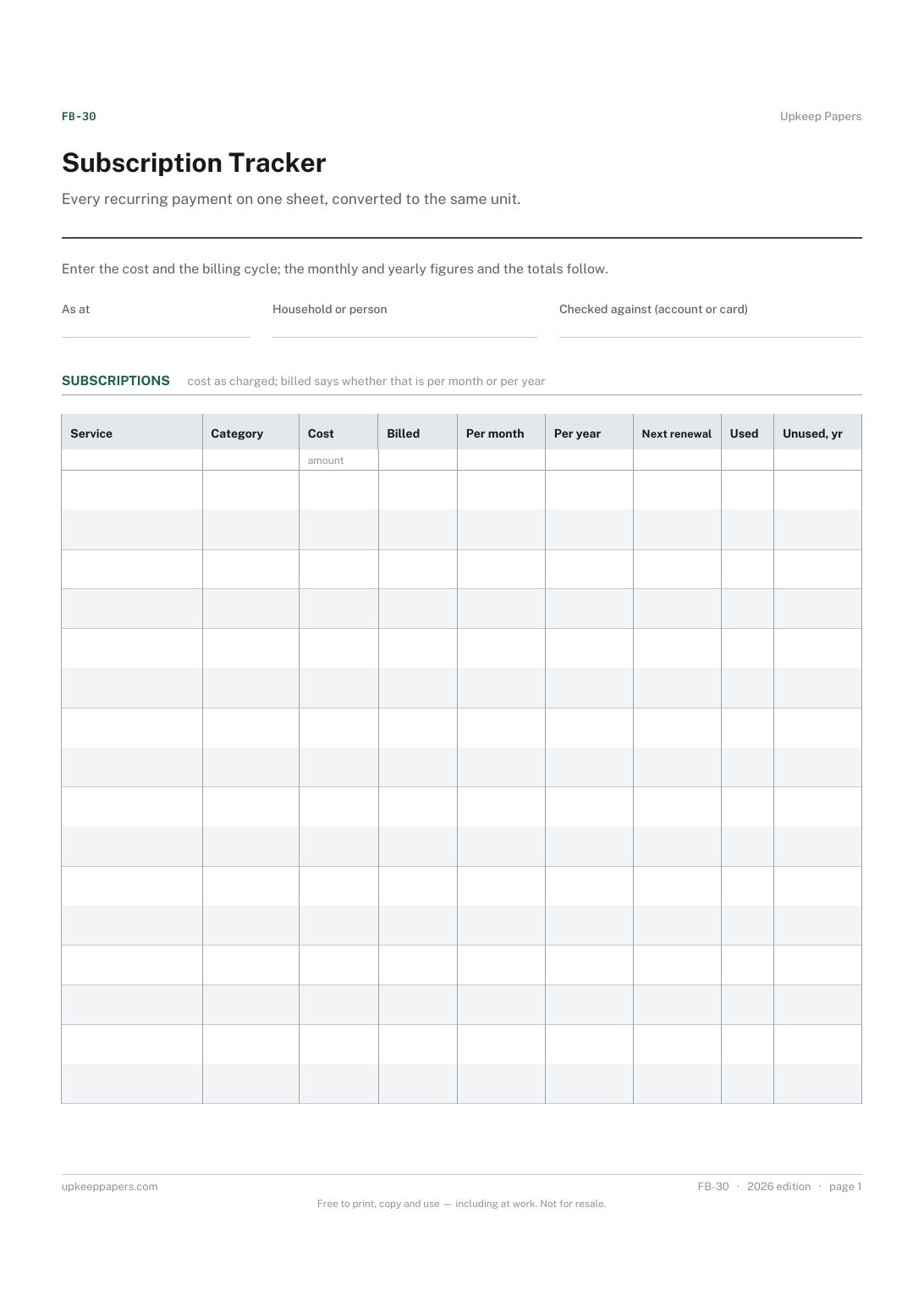
Everything that charges you on a schedule, in one list.
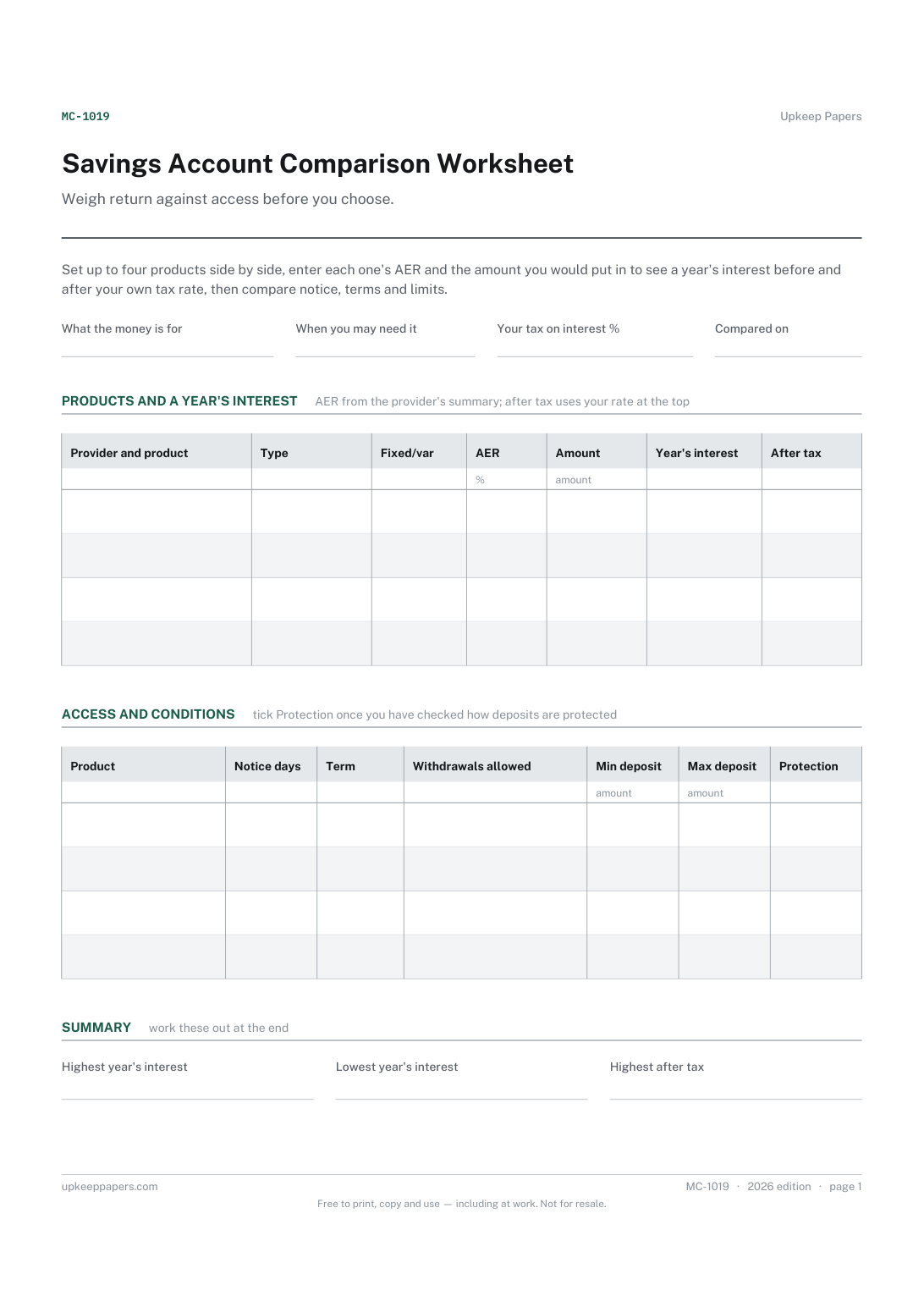
Each product's type, whether its rate is fixed or variable, and its AER.
Printable sheets, workbooks and tools on the same subject.
Know what the account balance really is, including the payments that have not reached the bank yet.
Every bill in one list, showing what each really costs over a year once its billing cycle is taken into account, plus a twelve-month grid to tick off.

Every sheet, binder, game and puzzle on Upkeep Papers is free to download, with no email and no account. Making them is not free: each one takes days of research, design and checking, and the site costs money to run. If something here saved you time, you can buy us a coffee. It is entirely optional: nothing is locked, and nothing changes if you don’t.
Buy us a coffee Opens PayPal in a new tab. Any amount, and nothing changes if you would rather not.