Credit Card Offer Comparison Worksheet
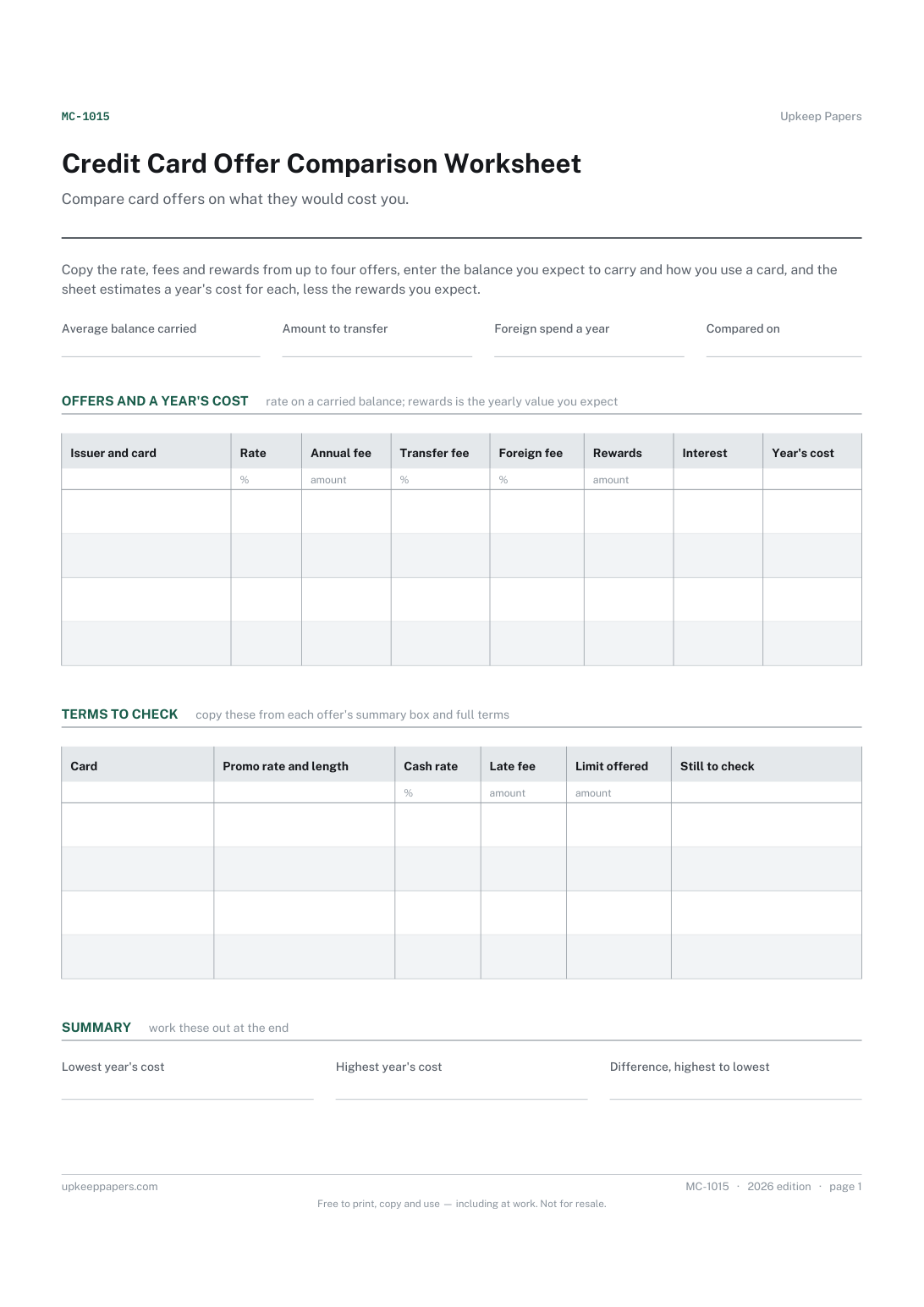
Each offer's rate and fees copied into the same columns.
MC-1015 Form PDF Excel Online
Everything here is free. Making it takes time and money. Everything here is free.
 Buy us a coffee
 Finance, budgeting and money · FB-1016 · Register
Free credit card register: each card's limit, rates and statement day, and every promotional rate's end date with the monthly payment to clear it. Excel, PDF.
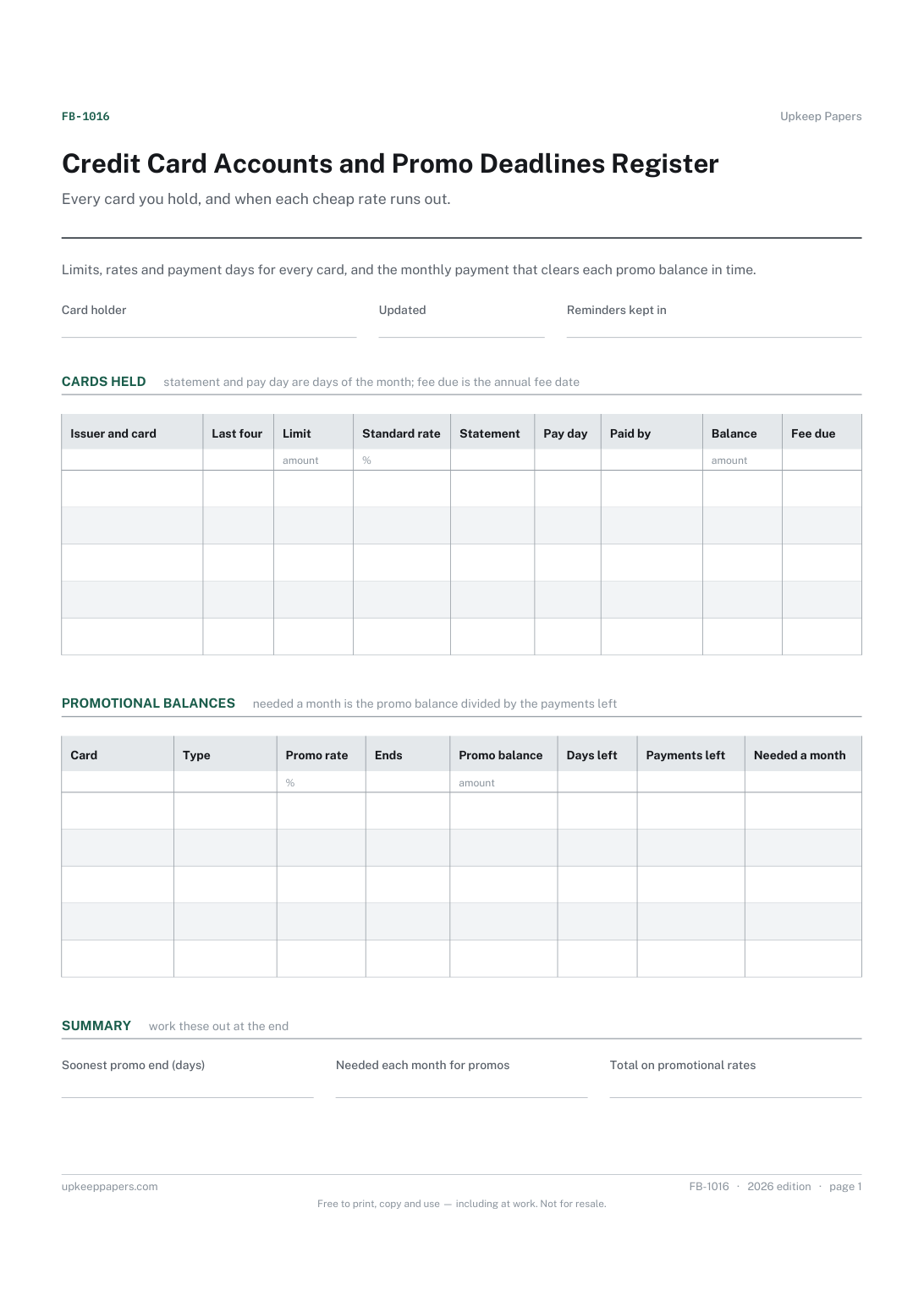
One page. The A4 and US Letter files are laid out identically, so neither is shrunk to fit.
Print it and write on it
Fillable PDF type and save
Spreadsheet formulas included
The fillable versions have real form fields — open them in any PDF reader, type into them and save. Printing help.
The same sheet, on screen. Totals and figures are worked out as you type, rows can be added or removed, and you can print it or download the completed version as a PDF. Everything stays in your browser — your entries are kept in this browser's own storage on this device, nothing is uploaded, and there is no account.
Every card you hold, and when each cheap rate runs out. Limits, rates and payment days for every card, and the monthly payment that clears each promo balance in time.
Anyone holding several credit cards, people who have moved a balance to a promotional rate and need to clear it before it ends, and anyone tidying up their cards before a mortgage application.
The printable is laid out inside a box that fits both A4 and US Letter, so the two files are identical and neither one is scaled. The fillable PDF has real form fields. The workbook uses plain formulas only — SUM, IF, COUNTIF and the like — so it opens in Excel, LibreOffice and Google Sheets without anything breaking, and every calculated cell is grey so you can see which figures it worked out.
Download the A4 or US Letter file to match the paper in your printer, open it in a PDF reader and print at 100% — not "fit to page", which shrinks the writing space. Both files leave a 14 mm margin, which clears the unprintable edge on home printers. To print the online version with your entries in it, use the Print this sheet button, which prints only the sheet and none of the page around it. More on printing.
Statement and payment dates fall differently on every card, so the safest count is the one you make from your own calendar. Count only the payments that will reach the card before the promotional rate ends.
Any balance left moves to the rate set out in the card's terms. Check your own agreement for that rate and the exact end date, and write the rate in the cards table so the cost of missing the date is plain.
No. It divides the promotional balance by the payments left, which assumes no interest on that balance during the promotion. If your promotion carries a rate or a fee, check the figure against your statement.
No. The last four digits are enough to tell cards apart. Keep the cards themselves safe; the register is a record of terms and dates, not a copy of the card.
Each offer's rate and fees copied into the same columns.
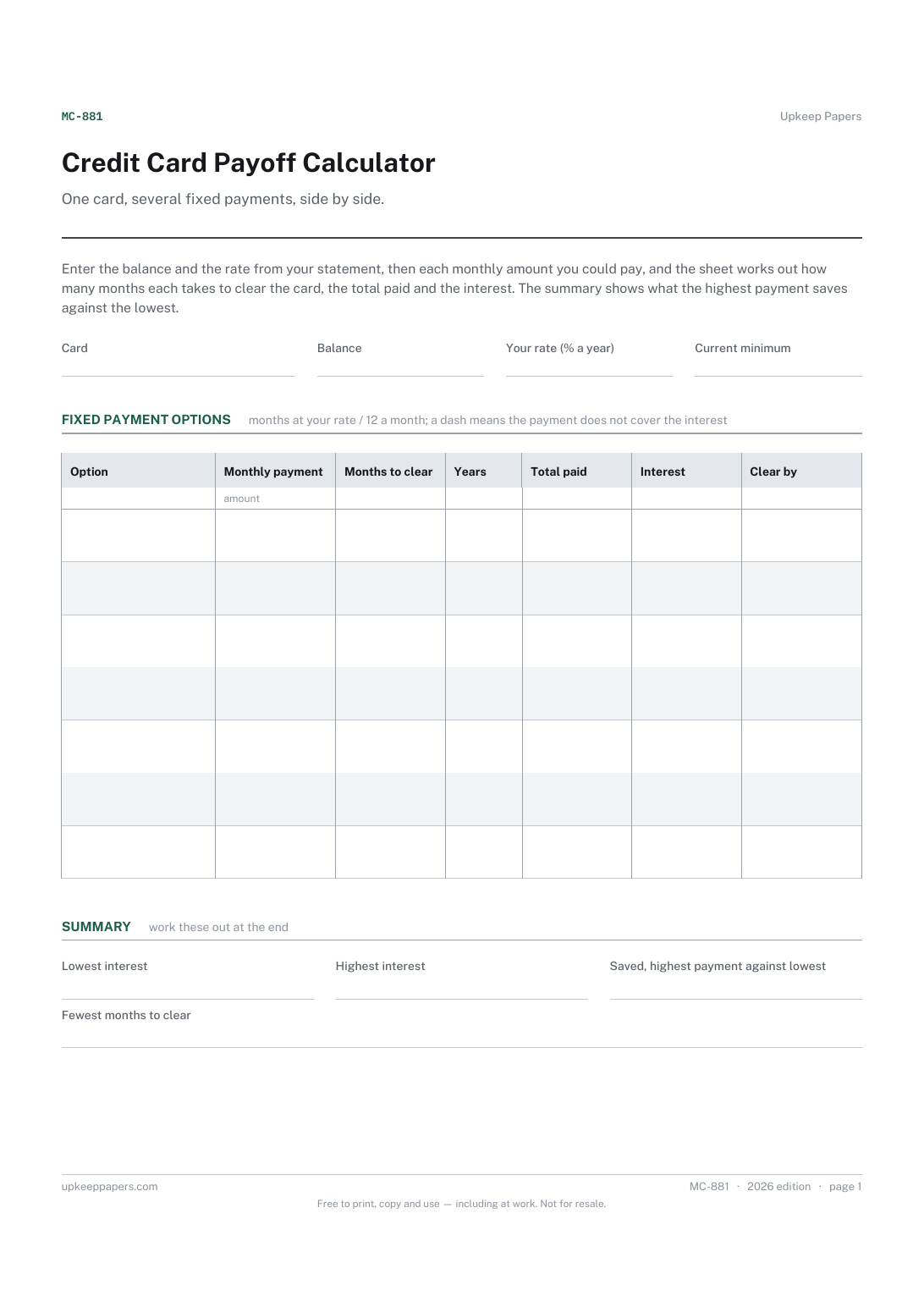
How many months each fixed payment takes to clear the card.
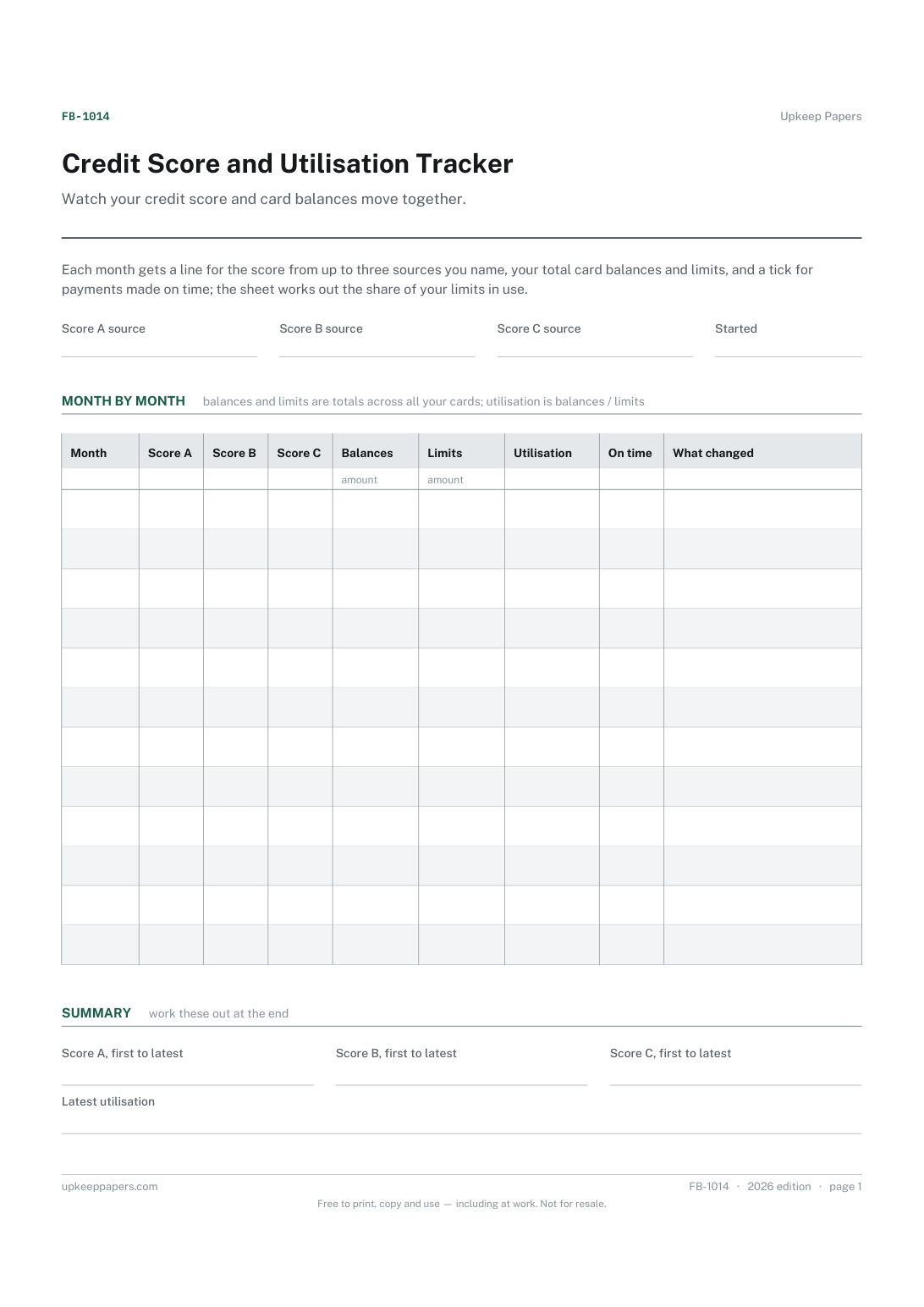
Your score from each source you use, month by month.
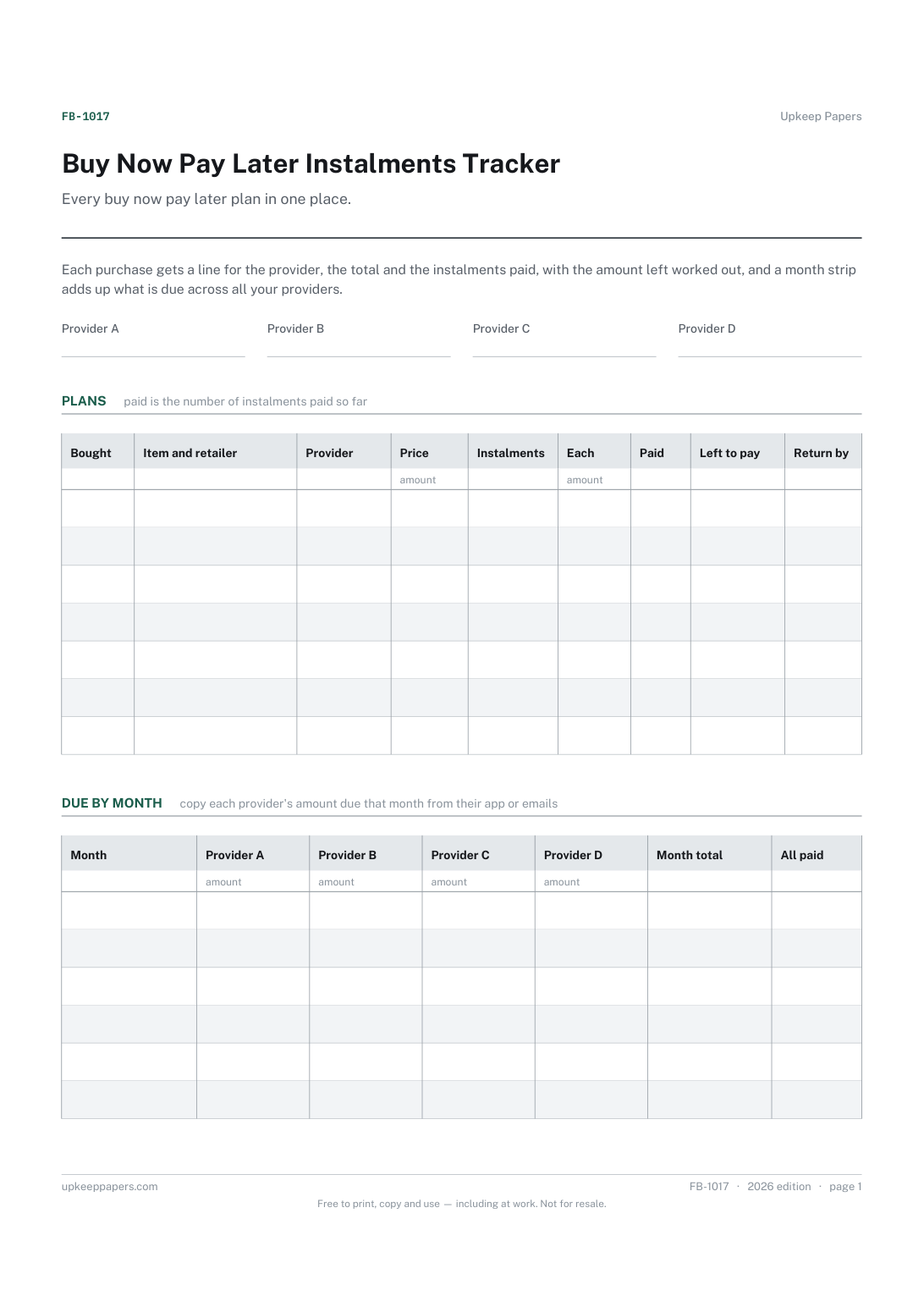
Each purchase, the retailer and the provider holding the plan.
Printable sheets, workbooks and tools on the same subject.
Insurance, licences, tests, memberships, passports and everything else that quietly expires — counted down from today and sorted by what lapses first.
Every debt with its balance, rate and payment, working out how many months each takes to clear and roughly what that costs in interest — plus both payoff orders.

Every sheet, binder, game and puzzle on Upkeep Papers is free to download, with no email and no account. Making them is not free: each one takes days of research, design and checking, and the site costs money to run. If something here saved you time, you can buy us a coffee. It is entirely optional: nothing is locked, and nothing changes if you don’t.
Buy us a coffee Opens PayPal in a new tab. Any amount, and nothing changes if you would rather not.