Annual Budget Spreadsheet
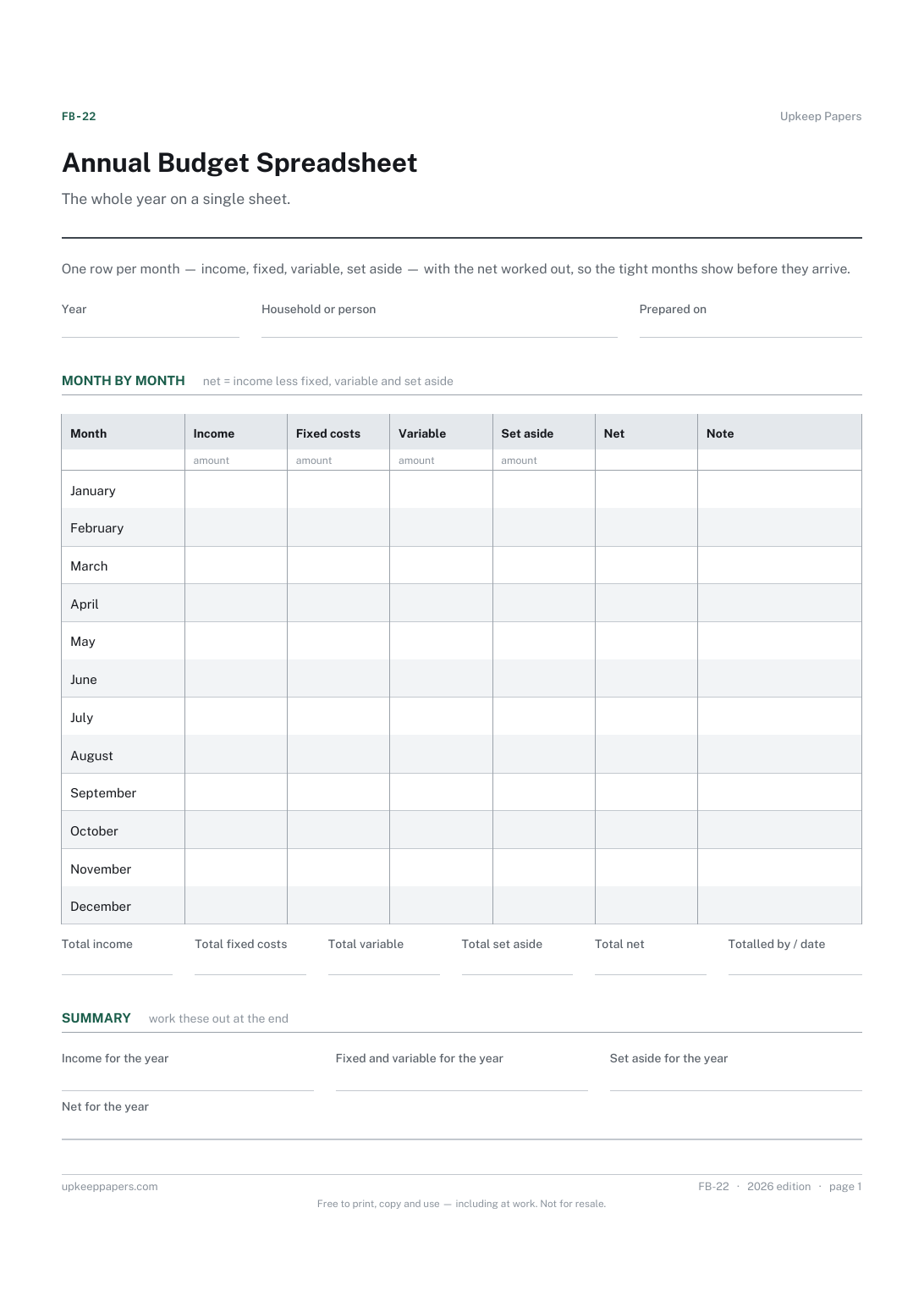
Income and outgoings for every month of the year in one view.
FB-22 Budget PDF Excel Online
Everything here is free. Making it takes time and money. Everything here is free.
 Buy us a coffee
 Finance, budgeting and money · FB-21 · Budget
Free monthly budget spreadsheet — income, planned and actual spending, the difference per line and what is left over. Excel, PDF and browser versions.
2 pages. The A4 and US Letter files are laid out identically, so neither is shrunk to fit.
Print it and write on it
Fillable PDF type and save
Spreadsheet formulas included
The fillable versions have real form fields — open them in any PDF reader, type into them and save. Printing help.
The same sheet, on screen. Totals and figures are worked out as you type, rows can be added or removed, and you can print it or download the completed version as a PDF. Everything stays in your browser — your entries are kept in this browser's own storage on this device, nothing is uploaded, and there is no account.
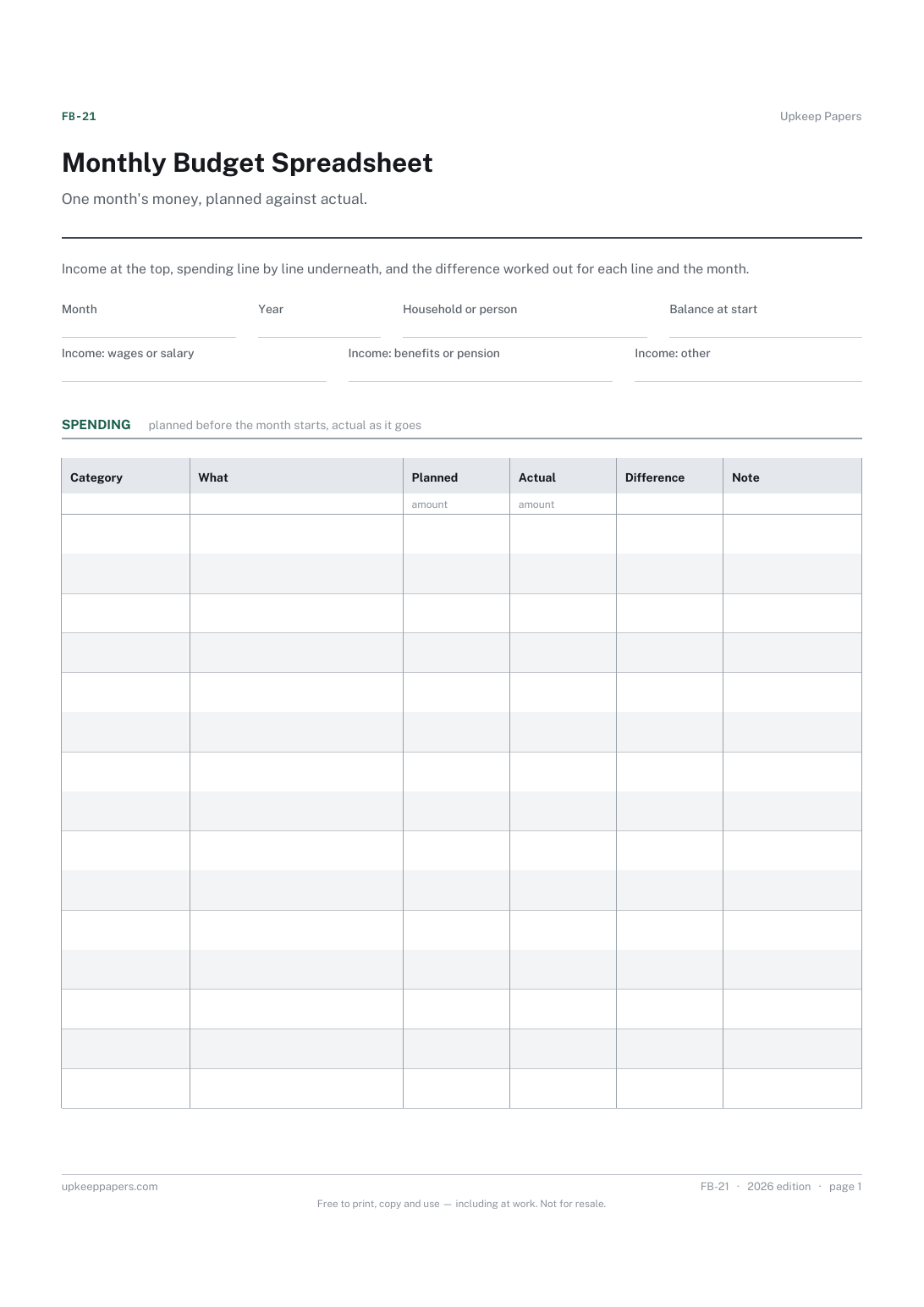
One month's money, planned against actual. Income at the top, spending line by line underneath, and the difference worked out for each line and the month.
Anyone running a household or a single income who wants to see, before the month ends, whether the plan and the reality are drifting apart.
The printable is laid out inside a box that fits both A4 and US Letter, so the two files are identical and neither one is scaled. The fillable PDF has real form fields. The workbook uses plain formulas only — SUM, IF, COUNTIF and the like — so it opens in Excel, LibreOffice and Google Sheets without anything breaking, and every calculated cell is grey so you can see which figures it worked out.
Download the A4 or US Letter file to match the paper in your printer, open it in a PDF reader and print at 100% — not "fit to page", which shrinks the writing space. Both files leave a 14 mm margin, which clears the unprintable edge on home printers. To print the online version with your entries in it, use the Print this sheet button, which prints only the sheet and none of the page around it. More on printing.
The sheet does not say, because no fixed split suits every income and every rent. Enter what you actually plan to spend; after a month or two the actual column will tell you which planned figures need to move.
Planned minus actual, so a positive figure means you spent less than planned and a negative figure means more. The totals row and the summary add the column up, so the month's overall drift is one number.
Yes. The income boxes take whatever arrived, and the other-income box is for anything that does not fit the first two. If you want each payment listed separately, the bill payment calendar has a table of pay dates.
Print one sheet per month, or save one browser copy per month — the online version keeps its data in your own browser, so a new tab is a new month. The annual budget spreadsheet shows twelve months side by side.
Income and outgoings for every month of the year in one view.
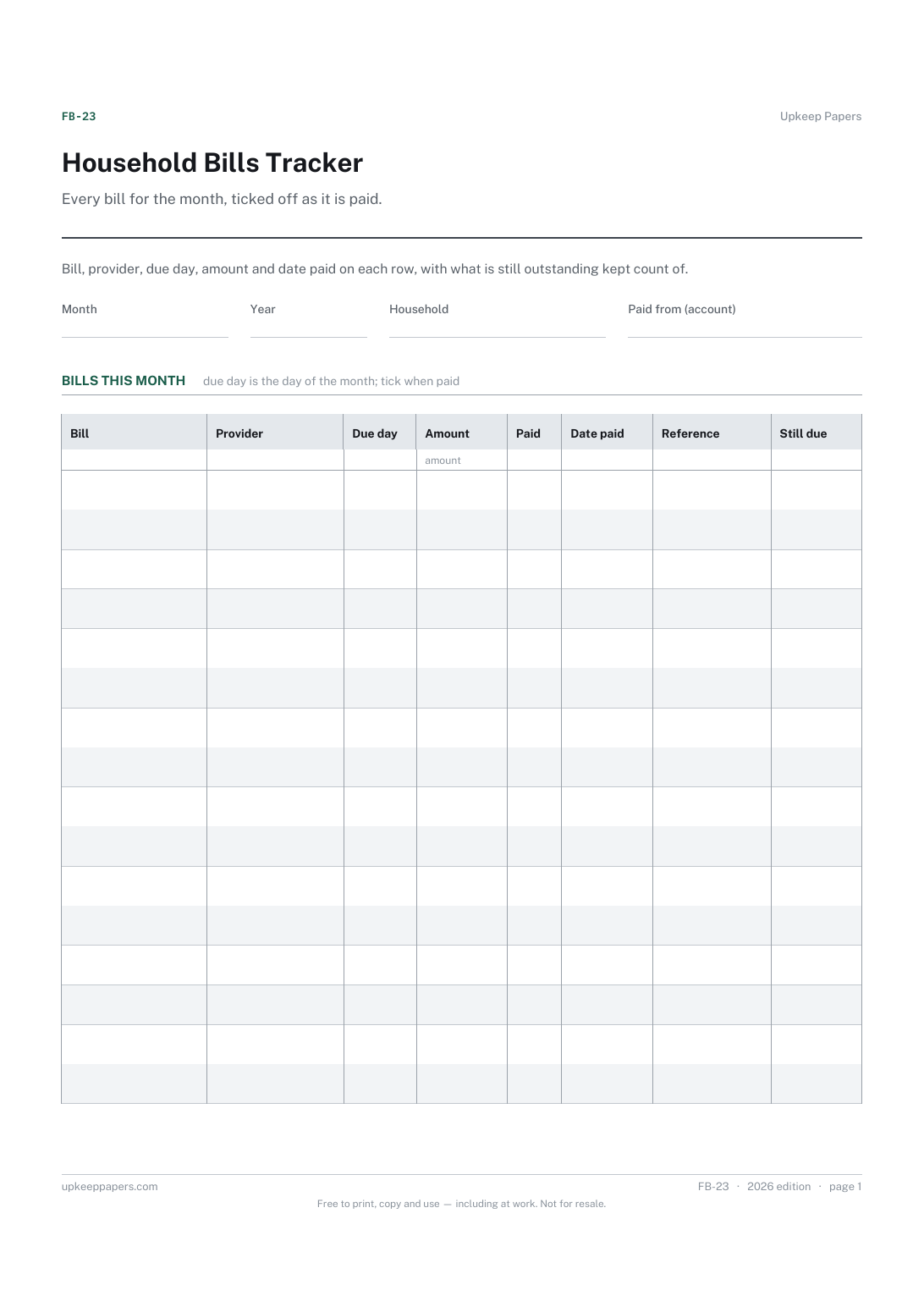
Which bills are due this month and on what day.
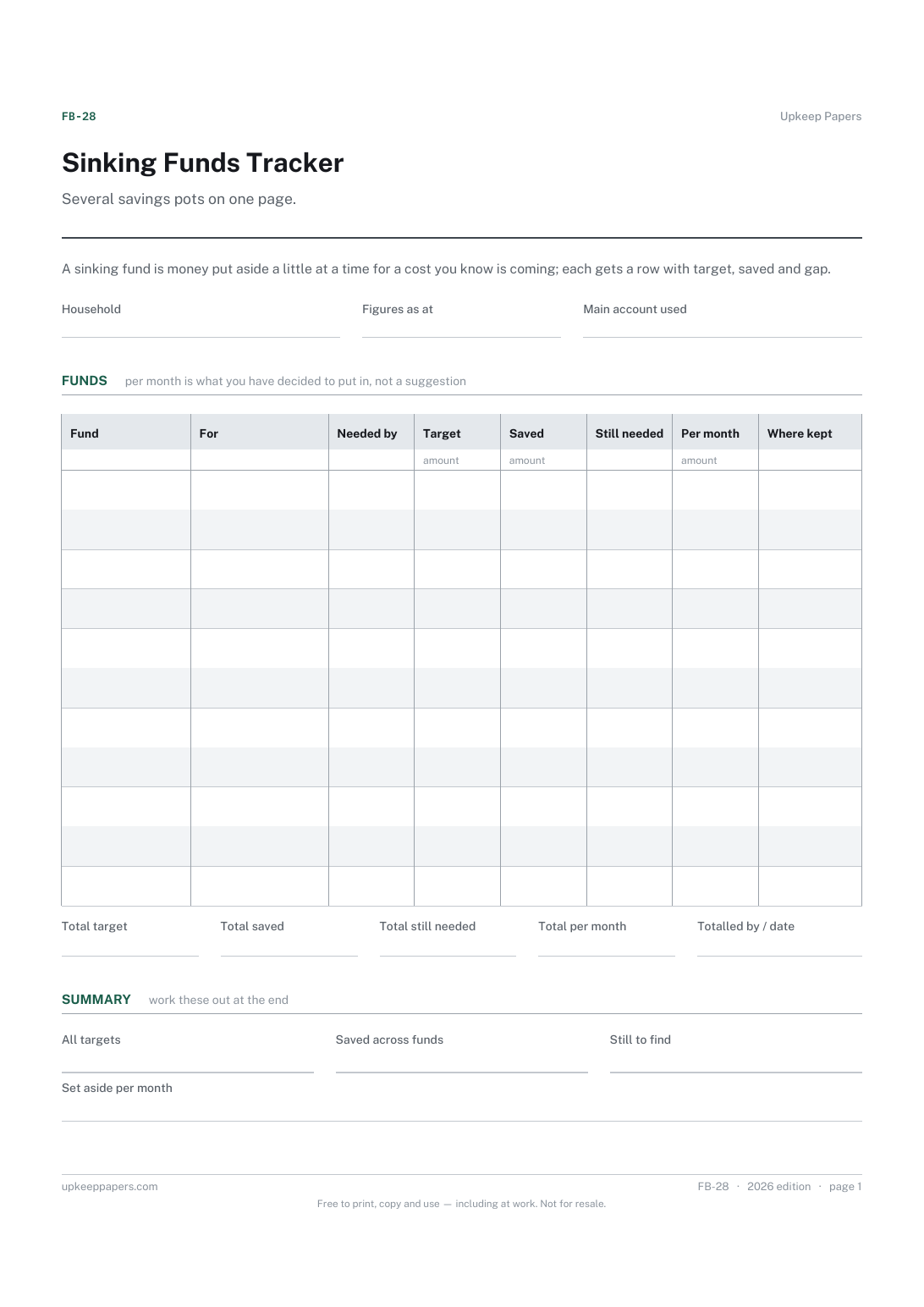
What each fund is for, when it is needed and how much it needs.
Printable sheets, workbooks and tools on the same subject.
Set a budget out on paper and record what actually happened next to it, so the gap is visible line by line rather than only at the bottom.
A monthly budget that adds up planned against actual, keeps income, outgoings and saving apart, and rolls twelve months into a year view.

Every sheet, binder, game and puzzle on Upkeep Papers is free to download, with no email and no account. Making them is not free: each one takes days of research, design and checking, and the site costs money to run. If something here saved you time, you can buy us a coffee. It is entirely optional: nothing is locked, and nothing changes if you don’t.
Buy us a coffee Opens PayPal in a new tab. Any amount, and nothing changes if you would rather not.