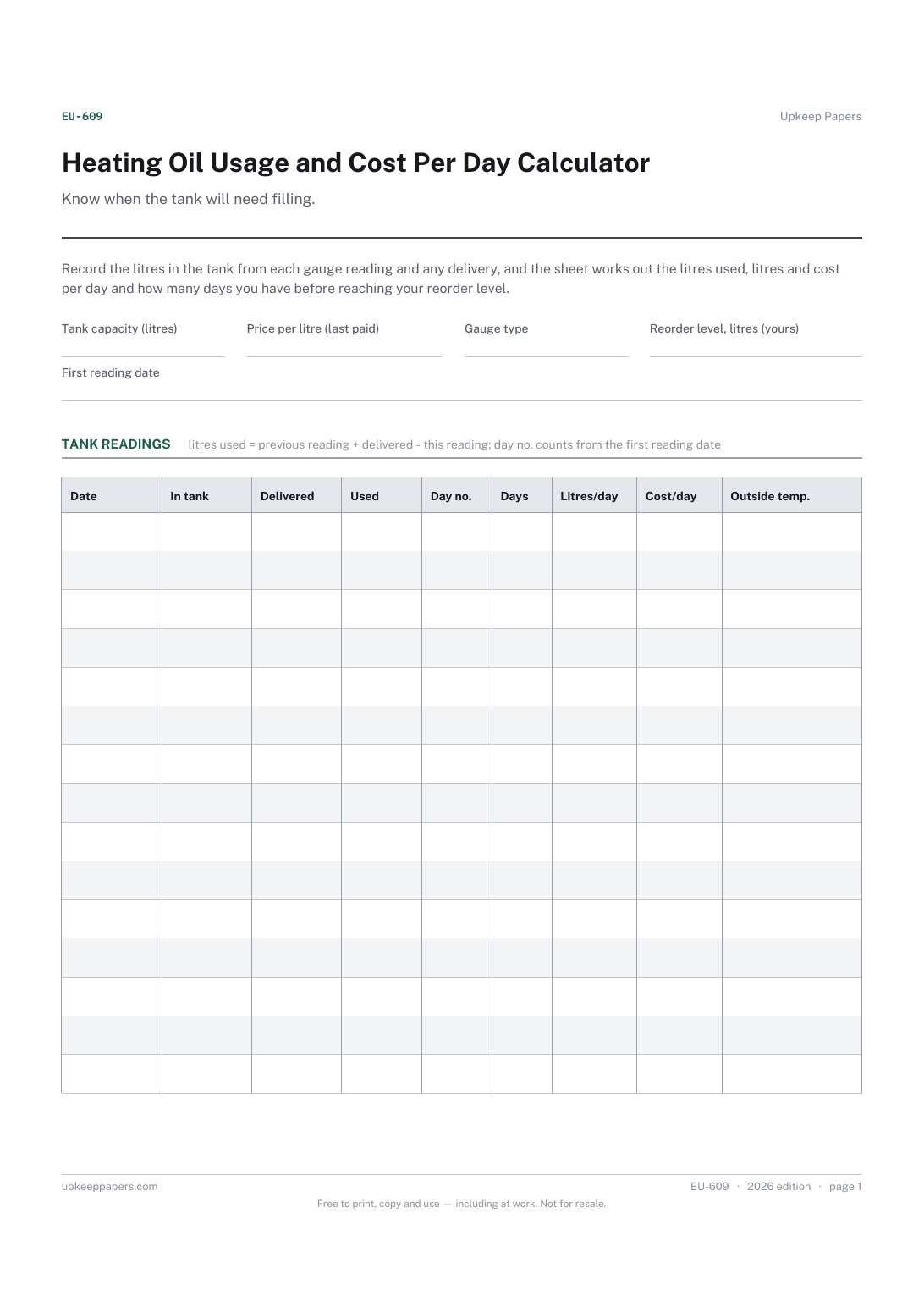
Heating Oil Usage and Cost Per Day Calculator
Litres used between gauge readings, allowing for deliveries.
EU-609 Log PDF Excel Online
Everything here is free. Making it takes time and money. Everything here is free.
 Buy us a coffee
 Energy and Utilities · EU-622 · Log
Wood pellet usage calculator: count the bags in store, and it works out kg per day, cost per day and bags still to order. Excel, PDF and browser versions.
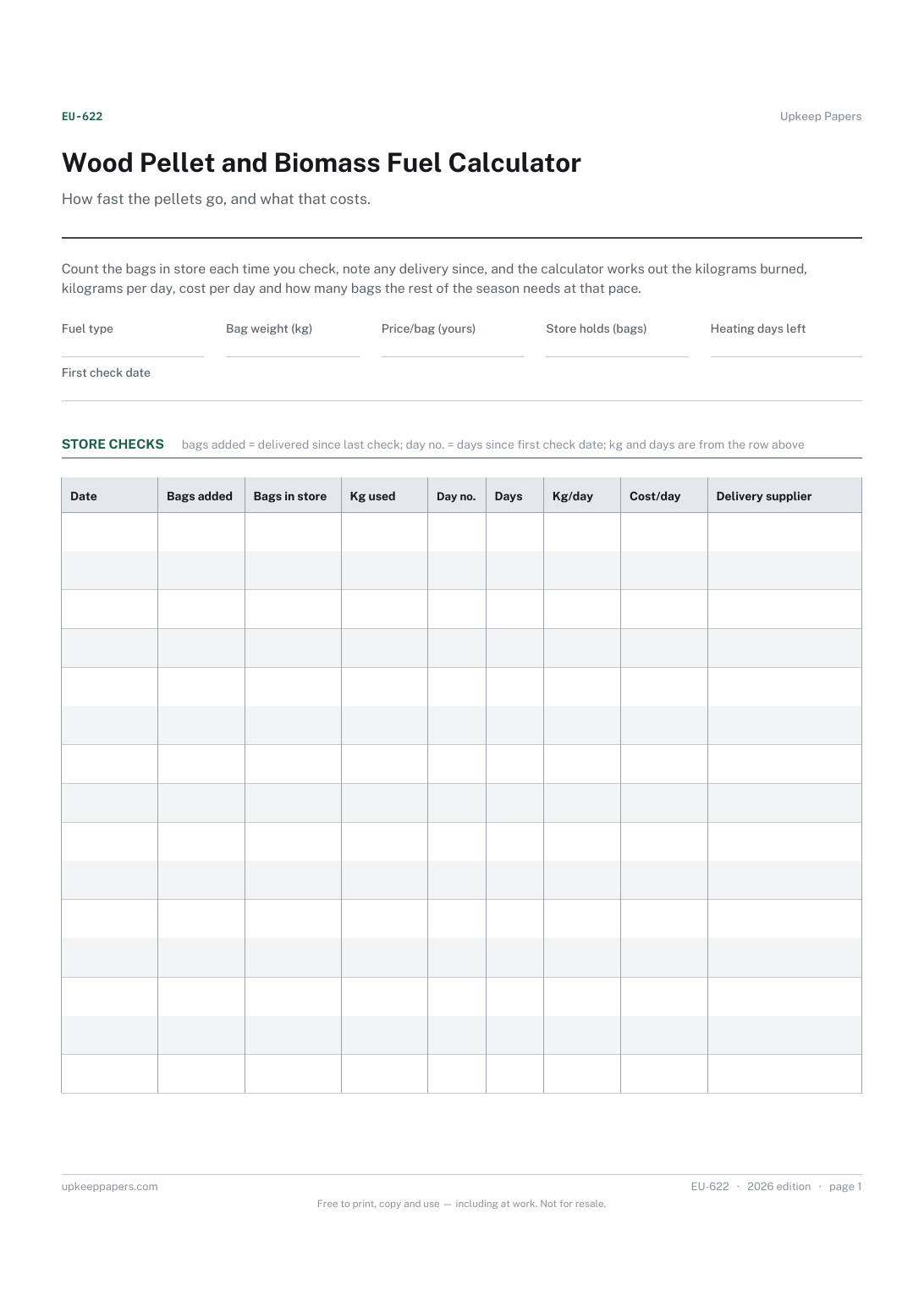
2 pages. The A4 and US Letter files are laid out identically, so neither is shrunk to fit.
Print it and write on it
Fillable PDF type and save
Spreadsheet formulas included
The fillable versions have real form fields — open them in any PDF reader, type into them and save. Printing help.
The same sheet, on screen. Totals and figures are worked out as you type, rows can be added or removed, and you can print it or download the completed version as a PDF. Everything stays in your browser — your entries are kept in this browser's own storage on this device, nothing is uploaded, and there is no account.
How fast the pellets go, and what that costs. Count the bags in store each time you check, note any delivery since, and the calculator works out the kilograms burned, kilograms per day, cost per day and how many bags the rest of the season needs at that pace.
Homes with a pellet stove or biomass boiler that buy fuel by the bag or the tonne and want to know what a day of heating costs and when to order again.
The printable is laid out inside a box that fits both A4 and US Letter, so the two files are identical and neither one is scaled. The fillable PDF has real form fields. The workbook uses plain formulas only — SUM, IF, COUNTIF and the like — so it opens in Excel, LibreOffice and Google Sheets without anything breaking, and every calculated cell is grey so you can see which figures it worked out.
Download the A4 or US Letter file to match the paper in your printer, open it in a PDF reader and print at 100% — not "fit to page", which shrinks the writing space. Both files leave a 14 mm margin, which clears the unprintable edge on home printers. To print the online version with your entries in it, use the Print this sheet button, which prints only the sheet and none of the page around it. More on printing.
The sheet does not guess. It measures your own use between checks and projects it over the heating days you say are left. Early in the season that figure moves a lot; it settles as the checks build up.
Yes. Set the bag weight to the unit you count in, for example the kilograms a hopper or a marked bin holds, and the price to what that unit costs you.
Counting the store at intervals is quicker and misses nothing. Recording each hopper fill also works; write it as a delivery out of the store and keep the count going.
If you buy and count them in consistent units, yes. For logs measured by the load, the existing wood burner and fuel log may suit better.
Litres used between gauge readings, allowing for deliveries.
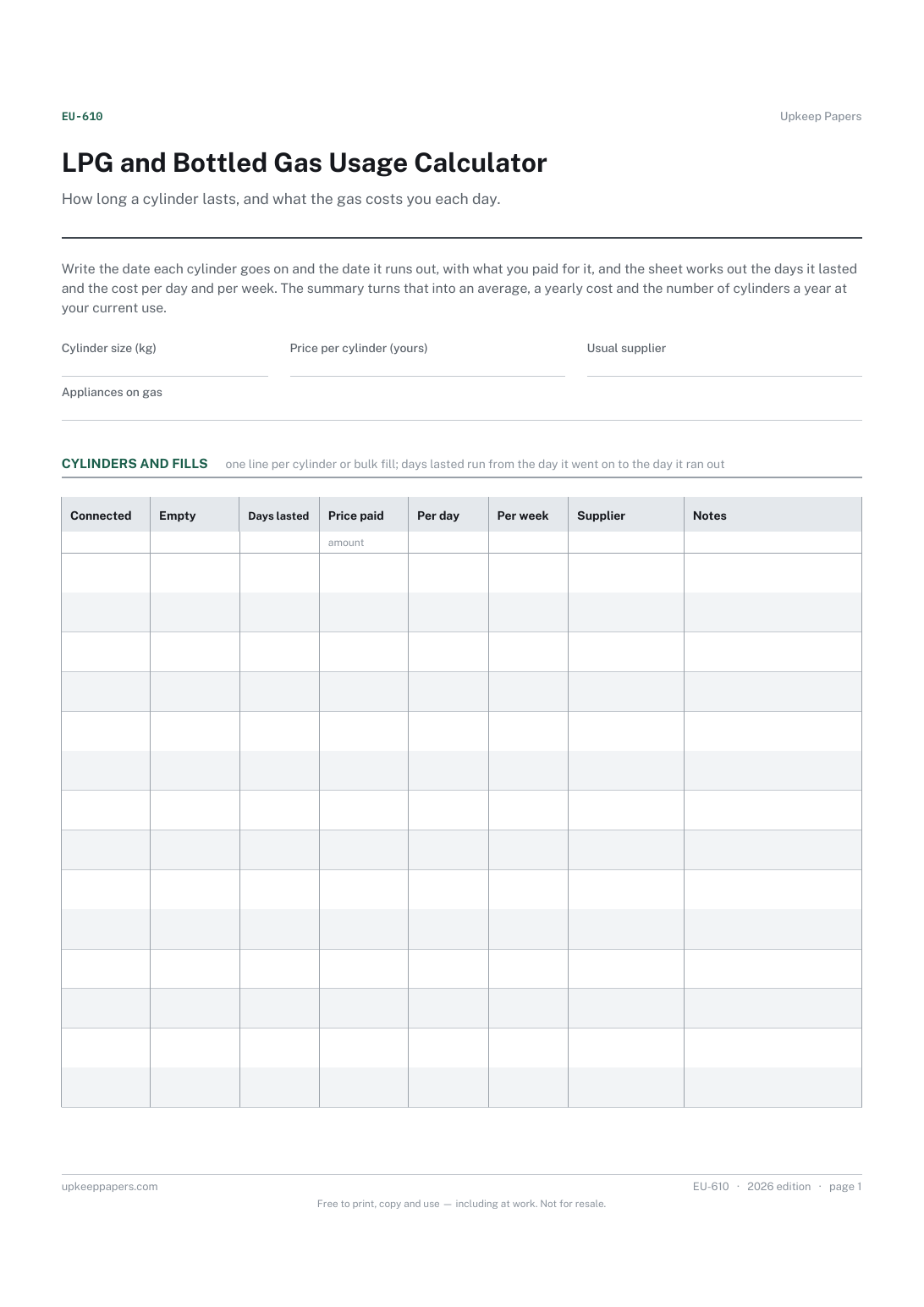
How many days each cylinder or tank fill lasted.
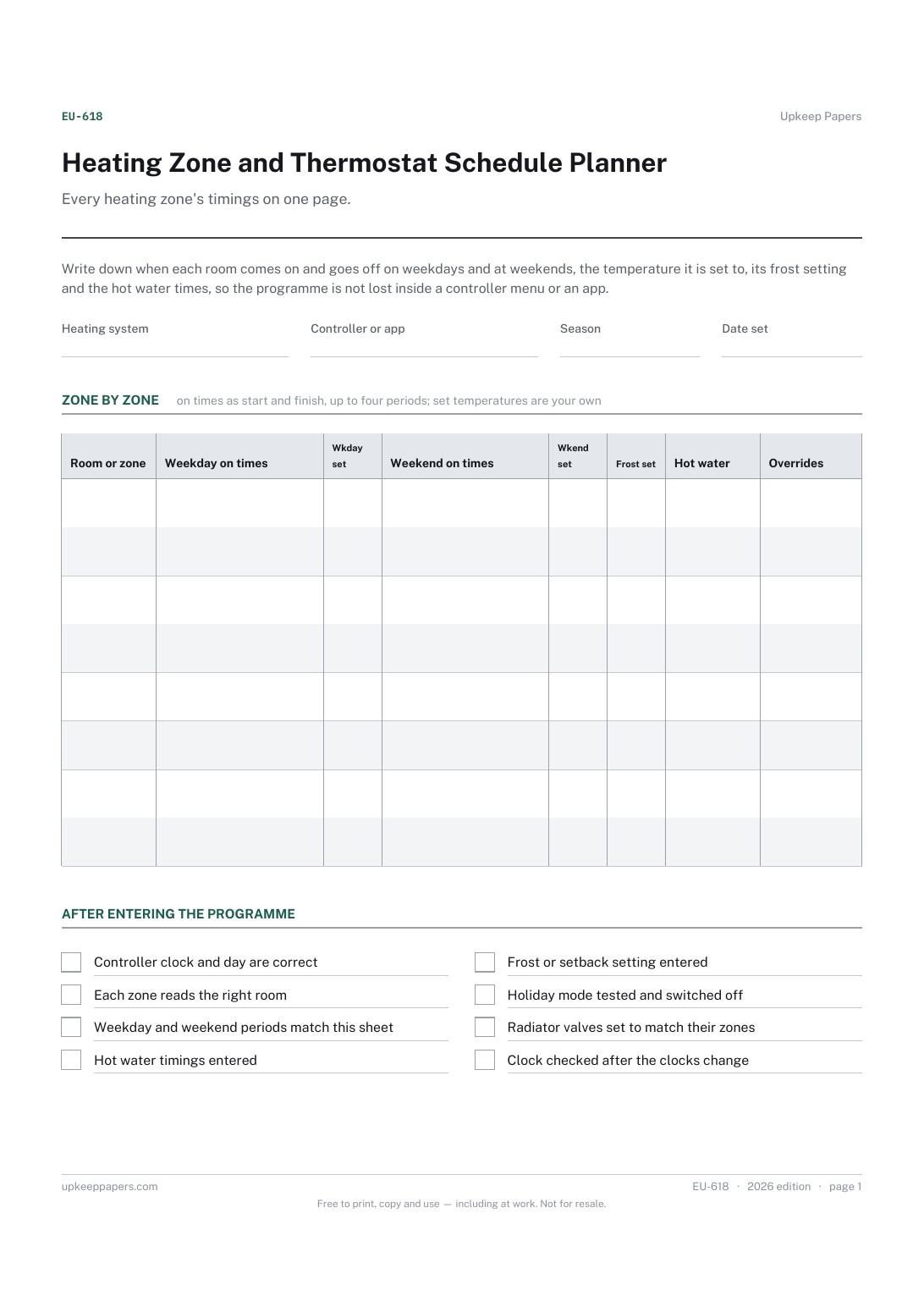
The on and off periods for each room on weekdays and at weekends.
Printable sheets, workbooks and tools on the same subject.
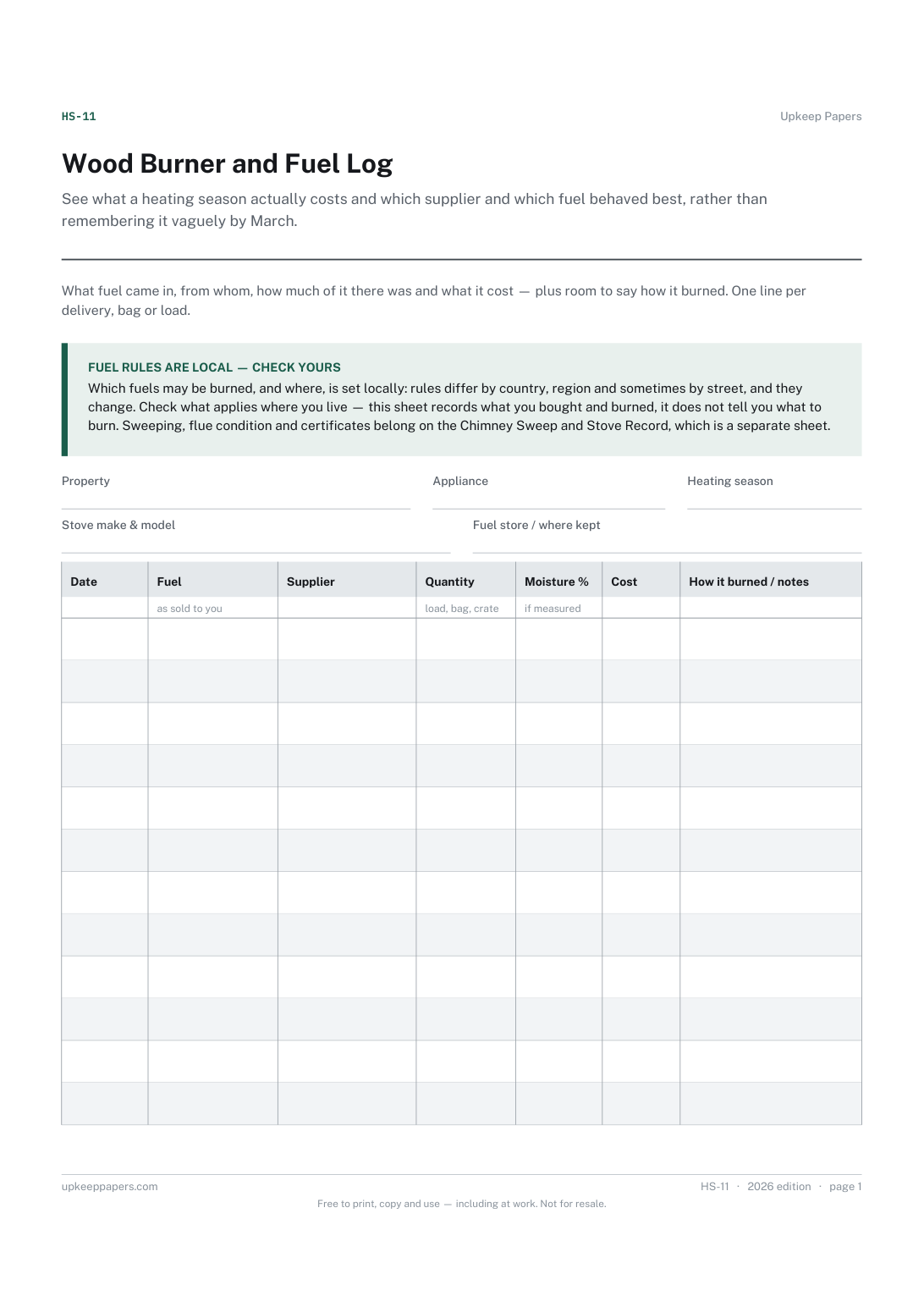
See what a heating season actually costs and which supplier and which fuel behaved best, rather than remembering it vaguely by March.

Every sheet, binder, game and puzzle on Upkeep Papers is free to download, with no email and no account. Making them is not free: each one takes days of research, design and checking, and the site costs money to run. If something here saved you time, you can buy us a coffee. It is entirely optional: nothing is locked, and nothing changes if you don’t.
Buy us a coffee Opens PayPal in a new tab. Any amount, and nothing changes if you would rather not.