Club Membership Application Form
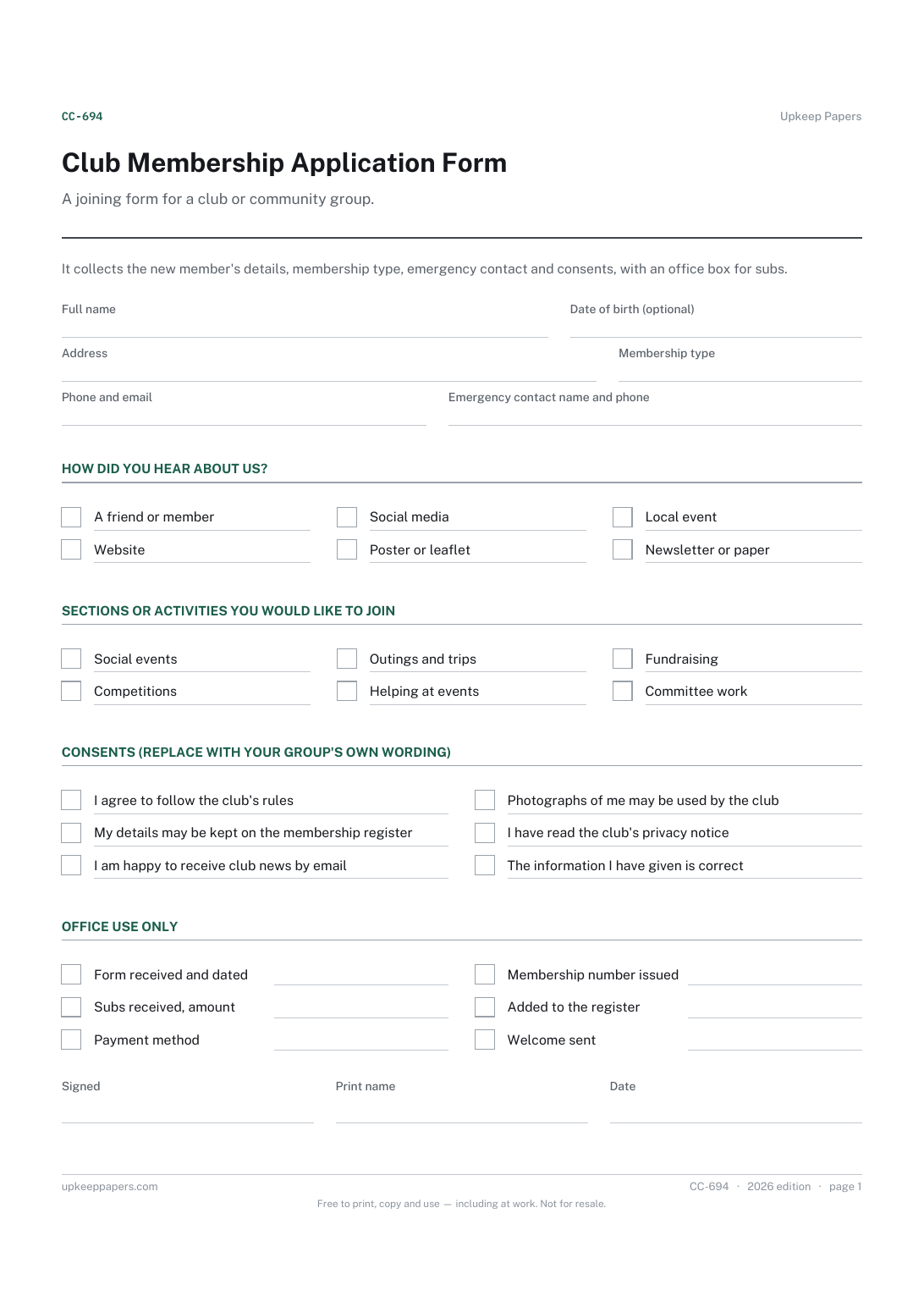
The new member's contact details and membership type.
CC-694 Form PDF Online
Everything here is free. Making it takes time and money. Everything here is free.
 Buy us a coffee
 Clubs, Charities and Community · CC-695 · Register
Free membership waiting list register: applicants in date order, offers made, replies and removals, with a count still waiting. Printable PDF and browser.
2 pages. The A4 and US Letter files are laid out identically, so neither is shrunk to fit.
Print it and write on it
Fillable PDF type and save
Or no download needed
Fill it in onlineThe fillable versions have real form fields — open them in any PDF reader, type into them and save. Printing help.
The same sheet, on screen. Totals and figures are worked out as you type, rows can be added or removed, and you can print it or download the completed version as a PDF. Everything stays in your browser — your entries are kept in this browser's own storage on this device, nothing is uploaded, and there is no account.
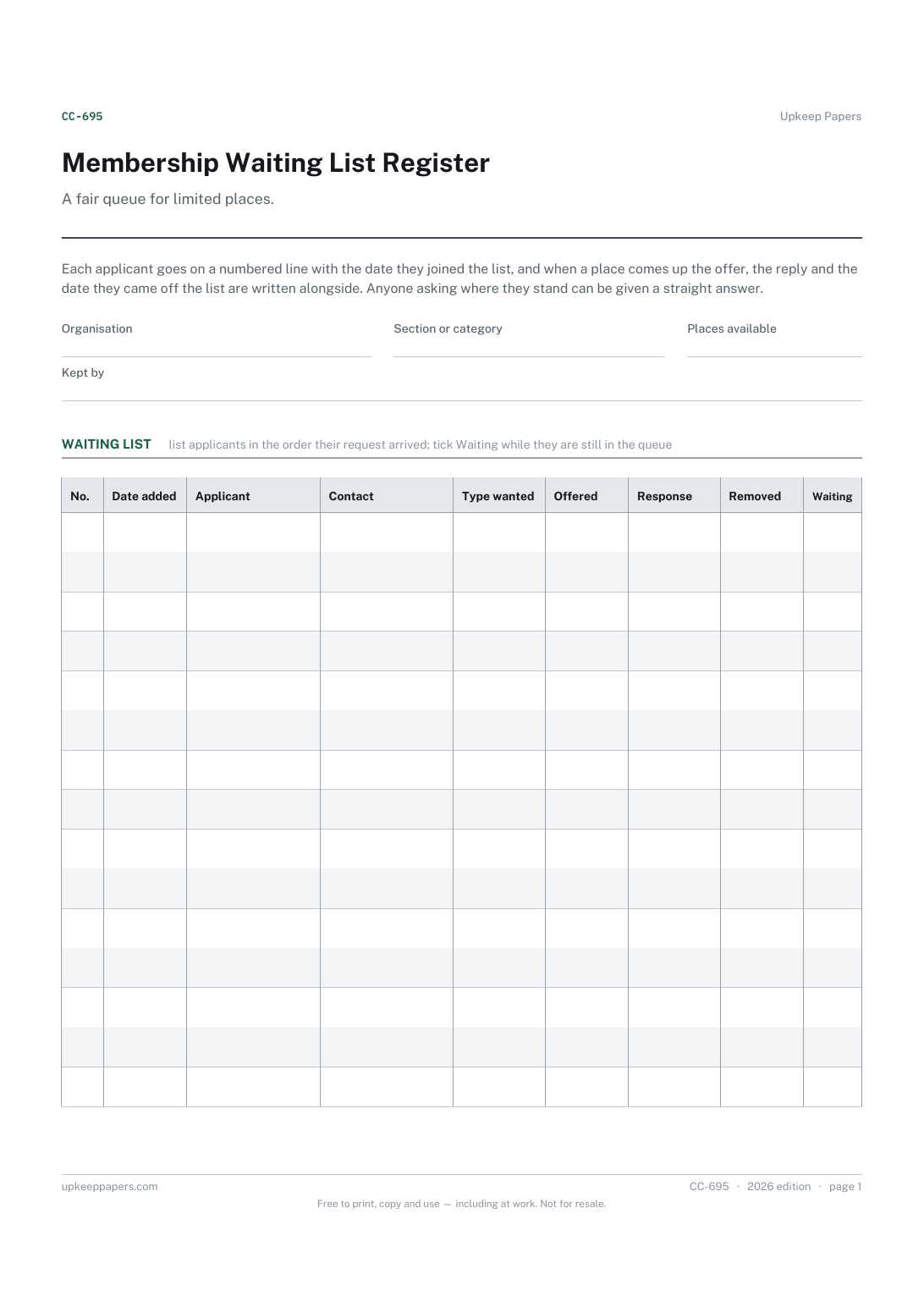
A fair queue for limited places. Each applicant goes on a numbered line with the date they joined the list, and when a place comes up the offer, the reply and the date they came off the list are written alongside. Anyone asking where they stand can be given a straight answer.
Membership secretaries of clubs, allotment societies, choirs and groups where demand for places is greater than the room available.
The printable is laid out inside a box that fits both A4 and US Letter, so the two files are identical and neither one is scaled. The fillable PDF has real form fields. The online version keeps what you enter in your own browser and builds the completed PDF on your device.
Download the A4 or US Letter file to match the paper in your printer, open it in a PDF reader and print at 100% — not "fit to page", which shrinks the writing space. Both files leave a 14 mm margin, which clears the unprintable edge on home printers. To print the online version with your entries in it, use the Print this sheet button, which prints only the sheet and none of the page around it. More on printing.
That is for your committee to decide and write into your rules. The register has no deadline built in; note the period your group uses at the top or in the notes and apply it the same way to everyone.
Record the decline, then either leave their position as it is or move them to the bottom with a new date, whichever your rules say. Note what you did in the notes so it can be explained later.
Yes. Use one sheet per section or membership category so each has its own order and its own count of places.
The browser version counts the days from the earliest date added on the sheet to today. Once earlier applicants are removed, start a fresh sheet or clear their lines so the figure stays accurate.
The new member's contact details and membership type.
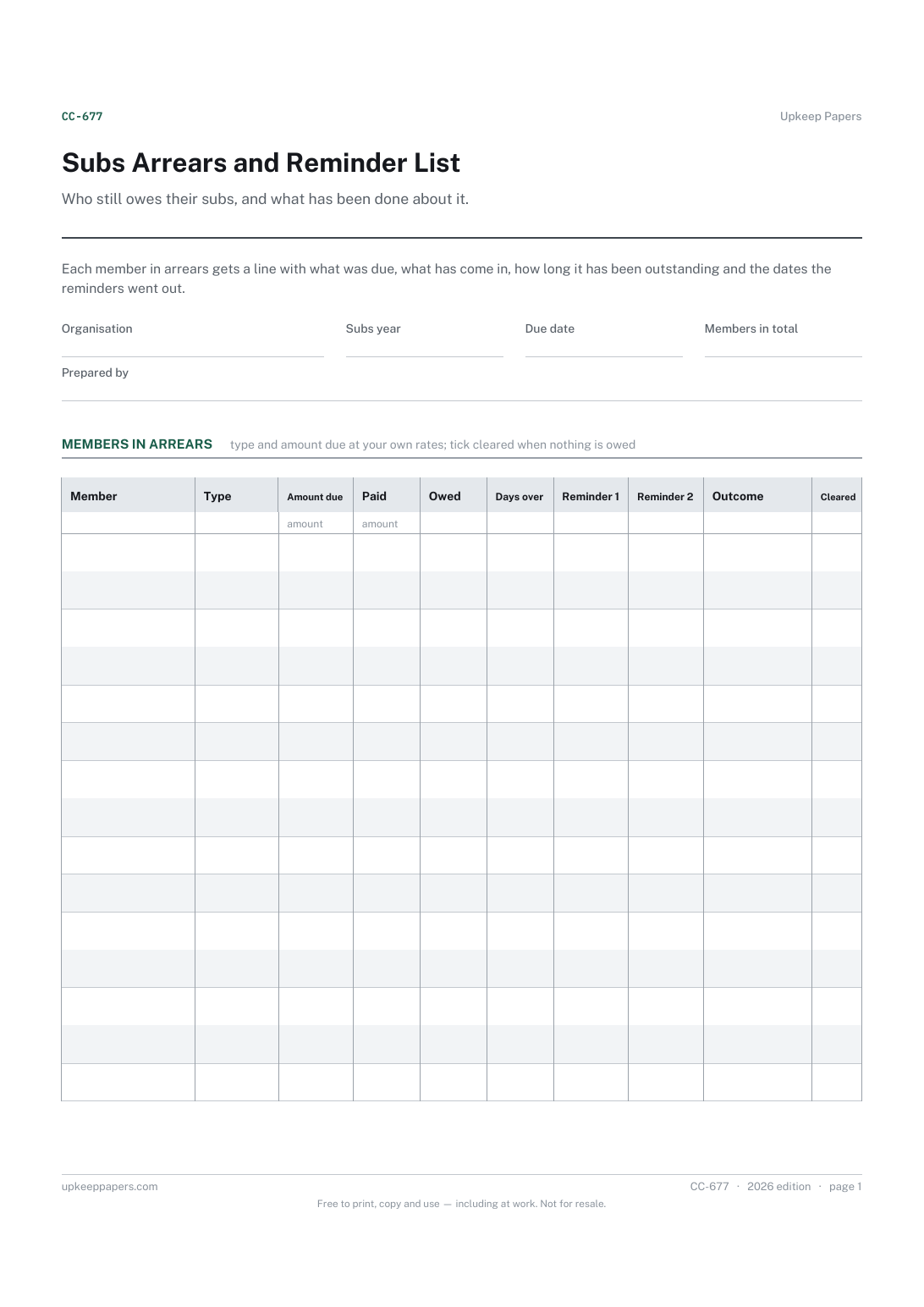
Every member whose subs are unpaid or part paid.
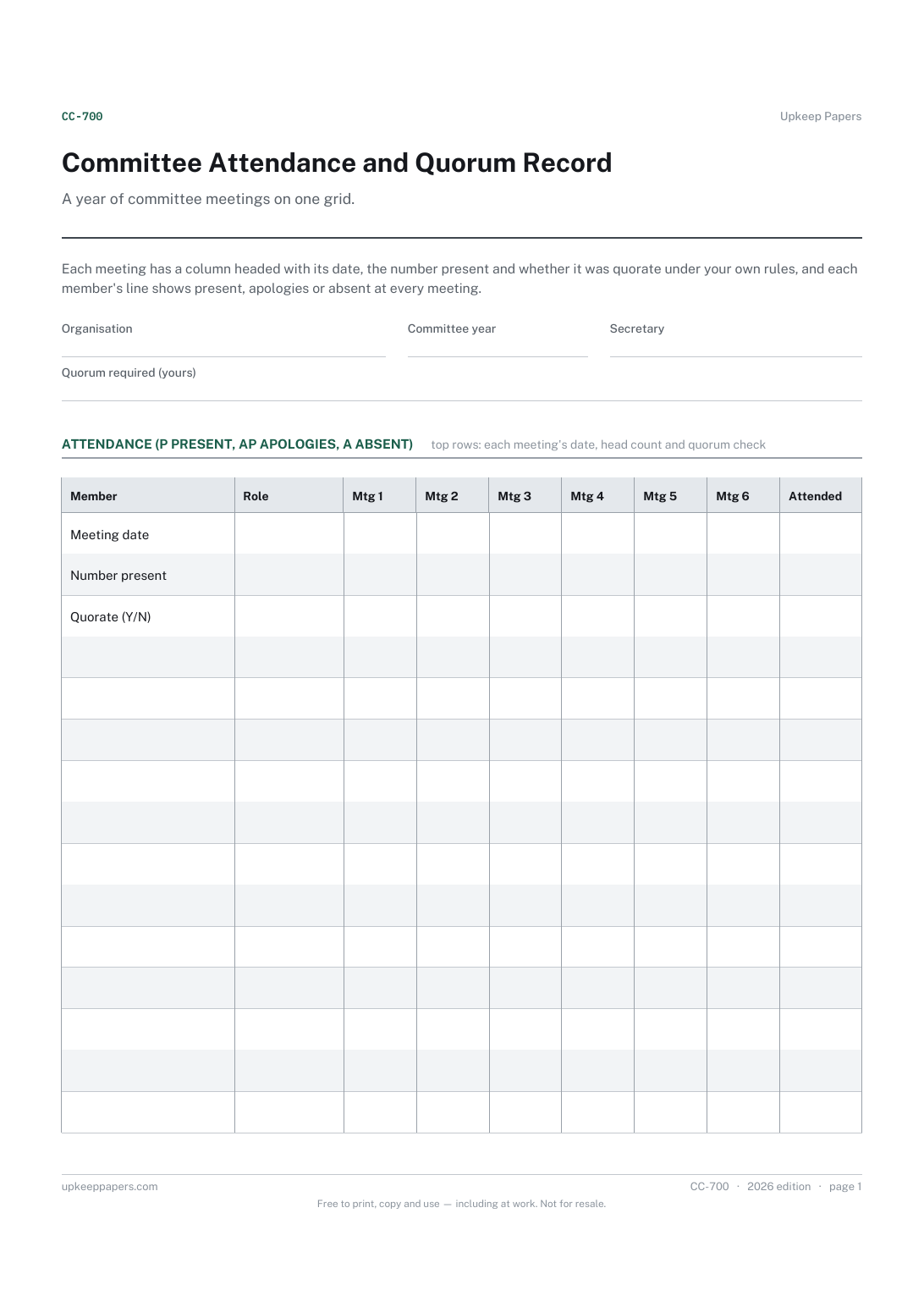
Each committee member and their role.
Printable sheets, workbooks and tools on the same subject.
Keep one page that answers who is a member, how to reach them and whether they have paid, instead of three lists that disagree.

Every sheet, binder, game and puzzle on Upkeep Papers is free to download, with no email and no account. Making them is not free: each one takes days of research, design and checking, and the site costs money to run. If something here saved you time, you can buy us a coffee. It is entirely optional: nothing is locked, and nothing changes if you don’t.
Buy us a coffee Opens PayPal in a new tab. Any amount, and nothing changes if you would rather not.