
Clubs, Charities and Community · CC-681 · Tracker
Fundraising Target Progress Tracker
Free fundraising target tracker: each event, donation or grant with costs, net raised and a running total against your goal. PDF, Excel and browser.
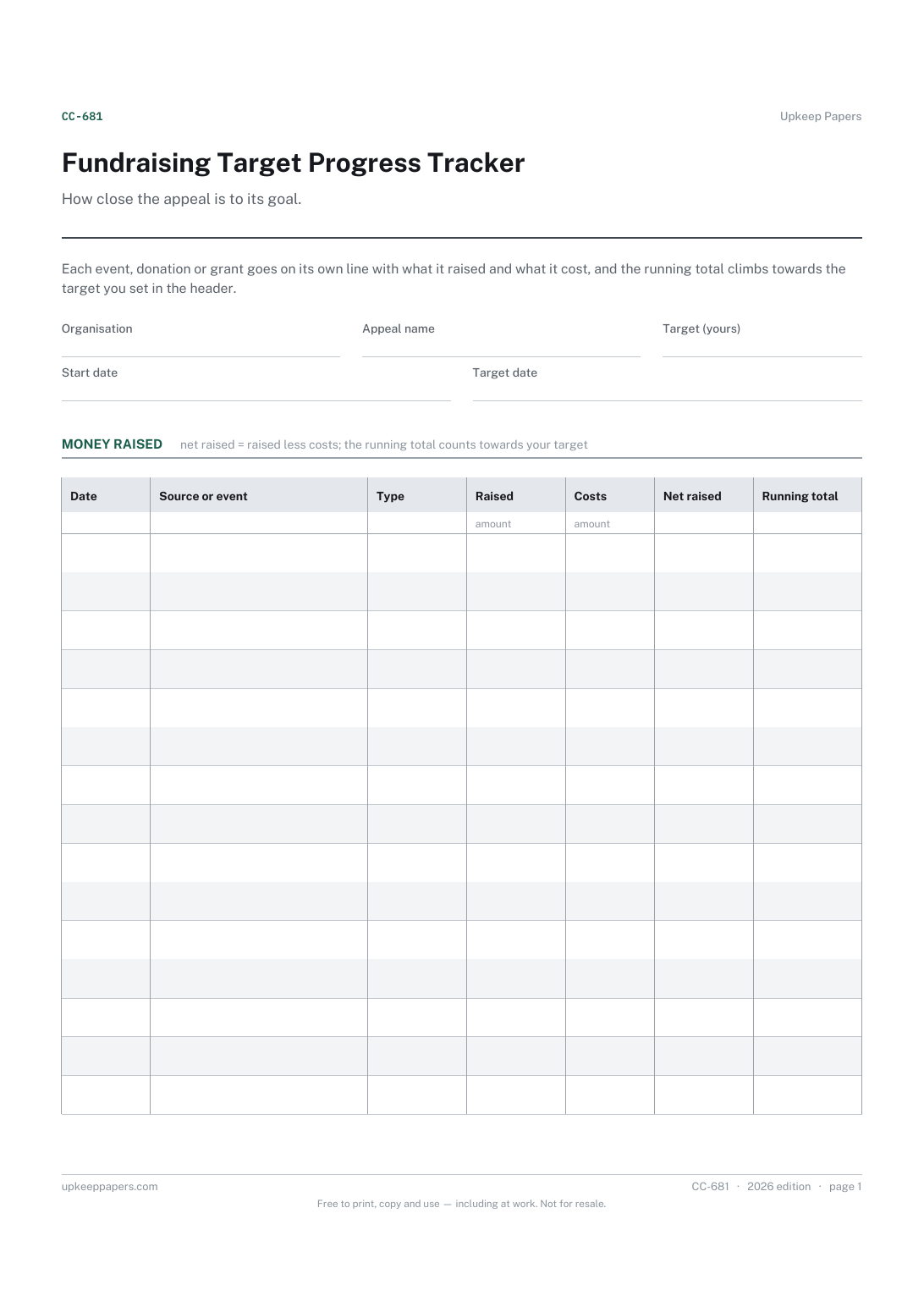
2 pages. The A4 and US Letter files are laid out identically, so neither is shrunk to fit.
Print it and write on it
Fillable PDF type and save
Spreadsheet formulas included
The fillable versions have real form fields — open them in any PDF reader, type into them and save. Printing help.
Fill it in online
The same sheet, on screen. Totals and figures are worked out as you type, rows can be added or removed, and you can print it or download the completed version as a PDF. Everything stays in your browser — your entries are kept in this browser's own storage on this device, nothing is uploaded, and there is no account.
Who this is for
How close the appeal is to its goal. Each event, donation or grant goes on its own line with what it raised and what it cost, and the running total climbs towards the target you set in the header.
Committees running an appeal or saving for a specific purchase — a minibus, a new roof, pitch equipment — and anyone who has to report progress at every meeting.
What this helps you track
- Every source of money towards the appeal, with the date
- What each event or donation raised and what it cost to run
- The net amount from each line and the running total
- The percentage of your target reached and the amount still to find
- How many days are left before your target date
How to use it
- Write the organisation, the appeal name, your target amount, the start date and the date you aim to reach it.
- Add a line each time money comes in, with the source or event and its type.
- Enter the amount raised and any costs of raising it, such as venue hire or prizes; net raised and the running total are worked out in the browser and the workbook.
- Read the summary at each committee meeting for the share of the target reached, the amount remaining and the days left.
- On paper, keep the running total by adding each line's net figure to the one above, and colour in a bar or thermometer if you want one for the noticeboard.
Formats
- Printable PDF (A4 and US Letter)
- Fillable PDF with form fields
- Fill in online, saved in your browser
- Excel / Google Sheets workbook
The printable is laid out inside a box that fits both A4 and US Letter, so the two files are identical and neither one is scaled. The fillable PDF has real form fields. The workbook uses plain formulas only — SUM, IF, COUNTIF and the like — so it opens in Excel, LibreOffice and Google Sheets without anything breaking, and every calculated cell is grey so you can see which figures it worked out.
How to print
Download the A4 or US Letter file to match the paper in your printer, open it in a PDF reader and print at 100% — not "fit to page", which shrinks the writing space. Both files leave a 14 mm margin, which clears the unprintable edge on home printers. To print the online version with your entries in it, use the Print this sheet button, which prints only the sheet and none of the page around it. More on printing.
Questions
Should I record gross or net figures?
Both. Enter what came in and what it cost to raise; the sheet works out the net, and the progress towards the target uses the net figure, which is the money actually available for the purchase.
What target should we set?
That comes from the cost of what you are raising for — a quote, an estimate or a figure your committee agrees. The sheet takes whatever you enter and does not suggest one.
Can grants go on the same tracker?
Yes, choose grant as the type. If the grant has to be spent and reported on separately, record the details in the grant spend and reporting tracker as well.
What happens when we pass the target?
The percentage goes above one hundred and the amount remaining shows a minus figure. What to do with any surplus is for your committee and the terms of the appeal to decide.
Related resources
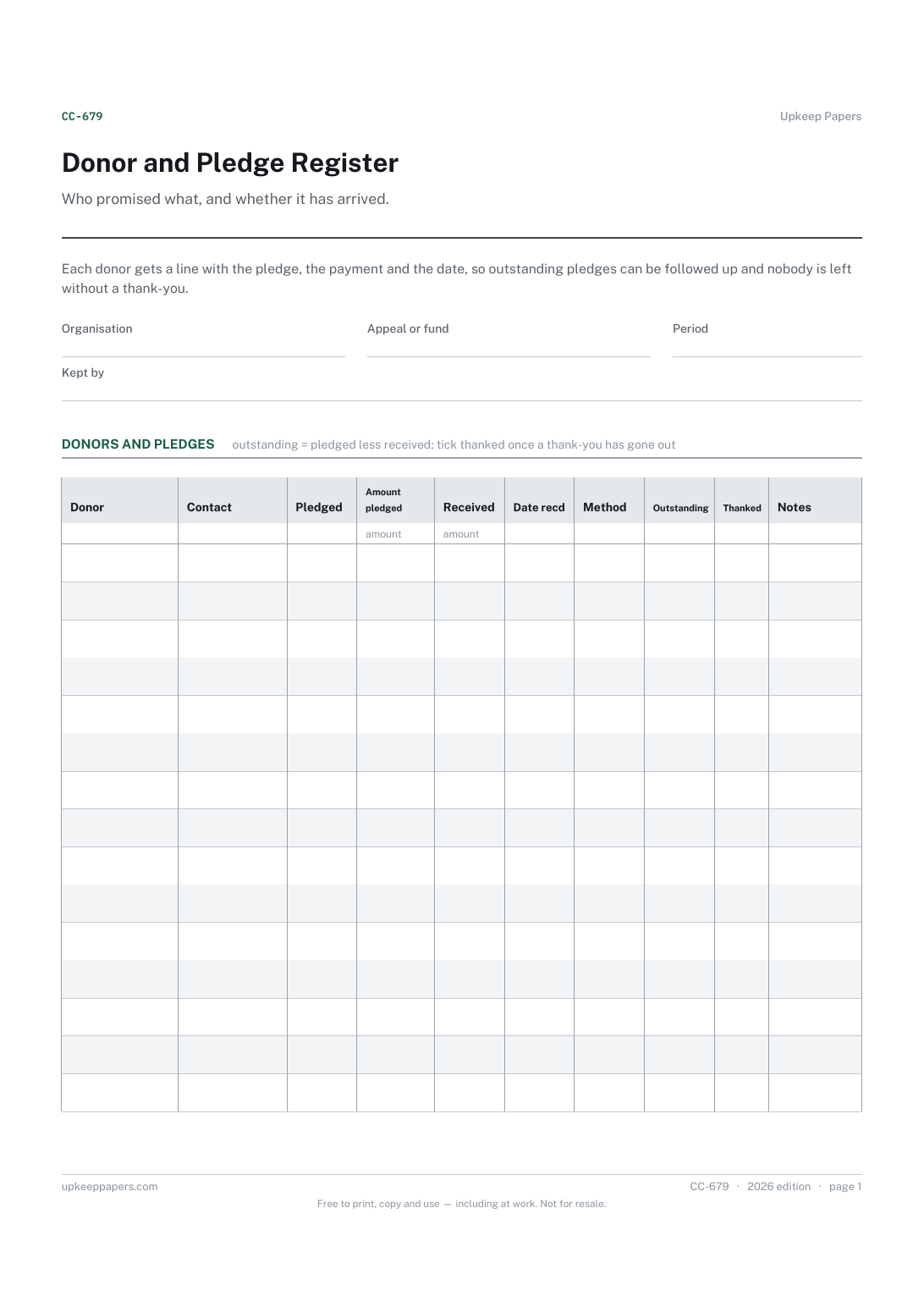
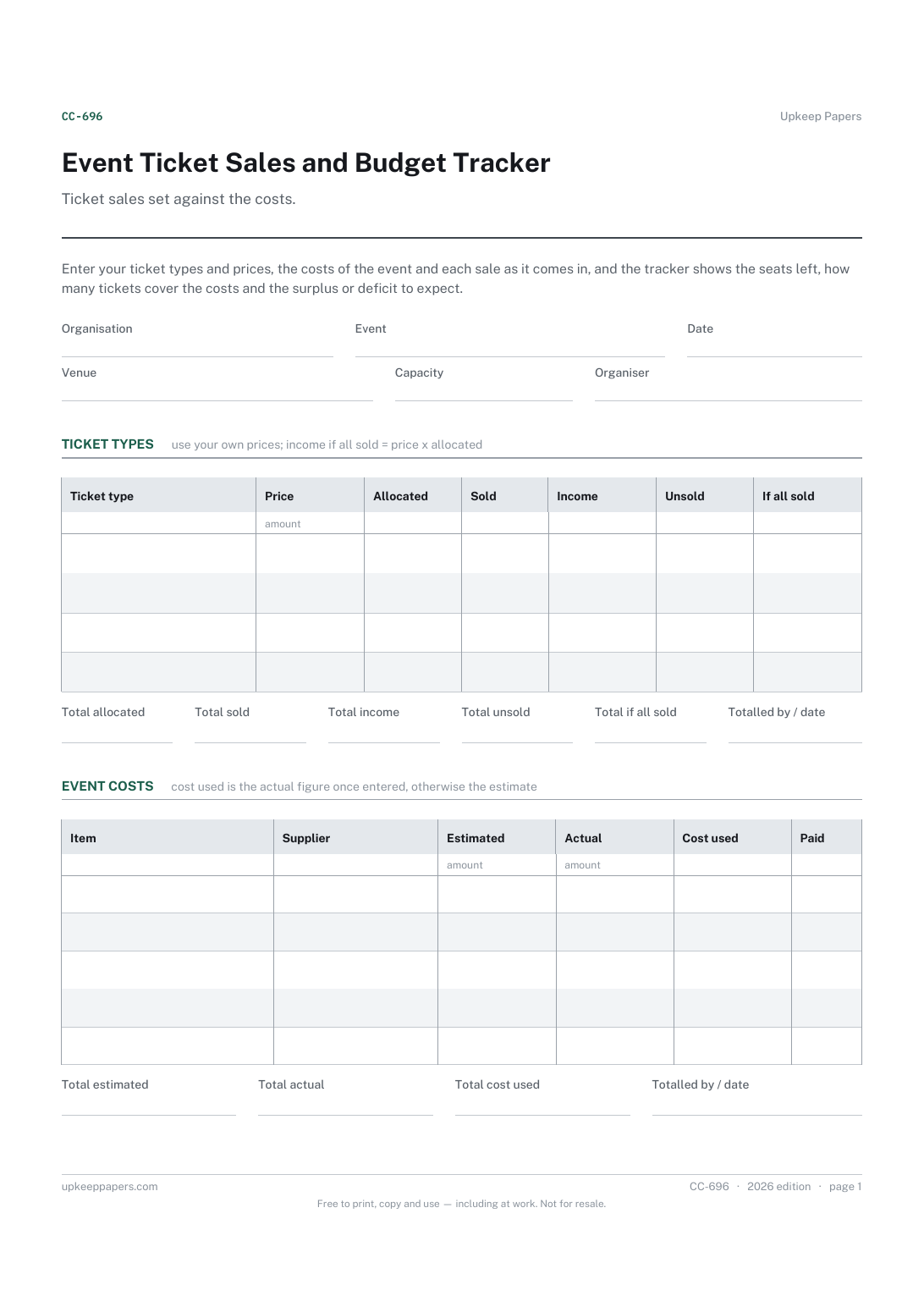
Event Ticket Sales and Budget Tracker
Each ticket type with its price, allocation and number sold.
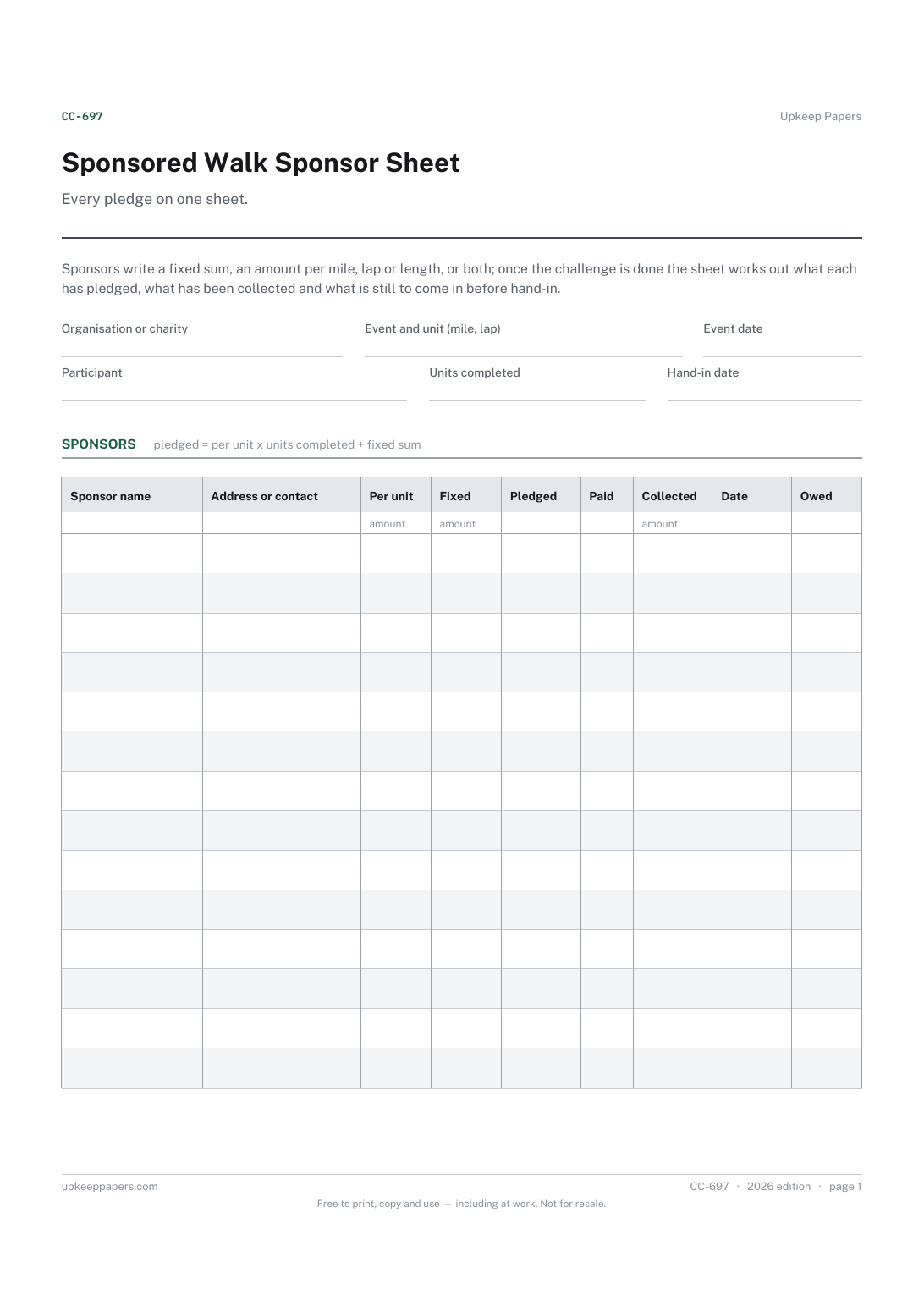
Sponsored Walk Sponsor Sheet
The event, the participant and the hand-in date.
Also in the library
Printable sheets, workbooks and tools on the same subject.
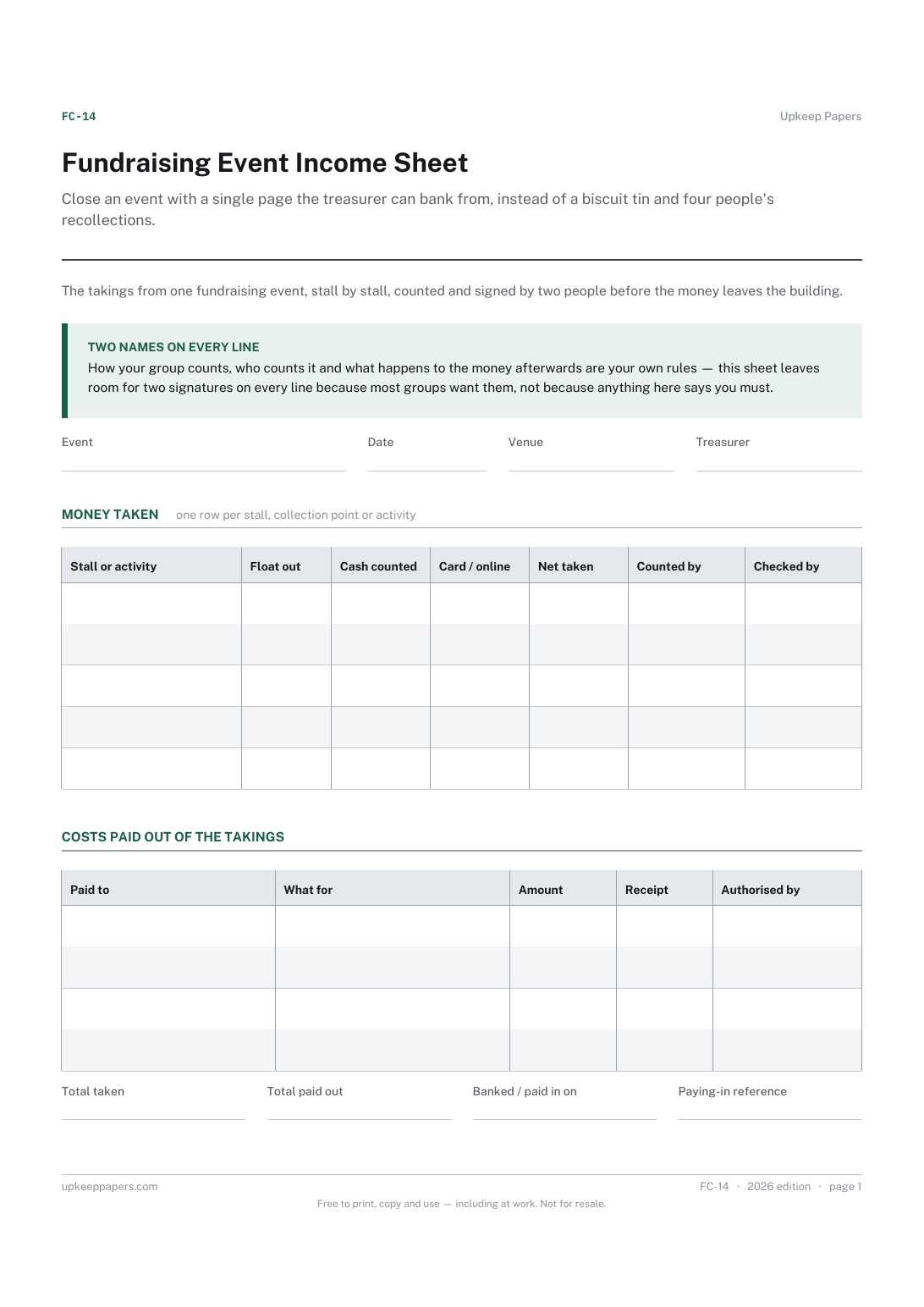
Fundraising Event Income Sheet
Close an event with a single page the treasurer can bank from, instead of a biscuit tin and four people's recollections.
