
Notes on printing
A4 and US Letter Are Different Shapes, and Printables Ignore It
Letter is wider and shorter than A4. Almost every free printable is laid out for one of them, and the other one silently gets shrunk. Here is the fix we use.
A4 is 210 × 297 mm. US Letter is 216 × 279 mm. Letter is about 6 mm wider and 18 mm shorter.
They are not the same shape, and they are not close enough to ignore. A page designed to fill one will not fit the other, and what happens next is the part nobody mentions: your printer quietly fixes it for you, by shrinking the whole page until it fits.
Why “fit to page” ruins a form
Scaling a photograph down slightly does no harm. Scaling a form down does, because the thing you care about is the size of the boxes relative to your handwriting, and your handwriting does not scale with the page.
A table row designed at 9 mm — about right for writing a date and a few words with a biro — comes out at roughly 8.4 mm after a fit-to-page shrink. That does not sound like much. In practice it is the difference between a row you can write in and a row you write above and below.
It also moves everything else. Punch holes land in the wrong place relative to the content, tick boxes get small enough to be fiddly, and anything you intended to line up with something physical stops lining up.
What most printables do
They pick one paper size and hope.
The industry default is US Letter, which makes sense given where most of these sites are, and means everyone outside North America gets the shrunk version. We found one large printables site whose own help page cheerfully tells readers that its files are Letter-sized and suggests rebuilding them in a design tool if you want A4. That is an honest answer to the wrong question.
The other approach is to publish two files that were laid out separately. That works, but it doubles the work and the two versions drift apart over time.
What we do instead
Every sheet is laid out inside a box of 182 × 251 mm — the largest area that fits comfortably inside both papers once you allow a 14 mm margin, which clears the non-printable edge of essentially every domestic printer.
That box is then centred on whichever page you asked for. On A4 there is slightly more room top and bottom; on Letter, slightly more at the sides. The content itself is identical and, crucially, neither file needs scaling.
The practical consequence is the only one that matters: download the file that matches your paper, print at 100%, and the boxes are the size they were designed to be.
The one setting that still matters
Print at 100% / Actual size, not “Fit to page” or “Shrink oversized pages”. If a sheet comes out smaller than it should, that setting is nine times out of ten the reason.
There is more detail, including how the fillable versions behave, on the printing page.
From the library
Sheets mentioned here
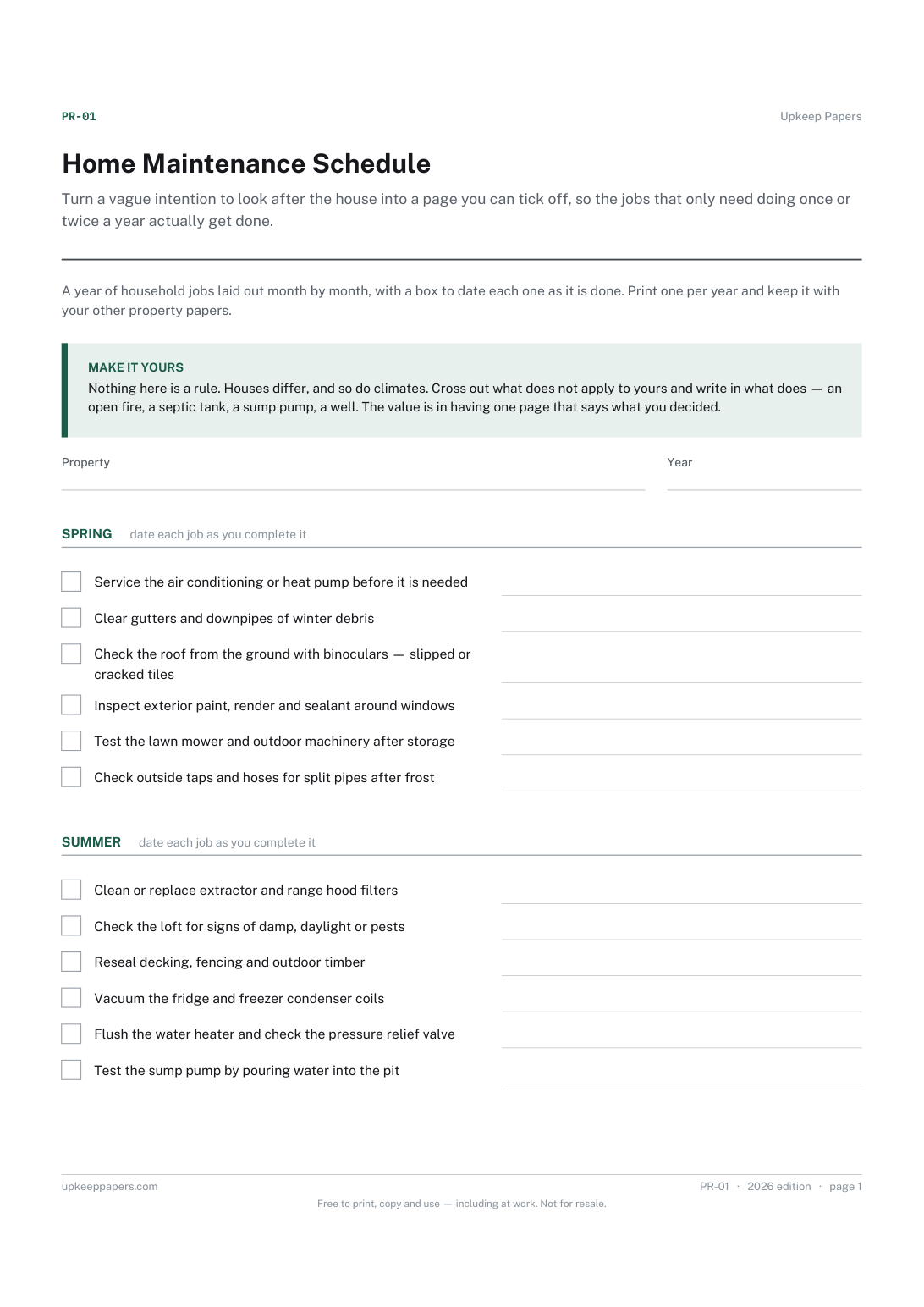
Home Maintenance Schedule
Turn a vague intention to look after the house into a page you can tick off, so the jobs that only need doing once or twice a year actually get done.
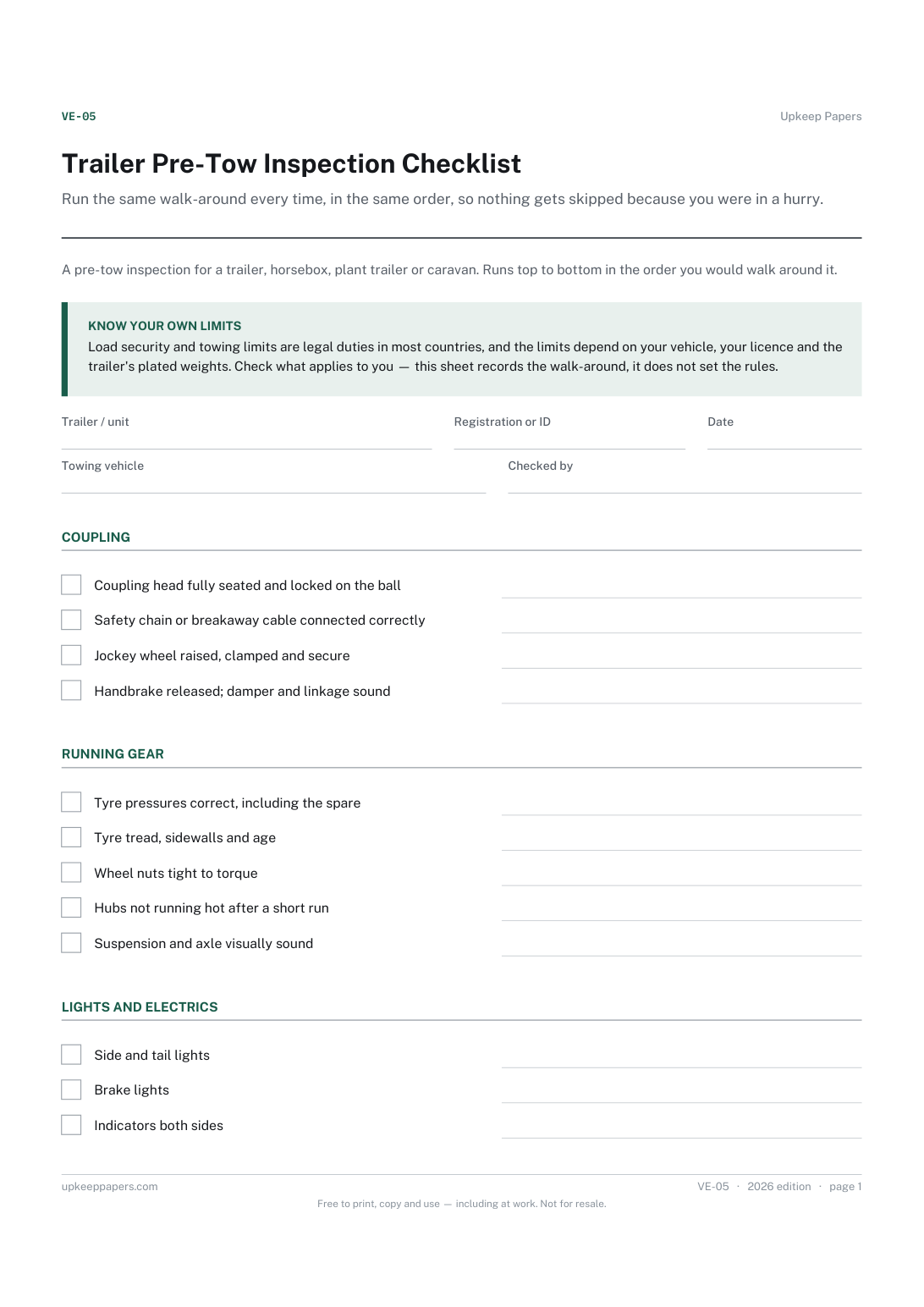
Trailer Pre-Tow Inspection Checklist
Run the same walk-around every time, in the same order, so nothing gets skipped because you were in a hurry.
More posts
A Gap in the Data Is Not Always a Gap on the Site
Two of this week's five measured keyword gaps already had a page. Here is the test that caught it, and the three that survived.
When the Roadmap Runs Out, Measure Instead of Guessing
The 200-sheet roadmap this site started with is finished. Here is what we built instead of guessing, and why four of five sheets came from one measured gap.
When a New Sheet Earns Its Own Page
Five sheets this week could easily have been three. Here is the test we use to tell a genuinely different record from the same one wearing a new title.
