
Students and Shared Living · US-955 · Tracker
Module and Credit Tracker
Free university module and credit tracker: modules, credits and marks with a credit-weighted average and credits still to do. Excel, PDF, browser.
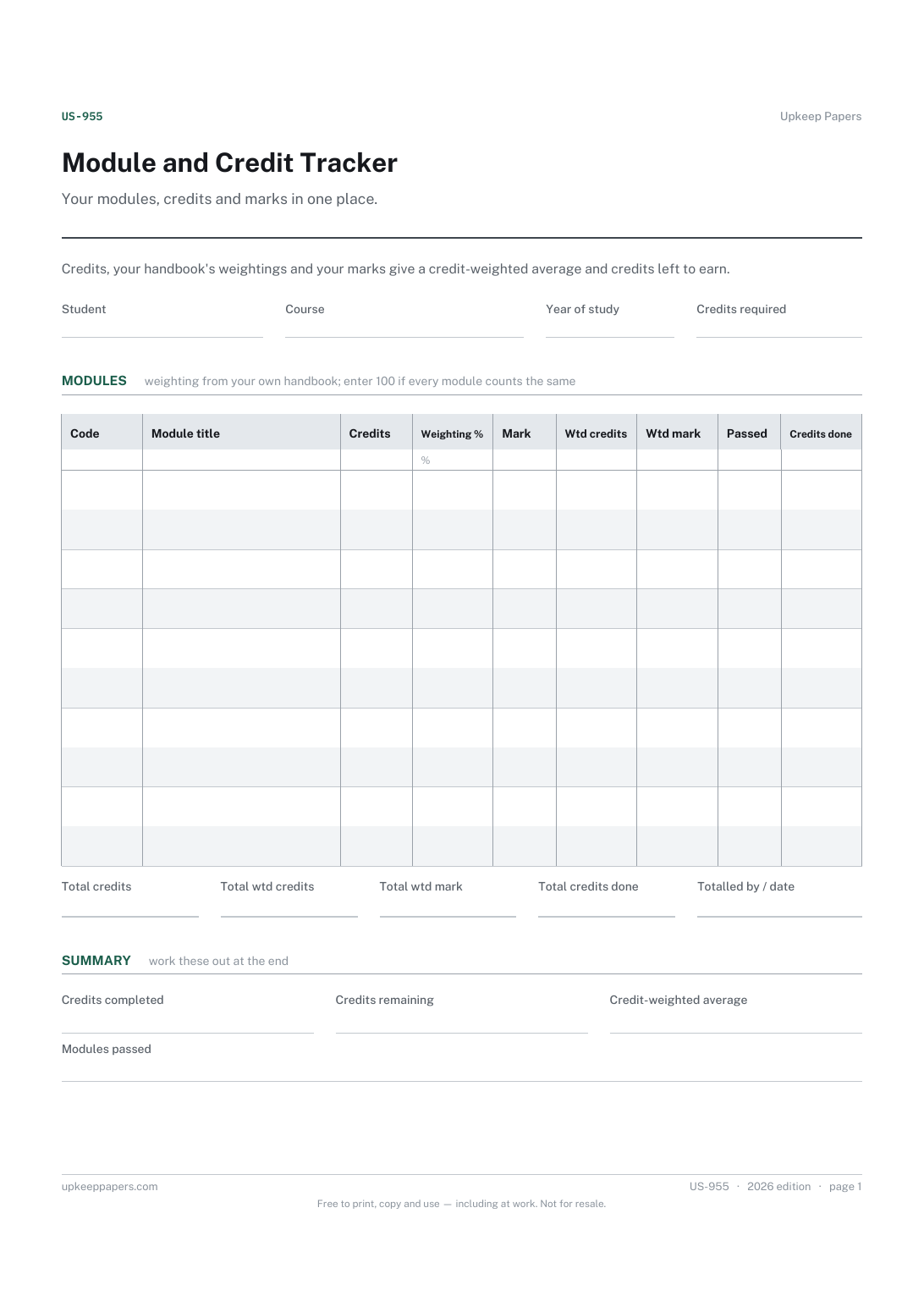
One page. The A4 and US Letter files are laid out identically, so neither is shrunk to fit.
Print it and write on it
Fillable PDF type and save
Spreadsheet formulas included
The fillable versions have real form fields — open them in any PDF reader, type into them and save. Printing help.
Fill it in online
The same sheet, on screen. Totals and figures are worked out as you type, rows can be added or removed, and you can print it or download the completed version as a PDF. Everything stays in your browser — your entries are kept in this browser's own storage on this device, nothing is uploaded, and there is no account.
Who this is for
Your modules, credits and marks in one place. Credits, your handbook's weightings and your marks give a credit-weighted average and credits left to earn.
University and college students who want to see how their modules add up across a year or a whole course, using the credits and weightings from their own handbook.
What this helps you track
- Every module by code and title, with its credits
- The weighting you enter for each module, from your own handbook
- Marks as they come back, and which modules are passed
- Credits completed and credits still to earn
- A credit-weighted average of the marks so far
How to use it
- Write your name, course, year of study and the credits your course requires at the top.
- List each module with its code, title and credits.
- Enter the weighting for each module as your handbook sets it; if all modules count the same, enter 100 for each.
- Add the mark when it is confirmed and tick passed once the module is passed.
- Read the credit-weighted average and credits remaining in the summary; the browser and Excel versions keep them up to date.
Formats
- Printable PDF (A4 and US Letter)
- Fillable PDF with form fields
- Fill in online, saved in your browser
- Excel / Google Sheets workbook
The printable is laid out inside a box that fits both A4 and US Letter, so the two files are identical and neither one is scaled. The fillable PDF has real form fields. The workbook uses plain formulas only — SUM, IF, COUNTIF and the like — so it opens in Excel, LibreOffice and Google Sheets without anything breaking, and every calculated cell is grey so you can see which figures it worked out.
How to print
Download the A4 or US Letter file to match the paper in your printer, open it in a PDF reader and print at 100% — not "fit to page", which shrinks the writing space. Both files leave a 14 mm margin, which clears the unprintable edge on home printers. To print the online version with your entries in it, use the Print this sheet button, which prints only the sheet and none of the page around it. More on printing.
Questions
How is the weighted average worked out?
Each marked module contributes its mark multiplied by its credits and by the weighting you enter. The total is divided by the credits times weighting of the marked modules, so a larger or more heavily weighted module counts for more.
Where do the weightings come from?
From your own course or programme handbook. Institutions weight years and modules differently, and some do not weight at all. The sheet uses whatever figure you enter and supplies none of its own.
Does the average show my final classification?
No. It is a working average of your marks. Classification rules, rounding and any discounting of modules are set by your institution, so check its regulations.
What counts as credits completed?
The credits of every module you have ticked as passed. Credits remaining is the figure you enter for credits required minus those completed.
Related resources
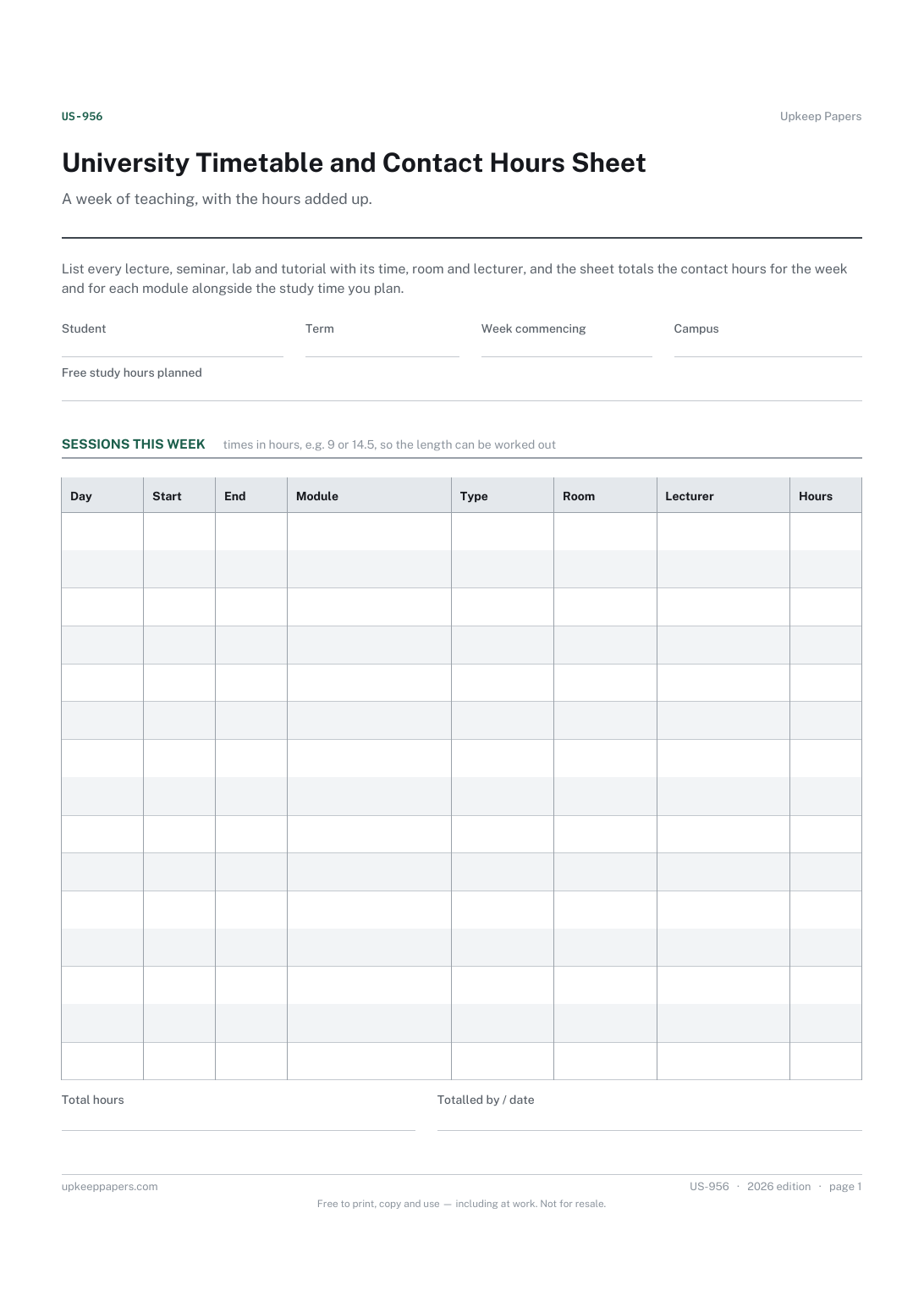
University Timetable and Contact Hours Sheet
Every timetabled session, with its day, time, room and lecturer.
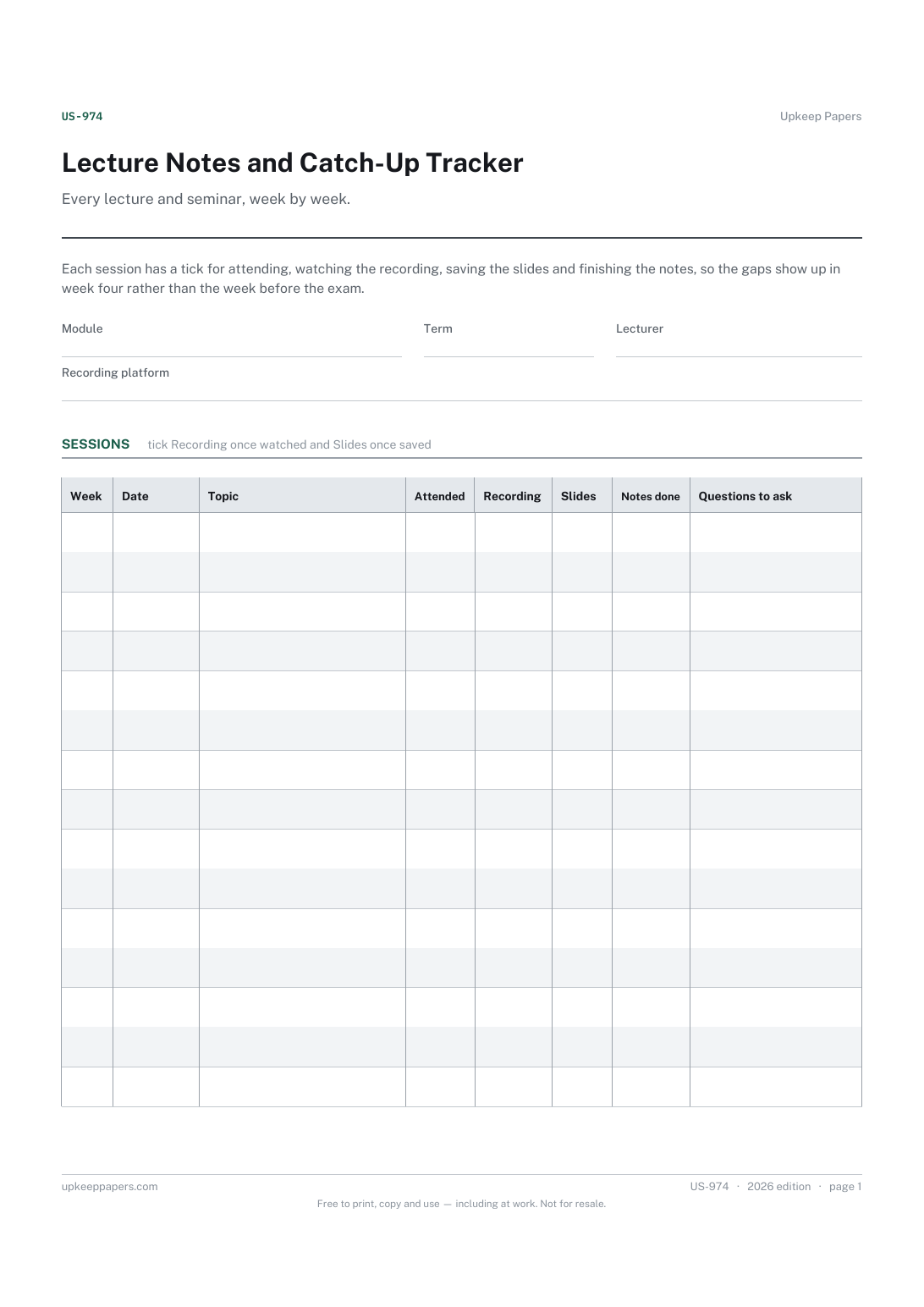
Lecture Notes and Catch-Up Tracker
Which sessions were attended and which were missed.
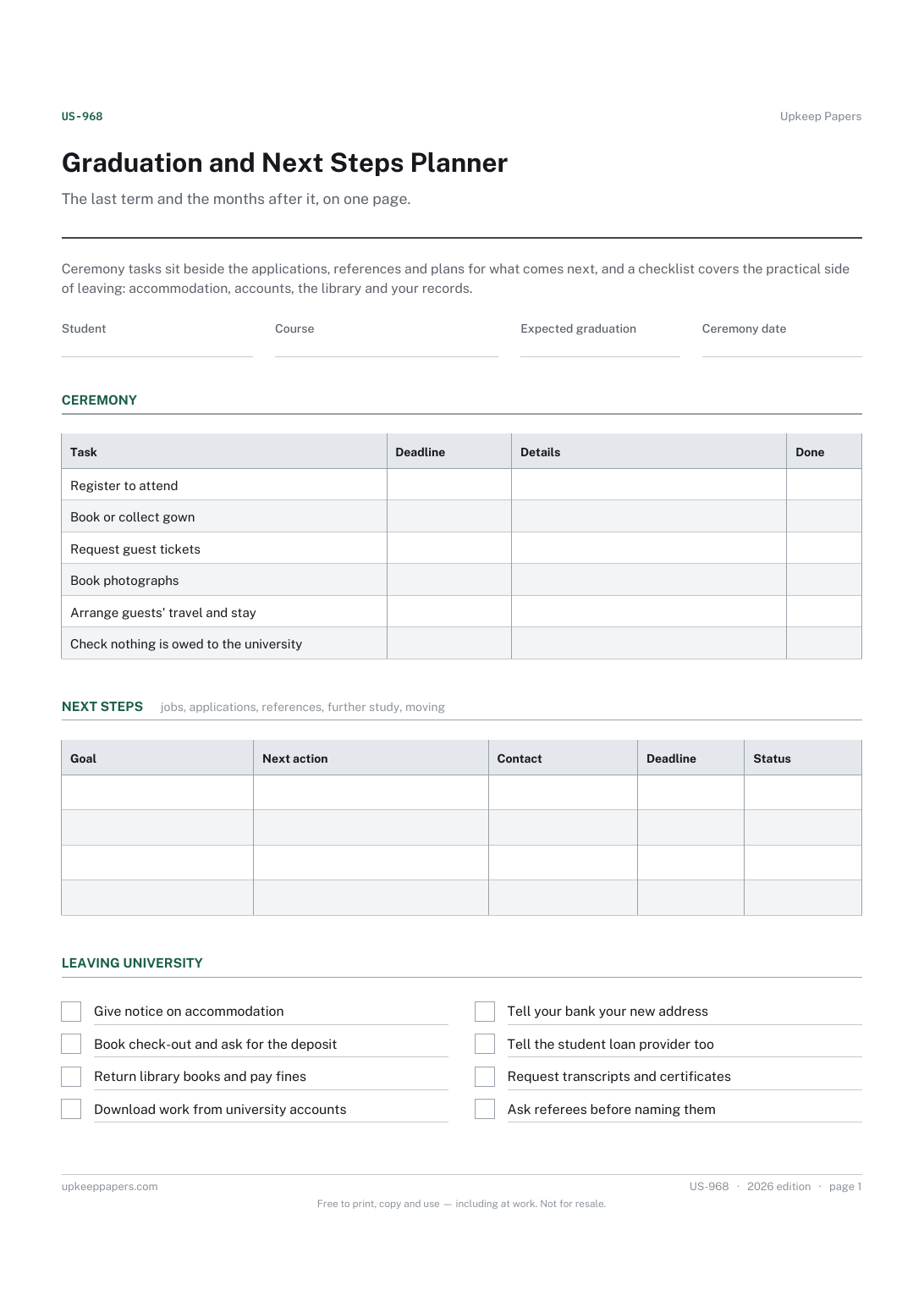
Graduation and Next Steps Planner
Ceremony tasks such as registering, gown hire and guest tickets, with deadlines.
