Module and Credit Tracker
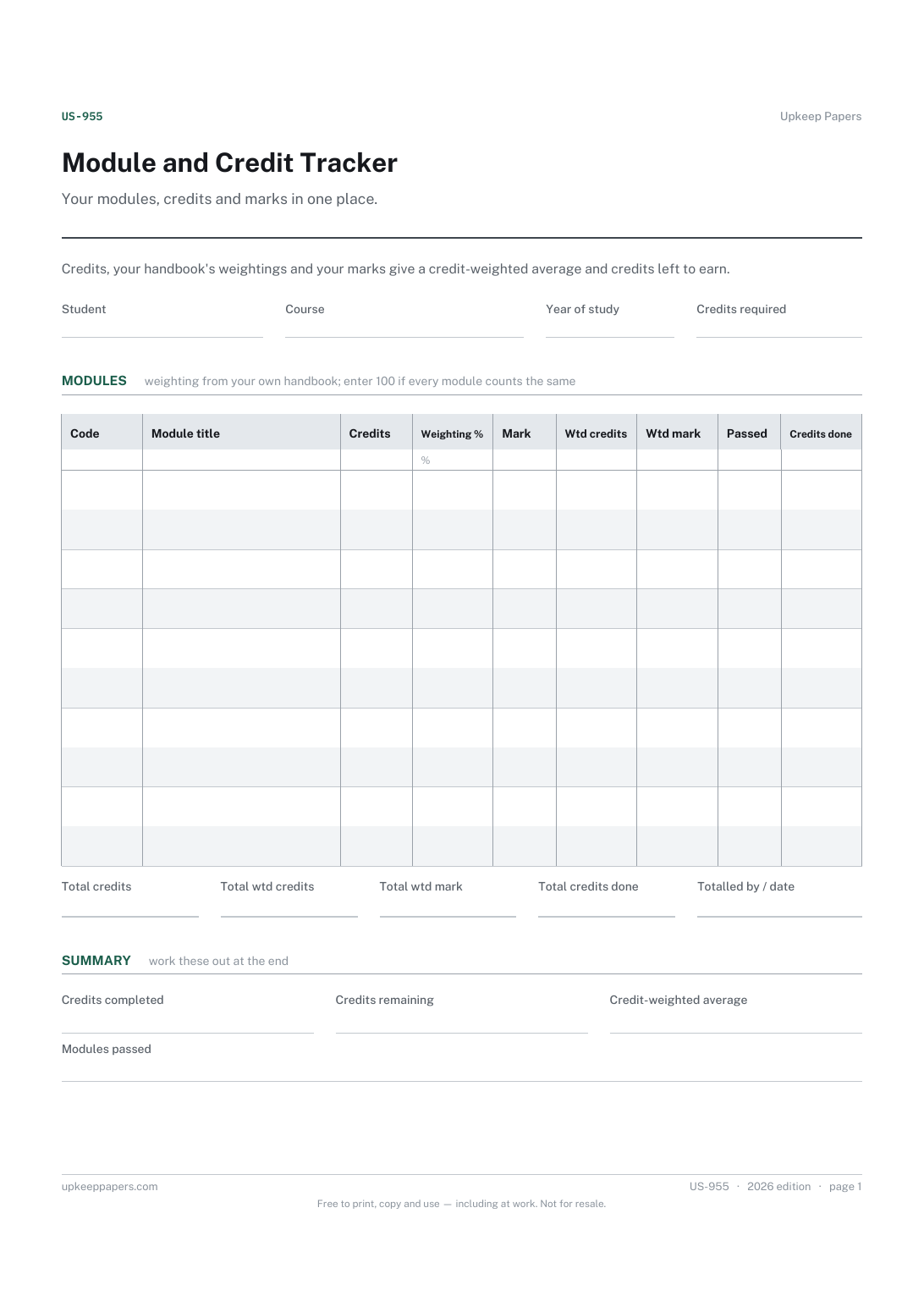
Every module by code and title, with its credits.
US-955 Tracker PDF Excel Online
Everything here is free. Making it takes time and money. Everything here is free.
 Buy us a coffee
 Students and Shared Living · US-974 · Tracker
Lecture catch-up tracker for one module: sessions attended, recordings watched, slides saved and notes written up. Printable PDF and browser.
2 pages. The A4 and US Letter files are laid out identically, so neither is shrunk to fit.
Print it and write on it
Fillable PDF type and save
Or no download needed
Fill it in onlineThe fillable versions have real form fields — open them in any PDF reader, type into them and save. Printing help.
The same sheet, on screen. Totals and figures are worked out as you type, rows can be added or removed, and you can print it or download the completed version as a PDF. Everything stays in your browser — your entries are kept in this browser's own storage on this device, nothing is uploaded, and there is no account.
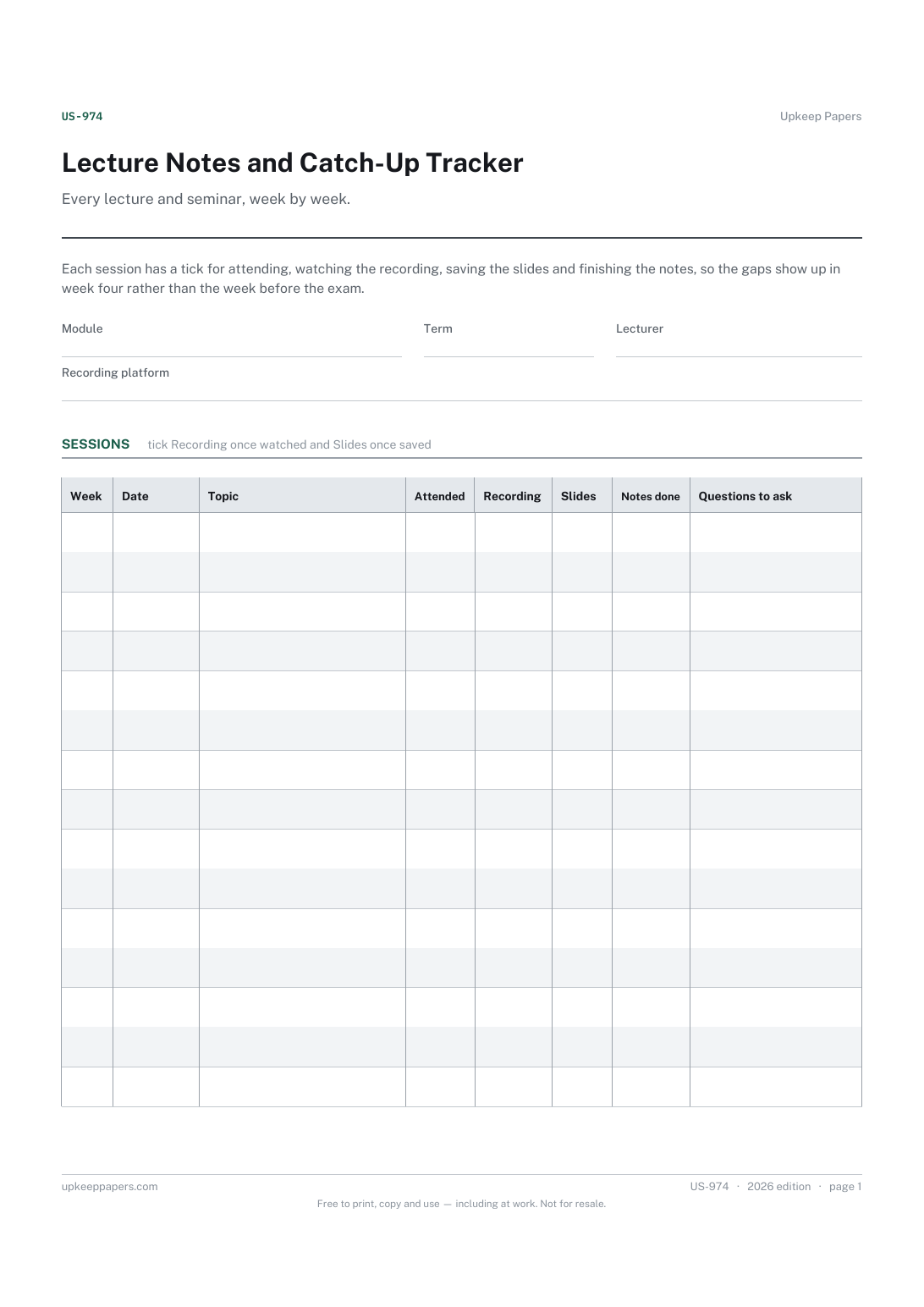
Every lecture and seminar, week by week. Each session has a tick for attending, watching the recording, saving the slides and finishing the notes, so the gaps show up in week four rather than the week before the exam.
University students keeping on top of one module at a time, especially anyone who has missed sessions through illness, work or placement.
The printable is laid out inside a box that fits both A4 and US Letter, so the two files are identical and neither one is scaled. The fillable PDF has real form fields. The online version keeps what you enter in your own browser and builds the completed PDF on your device.
Download the A4 or US Letter file to match the paper in your printer, open it in a PDF reader and print at 100% — not "fit to page", which shrinks the writing space. Both files leave a 14 mm margin, which clears the unprintable edge on home printers. To print the online version with your entries in it, use the Print this sheet button, which prints only the sheet and none of the page around it. More on printing.
Because being in the room is not the same as having usable notes. A session can be attended but not written up, or missed but fully caught up from the recording. Separate ticks show exactly what is left.
In the browser version, sessions missed is the number of rows without an Attended tick, and notes outstanding is the number without a Notes done tick. On paper, count the blank boxes in each column.
Leave the recording column blank or use it for a catch-up from a classmate's notes instead, and write that in the header so the tick means the same thing all term.
Yes. Give each session its own row and put its type in the topic column, for example Seminar: week 3 reading.
Every module by code and title, with its credits.
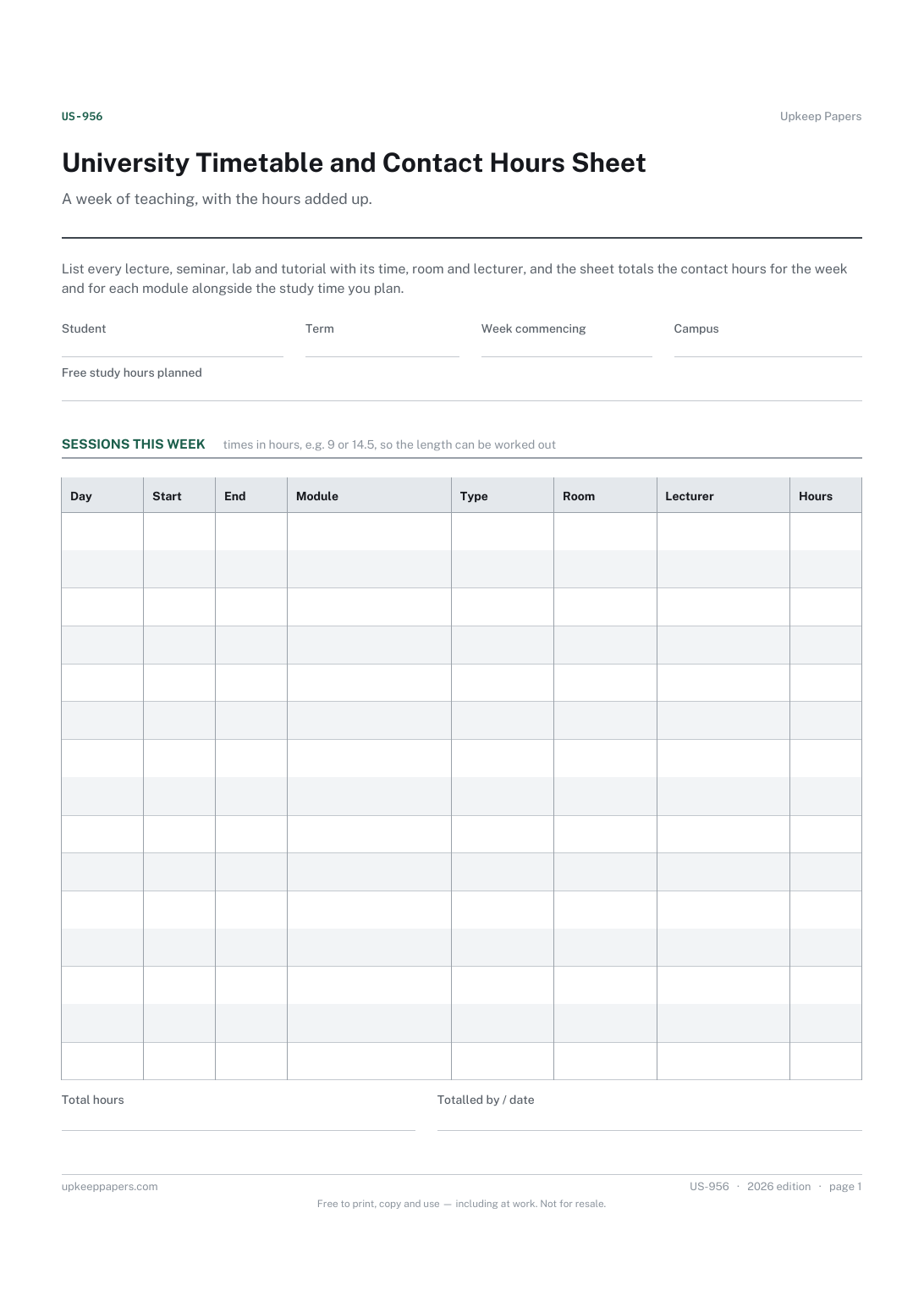
Every timetabled session, with its day, time, room and lecturer.
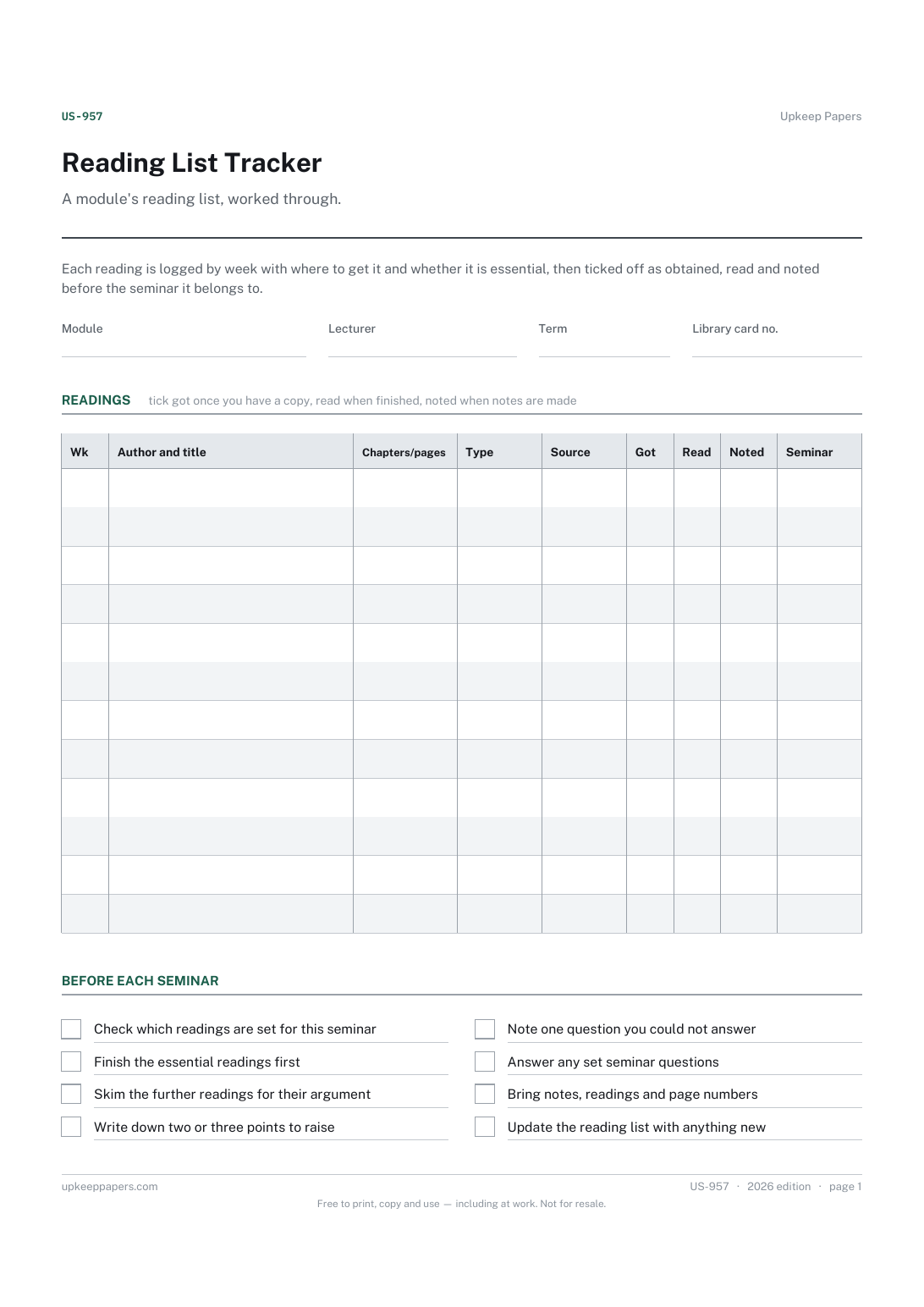
Every set reading by week, with the chapters or pages.

Every sheet, binder, game and puzzle on Upkeep Papers is free to download, with no email and no account. Making them is not free: each one takes days of research, design and checking, and the site costs money to run. If something here saved you time, you can buy us a coffee. It is entirely optional: nothing is locked, and nothing changes if you don’t.
Buy us a coffee Opens PayPal in a new tab. Any amount, and nothing changes if you would rather not.